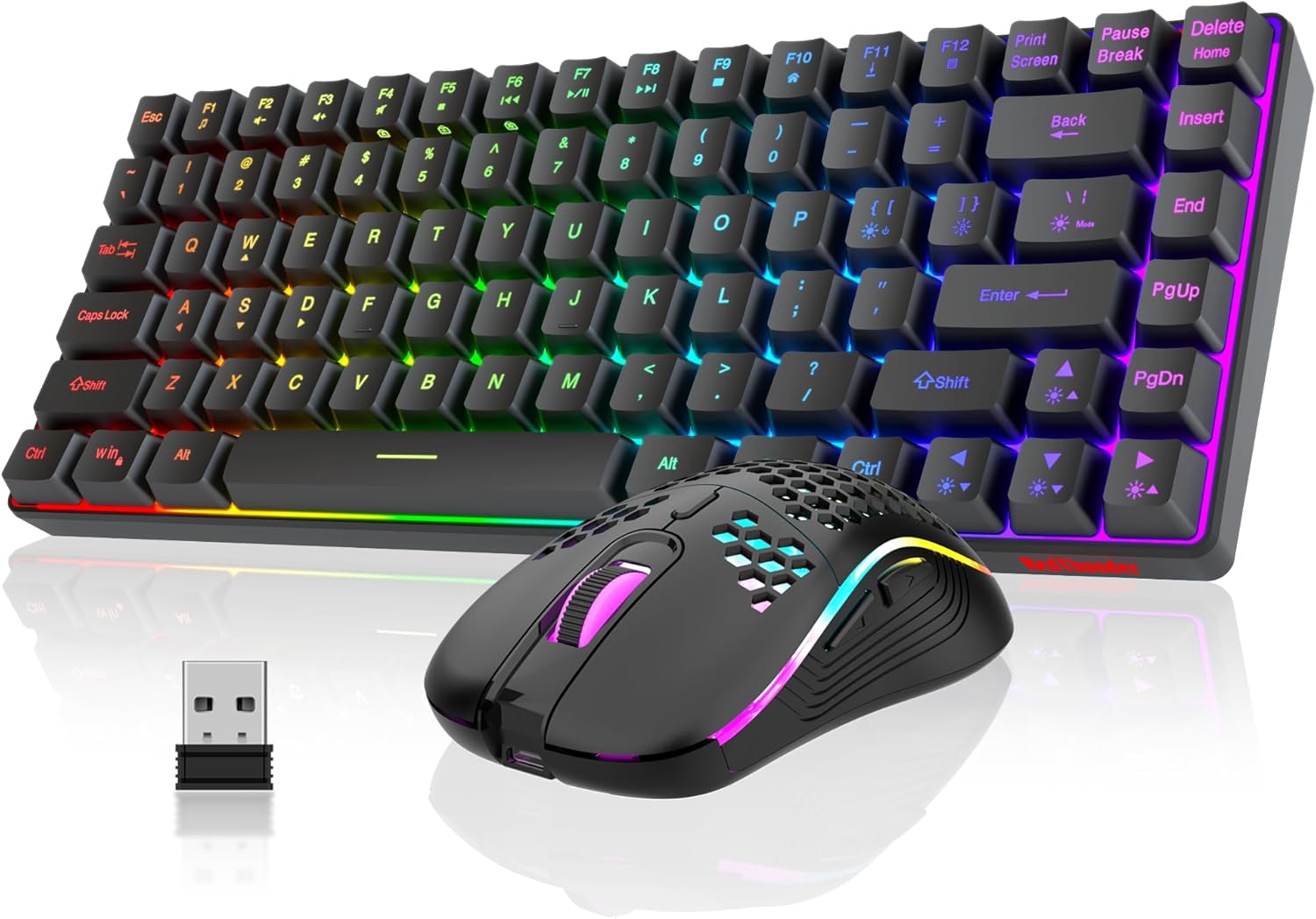
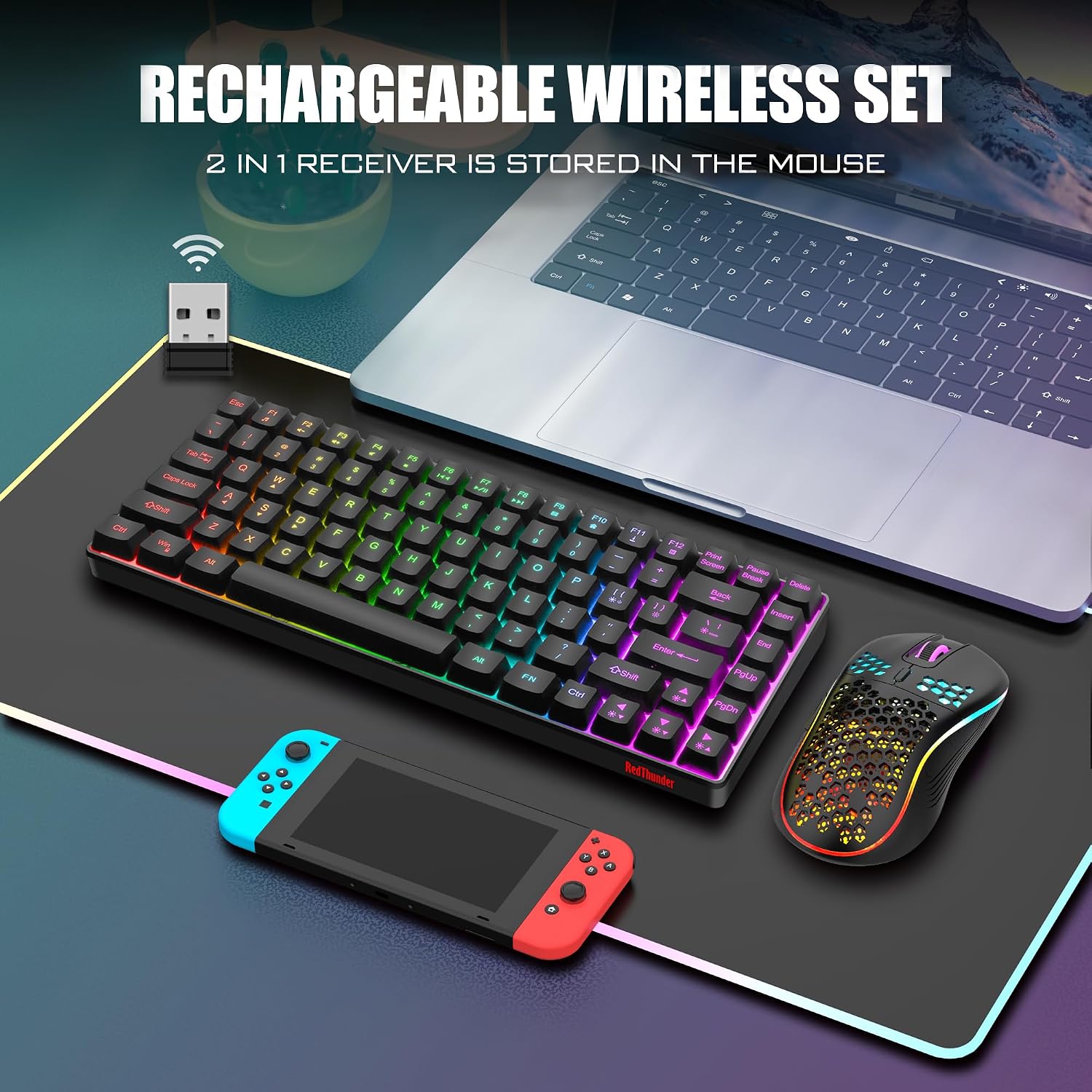
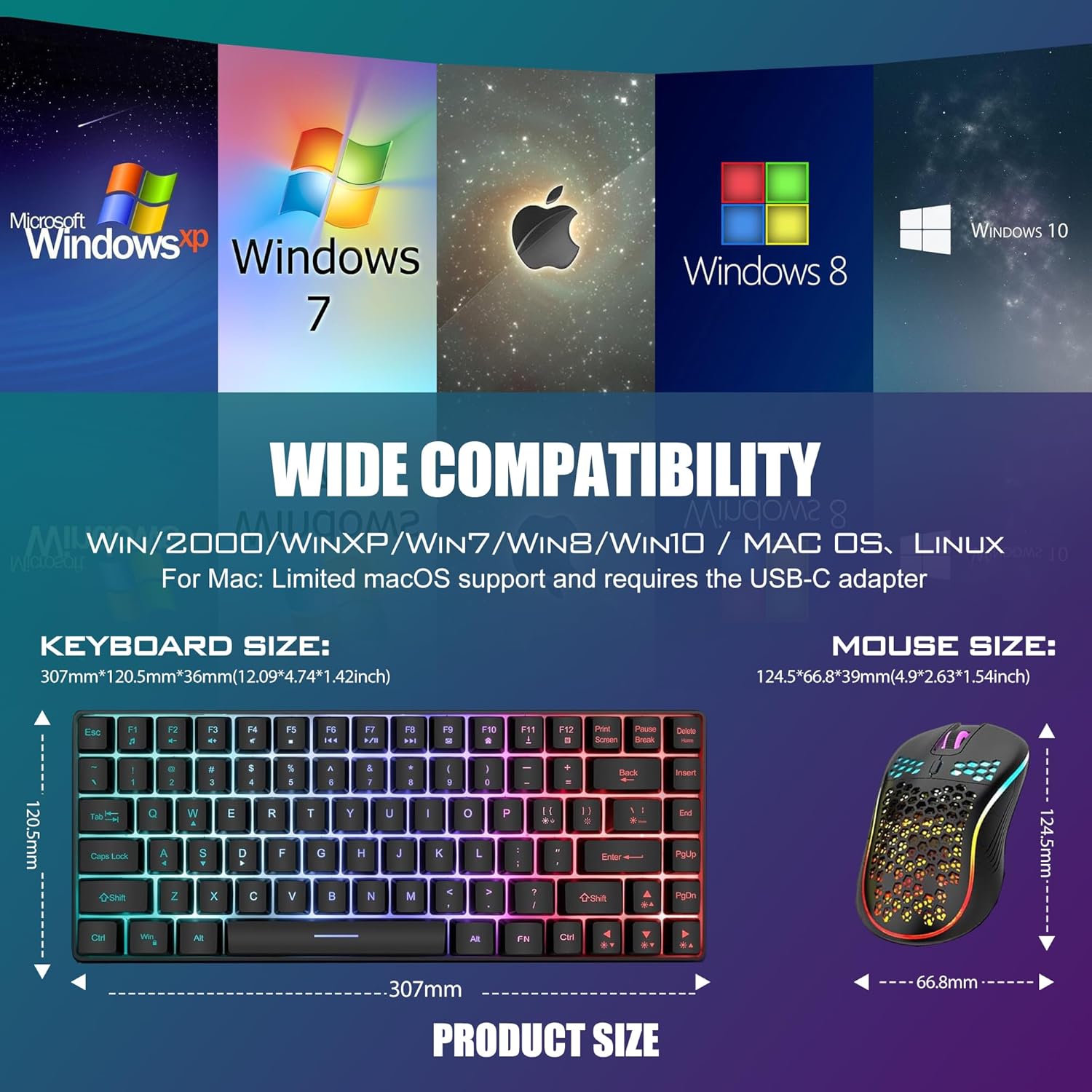
What is this?\nThe RedThunder K84 is a wireless keyboard and mouse combo designed to balance compact form with gaming and productivity needs. It pairs via a single 2.4G USB receiver and omits the numeric keypad for a small footprint, while keeping essential media keys and arrow control within reach. The system focuses on a lightweight, versatile setup that can live on a desk without hogging space, making it appealing if you prioritise a tidy workspace or portable gaming on the go.\n\n## How it handles daily use\nThe keyboard houses an 1850 mAh battery and the mouse an ample 500 mAh cell, enabling hours of use between charges. Both devices feature smart energy-saving behavior: they enter sleep after 2 minutes of inactivity, and waking is as simple as tapping a key. Note that the mouse wheel lighting is tied to charging state, so it lights up during charging and stays off otherwise. This is practical for charging routines but worth keeping in mind if you enjoy constant wheel illumination.\n\n## Design and comfort in use\nThe keyboard is a 75% (84-key) compact model that preserves dedicated media keys and arrow keys while removing the 10-key numeric pad. This strikes a balance between compactness and practicality, especially for gamers and testers who still rely on quick number entry from time to time. The mouse showcases a honeycomb shell and an ultra-light feel, weighing around 65 grams, designed to minimize fatigue during extended sessions. If you spend long hours at the desk, the lighter mouse with an ergonomic grip may help reduce wrist strain.\n\n## Lighting and ambience\nBacklighting plays a key role here: four dynamic modes, seven solid colors, and rainbow RGB lighting create an immersive vibe for gaming or late-night work. Status indicators for Caps Lock, FN+F11 Lock, and Win Lock are visible via green LEDs on the keyboard, helping you stay in control during fast-paced tasks. The mouse’s RGB lighting cycles through colors automatically, adding a touch of personality without overwhelming visibility.\n\n## Durability and key feel\nKeys are rated for about 10,000,000 keystrokes, suggesting longevity with regular use. The ABS keycaps use a two-color injection molding process to resist fading of printed characters. The keyboard’s small footprint doesn’t compromise its feel, but as with any compact board, some users may miss a full-size layout.\n\n## Setup and compatibility\nPlug and play stands out here: a single USB receiver handles both keyboard and mouse. Pairing is pre-configured, so you can start typing and clicking quickly after powering on. If connection drops occur, the manual pairing reset or support contact is available to help restore the link. One potential caveat is that the keyboard and mouse share one receiver only, if you plan to expand your setup with other wireless devices, consider interference and USB port placement.\n\n## What to consider before buying\nIf you need a numeric keypad, this 75% layout may feel limiting. Also, while the light on the mouse looks appealing, it isn’t independently adjustable beyond the automatic cycling. For gamers who want ultra-high DPI options or a wired backup, this combo may not satisfy every high-end requirement. On the other hand, if you value space-saving design, long battery life, and a straightforward wireless experience, it can be a solid fit.\n\n## Practical use scenarios\nImagine a compact desk setup where you’re juggling coding sprints and casual gaming. The honeycomb mouse stays comfortable in the palm, and the keyboard’s slim profile frees up surface area for a mouse mat and a notebook. The single-receiver arrangement reduces cable clutter and simplifies portable use for LAN parties or trips.\n\n## Tech snapshot (brief)\n- 2.4G wireless connection for stable, low-latency transmission\n- Keyboard: 1850 mAh battery, Mouse: 500 mAh battery\n- 75% compact keyboard with arrow keys and media shortcuts\n- Honeycomb shell on the mouse, approximately 65g weight\n- 4 dynamic backlight modes + RGB rainbow on keyboard and mouse lighting\n- Sleep mode after 2 minutes of inactivity, waking by key press\n- Shared USB receiver, default pairing ready to use\n\n## Is it worth it?\nWorth considering if you want a space-saving wireless duo that doesn’t complicate setup and can handle casual gaming and everyday tasks with a long battery life. It may not be the best choice if you need a number pad, higher DPI customization, or a fully modular wireless experience with separate receivers. If you prioritise plug-and-play simplicity and a lightweight, portable package, this combo has practical appeal.\n\n## Final thoughts in use (the verdict)\nIn real-world use, the RedThunder K84 delivers on the appeal of a compact, energetic setup that keeps desk clutter low without sacrificing key controls. It’s not perfect—you’ll want to assess whether the 75% layout fits your workflow and if the lighting behavior aligns with your preferences—but for many users, this configuration can meaningfully improve space efficiency and ease of use.\n\n## FAQ (practical questions)\n- How long does charging take? Full charging guidelines specify eight hours via computer USB before first use.\n- Can the keyboard and mouse be used independently? They share a single USB receiver, and pairing is pre-configured, independent receivers aren’t provided.\n- What if the connection drops? Re-pairing is available, support can assist if needed.\n- Do I need drivers? No drivers are required for basic operation, plug-and-play is the default mode.