

ACEMAGIC M5 Mini PC with Core i7-14650HX: Compact Power for Professionals
Product description
What it is and who it’s for
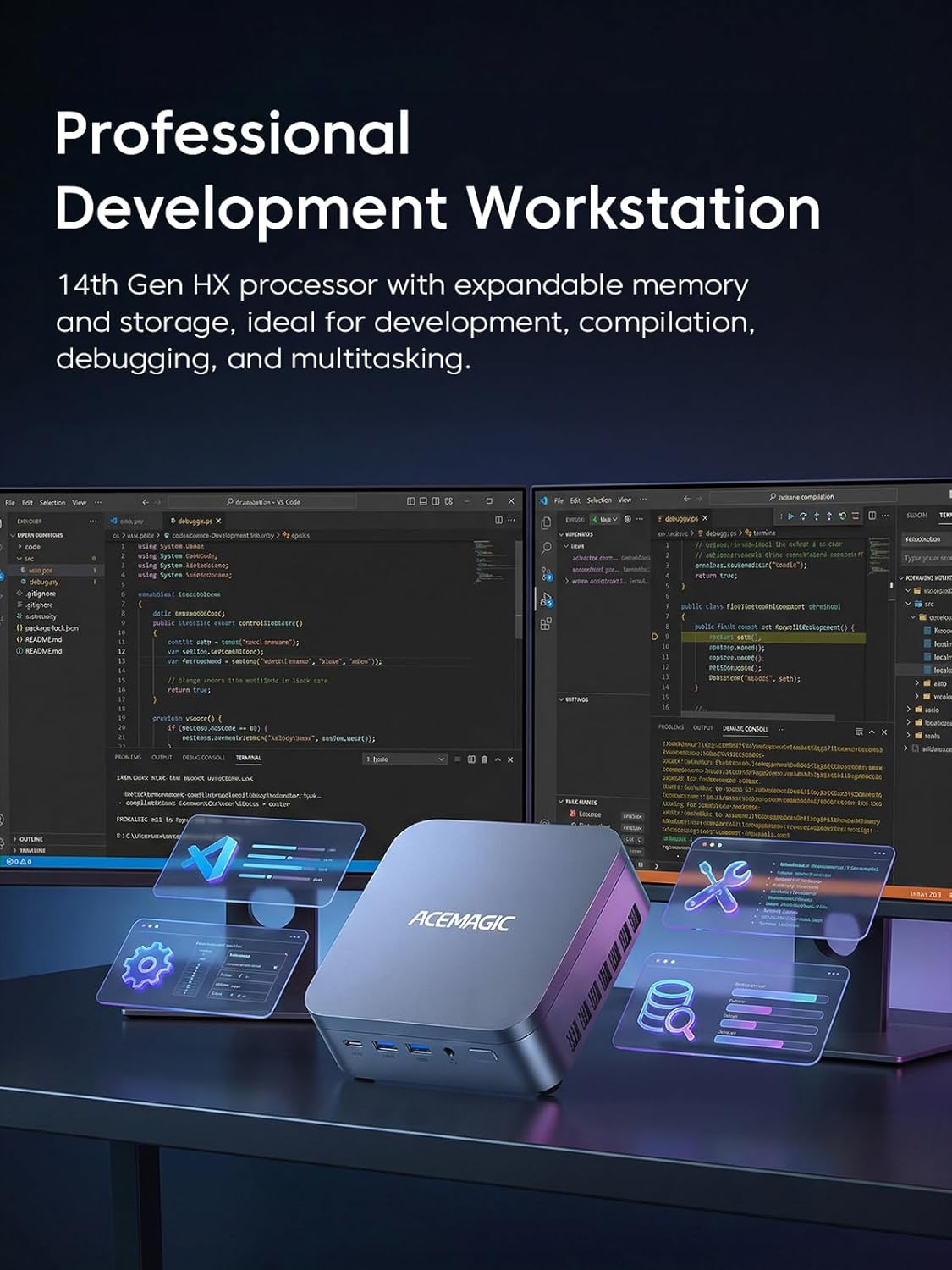
The ACEMAGIC M5 is a compact mini PC designed for power users who don’t want to compromise on performance. Built around the flagship Intel Core i7-14650HX, it targets demanding workloads like 3D rendering, large-scale coding, and heavy virtualization, all while fitting on a desk without the footprint of a traditional desktop. If your work requires sustained multitasking, multiple high-res displays, and fast storage, this mini PC aims to check those boxes without resorting to a full-size tower.
Core specs on paper
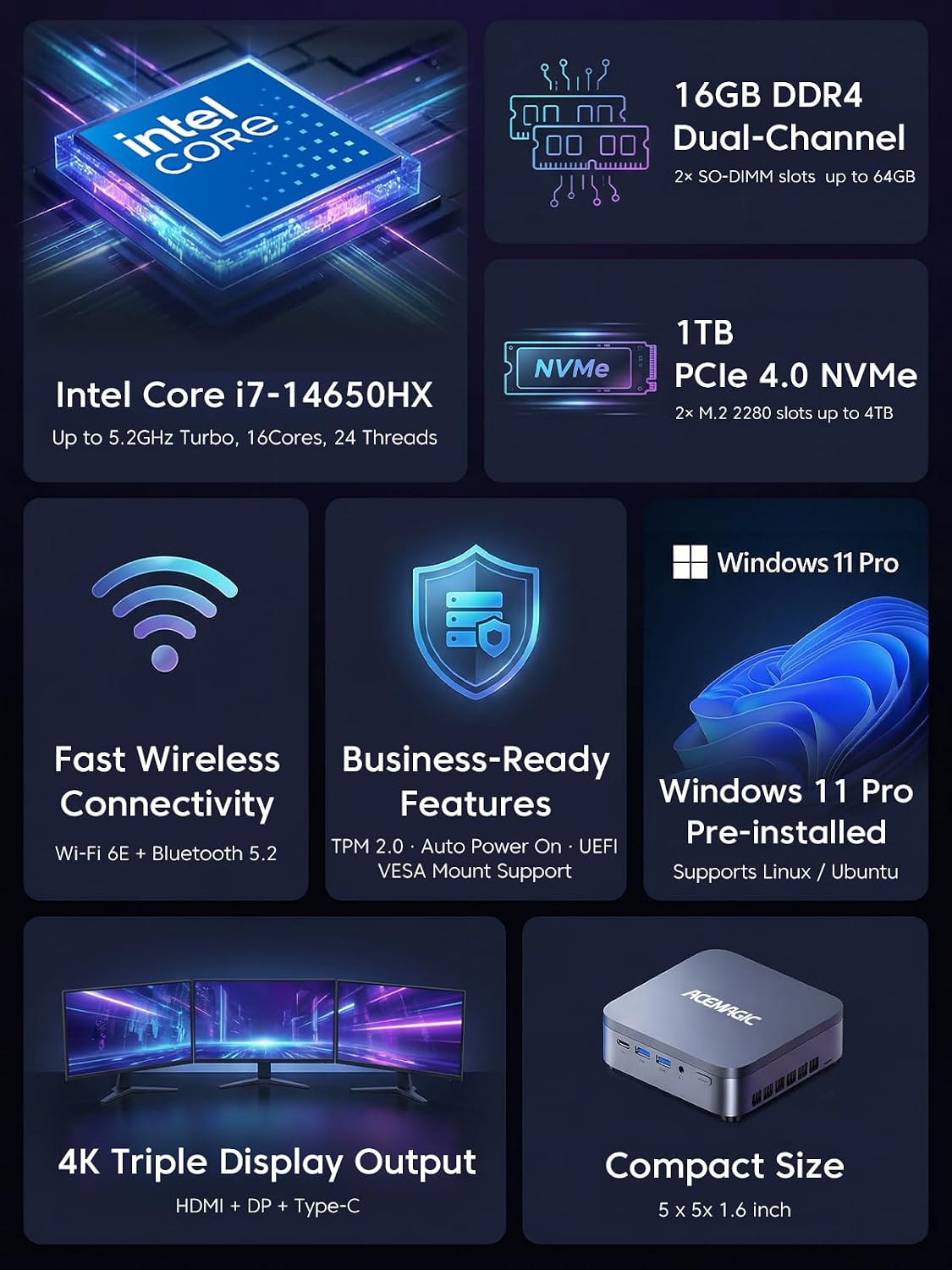
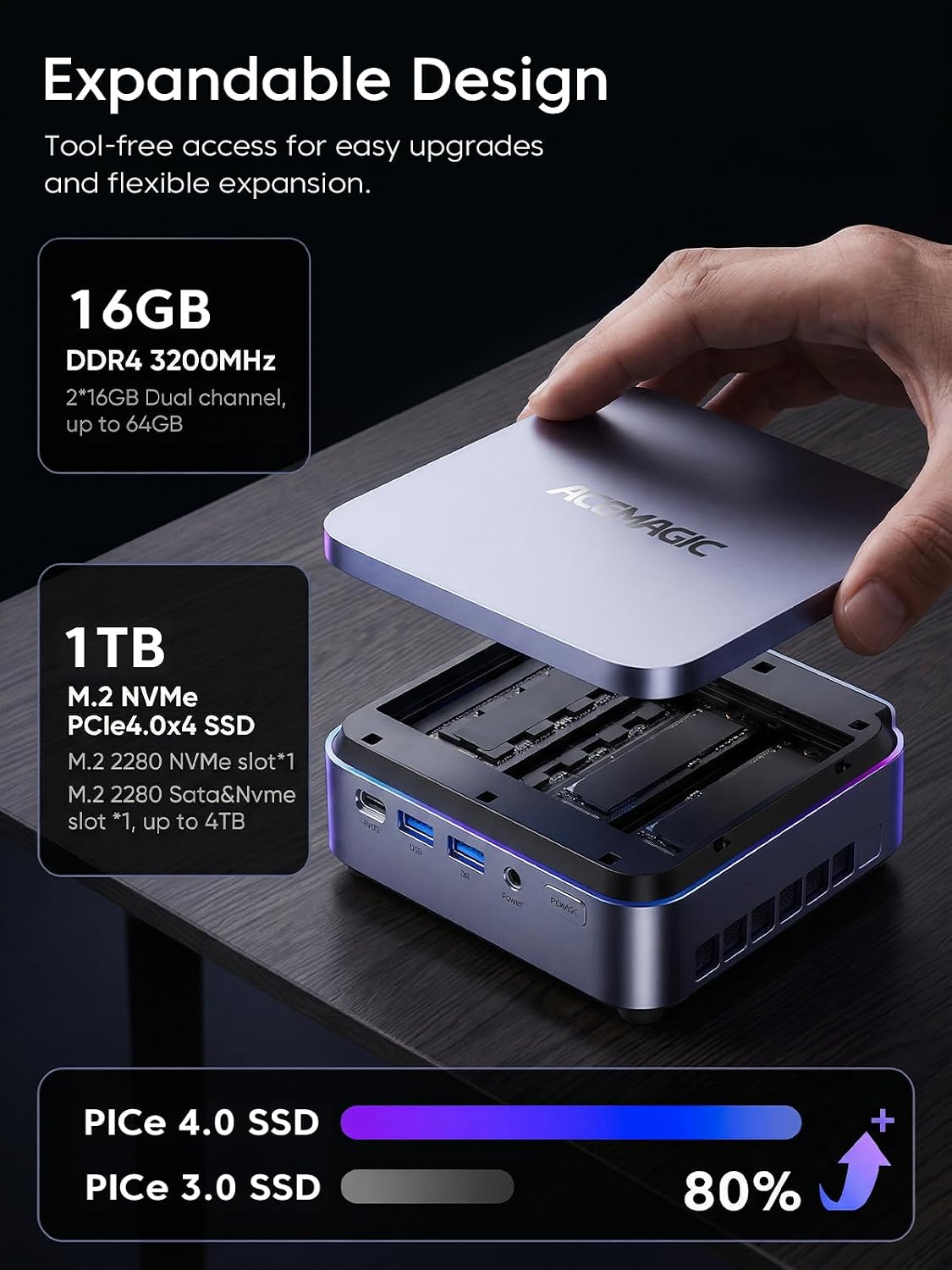
This model ships with 32GB of dual-channel DDR4 RAM and a 1TB PCIe 4.0 NVMe SSD, with two M.2 slots available for storage expansion up to 4TB total. It’s powered by an HX-class CPU configuration (8 Performance-cores + 16 Efficient-cores) designed to maintain higher clocks under load than typical U-series chips, at a 55W TDP. For graphics output, it supports up to three 4K displays simultaneously via HDMI 2.0, DP 1.4, and USB-C with DP Alt-Mode, which makes it suitable for multi-monitor setups common in creative work, trading desks, or dev environments.
Design and practicality
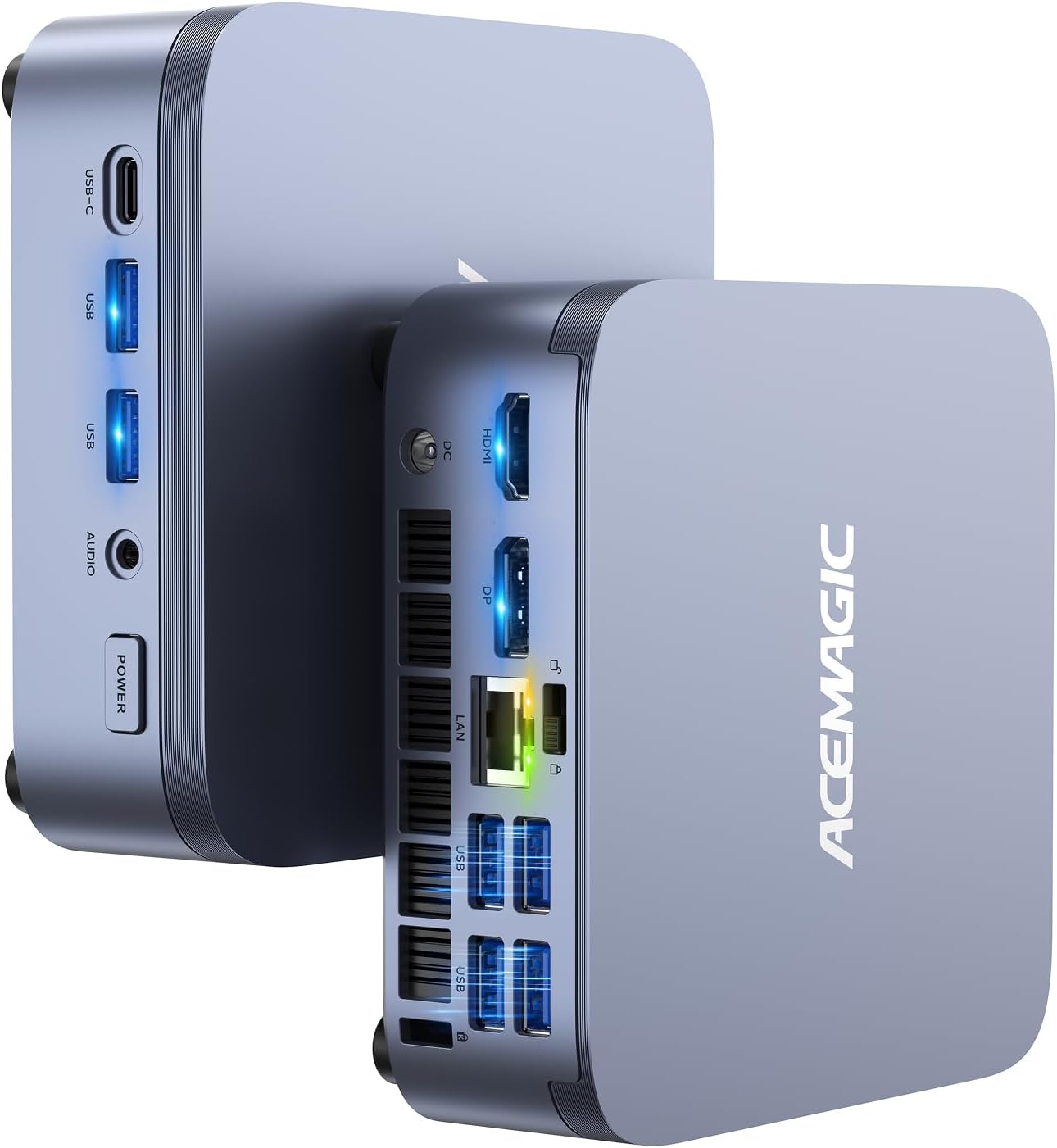
In a footprint roughly the size of a paperback, the M5 balances space efficiency with desktop-class performance. It’s designed to be compact enough for clean setups and easier mounting (VESA included). The triple 4K support plus a full-feature USB-C dock means fewer cables and a tidy single-dock workflow, which is appealing if you value a minimal desk without sacrificing expandability.
What stands out for heavy workloads
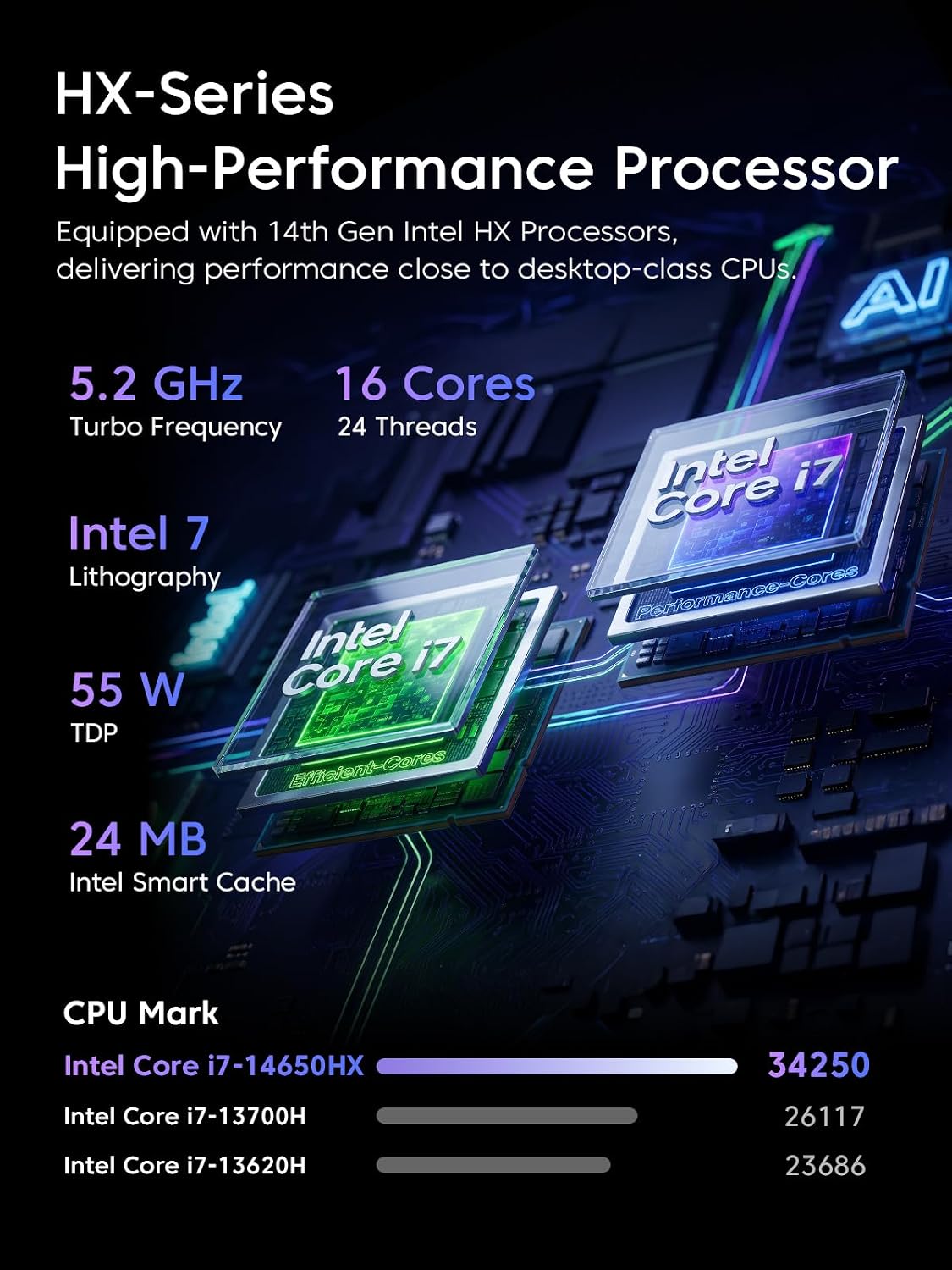
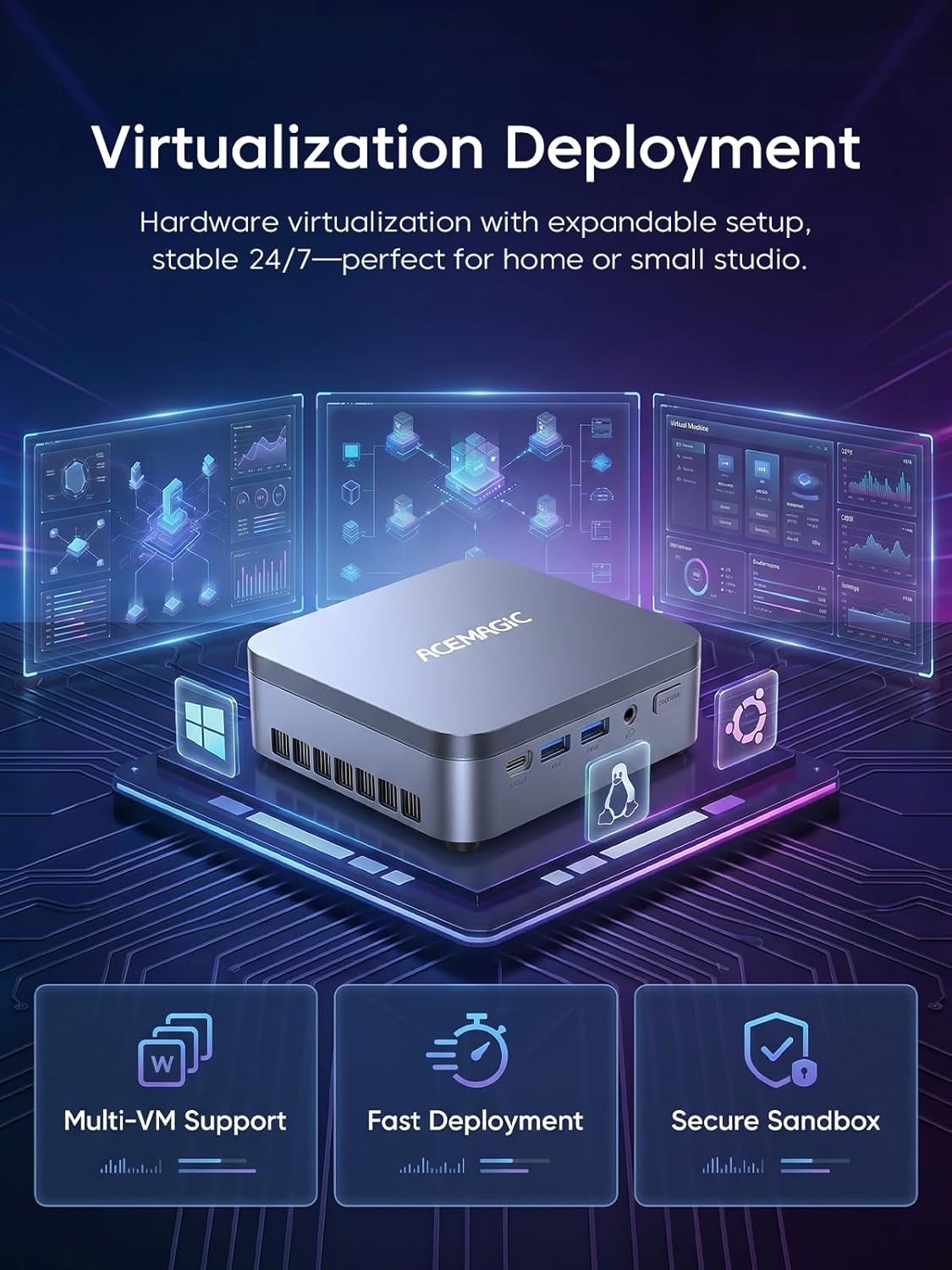
On paper, the processor mix is aimed at sustained multi-threaded performance. With 24 threads and a high single-core boost potential, this mini PC is positioned as a capable tool for large-scale coding IDEs, virtual machines, and rendering tasks that can leverage parallelism. If you’re comparing to basic office mini PCs, the M5 promises a more capable range of professional tasks.
Limitations to keep in mind
Relying on the HX-series philosophy means this device aims for performance at the expense of ultra-low power efficiency. Real-world thermals matter, if your environment runs hot or you’re deploying the unit in a compact, poorly ventilated setup, throttling could influence sustained workloads. Also, while 32GB is solid for most workflows, some people working with very large datasets or GPU-accelerated tasks may want to consider future RAM expansion up to 64GB.
Who it’s for
This mini PC fits professionals who need desktop-grade performance in a compact form factor—think 3D artists, software developers running multiple IDEs and containers, data scientists prototyping with large data slices, or content creators editing 4K/8K timelines where screen real estate is critical.
Who it’s not the best for
If your needs are light and mostly browser-based or you don’t require triple 4K output, there are more economical setups that could cover you. If you rely on power-efficient systems for passive operation or you don’t plan to take advantage of the 4K multi-display capability, this may feel like paying for capability you won’t use.
When it makes sense to buy
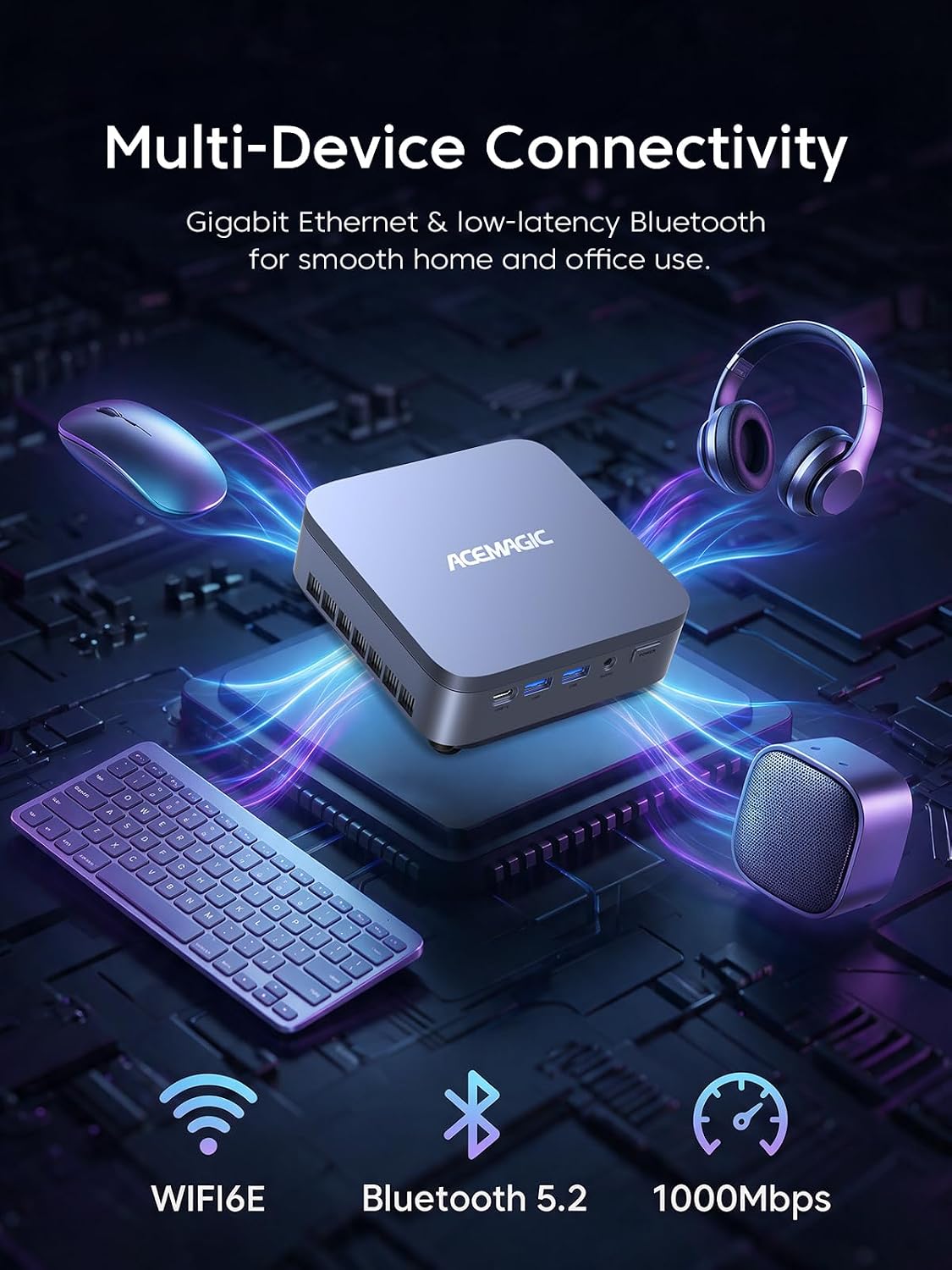
Consider the M5 when you expect to juggle many tasks at once: multiple code projects, virtualization, and 4K content work with room to grow storage. The inclusion of Windows 11 Pro, WiFi 6E, and a robust port/docking plan makes it attractive for professional desks that want a tidy, capable setup with room to expand.
Before you buy: what to review
- Confirm the workspace ventilation to avoid throttling under sustained loads.
- Check RAM upgrade path: it ships with 32GB but supports up to 64GB if your workload grows.
- Plan your storage: the dual M.2 slots are a strong upgrade path if you anticipate large project files.
- Ensure the dock and display setup aligns with your display chain (HDMI 2.0 and DP 1.4 support for 4K@60Hz).
Practical usage example
Imagine a developer running a dozen browser tabs, a dozen containerized services, and a Python/Node.js IDE open, while editing a 4K video project. The M5’s dual-channel RAM and fast PCIe storage help keep app launches snappy, and the triple 4K outputs keep your code, docs, and timeline visible all at once without swapping monitors.
Final verdict
Final verdict: It’s worth considering if you need desktop-like performance in a compact form and you’ll benefit from multiple 4K displays and expandable storage. It won’t be the cheapest solution for light use, and if your workload doesn’t push multi-threaded cores, you may prefer a leaner option. For power users who want a small footprint without sacrificing performance, the M5 delivers a compelling balance of CPU power, memory, and display versatility.
FAQ
- What CPUs does it use? Intel Core i7-14650HX with 8 Performance-cores and 16 Efficient-cores.
- How many RAM slots and maximum RAM? 2 slots, 32GB included, up to 64GB total supported.
- How many drives and upgrade potential? 1TB PCIe 4.0 SSD included, with dual M.2 slots for expansion up to 4TB total.
- Can it drive three 4K displays at once? Yes, via HDMI 2.0, DP 1.4, and USB-C with DP Alt-Mode.
- Is it suitable for 4K video editing? On paper yes, thanks to CPU power, RAM, and fast storage, but practical performance will depend on your GPU and cooling in your specific setup.