

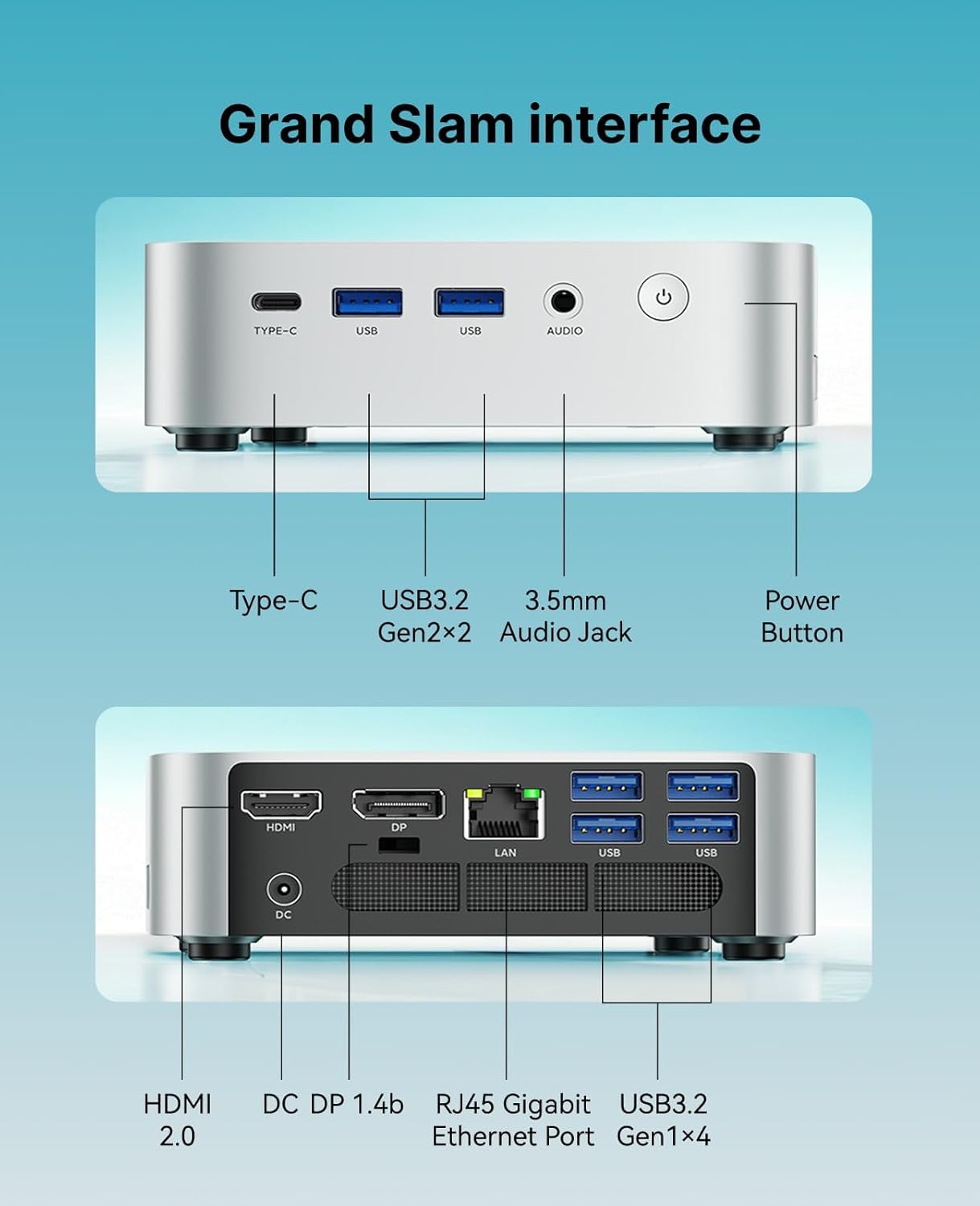
ACEMAGIC K1 Mini PC with Ryzen 4300U: Compact Power for Office, Media, and Light Gaming
Product description
What it is and who it’s for
The ACEMAGIC K1 is a compact mini PC powered by the AMD Ryzen 4300U processor, paired with 16GB of DDR4 RAM and a 1TB NVMe/SATA SSD option. It’s designed for everyday office tasks, light media editing, casual gaming, and multi-window multitasking, all in a small footprint that fits under a monitor or on a crowded desk. If you’re looking for a space-saving PC that can handle productivity software, streaming, and occasional creative work without a full-size desktop, this device fits that use case.
Performance on paper
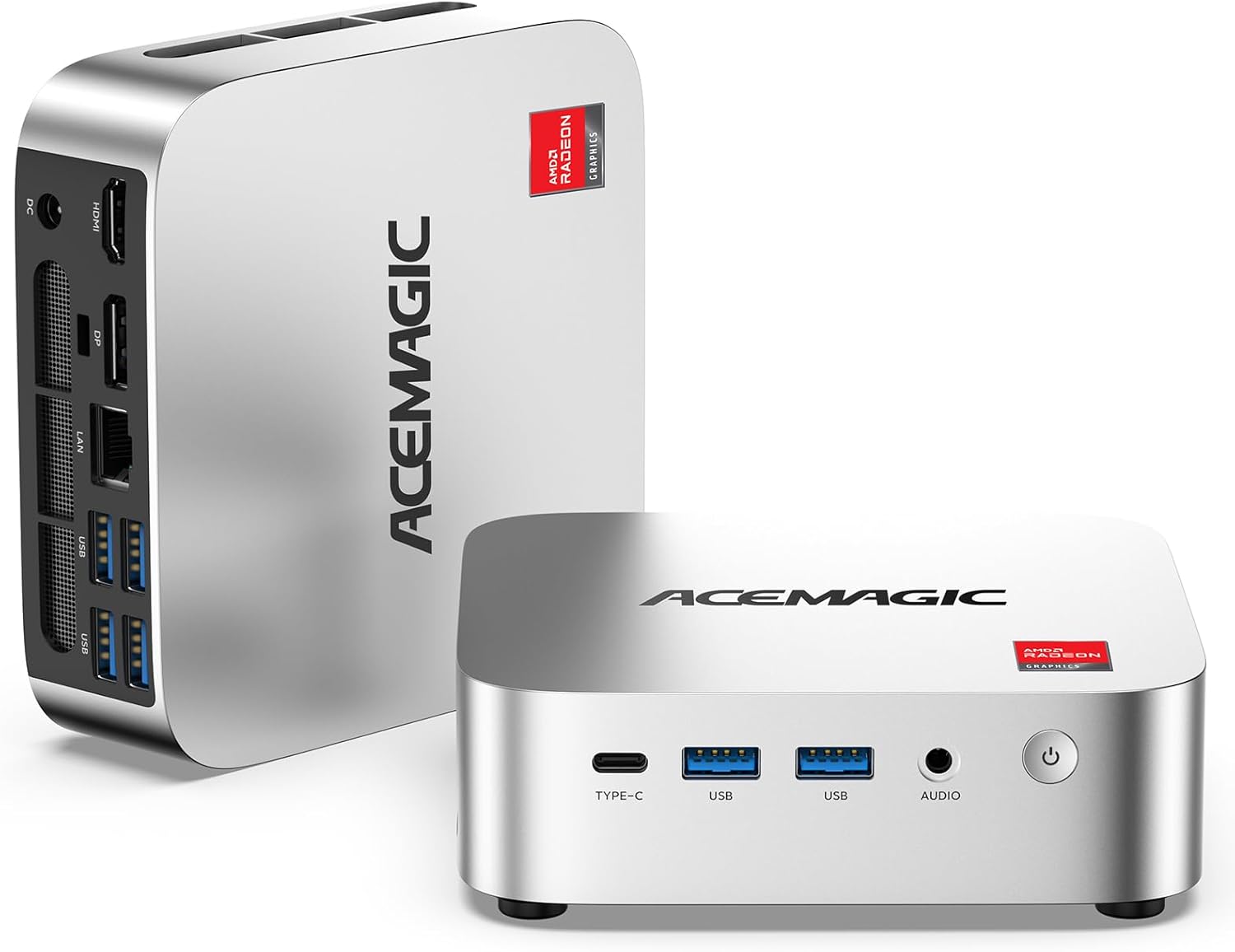
With 4 cores and a boost to 3.7GHz on the Zen 2 architecture, the K1 aims to deliver steady responsiveness for common business apps, document work, spreadsheets, and browser workloads. The Radeon graphics core provides a step up from basic integrated graphics, which helps with light photo/video tasks and smoother visuals during media playback and presentations. If your day-to-day needs include multitasking across several apps and browser tabs, you’ll notice the benefits of ample RAM and a snappy storage setup.
Storage, memory, and expandability
Out of the box you get 16GB DDR4 for smooth multitasking and 1TB of fast storage to store documents, media, and project files. The design anticipates growth: dual SO-DIMM slots can host up to 64GB total RAM, and there are two M.2 slots (SATA/NVMe PCIe 3.0 + additional SATA) for expanding storage up to 4TB (though actual devices and drives are not included). This means you can scale performance and storage without replacing the unit.
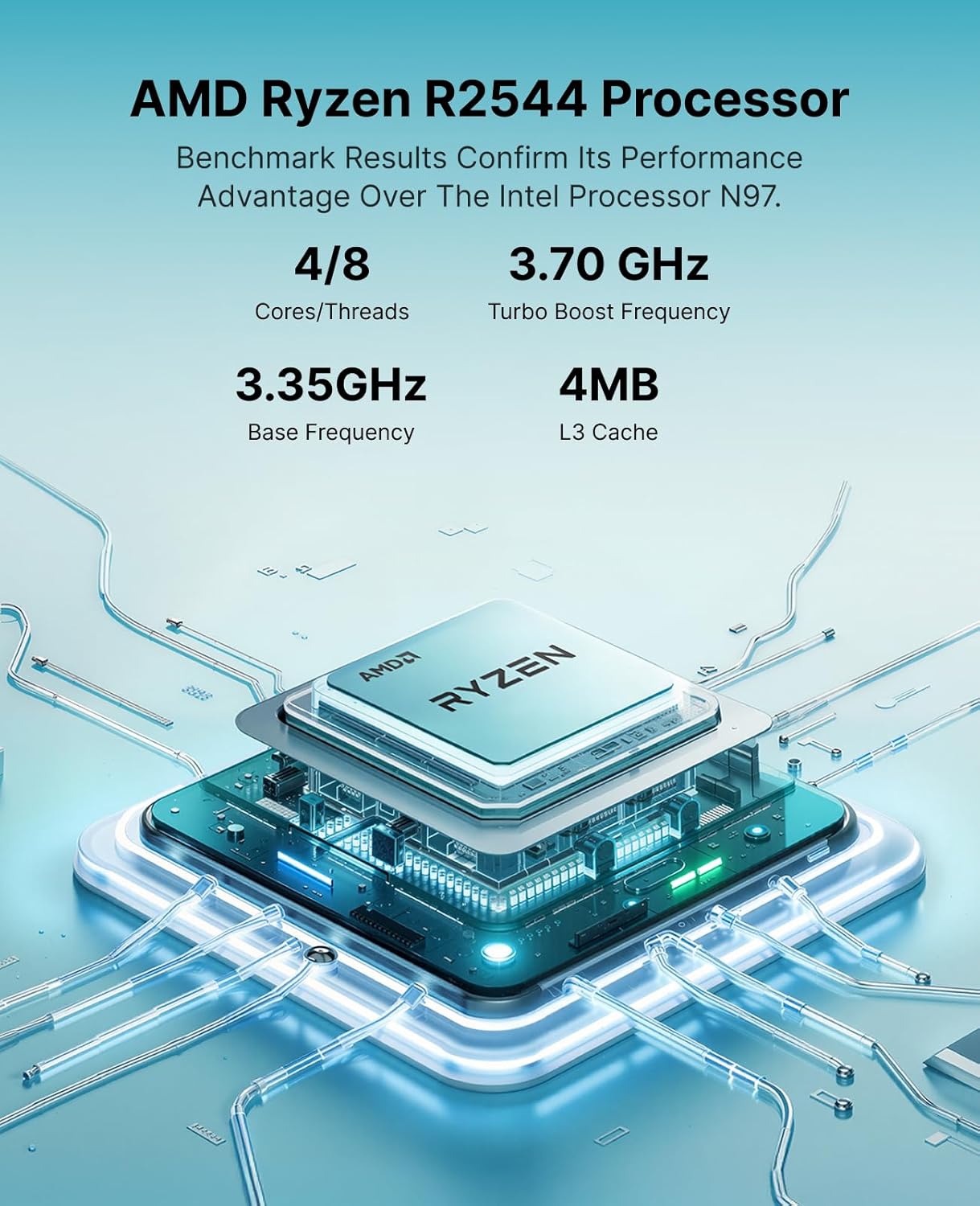
Display, ports, and connectivity
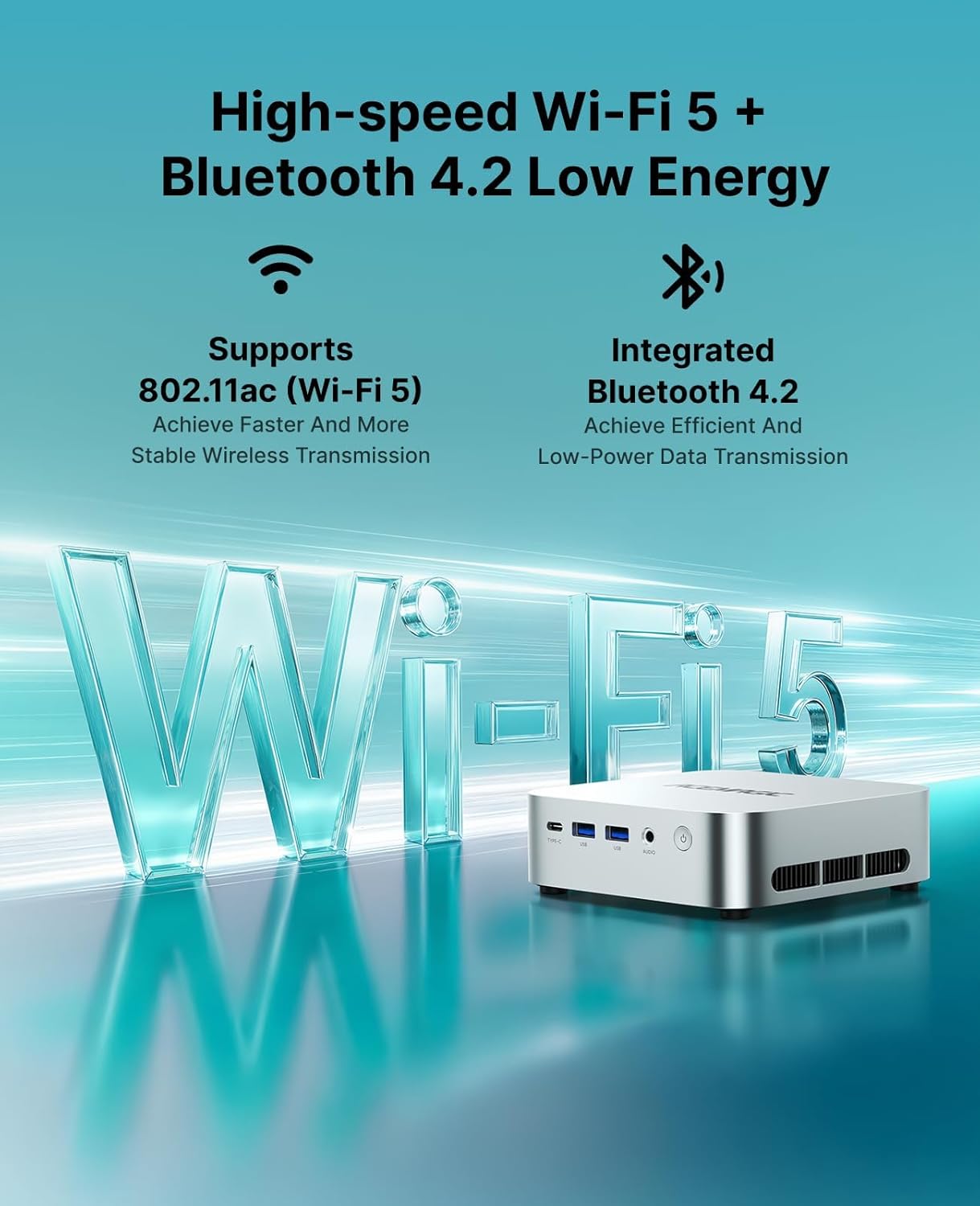
The K1 emphasizes flexible connectivity: six USB 3.2 ports, including a USB-C Gen 2 port that runs at up to 10Gbps and supports DisplayPort 1.4 output for 4K at 60Hz, plus power delivery. This setup makes it practical to drive a multi-monitor workspace, connect peripherals, and keep cables tidy. For network reliability, there’s Gigabit Ethernet, Wi‑Fi 5, and Bluetooth 4.2. In a business or education environment, features like Auto Power-On and Wake-on-LAN add convenience for remote or classroom setups.
Graphics and multi-monitor support
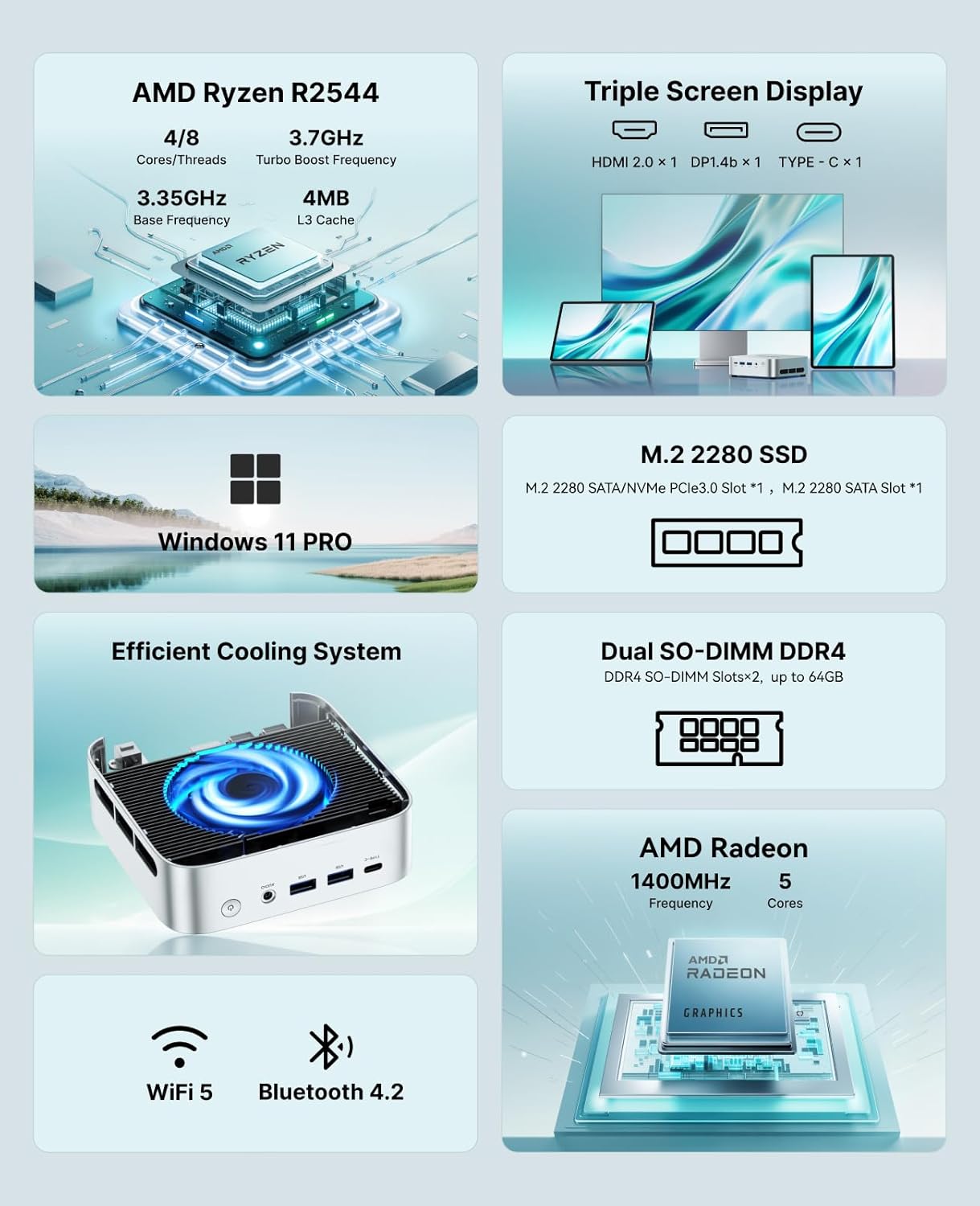
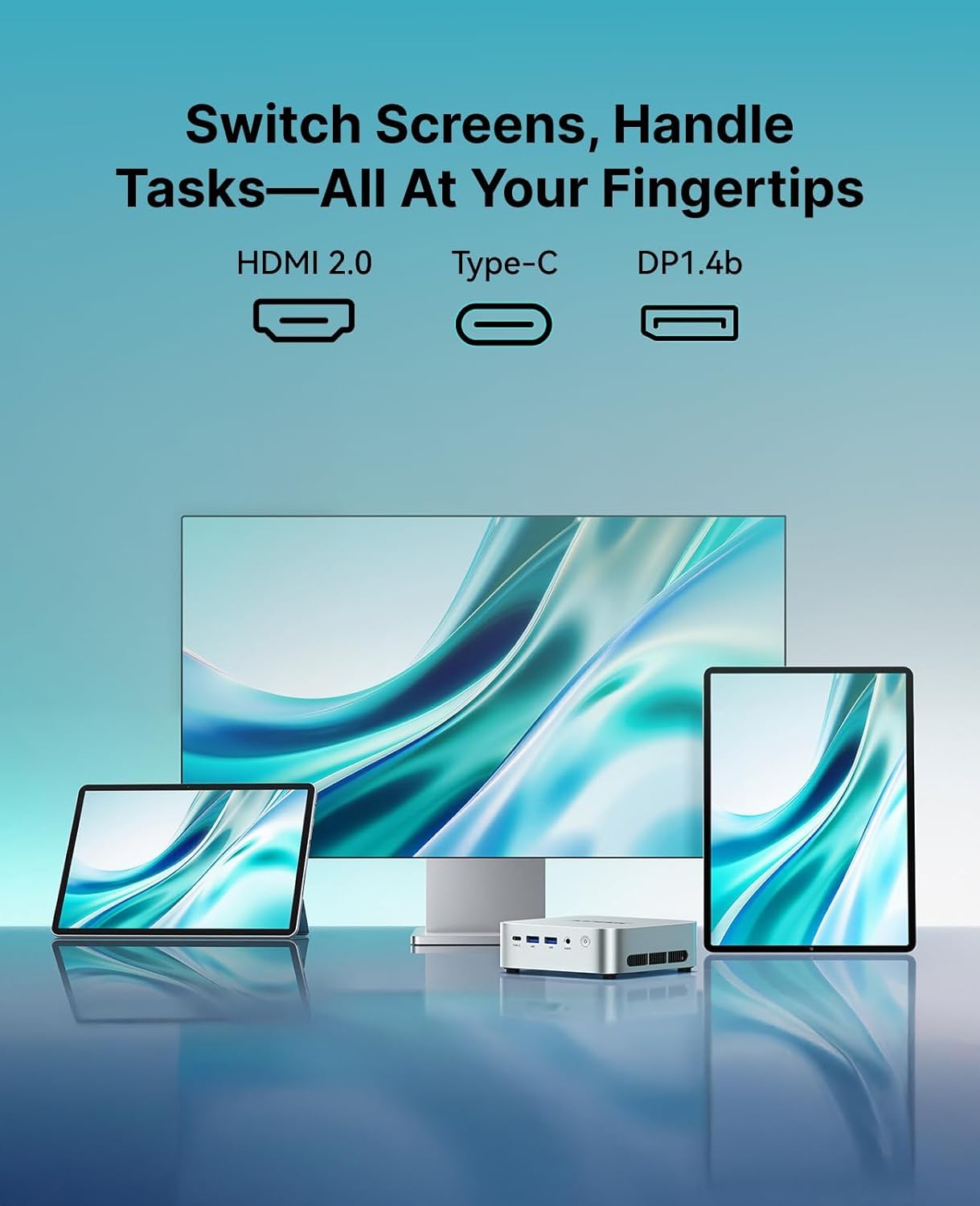
The Ryzen 4300U’s integrated Radeon graphics offer better-than-entry-level performance for light graphics tasks and media. The system supports up to three 4K displays with a mix of HDMI 2.0, DisplayPort 1.4, and USB-C 3.2 output. If you rely on a multi-screen workflow for tasks like data dashboards, video conferencing with a large display, or classroom presentations, this capability is a notable strength.
Cooling and power
A purpose-built cooling system with a faster fan (over 2000 RPM) helps keep thermals in check during extended use. The platform is described around a 28W TDP, which is typical for a compact PC and helps balance performance with efficiency. It’s not designed to outperform high-end desktops, but it should handle sustained loads involved in office work and light media tasks without overheating.
Who it’s for and who it’s not
This mini PC suits students, small businesses, teachers, and home offices that value a small footprint with respectable multitasking and pleasant visuals for media consumption. If your workflow hinges on high-end gaming, professional 4K video editing, or heavy 3D work, you’ll likely feel the limits of the Radeon graphics and CPU under sustained, demanding workloads. It’s more of a mid-range, all-around machine than a powerhouse workstation.
Practical use cases
A typical day might involve editing documents, browser research, a streaming window, and light photo edits. An additional monitor for spreadsheets or dashboards makes sense, and you’ll appreciate the USB-C port for fast external storage and a clean desk setup. For small teams or classrooms, the Wake-on-LAN and Auto Power-On features streamline deployment and updates.
What to review before buying
- Confirm the exact storage configuration (NVMe vs SATA options) and the number of available M.2 slots for future upgrades.
- Check if your required peripherals (monitors, dock, keyboard/mouse) can connect cleanly via the USB-C DP output and whether a compatible USB-C charger is available for power delivery if you plan to run it as a single-dock setup.
- Consider your workload: if you do heavy video editing or modern AAA gaming, this model is likely more comfortable with lighter tasks and multi-display productivity rather than brute force performance.

Pros and cons at a glance
- Pros: Compact footprint, solid multitasking with 16GB RAM, generous 1TB storage base, versatile 4K multi-monitor support, modern connectivity options, expandability potential.
- Cons: Integrated graphics won’t replace a dedicated GPU for demanding games, cooling can become a limiting factor under heavy sustained load, the wireless standard is Wi‑Fi 5 (not the latest) and may influence battery life and latency in some setups.
FAQ (brief and practical)
- Can I upgrade memory and storage later? Yes, dual SO-DIMM slots support up to 64GB, two M.2 slots support expanding storage beyond 1TB.
- Is it good for 4K productivity? Yes, with HDMI 2.0, DP 1.4, and USB-C 3.2 you can drive multiple 4K displays for a larger working area.
- Will it handle video conferencing smoothly? The Ryzen 4300U with Radeon graphics should handle standard conferencing tasks alongside multitasking without major slowdowns.
Is it worth it?
The ACEMAGIC K1 positions itself as a practical, space-saving option for office productivity, light media work, and multi-monitor workflows. If your priority is a compact desktop with room to grow in memory and storage, and you don’t expect to push it into heavy gaming or heavy rendering, this mini PC makes sense. If you need high-end graphics or peak performance for demanding software, consider alternatives with stronger GPUs or CPUs.