

GMKtec G3 Pro Mini PC (Intel Core i3-10110U), 16GB DDR4, 512GB SSD, WiFi 6/BT 5.2, Dual HDMI
Product description
The essentials
The GMKtec G3 Pro mini PC is built around a very practical idea: keep a full desktop-style computer on a desk (or rack) without taking up much space. On paper, it’s positioned for everyday office work—web browsing with multiple tabs, office apps, and light productivity—while also being a contender for “always-on” setups thanks to features like Wake On LAN and PXE Boot.
It uses an Intel Core i3-10110U, paired with 16GB DDR4 (dual channel) and a 512GB PCIe M.2 SSD. That combo is meant to feel responsive during normal multitasking, and the connectivity set (dual HDMI, WiFi 6, and 2.5GbE Ethernet) helps if you want flexibility between a home office and a more network-focused environment.
One limitation to keep in mind: this is not described as a high-end creator or gaming machine. If your workload is heavy video editing, demanding 3D work, or anything that needs serious sustained multi-core grunt, this can end up feeling “just fine,” but not truly purpose-built.
Key takeaways
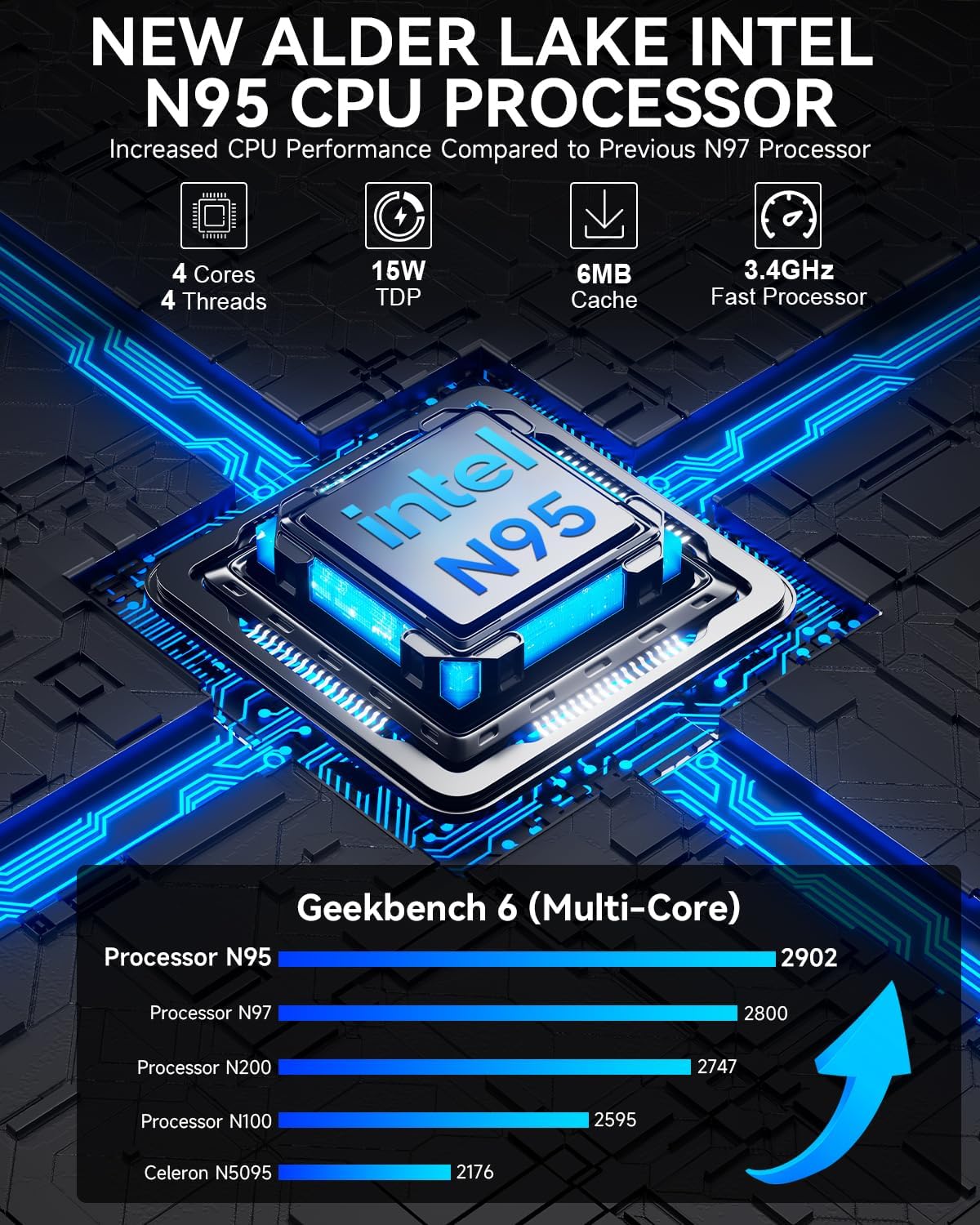
Where this mini PC tends to make sense is when you value single-core speed for typical day-to-day tasks. The Core i3-10110U is highlighted for better peak boost clock versus certain alternatives, which matters for snappy app launch, scrolling, and general responsiveness in office workflows.
It also leans into multitasking practicality. With Hyper-Threading and 16GB DDR4 in dual channel, it’s designed to handle multiple browser tabs and simultaneous software apps without constantly feeling like it’s struggling.
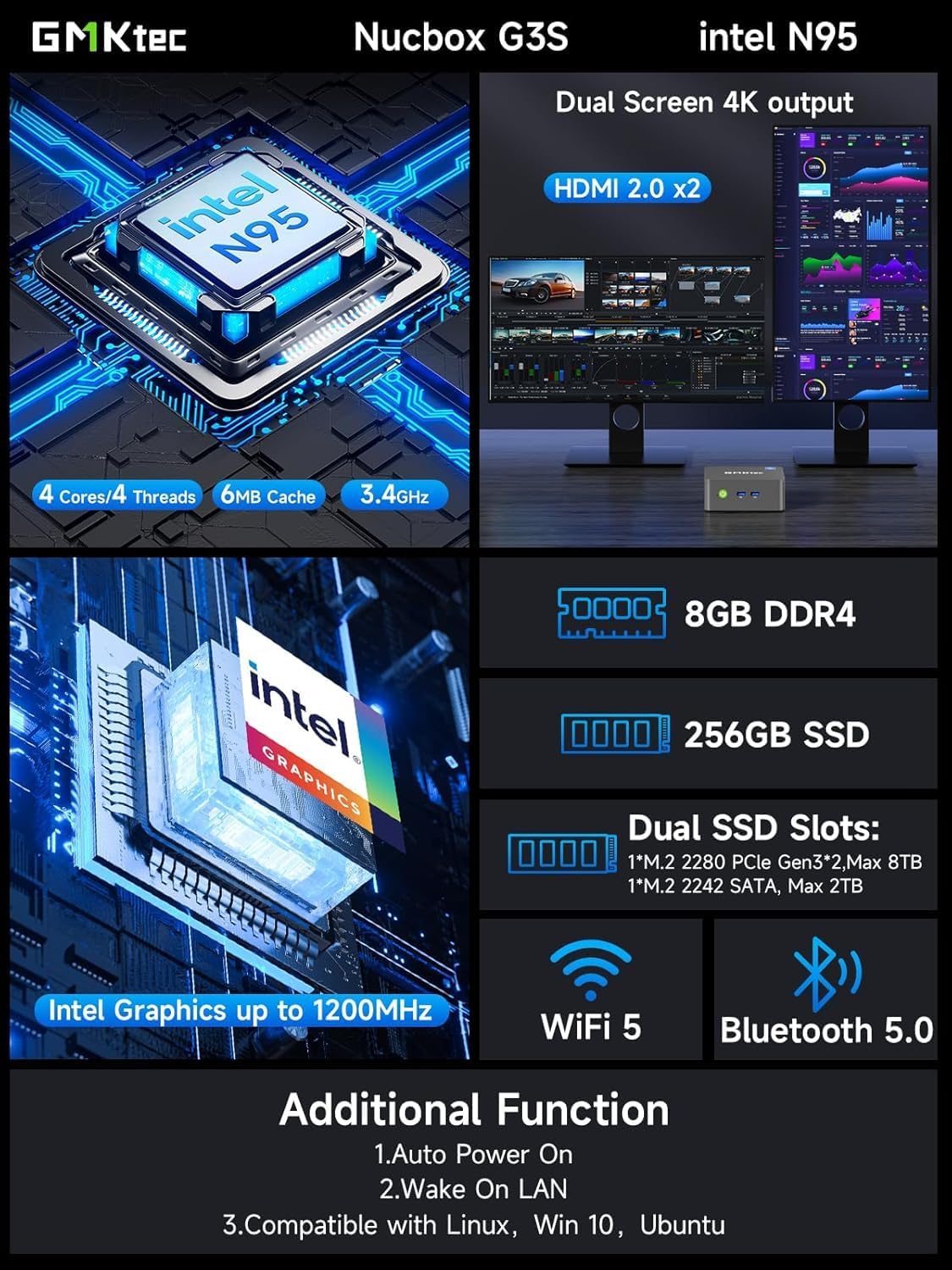
For display setups, the two HDMI ports support dual 4K output at up to 60Hz, so it fits well if you want two screens for spreadsheets, documents, or research. And if you prefer a wireless setup, WiFi 6 plus Bluetooth 5.2 covers common peripherals.
What you’ll notice day to day
The “real life” value here is the combination of quick boot, everyday speed, and the ports you actually use.
- Dual HDMI makes it easier to stay productive with two displays instead of constantly resizing windows.
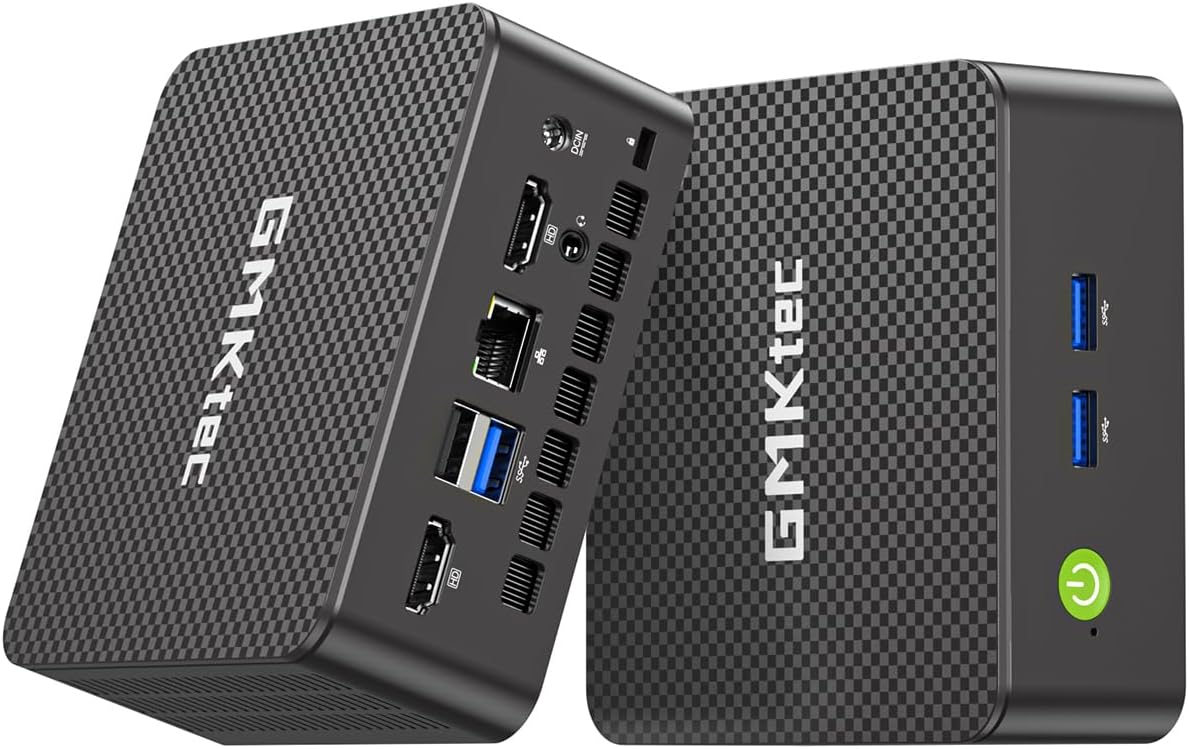
- USB 3.2 ports help when you need to plug in storage drives or fast peripherals.
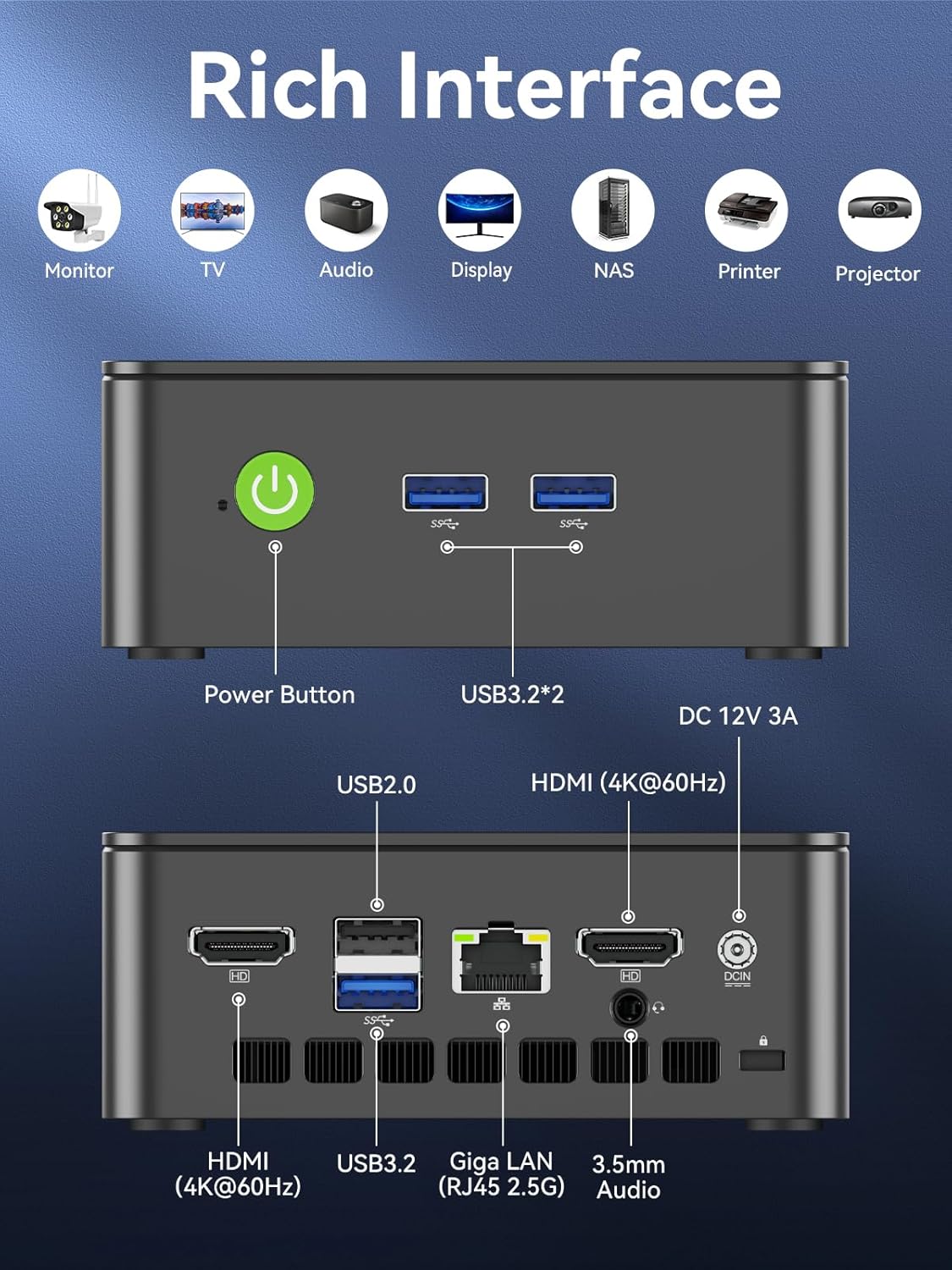
- WiFi 6 and 2.5GbE Ethernet give you options depending on where the mini PC lives—desk today, network room later.
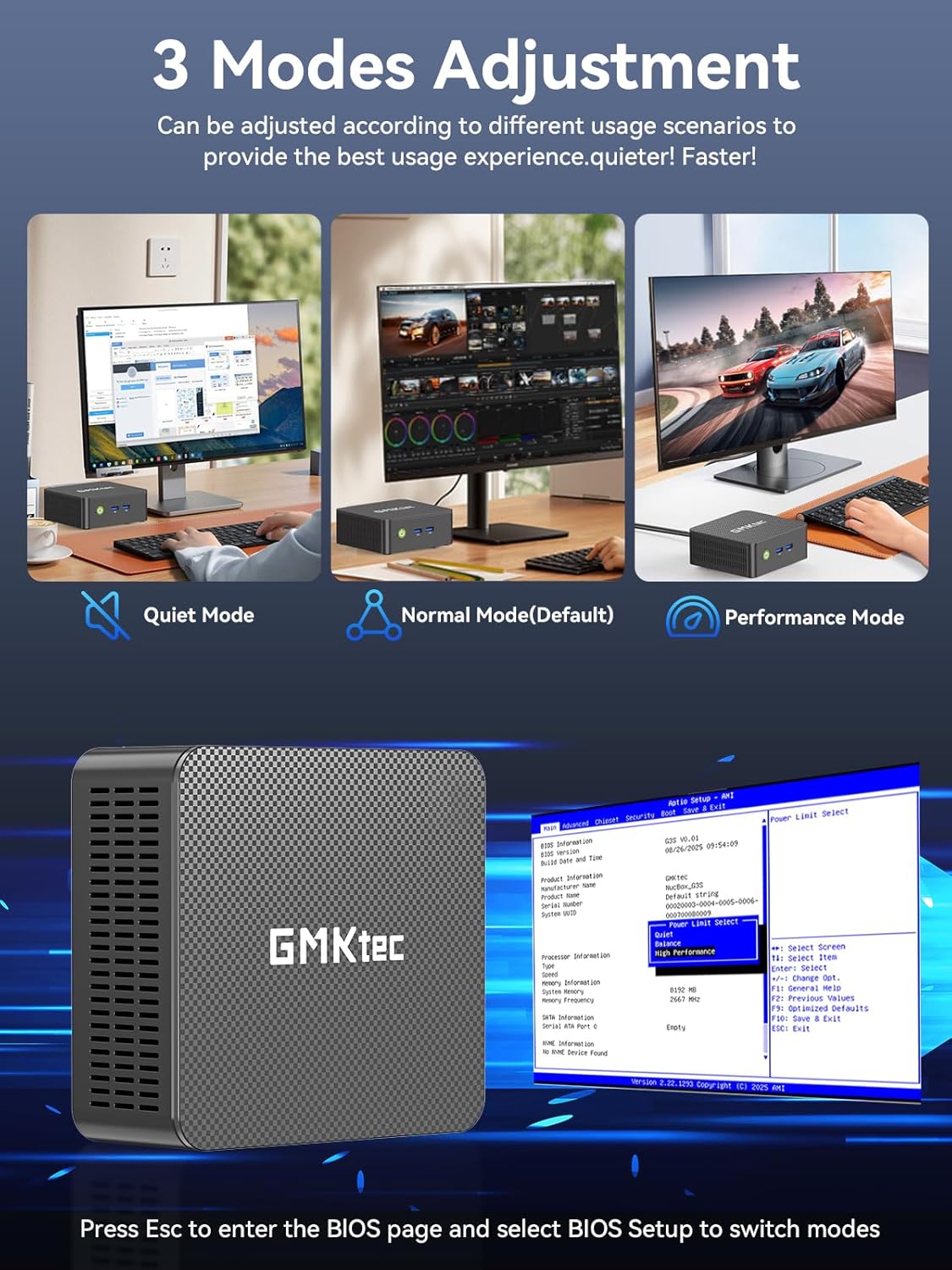
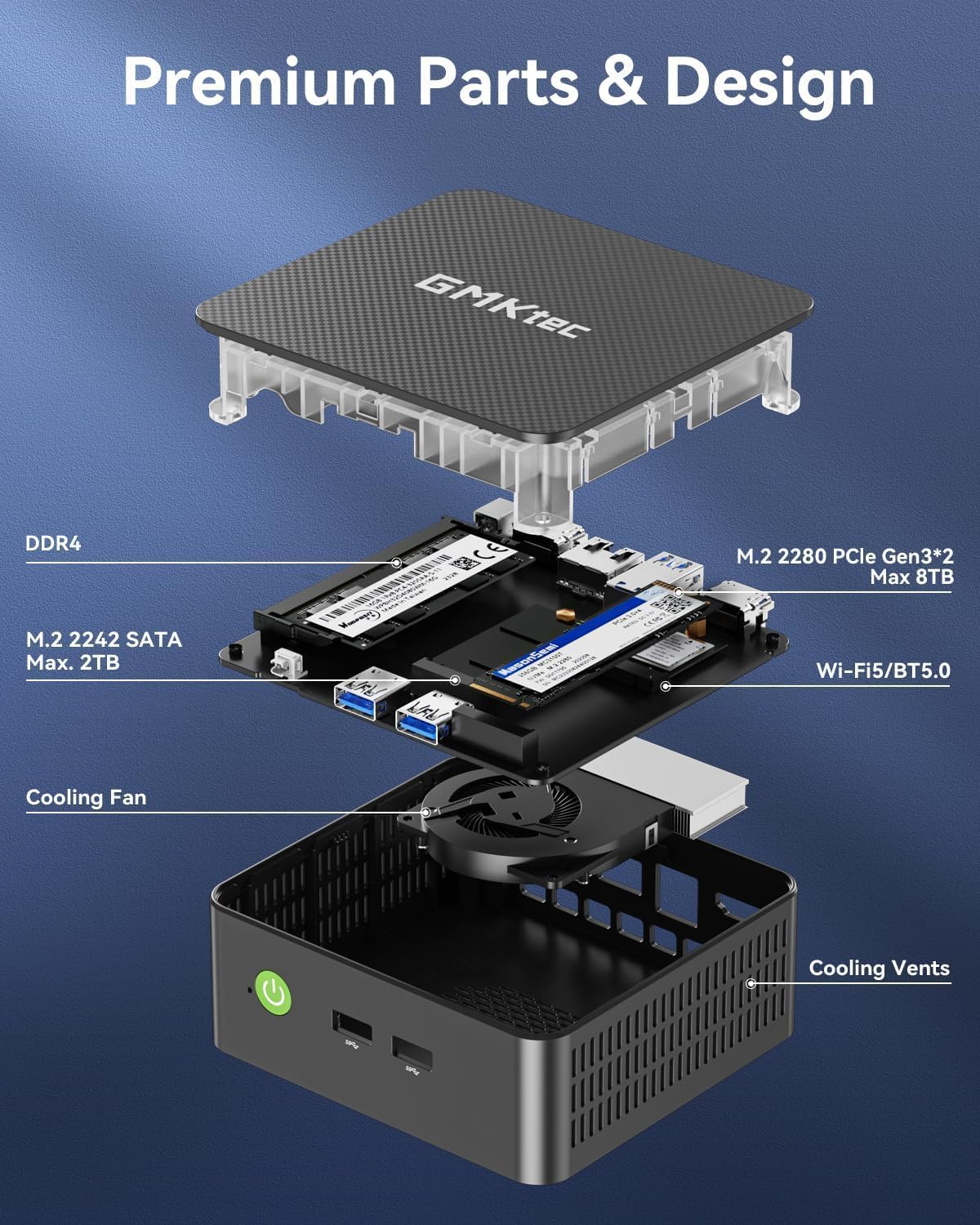
There’s also a clear nod to expandability and reuse. The product mentions a secondary M.2 2280 NVMe PCIe slot, so if your storage needs grow later, you’re not forced into a “buy and forget” scenario immediately.
Still, pay attention to what “storage” means in your plan: the base description mentions a built-in SSD and an additional M.2 slot, but it doesn’t spell out which slots are already occupied or how upgrades will be handled in your specific setup. It’s not a dealbreaker, but it’s something to verify before you assume you’ll add extra drives the way you want.
Specs that matter for decision-making
This section is the part you check before committing—because it tells you whether the machine matches the type of work you do.
Tech specs
- Processor: Intel Core i3-10110U
- Peak boost clock: up to 4.1 GHz (as stated in the description)
- RAM: 16GB DDR4 SO-DIMM, dual channel
- Storage: 512GB PCIe M.2 SSD (also referenced as built-in storage)
- Expansion: secondary M.2 2280 NVMe PCIe slot
- Display output: HDMI (supports 4K at 60Hz) ×2
- Graphics: Intel Graphics (max 1000MHz, as stated)
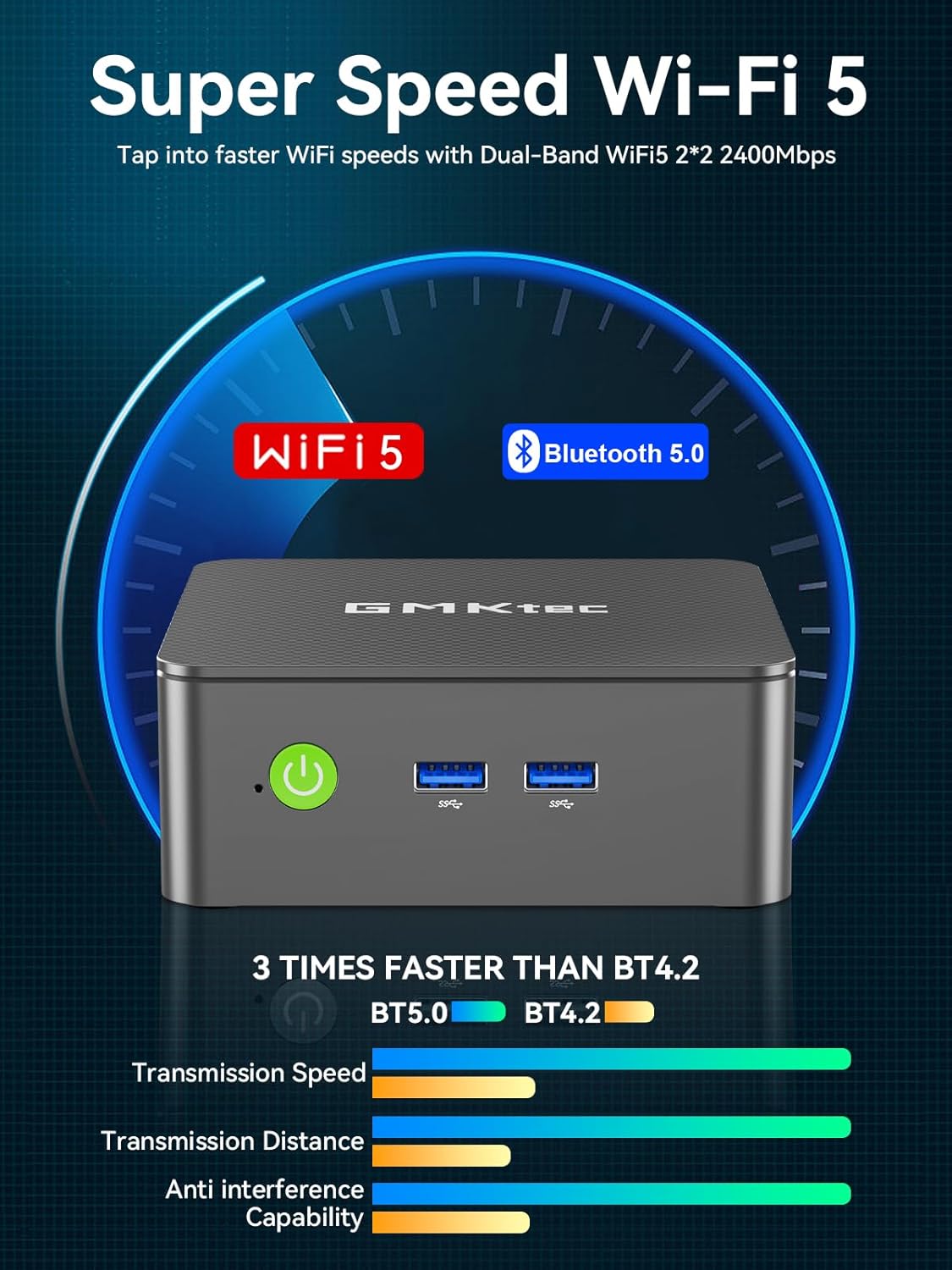
- Wireless: WiFi 6 (802.11ax), up to 600Mbps (as stated)
- Bluetooth: Bluetooth 5.2
- Ethernet: 2.5GbE (Intel i226 listed in the description)
- Audio: 3.5mm audio jack
- USB: USB 3.2 ×4 (as stated)
- Power/boot features: Wake On LAN, PXE Boot, RTC Wake, Auto Power On (as stated)
- Warranty: 1-year limited warranty (from purchase date, as stated)
Who it’s for (and who should skip it)
It’s a solid pick if you want a compact business desktop that covers office basics well and can also support practical network use. Think: running office apps, managing spreadsheets, handling email and web workflows, and using two displays for clearer multitasking.
It may not suit you if you’re shopping for a machine designed to “push” demanding creative workloads or for heavy gaming. Based on the described focus (office/business, 4K playback support, and general productivity), it feels more like a dependable mid-range everyday workstation than a performance-maximizing workstation.
Also, if you’re the kind of buyer who needs extremely detailed upgrade guidance or very specific compatibility guarantees, the description is helpful but not exhaustive. It references Linux and virtualization server contexts, but it doesn’t provide a complete list of supported setups—so it’s worth double-checking your exact environment before purchase.
Final verdict
A smart buy for office-focused productivity and compact desktop setups, especially if you care about responsive single-core behavior, dual-channel 16GB RAM, and dual 4K display output. It’s also worth considering if you’re looking for a mini PC that can fit a networked “always available” role, thanks to Wake On LAN, PXE Boot, and RTC Wake.
You should skip it if your expectations are centered on high-end performance for intensive creative work or sustained heavy compute—because the description frames it as an office/business performer, not a specialist performance machine. If you’re planning upgrades, keep one doubt in mind: confirm how the M.2 expansion options will work with your intended storage plan.
Quick FAQ
FAQ
What is this mini PC mainly meant for?
The description frames it for office and business use—web browsing, office applications, multitasking, and setups where compact computers make sense.
Does it support dual 4K monitors?
Yes. It lists two HDMI ports with support for 4K at 60Hz.
How much RAM and storage does it include?
It comes with 16GB DDR4 (dual channel) and 512GB PCIe M.2 SSD.
Is there room to expand storage?
The product description mentions a secondary M.2 2280 NVMe PCIe slot, which suggests upgrade potential.
Does it support Wake On LAN and PXE Boot?
Yes, Wake On LAN and PXE Boot are specifically mentioned, along with RTC Wake and Auto Power On.