

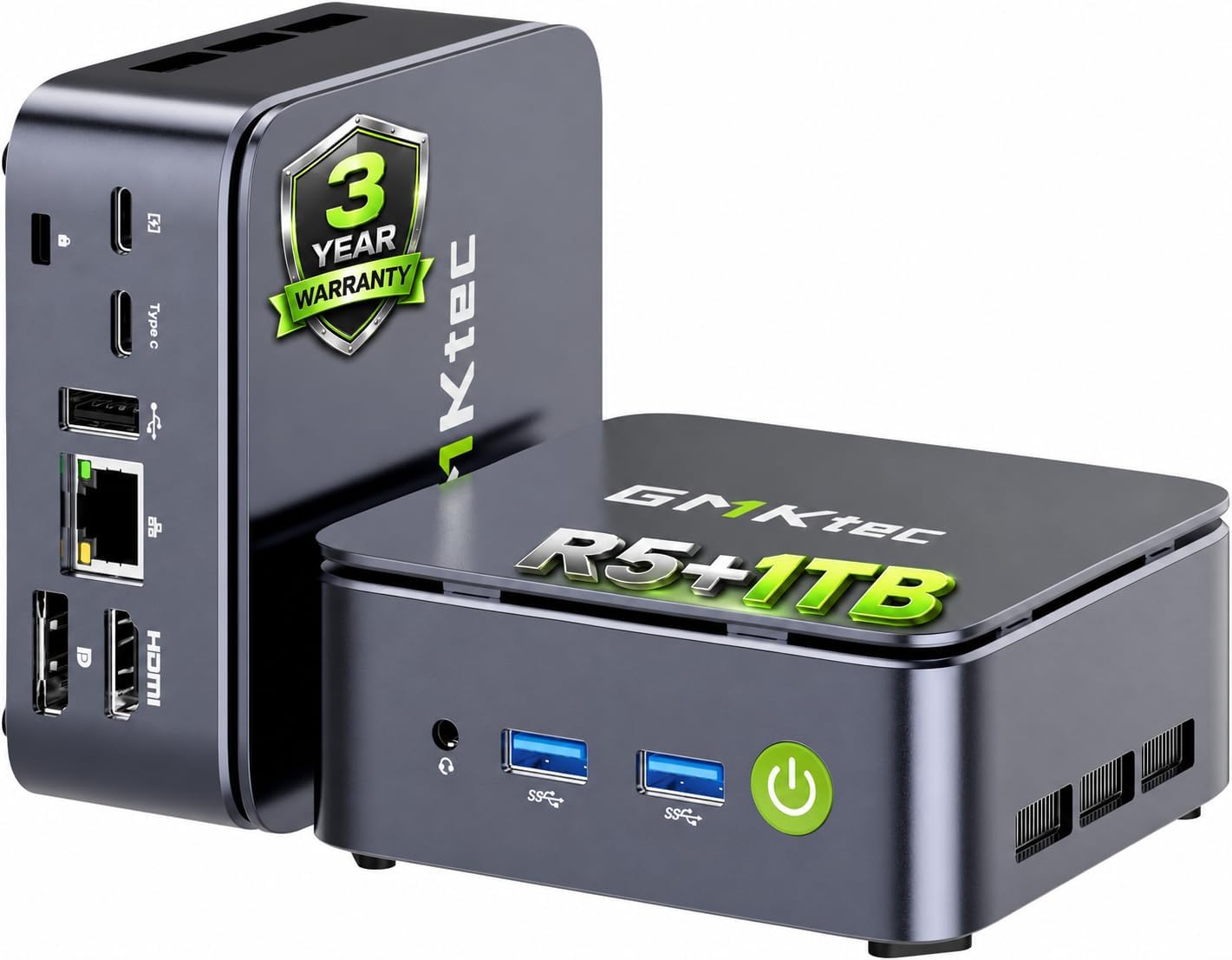
GMKtec Nucbox G10 Mini PC with Ryzen 5 3500U, 1TB SSD, 16GB RAM and Triple 4K Display Support
Product description
What it is and what it helps you do
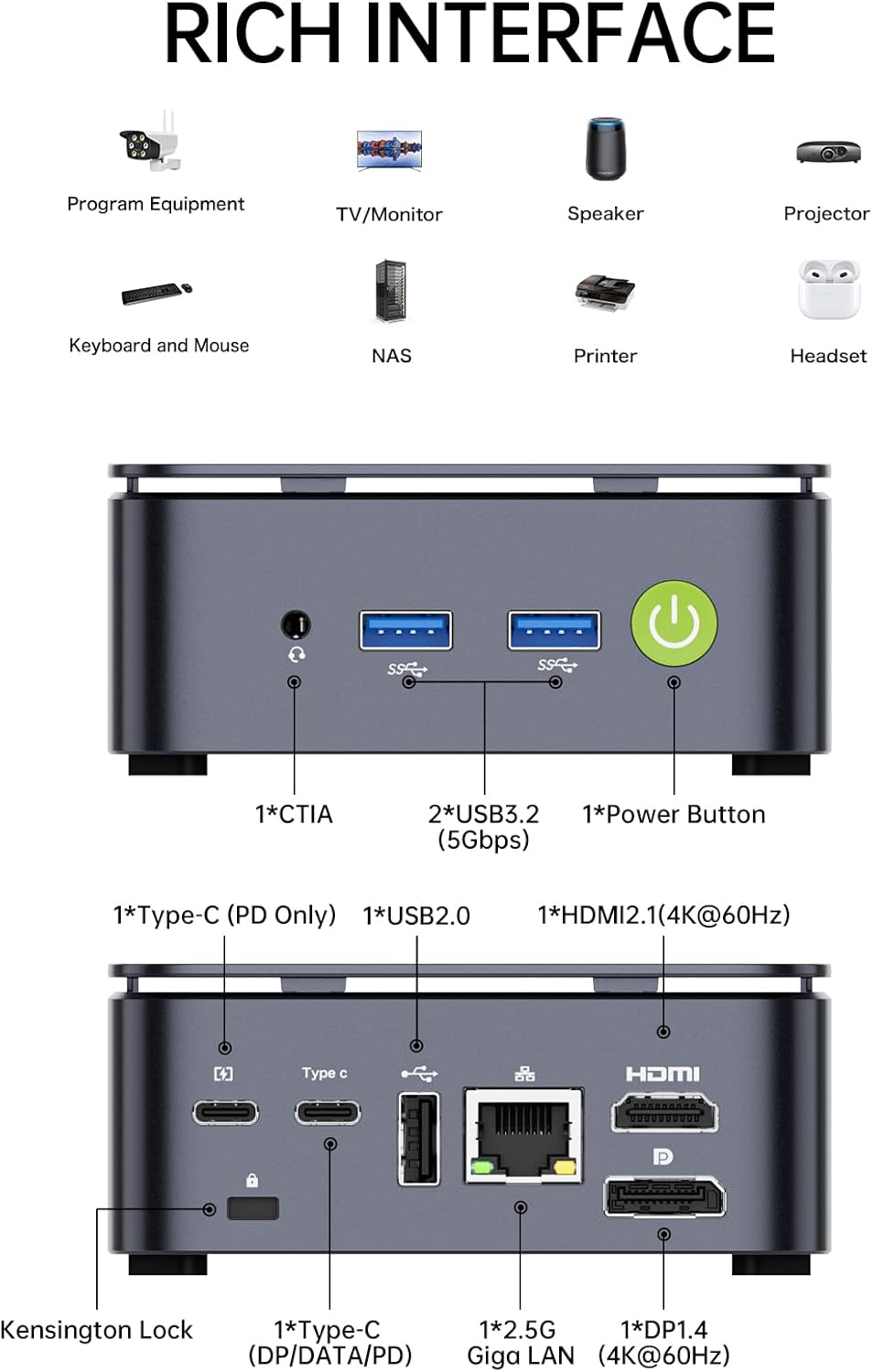
The GMKtec Nucbox G10 is a compact office-light gaming mini PC built around the Ryzen 5 3500U. It comes with 16GB of DDR4 RAM (in a dual-channel configuration) and 1TB of SSD storage, plus dual M.2 slots for potential expansion. With HDMI 2.1, DP, and a USB-C port capable of data, display, and power delivery, it’s designed to handle everyday productivity, light image/video editing, and casual gaming, while also serving as a compact server or HTPC.
How it performs on paper
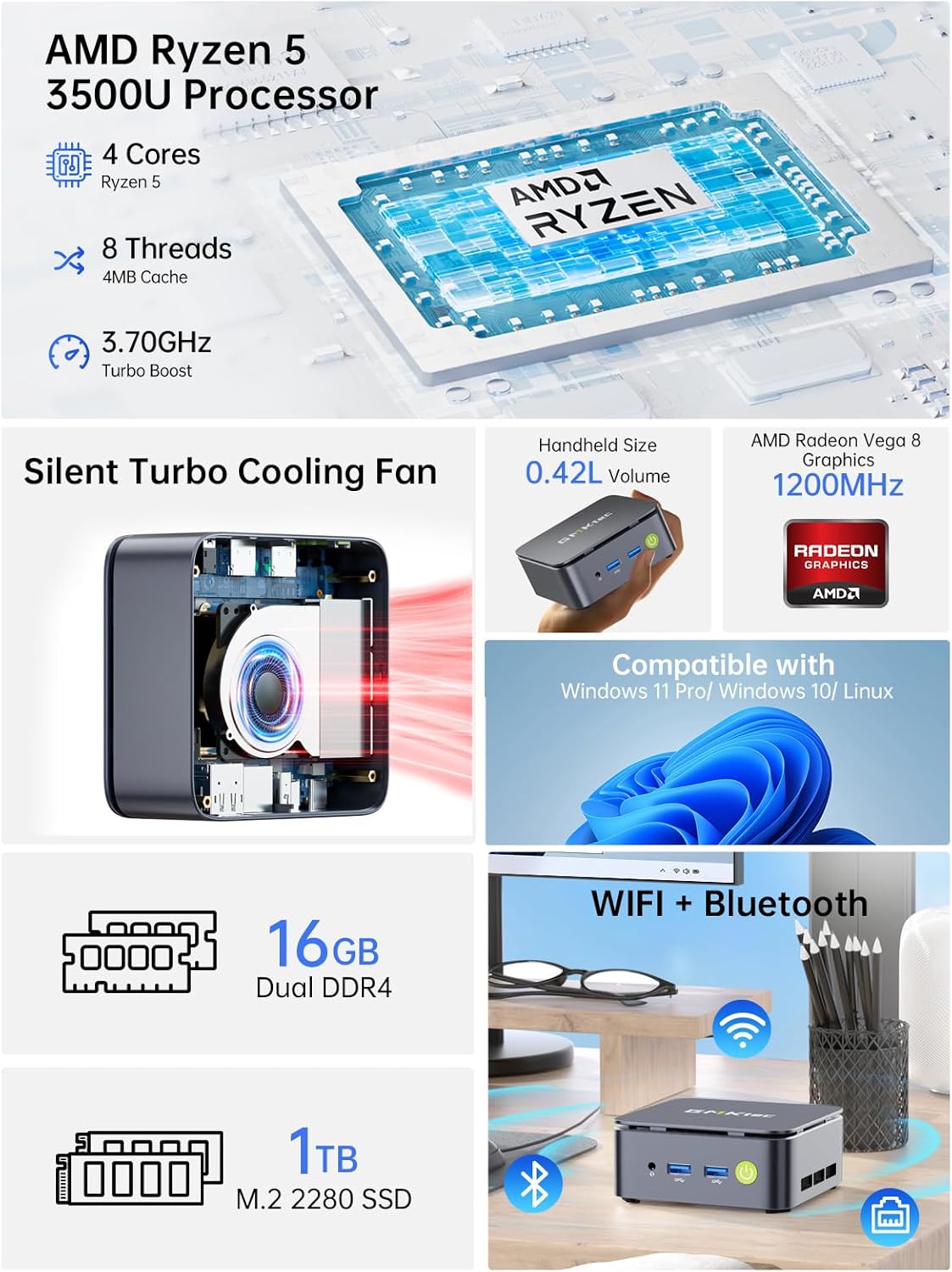
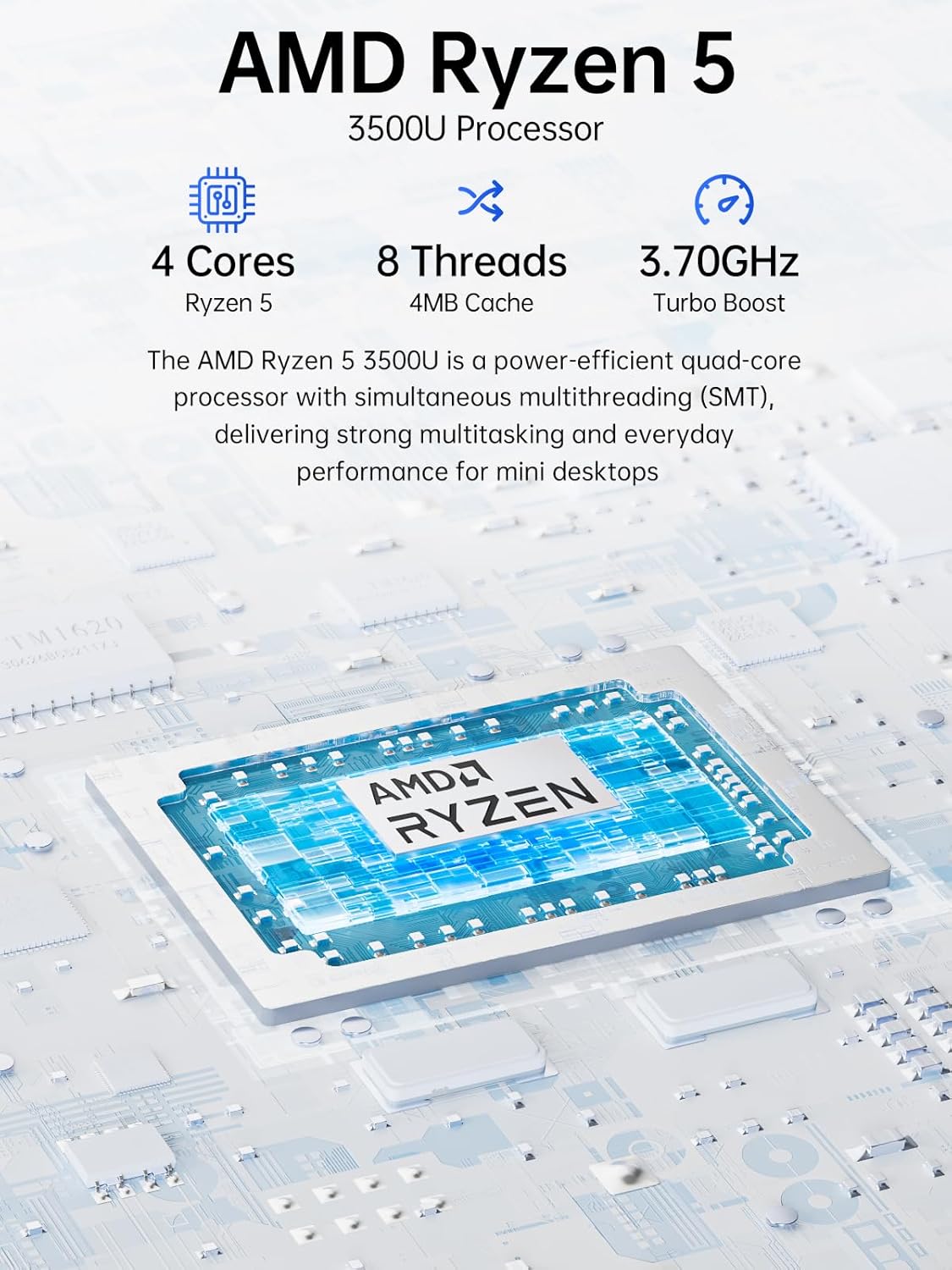
The Ryzen 5 3500U is a mid-range, 4-core/8-thread mobile APU built on the Zen+ architecture (12 nm). It runs at a base 2.1 GHz and can boost to around 3.7 GHz, with a configurable TDP between 12 W and 35 W. Radeon Vega 8 graphics are integrated, capable of running casual titles and some embedded media tasks. In this form, you have a device that should feel responsive for everyday tasks, multitasking, and media playback, with more breathing room than basic entry-level minis.
What’s included and what could be expanded
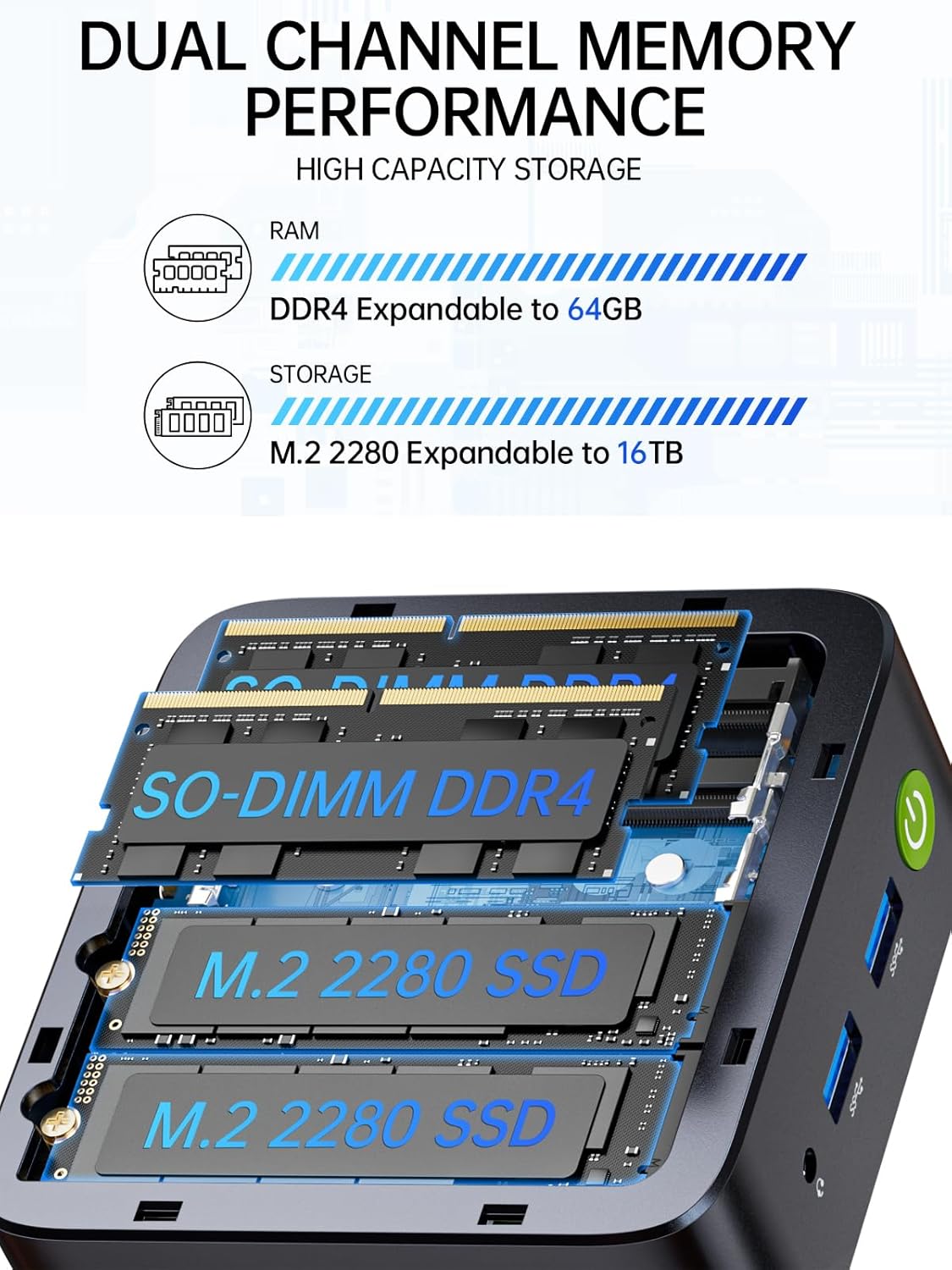
This configuration ships with 16GB DDR4 RAM in dual channels and a 1TB SSD. GMKtec promotes the possibility of memory expansion up to 64GB and dual storage slots via M.2 2280, which means capacity can grow if your needs change. If you’re planning media-heavy workflows or small- to mid-size workloads, these expansion paths offer flexibility, though upgrades are documented as “not included.”
Display, graphics, and connectivity in daily use
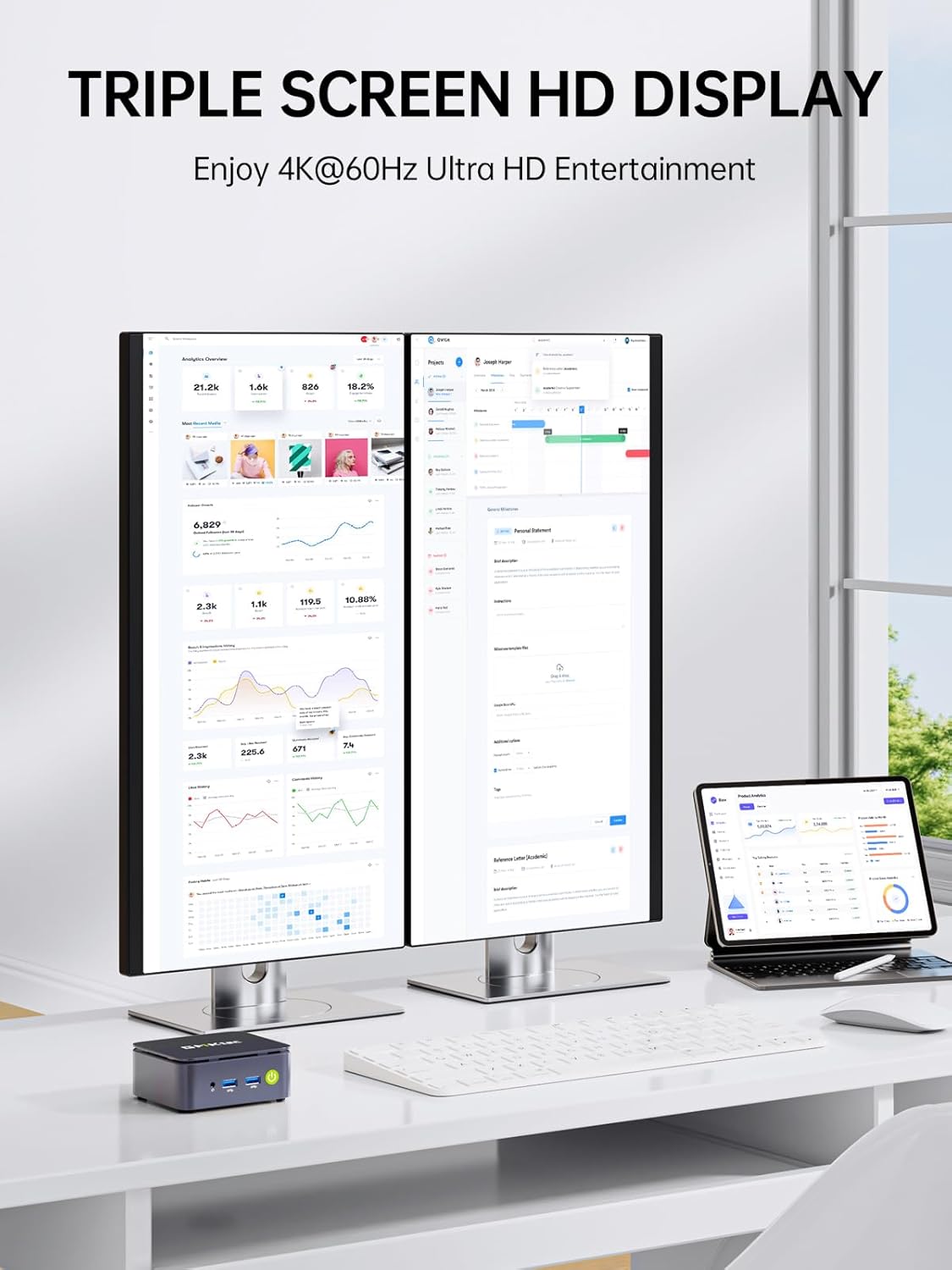
Triple display support is a standout detail on paper: HDMI 2.1, DisplayPort, and USB-C offer multiple routes to drive up to three screens, which can be a big win for multitasking, productivity, or a compact workstation/HTPC setup. The Vega 8 GPU should handle 1080p to some 1440p scenarios in light gaming or video editing tasks, but expect limits with newer, heavy titles at high settings.
Networking is solid for a mini PC: 2.5GbE Ethernet provides faster wired speeds, and Wi‑Fi 5 with Bluetooth 5.0 keeps wireless connections decent for for remote work or streaming. If your environment relies on reliable local networking or a small home lab, this could be a meaningful plus.
Who it’s for
- People seeking a compact desktop for office tasks, home media, and light gaming.
- Buyers wanting a small server or network appliance capable of basic routing or firewall projects (Untangle, PfSense) thanks to available CPUs and multiple NIC-like connectivity implications.
- users building a media center or a compact workstation, who appreciate multiple display outputs and decent local storage.
Who it isn’t the best option for
- Heavy 3D gaming, modern AAA titles, or professional-grade video editing where GPU/CPU horsepower is critical.
- Users who need the smallest possible footprint with the lowest power draw or the absolute cheapest entry point.
- Those who expect a plug-and-play, no-upgrade experience with guaranteed future-proofing, expansion is possible but not guaranteed to meet every future need.
When it makes sense to buy
- You value a balance of CPU performance, ample RAM, and storage in a small form factor for a home office, media center, or light server tasks.
- You need reliable wired network performance (2.5GbE) and the ability to drive multiple 4K or 1080p displays for productivity.
- You’re comfortable with some upgrade considerations down the line and want a flexible mini PC that can adapt with additional drives or memory up to a practical limit.
When to pass or lower expectations
- If your main goal is heavy 4K editing or latest-generation gaming, this model may feel underpowered compared to higher-tier CPUs/GPUs.
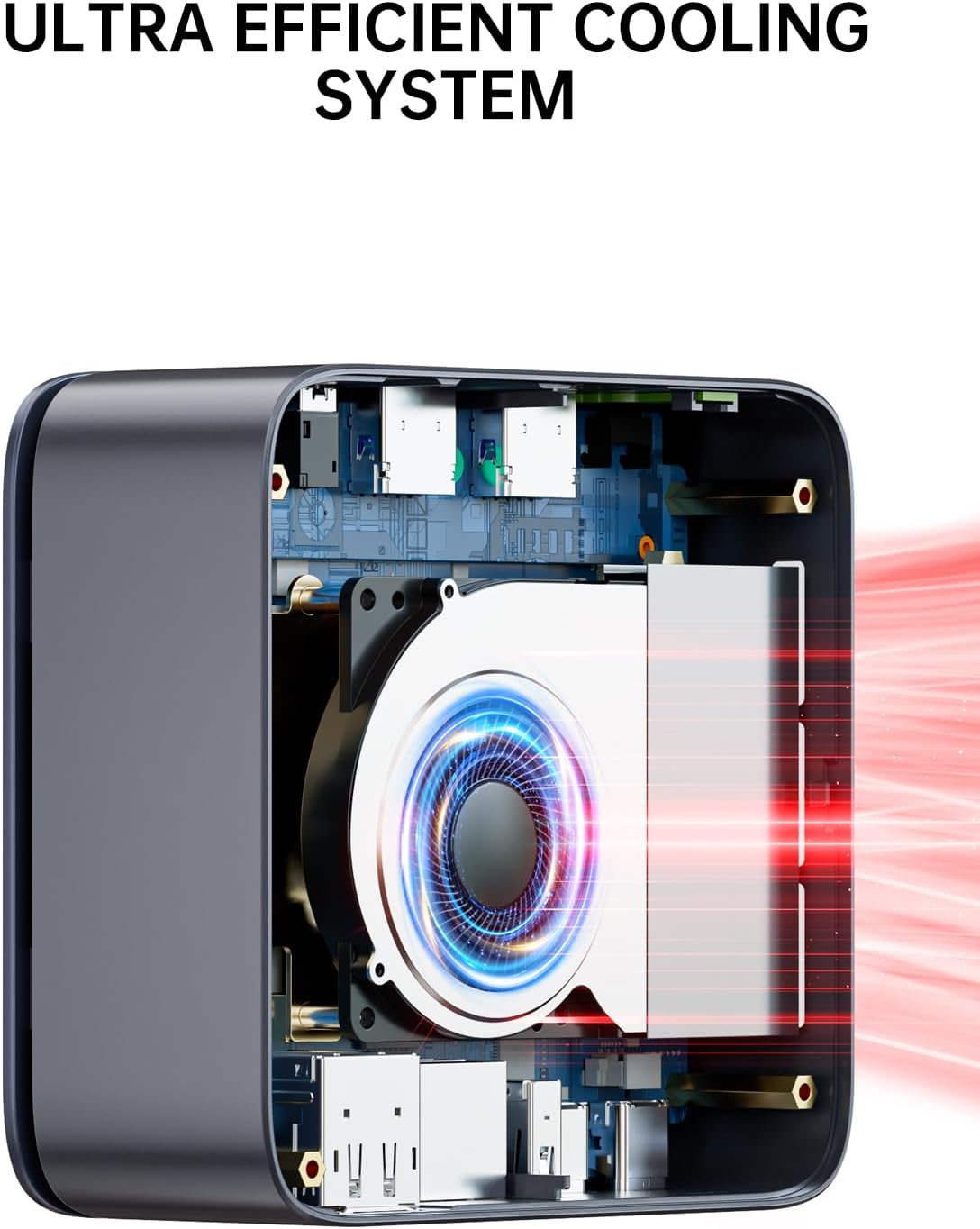
- If you require guaranteed 100% silent operation or ultra-low power consumption, this is a mid-range option with a 15W TDP baseline that can scale.
- If you want out-of-the-box dual-channel memory without checking how expansion affects performance, confirm compatibility and cooling in your environment.
What to check before buying
- Confirm the exact RAM configuration and whether the 2x8GB modules are user-upgradable alongside the dual M.2 slots for future storage expansion.
- Review the available ports and verify that the wired and wireless networking fit your setup, especially if you rely on 2.5GbE for local transfers.
- Think about your display plan: can you consistently drive three displays at your preferred resolutions with HDMI 2.1, DP, and USB-C outputs?
Practical use case and how it feels in use
Imagine a compact desk where you can stretch your notebook habits into a more capable home workstation: you’re editing a 4K video preview on one screen, checking emails on another, and streaming a tutorial on a third—seamlessly, thanks to multi-output support. The CPU and RAM pairing deserves reasonable expectations, you’ll likely enjoy smooth multitasking for office apps, web apps, and light creative work, but don’t count on maxed out frame rates in modern games.
What stands out and what may fall short
- What stands out: triple display capability and a reasonable amount of RAM with room to grow, fast local storage is a strong point for a mini PC.
- What may fall short: gaming performance and sustained heavy workloads may push the limits of the Ryzen 5 3500U in this form factor, especially if you push high visual settings for long periods.
FAQ snapshot
- Can I upgrade memory to more than 16GB? The system supports up to 64GB RAM, though upgrades depend on your chosen configuration and accessibility of memory slots.
- Is it good for a home server or firewall OS? The presence of robust networking and expansion options suggests it can be repurposed as a small server or gateway, but verify cooling and power profiles for 24/7 operation.
- How many displays can I run at once, and at what resolutions? It can drive three displays simultaneously via HDMI 2.1, DP, and USB-C, resolutions depend on each port’s capabilities and GPU load.
Is it worth it?
Final verdict: if you prioritize a compact form factor with decent multitasking, flexible display outputs, and solid local storage for office-light gaming or media duties, this GMKtec mini PC offers a compelling balance. It isn’t a powerhouse, but for the price and footprint it can be a practical upgrade over basic mini rigs. Consider it if your use case includes multitasking across several screens, a small home lab, or a compact media-centric setup. If your needs tilt toward high-end gaming or heavy video workloads, you may want to explore options with stronger GPU and higher sustained performance.