

Corsair Vanguard 96 Wired Mechanical Gaming Keyboard (96% Layout, MLX Plasma Switches, 8000Hz, LCD, Virtual Stream Deck) – QWERTY US, Black
Product description
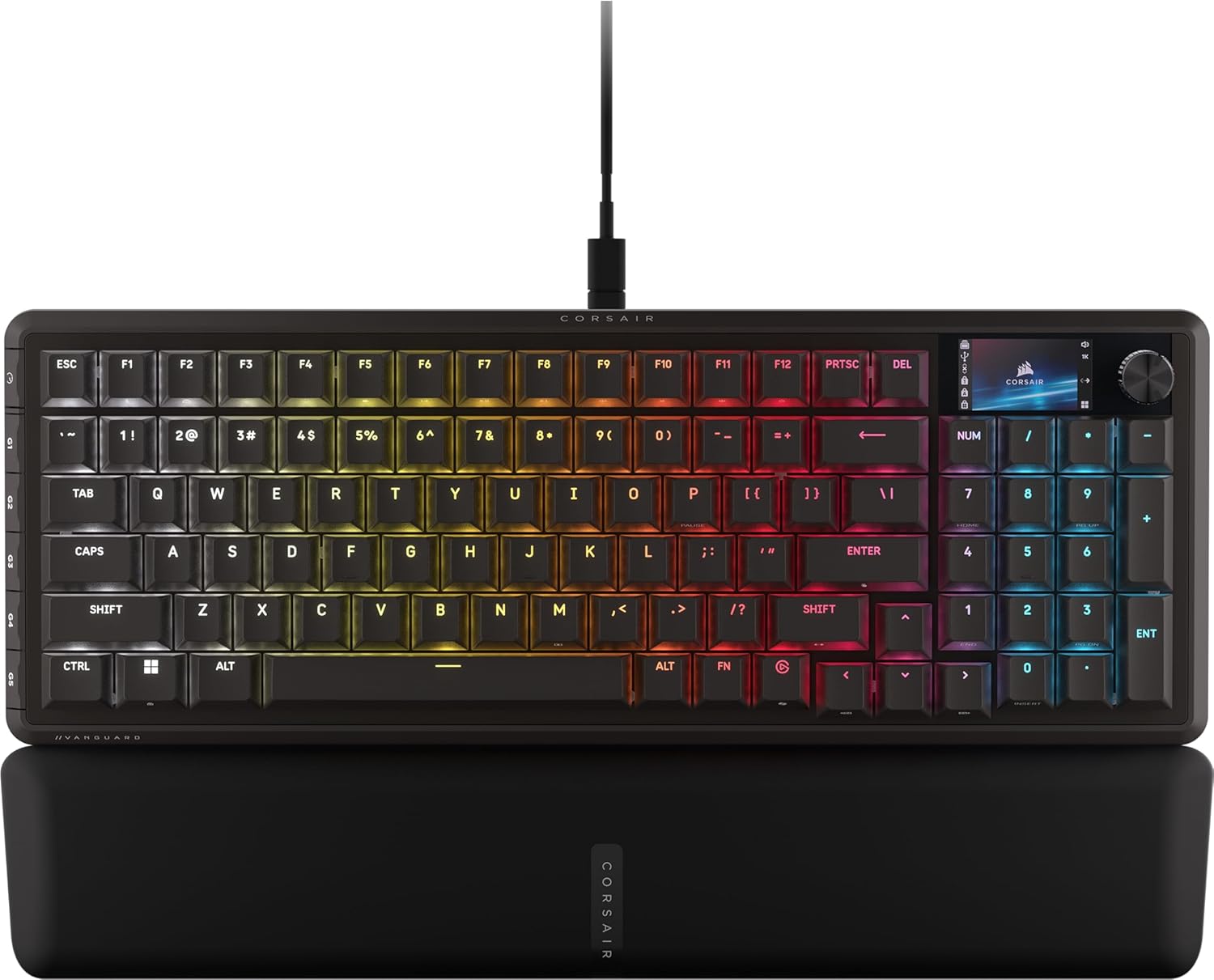
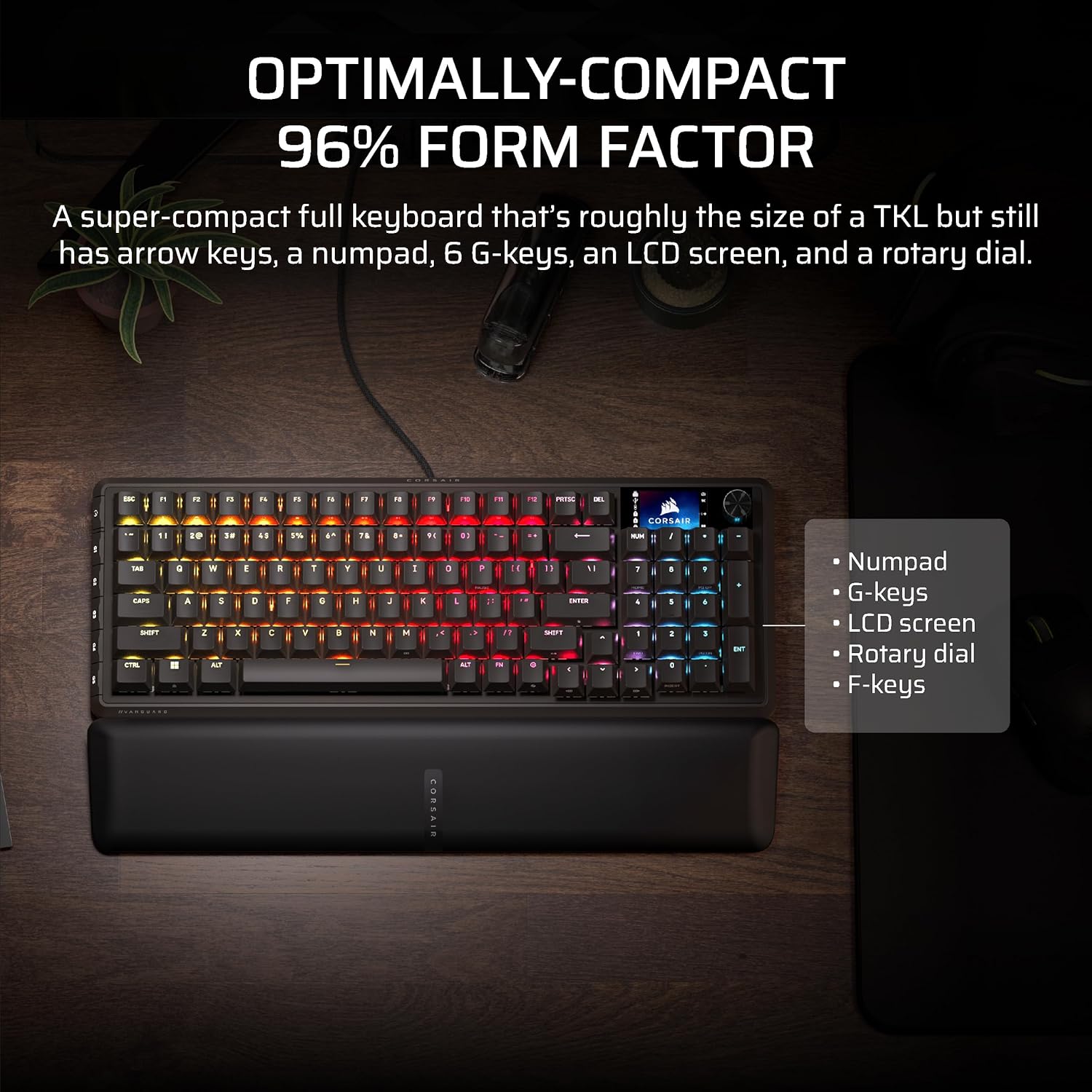
If you want a full-featured gaming keyboard without giving up space, the Corsair Vanguard 96 is built around a 96% layout that aims to keep arrow keys and a tenkey pad, while still staying much more compact than a standard full-size board. On paper, it’s the kind of keyboard you pick when you care about efficiency—especially if you’re also juggling stream controls alongside gameplay.
Key takeaways
The big headline here is the combo of a compact 96% layout, a built-in 1.9” full-color LCD for custom visuals, and a fast 8,000Hz hyper-polling rate to reduce perceived input lag. Add programmable G-keys and the promise of SOCD handling (via FlashTap), and you get a board that’s clearly tuned for gaming and performance-minded users—not someone just looking for a basic typing keyboard.
That said, it’s not perfect for everyone. The entry-level “plug and play for anyone” vibe may be missing depending on your software expectations, because the description notes iCUE support is coming soon. If you already rely on a specific control ecosystem today, you may want to double-check how mapping and LCD customization will work for your workflow.
What matters in everyday use
A 96% layout usually sounds like a compromise, but the Vanguard 96 tries to avoid the classic trade-offs. You get a tenkey pad and arrow keys, yet the keyboard is described as roughly the size of a TKL. In a practical desk setup, that can mean more room for mouse movement or a cleaner feel on a smaller work surface.
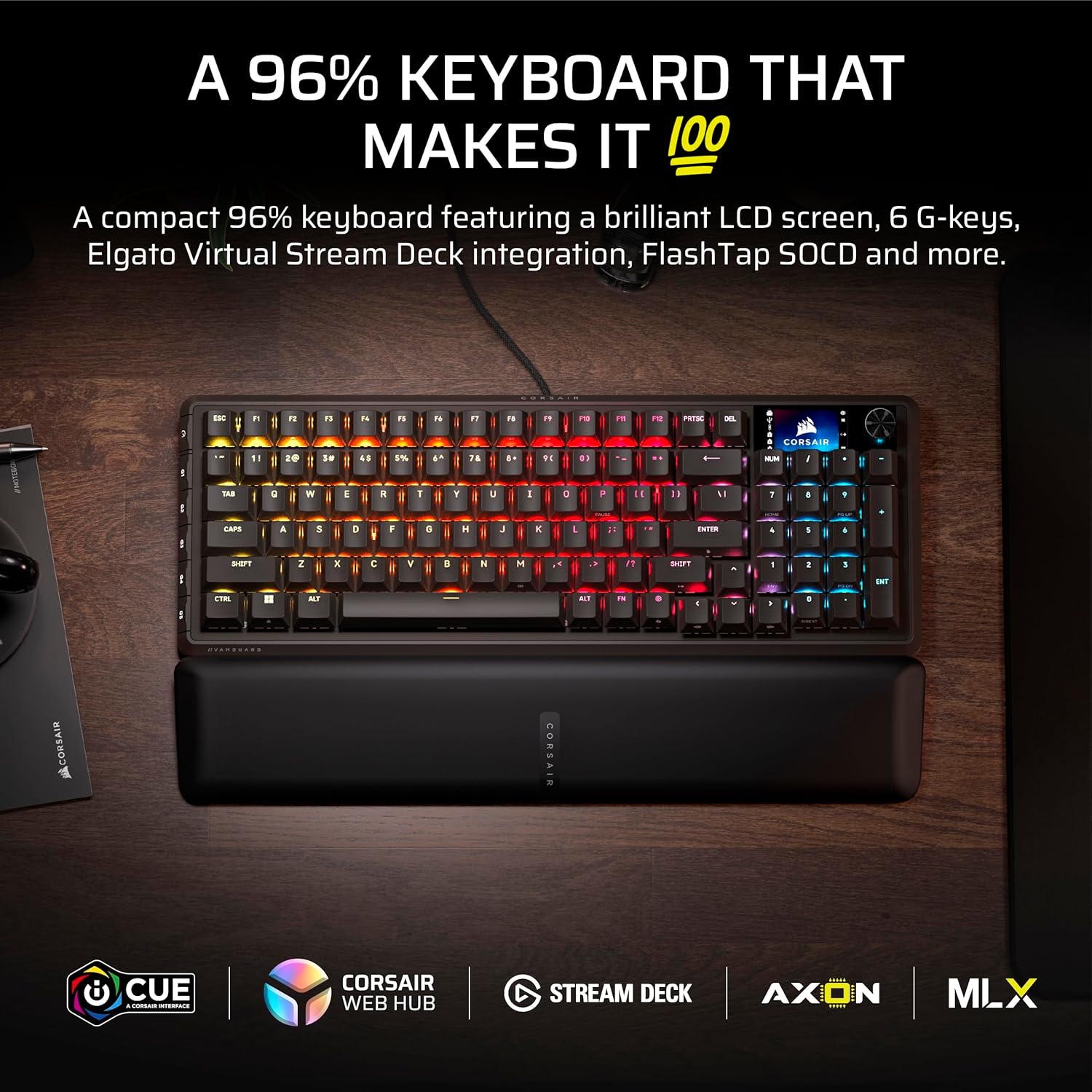
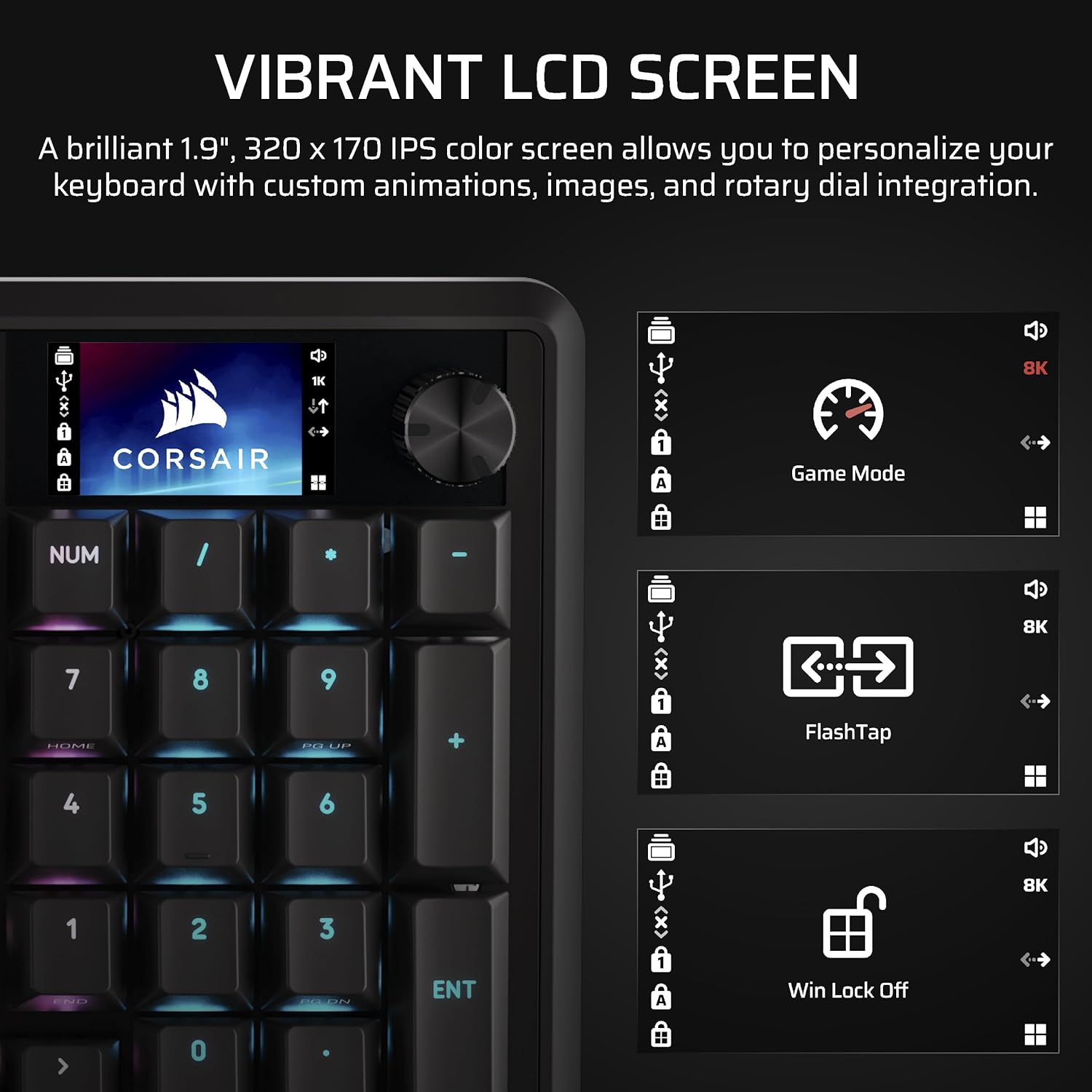
The LCD is where it shifts from “just a keyboard” to “a command center.” The integrated luminous 1.9” LCD can display custom animations, images, and system specs. For example, you could dedicate the screen to a quick status view during a match (like system info or a visual HUD concept), instead of tabbing out or alt-tabbing for the data you need.
And if you stream, the Vanguard 96 leans hard into that role through Virtual Stream Deck integration. You can map Stream Deck functions directly to the keyboard’s programmable G-keys, then use Virtual Stream Deck to create clickable shortcuts. That’s a real quality-of-life feature if you’re constantly switching scenes, toggling overlays, or triggering audio/stream actions while you’re in the middle of playing.
Key features that drive performance and control
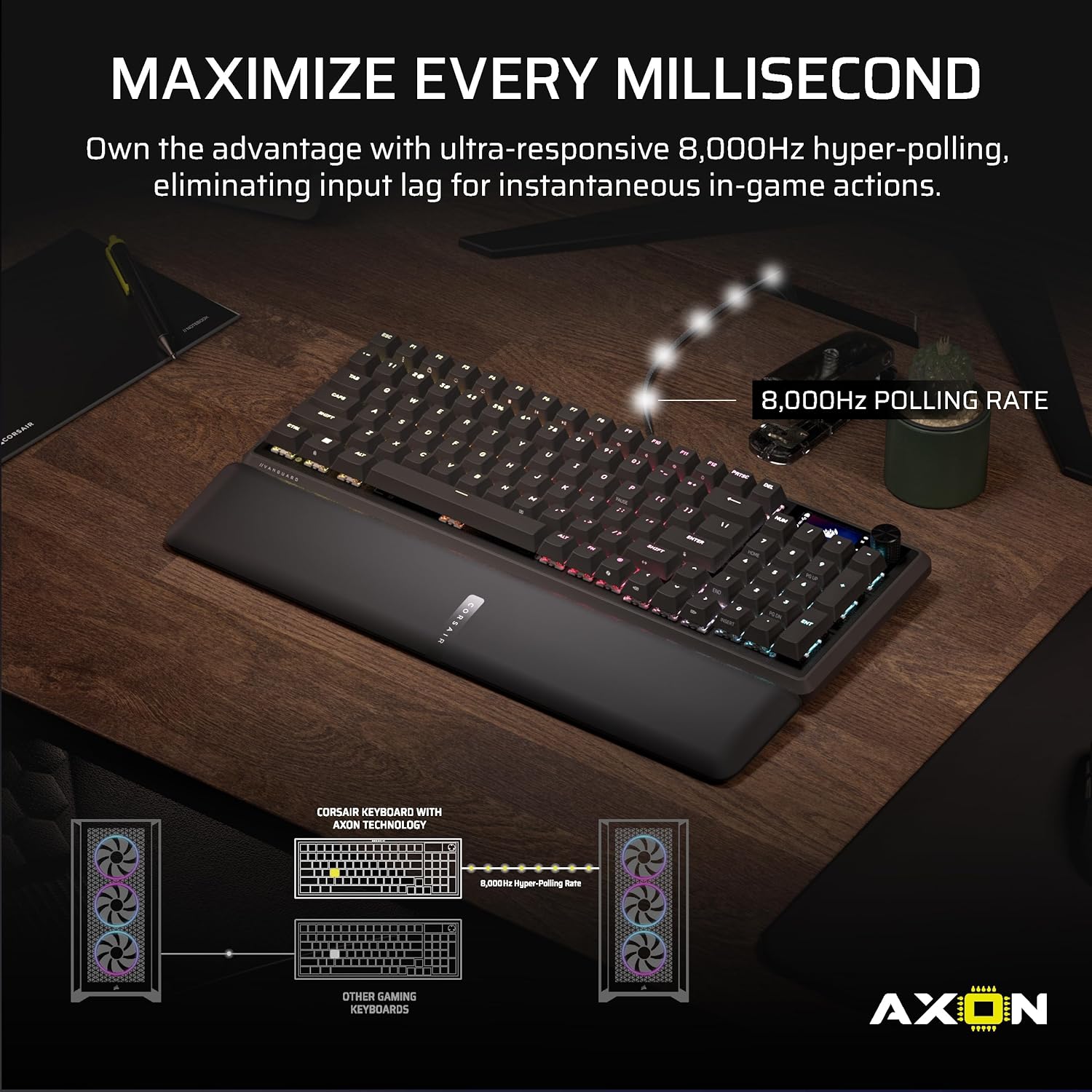
Corsair also positions this board around responsiveness. The description highlights ultra-responsive 8,000Hz hyper-polling to help eradicate input lag and deliver fast response times for in-game actions and stream commands. For twitchy gameplay, that “every millisecond” emphasis is basically the point.
On top of that, you get six programmable G-keys and QWERTY US layout in a wired design. Those extra bindings matter because you’re not just reaching for keyboard shortcuts—you’re assigning actions to buttons designed to be hit repeatedly.
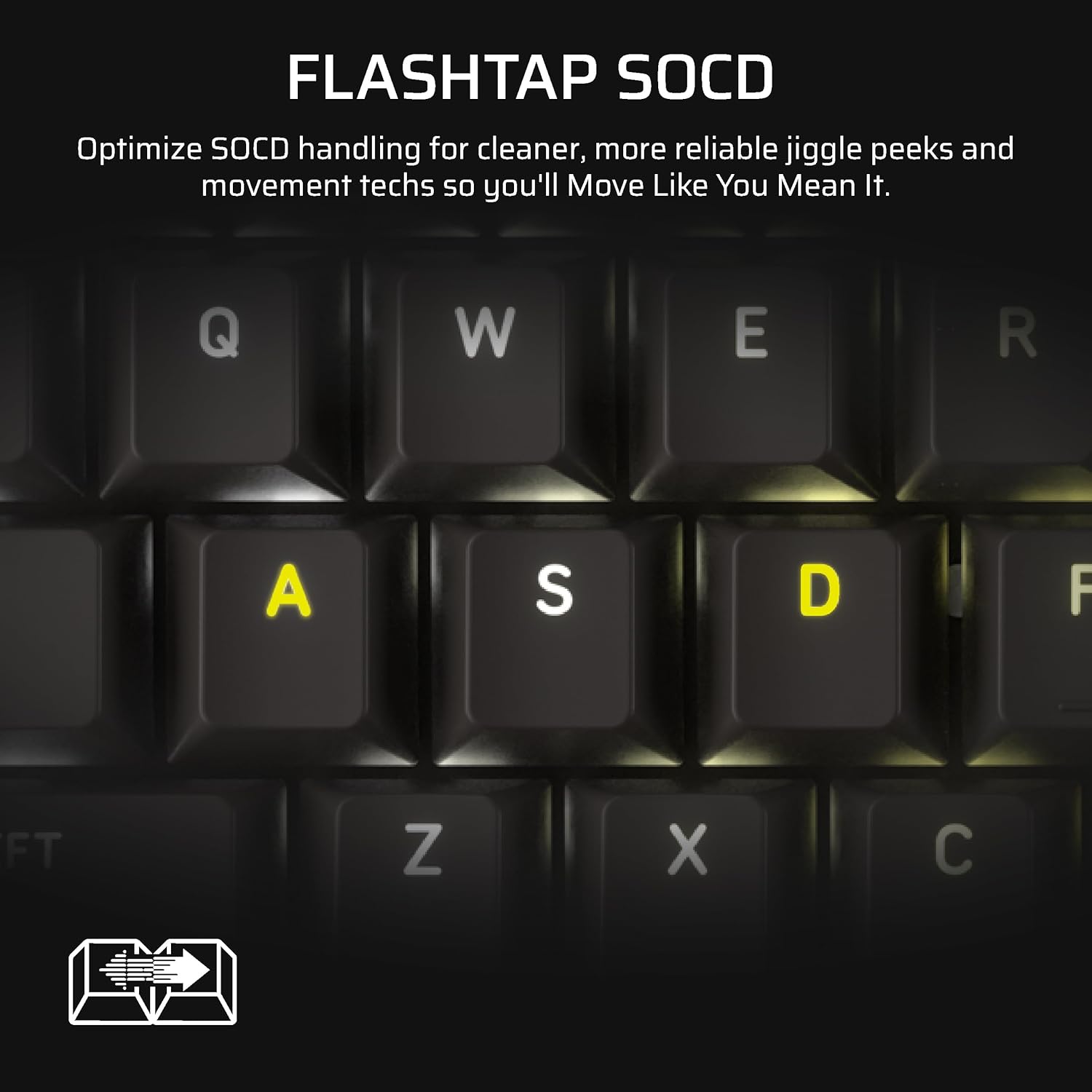
The FlashTap SOCD feature is another big talking point. With FlashTap SOCD handling, you can choose how the keyboard resolves accidental SOCD inputs, described as helping you “Move Like You Mean It.” It’s clearly aimed at players who care about input behavior, not casual users who never think about that level of nuance.
One limitation to keep in mind: the description mentions “iCUE support coming soon.” If you’re expecting immediate full integration with Corsair’s software ecosystem, you may want to verify the timeline and what features are available right now versus later.
Tech specs
- Type: Wired mechanical gaming keyboard
- Layout: 96% (includes arrow keys and tenkey pad)
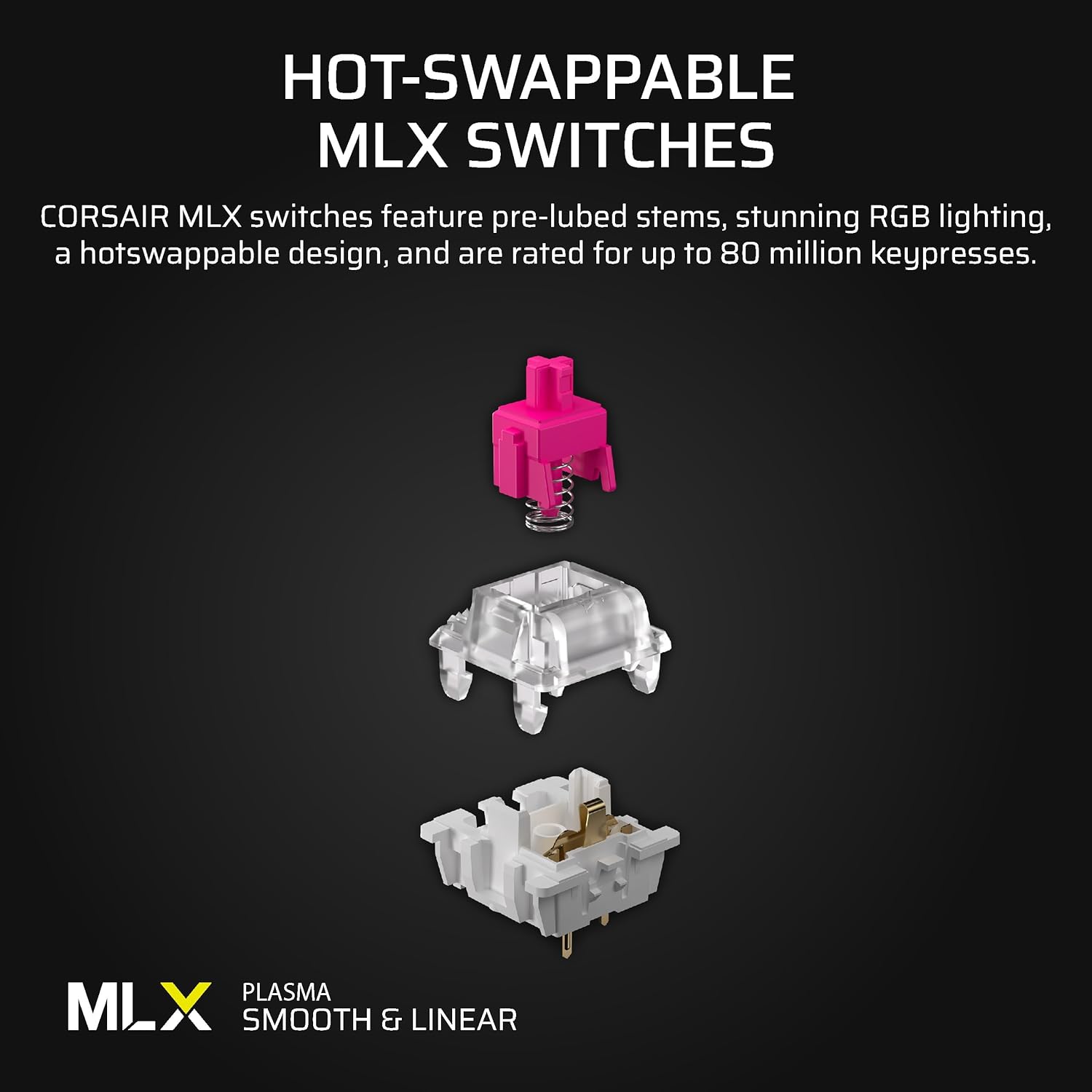
- Switches: MLX Plasma Linear switches
- Polling rate: 8000Hz hyper-polling
- Display: 1.9-inch full-color LCD
- Programmable keys: 6 programmable G-keys
- Feature: FlashTap SOCD handling
- Integration: Elgato Virtual Stream Deck (Virtual Stream Deck mapping to programmable G-keys)
- Layout: QWERTY US
- Color: Black
- Software note: iCUE support coming soon
Who it’s for (and who should pass)
It makes sense if you’re looking for a compact 96% keyboard that still keeps useful keys (arrow keys plus tenkey pad) and you want more than a standard “LCD-free” gaming board. The LCD screen is a clear reason to consider it if you like showing system stats or custom visuals.
It also fits streamers who want stream shortcuts without reaching for a separate Stream Deck hardware unit. Being able to map Virtual Stream Deck functions directly to G-keys is exactly the kind of workflow upgrade that can reduce friction during live sessions.
You may want to skip it if you need immediate certainty about iCUE software support, since the description only says that support is coming soon. And if you don’t care about an LCD screen, programmable gaming keys, or Stream Deck integration, you might find a simpler keyboard does the job without adding features you won’t use.
Is it worth it?
Buy the Corsair Vanguard 96 if your goal is a compact-but-complete 96% gaming layout, you value fast responsiveness, and you’ll actually use the LCD plus programmable G-keys for either gameplay shortcuts or stream control via Virtual Stream Deck.
Don’t buy it if you want a no-hassle setup with fully confirmed software integration today—iCUE support is flagged as coming soon, and that could matter depending on how you customize your keyboard.
For most buyers, it lands in the performance-and-workflow category rather than “basic mechanical typing.” If you want a keyboard that can act like a compact control panel, this one is built for that.
Quick questions before you buy
- Is the 96% layout actually compact like a TKL? The description says it’s roughly the size of a TKL while keeping arrow keys and a tenkey pad.
- What can the LCD display? It’s described as supporting custom animations, images, and system specs.
- Does it work with Virtual Stream Deck? The listing states you can map Stream Deck functions to the Vanguard 96’s G-keys using Virtual Stream Deck.
- Do I need iCUE right away? The note says iCUE support is coming soon, so you’ll want to confirm what’s available now for your customization needs.
- Is FlashTap SOCD something most people need? It’s there for handling accidental SOCD inputs, so it’s more relevant to players who care about that level of control.