

KAMRUI Mini PC with AMD Ryzen 7 7735HS: Compact Power for Multitasking and Light Gaming
Product description
What you get
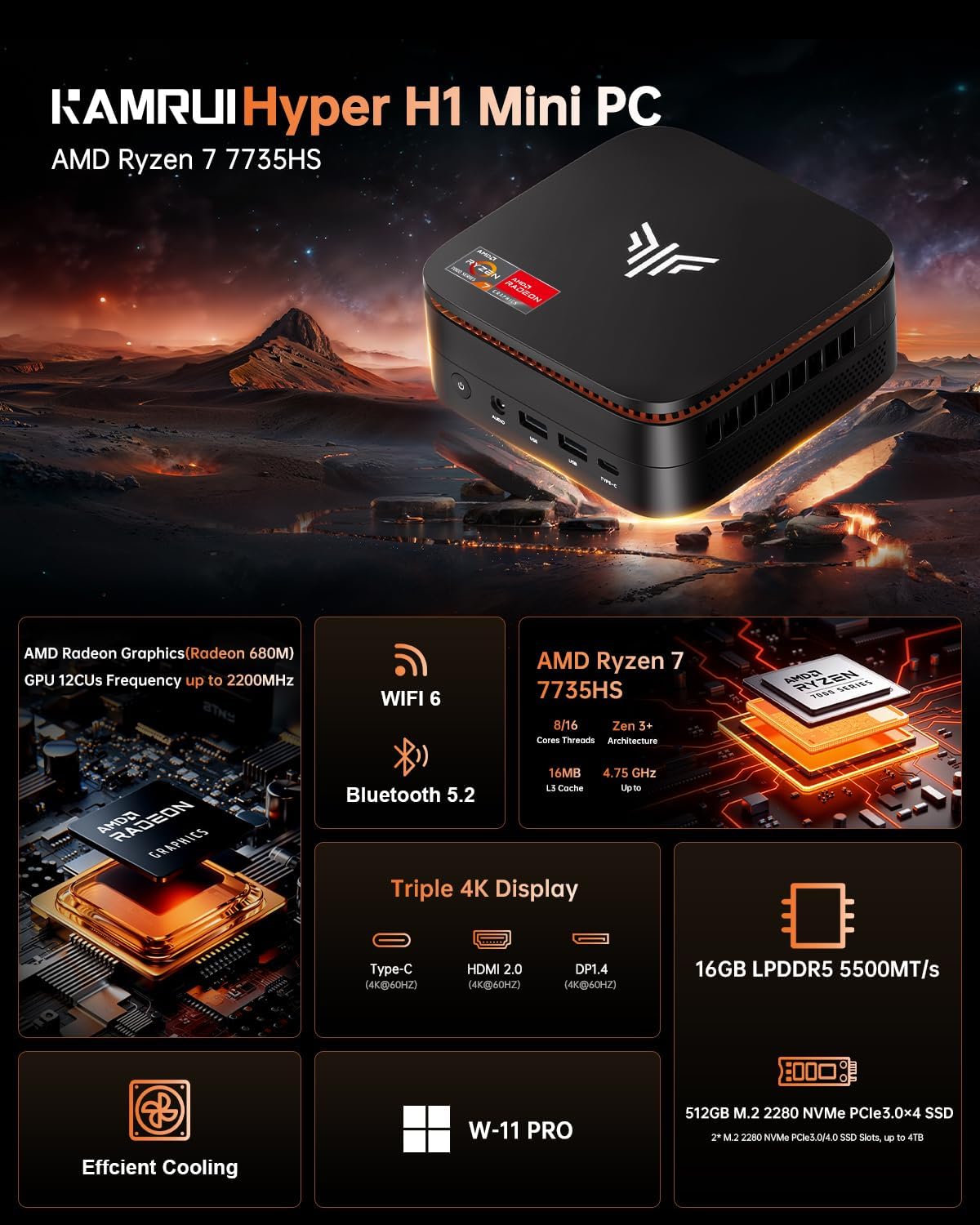
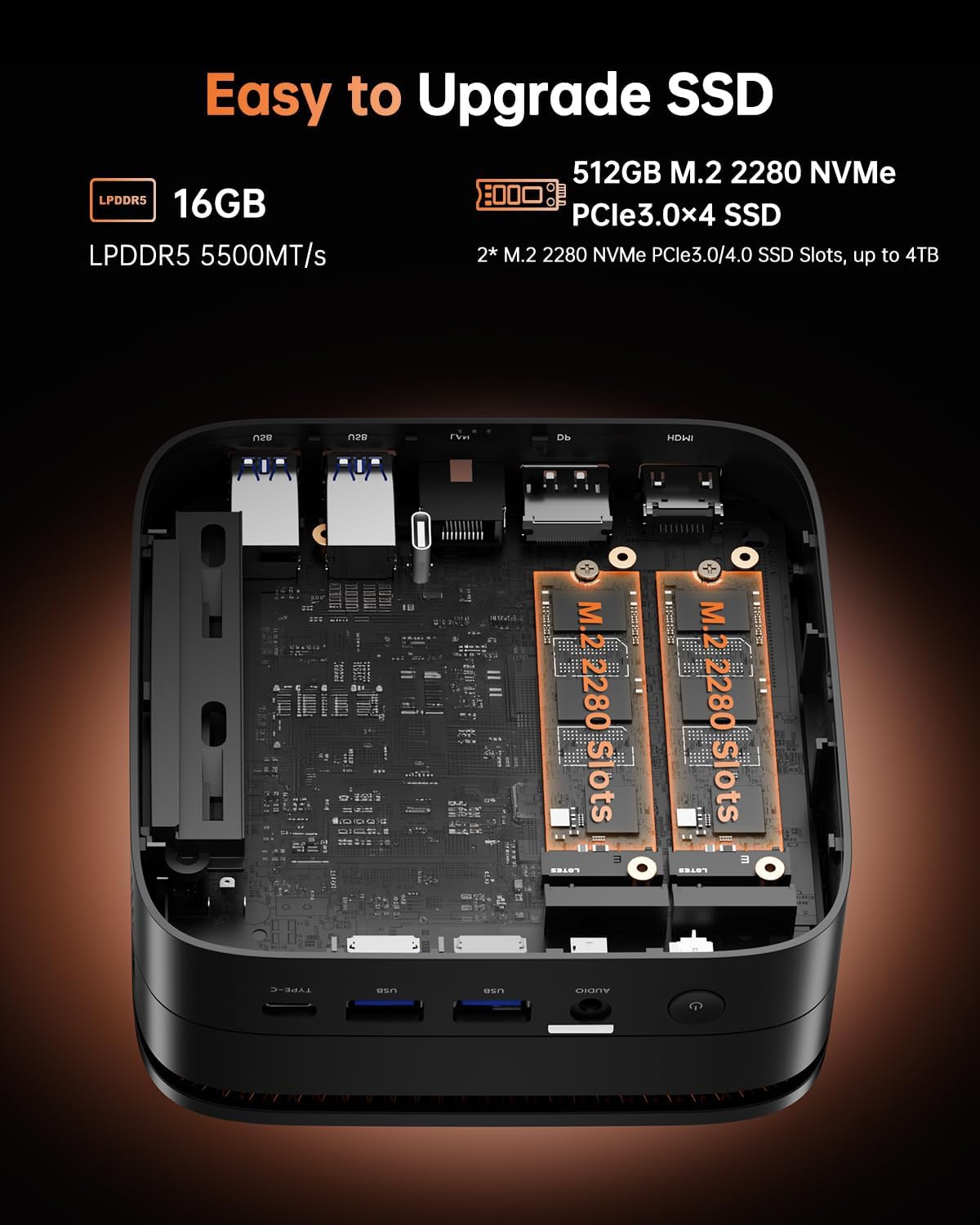
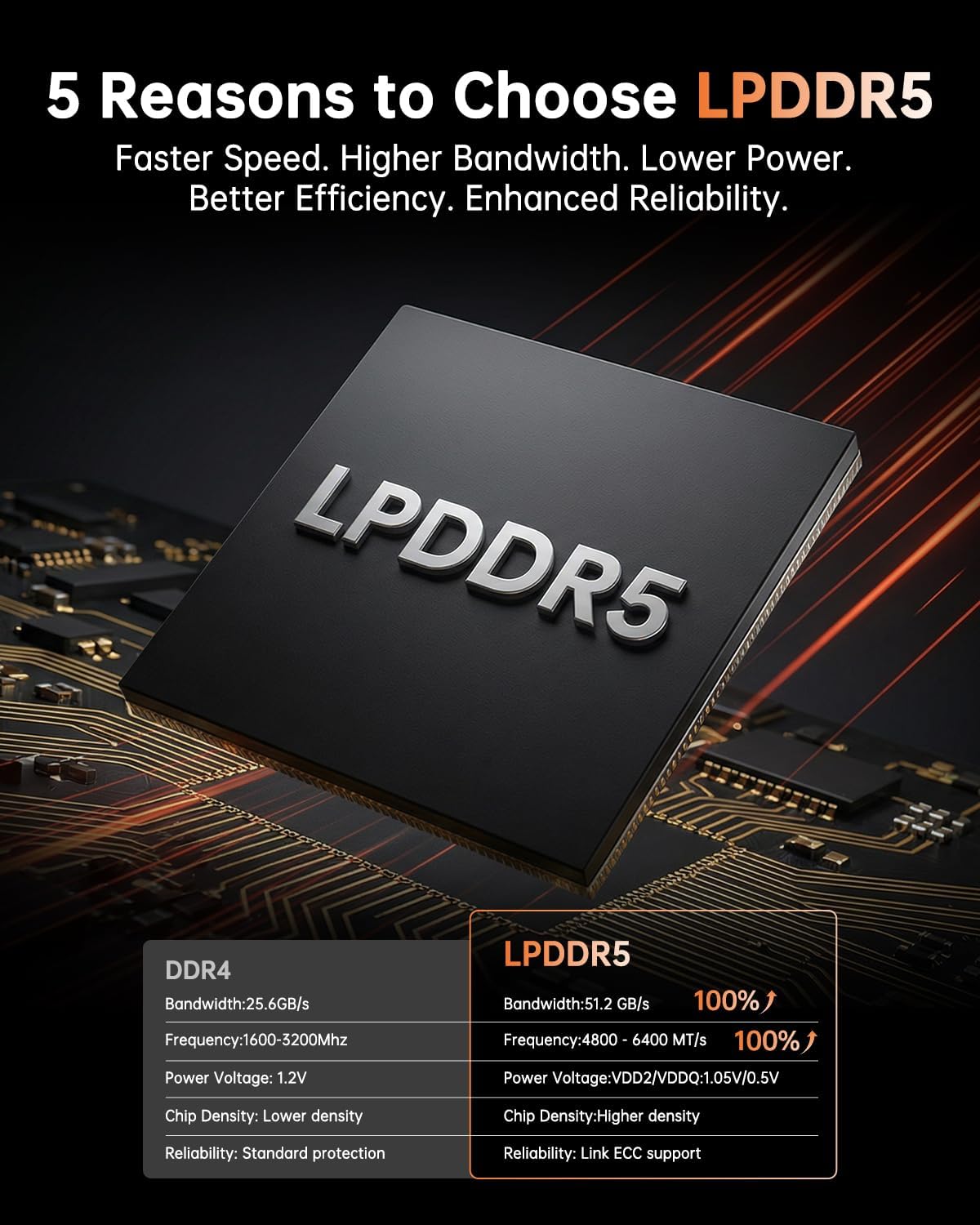
This KAMRUI Mini PC packs a Ryzen 7 7735HS into a compact chassis, delivering a balance of processing power and efficiency. It’s designed to handle heavy multitasking, content creation, programming, and light gaming, all from a small form factor that fits in tight desks or media setups. With 16GB of LPDDR5 RAM and a 512GB NVMe SSD (upgradeable to 4TB), you’ll have a responsive system for everyday work and creative tasks, plus room to grow storage as your library expands.
How it’s built for performance
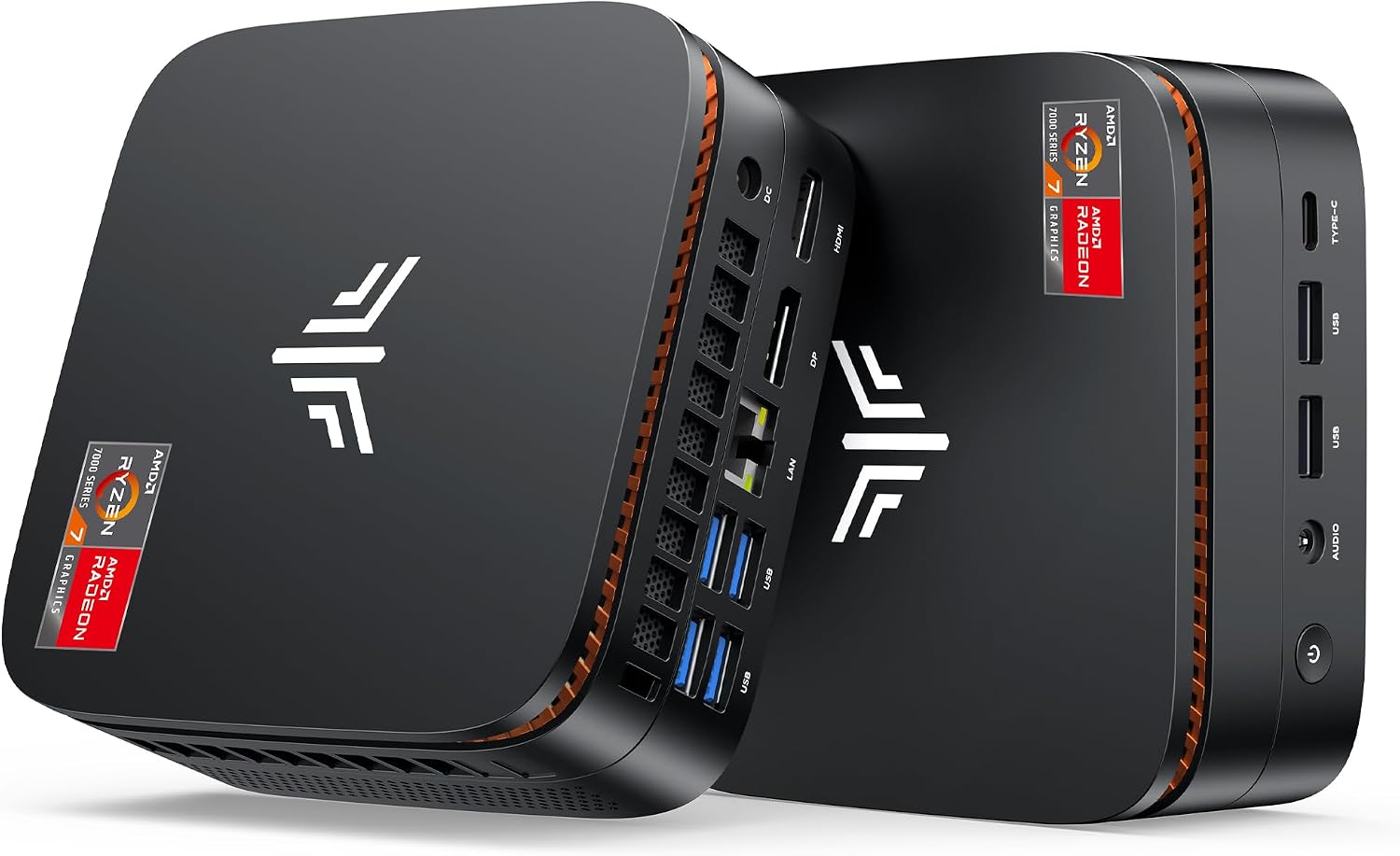
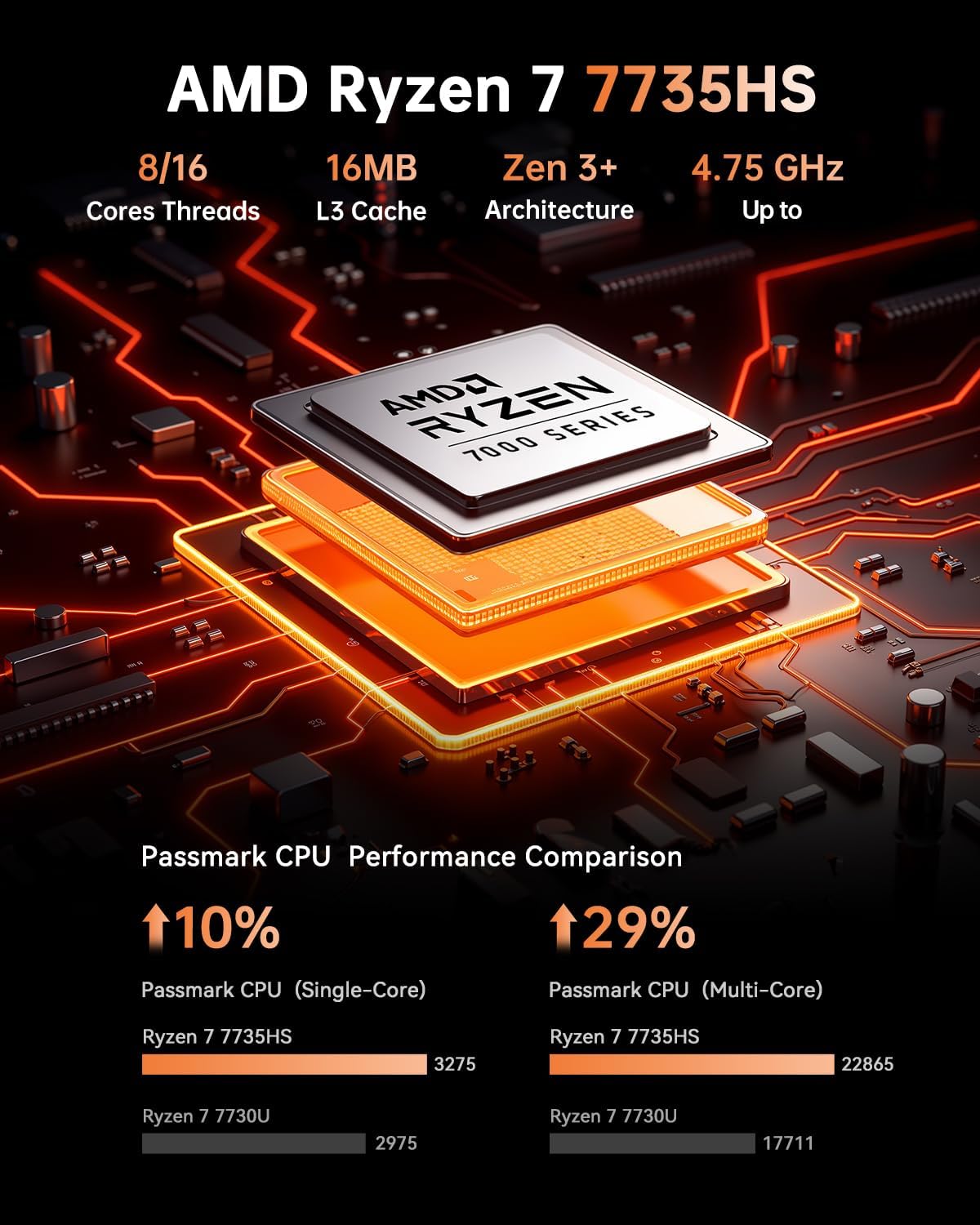
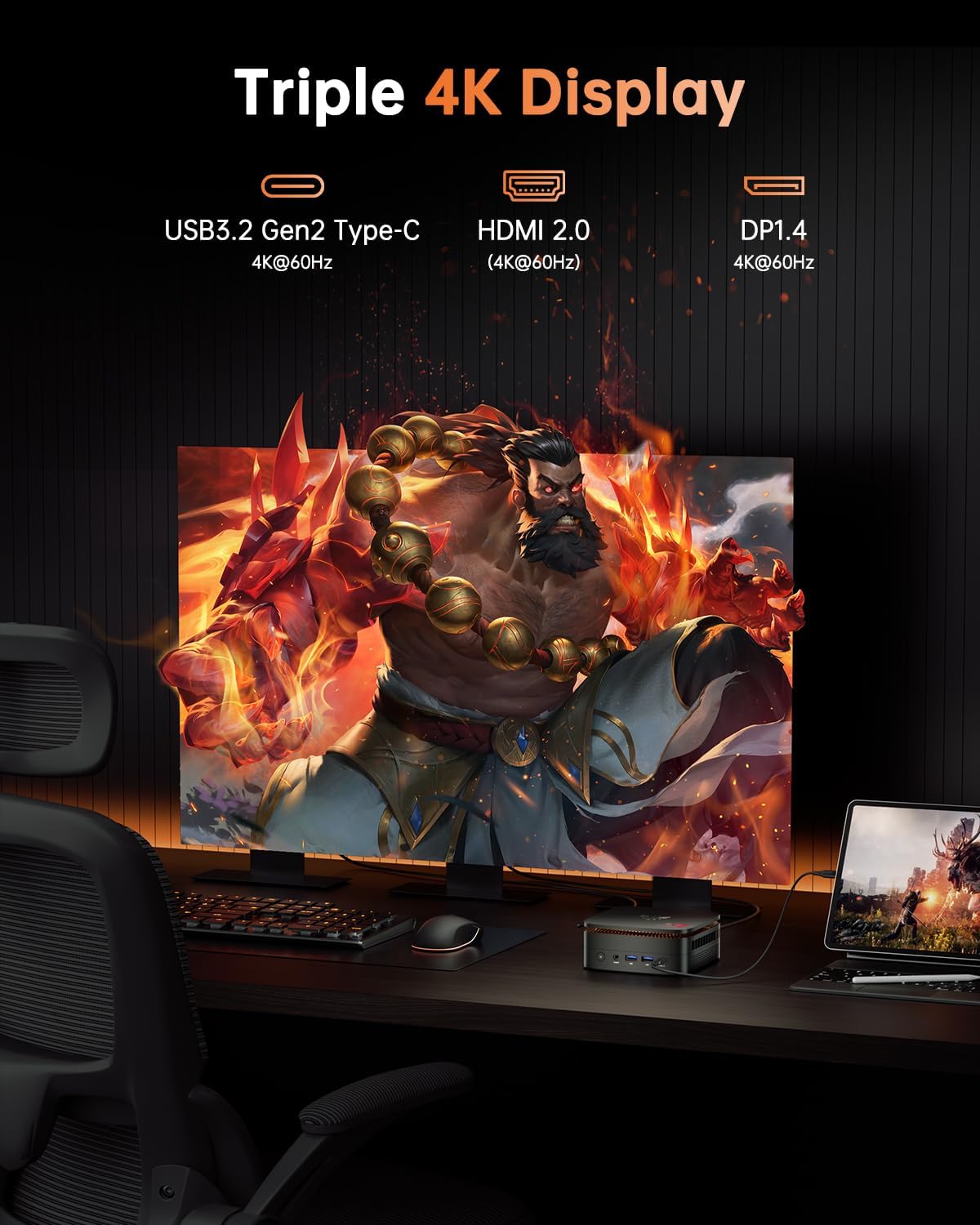
The 7735HS is an 8-core / 16-thread CPU with a boost up to 4.75GHz. In practice, that translates to snappy app launches, smoother multi-tab browsing, and steadier performance under sustained workloads compared to many mainstream U-series options. The integrated Radeon graphics (12 cores, up to 2200MHz) support 4K at 60Hz across up to three displays, thanks to HDMI 2.0, DP 1.4, and a USB-C port with DisplayPort 1.4 support. If your workflow includes 4K video editing, color grading, or exporting large projects, you’ll notice the benefit of having a capable GPU in a tiny footprint.
What to expect visually and ports-wise
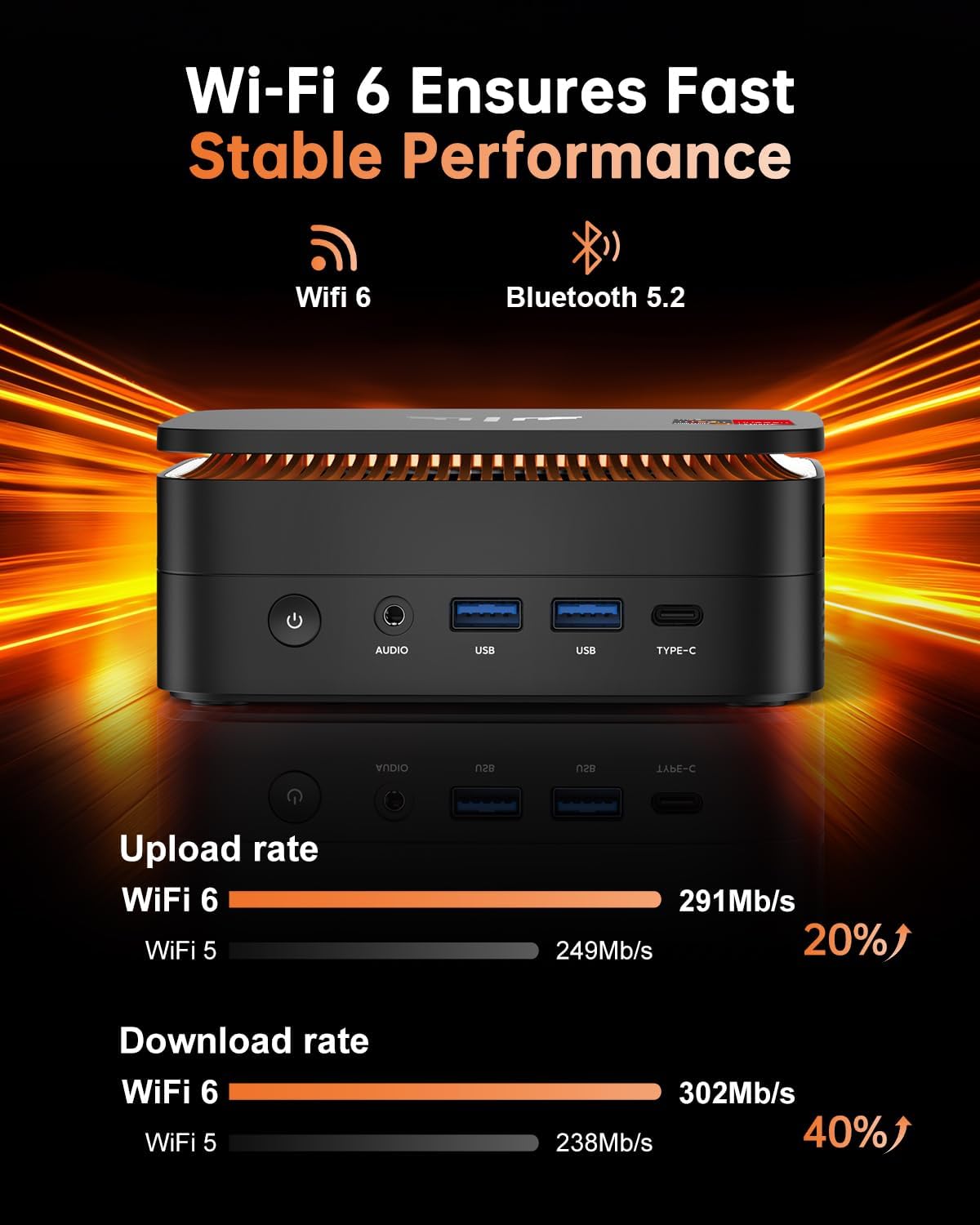
This mini PC is designed for a clean, space-efficient setup. It measures roughly the footprint of a small notebook, and the cooling system is built to keep temperatures in check during longer sessions. Connectivity is strong: WiFi 6 and Bluetooth 5.2 provide responsive wireless peripherals, while a 2.5Gbps LAN port offers fast wired networking for file transfers and conferencing. On the ports side, you’ll find two USB 3.2 Gen 2 Type-A, four USB 3.2 Gen 1 Type-A, a Type-C with DP 1.4 and PD output, plus HDMI 2.0, DP 1.4, and a 3.5mm jack for audio.
Why it stands out for a certain workflow
If you value a desk-friendly machine capable of light gaming, streaming, and office tasks without a loud fan or bulky tower, this model is worth considering. The cooling system is described as professional-grade with an aluminum heatsink, aiming to sustain performance under heavier workloads. The dual M.2 slots (PCIe 3.0/4.0) allow storage expansion up to 4TB, which is practical if you keep large media libraries or local project files.
Pros
- Compact size with a capable CPU and plenty of RAM for multitasking
- Supports three 4K displays for multitasking or content creation setups
- Fast wired and wireless networking options (2.5GbE, WiFi 6, BT 5.2)
- Upgradeable storage up to 4TB and flexible M.2 slots
- Efficient cooling that aims to reduce throttling during extended use
Cons / Considerations
- It’s a compact mini PC aimed at mid-range performance, if you need flagship gaming performance or heavy 3D workloads, you may outgrow it sooner. The GPU is integrated, dedicated graphics will still yield better frame rates in demanding titles.
- While 16GB RAM is solid for many tasks, heavy content creation or virtualization could benefit from more memory in the future.
- The footprint is small, but cable management and proper ventilation around the unit still matter to maintain airflow.
Who it’s for
This machine fits developers, content creators, students, and professionals who want a space-saving PC capable of everyday productivity, light gaming, and 4K multitasking across multiple screens. It’s also appealing for users who need a quiet desktop solution with reliable network connectivity and ease of expansion.
Who it isn’t for
If your primary need is high-end AAA gaming or heavy 3D rendering with top-tier frame rates, you’ll likely want a system with a discrete, powerful GPU. For heavy virtualization or RAM-intensive workloads beyond 16GB, you may also want a plan that accommodates more memory.
When it makes sense to buy
- You want a compact PC that can drive three 4K displays for productivity or media production.
- You need fast wired networking and reliable WiFi 6 for video conferencing and large file transfers.
- You’d benefit from a modestly powerful processor that stays efficient under load and fits in a small workspace.
What to review before purchasing
- Confirm your storage needs and the upgrade path to 4TB SSD if you anticipate large local libraries or datasets.
- Check display requirements to ensure your monitors and cables support the triple-display setup (HDMI 2.0, DP 1.4, USB-C with DP).
- Consider cooling and placement to maximize airflow in your workspace, especially if the unit will run heavy workloads for extended periods.
Practical use case
A typical day could start with multiple browser windows and a couple of IDEs open, while a video is rendering in the background and a 4K conference is running on the third display. The system should feel responsive, with no disruptive slowdowns when switching between tasks or exporting a project.
FAQ
- How many displays can you run at 4K? Up to three displays at 4K@60Hz (HDMI 2.0, DP 1.4, USB-C with DP).
- Can I upgrade the storage? Yes, there is a 512GB NVMe SSD with expanding potential up to 4TB via M.2 slots.
- Is it suitable for gaming? It handles light gaming and casual titles well, for demanding games at high settings, expect limited headroom compared to systems with discrete GPUs.
Final verdict
Is it worth it? Worth considering if you want a compact, quiet PC that can handle multitasking, light gaming, and 4K output across three screens, with room to grow storage. If your needs skew toward top-tier gaming or heavy virtualization, you may want to explore higher-spec options. This model shines as a space-saving, versatile workstation with solid all-around performance for its size.