

Norton Utilities Ultimate for 10 Devices: A Practical Clean-and-Boost Toolkit
Product description
What it is
Norton Utilities Ultimate for 10 Devices is a downloadable suite designed to optimize Windows PCs, Android, and iOS devices. It focuses on reclaiming storage, speeding up devices, and preserving overall health by automated cleaning and maintenance tasks. On the paper, it positions itself as a multi-device solution for users who want a single license that covers a household or small team.
What it does
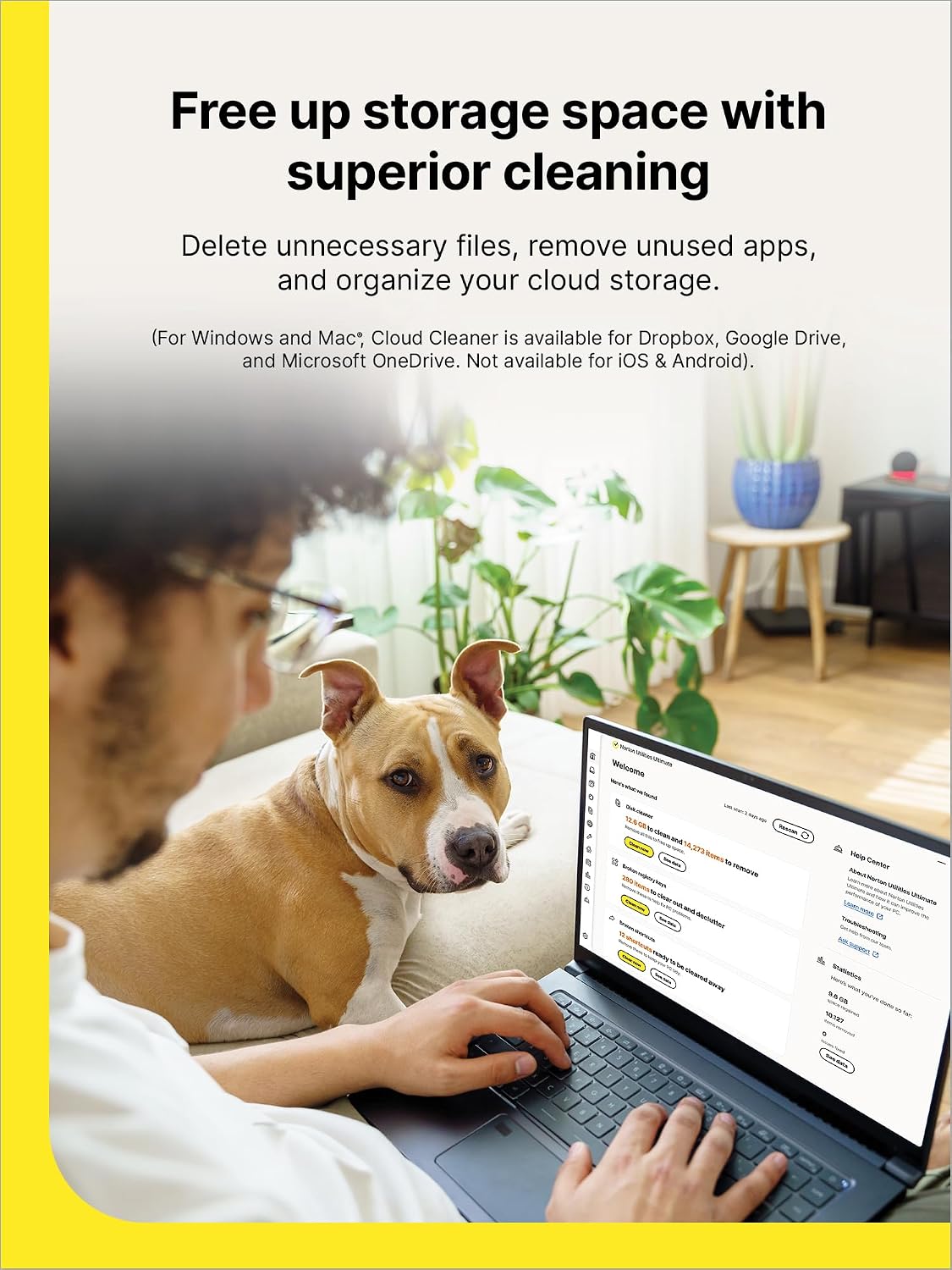
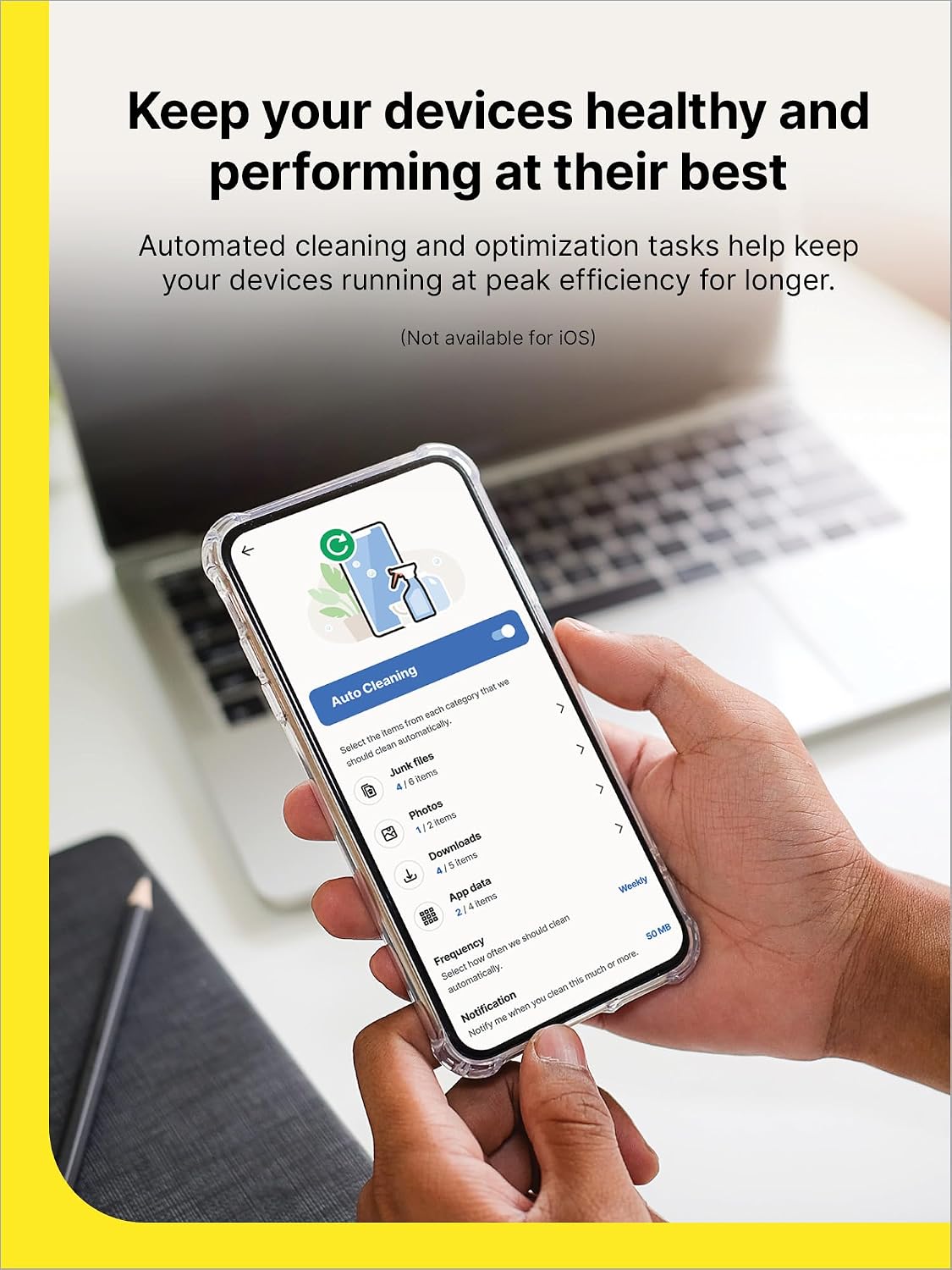
The core ideas are straightforward: remove clutter, uninstall unused apps, and tidy cloud storage to free space, reduce background app activity and fix common problems to improve performance, keep devices healthy with ongoing automated maintenance, and enhance online privacy by deleting browsing and download histories, cookies, and other data. The goal is to deliver faster responses, smoother operation, and a sense of longer device longevity across Windows PCs, Android devices, and iPhones/iPads.
What stands out
The multi-device scope is notable—ten devices under one license can simplify management for households or small teams. The emphasis on reducing background activity and removing unnecessary apps can translate into tangible daily improvements, especially on older devices or when storage is tight. The privacy angle is a useful addition for users who want to minimize data traces from browsing in a single package.

What isn’t perfect (and when it may fall short)
Given this description, the product hinges on automated cleaning and optimization. If a device is already freshly set up with ample storage and minimal clutter, the impact may be modest. It isn’t clear from the provided materials how aggressive the optimization is, or whether some cleanup tasks could affect app data or user-preferred settings. Users who rely on heavy background processes or custom configurations might need to review what gets altered by automated actions.
Who it’s for
This suite targets practical users who juggle multiple devices and want a consolidated tool for storage management, performance tuning, and privacy cleanup. If you’re balancing a Windows PC alongside mobile devices and value a centralized approach to maintenance, this could be appealing. It’s less persuasive for users who only need a single-device solution or who require deep, granular control over every optimization step.
Who it isn’t the best fit for
If your devices are already running cleanly, or you rely on specialized software that requires precise background configurations, you may find the automated approach too broad. Those who prefer paying per-device or per-feature might also gravitate toward more focused options rather than a broad, one-license-for-10-devices package.

When to buy and when to pause
Consider buying if you manage several devices and want a unified maintenance workflow, plus a privacy cleanup in one package. If you don’t need cross-device coverage, or you have concerns about automated cleaning affecting specific apps, you might want to test on a single device first or opt for a smaller footprint tool.
What to check before purchasing
- Confirm compatibility with Windows, Android, and iOS devices in your current environment.
- Assess how the automated cleaning routines align with your usual app usage and privacy needs.
- Consider whether a single license for 10 devices matches your household or small-team setup and whether you may need more seats.
- Look for any documented limitations on cloud storage organization and background-process control to set expectations properly.
Practical usage notes
In daily use, you might run periodic automated cleanups to reclaim space and reduce background activity. If you notice a notable slowdown after an update or new app install, a targeted cleanup could help, but it’s reasonable to expect diminishing returns on newer devices with ample storage.

How it compares (intrinsic alternatives)
If you’re choosing between this multi-device Norton option and a more granular, single-device cleaner, the main difference is scope. For families or small teams, the convenience of one license may outweigh the benefit of extra control. For power users who need tailor-made cleaning rules per device, a more selective solution could be preferable.
FAQ snapshot
- Does it remove essential data when cleaning? The description emphasizes freeing space and removing unnecessary files, but you should review automated actions to ensure you’re comfortable with what gets deleted.
- Will it speed up a very new device? It can help reduce background activity and unwanted apps, but on newer devices with ample resources the impact may be smaller.
- Is privacy cleaning included for all platforms? Yes, it includes deleting browsing and download histories, cookies, and related data across supported devices.
Is it worth it?
Final verdict: Worth considering if you need centralized maintenance across multiple Windows, Android, and iOS devices and you value a single license covering up to 10 devices. If you primarily use one device or require deep, per-device customization, you may want to evaluate whether a simpler or more targeted tool would fit your needs better.