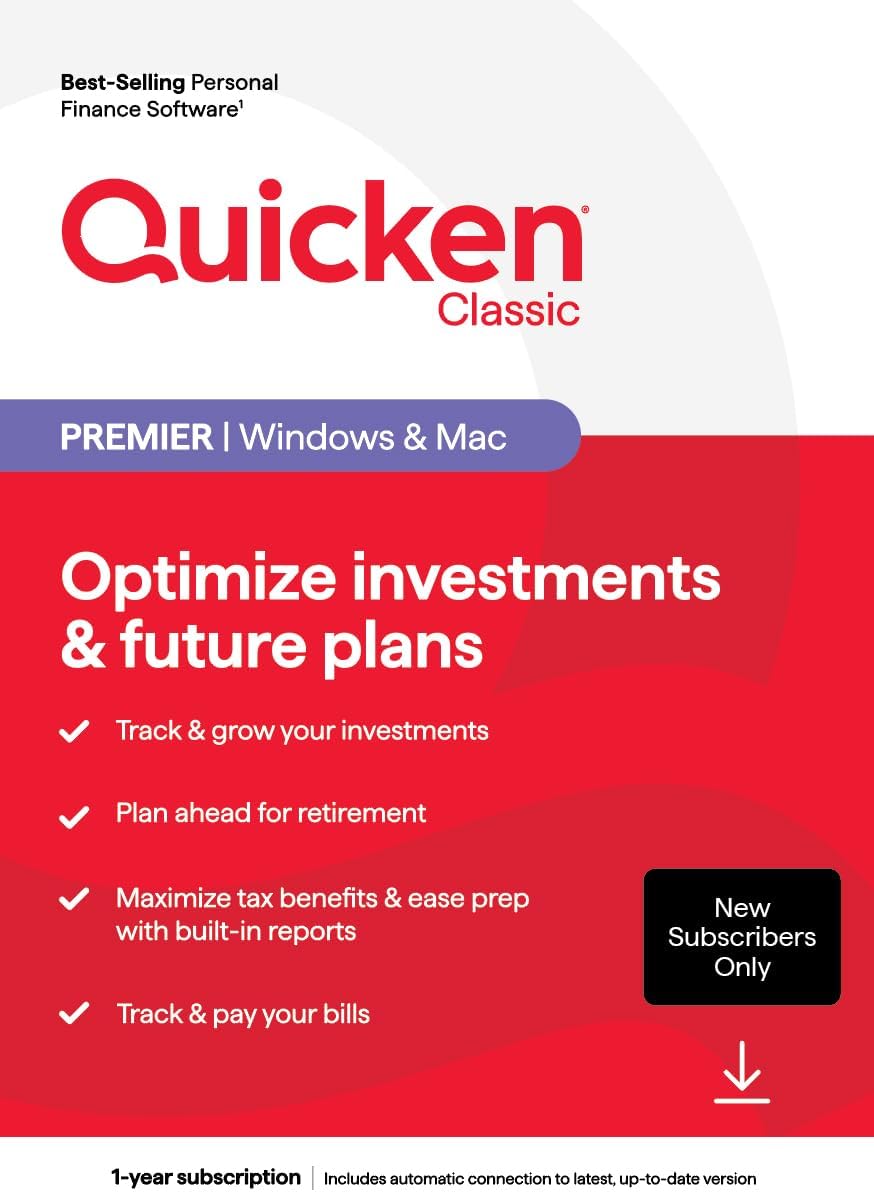
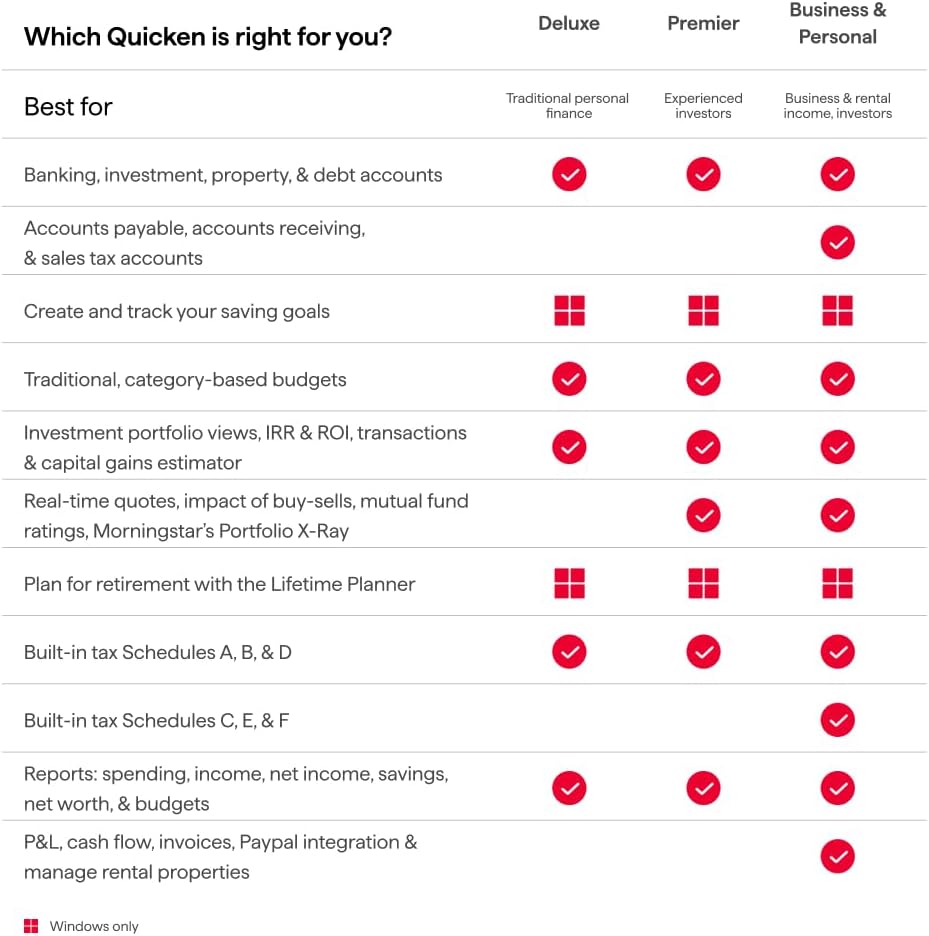
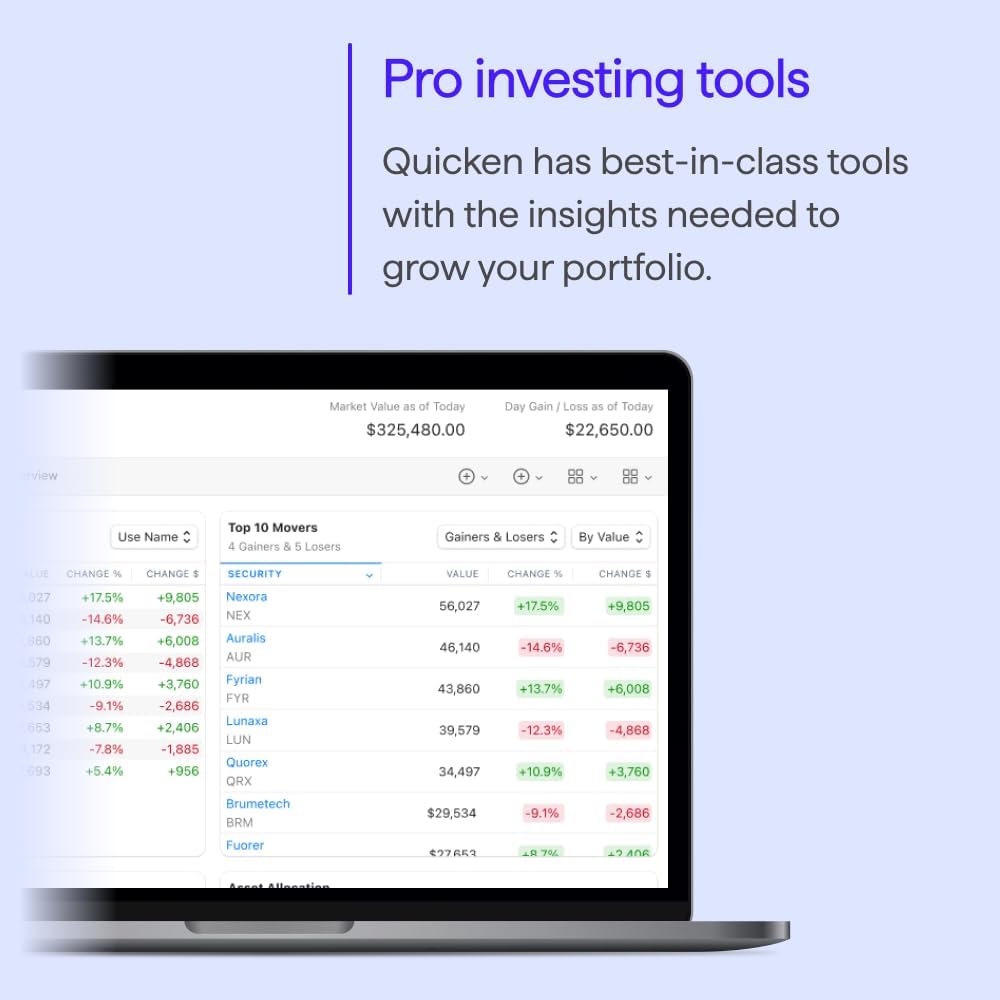
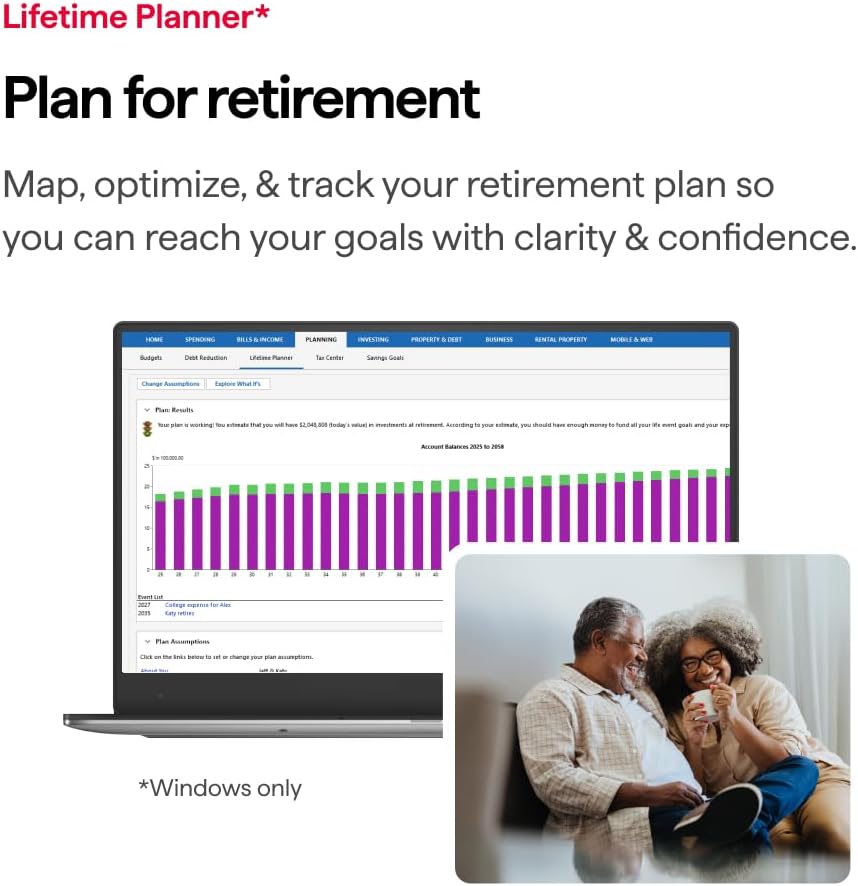
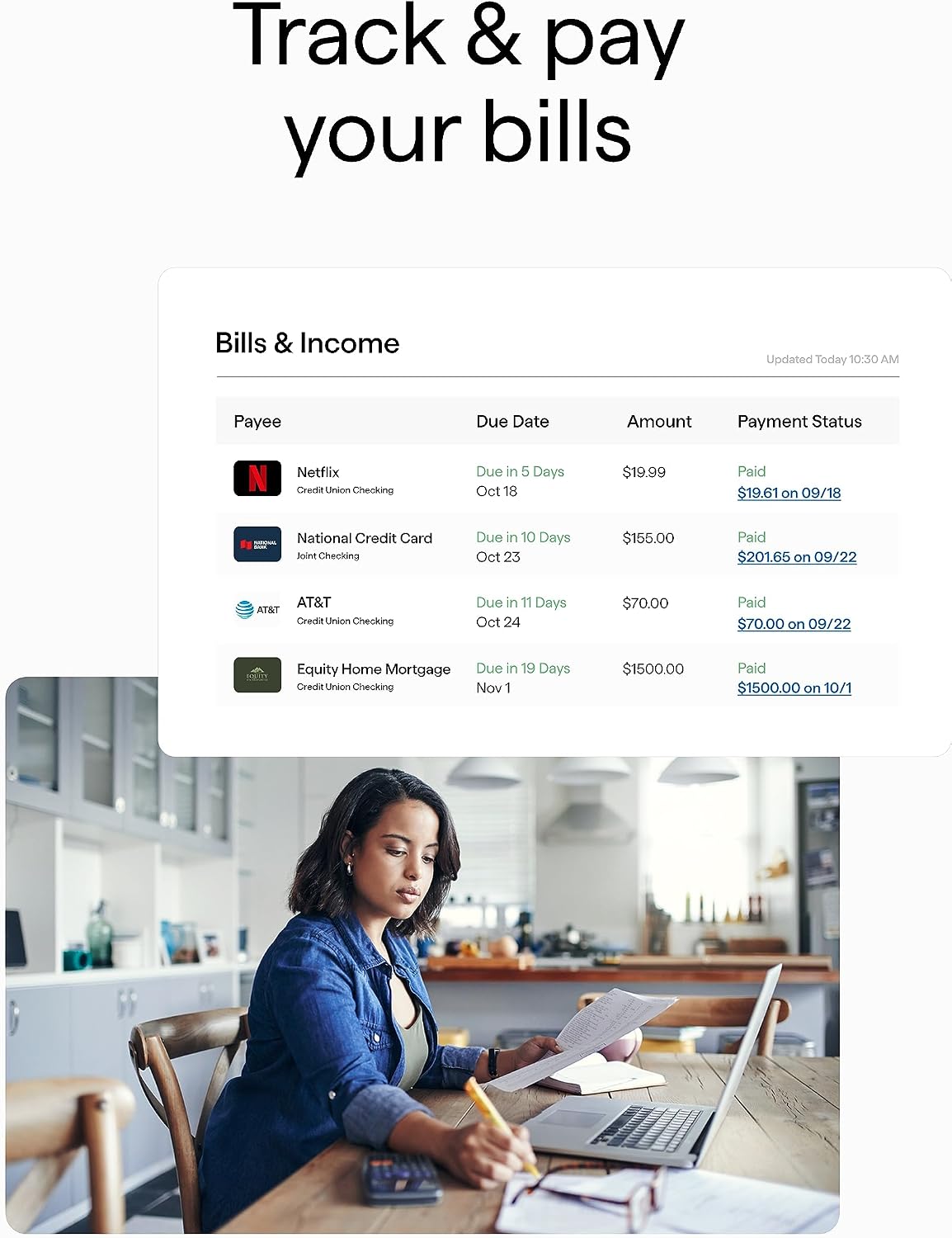
What it is and what it aims to solve\nQuicken Classic Premier for New Subscribers is a one-year subscription that runs on PC or Mac via an online code. It centers on organizing money matters in one place, with a focus on investments, retirement planning, tax efficiency, and bill management. If you’re looking for a single ecosystem to reduce the chaos of multiple apps or spreadsheets, this product offers a consolidated approach rather than a collection of stand-alone tools. On paper, it’s designed to help you keep an eye on how your investments grow, plan ahead for retirement, maximize tax benefits, and simplify bill payments.\n\n## The core benefits in plain terms\nThe strongest claim is tracking and growing investments with built-in reporting that can support tax planning and year-end prep. You also get retirement planning features and easy bill tracking and payment reminders. If your goal is to bring order to personal finance without juggling multiple apps, this package promises a coherent workflow from one dashboard.\n\n## What stands out and what may not\nWhat stands out is the integration of investment tracking with retirement planning and tax-oriented reports. It’s not just expense tracking, it’s a broader financial overview in one place. On the downside, the value hinges on how deeply you actually rely on the built-in reports for tax and retirement decisions. If your needs are minimal or you’re already embedded in a different ecosystem, the payoff could be smaller.\n\n## Who this is for\nThis is a reasonable fit for someone who prefers a single software suite to monitor investments, plan for retirement, and handle bill payments without a lot of extra steps. It can be appealing if you want to reduce manual data entry and maintain a centralized view of finances.\n\n## Who should proceed cautiously\nIf you only need basic budgeting or you already use an alternative platform for taxes or retirement planning, the Premier tier may feel overbuilt. Also, since this is a new-subscriber offer, it’s wise to confirm continuation options and renewal terms after the first year to avoid surprises.\n\n## When it makes sense to buy\nConsider this if you want an integrated experience across investments, retirement planning, tax prep, and bill management, all accessible from a single interface. It makes sense when you value built-in reports that streamline year-end tax considerations and you want reminders and tracking for upcoming payments.\n\n## What to review before purchasing\n- Clarify the exact scope of “built-in reports” and whether they cover your tax filing needs in your jurisdiction.\n- Check how investment tracking handles different asset classes and whether it supports the accounts you hold.\n- Look at renewal options after the 1-year period to avoid gaps in service.\n- Consider how the software handles security, data backup, and multi-device access if you use both PC and Mac.\n\n## Practical use idea\nImagine opening the dashboard on a Sunday to review how your taxable investments performed last quarter, then aligning those insights with retirement targets and upcoming bill payments for the month. The integrated view could save you time compared with juggling separate tools.\n\n## In-context comparison without naming brands\nIf you want an all-in-one financial assistant that blends investments, retirement planning, and bill management, this kind of software bundle can outperform separate apps that require manual data transfer. If you prefer modularity and more granular control over each area, you might lean toward specialized tools.\n\n## FAQ (based on available details)\n- Does it include tax filing features or only tax planning reports? The included materials reference built-in reports for tax benefits and year-end prep, but explicit filing capabilities aren’t detailed.\n- Are there limits on the number of investment accounts supported? The description notes investment tracking, but no specific account limits are provided.\n- Is there cross-platform synchronization between PC and Mac? The product mentions PC/Mac online code, implying cross-platform use, but synchronization specifics aren’t disclosed.\n\n## Is it worth it?\nWorth considering if you want a centralized system for investments, retirement planning, tax planning, and bill management within a single software suite. It may not be the best fit if you require deep tax filing capabilities or if you’re already deeply invested in a different ecosystem. If you prioritize convenience and an integrated workflow, this option has merit.