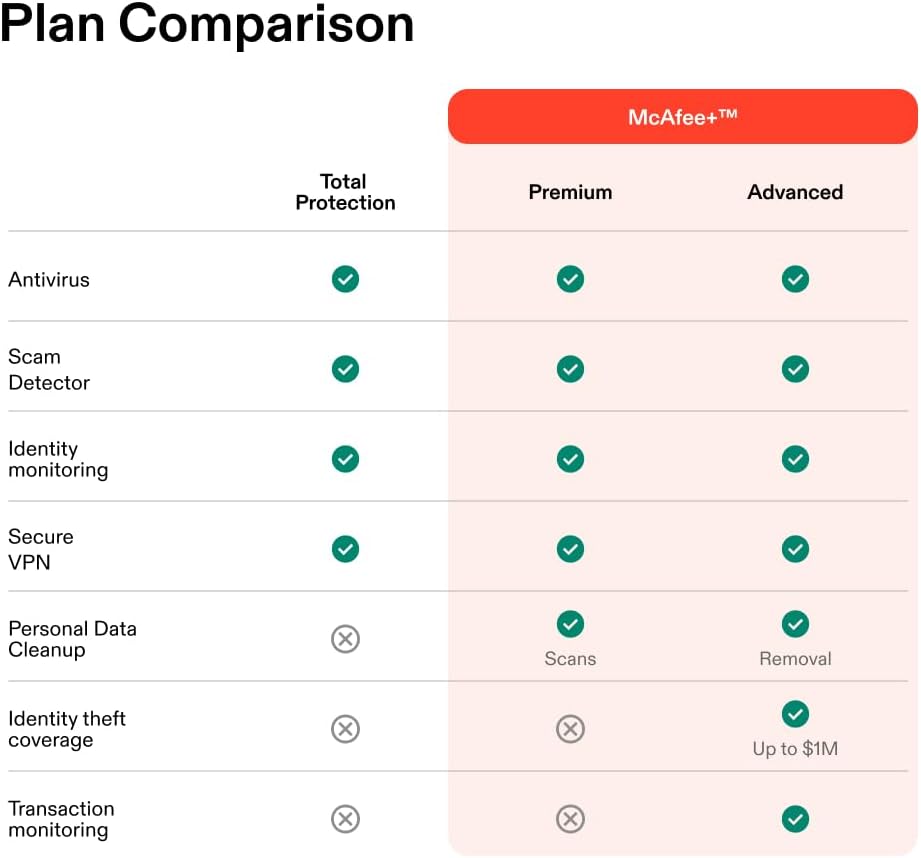
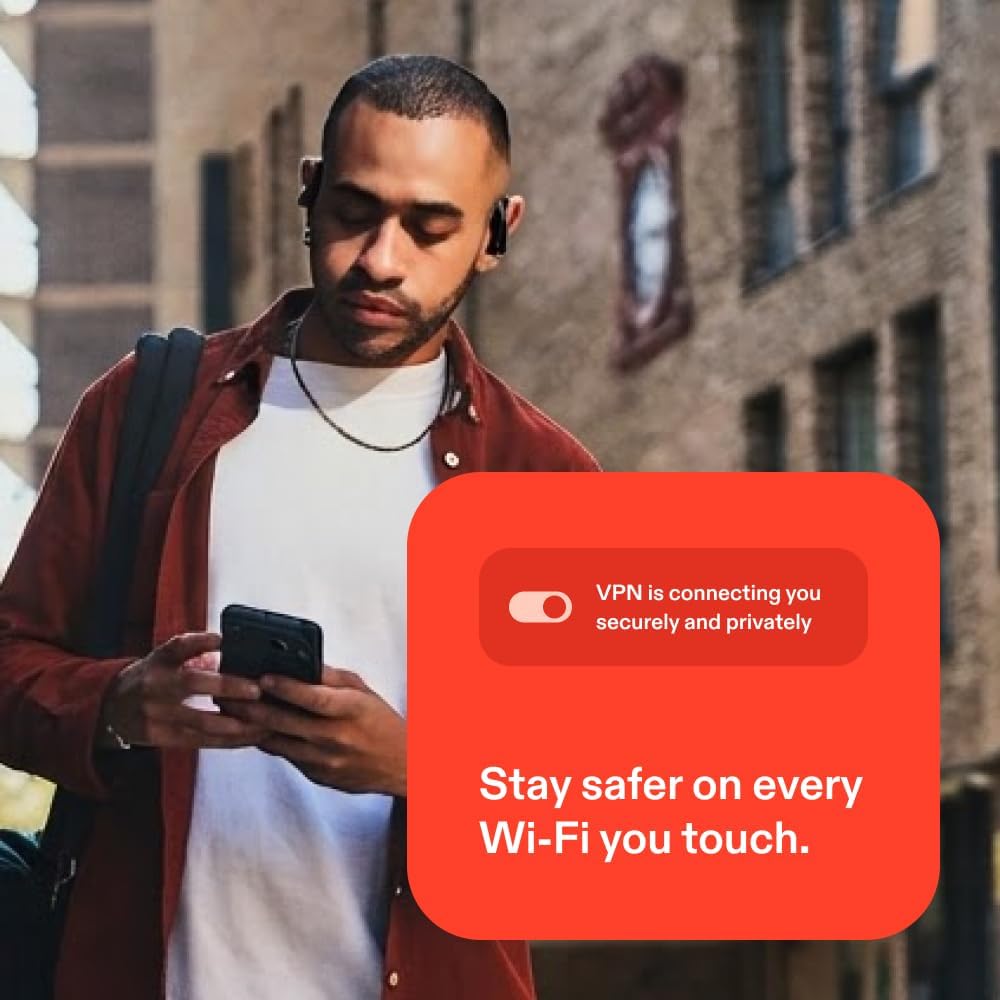
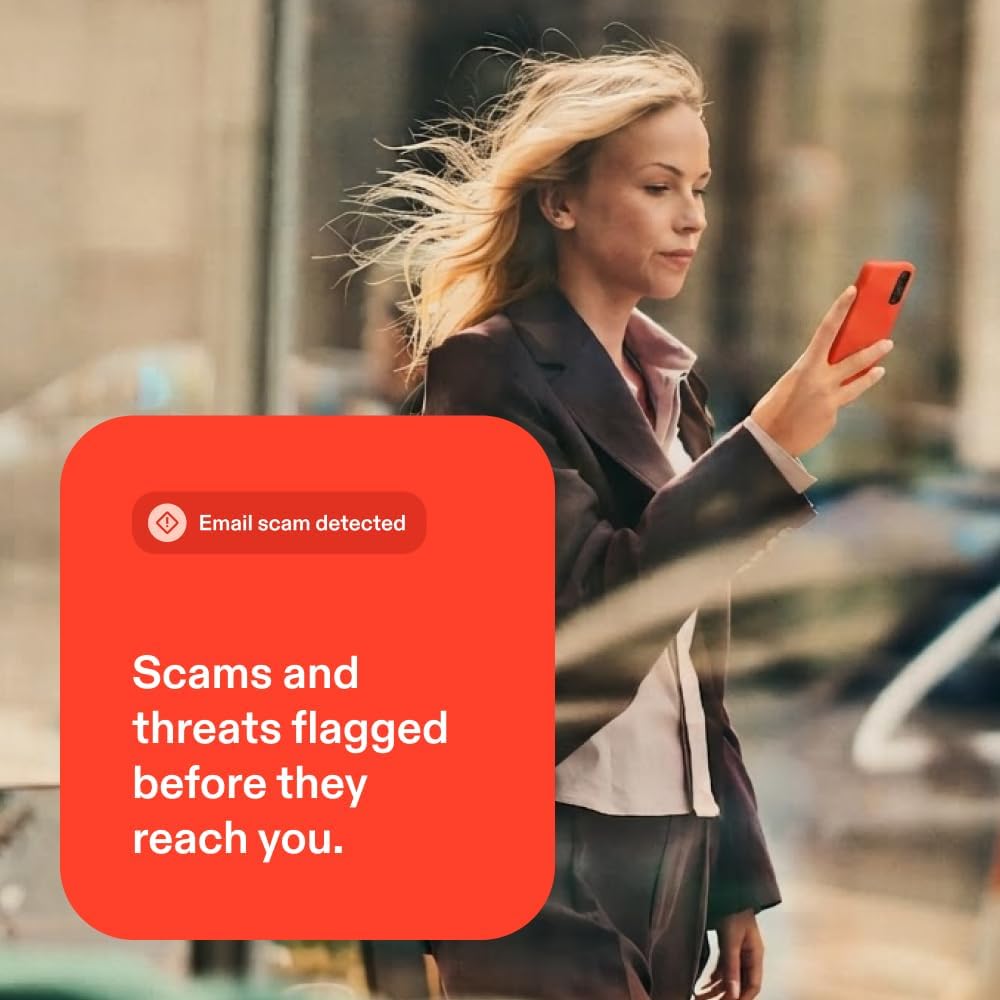
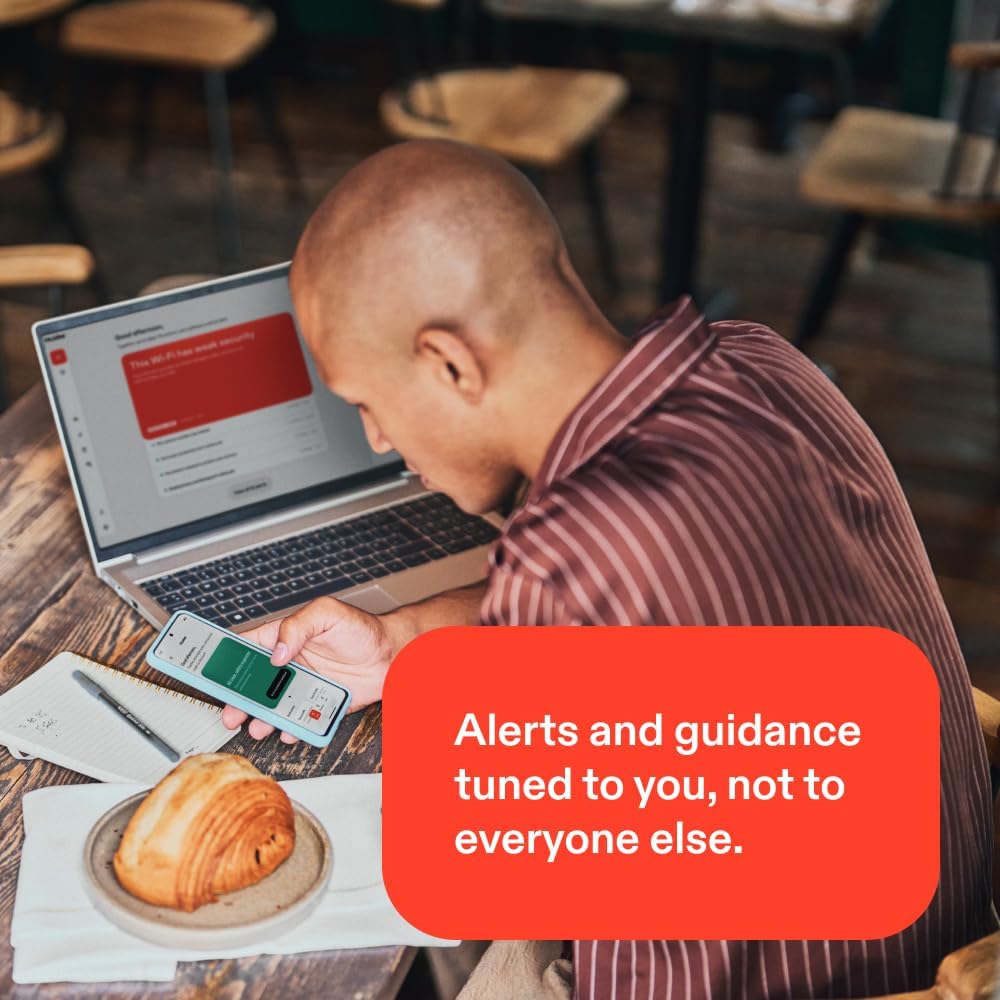
What it is\nMcAfee Total Protection 2026 is a multi-device antivirus and security suite designed to guard desktops, laptops, and mobile devices. On paper, it bundles real-time threat protection with scam detection, identity monitoring, safe browsing, a secure VPN, a password manager, and 24/7 customer support. The package emphasizes automatic renewal to keep protection uninterrupted, with activation via a digital code and straightforward cancellation from your account.\n\n## What it protects and how it helps\nThe core promise is comprehensive device security: real-time protection against malware, phishing, and other threats that target data on phones, tablets, and computers. The system also flags risky texts, emails, and videos, and can check social messages and QR codes for scams on demand—useful if you’re constantly on the go. The Secure VPN aims to provide private browsing, especially on public Wi-Fi, while the Safe Browsing feature guides you away from dangerous links and sites. Identity monitoring runs 24/7 and scans the dark web for the personal and financial information you care about, offering alerts if something noteworthy pops up. The password manager helps create and store strong credentials, and auto-fill reduces friction for everyday logins.\n\n## Key features and benefits\n- Real-time threat protection across up to 3 devices helps keep malware and zero-day risks at bay.\n- Scam detector adds an extra layer by trying to identify risky communications and media before you click.\n- Secure VPN provides private, supposedly fast connections when you’re on public networks.\n- Identity monitoring covers a broad set of data types and signals potential exposures early.\n- Safe Browsing helps you avoid phishing and risky sites, supporting safer online sessions.\n- Password manager creates strong passwords and stores them securely, simplifying login workflows.\n- 24/7 customer support offers help by phone or chat, plus troubleshooting resources.\n- Instant code download means activation instructions arrive via email right after purchase.\n\n## What to consider before buying\n- Auto-renewal is built in to maintain continuous protection, but you’ll be charged at renewal per the price in effect at that time. If you prefer not to renew automatically, you can cancel through your account.\n- The value relies on a multi-device license, if you only need protection for a single device, this package may feel larger than needed.\n- Some users may find VPN performance varies by location and network, so real-world speeds can differ from expectations.\n\n## Should you buy it? (Who it’s for)\nIf you want broad, all-in-one security across multiple devices with extras like identity monitoring and a password manager, this suite is appealing. It’s particularly suitable for households with several devices and users who value proactive scam detection and easy credential management.\nIf you mainly need minimal antivirus protection on a single device, or you’re comfortable using free alternatives, this may feel like overkill. And if you rely on non-McAfee password solutions, you might not need the included manager.\n\n## What to review before purchasing\n- Confirm the number of devices covered and ensure it matches your setup.\n- Understand the renewal terms: timing, price at renewal, and how to cancel if needed.\n- Consider how often you use public Wi-Fi and whether the VPN meets your expectations for privacy and speed.\n- Check compatibility with your operating systems and any ongoing security policies in your environment.\n\n## Practical usage example\nImagine you’re traveling and juggling work across a hotel Wi-Fi network and a mobile hotspot. The combination of real-time protection, scam detection on messages and QR codes, plus the VPN and password manager can help you stay safer without manually vetting every link or login.\n\n## FAQ\n- Does it cover all my devices under one plan? Yes, up to 3 devices are included.\n- How does the scam detector work in practice? It automatically flags risky texts, emails, and videos and can test social messages and QR codes on demand.\n- Can I cancel auto-renewal anytime? Yes, you can cancel from your McAfee account, activation has a digital code delivery after purchase.\n\n## Final verdict\nIs it worth it? If you prioritize multi-device protection with added safety nets like identity monitoring and a password manager, this McAfee suite offers a cohesive package. It’s a sensible choice for users seeking convenience and broad coverage, though it may feel like a step up in features if you only need basic antivirus on one device. If you value continuous protection and don’t mind the auto-renewal setup, this could be a solid fit for your home or small workspace.