

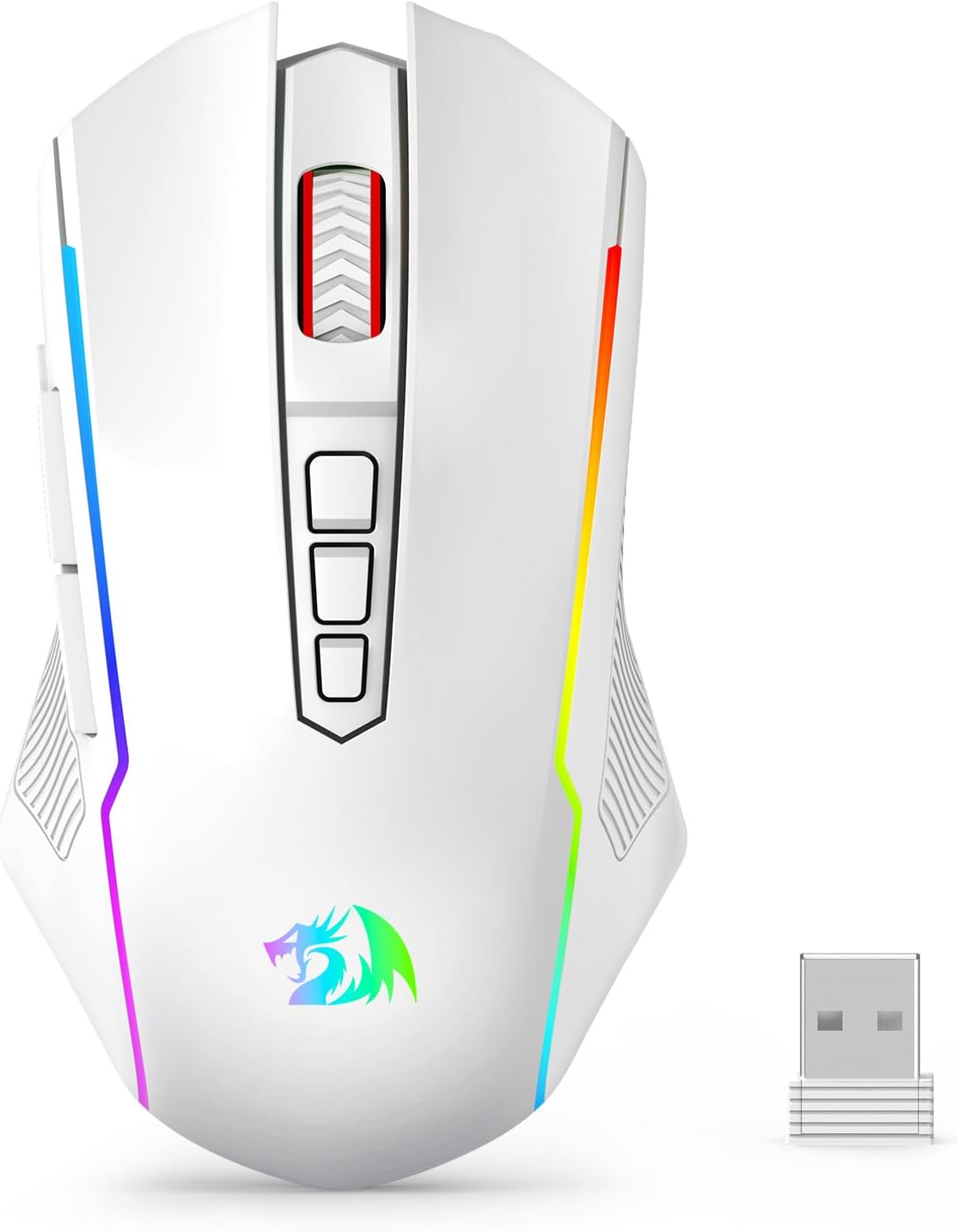
Redragon Tri-Mode Wireless Gaming Mouse (M914) – 12000 DPI, RGB, Fully Programmable
Product description
What it is and who it’s for
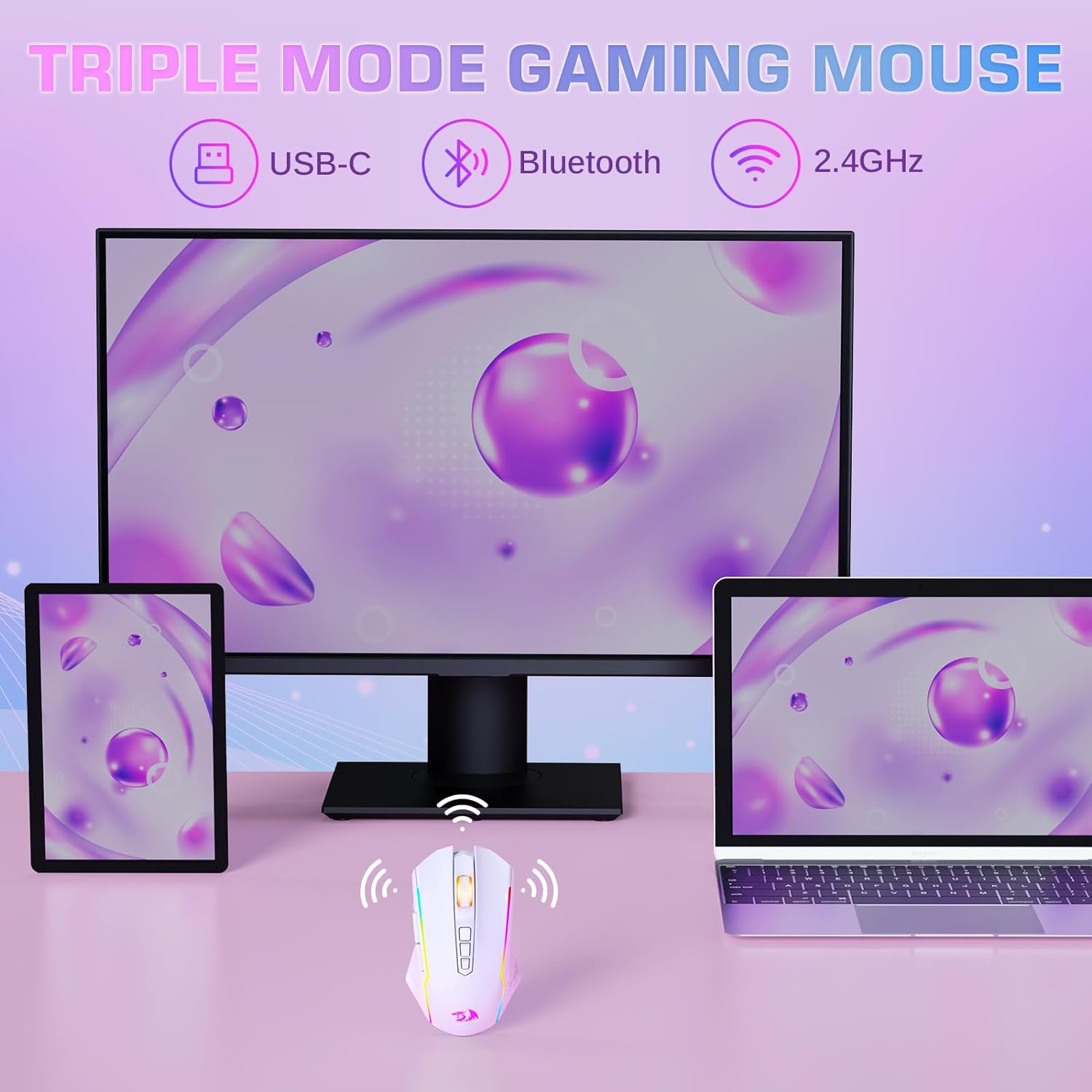
The Redragon Wireless Gaming Mouse is a versatile tri‑mode input device designed to bridge laptop, PC, and Mac setups. With 2.4G wireless, USB-C wired, and Bluetooth connectivity, it aims to keep you productive or competitive across multiple systems without swapping mice. If you value on‑the‑fly DPI adjustments, programmable macros, and multi‑color RGB lighting, it looks like a solid candidate to consider.
How the tri‑mode setup helps you
On paper, the three connection modes cover common use cases: quick wireless play on your PC via 2.4G, a wired connection for stable latency during intense gaming or design work, and Bluetooth for quick switching between a laptop and a tablet or phone. This flexibility can be convenient in mixed environments or when traveling with a single device capable of multiple OSes. However, note that the driver support is described as Windows‑centric and the driver’s macro customization is tied to 2.4G wireless and wired modes, which means some features may be limited depending on your setup.
Sensor and precision: what to expect
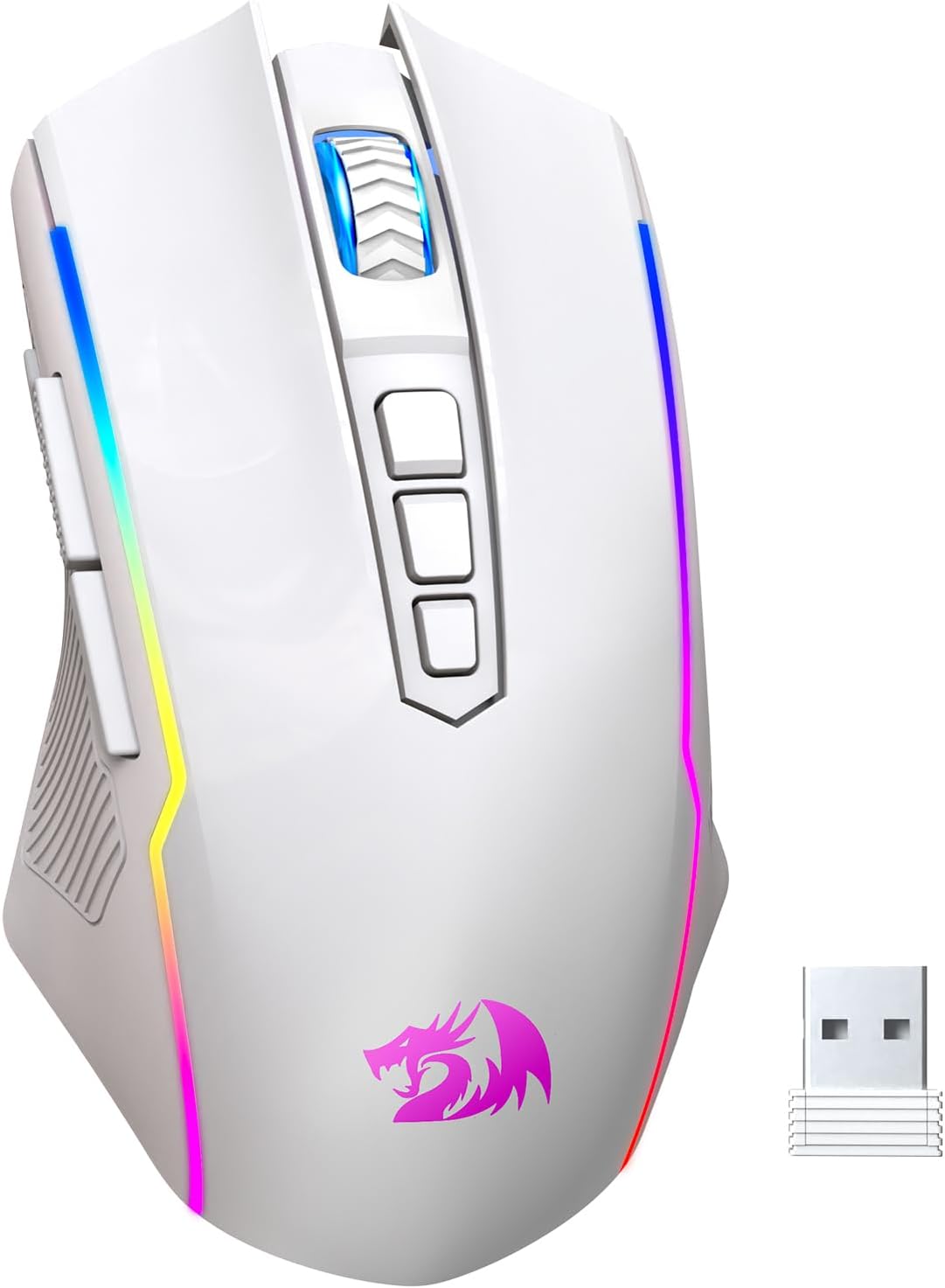
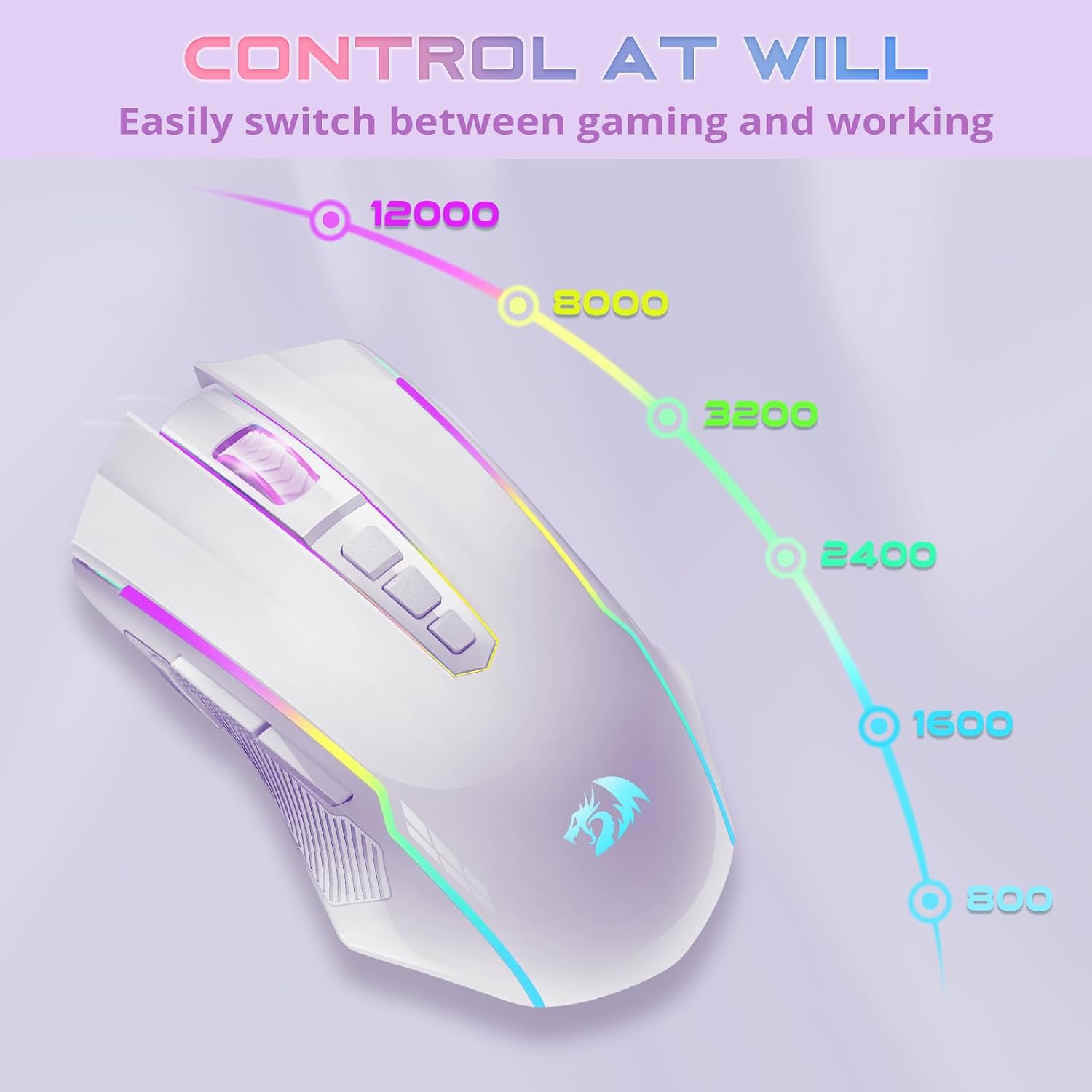
The M914 uses an advanced PAW3395 sensor, marketed to deliver precise tracking up to 12000 DPI with on‑the‑fly sensitivity control. If you’re chasing pixel precision for competitive games or precise graphic work, this is the core claim on paper. Realistically, DPI is a personal preference and depends on sensor consistency, surface, and acceleration settings. It’s worth testing on your typical surfaces to see if the tracking feels consistent at your target speed.
Customization and lighting
The mouse offers six preset RGB lighting effects and support for a broader color spectrum via the driver. If customization helps you feel in control or simply matches your gaming setup, this is a plus. The lighting is independent of performance, but keep in mind that RGB usage can impact battery life if you’re running in RGB‑heavy profiles for long sessions.
Battery life and portability
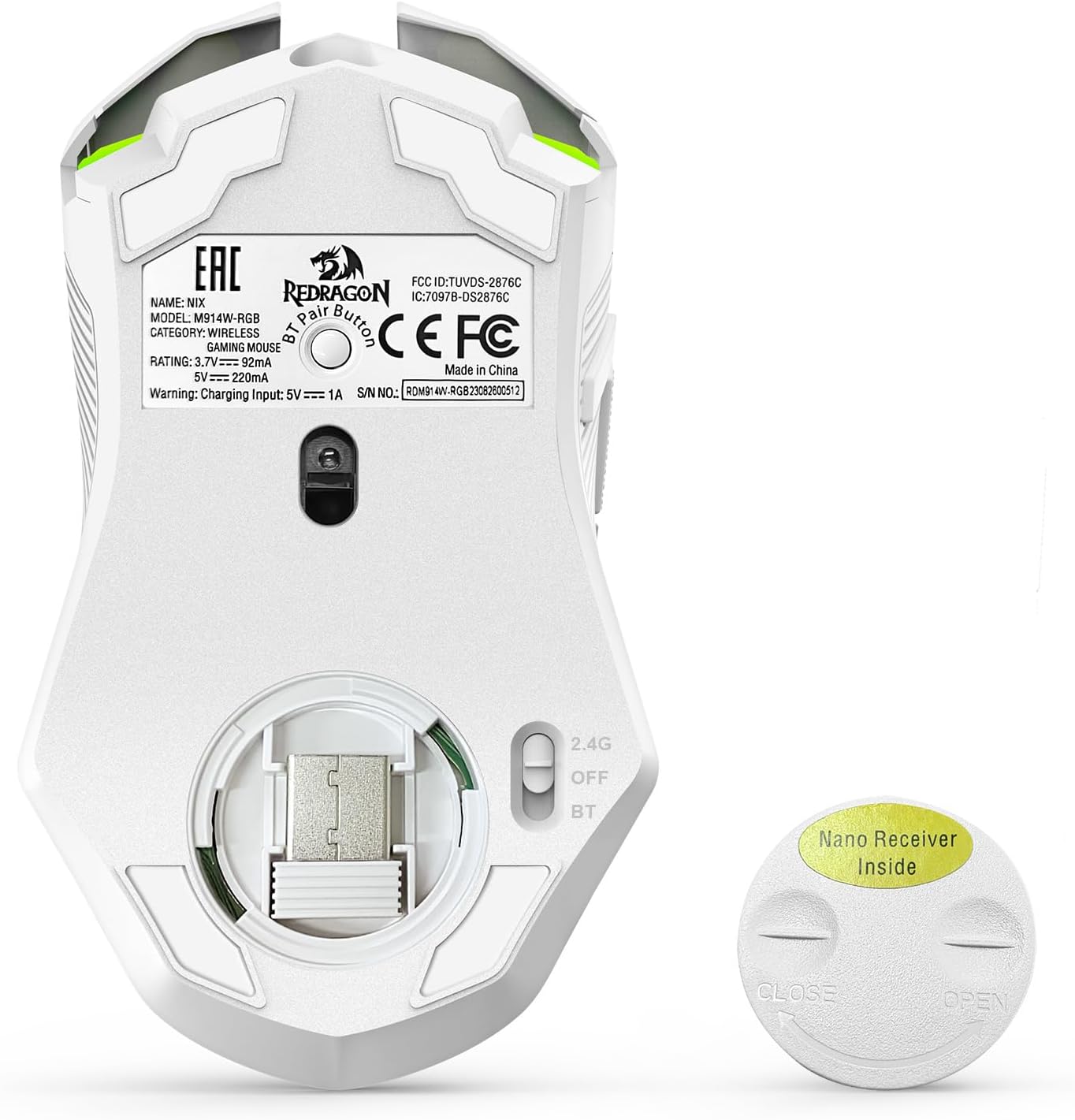
Redragon cites up to 70 hours of use in 2.4G mode with the RGB off, which is reasonable for many players who don’t want to recharge daily. The mouse auto‑sleeps after eight minutes of inactivity to save power, and it can double as a wired device while charging. If you travel often or game in different locations, this flexibility is a meaningful plus—and you won’t be stuck if the battery runs low during a session.
Build, ergonomics, and durability
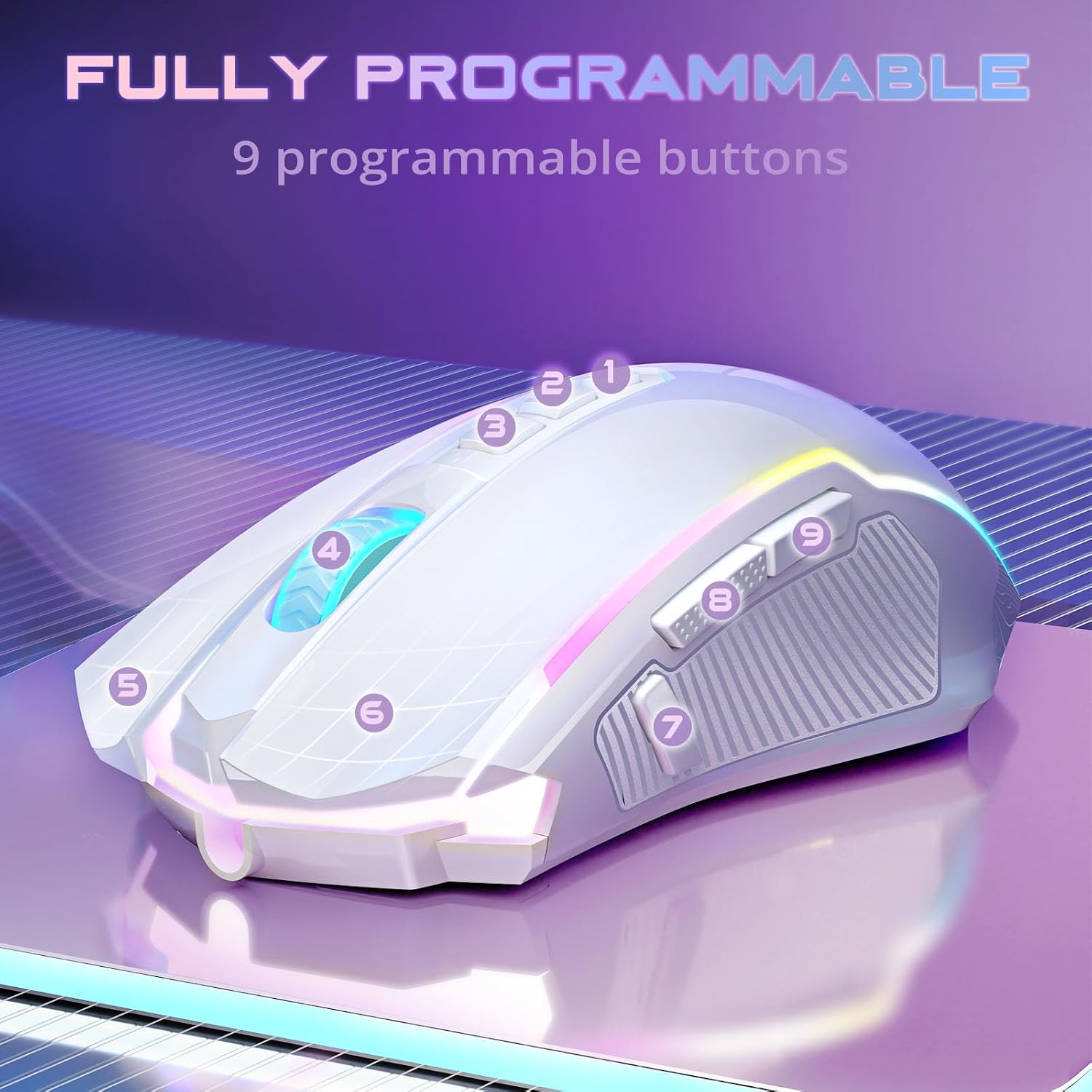
Beyond the connectivity and sensors, you’ll want to assess how the mouse feels in your hand. The base data don’t include measurements of weight, dimensions, or grip style, so it’s wise to verify that it fits your preferred hold (palm, claw, or fingertip) and isn’t too light or heavy for your taste. As with most gaming mice, long sessions can demand a comfortable shape and reliable buttons, the M914’s programmable buttons are designed to reduce repetitive actions through macros, but you’ll want to confirm if the button feel and throw suit your style.
Pros and cons at a glance
- Pros: Flexible tri‑mode connectivity, high‑end sensor with up to 12000 DPI, programmable buttons, RGB customization, substantial battery life with wireless use, wired charging compatibility.
- Cons: Driver features are described as Windows‑centric and tied to certain modes, some features may not be accessible on non‑Windows systems, lack of published weight and dimensions may leave users guessing about fit.

Who it’s for
If you switch between devices often, value on‑the‑fly DPI changes, and want a single mouse that covers gaming and work with reasonable customization, this model can fit your workflow. It’s likely more appealing to users who can leverage the tri‑mode versatility and want macro capability for complex actions.
Who might want to skip it
If you primarily use macOS or Linux, and rely on full macro customization across all modes, you may encounter driver limitations as described. If you don’t need 12000 DPI or extensive lighting, you might find a simpler option that’s easier to configure across ecosystems.
What to check before buying
- Confirm you can install and use the driver in your operating system to access the wireless and wired macro features.
- Try a test on your typical surfaces to gauge tracking accuracy and comfort with your grip style.
- Consider whether 6 RGB presets plus a broad color spectrum matches your needs for setup aesthetics and potential distraction in gaming or work.
- Verify if you need true Bluetooth compatibility for your devices and how often you switch devices during a session.
How it compares to alternatives
This mouse aims to balance multi‑device versatility with high DPI and macro customization. If you want a lighter, more compact model, or a mouse with broader macOS macro support, you may want to inspect other options. If you prioritize seamless cross‑platform macros and driver support beyond Windows, a model with explicit multi‑OS compatibility documentation could be a better fit. In short, it fits best for those who value a mix of gaming performance and cross‑device flexibility without committing to a single platform.
Final decision
Final verdict
If you prioritize multi‑device flexibility, a high‑precision sensor, and customization options in a single wireless package, this Redragon model is worth considering. It’s not perfect for every setup—drivers and OS support may limit some features, and exact ergonomics depend on your hand and grip. For users who frequently switch devices and want a long battery life with the option to use it wired while charging, this mouse can deliver practical value today.
Frequently asked questions
- How many devices can it pair with simultaneously? The entry describes tri‑mode connectivity across different modes, but simultaneous pairing specifics aren’t detailed.
- Can I use macros in macOS? The description notes Windows‑centric driver support for macro functions, so macOS macro accessibility may be limited.
- Is the DPI truly adjustable on the fly? Yes, DPI is adjustable on the fly via dedicated DPI buttons, with reprogrammable options via the driver for 2.4G and wired modes.
Is it worth it?
Worth considering if you need cross‑device flexibility, macro capability, and a high‑DPI sensor in a rechargeable wireless package. Better avoided if you require full cross‑OS macro support or a model with fully documented compatibility across macOS and Linux without relying on Windows drivers.