

NordVPN Standard, 10 Devices, 1-Year — VPN & Cybersecurity (Digital Code)
Product description
What it is and what problem it aims to solve
NordVPN Standard is a multi-device VPN and cybersecurity solution delivered as a digital code. It focuses on helping you secure your online activity, block intrusive ads, and scan downloads for malware or viruses. If you spend time on public Wi‑Fi, stream, work remotely, or simply want to keep private data safer across devices, this offer targets those needs without requiring extra antivirus software.
How it works on the ground
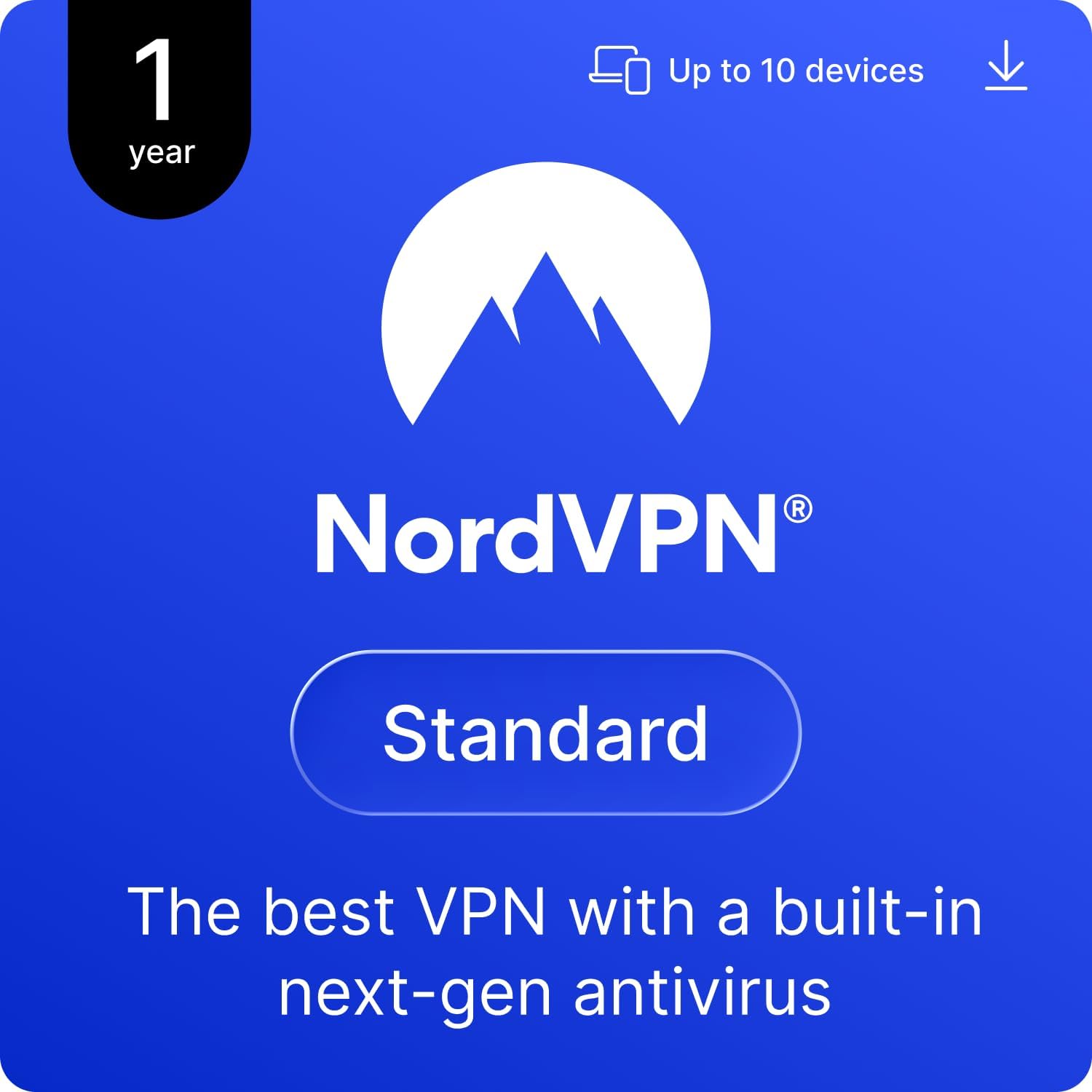
On paper, NordVPN changes your IP address and routes traffic through encrypted servers, which can reduce exposure on unfamiliar networks like coffee shops or shared offices. The suite includes features designed to alert you if your data leaks, via a Dark Web Monitor that can flag compromised credentials so you can take action sooner rather than later. The app works across many platforms—Windows, macOS, iOS, Linux, Android, and more—plus you have the option to extend protection to your router for whole-home coverage.
What stands out in day-to-day use
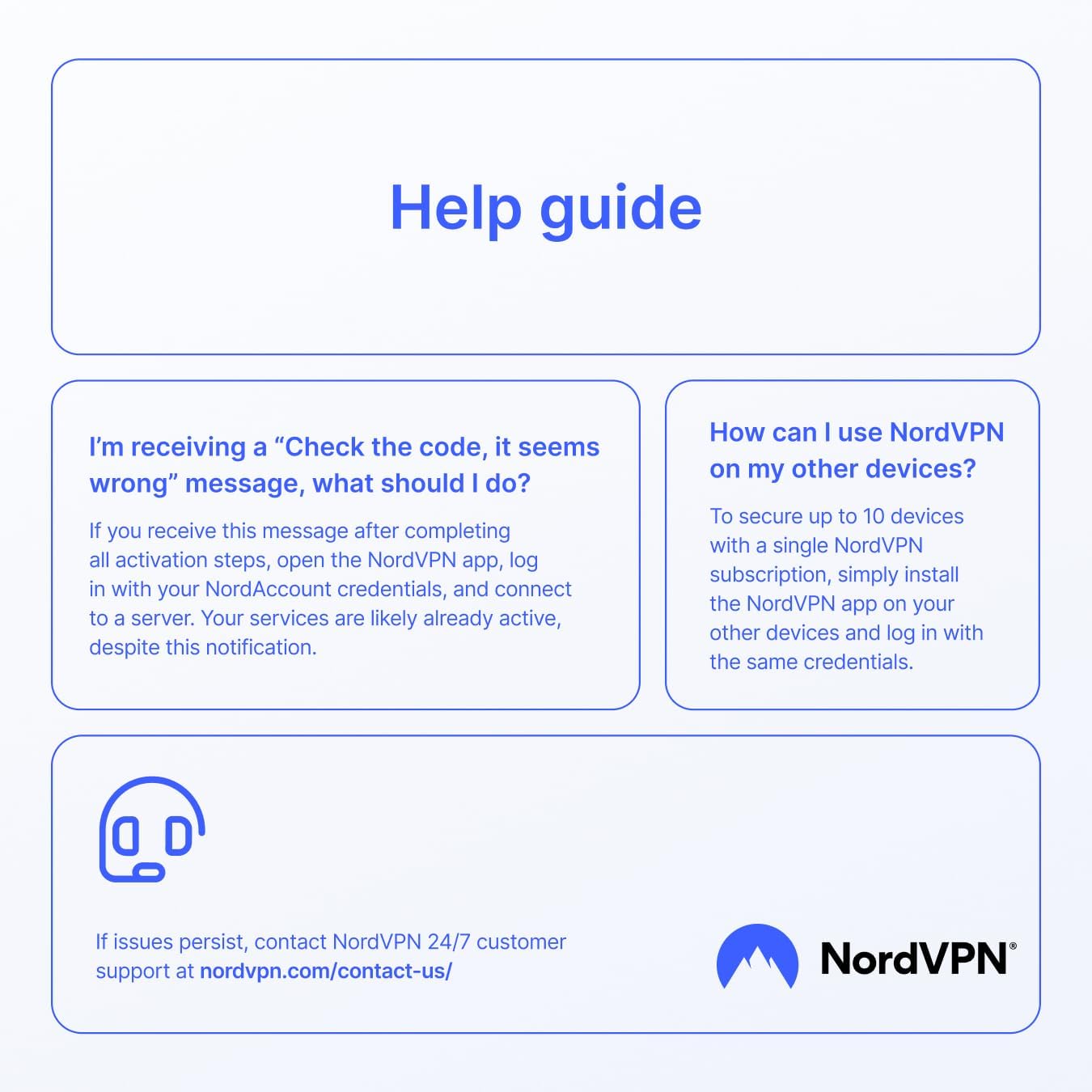
The service emphasizes ease of use: if you run into connection hiccups, the common fix is shifting VPN protocols or using obfuscated servers, which is a practical option for people who don’t want to dive into configuration details. You’ll also get continued access to support around the clock if something doesn’t work as expected.
Pros and what may be less convincing
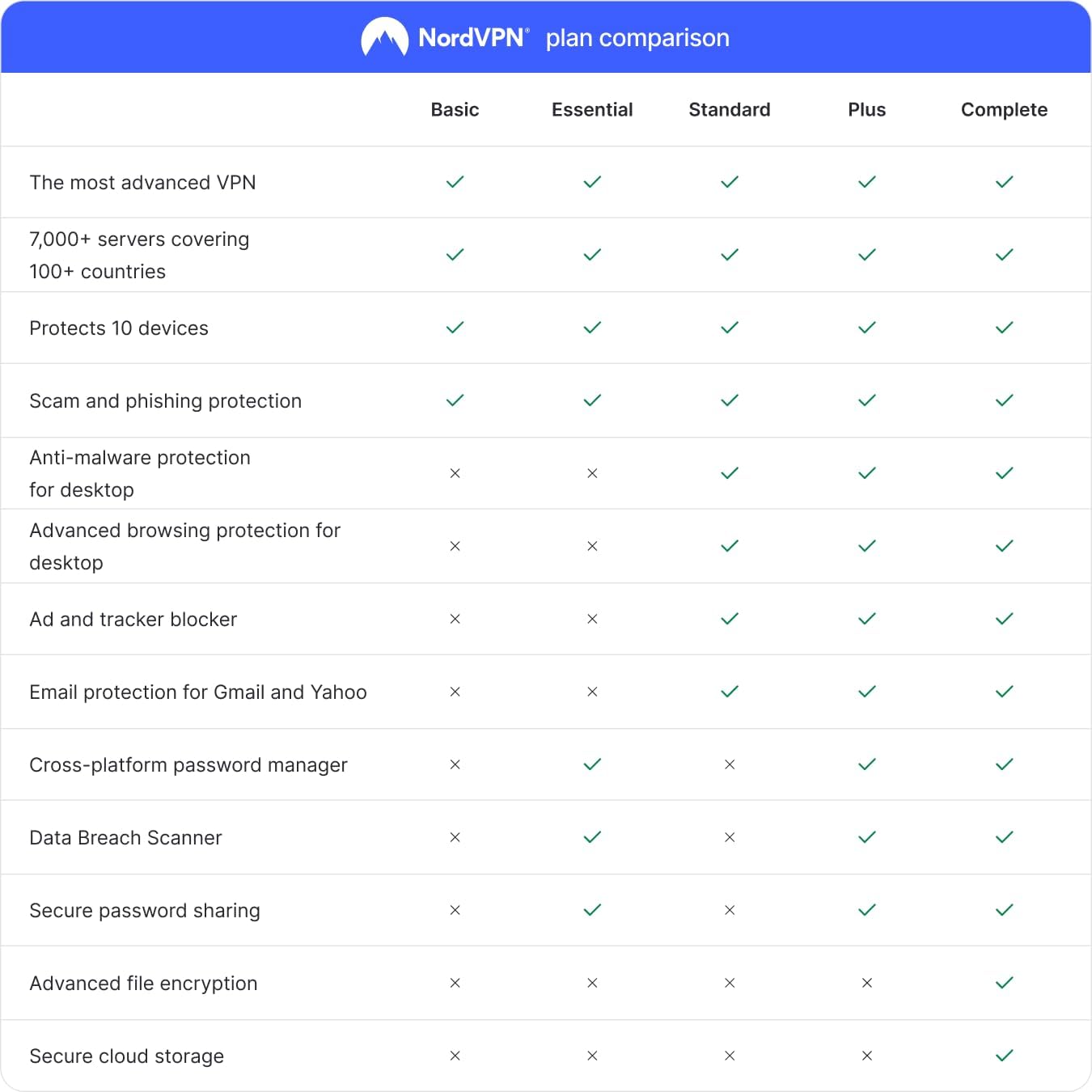
Pros: broad device coverage (up to 10 devices), cross-platform compatibility, malware and link protection, ad blocking, and Dark Web monitoring for credential alerts. The value here lies in consolidating privacy and protection into a single subscription rather than layering multiple tools. Cons: the effectiveness of ad blocking and malware scanning can feel limited if you’re comparing it to dedicated standalone security suites, and the experience can vary by network conditions and device type.
Who it’s for and who should think twice
This option fits households or individuals who want a unified security layer across several devices without paying for separate antivirus software. If you mainly use a single computer or don’t frequently rely on public networks, the breadth of features might feel excessive. It’s also worth noting that the perceived performance impact of VPNs varies, if you prioritize ultra-fast local gaming or streaming with zero latency, you may want to test how the service behaves in your typical network setup.
When it makes sense to buy
If you value cross-device protection, the ability to secure multiple machines with one code, and a combined focus on privacy, malware scan, and credential alerts, this could be a practical pick. The 1-year duration provides a definitive period to evaluate real-world benefits and compatibility with your devices before renewing or switching approaches.
What to review before purchasing
- Confirm the number of devices you plan to protect (up to 10) and ensure this aligns with your household or work setup.
- Consider where you’ll rely on protection most (home, cafe, or remote office) and whether router-level protection adds meaningful value for you.
- Remember that VPNs can affect connection speed, assess whether the feature set justifies any potential slowdown in daily tasks.
- Check your platforms to ensure the NordVPN app availability covers all your devices.
Practical usage scenario
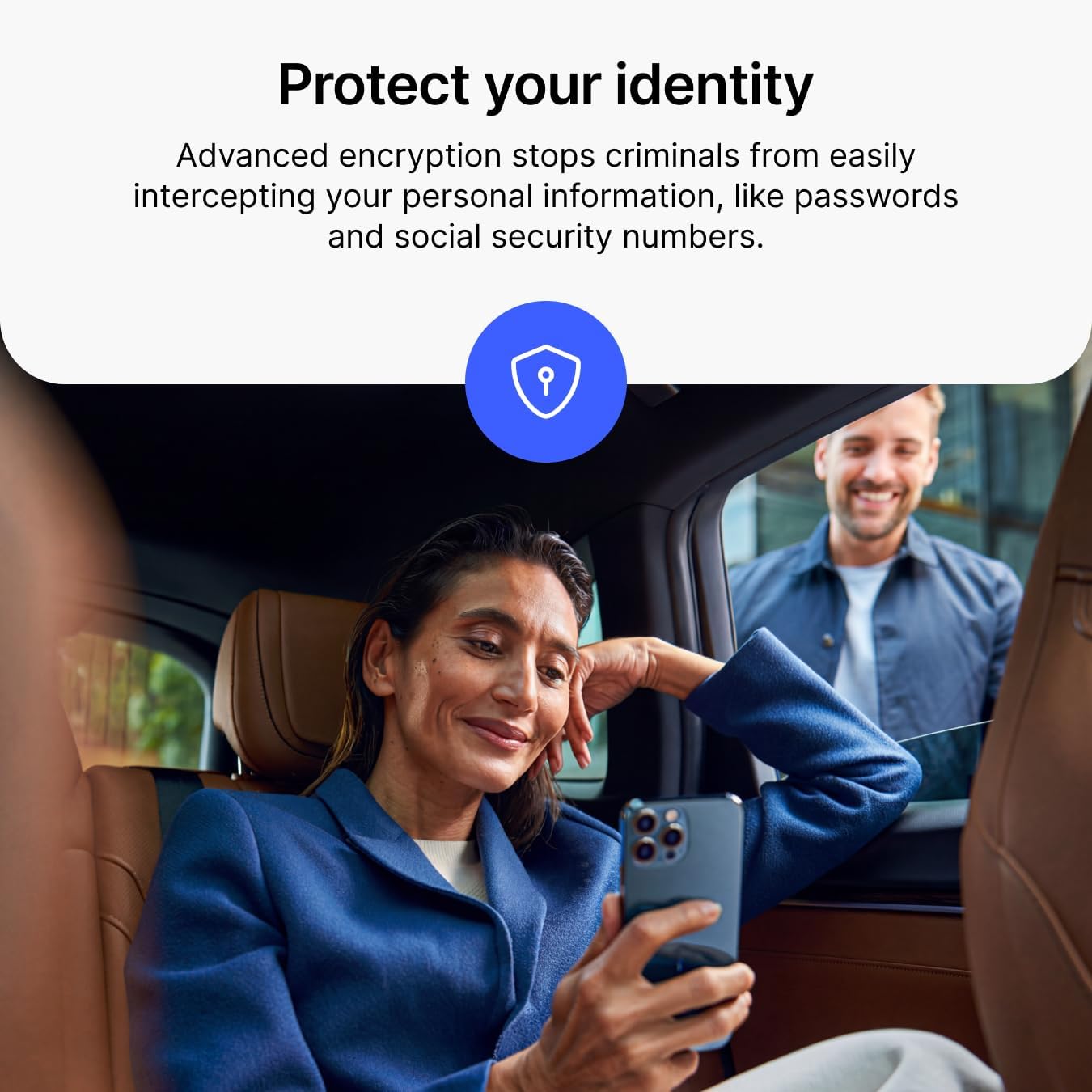

Imagine you’re working from a coworking space and need to access sensitive documents. You enable NordVPN, switch to a protocol that balances performance and security, and enjoy privacy while your credentials are monitored for leaks in the background. Later, you stream a movie at home with the same protection on a tablet and laptop, with ad blocking helping reduce distractions.
Final thoughts for decision making
Is it worth it?
Worth considering if you want consolidated protection across multiple devices with monitoring features, and you value a straightforward setup over piecing together separate tools. If you’re mainly a single-device user or you’re chasing premium antivirus features beyond VPN and basic malware scanning, you might want to compare the scope of protection you actually need.
FAQ
- Do I need extra antivirus software with NordVPN Standard? Not necessarily, the package includes malware scanning and basic protection, but it’s not a full replacement for dedicated antivirus software in all scenarios.
- Can I use this on my router? Yes, the description notes router installation as a way to protect the whole household.
- How many devices can I cover? Up to 10 devices with a single 1-year digital code.