

McAfee Total Protection: Text, Email, and Video Scam Protection with Auto-Renewal
Product description
What it is and the need it addresses
McAfee Total Protection offers an all-in-one scam defense focused on stopping phishing, smishing, QR-code scams, and deepfake video manipulation. It’s designed for mobile-first use, running in the background to minimize disruption while still guarding three devices. If you’re trying to avoid risky texts, emails, fake delivery alerts, or manipulated media that attempt to steal sensitive information, this solution aims to provide continuous protection across everyday digital tasks.
How it works in practice
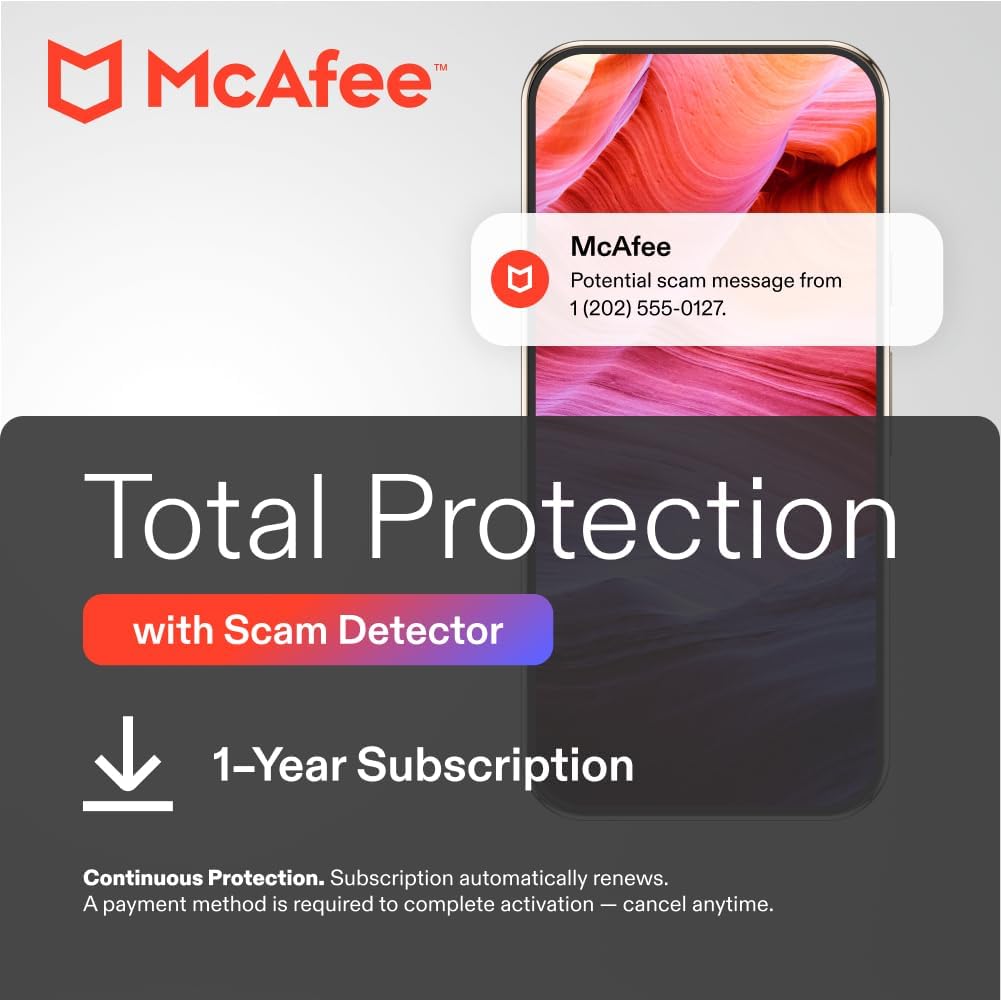
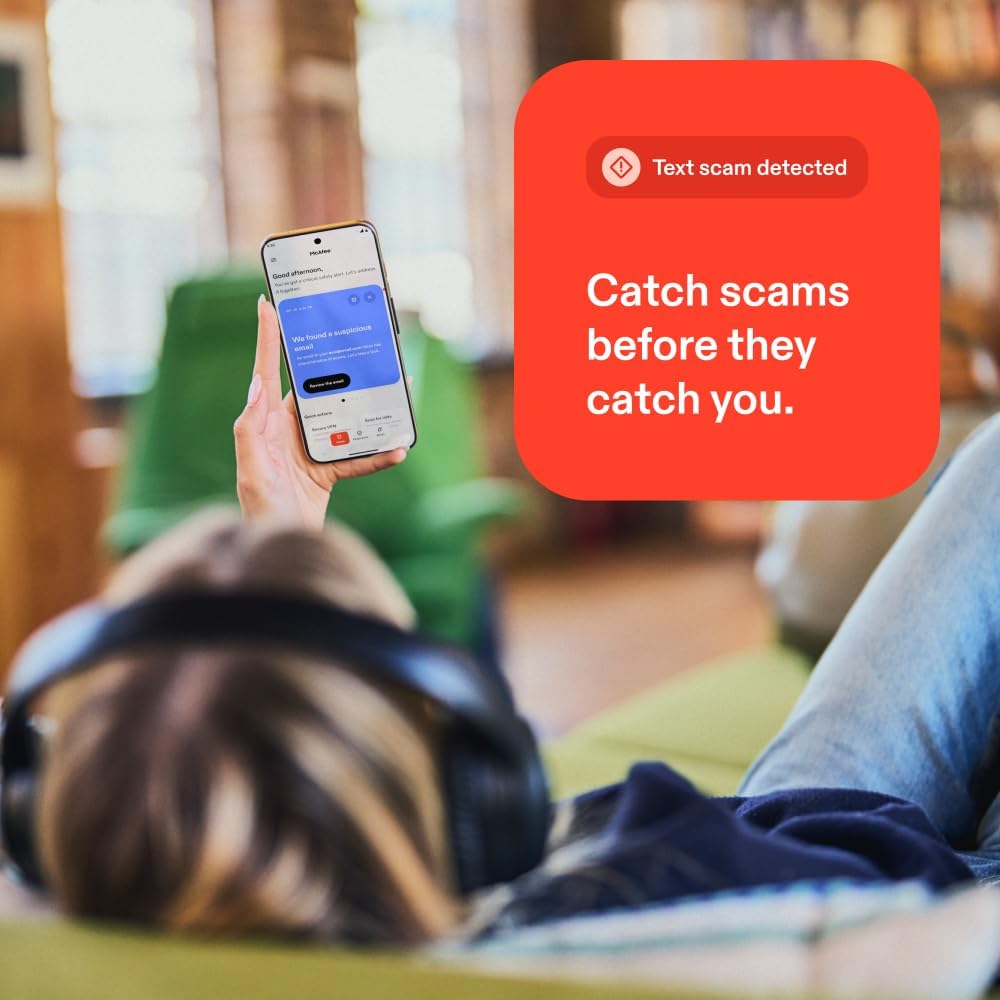
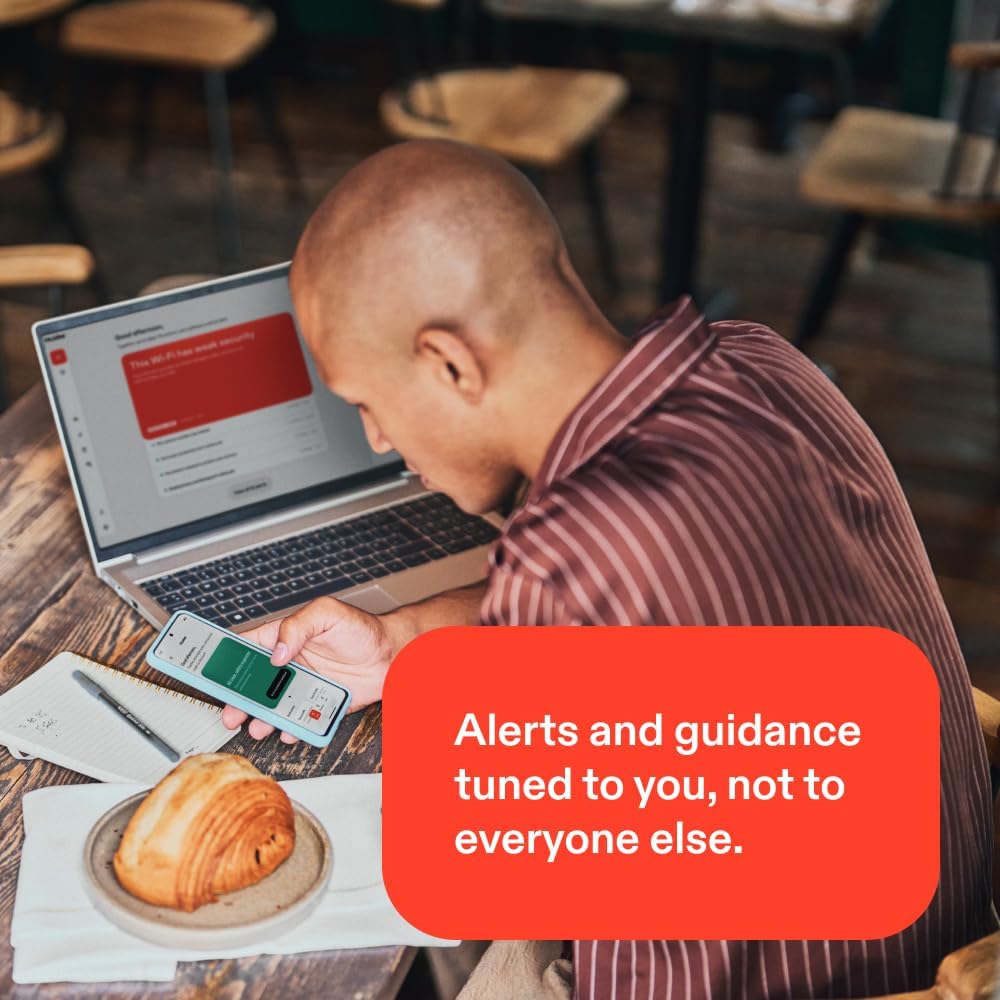
On the surface, the product combines text and email scam detection, a QR code risk checker, and deepfake audio/video detection. The mobile-first approach means protection runs quietly on your iPhone or Android devices, helping you avoid clicking dangerous links or sharing credentials. The on-demand detector can be run to scan risky messages across social platforms or messaging apps, giving you a quick sanity check when you’re unsure about a message or link.
What stands out in use
If you regularly juggle multiple channels (email, SMS, social apps) and rely on QR codes for deliveries or quick actions, the breadth of coverage is appealing. The emphasis on real-world phishing tactics — from urgent scams to AI-generated audio — is relevant in today’s threat landscape. The auto-renewal setup promises ongoing protection with a reminder before charges, which helps you maintain coverage without frequent manual renewals. It’s not hard to see value for families who want a shared layer of defense across several devices.
What may give you pause
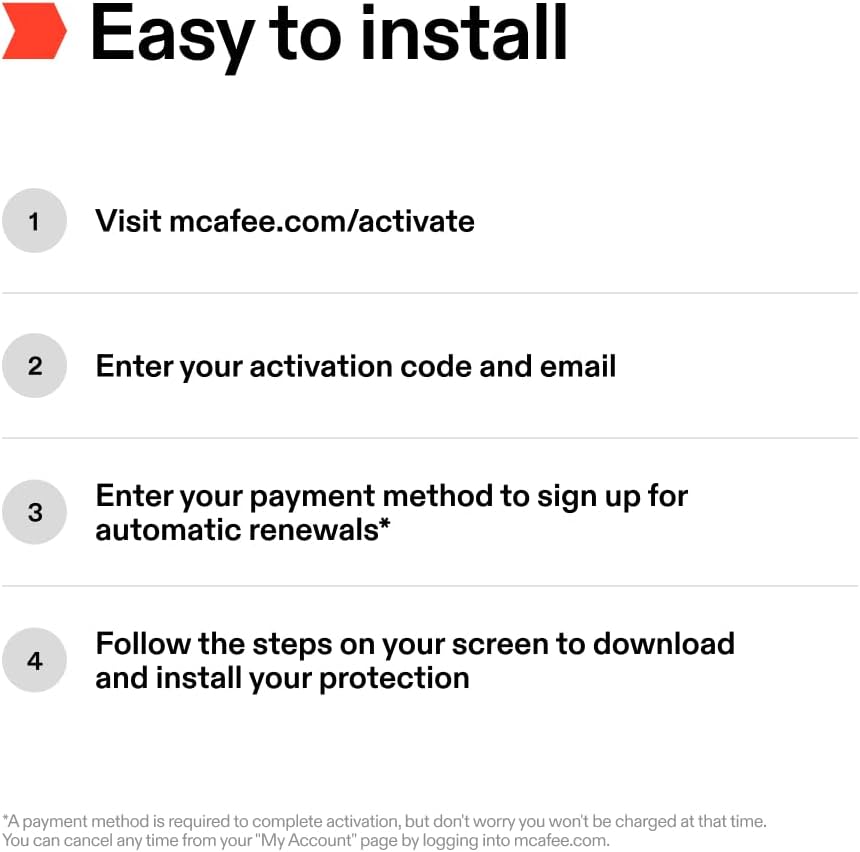
The description notes auto-renewal and a payment-method prerequisite to activate, but it also states you won’t be charged at activation and that renewal charges occur 30 days before the end of the term. If you’re wary of subscription models or prefer one-time purchases, this could be a misalignment. Also, the product promises broad, automated detection, but the exact effectiveness on unique or highly sophisticated scams isn’t described here, so you’ll want to manage expectations about “automatic protection” not replacing cautious behavior.
Who it’s for
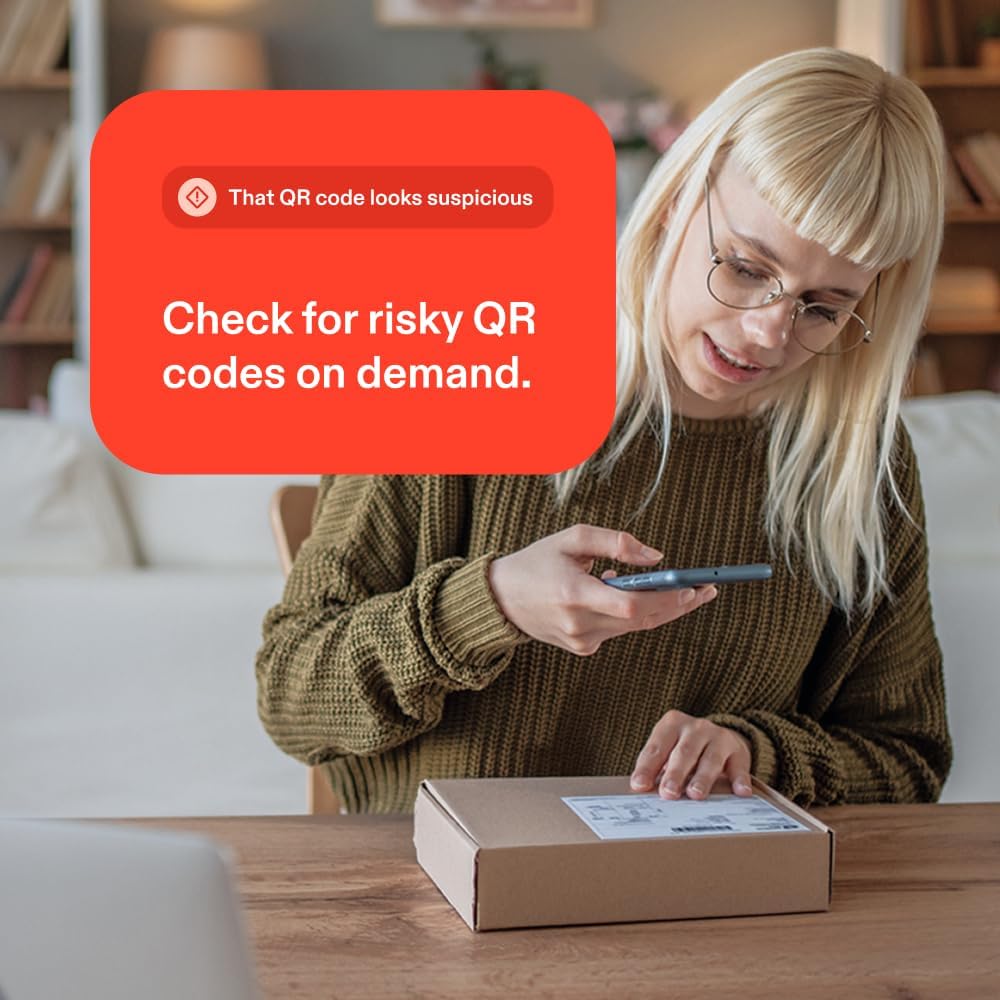
This solution seems suited for individuals or families who want a background, mobile-friendly layer of protection against common online fraud vectors: phishing emails, text scams, risky QR codes, and deepfake audio/video scams. It may particularly appeal to users who frequently encounter links in texts or rely on QR codes for shipments or account actions.
Who it isn’t the best fit for
If you’re looking for a platform with granular, opt-in controls and highly customizable detection thresholds, this setup might feel too automated or hands-off. Those who prefer non-subscription models or who do not require protection across multiple devices may opt for simpler alternatives.

When it makes sense to buy
Purchase makes sense if you want ongoing, cross-device scam protection with a focus on mobile use and you’re comfortable with auto-renewal to maintain coverage. The on-demand scan feature can be handy when you’re unsure about a specific message or link and want a quick check without full-blown manual analysis.
What to review before buying
Confirm how many devices you plan to protect and whether you’re using iPhone, Android, or both. Understand the renewal cadence and how the reminders will appear. Consider how much you rely on QR codes in daily tasks and whether you frequently assess messages from unfamiliar sources. Finally, temper expectations about “always-on” protection by remembering that user awareness remains essential.
Practical example of use
Imagine receiving a delivery notification via text that includes a QR code. You’re unsure whether to scan. You can run the on-demand detector on the message, scan the code with the integrated QR tool if available, and get a risk assessment before taking any action. In another case, you receive an email with a seemingly urgent request to verify account details, the system’s scam-detection layer helps you flag red flags before clicking or replying, reducing the chance of credential exposure.
What you’ll notice day to day
You’ll notice a quieter phone experience with background protection in place. The on-demand checks give a quick sense of control when you’re unsure about a message or link, helping you avoid potentially costly mistakes without manual, step-by-step scans.
Final buying decision
Is it worth it? Worth considering if you want comprehensive mobile-first scam protection across multiple channels and devices, with an emphasis on real-world scams like phishing, smishing, QR phishing, and deepfakes. If you prefer a hands-off approach that still gives you practical checks, this could fit. If you’re skeptical about subscription-based models or require highly granular controls, you may want to weigh alternatives.
Frequently asked questions
- Can I use this on multiple devices? Yes, it’s designed for three devices across a family.
- Does it block deepfake audio or just identify suspicious content? It’s advertised to detect deepfake audio and manipulated video content.
- Is there a guaranteed refund if I’m not satisfied? The base text mentions renewal and cancellation from an account page, but no explicit refund policy is provided here.
Quick takeaway
If your daily digital routine includes texts, emails, QR codes, and video links, and you want a background shield with optional on-demand checks, this McAfee option aims to offer practical, mobile-first protection with ongoing renewal for continued coverage.