

KOORUI G2511P 24.5" 200Hz gaming monitor
Product description
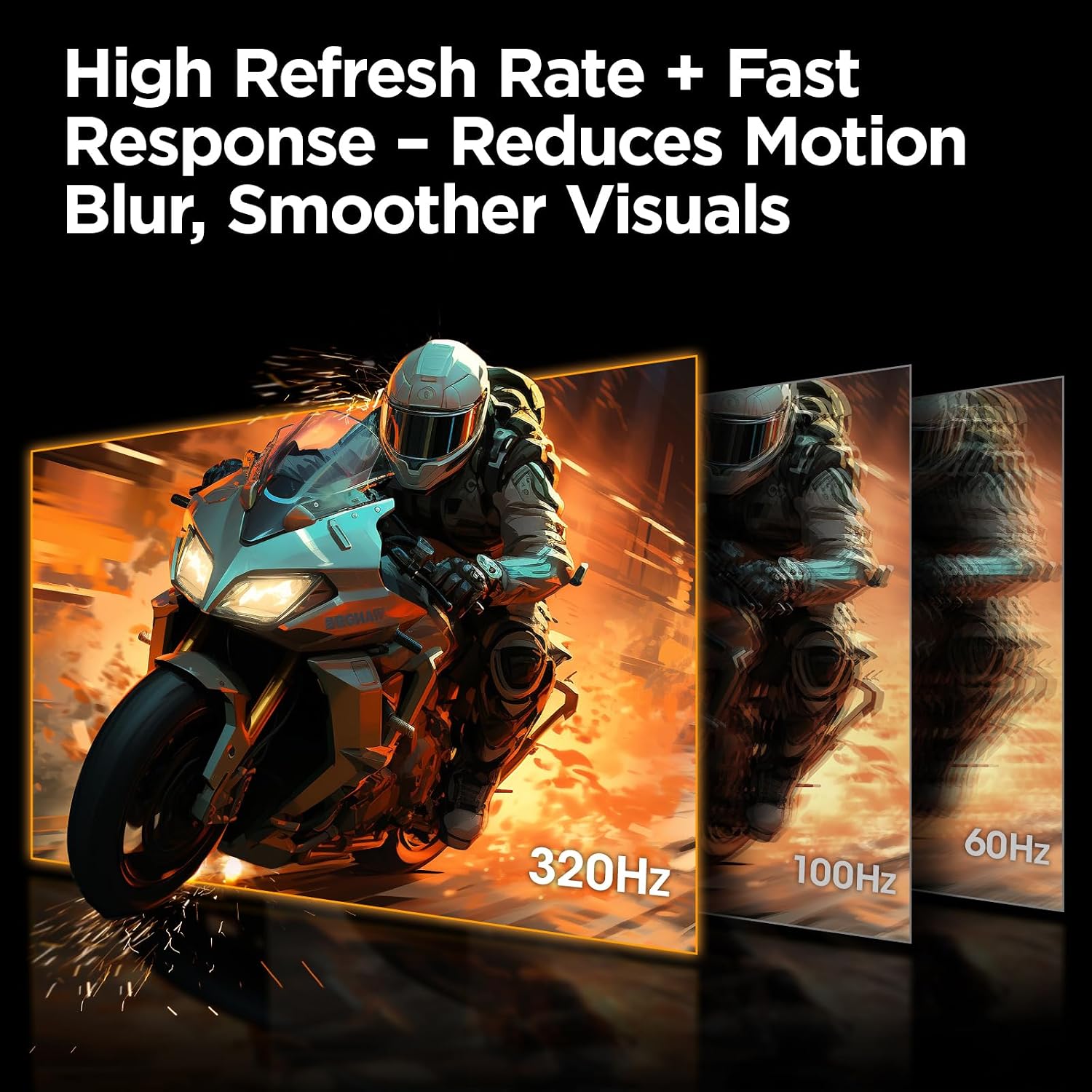
This 24.5-inch gaming monitor from KOORUI brings competitive-focused specs for players who prioritize speed and clarity, with a high 200Hz refresh rate and 1ms (GTG) response time that reduce motion blur and input lag for fast-paced titles. It pairs a Full HD IPS panel with HDR400 and a wide color gamut to deliver vivid colors and improved contrast during both gaming and multimedia use.
Key Points
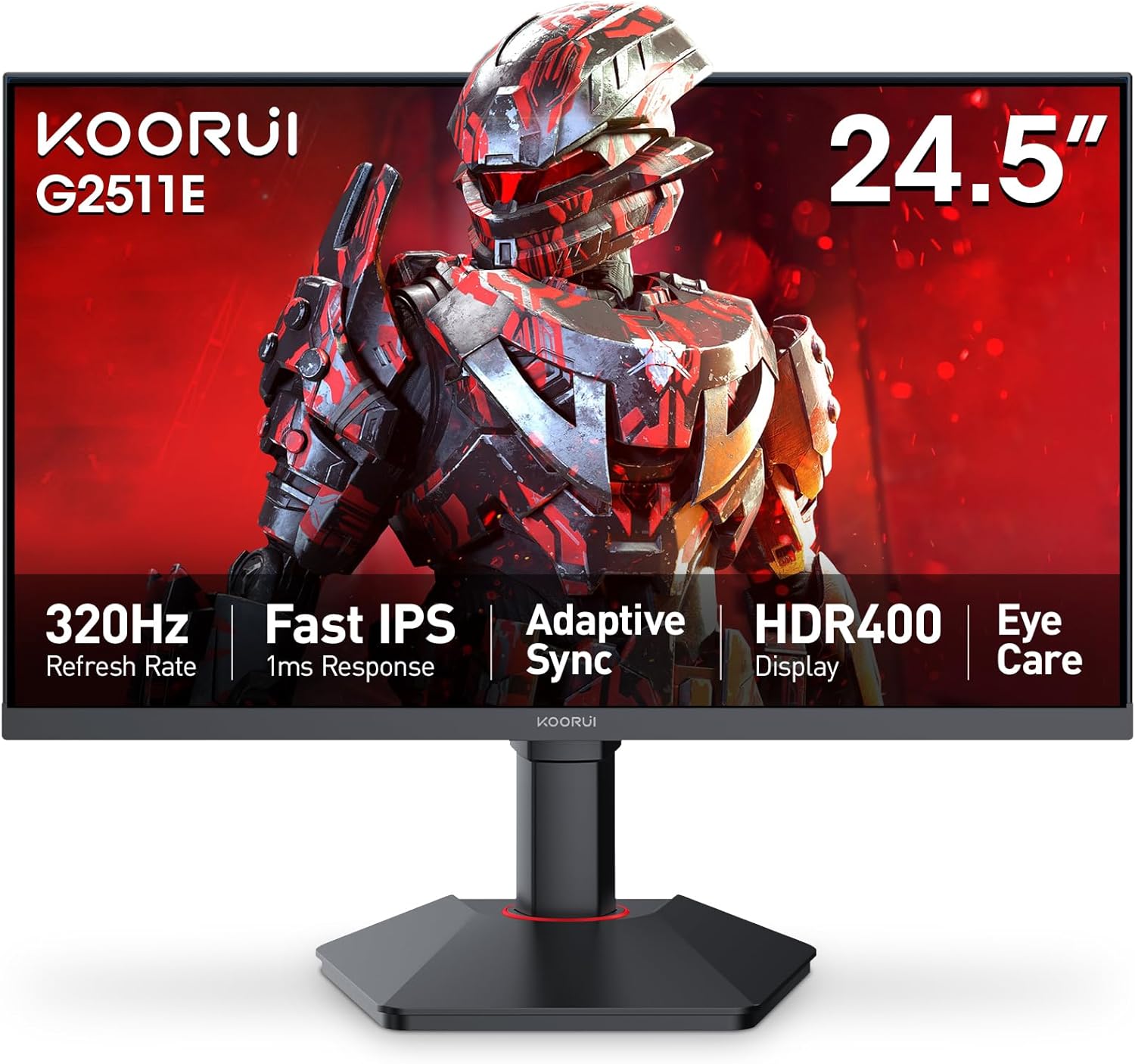
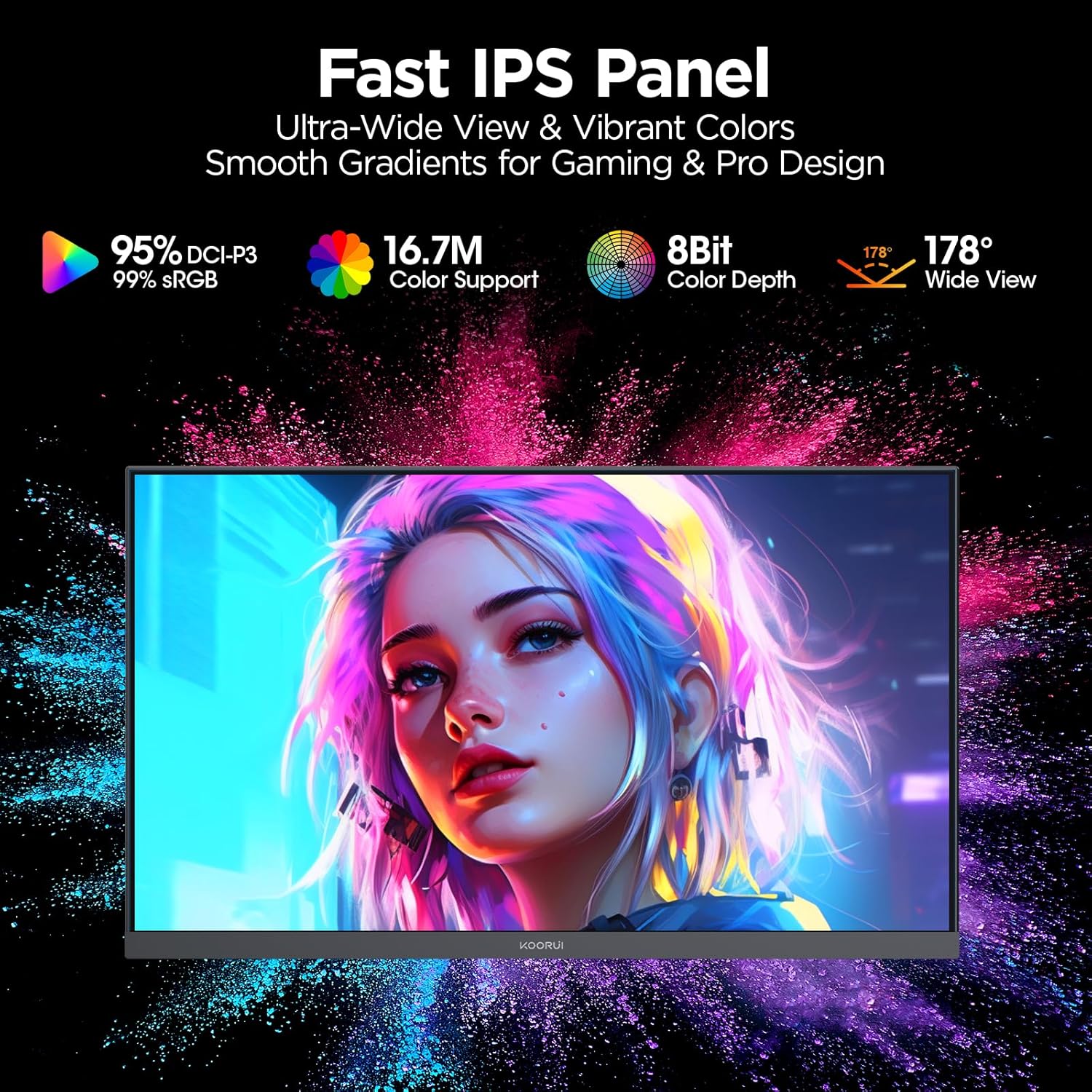
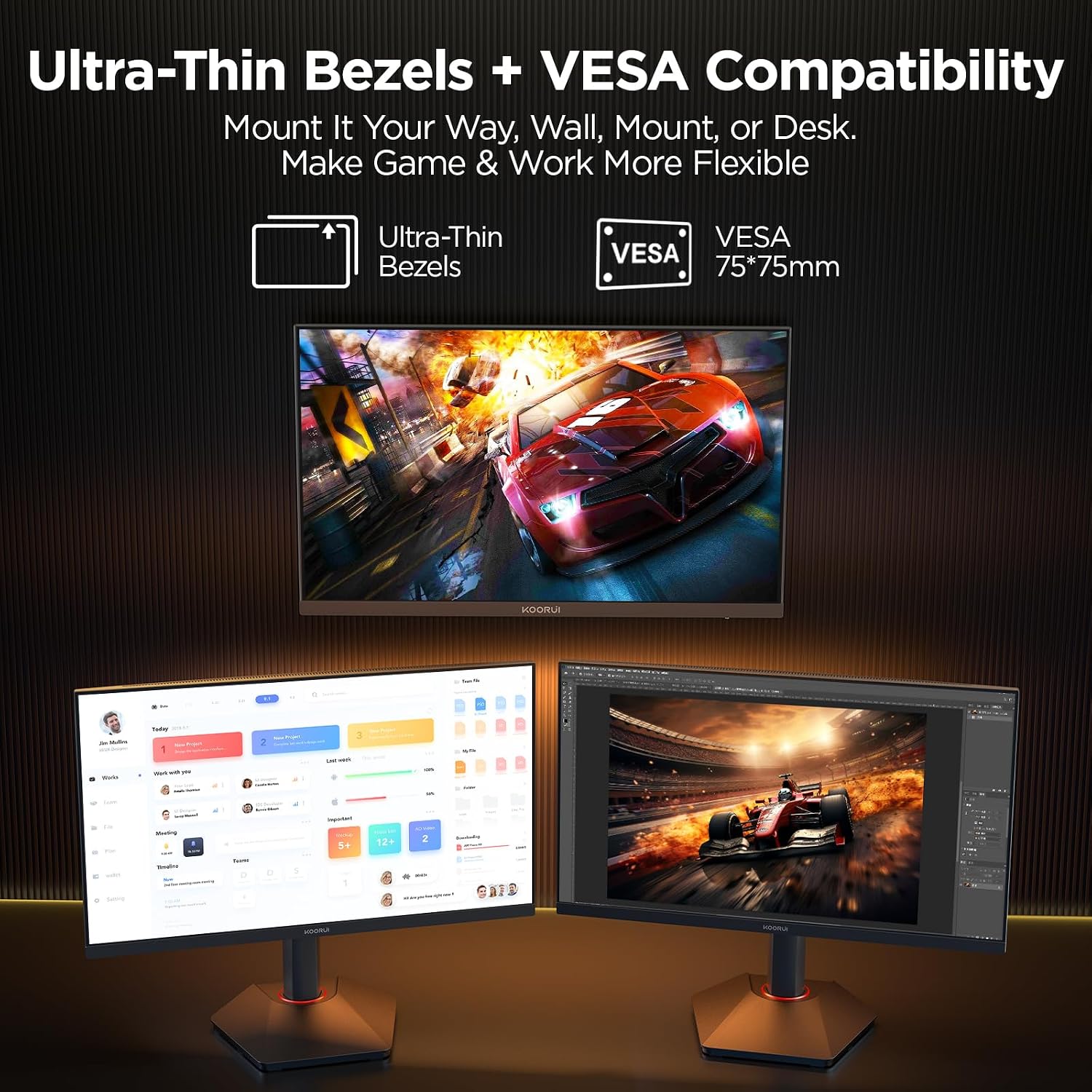
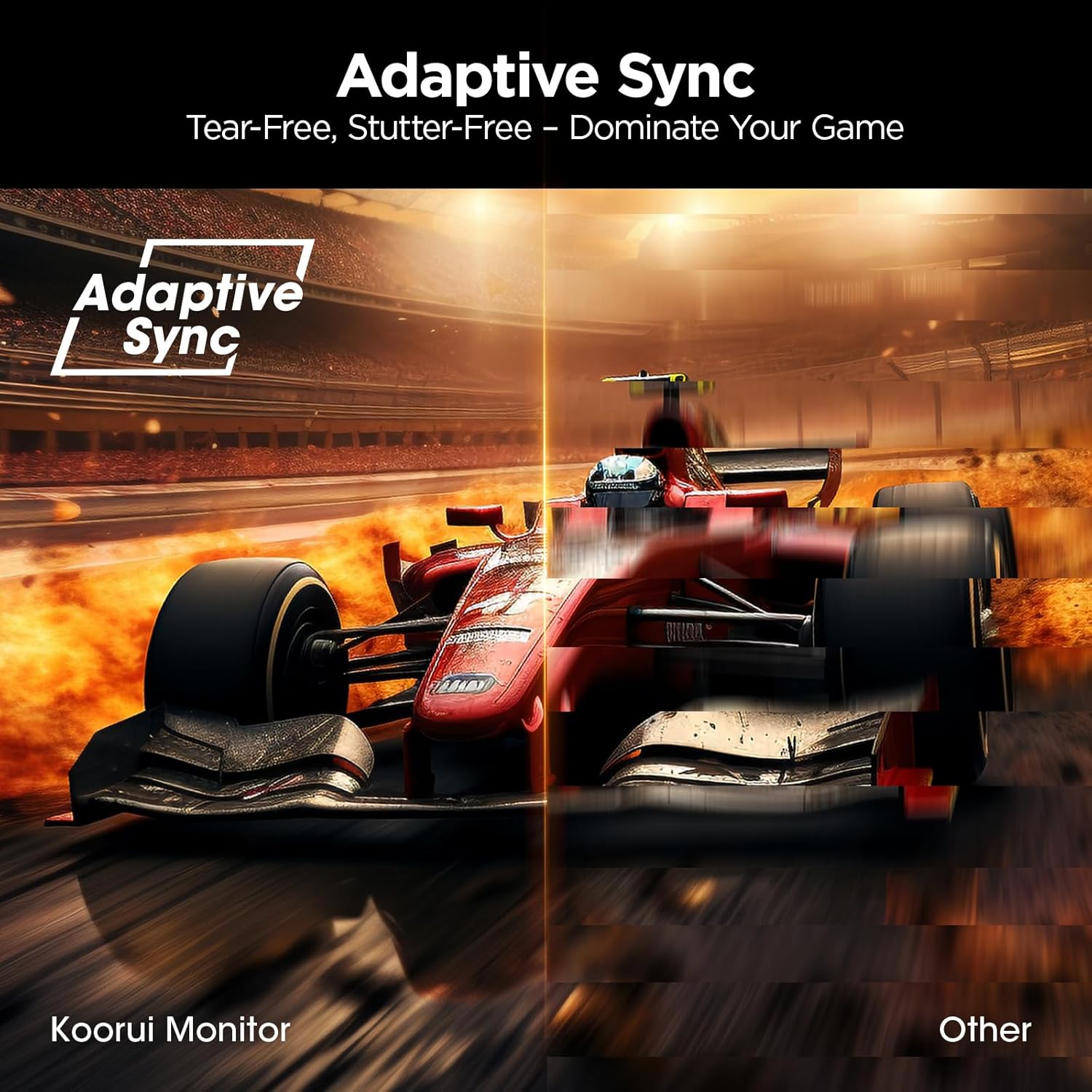
The monitor targets esports and fast-action gaming thanks to its 200Hz refresh rate and 1ms gray-to-gray response time. Adaptive Sync technology helps prevent tearing and stuttering across compatible GPUs, making gameplay smoother. The IPS panel offers wider viewing angles and a 90% DCI-P3 color gamut, which enhances color rendering for more accurate and lively images. Practical extras include multiple inputs for connection flexibility and VESA 75x75mm mounting support to free up desk space.
Technical Specifications
- Name: KOORUI G2511P
- Screen size: 24.5 inches
- Resolution: 1920 x 1080 (Full HD)
- Refresh rate: 200 Hz
- Response time: 1 ms (GTG)
- Panel type: IPS
- Color gamut: 90% DCI-P3
- HDR: HDR400
- Ports: HDMI 2.0, DisplayPort 1.4
- Mounting: VESA 75 x 75 mm
Benefits
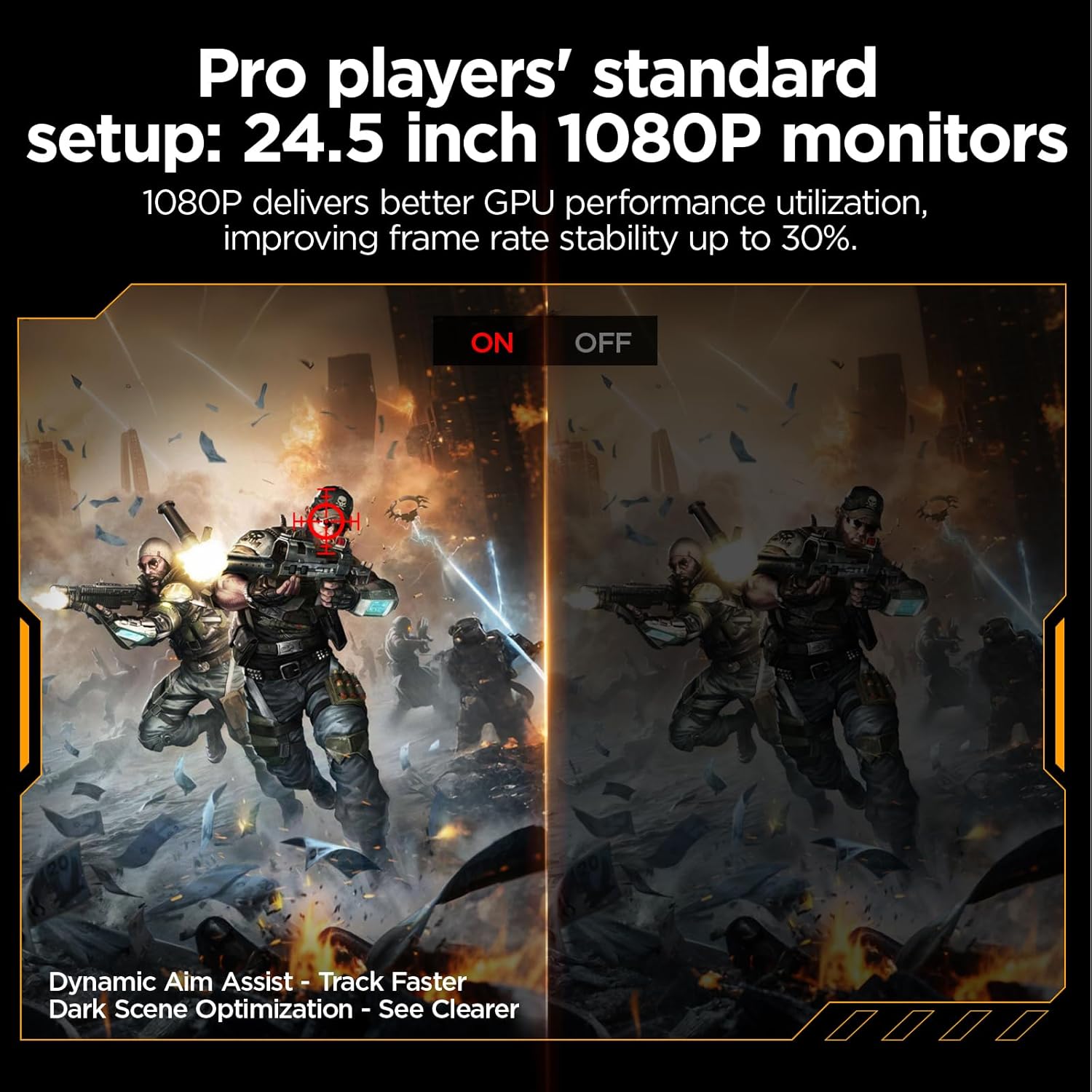
With its elevated refresh rate and rapid response, this monitor helps reduce visual artifacts during quick camera pans and rapid on-screen movement. The combination of HDR400 and a broad color gamut produces stronger highlights and more nuanced shadow detail according to manufacturer specs. Built-in gaming tools such as FPS display modes, an on-screen timer, and a crosshair overlay add practical functionality that can assist in aiming and situational awareness. Eye care features aim to lessen fatigue during extended sessions while still keeping image quality consistent.
Usage Recommendations
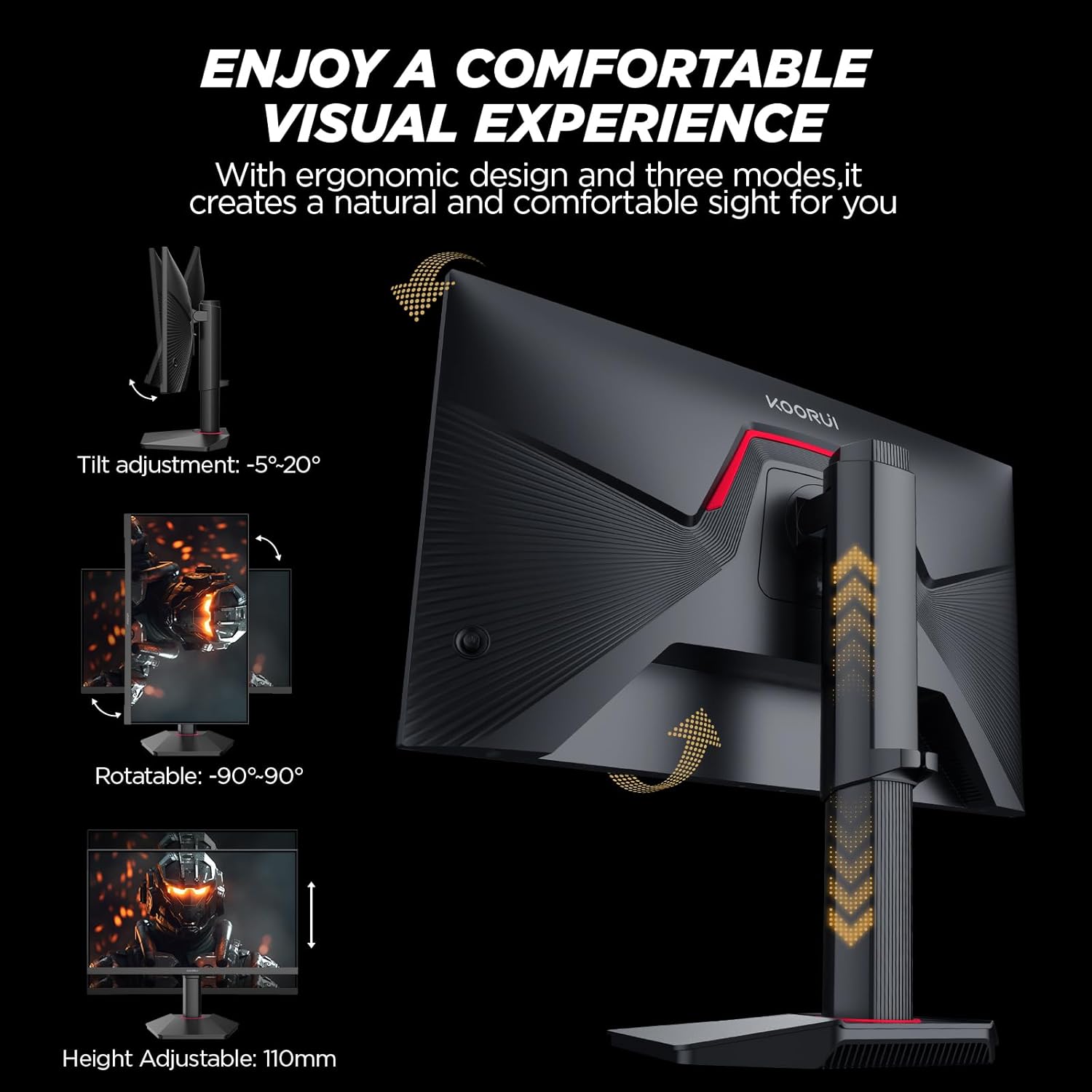
Position the monitor at eye level and use DisplayPort 1.4 to make the most of the 200Hz capability on compatible PCs. For console setups, HDMI 2.0 provides straightforward connectivity while maintaining high refresh performance where supported. Consider enabling Adaptive Sync in your graphics driver to combine high frame rates with tear-free output. Keep in mind that the panel is Full HD, so users wanting higher pixel density for productivity or ultra-high-resolution content may prefer larger or higher-resolution alternatives.