

ForHelp 15.6" portable monitor 1080P USB-C HDMI
Product description
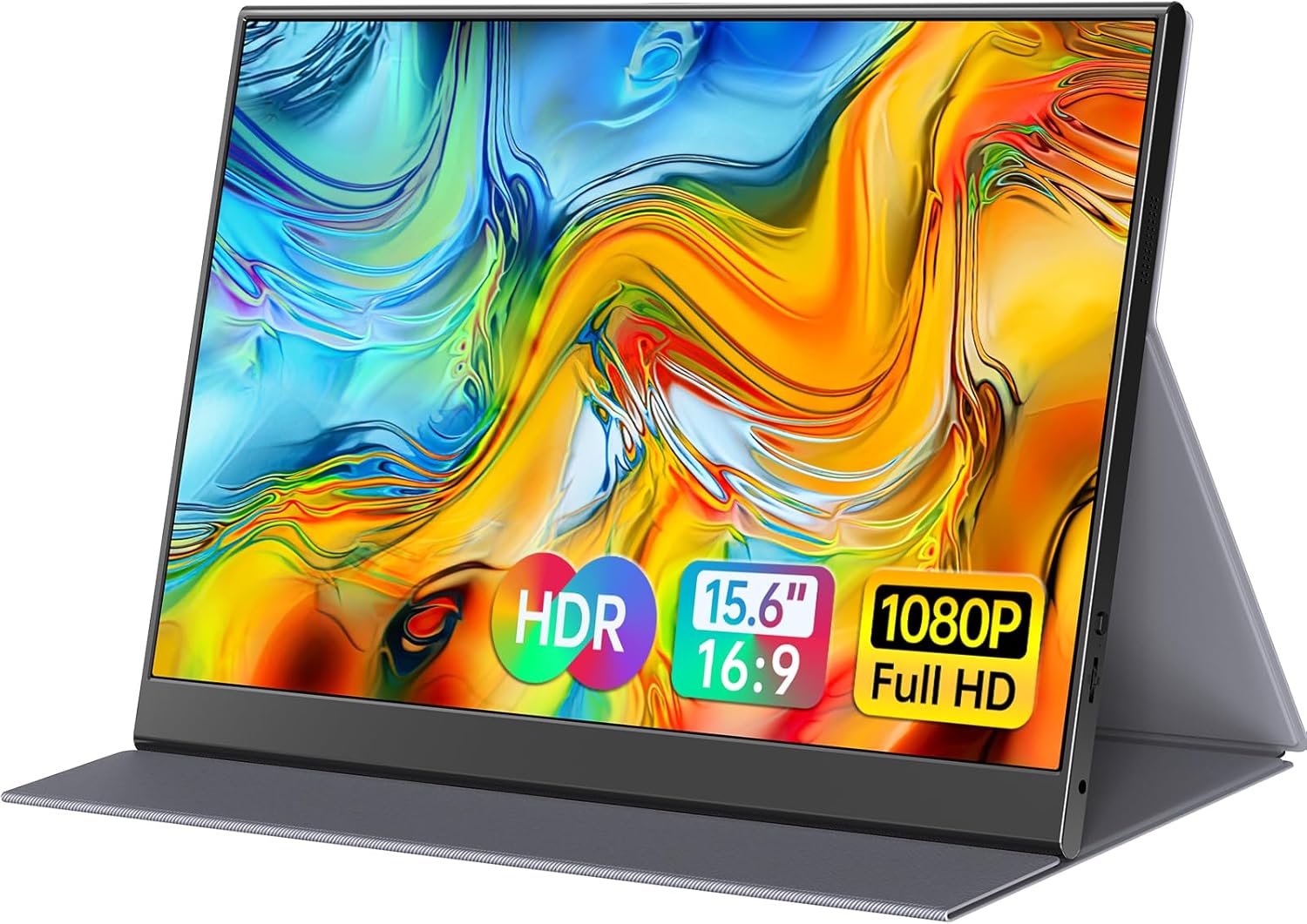
This 15.6-inch portable monitor brings a Full HD IPS screen to a compact, travel-friendly body for extending a laptop or connecting a console on the go. If you need a secondary display for work and play, this portable 15.6 inch monitor offers 1080p clarity, multiple input options, and a slim aluminum chassis that slips easily into a bag.
Key Points
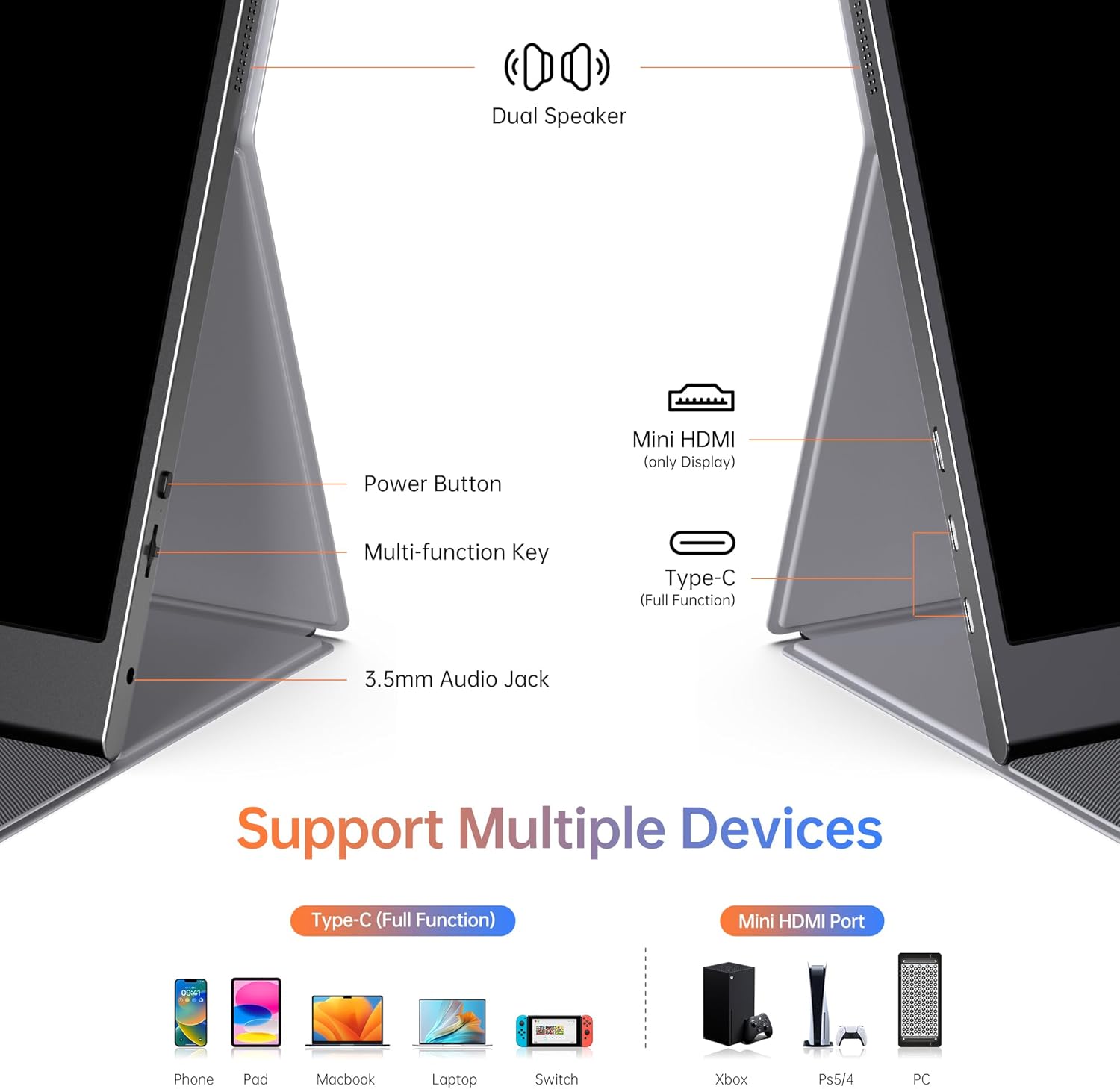
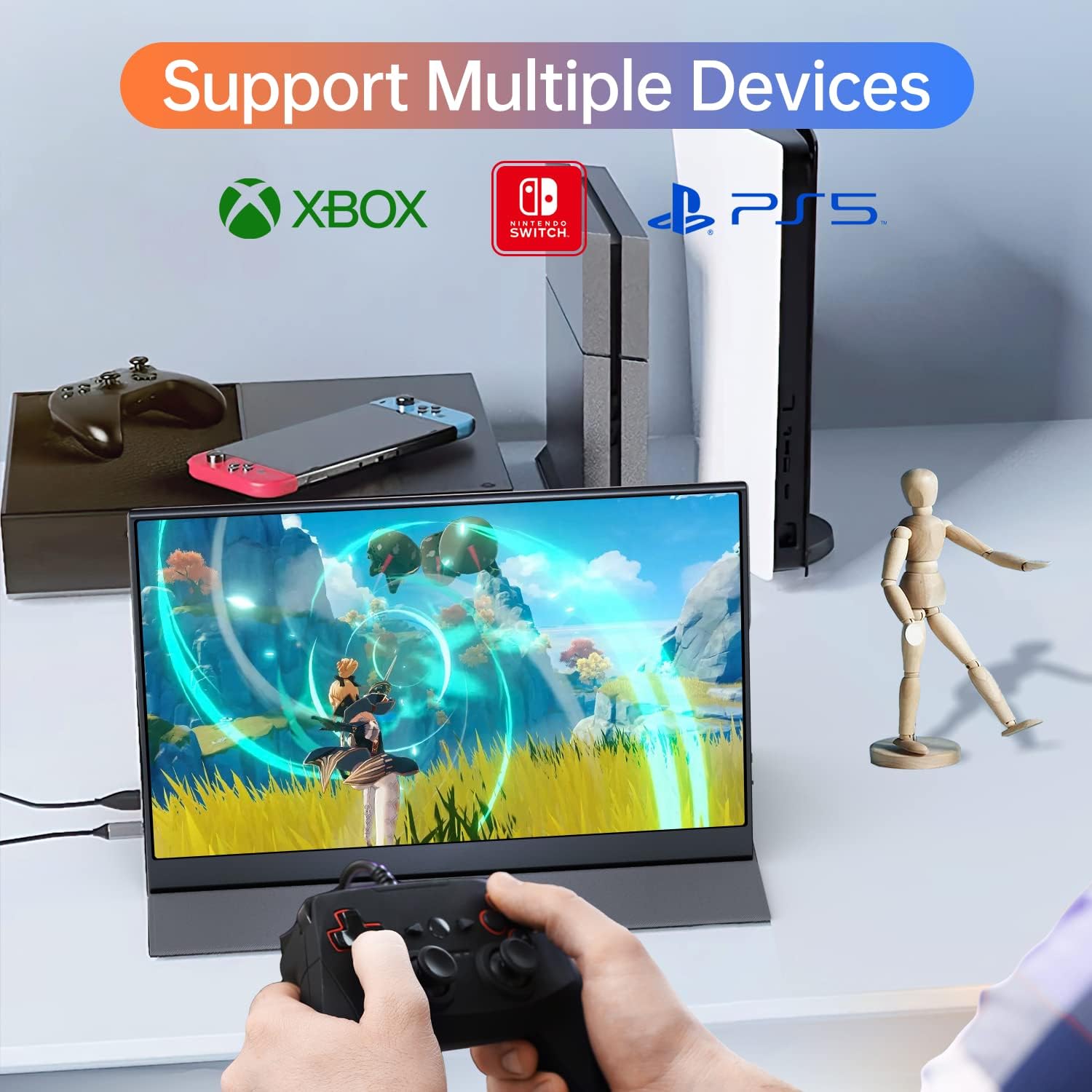
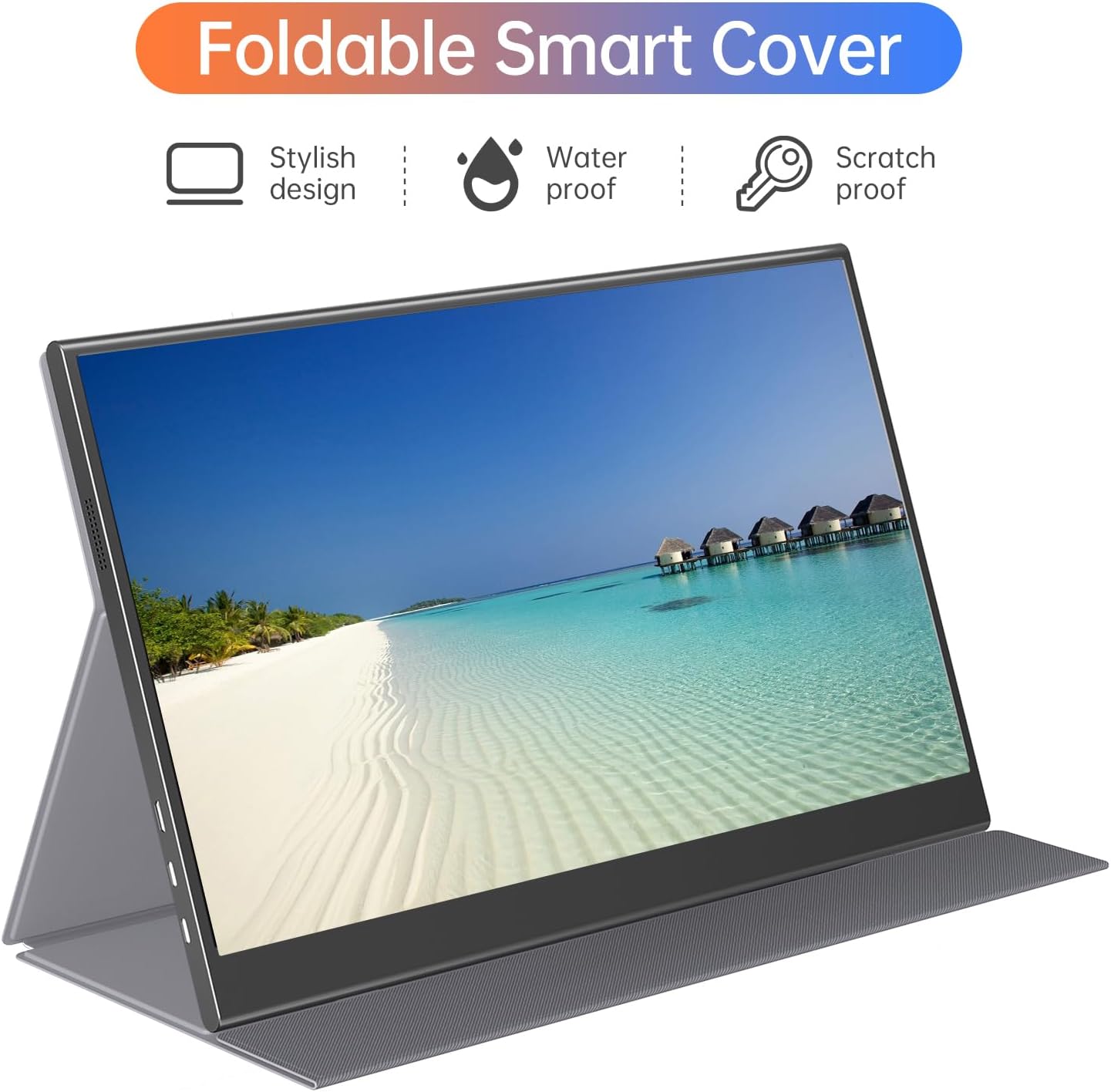
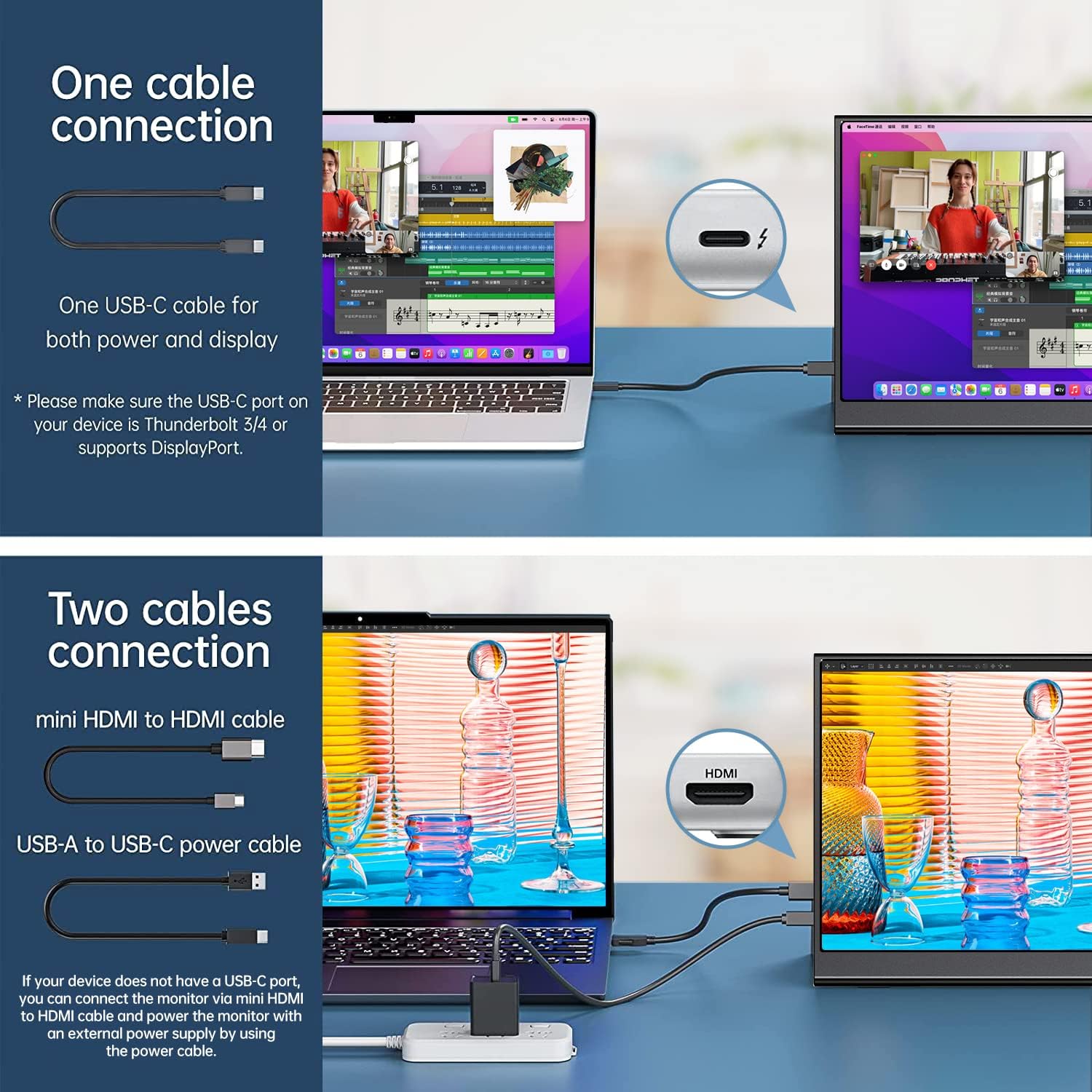
The display supports both USB-C with DP Alt Mode and Mini HDMI inputs, letting you connect laptops, MacBooks, smartphones that support video output, and game consoles like PS, Xbox and Switch. It has a matte finish to reduce glare and an advertised 178 degree viewing angle for consistent color from most positions. Built-in stereo speakers give basic audio without external speakers, and a magnetic PU leather cover doubles as a protective stand. Note that USB-C video requires a host that supports Thunderbolt 3.0/4.0 or USB 3.1 Type-C DP Alt Mode according to the manufacturer.
Technical Specifications
- Name: ForHelp 15.6-inch portable monitor
- Display resolution: 1920 x 1080 Full HD
- Panel type: IPS with 178° viewing angle
- Thickness and weight: 0.3" profile, 1.52 lb
- Inputs: 2 x full-featured USB-C, 1 x Mini HDMI
- Accessories: Magnetic PU leather smart cover, integrated speakers
Benefits
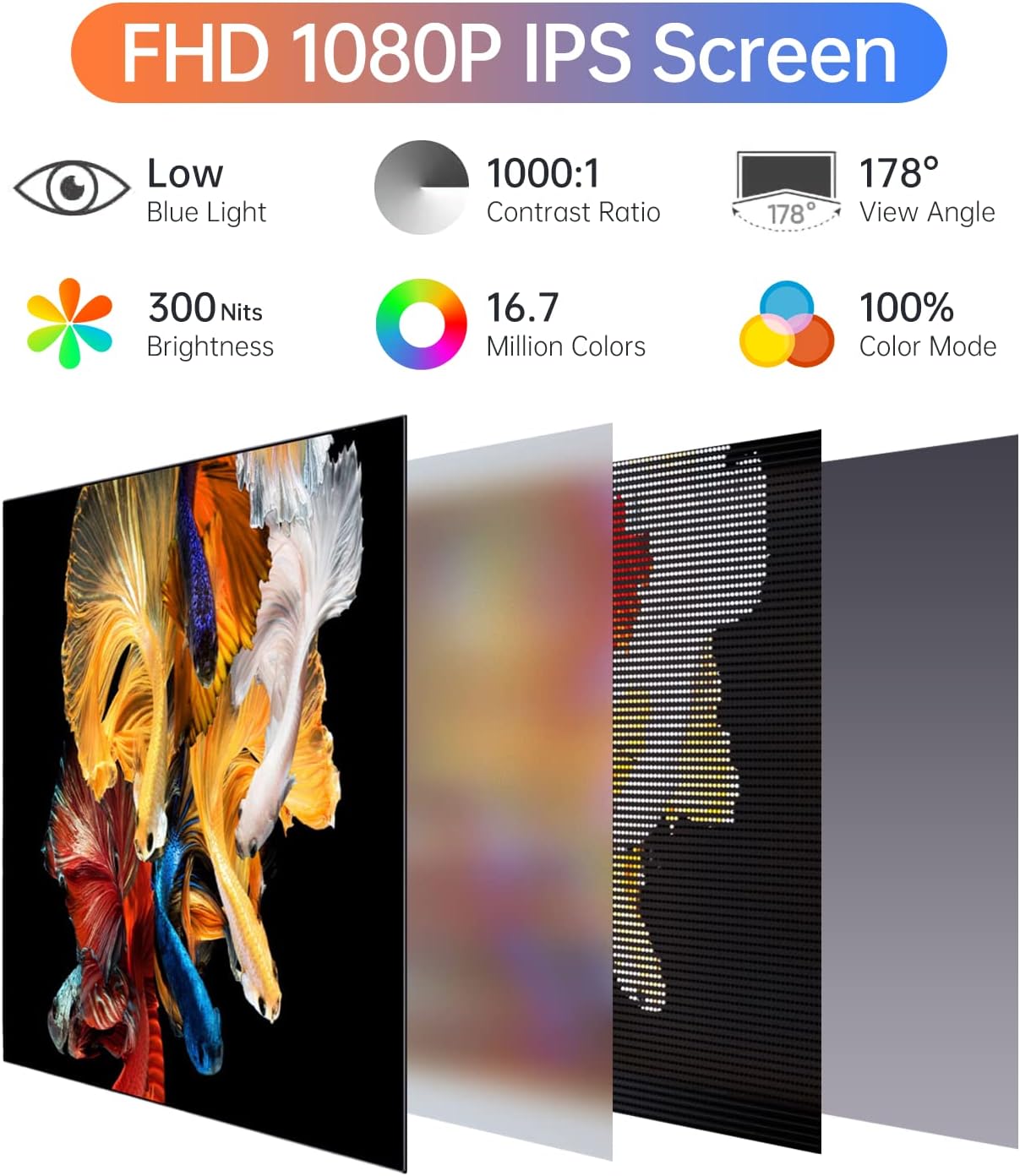
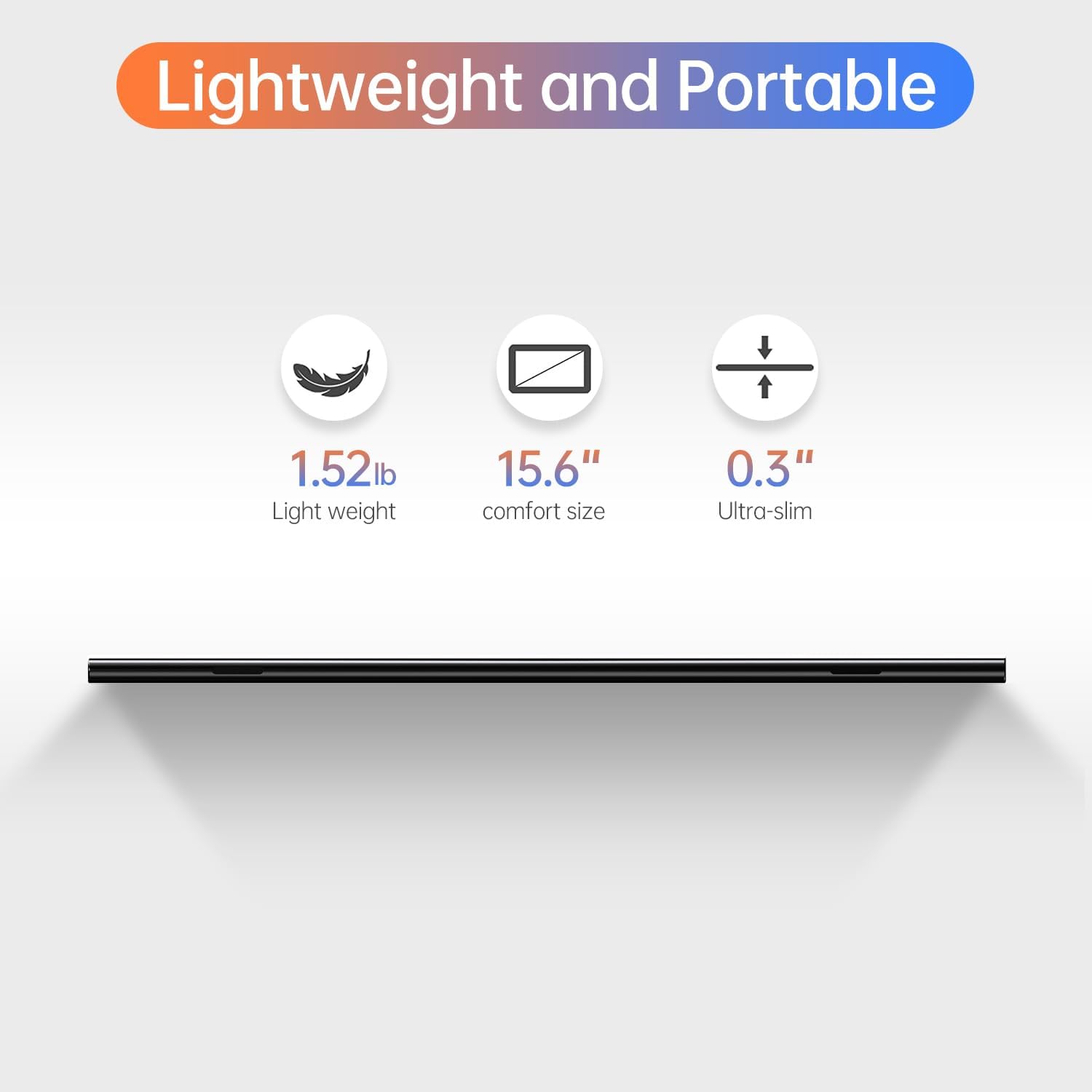
The lightweight aluminum frame makes this monitor practical for remote work and frequent travel. It offers a larger workspace when paired with a laptop in extended mode, or a mirrored view for presentations during meetings. HDR mode adjustment is available to boost highlights and color saturation for media playback, which can make games and videos look more vibrant. The matte coating and low blue light mode aim to reduce eye strain for longer sessions.
Usage Recommendations
For mobile productivity, use the second USB-C port to receive power and video if your host device supports Power Delivery and DP Alt Mode. When connecting game consoles via Mini HDMI, position the monitor using one of the two grooves in the cover base to find a comfortable viewing angle. Consider that the integrated speakers are adequate for casual use but may not replace a dedicated sound setup for immersive gaming. 🎮 For prolonged desktop work, pair the monitor with an adjustable laptop stand to align both screens at eye level. 💼 For content creators, the accurate color rendering of the IPS panel helps with basic editing, although professional color grading should be done on a calibrated desktop display. 🎧