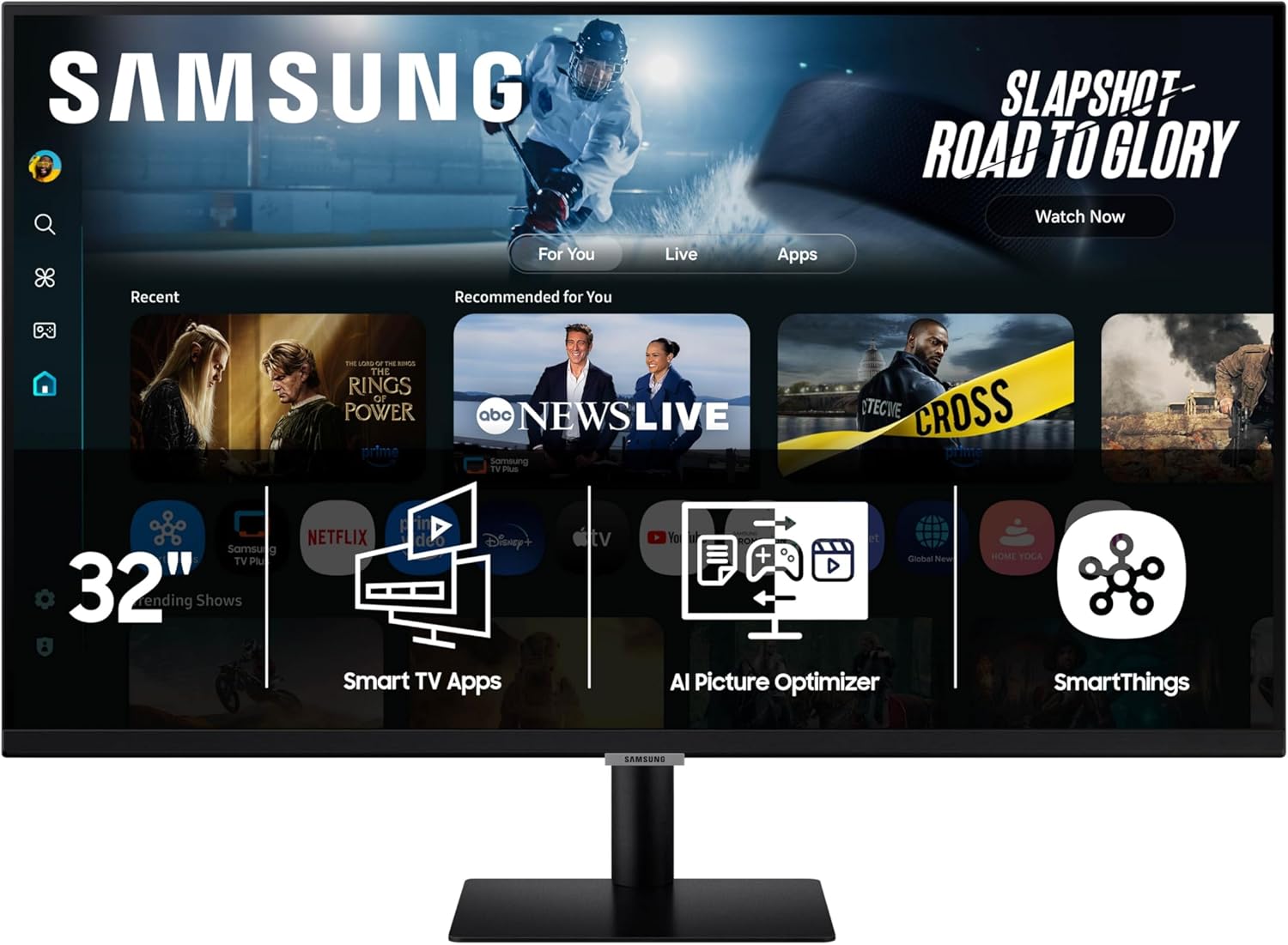
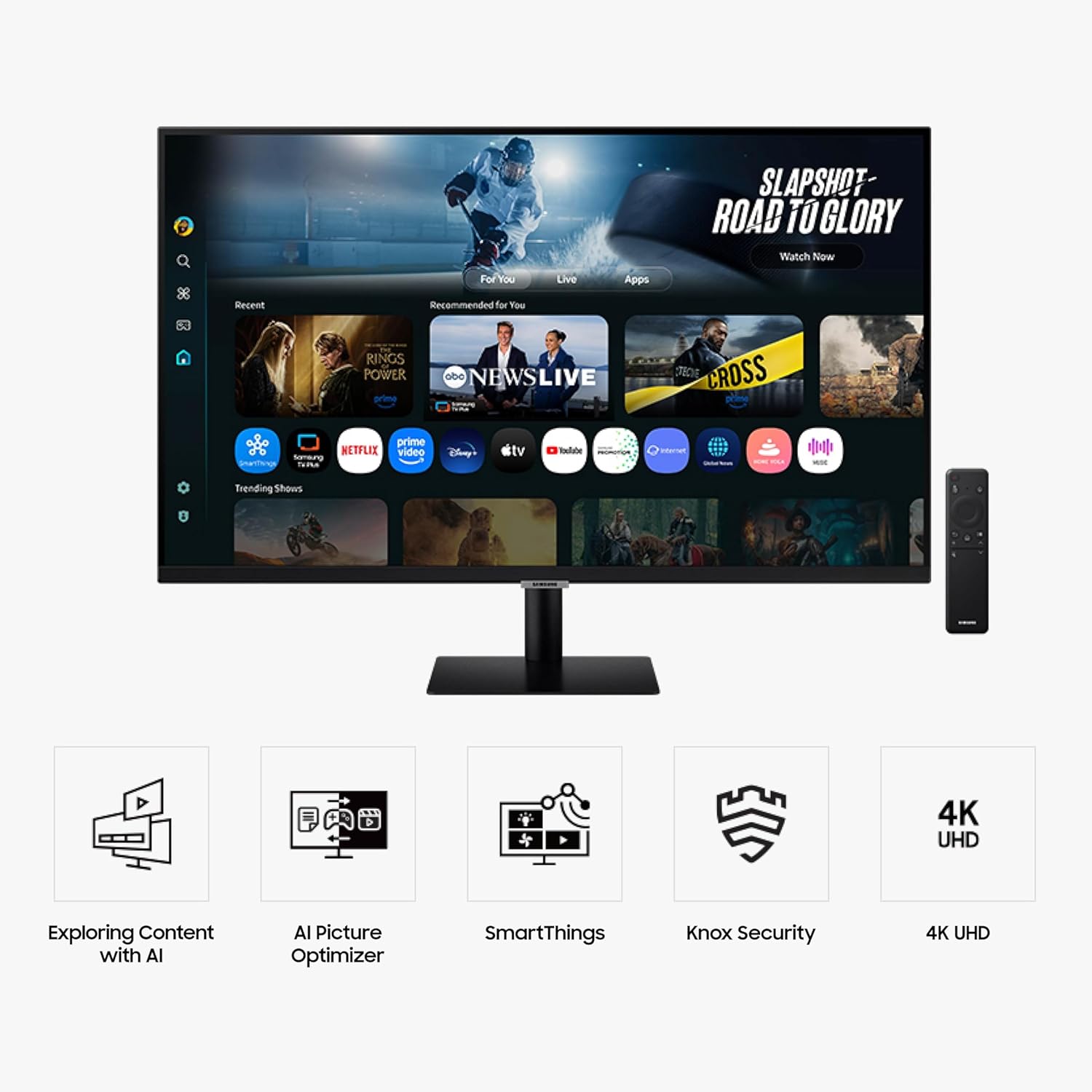
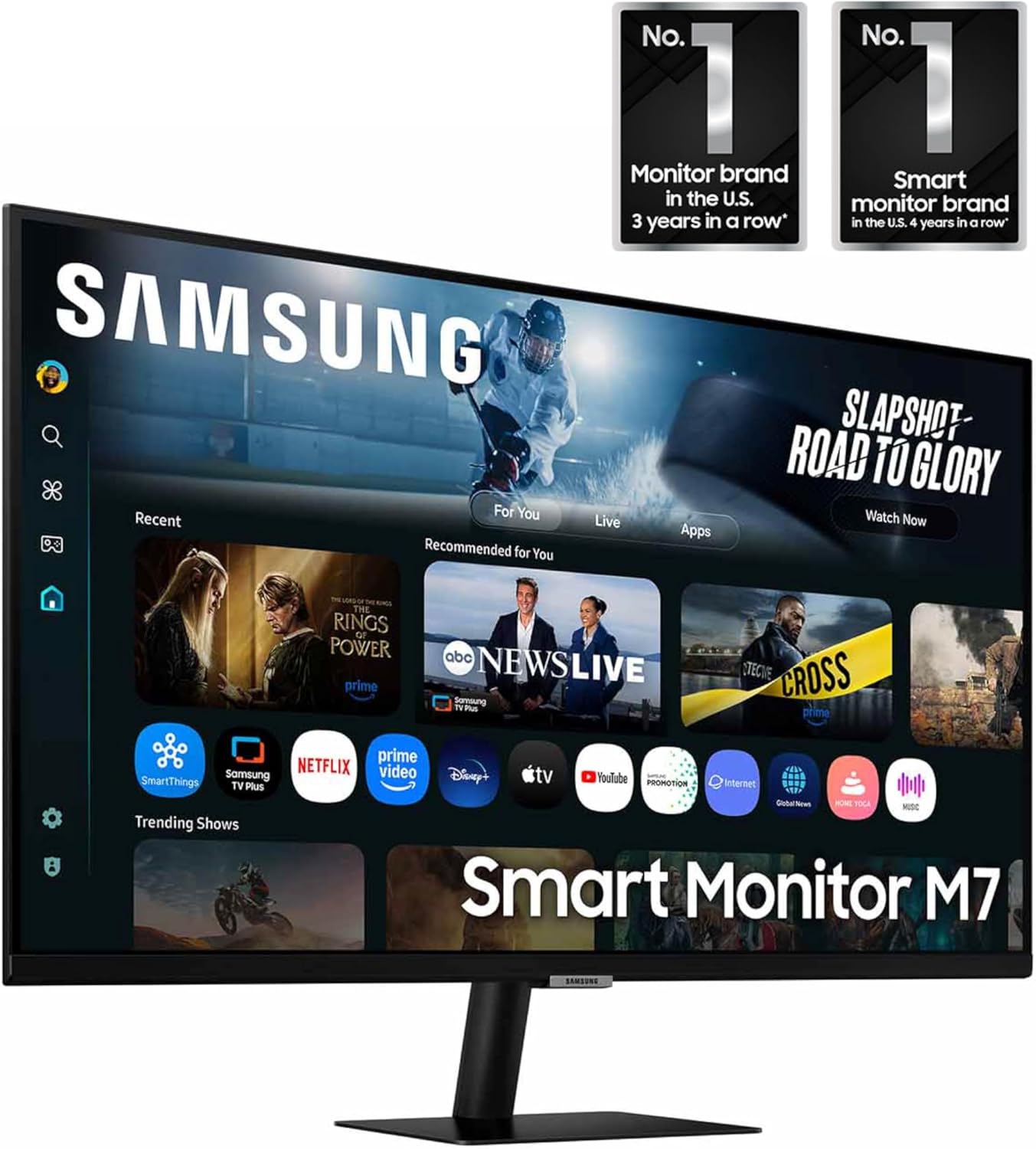
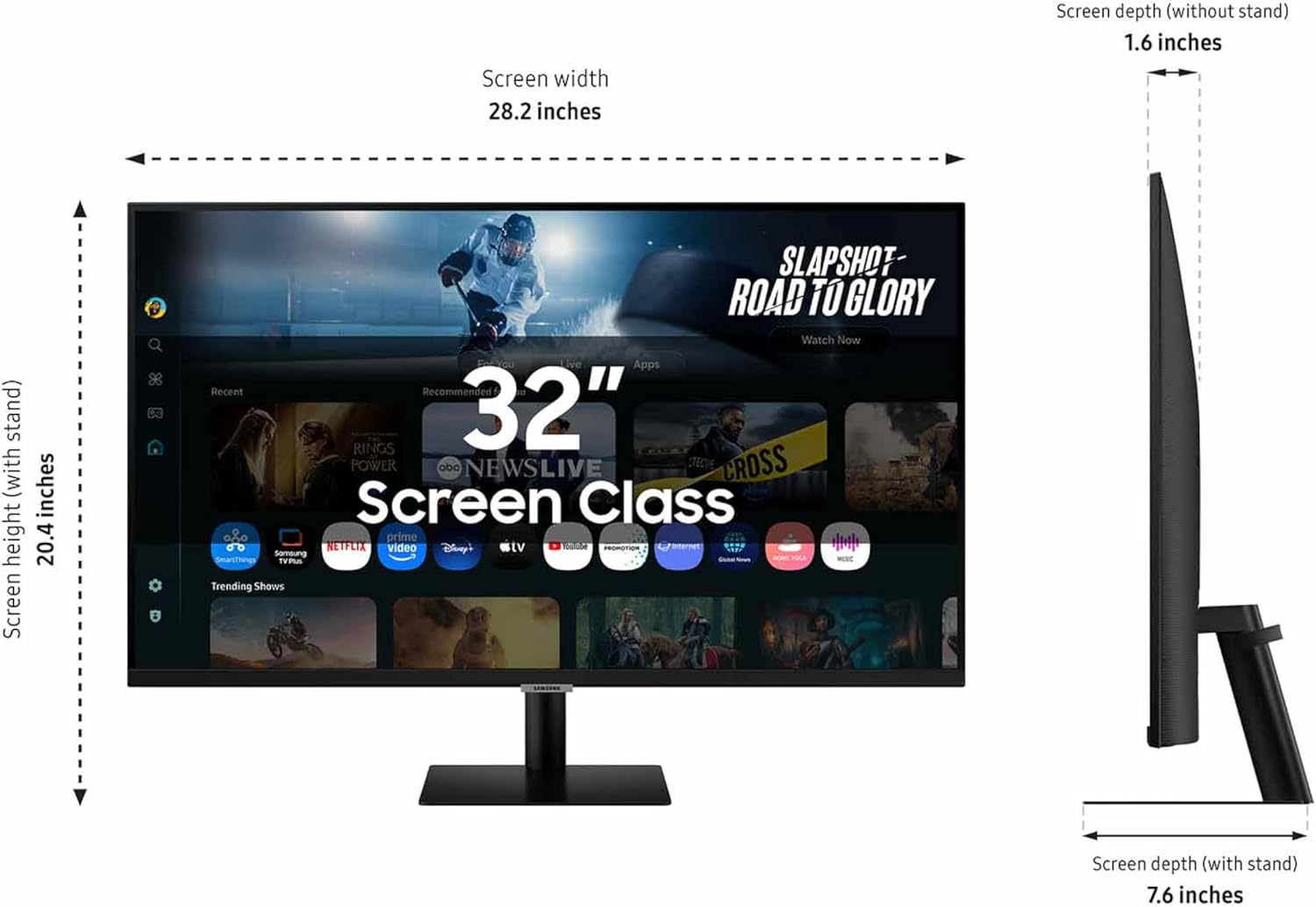
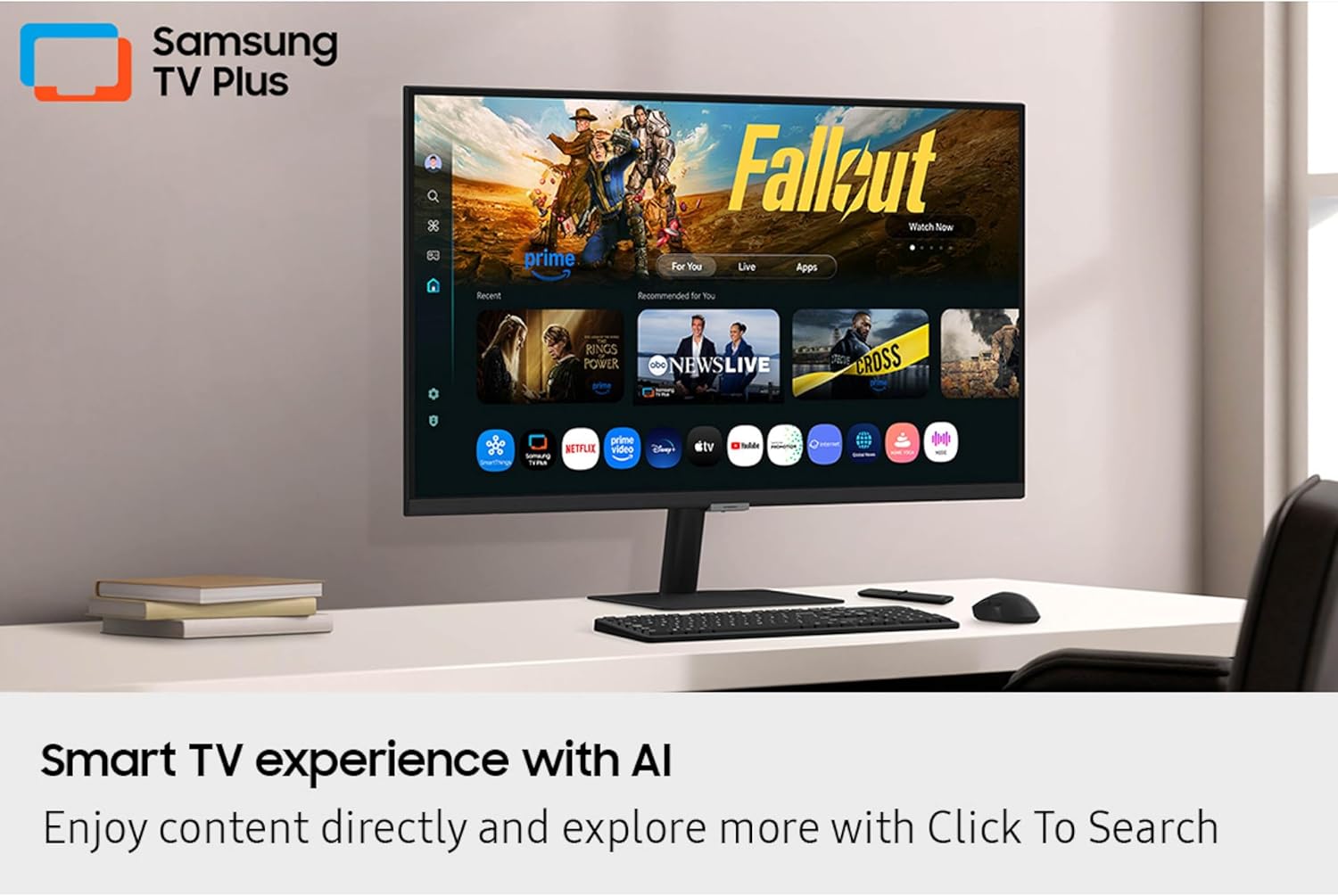
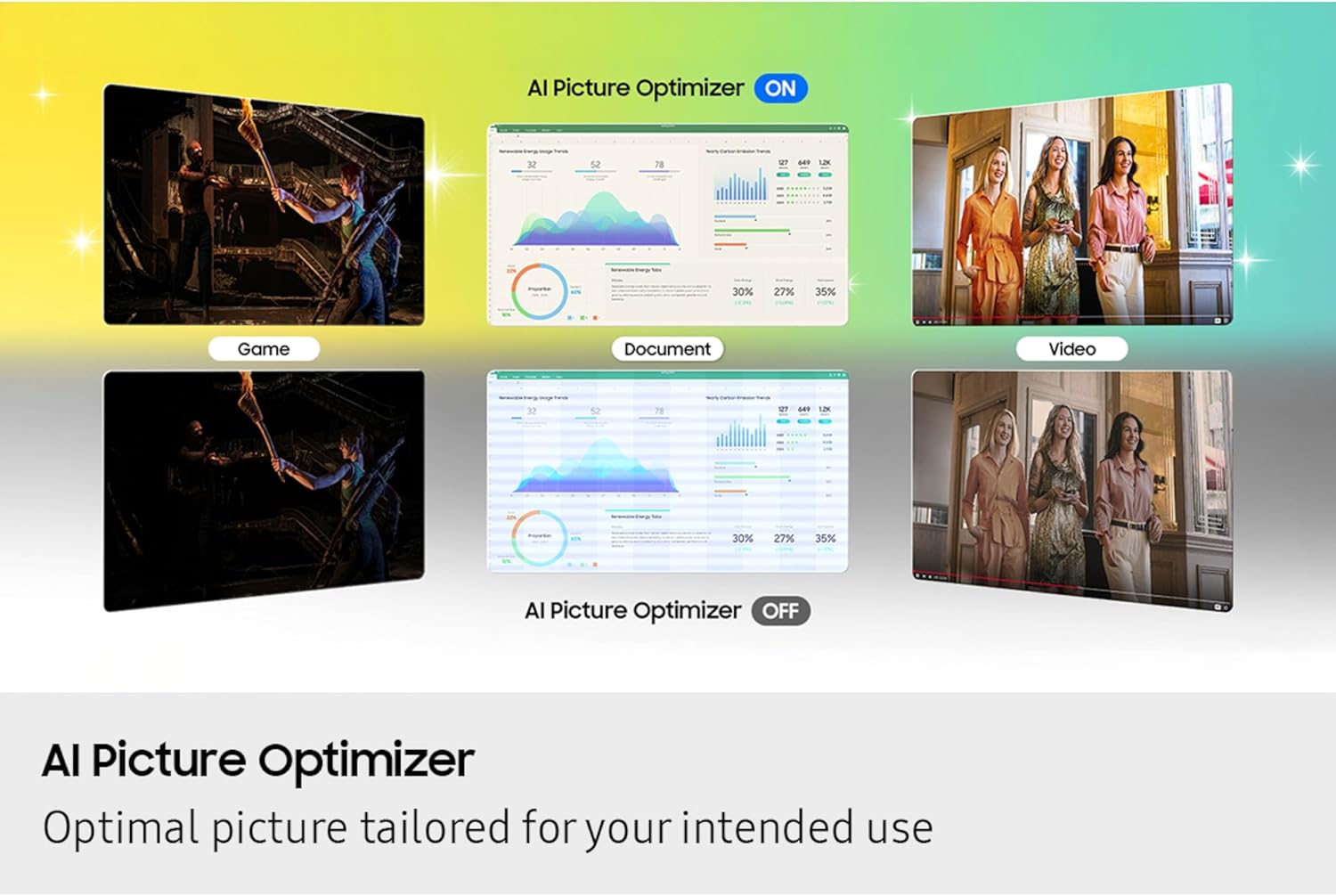
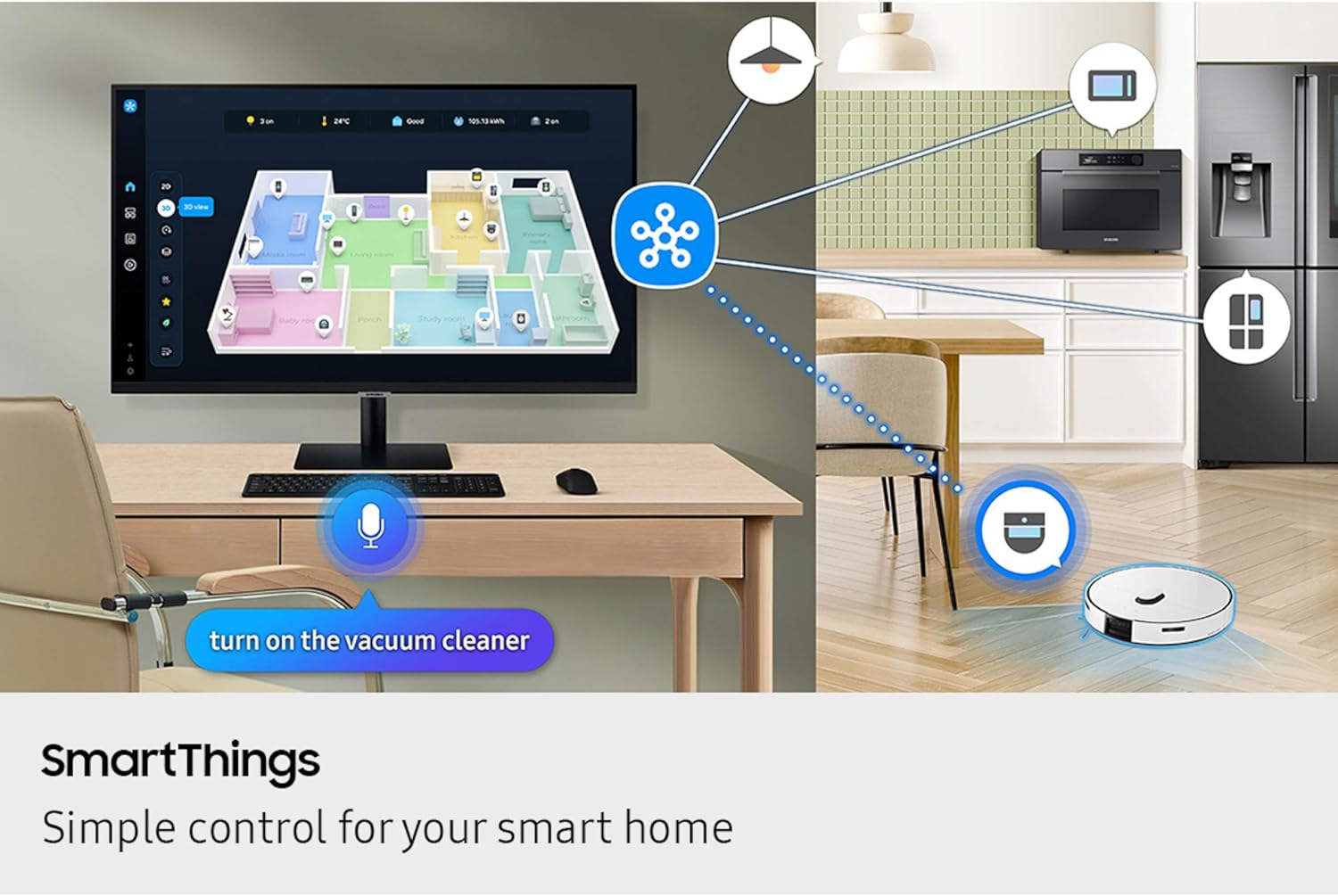
What it is and who it’s for\nThe Samsung 32" Smart Monitor M7 (M70F) is a 4K UHD display that doubles as a smart TV and a productivity monitor. It’s designed for users who want streaming, light gaming, and a smart home hub in one screen without juggling multiple devices. If you value crisp visuals for work and entertainment, and you’d rather not keep a separate streaming device or PC running all the time, this model aims to streamline your setup.\n\n## How it helps in daily use\nOn the surface, the M70F delivers sharp 4K detail for documents, photos, and media. The AI Picture Optimizer aims to tailor visuals to activities—documents may look easier to read, while movies and games can feel more immersive with deeper blacks. AI features extend to audio with Active Voice Amplifier, which attempts to keep dialogue clearer in noisier environments. The monitor also serves as a control point for a smart home, offering a 3D Map View of connected devices and energy insights, which could help reduce standby energy use if you’re mindful of power.\n\n## What stands out in everyday use\nThe integrated Gaming Hub provides access to a pool of games without a PC or console, which can be a convenient way to jump into casual gaming sessions. You can stream directly from the display and also access Samsung TV Plus for live channels and on-demand content. The security angle is notable with Samsung Knox, addressing data protection on the monitor itself and tightening IoT connections via the smart monitor.\n\n## Potential limitations to consider\nWhile the M70F packs multiple features, it’s not a full-blown high-end gaming monitor or a PC replacement. If you rely on top-tier gaming performance, ultra-fast response times, or professional color accuracy for design work, you may notice trade-offs compared to dedicated gaming panels or reference-grade displays. Also, some features hinge on software updates and ecosystem support, so results can vary over time.\n\n## Ideal use cases\n- A compact living room or home office where streaming, casual gaming, and productivity coexist.\n- Users who want a single screen that serves as both monitor and entertainment hub with smart home controls.\n- Those who value built-in security and privacy features for connected devices.\n\n## What to check before buying\n- Ensure the available ports (USB-C, HDMI, USB-A) align with your devices.\n- Consider whether the 32" size fits your space and viewing distance for 4K clarity.\n- If you already have a preferred streaming setup, verify that the supported apps meet your needs.\n\n## How it compares to simpler alternatives\nIf you only need a display for work or streaming, a basic 4K monitor or a dedicated smart TV could be simpler or cheaper. The M70F is more of a hybrid that trades some specialization for convenience, so it’s best when you want a compact all-in-one approach rather than multiple devices.\n\n## Practical example of use\nImagine starting your day with a document on screen, then quickly switching to a video call or a streaming break without changing inputs. When you want a casual game, you can jump into Gaming Hub and play directly on the same screen.\n\n## Decision and next steps\nIs it worth it? If you prize an all-in-one screen that blends 4K visuals, streaming, gaming, and smart-home control in one footprint, the M70F could be a viable choice. It may not be the best option if you require top-tier gaming performance or studio-grade color accuracy. Consider your space, device compatibility, and how important ecosystem features are to you.\n\n## FAQ (quick answers)\n- Does it support USB-C connectivity for a laptop? Yes, the model includes USB-C along with HDMI and USB-A ports.\n- Can I access live TV channels on the monitor? Yes, Samsung TV Plus offers live channels and on-demand content.\n- Is the AI optimization available for all apps? The AI Picture Optimizer aims to tailor visuals across activities, but real-world results can vary by content and use case.