

HDMI KVM Switch, 4-Port
Product description
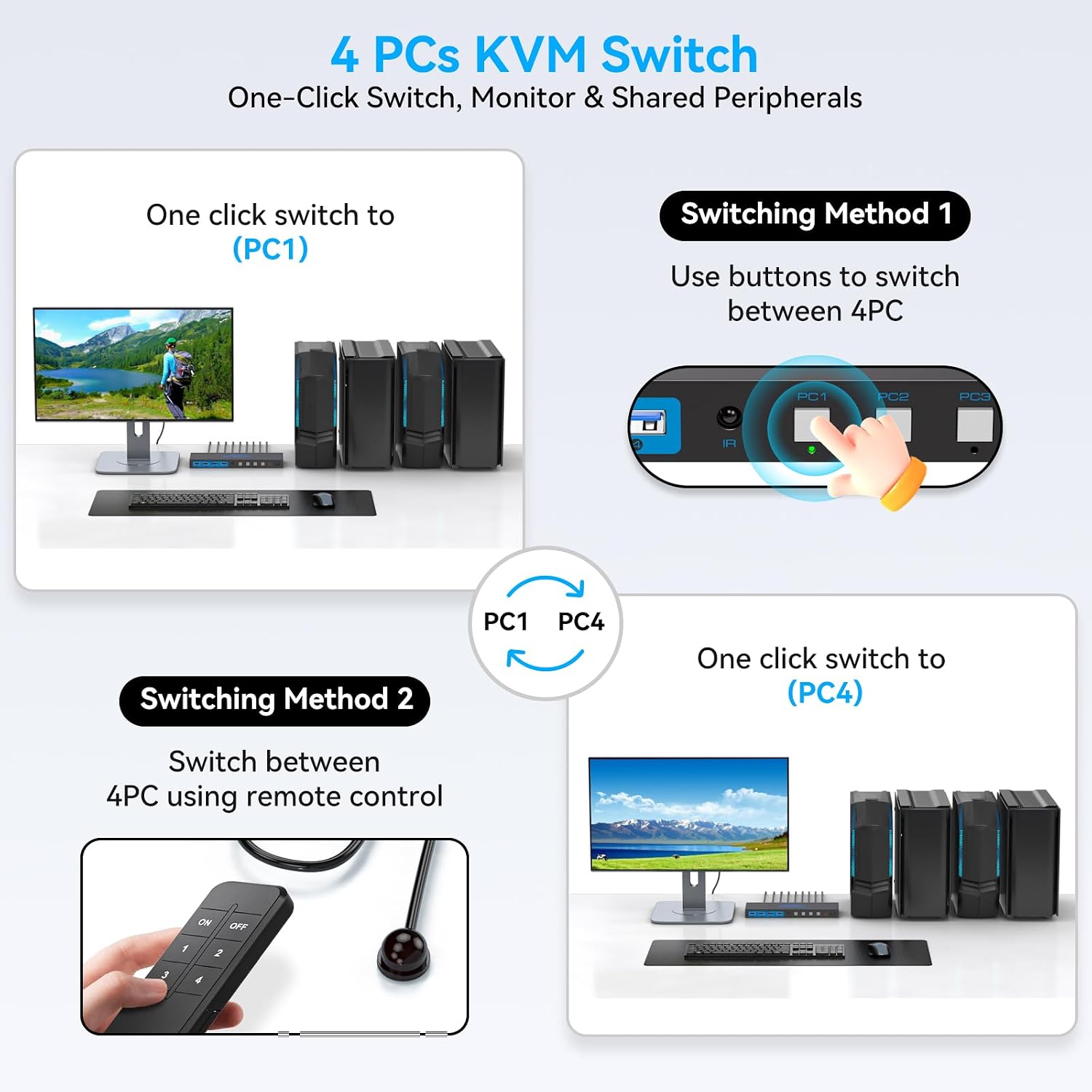
If several computers share one desk, the main choice is whether you want to keep swapping cables or control them through one set of peripherals. This 4-port HDMI KVM switch is designed to share a monitor, keyboard, mouse, and other USB devices across four computers, with a controller and IR extension receiver for switching without reaching behind the setup.
If you prioritize a cleaner shared workstation, it brings the connections together, if you prefer a separate monitor and peripherals for each computer, a KVM switch may add complexity you don’t need.
Getting the most from it
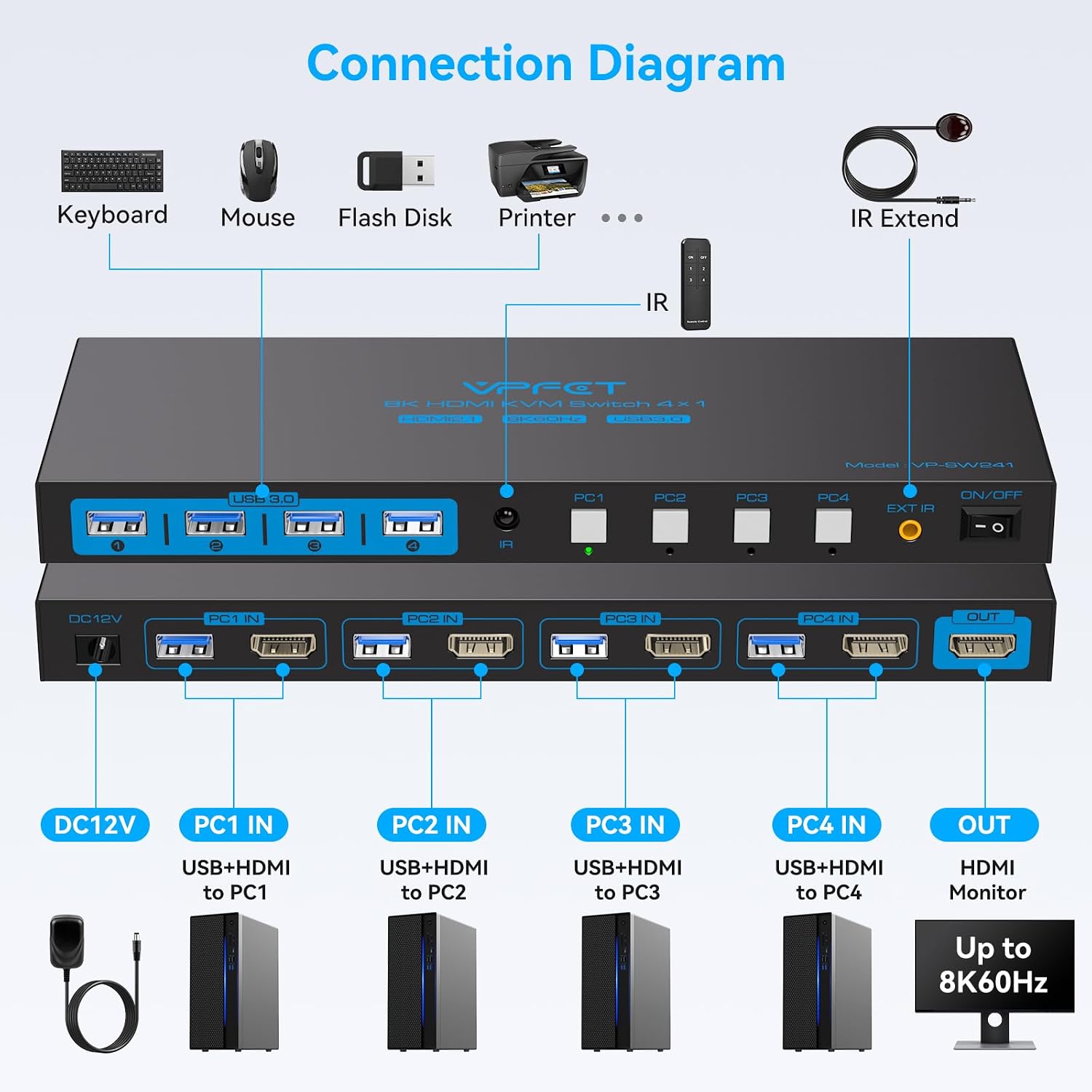
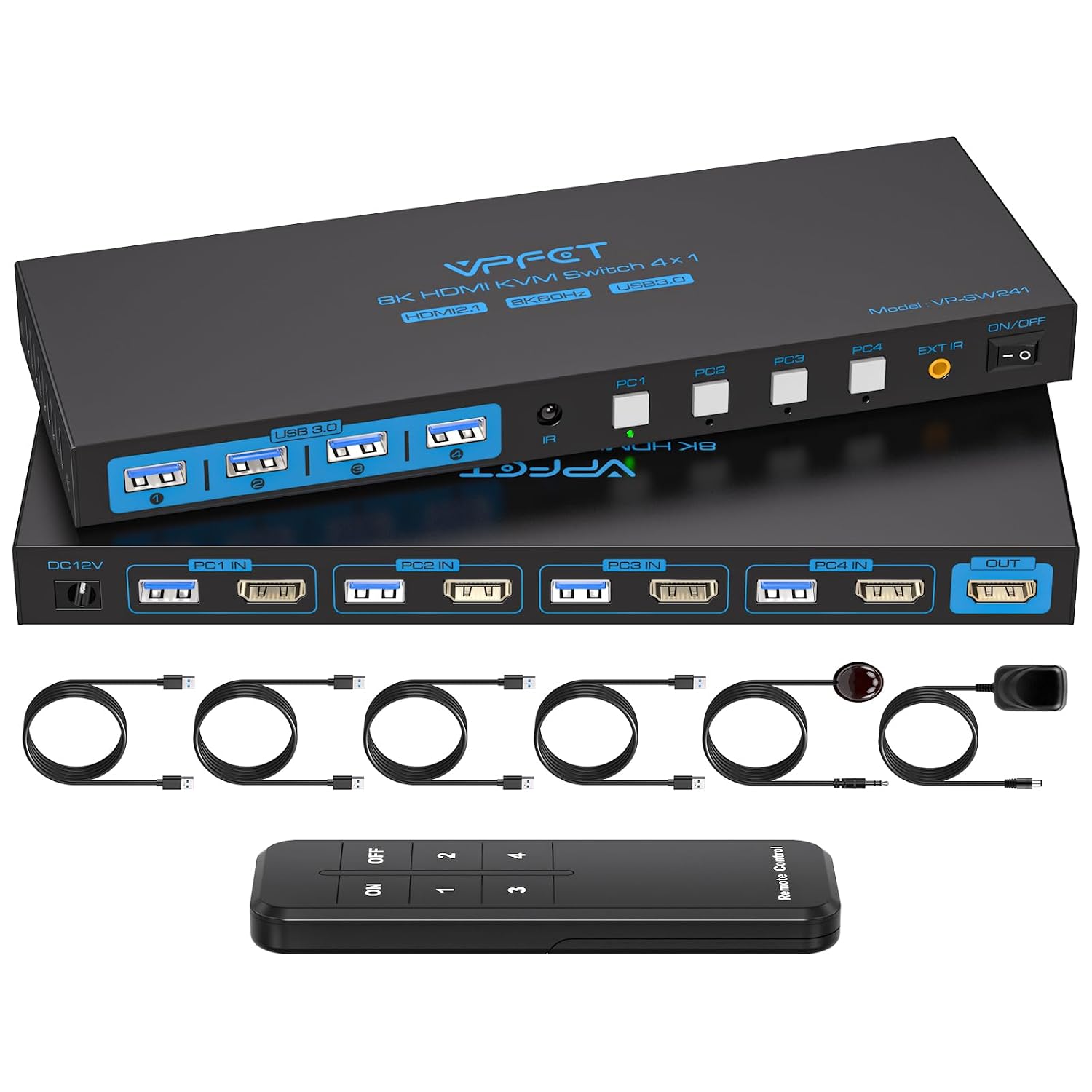
Connect the monitor and all four computers through HDMI, then connect each computer to the switch with a USB 3.0 cable to share the keyboard, mouse, and other USB devices. The package includes four USB 3.0 cables, a 12V1A power supply, a controller, and an IR extension receiver. For example, you could keep a work computer and other machines connected at the desk, then switch which one uses the monitor and keyboard instead of unplugging cables each time.
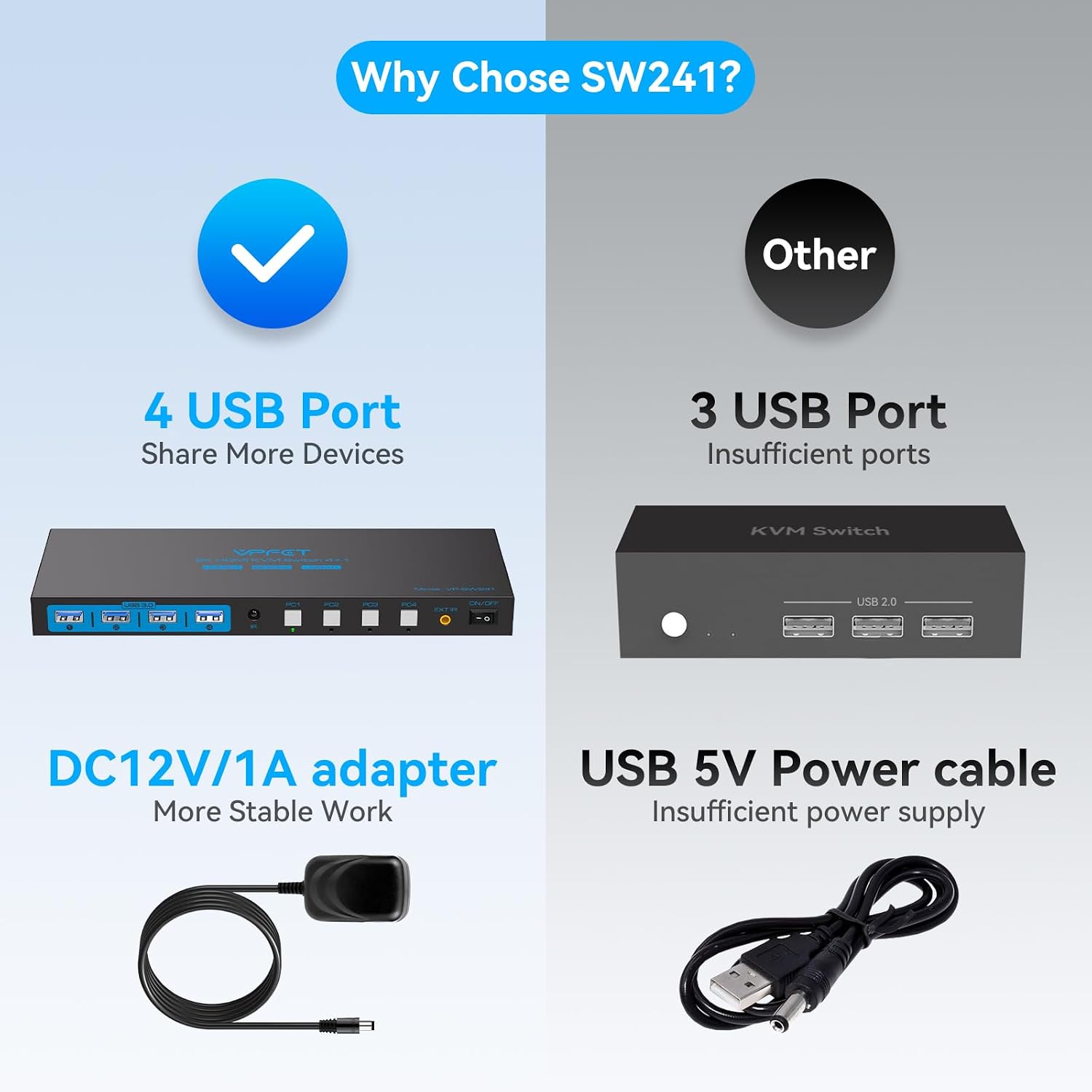
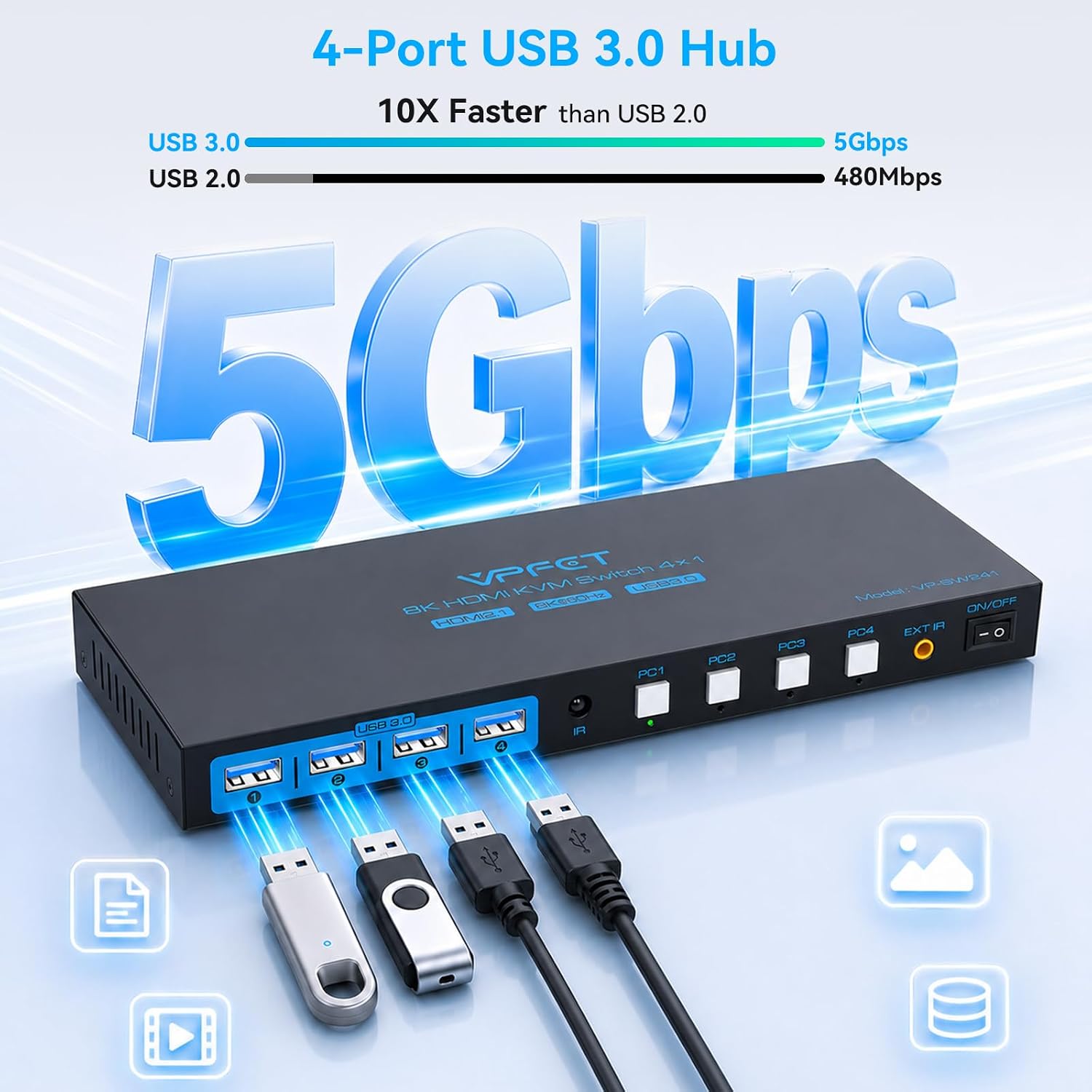
The switch supports output up to 8K at 60Hz and is compatible with 4K at 120Hz, but your computers, monitor, and cables must support the resolution and refresh rate you want. The setup also requires HDMI ports on the computers and monitor, conversion cables are not supported. Its four USB 3.0 ports are rated for data transfer speeds up to 5Gbps, useful for sharing devices such as a printer or removable hard drive as well as basic input devices.
Why it’s worth it
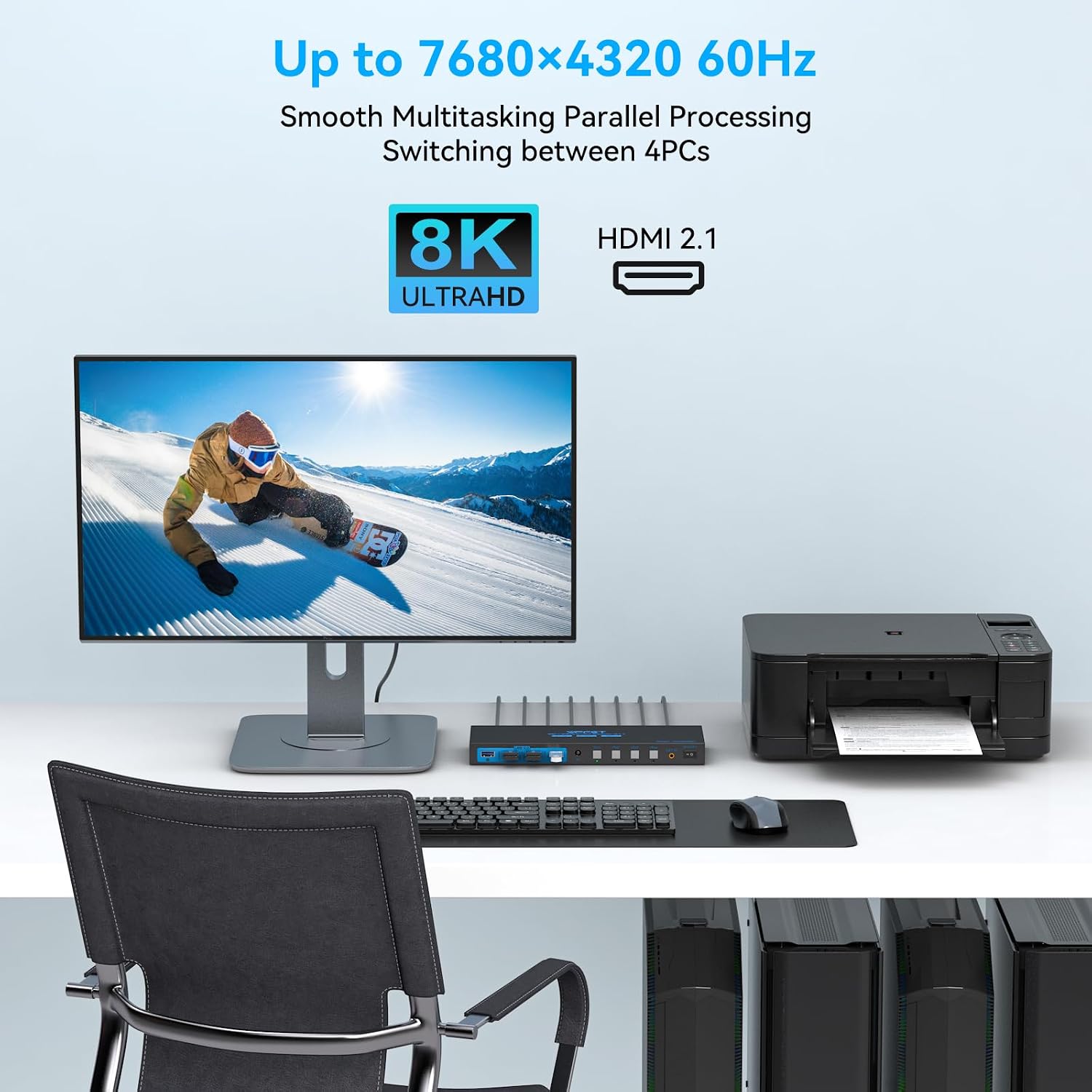
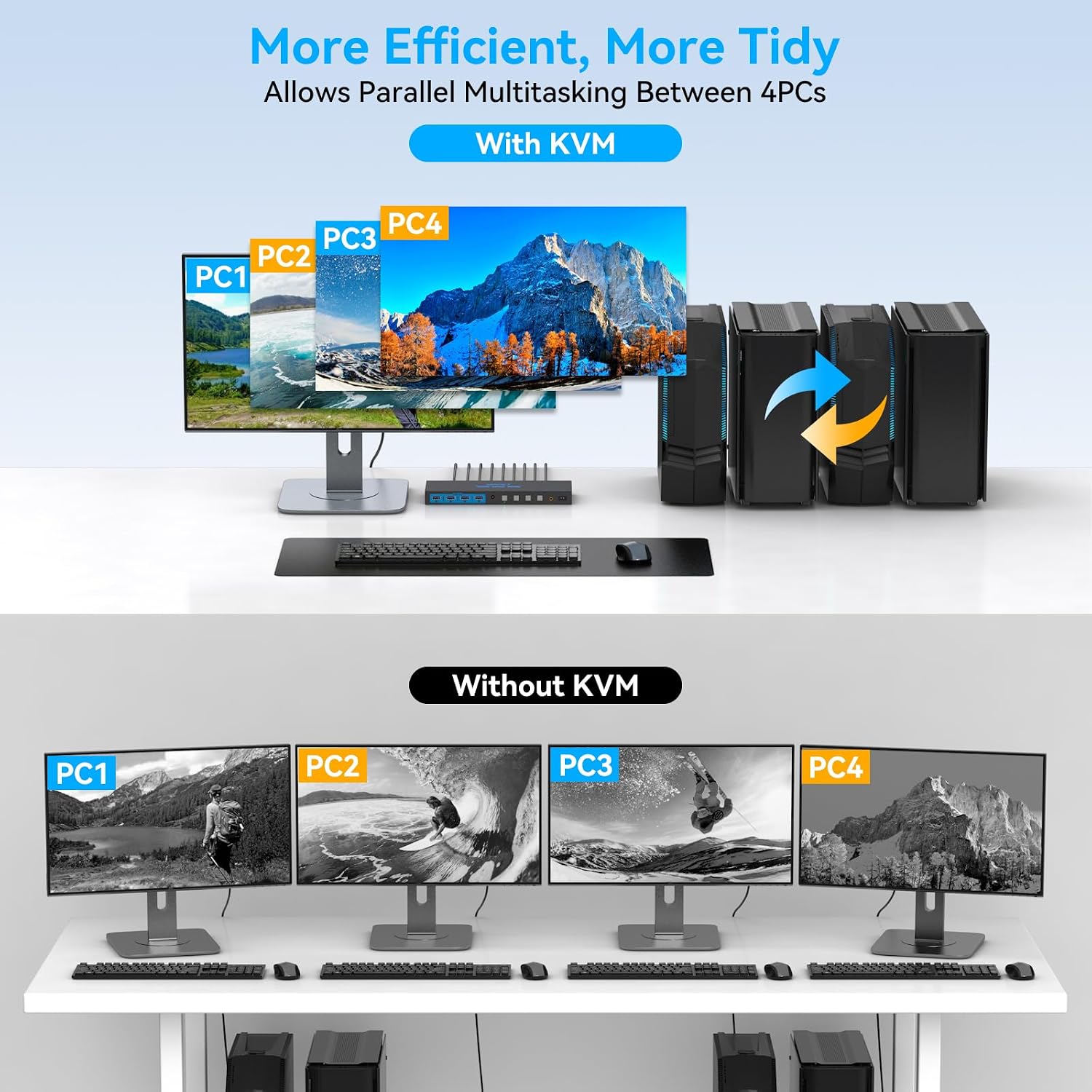
The practical benefit is less desk-side cable swapping when several computers need access to the same screen and USB accessories. Plug-and-play operation and compatibility with Windows, Mac, and Linux make it easier to add to a mixed-computer workspace without relying on a particular operating system. The included controller and IR extension receiver give you options for where to place the switch and how to change computers.
You’ll appreciate it if you regularly move between computers but want to keep using one monitor, keyboard, and mouse. It also includes an EDID function, though the product details don’t explain its specific behavior, so don’t base a specialized display setup on assumptions about that feature. From the way it is set up, the key requirement is having the right HDMI and USB connections available on every computer.
At a glance
- Connections: Four computers to one HDMI monitor
- Shared USB: Four USB 3.0 ports, up to 5Gbps
- Video support: Up to 8K at 60Hz, compatible with 4K at 120Hz
- Switching: Controller and IR extension receiver included
- Compatibility: Windows, Mac, and Linux
This approach suits a shared desk better than repeatedly reconnecting cables, but it does depend on each computer having its own USB 3.0 connection to the switch. The monitor and computers also need native HDMI ports, adapters are explicitly unsupported.
Is it worth it?
It’s not for you if your computers or display rely on conversion cables, or if you need a setup with separate screens for each machine. Those requirements are a poor match for a single-monitor HDMI switch. For a desk where four HDMI-equipped computers take turns using one display and shared USB accessories, it can reduce cable handling and make switching part of the normal workflow. Choose it for that specific shared-workstation job, rather than for a setup whose devices or display connections fall outside those requirements.