


TP-Link WiFi 6E mesh router XE75 Pro
Product description
What matters most
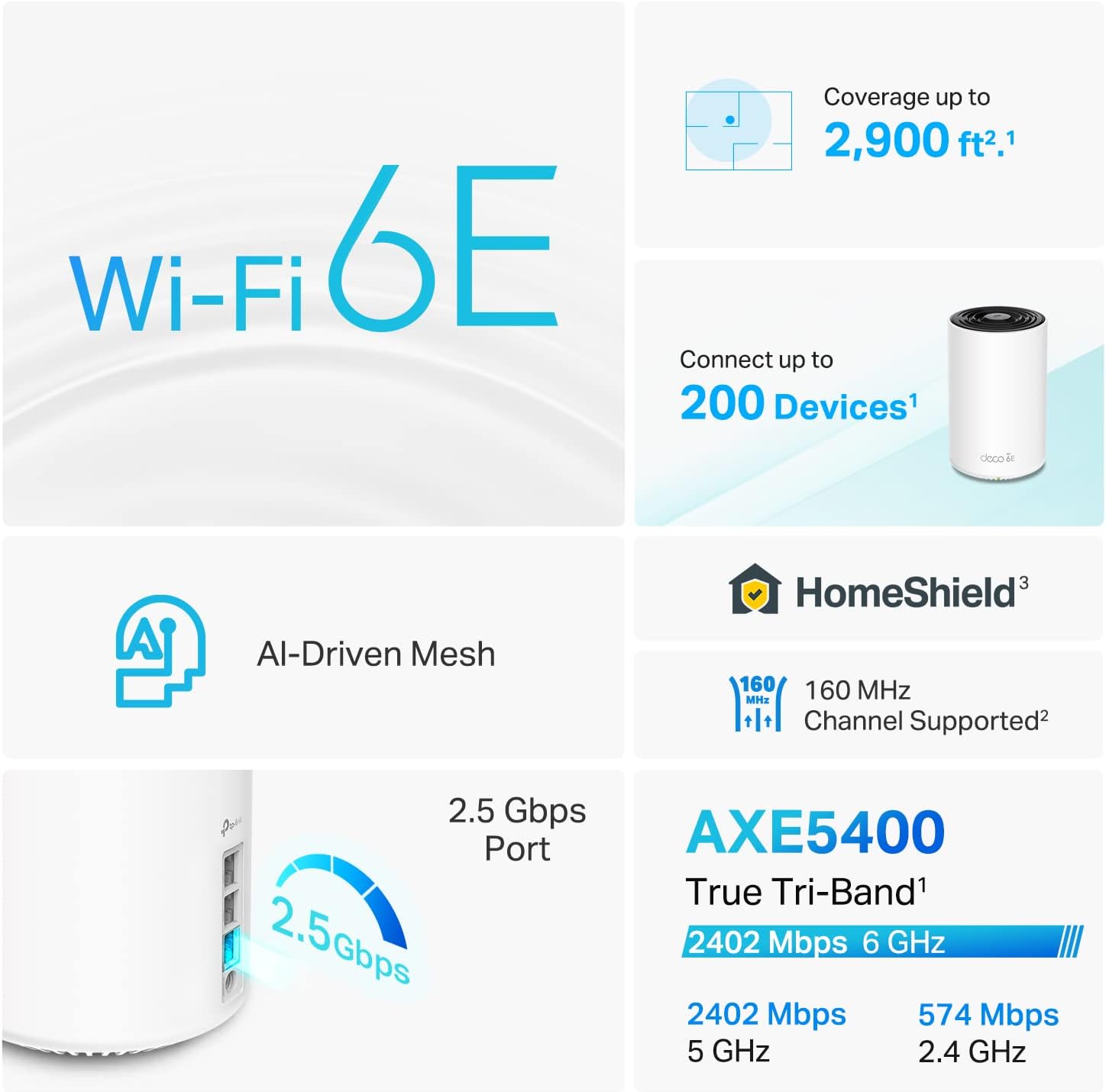
When a home network needs to handle newer Wi-Fi devices alongside wired equipment, the TP-Link Deco XE75 Pro brings tri-band Wi-Fi 6E and a 2.5 Gbps WAN/LAN port into one mesh router. Its 6 GHz band is intended for Wi-Fi 6E-compatible devices, while the 5 GHz and 2.4 GHz bands give other devices their own connections. The combined bandwidth is listed at 5,400 Mbps, but that figure describes the three bands together—not a guaranteed speed for one device or an internet plan.
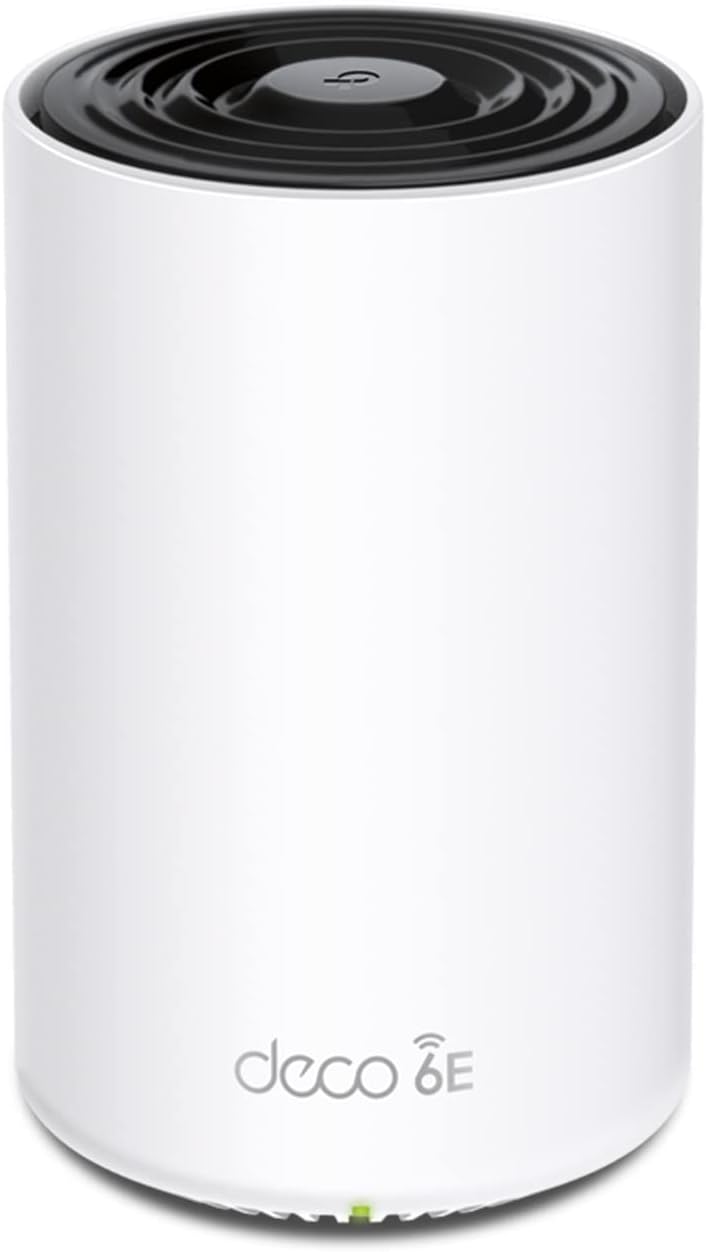
Keep in mind that the 6 GHz band is only useful to devices that support Wi-Fi 6E. Older devices can still use the other bands, but they will not gain access to 6 GHz. The router also requires a separate modem, which matters when planning a replacement for your existing network equipment.
How it fits

TP-Link lists coverage up to 2,900 sq. ft. and support for as many as 200 devices. Those figures may suit a busy home with phones, computers, smart TVs, and connected devices, but actual coverage depends on the home and where the router is placed. Without that measurement, the listed coverage alone cannot tell you whether it will reach every room reliably.
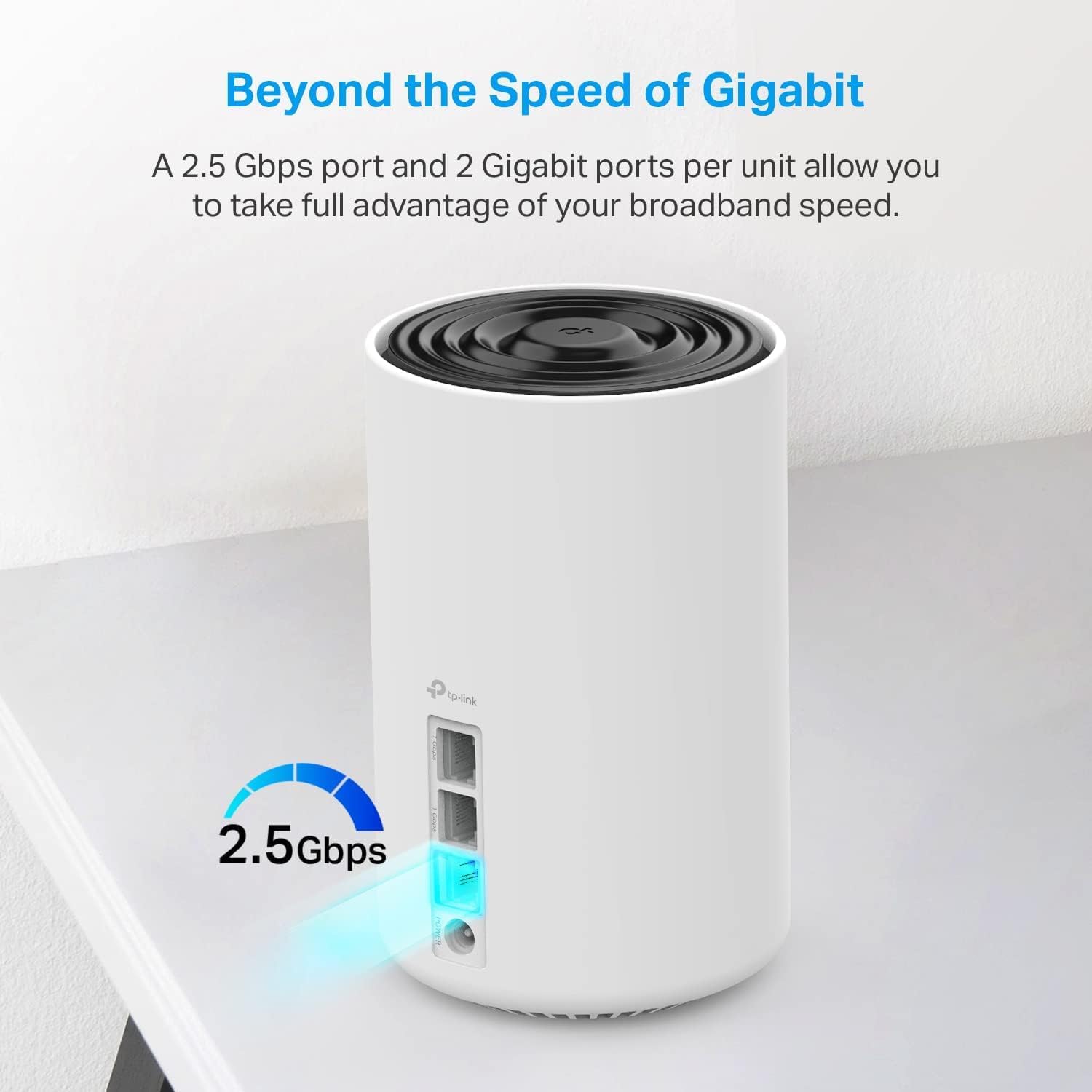
The wired connections are a practical advantage if you would rather connect a desktop PC, game console, or TV by Ethernet: there is one 2.5 Gbps WAN/LAN port and two 1 Gbps LAN ports. A standalone router may be a simpler fit for a smaller, straightforward setup, this Deco is more compelling when you want mesh compatibility and the option to add wired connections. It also works as a standalone Wi-Fi router and is compatible with TP-Link Deco mesh Wi-Fi products.
Tips for day-to-day use
Setup and network management run through the Deco app, which TP-Link says can also be used to update firmware. For a typical home setup, connect the router to a separate modem, use the app to manage the network, and reserve Ethernet for devices that stay near the router. For example, a TV or game console beside the router can use a wired port, leaving Wi-Fi available for phones and laptops moving around the home.

The 6 GHz band may help avoid interference from older Wi-Fi traffic, but it is not a shortcut around device compatibility or placement. If you want to use HomeShield, note that the listed free features include basic network security, basic parental controls, Quality of Service, and basic weekly and monthly reports, the description also refers to a premium security service without detailing its terms.
Questions before you buy
Can the Deco XE75 Pro work without a modem? No. The product information says Wi-Fi routers require a separate modem, and notes that a modem is required for most internet service providers.
Will older devices connect to the 6 GHz band? The 6 GHz network is for Wi-Fi 6E-compatible devices. Other devices can use the 5 GHz or 2.4 GHz bands instead.

Can I use Ethernet for a PC or console? Yes. The router has one 2.5 Gbps WAN/LAN port and two 1 Gbps LAN ports for wired connections.
Should you buy it?
A solid pick if you want Wi-Fi 6E, Deco mesh compatibility, and Ethernet ports for stationary devices, especially when some of your devices can use 6 GHz. The app-based setup and standalone-router option also give it flexibility for a home network that does not need an elaborate configuration.
Not the best choice if your devices do not support Wi-Fi 6E and you do not need mesh compatibility or a 2.5 Gbps port, a simpler router may cover those needs. The coverage figure is a useful starting point, not a guarantee for a particular floor plan, and the separate modem is an additional piece of equipment to account for.