

CyberLink PowerDVD 24 Ultra: The Ultimate Blu-ray, DVD & Media Player Powerhouse
Product description
The essentials
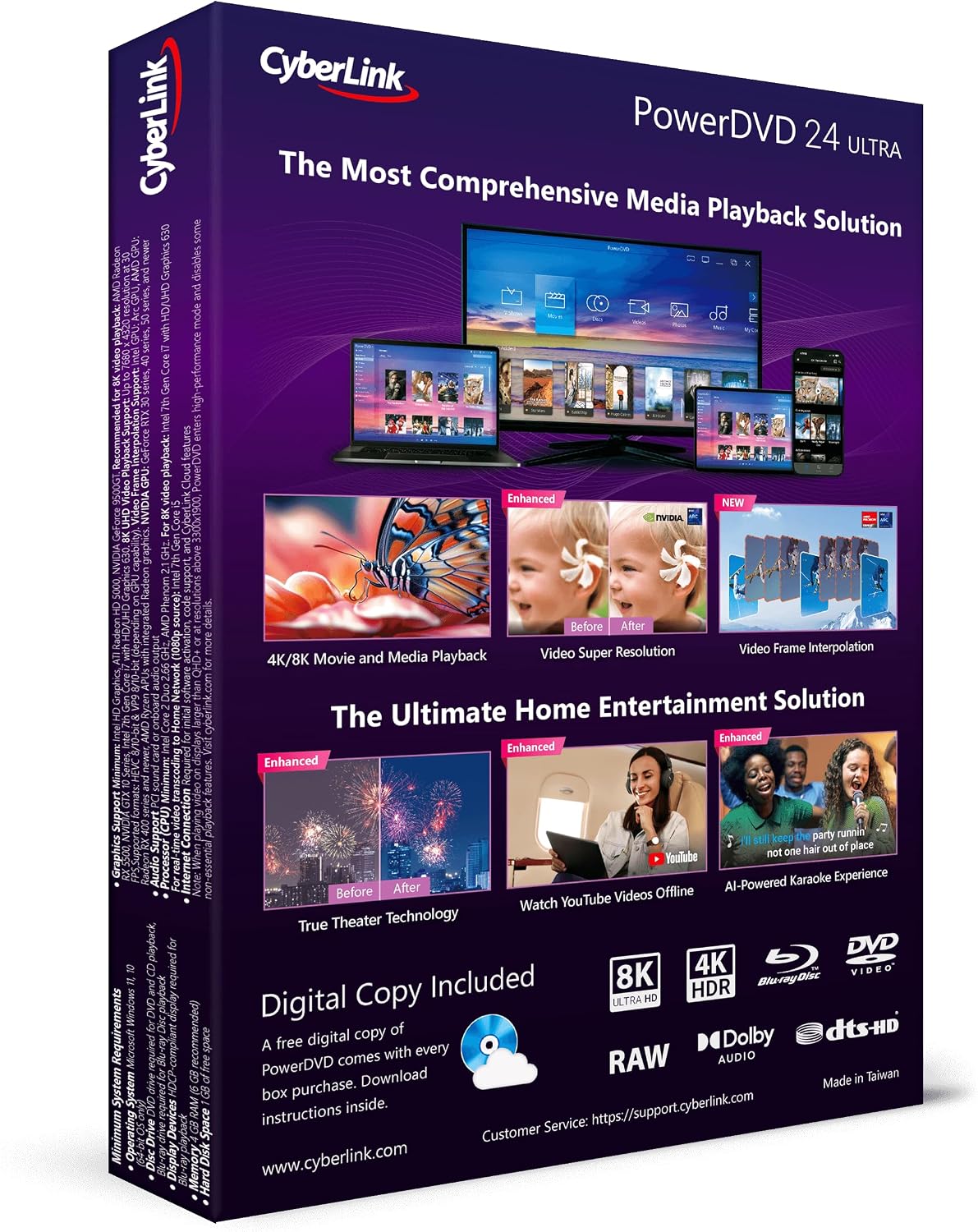
PowerDVD 24 Ultra sits at the center of home cinema, capable of playing Blu-ray, DVD and virtually any file format. On the paper it promises an elevated viewing experience with 360 degree and VR video support, spatial audio, and advanced upscaling like Video Super Resolution. If your goal is to upgrade a living room setup without juggling multiple apps, this is a compact, feature rich package.
What makes it stand out
One of the strongest talking points is the emphasis on picture and sound quality. True Theater enhancements claim to boost DVDs to look sharper and more vibrant with color and lighting improvements that carry into 4K and HDR content. The product also supports high end audio formats including Dolby Digital Surround and DTS up to 7.1 channels, which matters if you have a capable home theater system. For those chasing modern formats or future proofing, PowerDVD 24 Ultra adds support for 8K video and the common HEVC, AVC and XAVC S codecs.
What to know before you buy
On the downside, a premium feature set like 360 degree VR playback and AI driven karaoke vocal removal may be more relevant to enthusiasts or specific use cases rather than casual viewing. If you do not plan to utilize high end immersion features or the advanced upscaling, the value proposition becomes more nuanced. Also, as with any software suite tied to a particular ecosystem, ensure your hardware and display can make the most of 4K HDR and high bitrate content to avoid bottlenecks.
Who it fits best
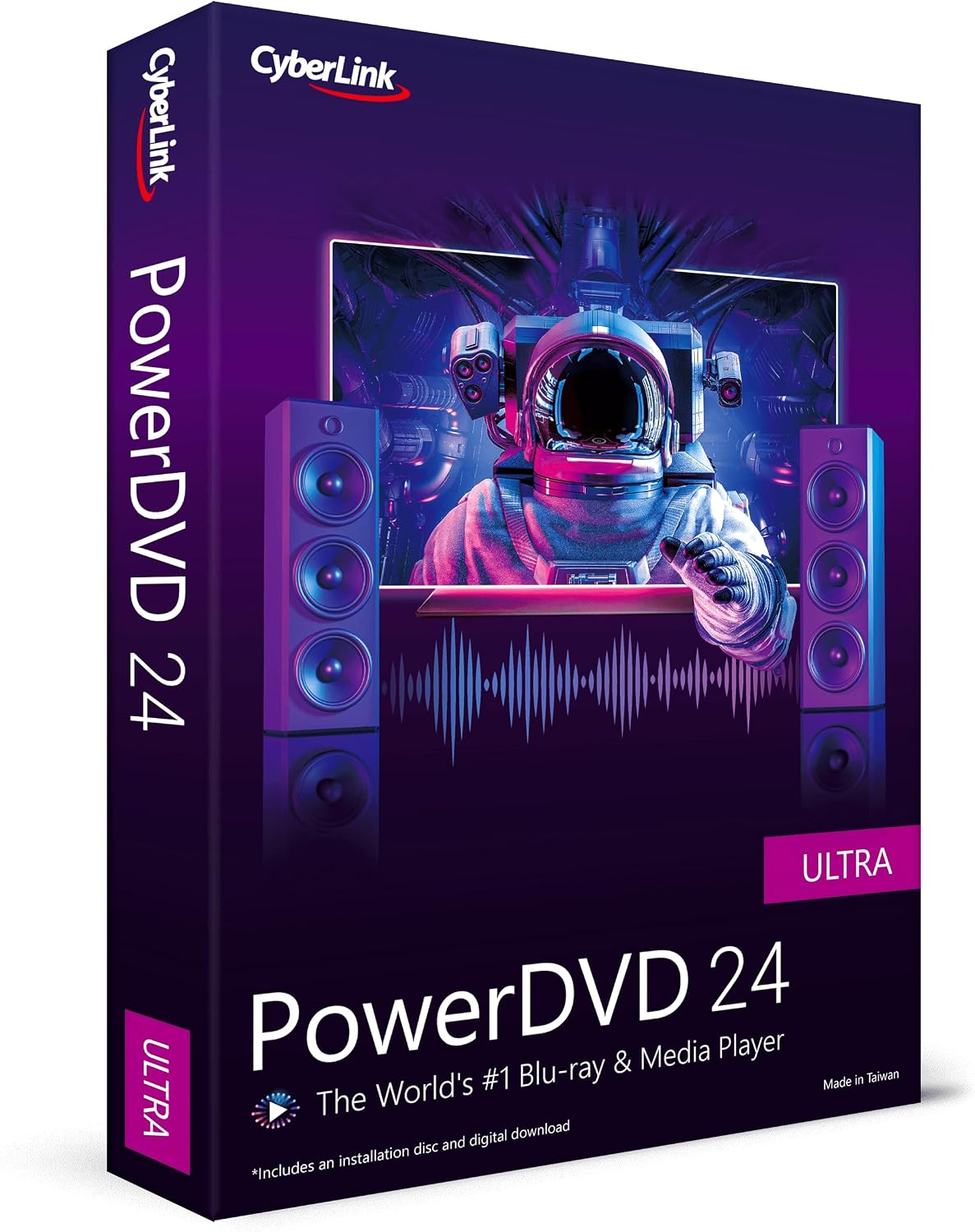
If you own a Blu ray collection or disc drive, and you want a single software to handle playback with strong upscaling, sophisticated audio, and occasional VR or 360 content, PowerDVD 24 Ultra is a solid candidate. It also appeals to users who value features like true upscaling and enhanced color and lighting to improve older sources. For households that prefer a simple plug and play player or rely on streaming apps, the utilities here might feel a bit overkill.
Where it might fall short
If you only need light media playback or have limited hardware for high dynamic range content, you may not extract the full benefit. The package leans toward a robust feature set rather than a minimal footprint, so it can feel heavy for basic use. Also, the inclusion of downloadable content cards implies a retail focus, a non retail distribution path could change the cost equation.
How to use it effectively
Install PowerDVD 24 Ultra on a capable PC or compatible media device, attach your Blu ray drive, and ensure your audio system supports at least 7.1 channels for maximum effect. Use True Theater upscaling on select videos to test whether the improvement is noticeable on your screen. For fans of immersive audio, try Dolby or DTS configurations and experiment with custom room acoustics via the software to tailor the listening experience.
What to check before buying
Confirm your setup supports 4K HDR and or 8K when using compatible media. Check that your display and AVR are aligned with the audio channels you plan to use. Consider whether you will actually use features like 360 degree VR playback or AI karaoke removal, as these drive the perceived value of the Ultra tier.
Practical example of use
Picture a movie night with a mix of old DVDs and new 4K discs. You can lean on True Theater to brighten a faded DVD and enjoy a more cinematic color punch, then switch to a VR content sample for a quick immersive moment. If you enjoy karaoke with friends, the AI vocal removal can let you sing along to instrumental tracks with a new twist.
Decision time
Is it worth it?
If your setup is built around Blu-ray or high quality local video files and you want a feature rich player that doubles as a hub for immersive audio and upscaling, PowerDVD 24 Ultra is worth considering. It makes sense if you prize flexible format support and advanced processing in one package. You may want to skip it if your needs are basic playback, or if your hardware cannot leverage 4K HDR and high fidelity surround formats.
FAQ
- What formats are supported by PowerDVD 24 Ultra PowerDVD 24 Ultra supports Blu ray discs, DVDs and a wide range of file formats with upscaling and HDR capabilities, plus support for HEVC and other codecs.
- Does it include VR or 360 content features Yes it offers 360 degree video and VR video playback as part of the feature set.
- Is karaoke removal reliable for all tracks Karaoke vocal removal uses AI features but results can vary depending on the source material and mix.
- How does it handle upscaling for older content True Theater enhancements aim to improve color and lighting, potentially making older sources look more vibrant, especially when upscaled to 4K.
- What if I only watch standard videos The software still provides robust playback and audio support, but you might not fully utilize all premium features.