

CyberLink PowerDirector 2026: A Practical Look at the All-in-One Video Editor for Windows
Product description
What it is and who it’s for
PowerDirector 2026 from CyberLink is an all-in-one video editing solution designed for Windows users who want a capable tool for YouTube, content creation, and mixed-media projects. It bundles AI-powered tools with screen recording, a slideshow maker, and a suite of effects and transitions. If you’re building video content regularly—tutorials, vlogs, showcases or product demos—you’ll want to know how it handles real-world tasks beyond glossy marketing pages.
How it helps day to day
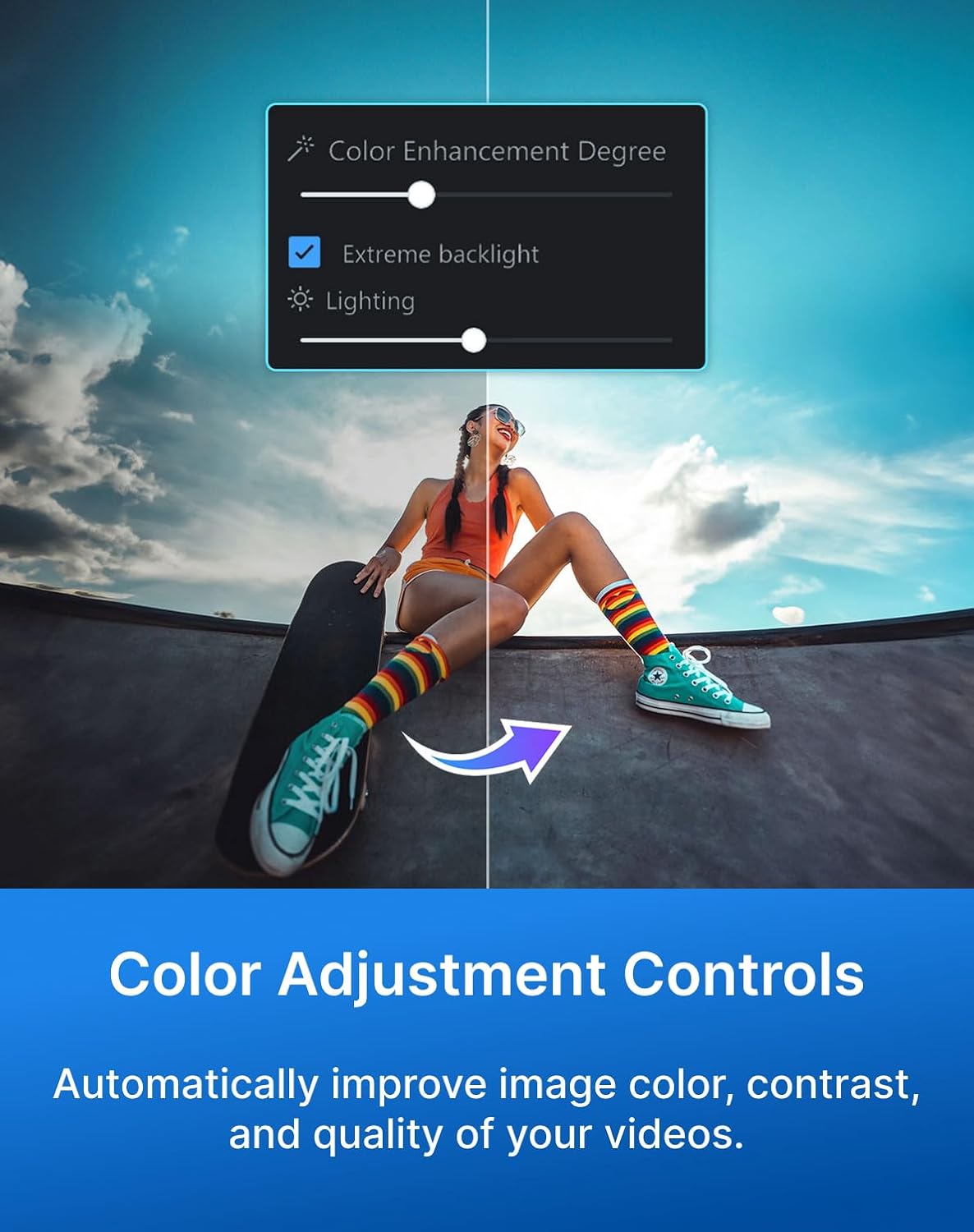
The software includes Enhanced Screen Recording that can capture your screen and webcam simultaneously, with the option to export as separate clips and adjust placement in the timeline. That can be handy for creators who mix facecam with screen captures, though you’ll want to verify your project needs align with these export options. Color Adjustment Controls offer automatic improvements to color, contrast, and overall video quality, which can shave off editing time when footage isn’t shot in perfectly calibrated conditions.
What stands out in the AI toolkit

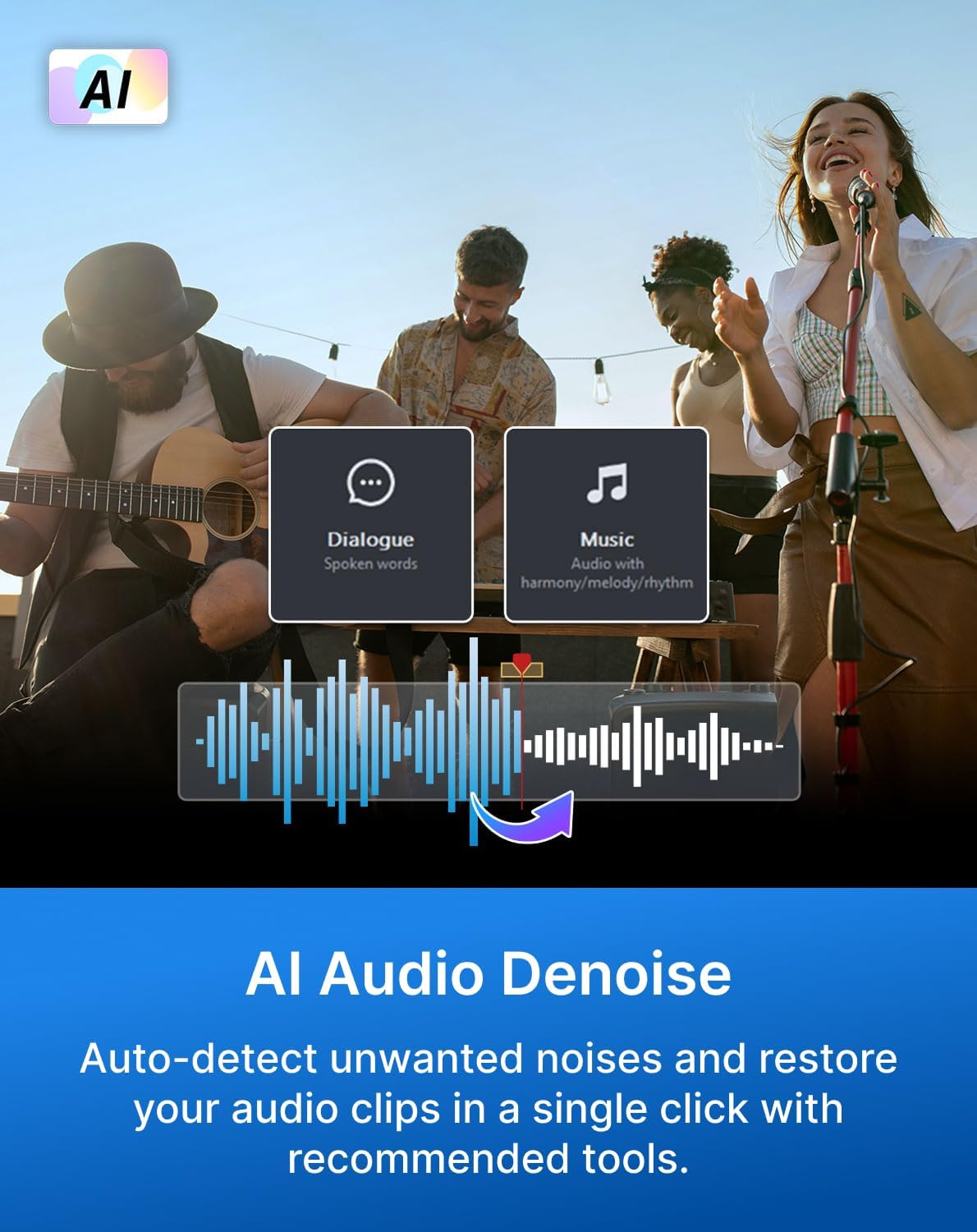
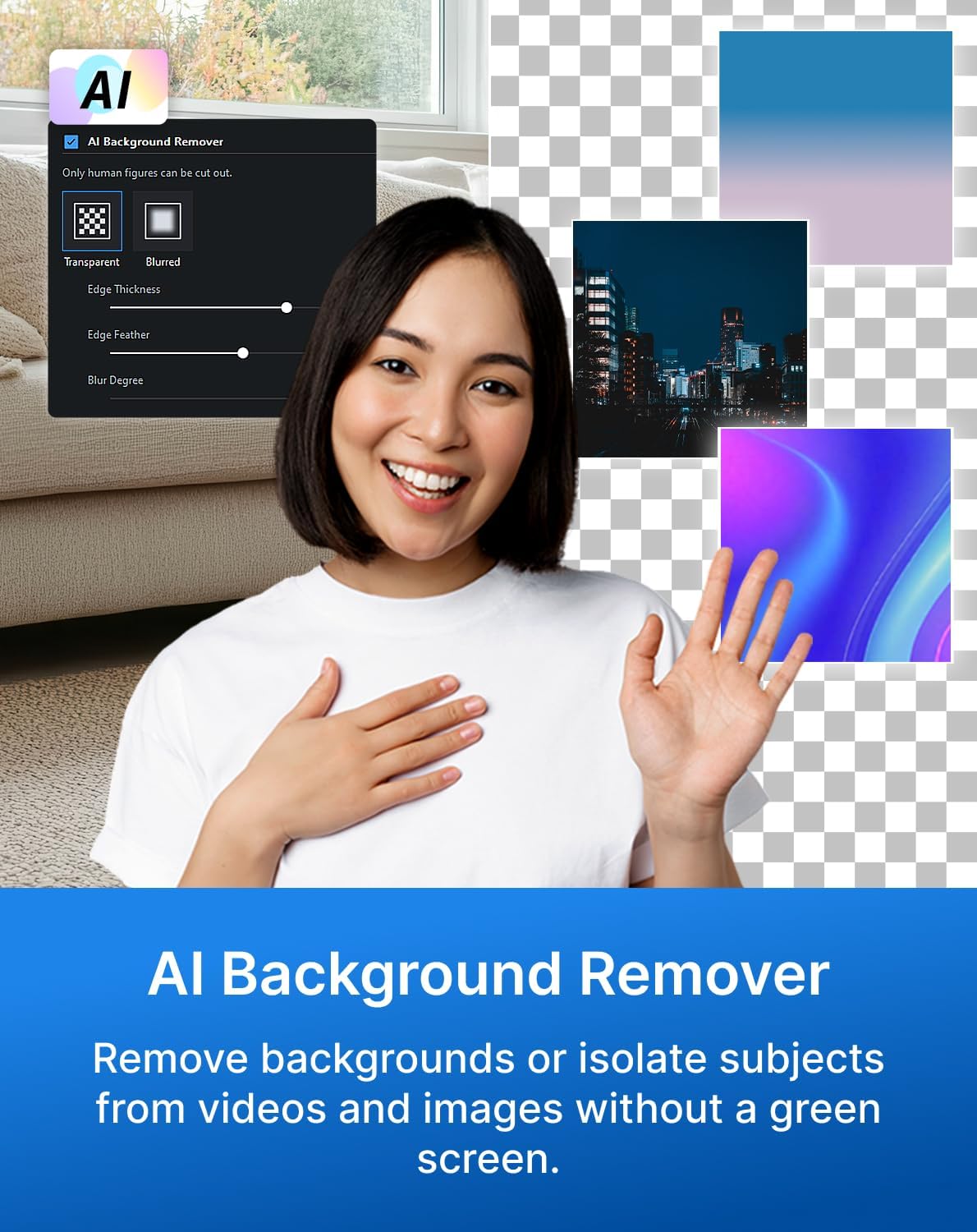
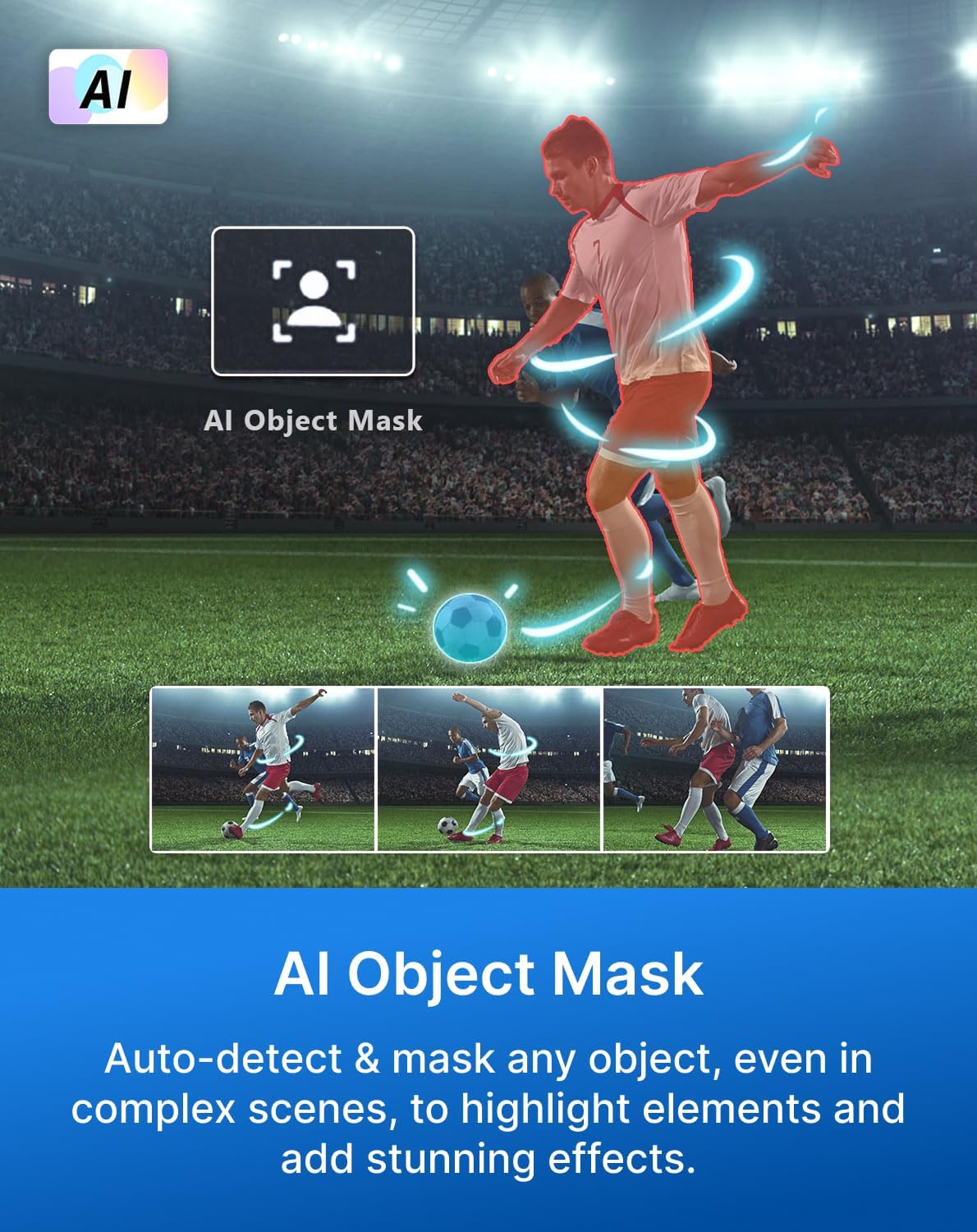
PowerDirector 2026 leans into AI features that aim to speed up common editing tasks. Frame Interpolation promises smoother footage by adding AI-generated frames, a potential win for older or grainy footage, but note the feature is described as available on Intel AI PCs, so it may not be universal for every system. AI Object Mask assists in auto-detecting and masking objects for highlighting elements or applying effects, while AI Audio Denoise can reduce unwanted noise with a single click—useful for that chaotic home setup. AI Background Remover helps isolate subjects without a green screen, which is appealing for quick composites. Speech to Text supports auto captions in multiple languages, which can boost accessibility and reach.
What you can do with it (and what you should temper expectations about)
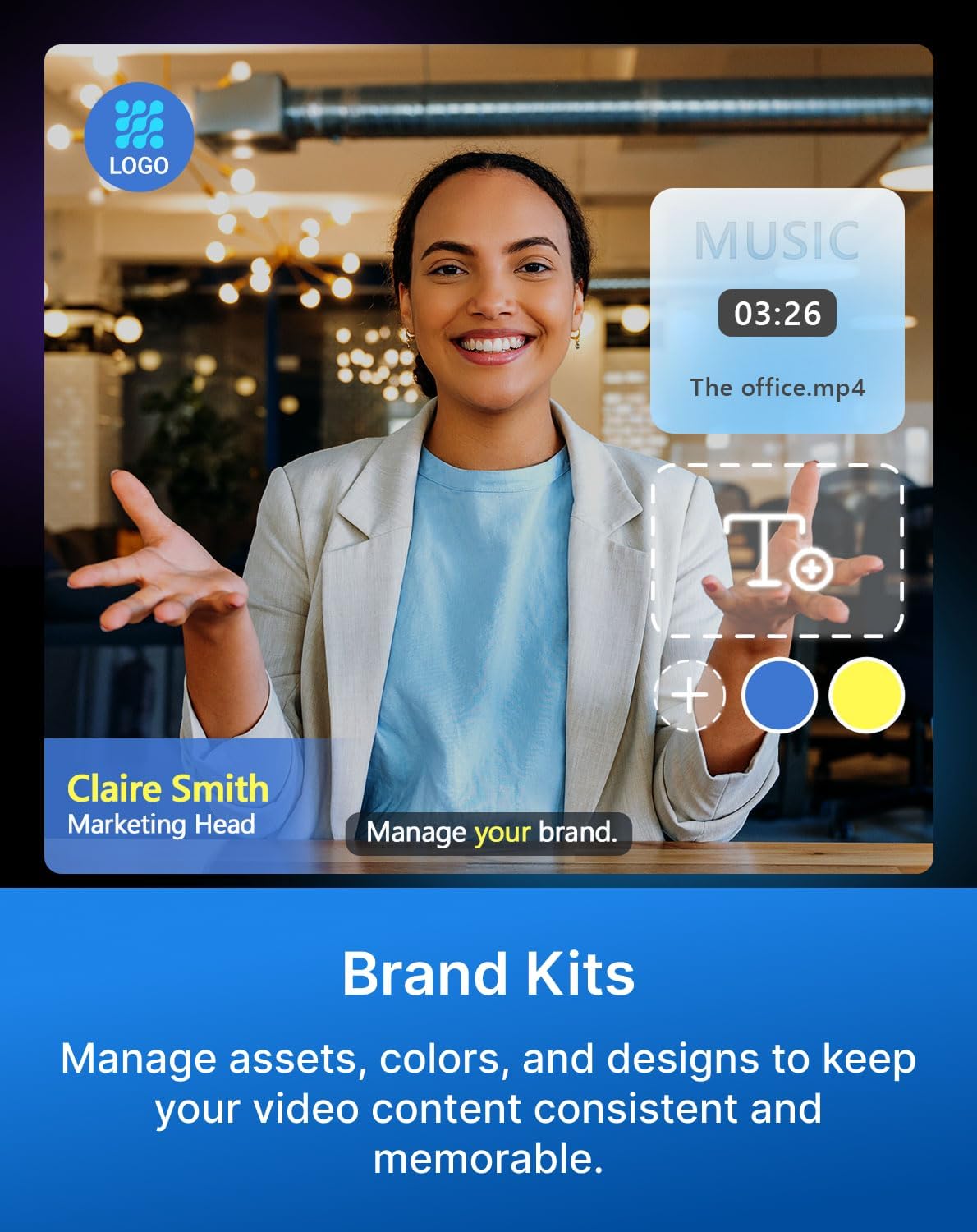
Brand Kits help keep assets, colors, and designs consistent across projects, a subtle but real-time saver for creators managing multiple videos or channels. The box includes a download code, so you’re not stuck waiting for a physical disk to install. If you’re mostly editing short-form content and rely on quick effects and captions, PowerDirector 2026 covers a broad range of common needs in a single package.
The good, the not-so-good
On the plus side, a unified workflow with AI-assisted tools can reduce repetitive edits and polish visuals fast. The integrated screen recording and direct export options streamline the post-record process for certain formats and layouts. However, some features are conditional (for example, frame interpolation availability ties to Intel AI PCs), which means you may run into hardware requirements that affect real-world usefulness. If your workflow depends on extensive AI-driven adjustments or high-end masking, you’ll want to test performance on your PC first, because results can vary by system and footage quality.
What to review before buying
- Confirm your PC meets the prerequisites for AI features you care about, especially frame interpolation on Intel AI hardware.
- Consider your typical content: if your videos rely heavily on green screen work or complex masking, test the AI Masking and Background Remover in real scenes to judge reliability.
- Check whether you need batch processing or multi-project brand consistency, Brand Kits are helpful, but their impact depends on your frequency of output.
- If you use non-English languages for captions, verify language support aligns with your target audience.
How this compares to other approaches
If you prefer a modular or cloud-based toolchain, PowerDirector 2026 bundles many essentials in one download code. For creators who favor hardware-accelerated AI effects, the Intel AI PC tie-ins could tilt the decision. For those who don’t need advanced AI polish or who rely on specialized effects from other ecosystems, a lighter editor or a different approach to color correction and noise reduction might feel leaner and faster.
Practical usage example
Imagine filming a product walkthrough with a facecam and screen capture. You can use Enhanced Screen Recording to capture both streams, place the webcam insert where it complements the on-screen content, and apply AI Audio Denoise to clean dialogue. If the footage looks a bit grainy, Frame Interpolation could help smooth motion, provided your PC supports the feature. You can add a consistent color grade with Color Adjustment Controls and finish with auto captions to reach a broader audience.
Final thoughts: Is it worth it for you?
Is PowerDirector 2026 worth considering? It makes sense if you value an all-in-one package that covers editing, screen capture, and AI-assisted enhancements in one purchase. It may be particularly compelling for content creators who publish frequently and want to maintain brand consistency with Brand Kits. You may want to skip it if your workflow relies on specific hardware compatibility not documented here, or if you require more specialized effects that sit outside PowerDirector’s current AI toolbox.
FAQ
- Does the software support my current PC? Features like Frame Interpolation depend on hardware (Intel AI PCs noted). If your setup isn’t aligned with those requirements, some AI features may not be available.
- Can I use PowerDirector to publish directly to YouTube? The description suggests it targets YouTube and content creation workflows, but the exact publishing pipeline isn’t detailed here.
- What happens if I don’t need AI features? You’ll still have editing and color tools to enhance videos, but you’ll miss some automated improvements that speed up routine tasks.
Decision section
Should you buy it?
A solid pick if you want an integrated editing suite with AI-assisted tools, screen recording, and brand consistency features. It’s a good fit for creators who value an all-in-one solution and are comfortable testing hardware compatibility for AI features. Not the best match if you need guaranteed cross-platform AI performance or highly specialized effects outside this package.