

CorelDRAW Graphics Suite: 1 Year Subscription for Professionals
Product description
What it is
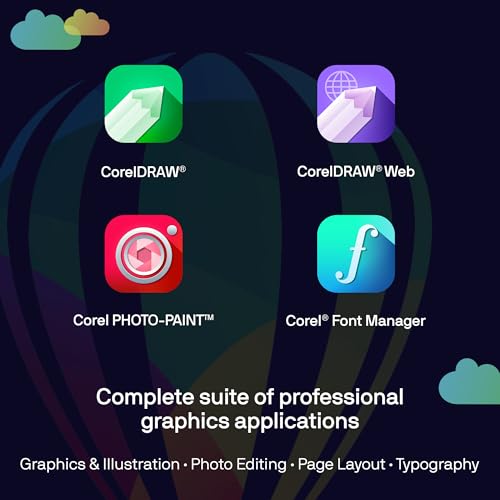
CorelDRAW Graphics Suite is a professional graphics toolkit offered as a 1-year subscription. It bundles vector illustration, page layout, photo editing, font management, and related capabilities into a single suite designed for designers who work across print and web workflows.
What’s new and what you get
The current iteration emphasizes AI-assisted capabilities like text-to-image and content-to-image generation, AI-based image remix, background removal, and masking tools. There are refreshed UI elements, performance and stability improvements, new brushes and templates, plus CorelDRAW Web updates. As a subscriber, you also gain access to cloud-based features, extra AI credits, brushes, and templates that aren’t available to non-subscribers.
How it helps in practice

If your work involves creating multi-page documents, brochures, or complex layouts, this suite offers a broad toolbox and asset management workflow to keep assets organized. The AI features can help with rapid ideation and image edits, while traditional tools support precise color control, masking, and output consistency across print and digital formats.
What stands out
On the positive side, you get an all-in-one package that covers vector work, image editing, and layout, plus Pantone color support and advanced printing options, which can streamline workflows. The inclusion of cloud features and additional AI credits in the subscription model adds value for teams or freelancers who rely on regular asset updates and collaboration.
Where it might fall short
If you’re primarily seeking lightweight or single-purpose software, this suite can feel comprehensive to the point of overkill. Some users may value a stand-alone license over a subscription, and the range of features means a learning curve for newcomers. Also, performance and experience depend on ongoing updates, so you may encounter a period of adjustment following new releases.

Ideal user and scenarios
It’s well-suited for professional designers who work with vector art, page layouts, and image editing in a mixed print/web context. It’s a reasonable fit for studios and freelancers who want a single cohesive toolset with access to regularly updated features and AI capabilities. If your primary need is simple image editing or basic vector drawing, you might not need the full breadth of this suite.
When to buy and when to pass
Consider buying if you need an integrated toolset for print and web with ongoing feature updates, AI-assisted capabilities, and cloud collaboration. Pass if your work is lightweight, you prefer perpetual licenses, or you already rely on a narrower set of tools and don’t require frequent updates.
What to review before purchasing
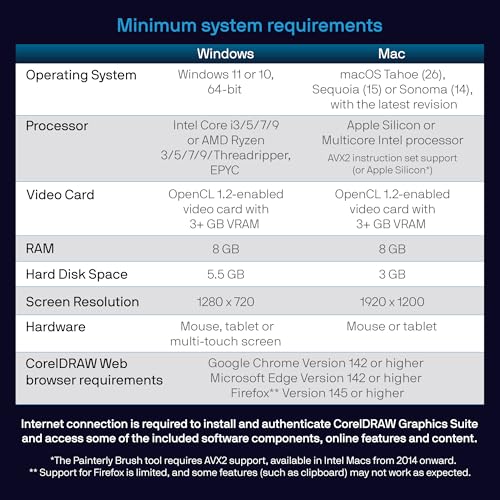
- Confirm your platform compatibility (PC/Mac) and whether the 1-year model aligns with your budgeting and upgrade plans.
- Assess how much you’ll actually use the AI credits and cloud features to avoid underutilization.
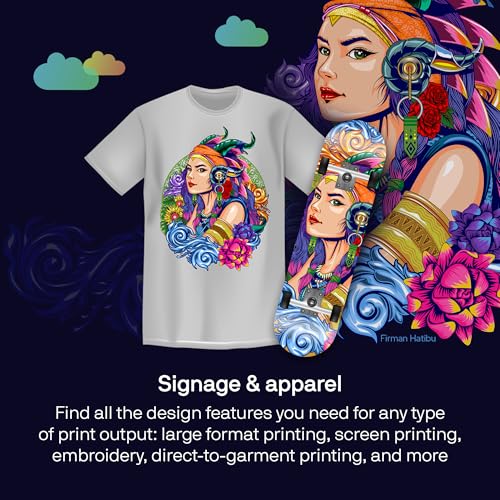
- Review display and color workflows (Pantone support, output options) to ensure it matches your typical print/web pipelines.
- Check system performance with your current hardware, as substantial feature sets can demand more resources for large projects.
Practical usage example
A designer drafts a multi-page brochure, uses the vector tools for logos and illustrations, arranges layouts with precise typography, and applies AI-assisted image generation to create concept visuals. Background removal and masking speed up iteration, while shared templates reduce turnaround on recurring formats.
FAQ
- Do AI features replace traditional editing? They augment workflows but don’t eliminate the need for manual adjustments and refinement.
- Is cloud access optional? Cloud features are included with the subscription, but you can still work offline if you prefer.
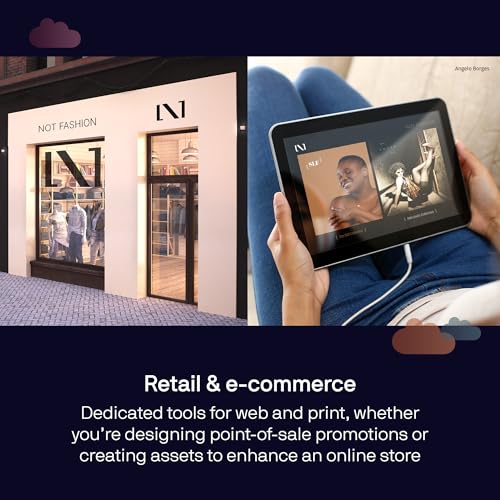
- Can I publish to web and print directly? Yes, there are tools and presets aimed at consistent output across media.
What to consider in use today
If you prioritize a mature, all-in-one graphics suite with ongoing AI and cloud enhancements, this subscription offers a balanced set of capabilities and content resources that can shorten project timelines and maintain consistency across teams.