

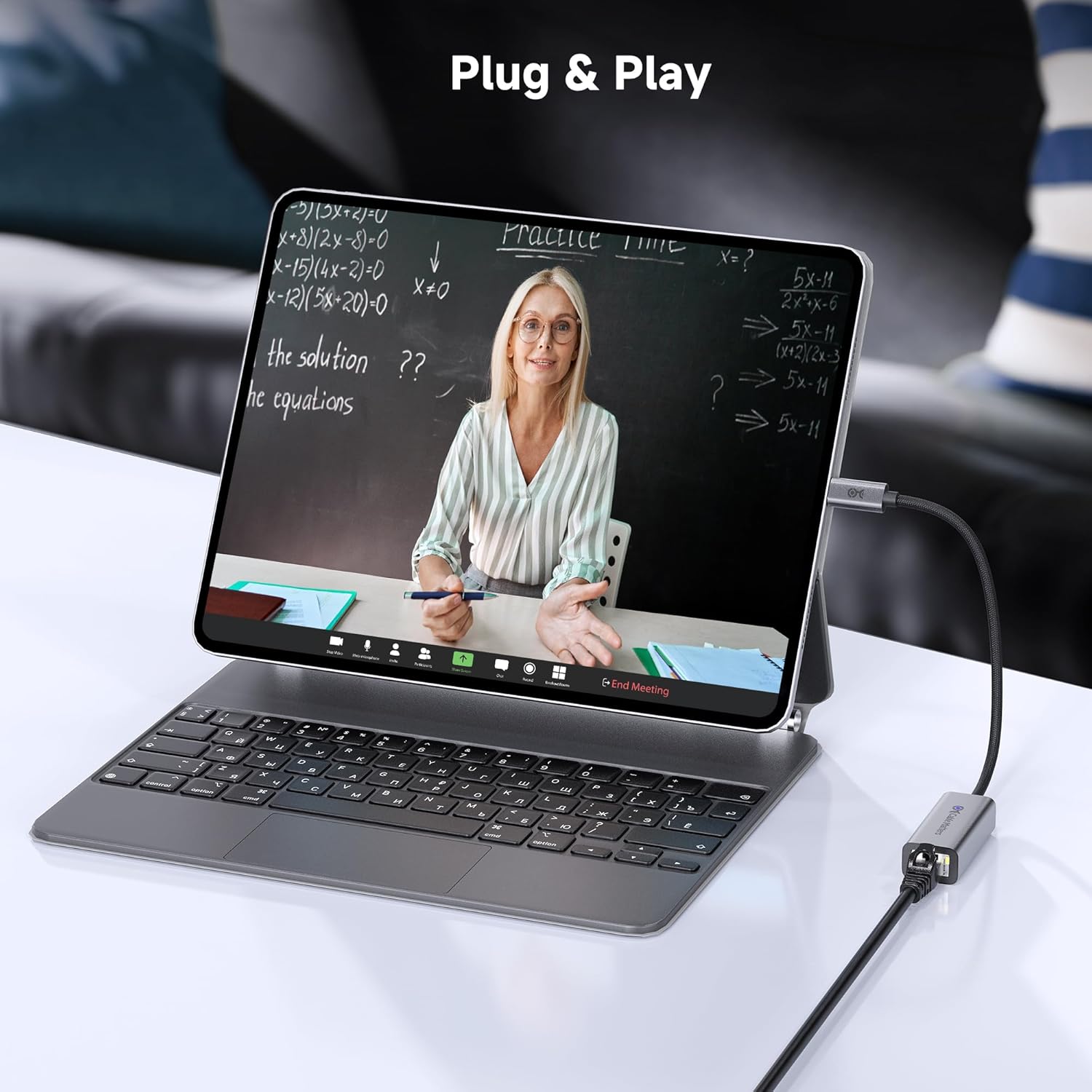
Cable Matters USB-C to 5Gb Ethernet Adapter (USB4/Thunderbolt 4/5) — Plug & Play 5 Gigabit Networking
Product description
If your laptop’s Wi‑Fi feels like it’s holding you back, a 5 gigabit Ethernet adapter is one of the more direct fixes. The Cable Matters USB‑C to 5Gb Ethernet Adapter is built to give you faster, more consistent wired networking—especially when you care about smooth streaming, low-lag online gaming, and quick large-file transfers.
The pitch here isn’t just “faster than Wi‑Fi.” It’s about reducing the usual bottlenecks that show up when your wireless connection is crowded or inconsistent. Still, there’s an important caveat: hitting the full 5Gb speed depends on what your device’s USB‑C port can actually deliver, and not every setup will reach the advertised maximum.
Key takeaways
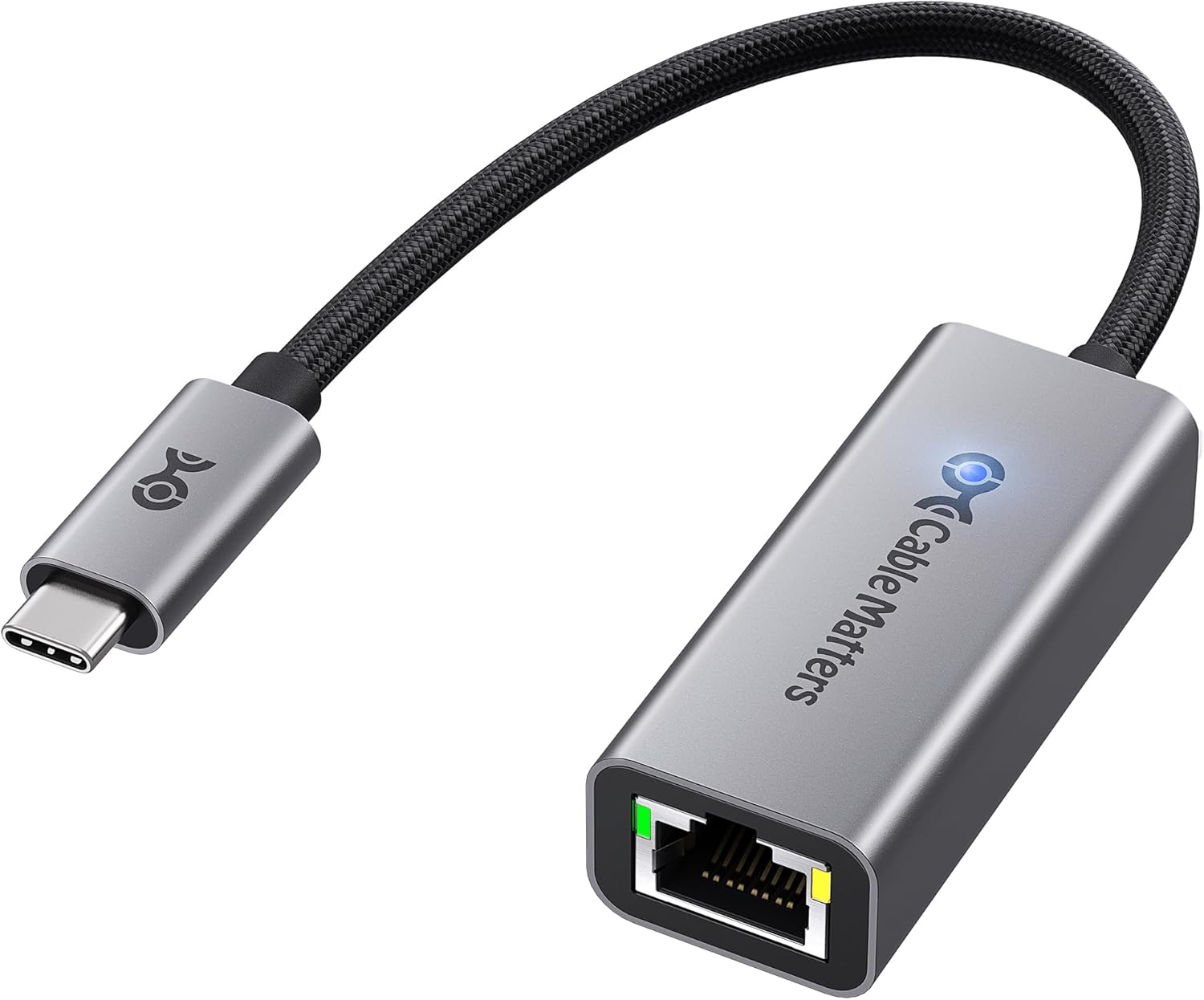
This adapter is designed for wired networking over USB‑C (including USB4 and Thunderbolt 4/5 systems) with support up to 5 gigabit network speed on the Ethernet side. It’s positioned as a plug-and-play option, with the practical benefit that many setups should work without extra software.
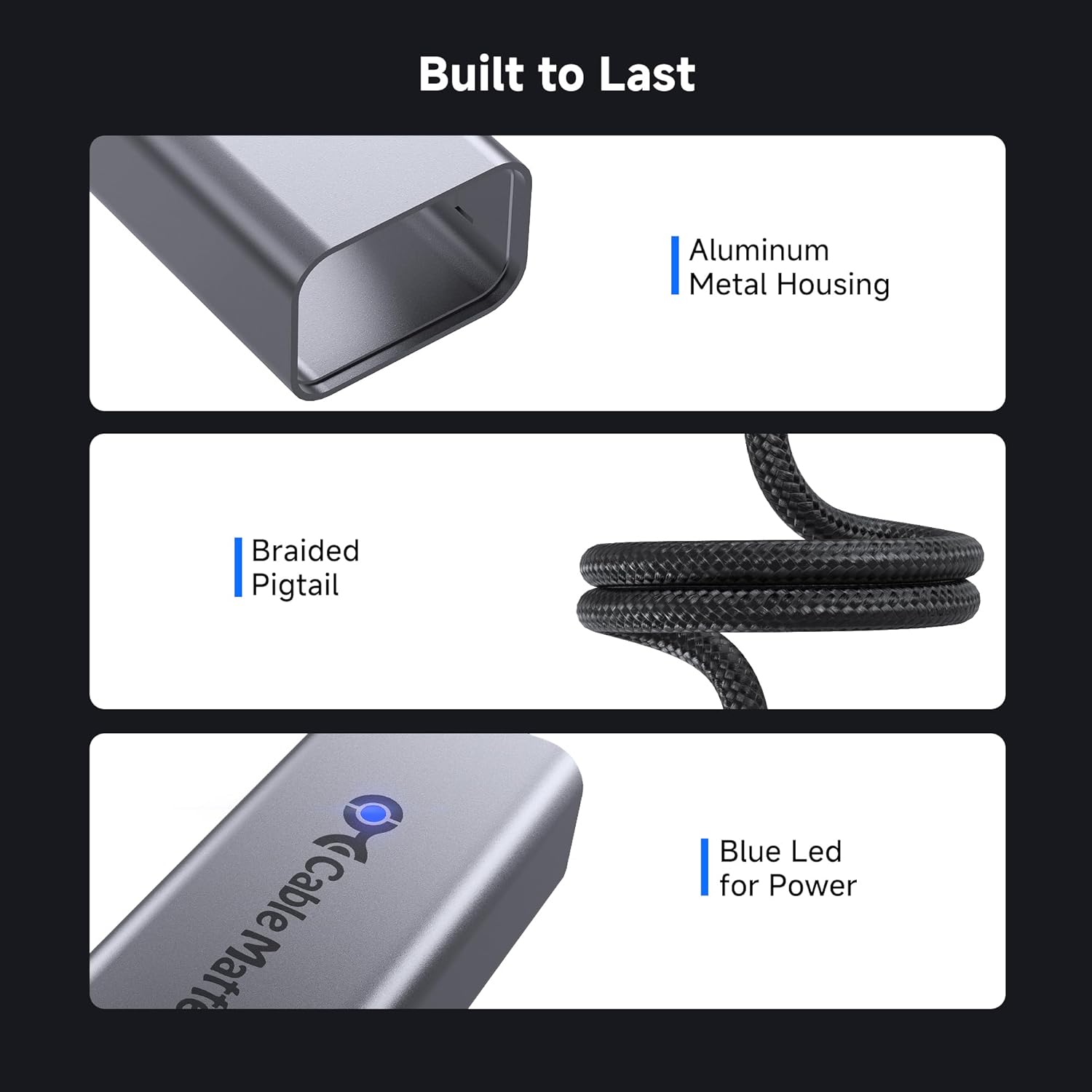
In day-to-day use, you’re looking for steadier performance than typical wireless—think fewer hiccups while watching UHD/8K/4K content, more responsive gaming sessions, and faster downloads when your network supports it. The aluminum enclosure and braided cable design also point to durability for people who move between home, office, and travel.
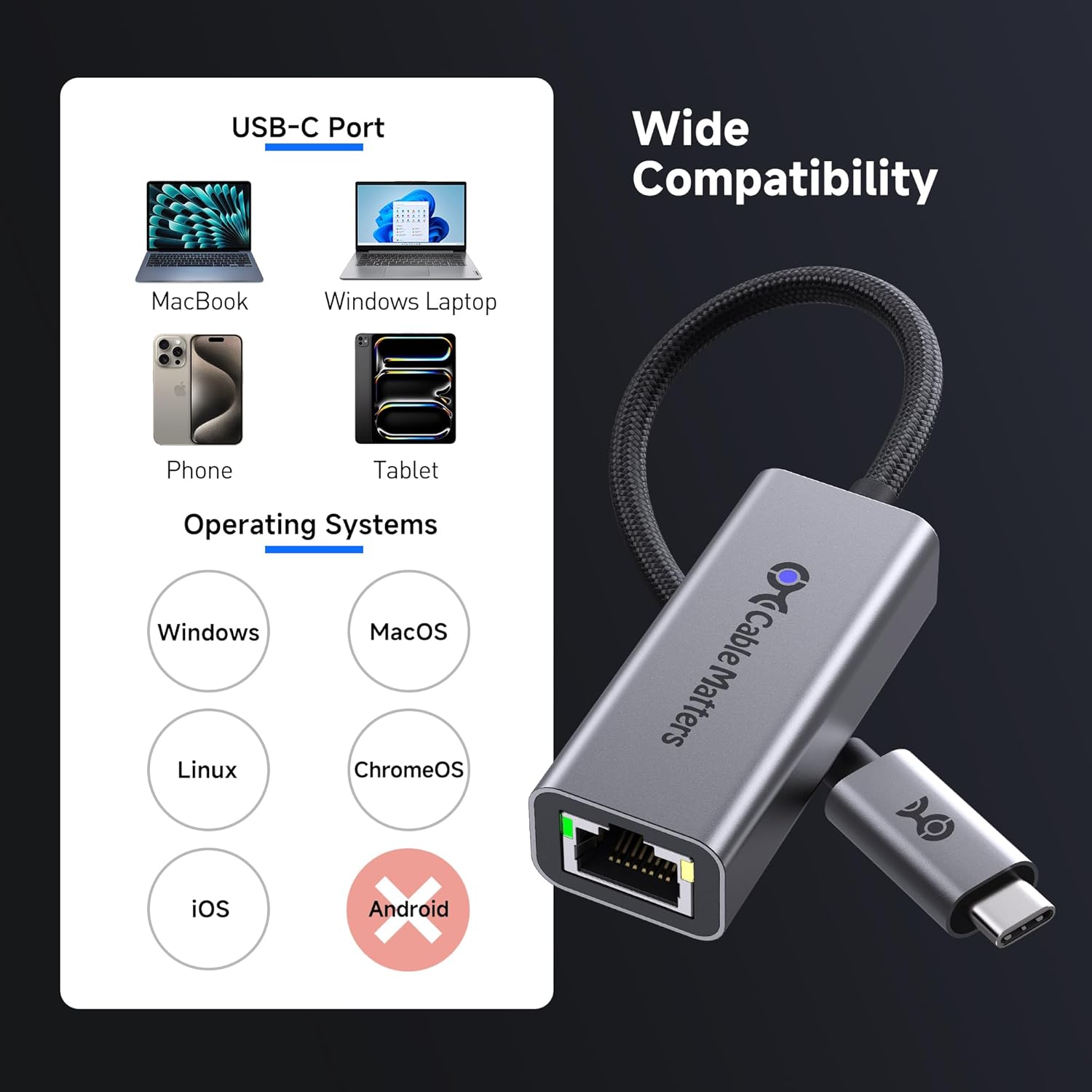
That said, it’s not a universal adapter for every device category. Cable Matters specifically notes it’s not compatible with Android, and with older operating systems or certain Linux kernel versions, you may need to install drivers manually.
The essentials
This is a USB‑C to Ethernet adapter meant to turn a compatible USB‑C port into a 5 gigabit Ethernet connection. It targets users with modern laptops and tablets (including MacBook and iPad Pro) who want a more reliable wired network path than Wi‑Fi.
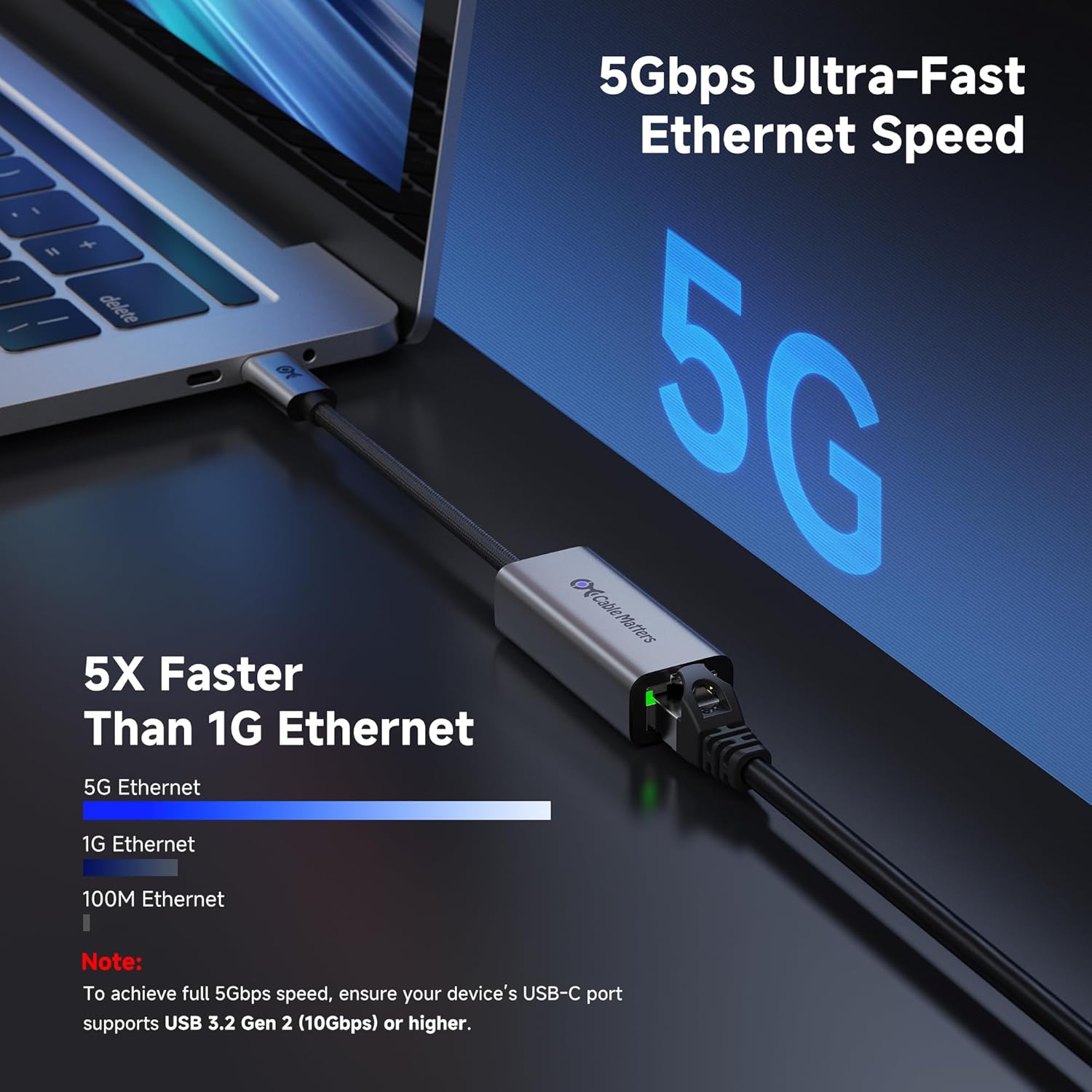
On paper, the “5Gb” claim matters most in real networks where both your router/switch and your internet plan can take advantage of higher throughput. Otherwise, you may still benefit from the stability of Ethernet, but you might not see the top-end speed jump.
The adapter is also described as minimizing power use and heat via an advanced chipset, which is exactly the kind of small detail that can make a difference if you use your laptop for long sessions.
Micro-scenario: imagine you’re working from home and your Wi‑Fi is fine until someone starts streaming in the next room. With this adapter, you can plug in and keep your connection more consistent for video calls and large uploads—no fiddling with wireless settings midstream.
Tech specs
- Name: Cable Matters USB C to 5Gb Ethernet Adapter
- Type: USB C to Ethernet adapter (5 Gigabit Network Speed)
- Format: USB‑C to Ethernet
- Compatibility notes: Compatible with USB4, Thunderbolt 4/5, also works with Thunderbolt 3/4 and USB‑C/USB‑C devices as described
- Plug & Play: Yes, no drivers needed in most cases (with a note for older OS and certain Linux kernel versions)
- Speed note: To reach the maximum 5Gbps, the USB‑C port on your device must support USB 3.2 Gen 2 (10Gbps) or higher
- Compatibility limitation: Not compatible with Android
Where it shines (and where it may fall short)
What stands out is the combination of speed potential and practicality. Ethernet over USB‑C is often the cleanest way to get wired performance without adding another bulky network setup. The aluminum housing and braided cable design are also a reasonable choice if you’ll keep plugging it in around desks and travel.

The main limitation to keep in mind is that the absolute 5Gb headline speed isn’t guaranteed for every device. If your USB‑C port doesn’t meet the required USB 3.2 Gen 2 (10Gbps) or higher support, you may end up with slower-than-maximum performance.

Also, if you’re using older systems or specific Linux environments, you may need to install drivers manually. It’s not a dealbreaker, but it’s the kind of “it depends” that can turn a plug-and-play purchase into a small troubleshooting session.
Who it’s for
This adapter makes the most sense if you own a compatible MacBook or Windows/Linux laptop with a USB‑C port that can support USB4 and/or Thunderbolt 4/5, and you want a more stable connection than Wi‑Fi for streaming and gaming.
It’s also a good match for people who frequently move between home and office and want a durable, low-fuss wired option instead of relying entirely on wireless.
If you’re primarily on a device that’s not compatible with the listed USB‑C/TB/USB4 expectations—or you’re on Android—this is likely not the direction you want to go.
Buying verdict
Worth considering if you want consistent wired performance from a USB‑C device and you have (or plan to use) network gear that can benefit from 5 gigabit speed. It’s a solid pick for daily work, streaming, and gaming where Wi‑Fi reliability becomes an issue, and the aluminum/braided build suggests it’s meant for regular use.
It might not be the best choice if you’re mainly chasing the maximum headline speed but you’re not sure your USB‑C port supports the required USB 3.2 Gen 2 (10Gbps) or higher. You may also want to skip it if you’re buying for an Android device, or if you prefer a guaranteed driver-free experience on older operating systems.
Quick FAQ
Does this adapter require drivers?
Cable Matters describes it as Plug & Play without drivers in most cases. However, it notes that manual driver installation may be necessary for older operating systems or certain Linux kernel versions.
What do I need to reach 5Gbps?
The product notes that you need a USB‑C port on your device that supports USB 3.2 Gen 2 (10Gbps) or higher to reach the maximum 5Gbps.
Is it compatible with Android?
No. The listing specifically states it’s not compatible with Android.
Which operating systems does it work with?
It’s described as compatible with Windows, macOS, Linux, Chrome OS, and iOS, and it also lists compatibility with devices like MacBook/iMac and certain tablets.
Will Ethernet replace my Wi‑Fi completely?
It depends on your setup. For tasks where stability matters—calls, streaming, gaming, and big transfers—Ethernet can be a big improvement. But you may still rely on Wi‑Fi for portability unless you plan to keep a wired connection available.