

UGREEN AX1800 WiFi Adapter USB 802.11ax for PC
Product description
This USB WiFi 6 dongle brings faster wireless connections and improved stability to desktop PCs for gaming, streaming and large file transfers. It connects via USB and targets users who need dual-band performance and more secure encryption for home or small office networks.
Key Points
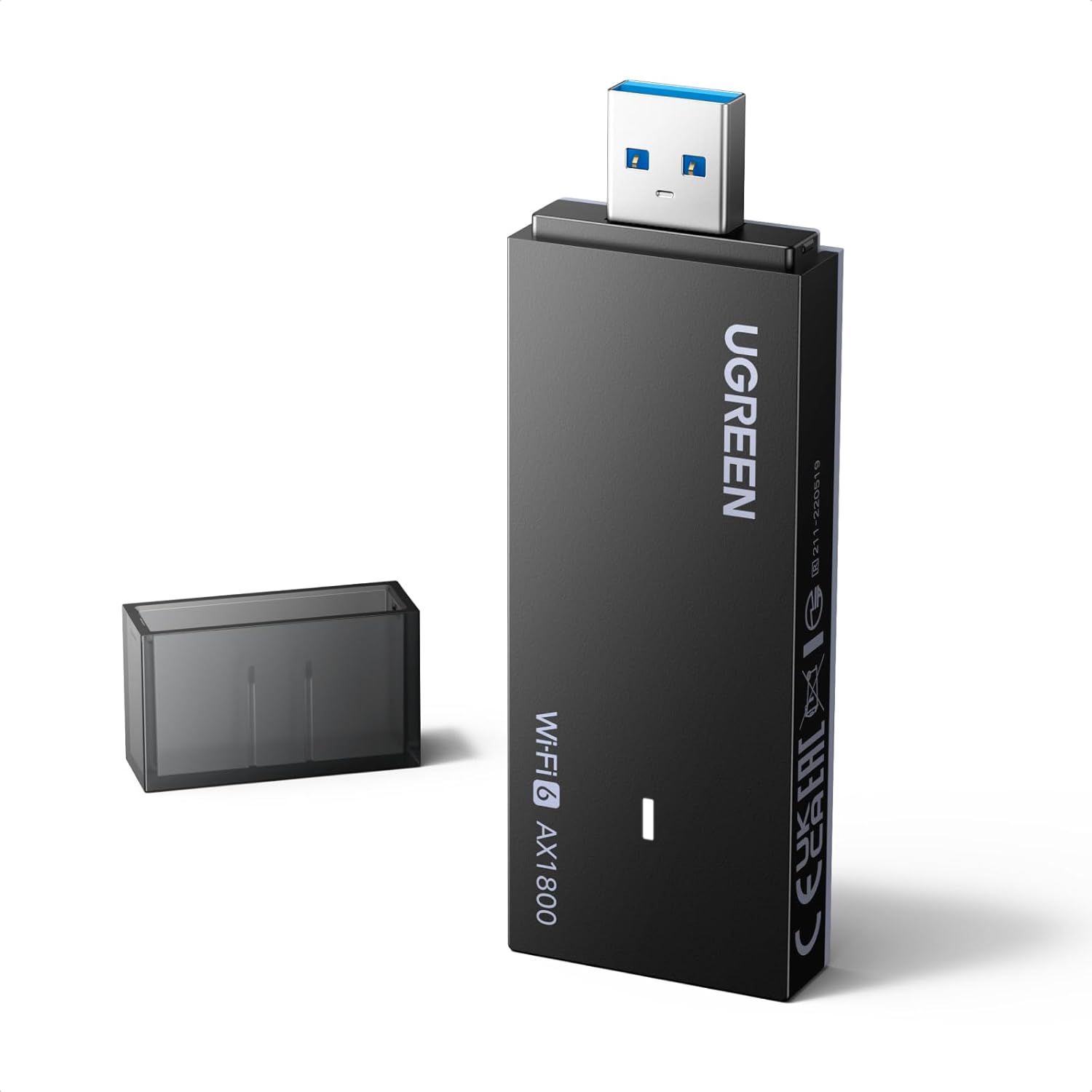
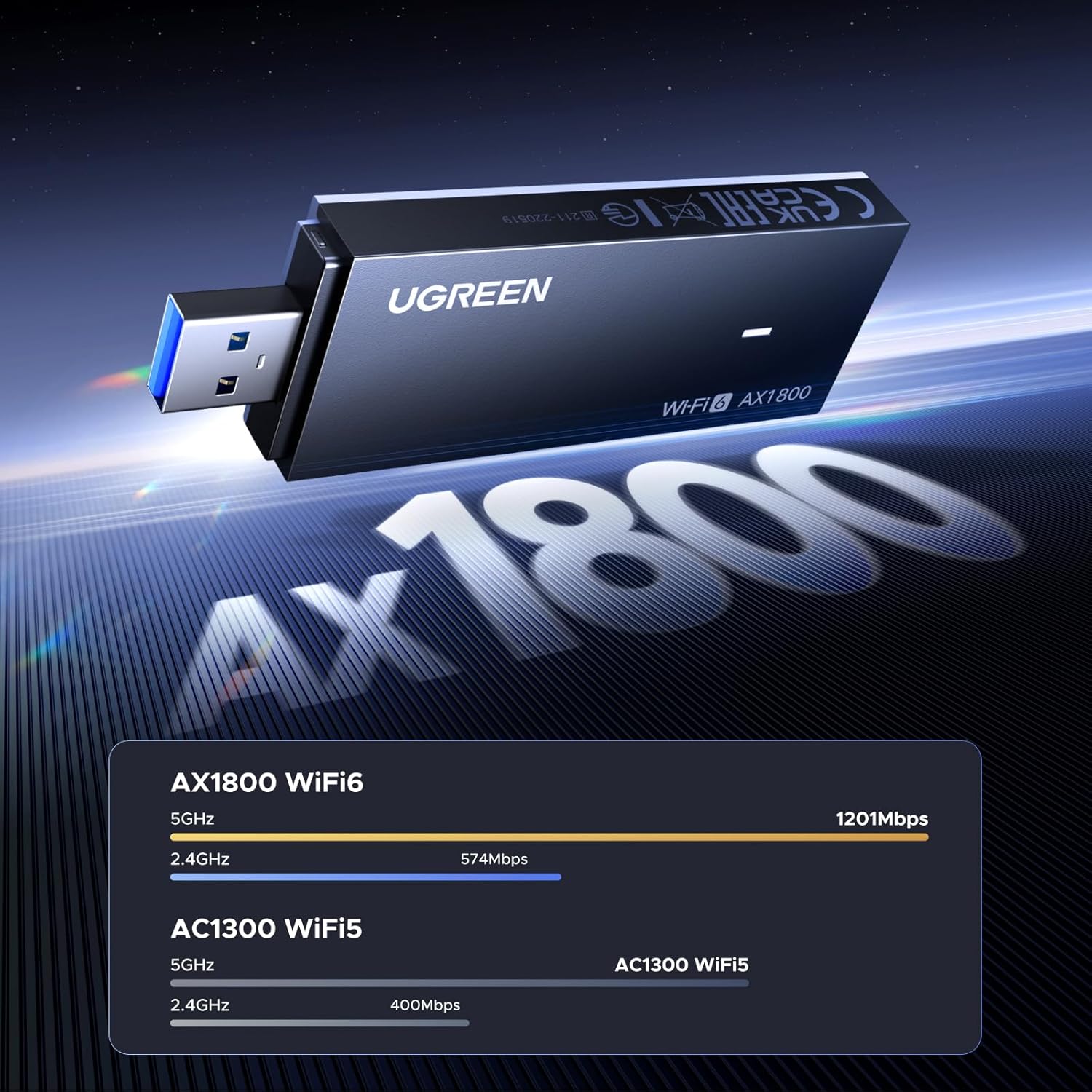
The adapter upgrades a desktop to WiFi 6, reducing network congestion and improving throughput compared with older WiFi standards. It supports both 2.4 GHz and 5 GHz bands, allowing flexible connection choices depending on distance and interference. The included drivers for Windows install automatically in most cases, making setup straightforward for Windows 10 and Windows 11 users. Note that peak speeds require a USB 3.0 port and a compatible router to approach manufacturer-stated rates. ⚡
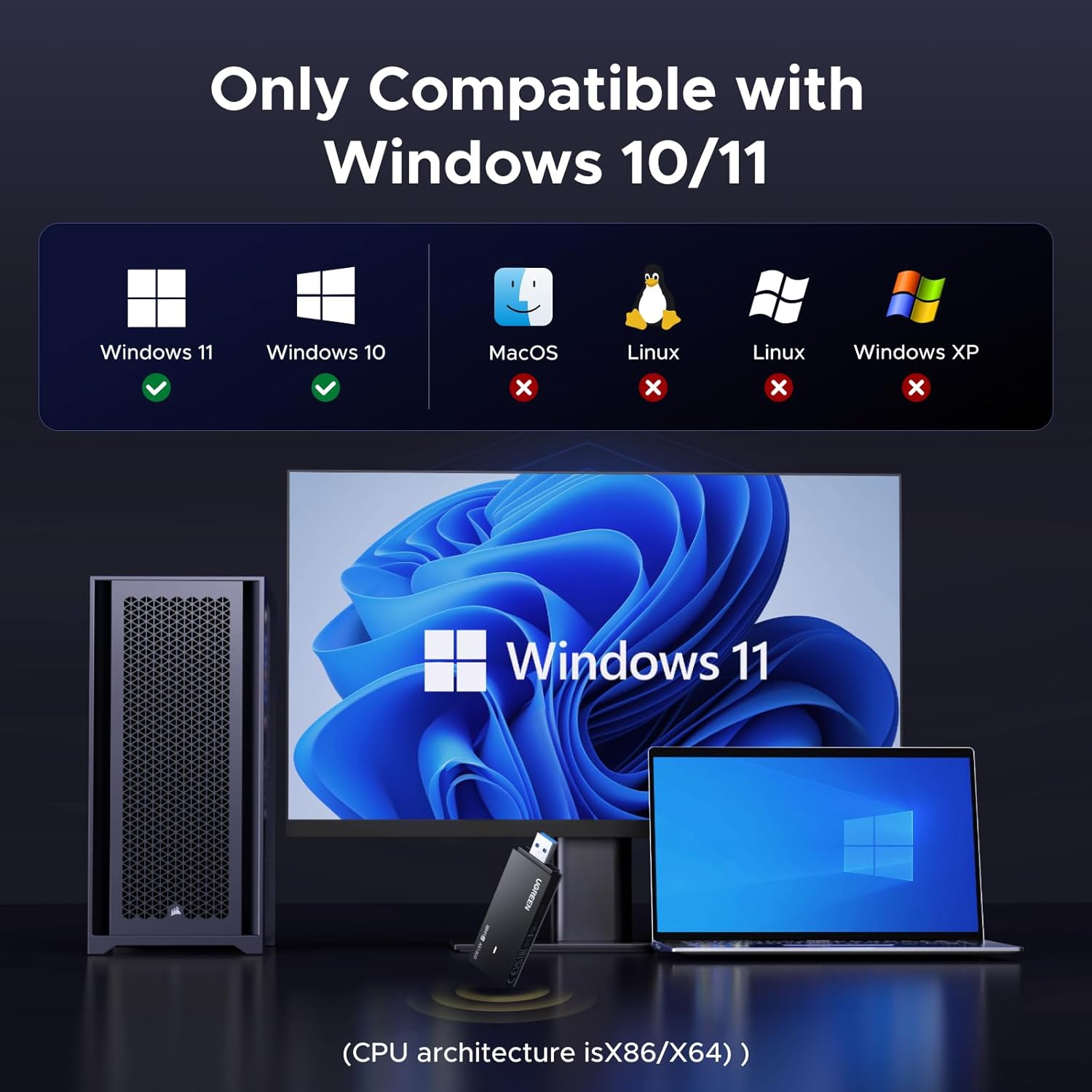
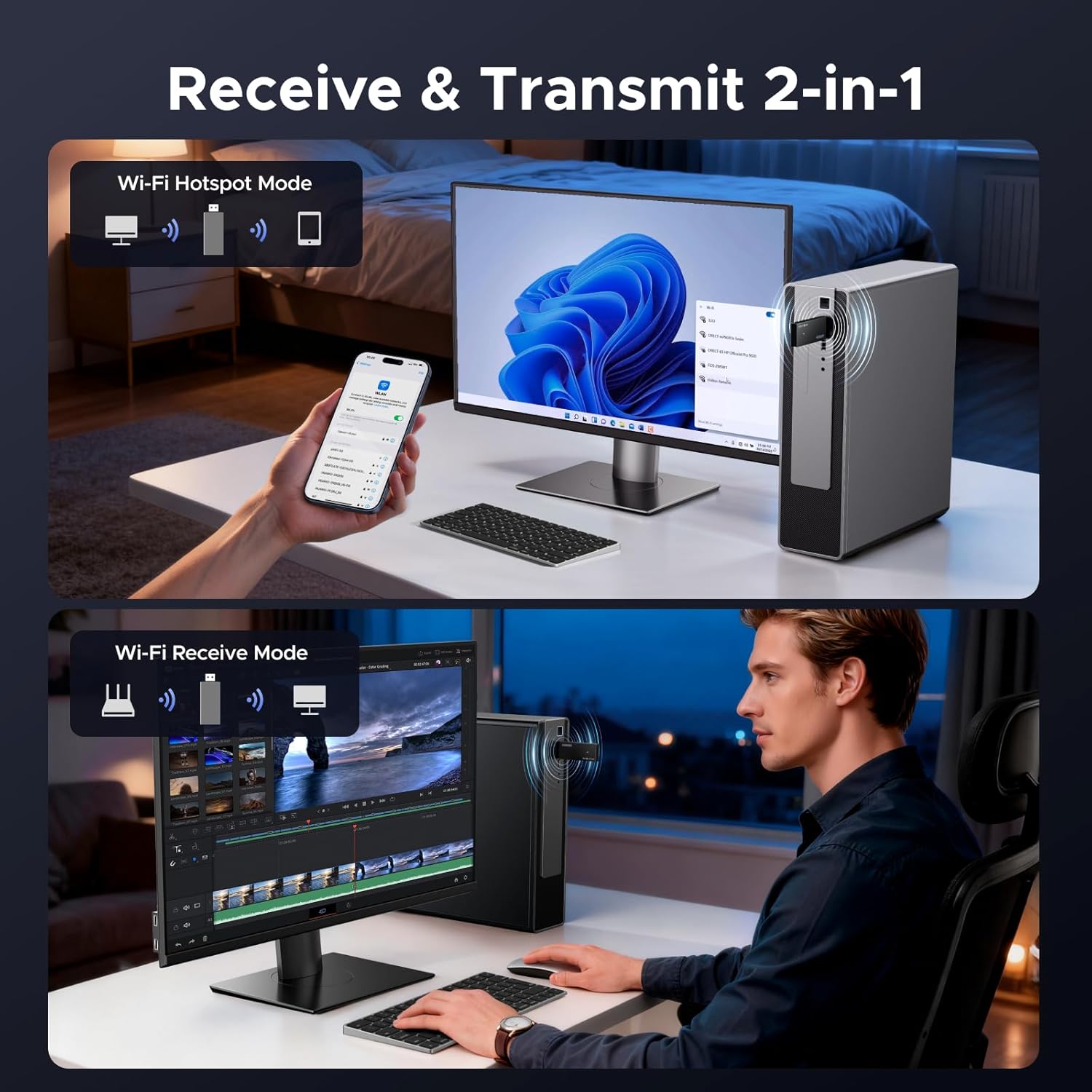
This dongle can also operate in Soft AP mode to share your PC’s internet as a hotspot, or in Station mode to join existing networks. Security is enhanced with support for WPA3-SAE together with WPA2 and WPA, which helps protect login credentials and reduce certain wireless attack vectors. Consider that this adapter is not compatible with macOS or Linux according to the manufacturer, so check your system before purchasing. 🔒📶
Technical Specifications
- Name: UGREEN AX1800 WiFi Adapter for Desktop PC
- Wireless standard: WiFi 6 (802.11ax)
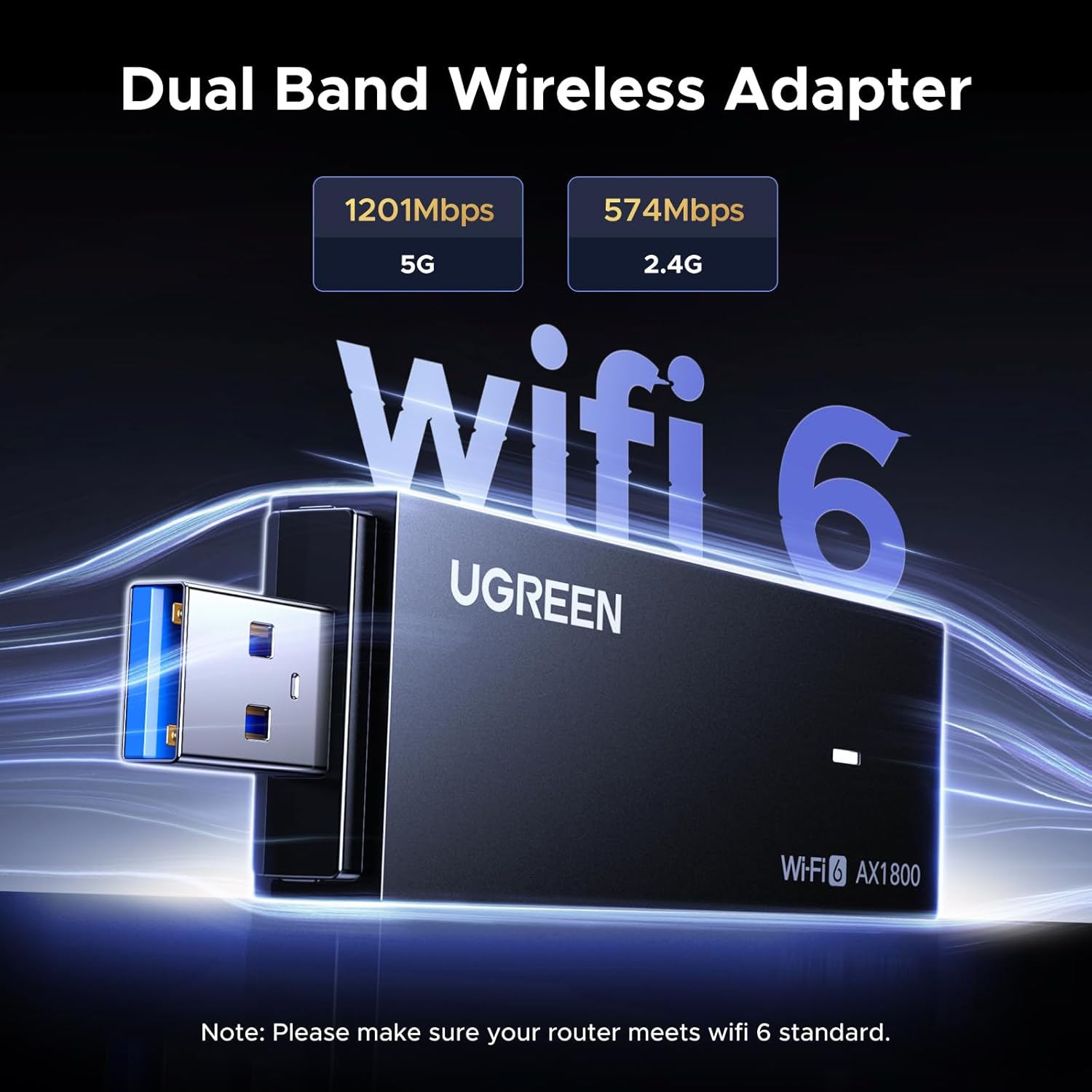
- Maximum theoretical speed: 1800Mbps (5GHz: 1201Mbps, 2.4GHz: 574Mbps)
- Security support: WPA3-SAE, WPA2-PSK, WPA-PSK
- Compatibility: Windows 10, Windows 11 only

Usage Recommendations
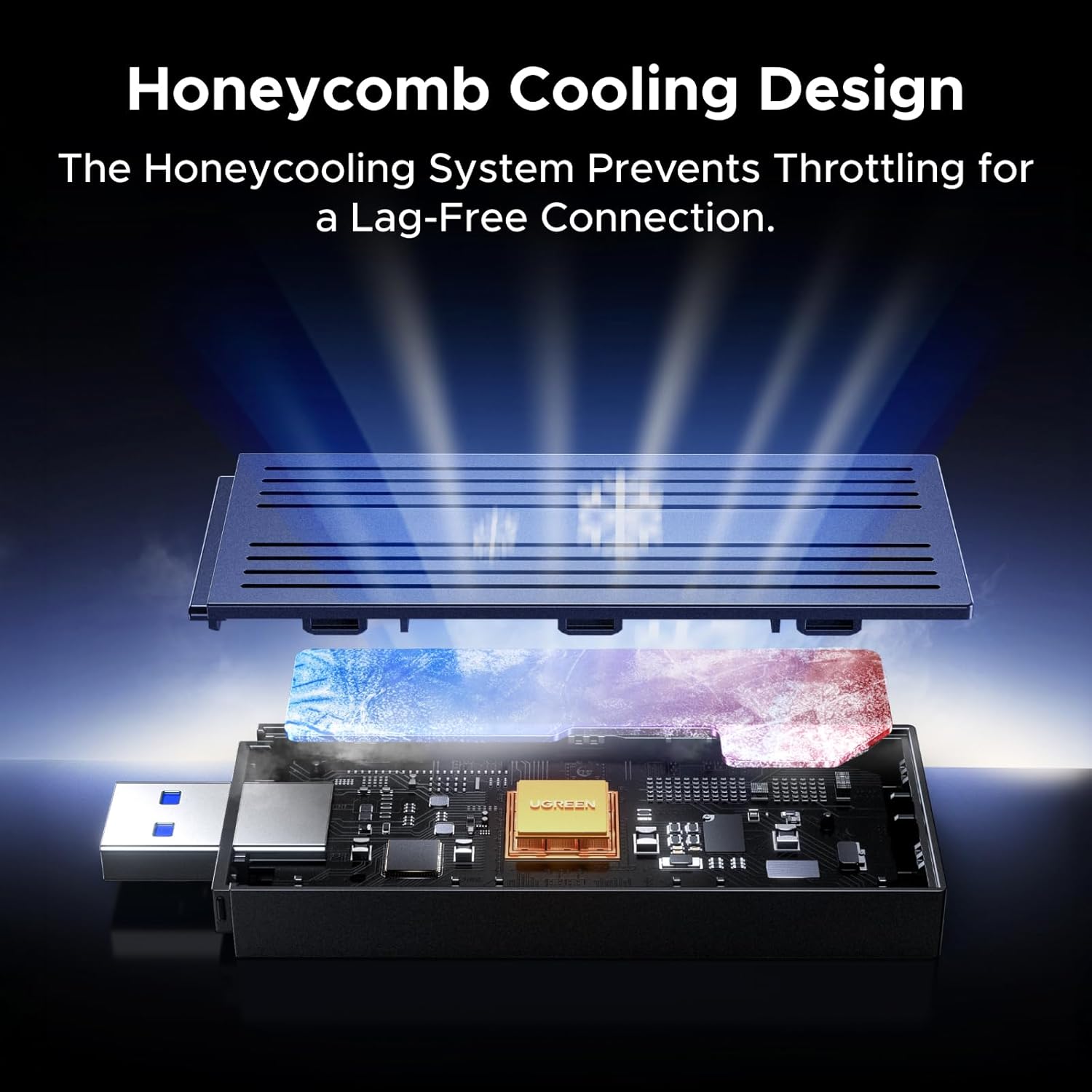
Plug the adapter into a USB 3.0 port to minimize bottlenecks and get closer to the listed throughput. For best latency in gaming and high-bitrate streaming use the 5 GHz band when your router and environment allow it. If you need longer range or better wall penetration, try the 2.4 GHz band instead, knowing that it trades top speed for coverage.
When creating a hotspot with Soft AP mode, place the PC centrally in the area where devices will connect to reduce dead zones. Also, update Windows via Device Manager after initial installation if the adapter does not appear automatically. Keep firmware and router drivers up to date to maintain compatible performance and security.