

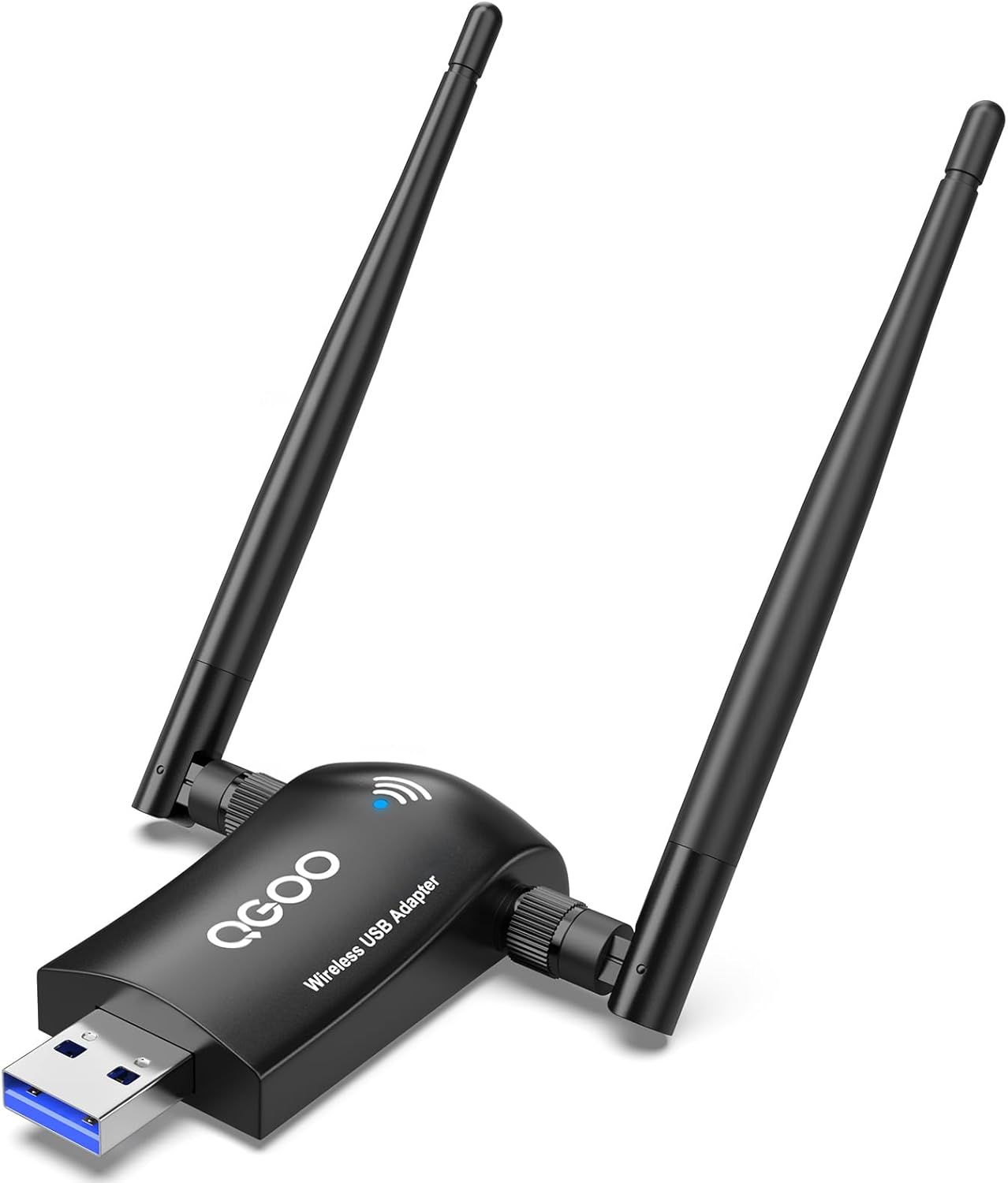
AC1300 USB 3.0 WiFi adapter for desktop
Product description
Upgrading your desktop or laptop WiFi can be as simple as adding a dedicated wireless adapter. This QGOO USB WiFi dongle is built around AC1300 performance so you can enjoy steadier wireless connections for daily use like streaming and video calls. It also supports dual band operation, helping you stay on a fast frequency when your network supports it. 📶
With its dual antennas and long range focused reception, the wireless connection is designed to feel more consistent than many built in adapters. You also get driver free setup for compatible Windows systems, so you can plug it in and start using it quickly. If you are dealing with weak signal areas, this adapter is a practical way to bring stronger WiFi reception to your PC setup. ✅
Key points
This Wireless WiFi Adapter for Desktop PC by QGOO is designed for people who want faster, more stable WiFi without complicated setup. Dual band support helps it switch between 2.4 GHz and 5 GHz so you can keep performance aligned with the task you are doing. For online gaming and HD video, the adapter targets higher throughput on the 5 GHz band when available. It is also positioned for longer range use, which can matter if your router is not close.
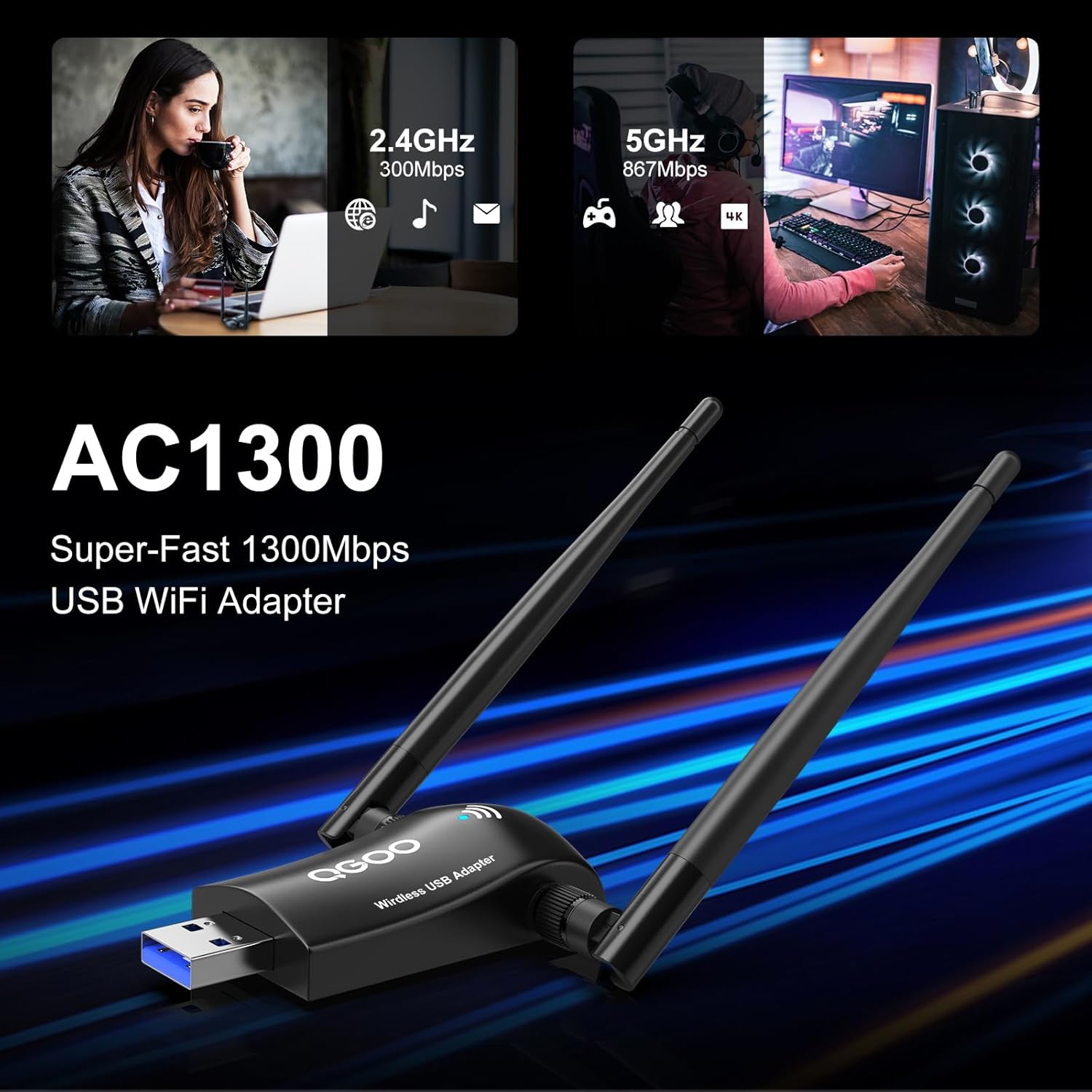
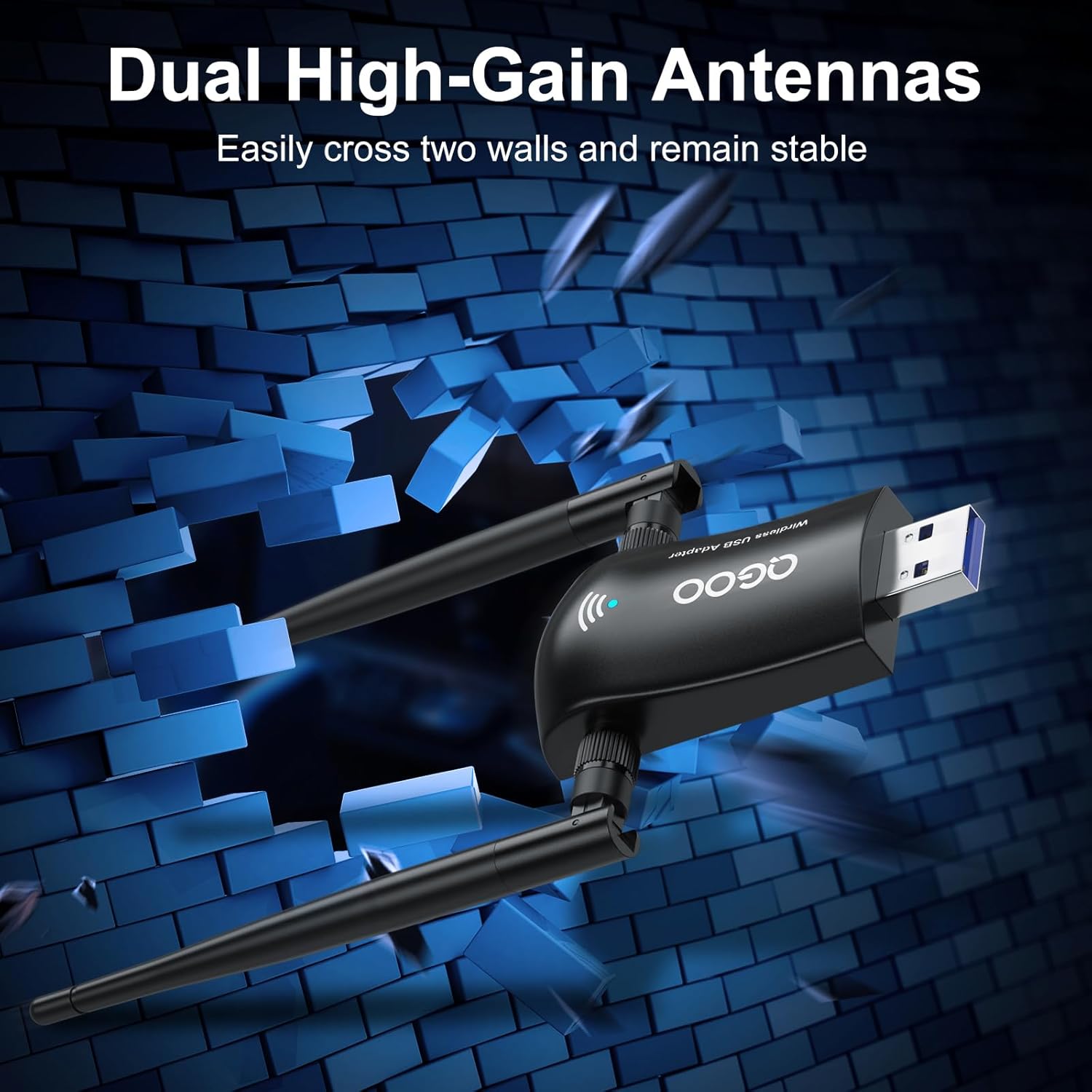
A key benefit is the balance between high speed capability and everyday usability. Plug and play operation on supported Windows versions means you do not have to hunt for drivers in most situations. The high gain dual 5dBi antennas are part of the design goal, aiming to improve signal receiving and focus WiFi signals toward connected devices using beam forming technology. 🙂
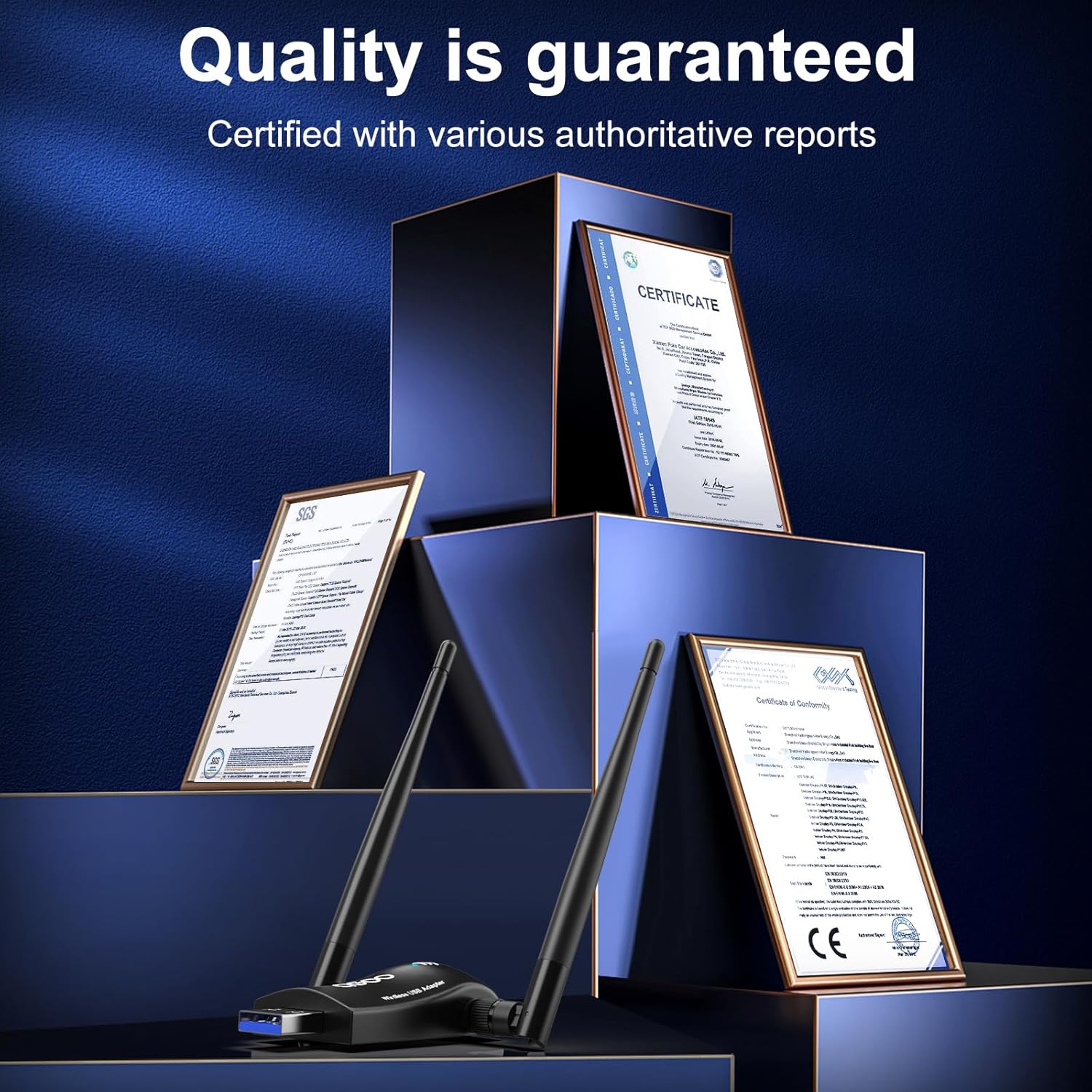
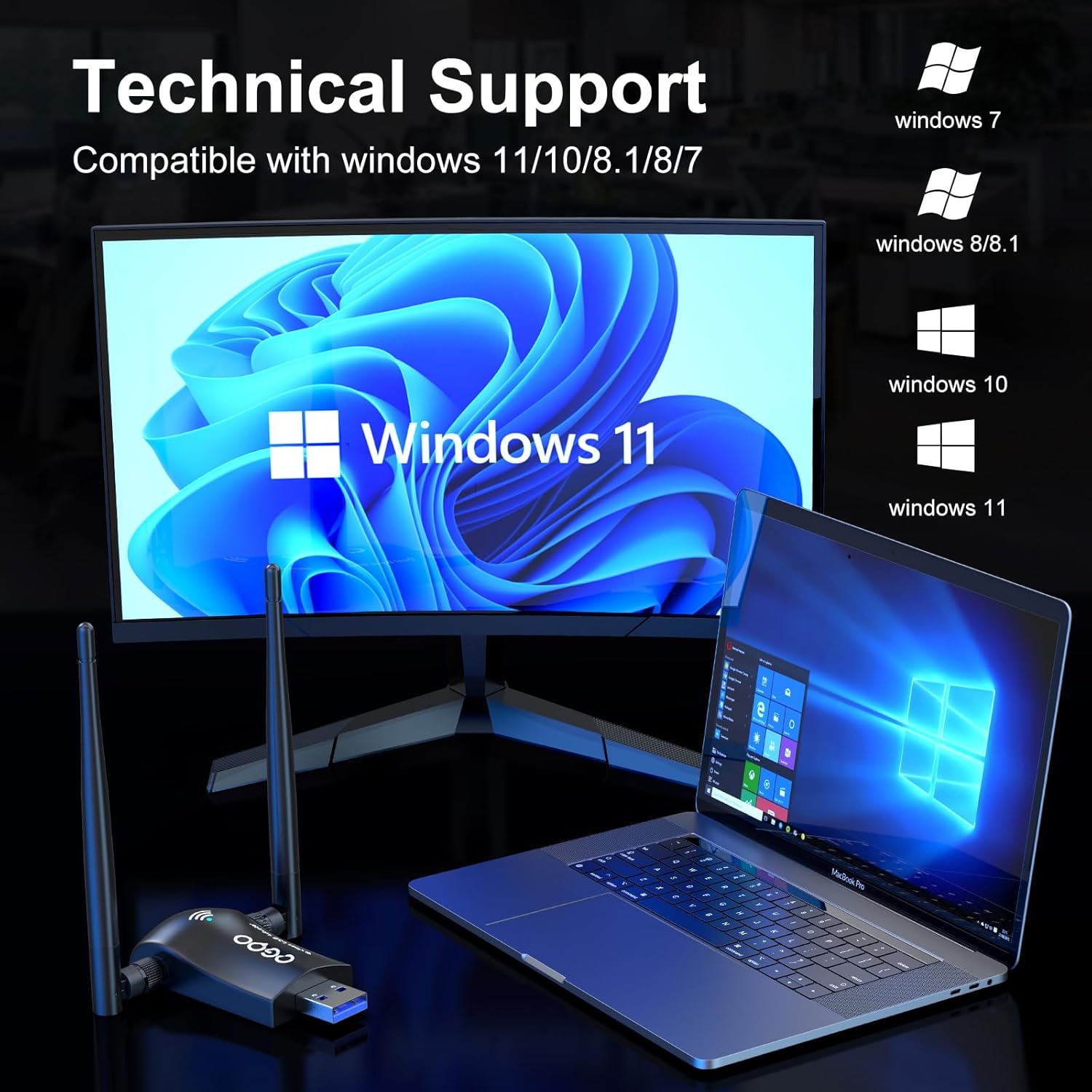
Keep in mind that compatibility is not universal across all operating systems. The product description specifies it is not recommended for Linux or Mac systems, so confirm your OS before purchasing. For Windows users, it covers Windows 11, Windows 10, Windows 8.1, and Windows 8. It can also support multiple languages, which helps with setup and on screen prompts.
Worth noting if you use a desktop PC, this is a USB 3.0 network dongle, which typically pairs well with modern ports. If your computer has limited WiFi performance, adding a dedicated USB adapter can be an effective upgrade step. It is a straightforward way to move to 802.11ac standards, which the manufacturer describes as faster than many built in wireless adapters. 🎮
Tech specs

- Name: Wireless WiFi Adapter for Desktop PC - QGOO AC1300Mbps USB 3.0 Network Dongle with 5dBi High Gain Dual Antennas
- Type: USB WiFi adapter
- Capacity: AC1300Mbps
- Size: 5dBi high gain antennas
- Display: Dual band 2.4GHz and 5GHz
- Resolution: Up to 867Mbps on 5GHz band or 400Mbps on 2.4GHz band
- Processor: Driver free setup on Windows 11/10/8.1
What stands out

One standout advantage is the dual band, seamless switching approach for smoother use during real world browsing. When your home network supports both bands, it can help you maintain a higher speed state more consistently as you move between tasks. The manufacturer also highlights beam forming with the dual high gain antennas, which focuses WiFi signals toward your device for improved reception. This is especially useful when WiFi signals are affected by distance or obstacles.
Another practical benefit is the emphasis on quick setup. For Windows 11, Windows 10, and Windows 8.1, the adapter is described as driver free, so you can plug it in and begin connecting right away. For Windows 8, the description notes that you may need to download the driver from the website referenced in the user manual. Taking care of that step helps prevent delays during setup.
You also get a clear standards match for modern wireless networking. The adapter is listed as compatible with IEEE 802.11 ax/ac/a/b/g/n standards, and it is positioned as an upgrade to 802.11ac. If your current adapter struggles with speed or stability, this is designed to be a performance focused replacement.
It supports multiple languages and includes technical support details within the product information. If you are using a desktop PC or a laptop with a compatible Windows version, you can expect the workflow to be straightforward. It might not suit you if you use Linux or Mac, since the description says it is not recommended for those systems.
Usage tips
If you want the best results, place your PC so the WiFi adapter antennas have a reasonable line of sight to the router area. Even with higher gain antennas, physical barriers can reduce signal quality. Give the adapter a moment after plugging it in, then connect to the available networks and test streaming or gaming for responsiveness.
For dual band setups, pay attention to which network name you join. Many routers broadcast separate SSIDs for 2.4 GHz and 5 GHz, which can make it easier to choose speed. It makes sense if you prioritize activities like HD video playback or online gaming on a faster band, while 2.4 GHz can be helpful when you need wider coverage.
If you are on Windows 8, note that the description indicates you may need to install drivers manually by downloading them from the user manual reference. Completing that step before first use helps you avoid connection problems. For all supported Windows versions, confirm the adapter is seated properly in the USB 3.0 port.
Compatibility
This QGOO wireless adapter is compatible with Windows 11, Windows 10, Windows 8.1, and Windows 8. It is listed as not recommended for Linux and Mac systems, so plan accordingly if you are using those operating systems. The product description also notes driver free setup for Windows 11, Windows 10, and Windows 8.1, with Windows 8 requiring a driver download from the website referenced in the user manual. It supports multiple languages, which can make the process smoother once installed. It supports IEEE 802.11 ax/ac/a/b/g/n standards, aligning with common home and office WiFi environments.