

Aula SC620 Wireless Gaming Mouse
Product description
What is it and who is it for
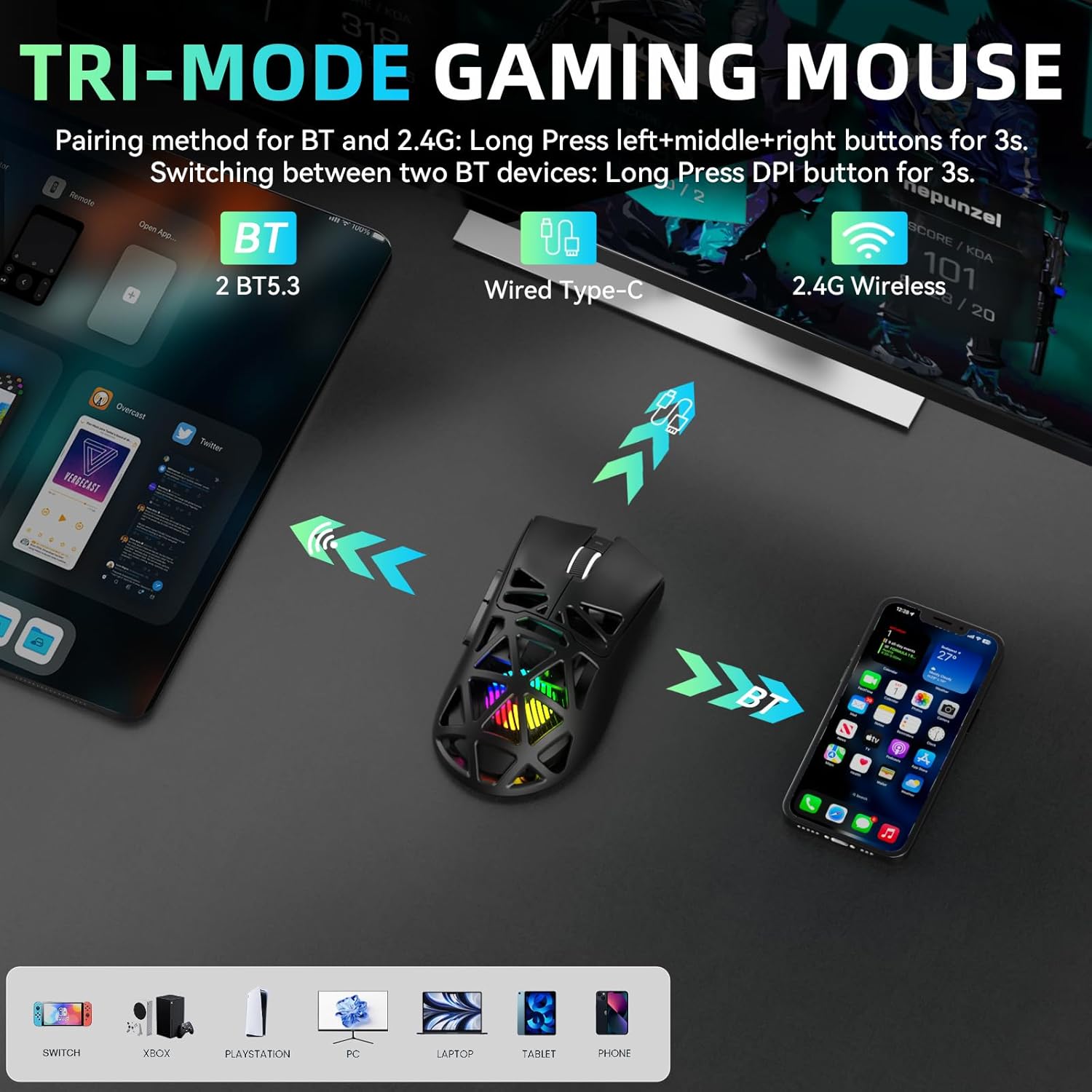
The Aula SC620 is a tri‑mode wireless gaming mouse that switches between 2.4GHz wireless, USB-C wired, and BT5.3 Bluetooth. It can store up to four devices for quick switching, making it a versatile option for gaming on a PC, laptop, Mac, or other compatible devices. If you value a lightweight, ergonomic feel and a decent range of programmable features in a single device, this model could fit the bill.
How it helps with gaming and productivity
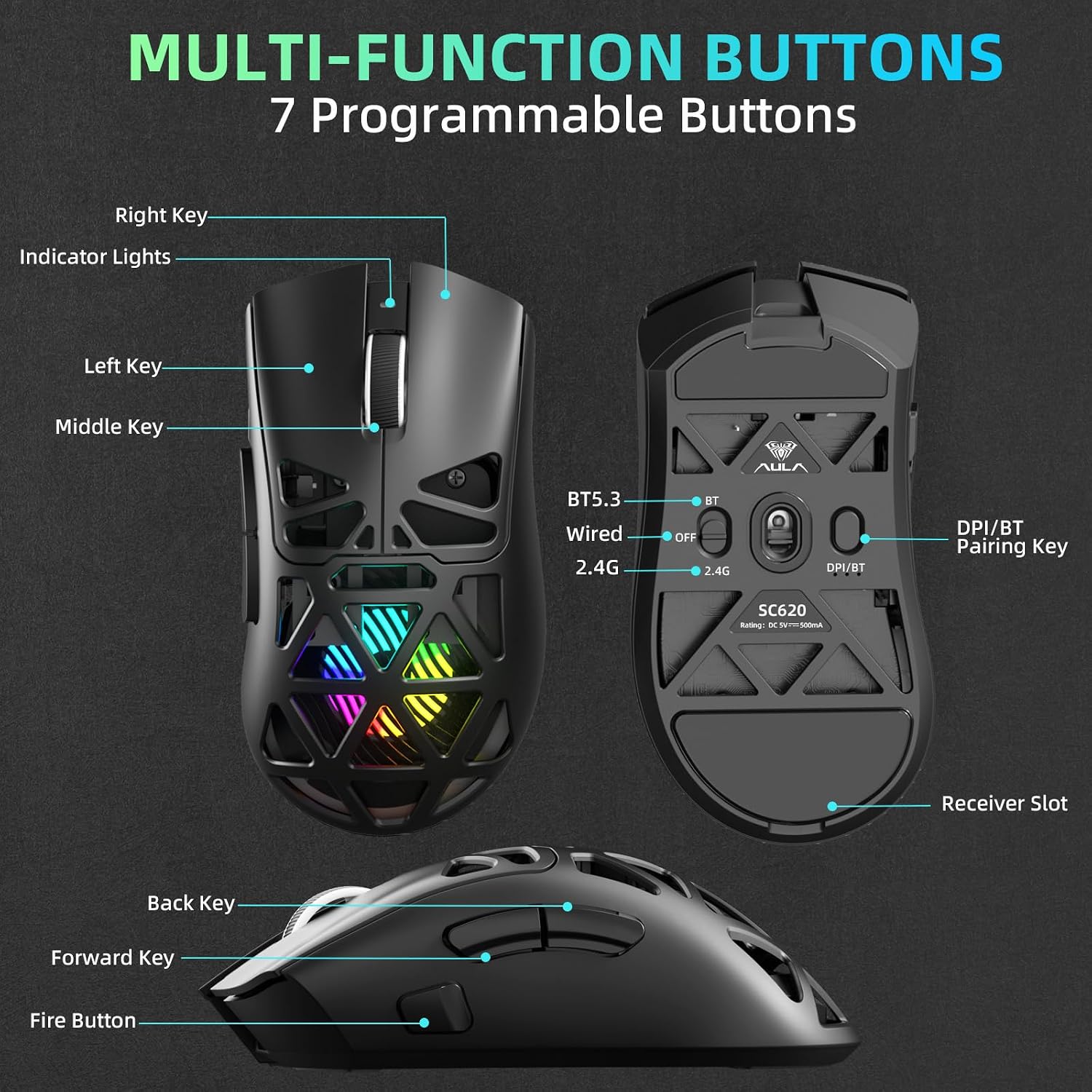
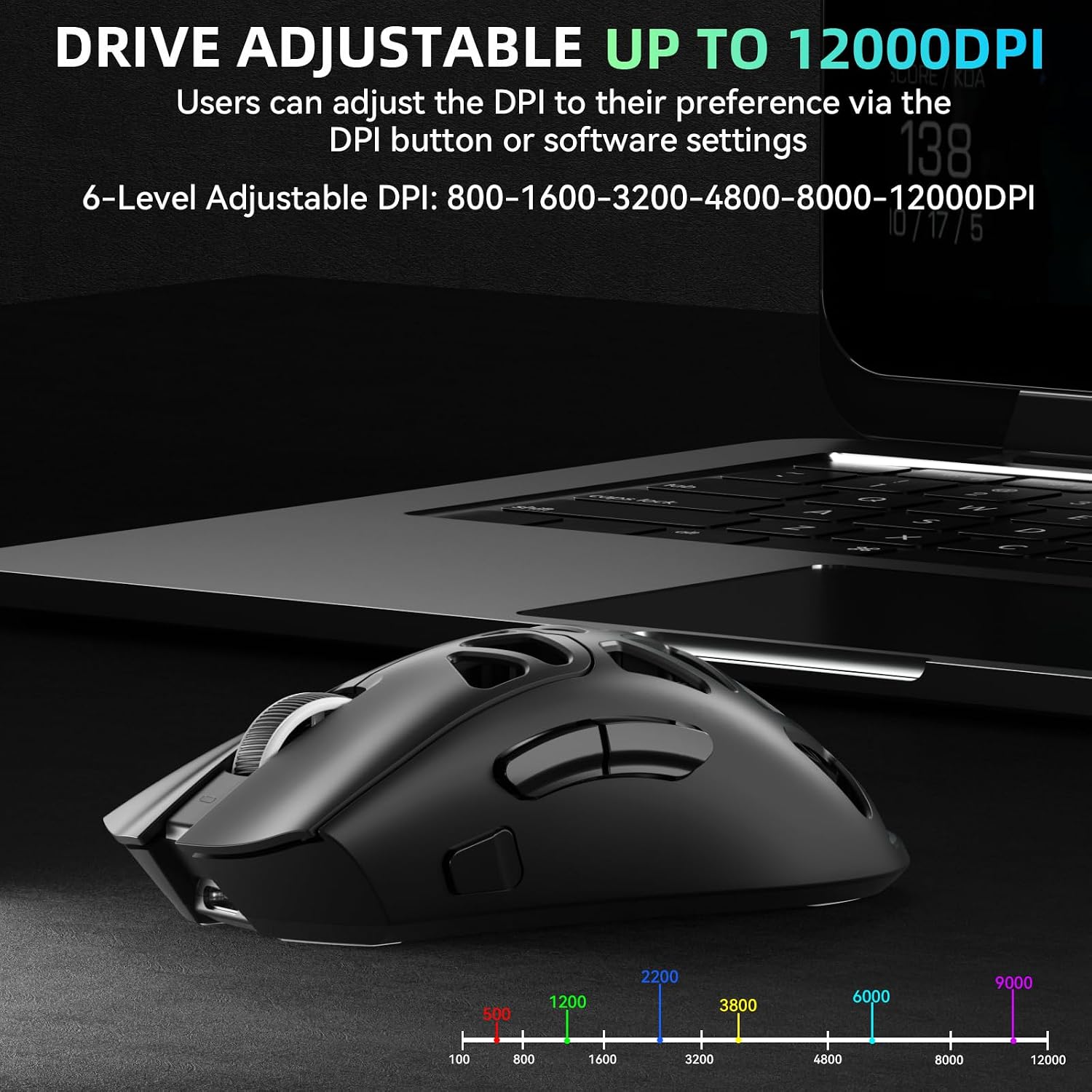
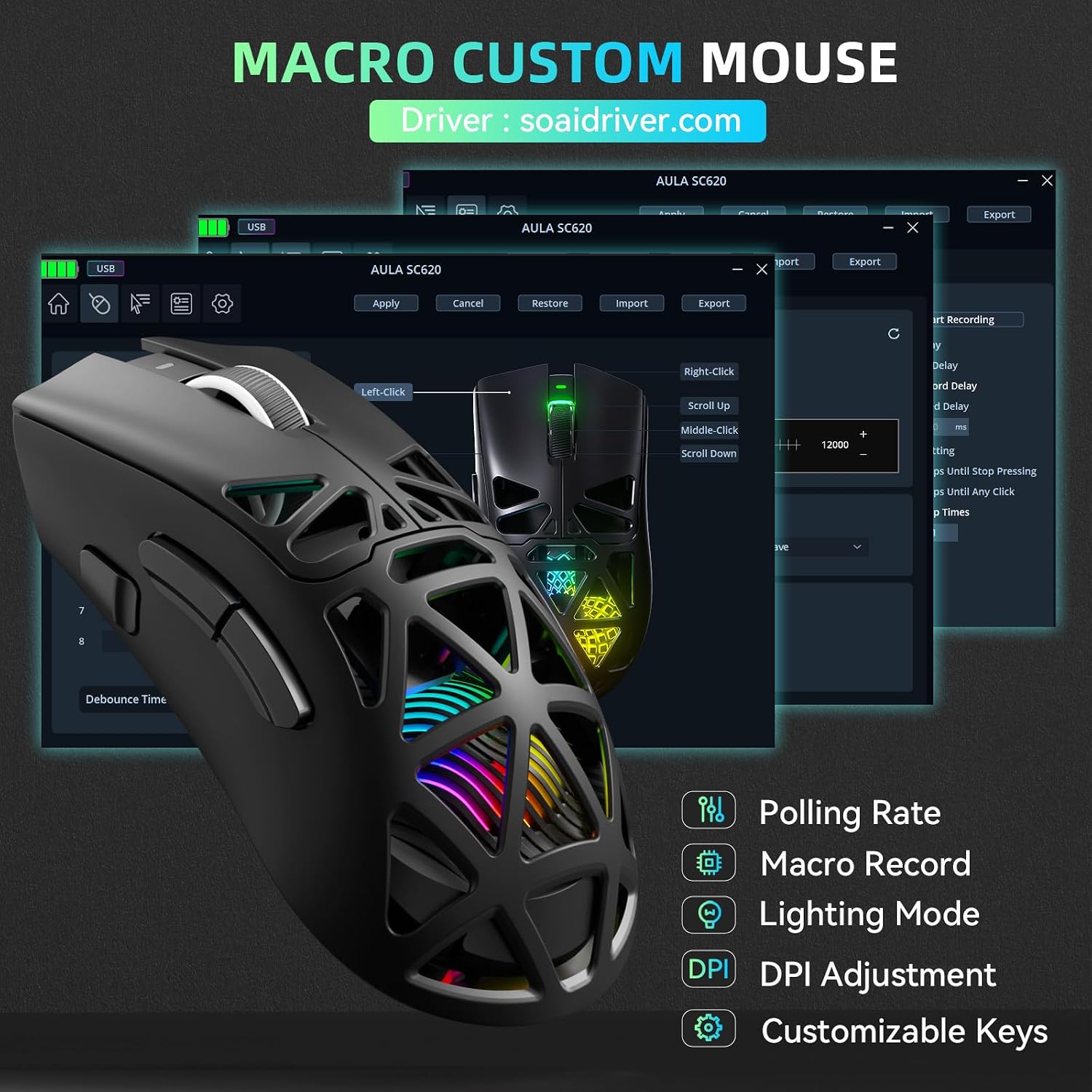
On paper, the SC620 offers a mix of performance and customization: six DPI steps (800, 1600, 3200, 4800, 8000, 12000), a 1000 Hz polling rate, and seven programmable buttons. The dedicated Fire Button lets you map burst fire or MMO combos to a single click, which can save time in fast-paced games or repetitive office tasks. The combination of macro recording, remapping, and lighting can streamline workflows or enhance immersion during longer gaming sessions.
What stands out in daily use
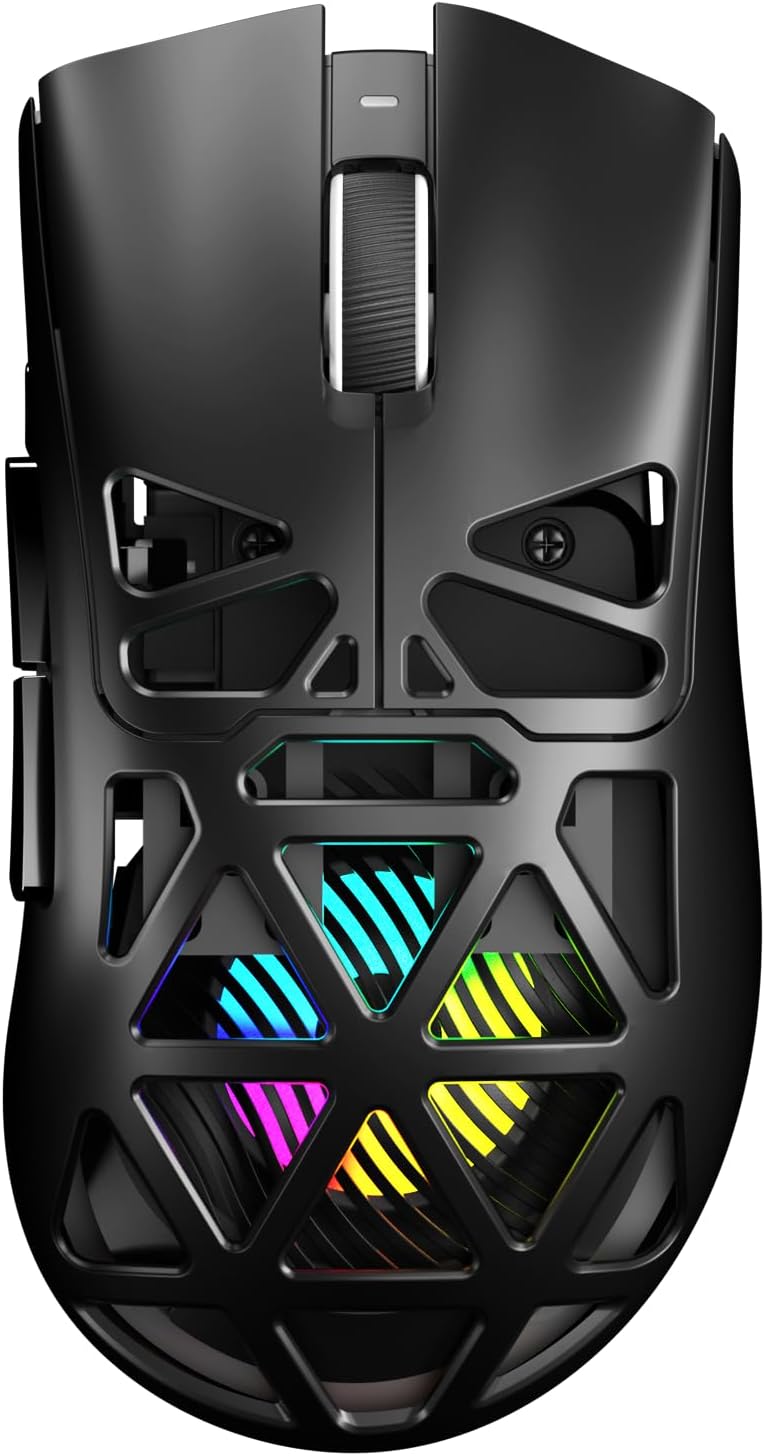
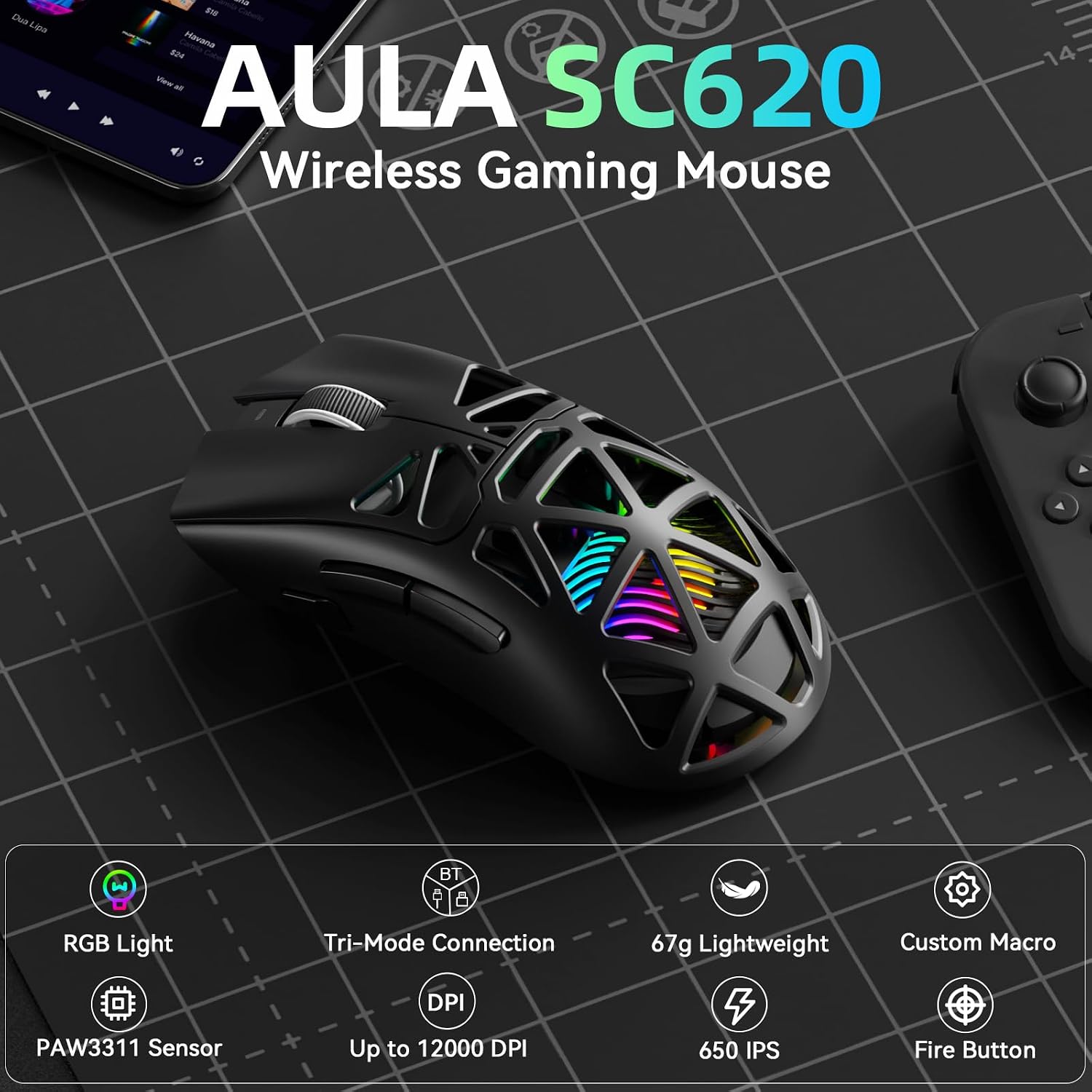
Weighing about 67 grams, the mouse aims to strike a balance between lightness and control. The ergonomic shape is designed to suit claw, palm, or fingertip grips, which helps reduce fatigue during long sessions. The hollowed RGB design adds a dynamic look that can complement a gaming setup. However, the overall feel will depend on your grip and hand size, so the low weight may feel too light for some users who prefer a sturdier feel.
The best and the less compelling aspects
What works well on the surface: multiple connection modes, a high 12,000 DPI range for precision, and a responsive 1 ms (implied by 1000 Hz) input path. The macro and fire button features can be a big benefit if you enjoy customization and want to minimize repetitive actions. What may fall short for some buyers: BT mode is noted as unavailable in certain uses, and some features require the AULA driver—so you’re relying on software for full customization and cross‑device setups. If you’re not going to use the macro system or don’t need multi‑device storage, you might not leverage the extra complexity.
For whom this fits best
This mouse targets gamers who want a light, portable option for desks or on‑the‑go setups, plus users who juggle multiple devices and need quick switching. It also appeals to office workers who value macro capability and a dedicated shortcut button for efficiency. If you prioritize ultra‑low weight and a programmable button set in a tri‑mode package, the SC620 has a practical pitch.
When it may not be the ideal pick
If you primarily need a wired-only, plug‑and‑play experience without software dependencies, or if you require BT performance on a broader range of devices without driver reliance, there are potential gaps. The BT mode limitation (not available in some configurations) and the dependence on the AULA driver for full customization are important caveats. Also, if you want a heavier build or a more aggressive gaming silhouette, this 67g model might feel underwhelming.
What to check before buying
- Confirm your primary use: gaming with macro needs or general productivity with device switching. If you’ll rely on macros heavily, ensure you’re comfortable installing and using the AULA driver.
- Consider your device ecosystem: tri‑mode is helpful for mixed setups, but Windows with 2.4GHz wireless and wired is explicitly supported, BT mode may have limitations depending on your setup.
- Think about grip and size: at 67 g, it’s light and compact—test whether it feels secure in your hand for long sessions.
- Examine lighting and battery expectations: dynamic RGB is stylish but can impact battery life on rechargeable wireless mice, verify your charging plan and how LED usage fits your workflow.
Practical usage example
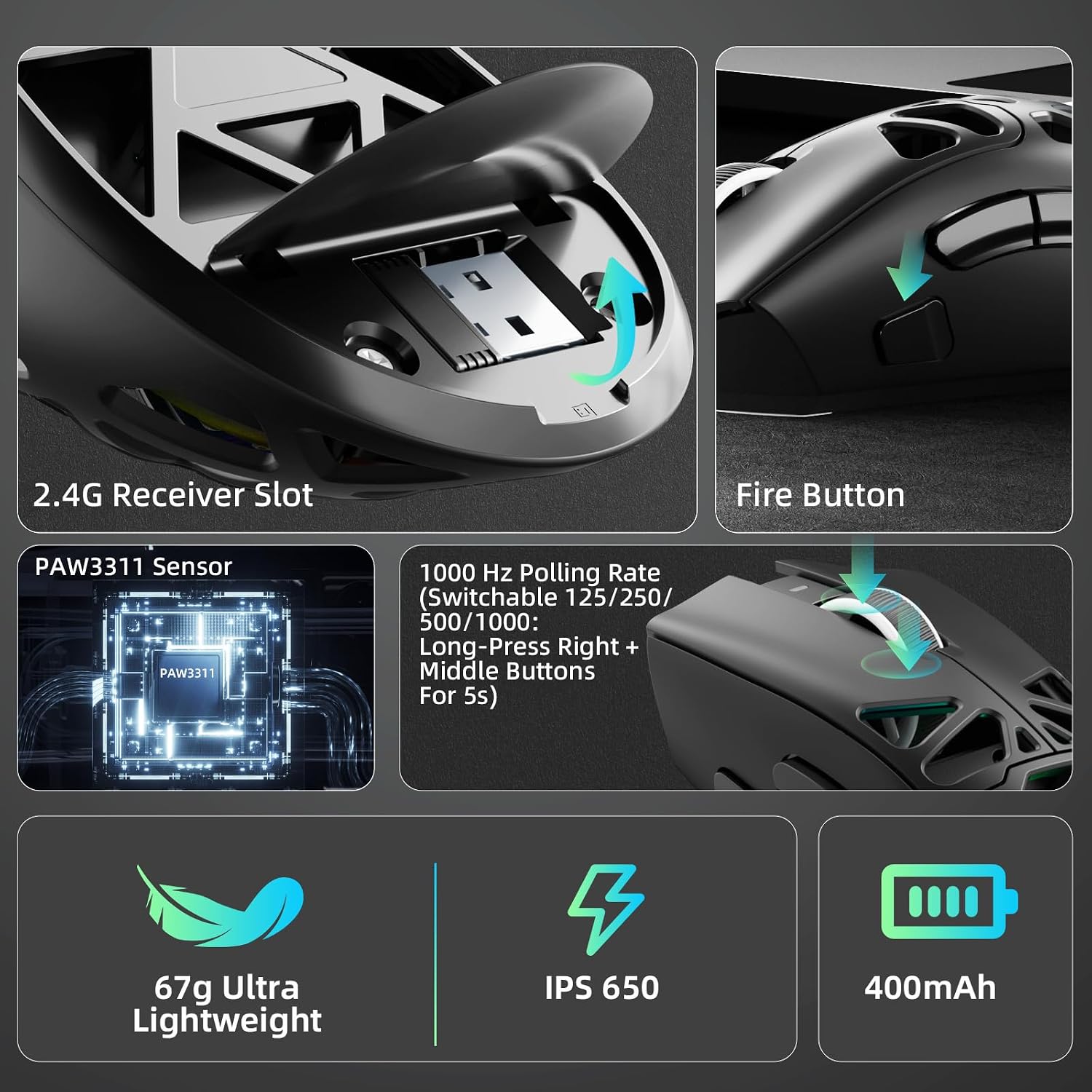
Imagine switching from laptop to desktop during a gaming night. You press the mode switch to 2.4GHz wireless for the PC, load a macro for a burst sequence on your MMO, and then switch to BT5.3 when you need to take notes in a document without unplugging anything. The dedicated Fire Button lets you trigger a critical command in a single push, cutting down on repeated clicks during intense moments.
The tech details at a glance
- Connection modes: 2.4GHz wireless, USB-C wired, BT5.3
- DPI options: 800, 1600, 3200, 4800, 8000, 12000
- Polling rate: 1000 Hz
- Weight: 67 g
- Buttons: 7 programmable
- Lighting: RGB with customizable modes
- Compatibility: Windows, Mac OS, Linux, Android (use cases may vary)
- Driver required for full macro and lighting customization
What you’ll get and how it fits in your kit
The SC620 is designed as a compact, configuration‑friendly option for mixed environments. It aligns well with setups that value portability and quick device switching, rather than as a replacement for a bulkier, heavier gaming mouse designed for long, fixed gaming sessions.
Final decision: Should you buy it?
Is it worth it? If you want a lightweight tri‑mode wireless mouse with macro customization and a one‑click fire option, it can be a sensible addition to a flexible setup. You’ll appreciate it if device switching and macro programming help you win more games or streamline workflows. Not the best pick if you need BT performance across a wider range of devices without relying on drivers, or if you prefer a heavier, more solid feel for long sessions.
FAQ
- Does the BT mode work across all devices without software? BT functionality often requires driver support for full customization and can have limitations depending on the device.
- Can I use the mouse without the driver? Yes, in wired and 2.4GHz modes you can use it as a standard mouse, but macro features require the driver.
- How durable is the lightweight design? The emphasis is on lightness for comfort, which may feel less sturdy than heavier models for some users.
Buying considerations
If you’re evaluating options for a flexible, multi‑device gaming and work setup, the Aula SC620 offers a compelling mix of tri‑mode connectivity, substantial DPI range, and macro capabilities, packaged in a light, ergonomic form. It may be a good fit if you want to experiment with macros and quick actions across devices, while keeping a relatively simple, low‑friction user experience. If you prioritize BT broad‑device compatibility or a heavier build, consider alternatives that emphasize those traits.