

Razer Huntsman Mini 60% Gaming Keyboard (Linear Optical Switches) with Chroma RGB
Reviews
Price
Product description
What you’re really buying here
If you’re shopping for a 60% gaming keyboard, you’re usually trading away some dedicated keys for portability and desk efficiency. The Razer Huntsman Mini is built around the idea that you shouldn’t feel “restricted” once you go smaller. It pairs a compact 60% layout with Razer’s linear optical switch approach, plus per-key Chroma RGB and reprogrammable controls.
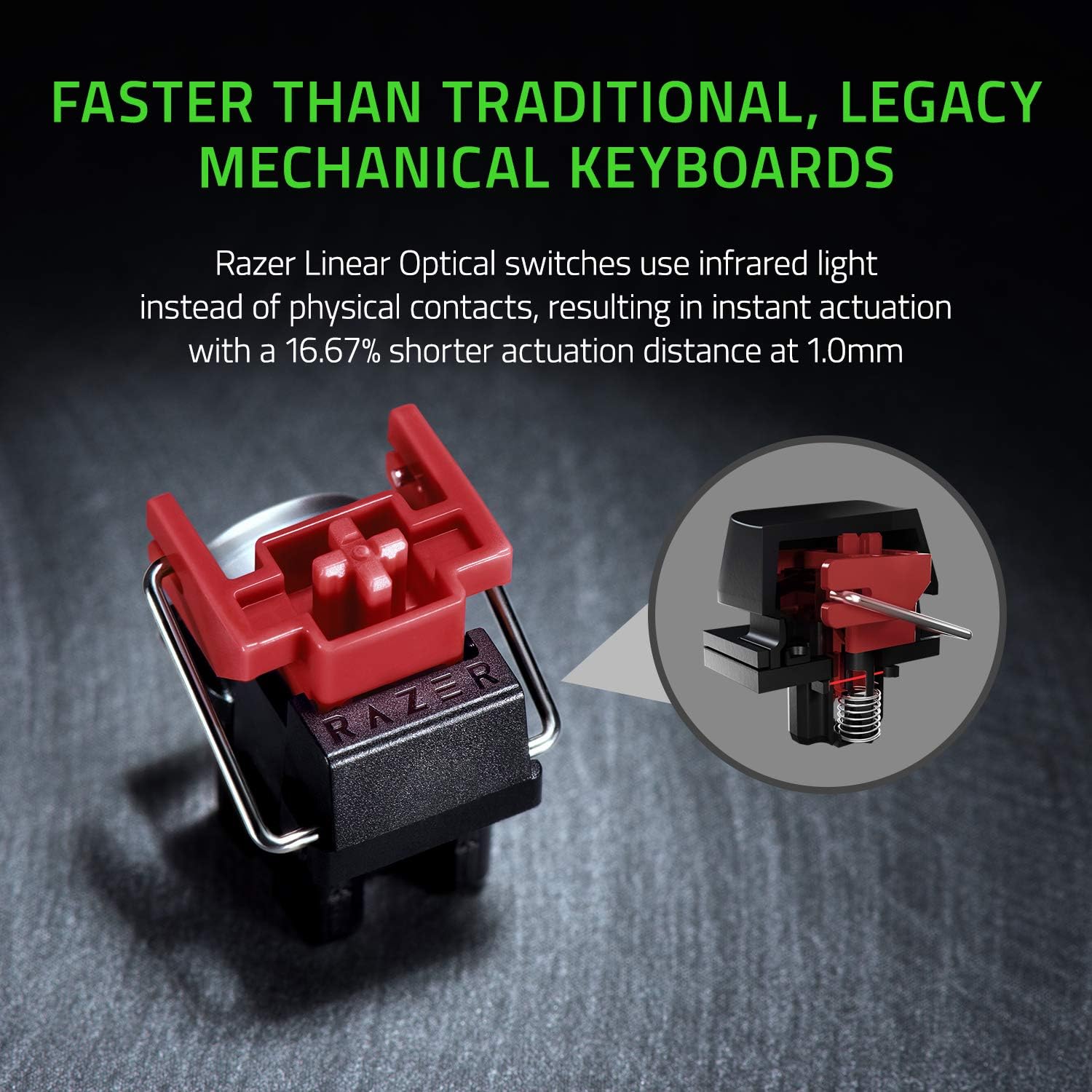
On paper, the big draw is the switch tech: optical beam-based actuation aimed at registering presses quickly, with an actuation distance called out as shorter than other linear switches at a 1.0 mm reference. That kind of spec won’t automatically make you a faster player, but it can matter if you’re sensitive to timing, rhythm, or rapid-fire inputs.
Key points
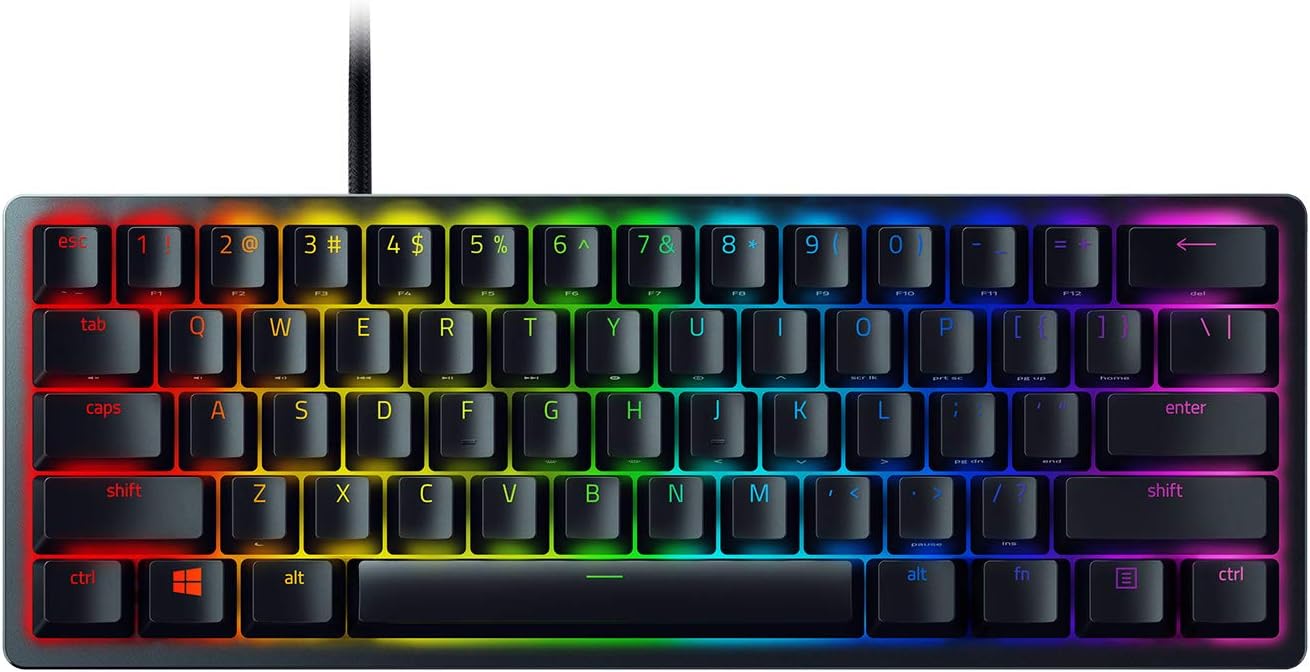
This keyboard is designed for gamers who want a compact board without giving up immersion or customization. Razer Chroma RGB Lighting gives individually backlit keys and a large color palette, and it’s positioned as sync-friendly with games and certain compatible ecosystems. In real use, that means your keyboard can look and react like part of your setup rather than just sitting there as a static light bar.
Customization is handled through macro remapping as well: Razer Hypershift is referenced as letting you remap keys and keypress combinations for more complex commands. If you play genres where input optimization matters—think movement-heavy gameplay, abilities with consistent timing, or routines you want on one press—this is the kind of feature that can make the 60% format feel less limiting.
Just keep in mind that “faster” is about the mechanism’s timing, not about your reaction speed. If you’re already comfortable on traditional mechanical switches, the advantage may feel subtle depending on your playstyle.
What stands out day to day
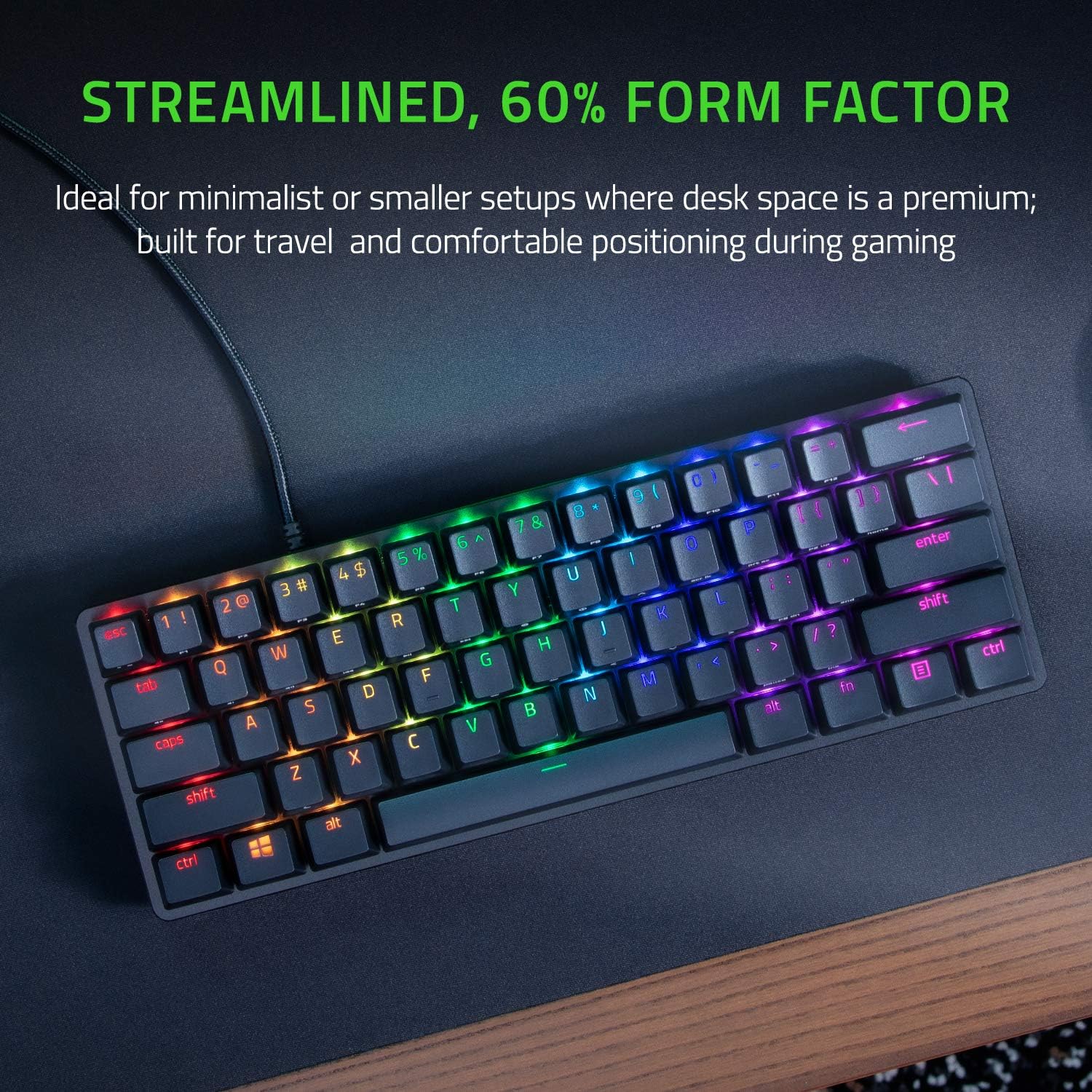
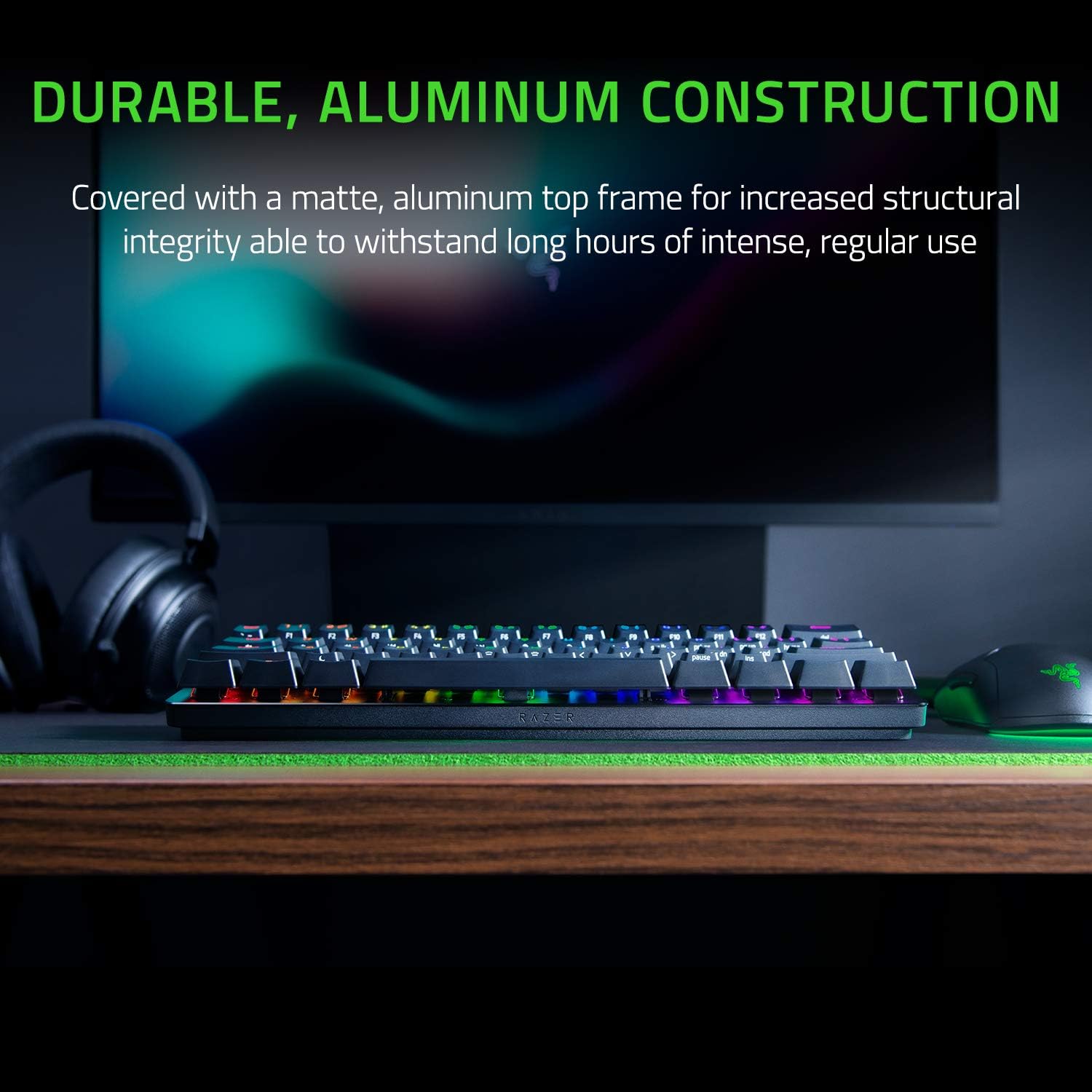
The Huntsman Mini isn’t trying to be flashy in build, it’s trying to feel solid on your desk. The matte aluminum top frame is described as improving structural integrity, which is the kind of detail you notice when you move the keyboard around, rest your hands, or simply tap keys for long sessions.
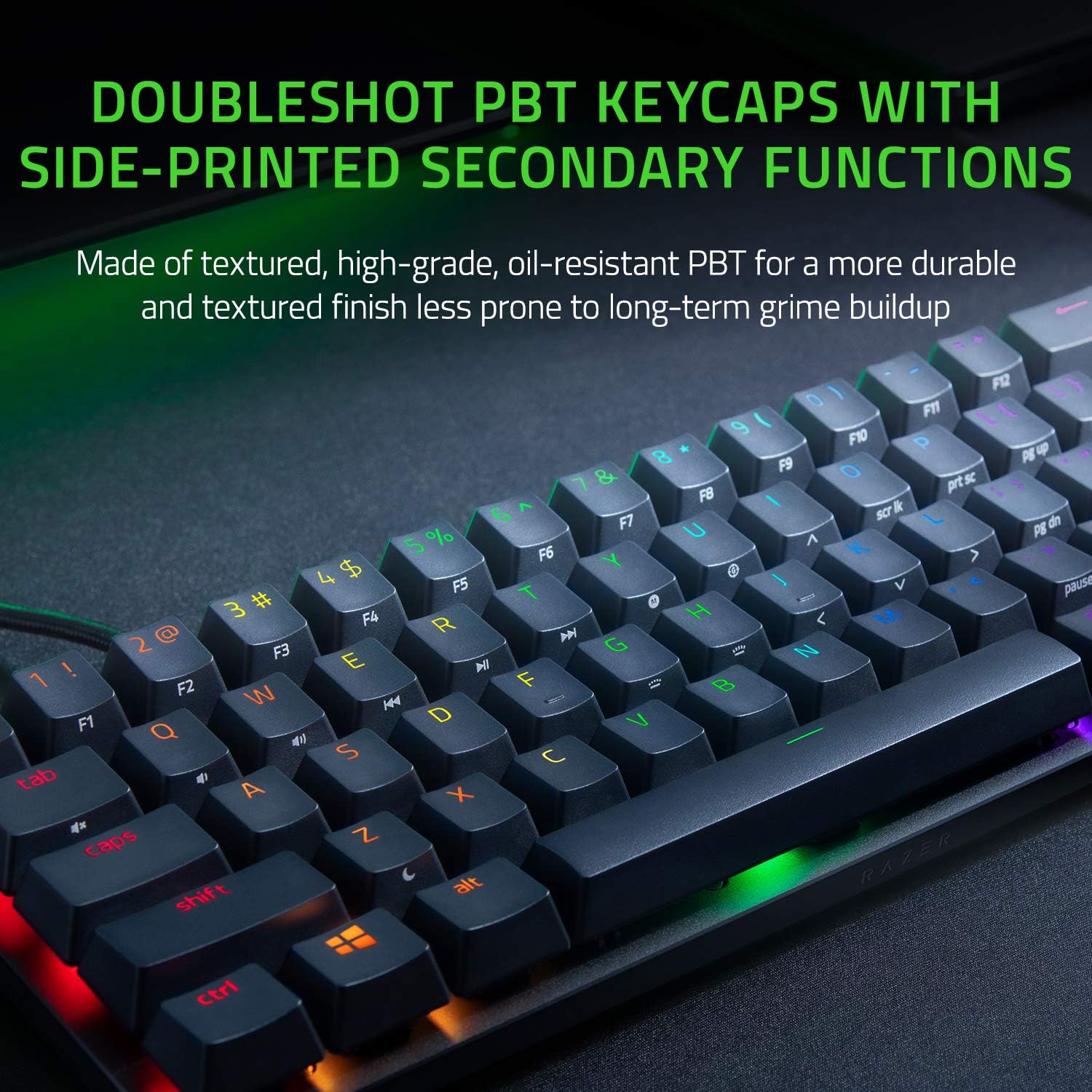
The keycaps are also worth calling out: oil-resistant DoubleShot PBT keycaps with a textured finish are included. Translation: the surface is meant to be more durable in the face of grime over time, and it should hold up better to the everyday oils and fingerprints that build up on glossy keycaps.
For RGB lovers, per-key lighting is included, and the listing mentions support for syncing with popular games, Razer hardware, and even Philips Hue and 30+ partner gear. That’s great if you already have any lighting ecosystem, if you don’t, it’s still usable as on-board lighting, but the “sync” story matters most when you have something to sync with.
Tech specs
- Switch type: Linear optical switches
- Actuation distance reference: 1.0 mm, 15-30% shorter actuation distance vs other linear switches (as stated)
- Keycaps: Oil-resistant DoubleShot PBT keycaps
- Chassis/top: Matte aluminum top frame
- Lighting: Razer Chroma RGB with individually backlit keys (16.8 million colors)
- Layout: 60% gaming keyboard
- Customization: Fully programmable macros via Razer Hypershift
- Additional feature: Snap Tap
- Color/finish (listing): Black
Who it suits (and who should think twice)
It makes sense if you want a compact 60% board for gaming and you care about two things: fast input feel (based on optical actuation) and strong customization (macros plus Chroma RGB). It’s also a solid fit if you like the idea of textured PBT keycaps that are less prone to long-term grime buildup.
It might not be the best match if you prefer a larger keyboard for comfort or dedicated navigation keys—because 60% means you’ll rely on layers and key functions more often. You may also want to skip it if you’re very picky about matching an existing lighting setup and you don’t plan to use Chroma sync features, in that scenario, you’d be paying for a lot of lighting capability you might not use.
Everyday use: a quick micro-scenario
Imagine you’re hopping into a fast-paced match and you want consistent movement and ability timing. You can program complex commands with Hypershift so that a single key (or combination) triggers what would normally take multiple inputs. Meanwhile, RGB on individually backlit keys keeps you visually oriented—especially if you use lighting profiles tied to specific actions in supported games.
In day-to-day terms, the smaller layout can feel faster because your hands naturally sit closer together on your desk, but only if you’re comfortable with layers and remaps.
Is it worth it?
Buy it if your priority is a compact 60% gaming keyboard with linear optical switches, per-key Chroma RGB, and the ability to remap and run macros through Hypershift. It’s a compelling choice when you want the setup to feel cohesive (lighting + customization) and you like the idea of more durable PBT keycaps with an oil-resistant finish.
Skip it if you’re looking for a simple, no-configuration keyboard or you want the full comfort of dedicated keys in a larger layout. And if you mainly care about typing feel rather than gaming-oriented responsiveness, the benefits described here may not outweigh the trade-offs of going 60%.
A practical way to decide: check whether you actually plan to use macros and whether your setup benefits from Chroma syncing. If yes, this keyboard checks a lot of boxes for gaming.
Mini FAQ
How does the optical switch approach help in games?
The listing emphasizes optical beam-based actuation and a shorter actuation distance reference at 1.0 mm. In practice, that’s aimed at quicker keypress registration for fast gameplay.
Is the keyboard fully programmable?
Yes—fully programmable macros are referenced, with Razer Hypershift described as enabling remapping for complex commands.
Are the keycaps likely to get grimy over time?
The keycaps are described as oil-resistant DoubleShot PBT with a textured finish, which is meant to be less prone to long-term grime buildup.
Does it support RGB syncing with other devices?
It’s stated to fully sync with popular games and certain Razer hardware, plus Philips Hue and gear from 30+ partners—best if you already have compatible lighting devices.
Does the 60% layout mean less usability?
It reduces dedicated keys, so you’ll likely rely more on layers and remapped functions. If you’re used to full-size layouts, it may take some adjustment.