


Adobe Photoshop Elements & Premiere Elements 2026 (3-year license) — Photo & Video Editing
Product description
What this product is
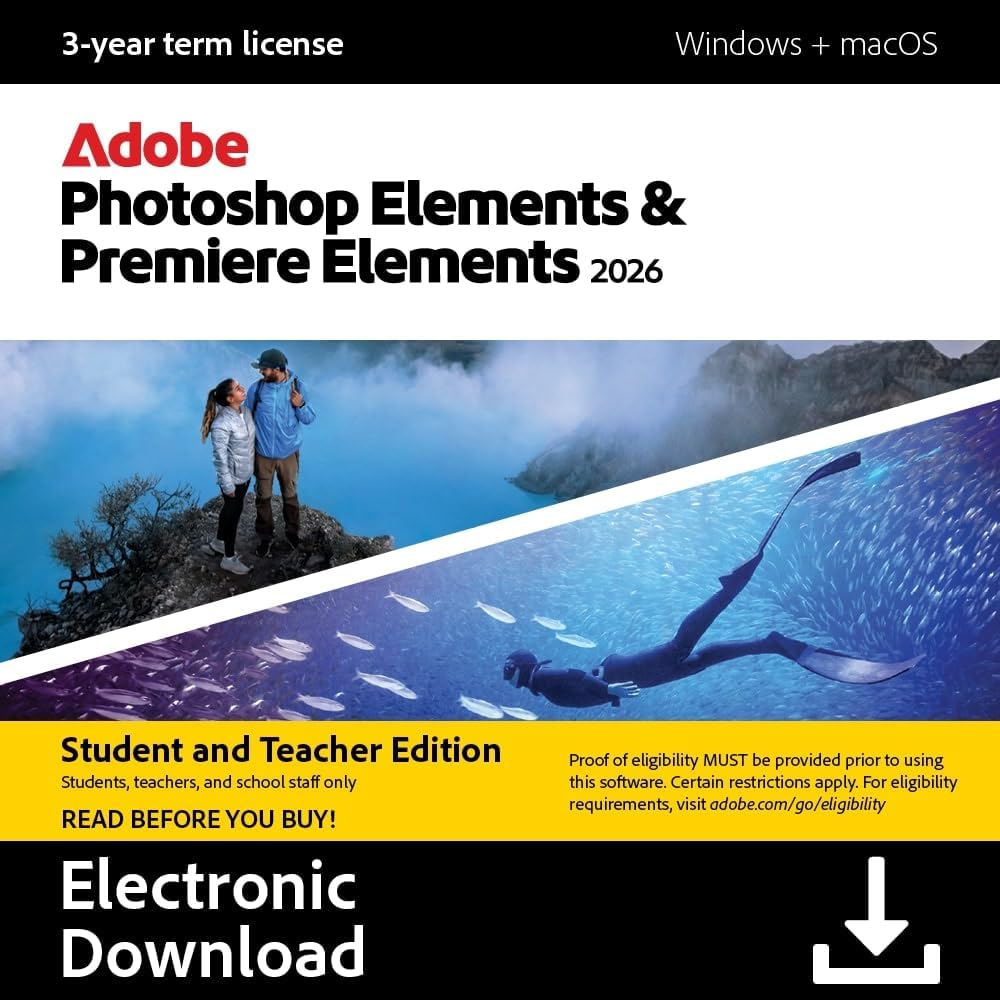
Adobe Photoshop Elements & Premiere Elements 2026 is a bundled software download that combines photo editing and video editing with a 3-year license. It’s designed for users who want guided, quick, and advanced editing paths to create and enhance images and videos without a steep learning curve.
How it helps in practice
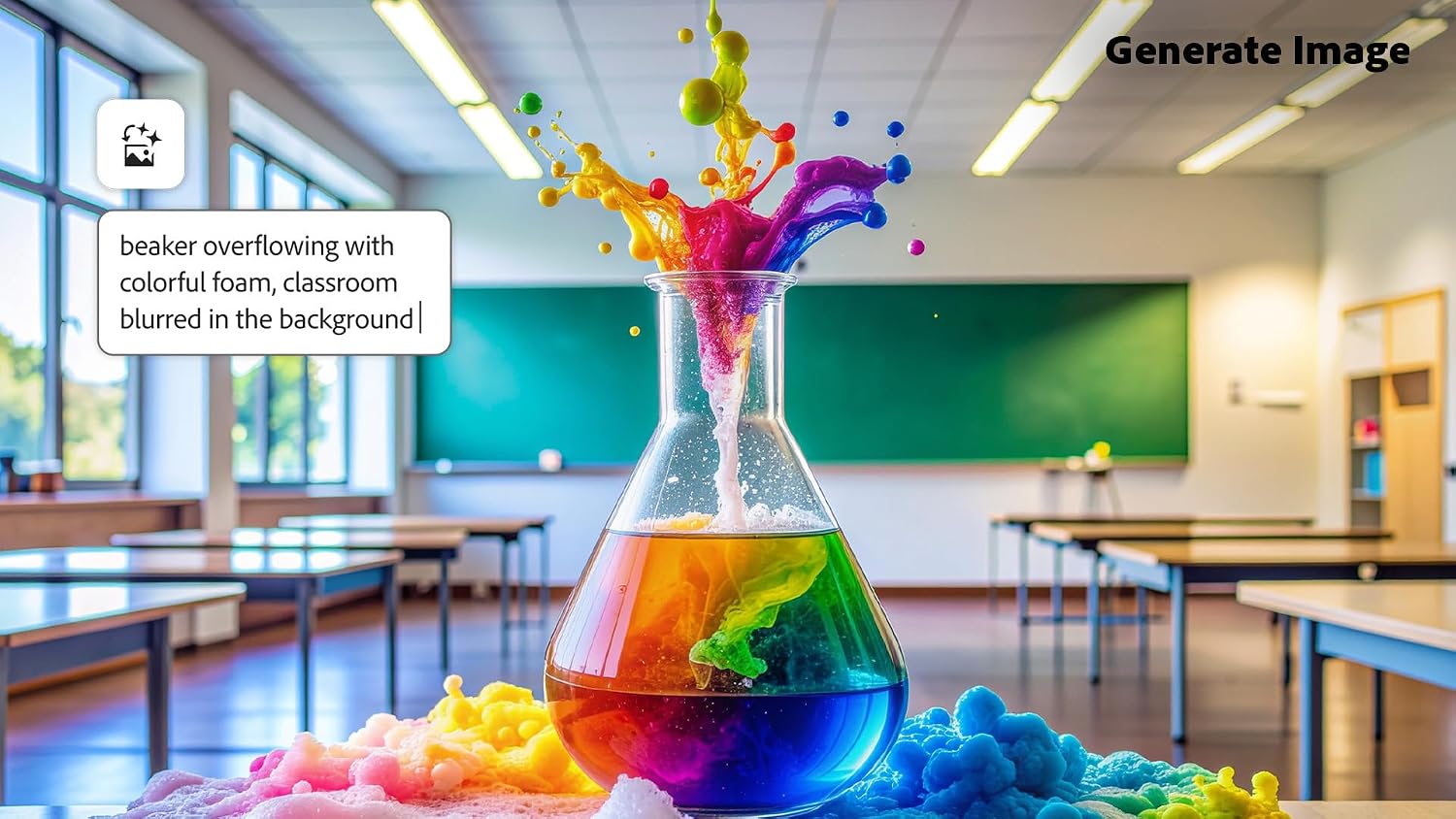
On the photo side, the suite leverages generative AI to remove distractions, replace backgrounds, touch up faces, and adjust colors, making everyday edits faster and more predictable. For video, you can trim clips, apply transitions, add motion titles, music, and color grading presets to produce clearer reels and slideshows. The product also supports 360° and VR video editing, which can be a practical edge if you’re exploring immersive content.
What stands out (pros)
- Three-year access from redemption with activation required, no automatic renewal, which can simplify budgeting.
- A range of editing modes (Quick, Guided, and Advanced) to match different skill levels and learning curves.
- Integrated organization features, including automatic tagging, curation, and face recognition, plus imports from popular cloud services for easy asset management.
- Built-in templates and expressive text/graphics options for producing social-ready content and slideshows.
What may be less convincing (cons)
- The lack of renewal may be a downside for users who prefer ongoing access without upfront planning. If you expect to edit professionally for many years, you may eventually need to evaluate renewal or upgrade paths.
- While AI-powered tools speed up common tasks, complex or highly specialized edits might require more advanced software or plug-ins outside this bundle.
- Being a consumer-focused suite, it may not replace all capabilities found in higher-end, stand-alone professional editing tools for heavy-duty workflows.
Who it’s for

- Everyday creators who want a user-friendly entry into photo and video editing with guided workflows.
- Social media enthusiasts who need quick, high-quality edits and ready-made templates for posts and reels.
- Small projects or personal portfolios where a 3-year license and a reasonable feature set are sufficient.
Who it isn’t for
- Pros or power users needing advanced, industry-grade color grading, VFX, or professional-grade video pipelines that require more robust software suites.
- Those who prefer ongoing subscription models or require perpetual updates beyond the 3-year term.

When it makes sense to buy
- If you want a balanced, easy-to-learn toolkit for both photos and videos with AI-assisted edits and a clear license term.
- If you value integrated organization features and templates to speed up social content creation.
- If you prefer a one-time purchase approach with a defined 3-year access window rather than ongoing renewals.
When to reconsider

- If your editing needs are advanced or specialized, or if you rely on frequent updates and new features beyond 3 years.
- If you’d rather avoid any activation steps or cloud-based workflows, or if you want a perpetual license.
What to review before buying
- Confirm activation requirements and compatibility with PC/Mac, plus how the 3-year term is activated from redemption.
- Check whether your typical projects align with 360°/VR editing capabilities and the types of templates offered.
- Consider your preferred editing workflow: do you mainly want guided edits, or do you need the flexibility of Advanced mode?
- Think about how the organization features (auto-tagging, backup, face recognition) will fit your asset library.

Practical usage example
You’re preparing a weekend photo story and a short travel reel. Import your photos and clips, use Guided edits to fix lighting and skin tones, replace a busy background in a portrait, apply a color grade to the video, and assemble a social-ready collage or slideshow with motion titles. The automation helps you finish a decent first cut quickly, then you can tweak key frames in Advanced mode.
Quick comparison mindset
If you’re weighing alternatives, this bundle sits between entry-level consumer tools and higher-end editors. It’s a good fit if you want a two-in-one solution with a manageable learning curve and a finite license window, rather than committing to a full professional suite or a long subscription.
FAQ (based on available data)
- How long do I have access after redemption? A full 3 years from the date of redemption, with activation required.
- Does it cover both photos and videos? Yes, it includes photo editing and video editing capabilities, including 360°/VR content support.
- Is there automatic renewal? No, the license does not renew automatically.
Decision: Is it worth it?
Worth considering if you want a practical, all-in-one editing package with AI-assisted tools and a predictable 3-year license for photo and video projects.