


Adobe Photoshop Elements 2026 | 3-Year License (PC/Mac) – Download and Activate
Product description
What it is
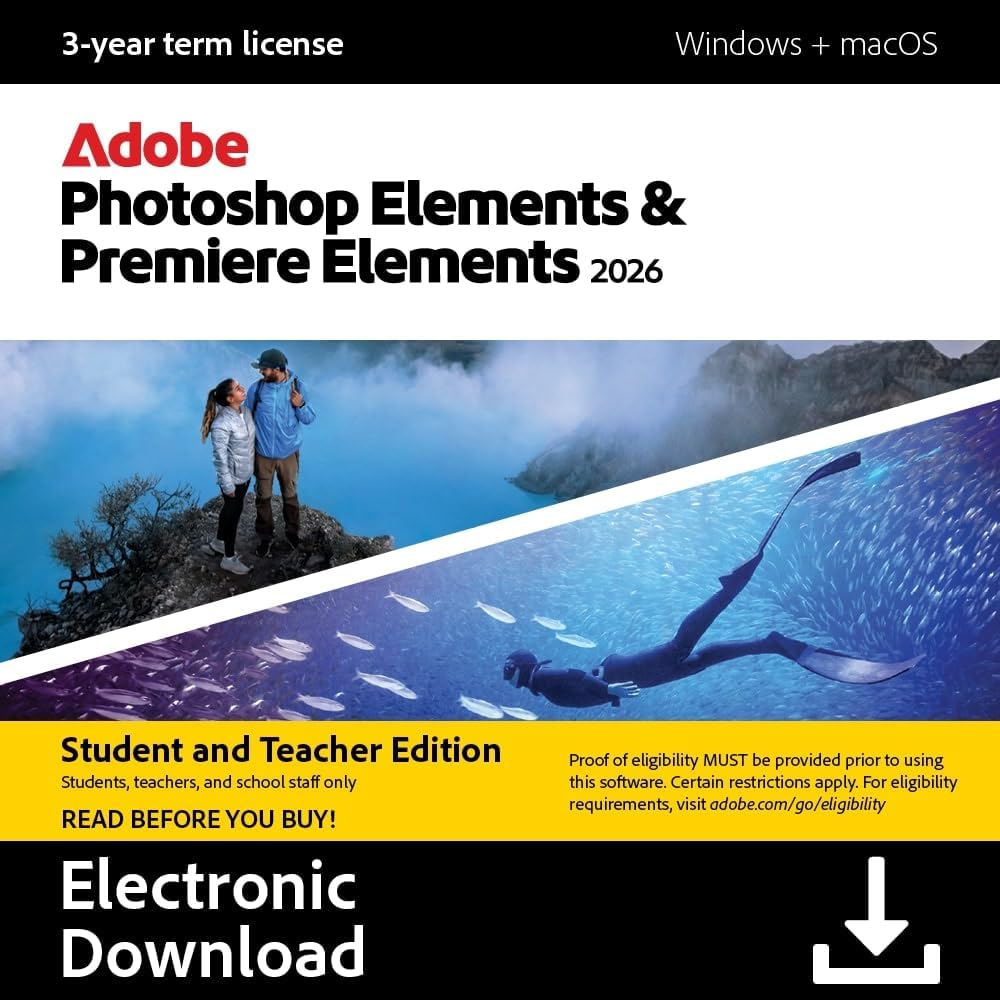
Adobe Photoshop Elements 2026 is a consumer-focused photo editing suite that leverages AI-powered tools to help you create, edit, and share images. It’s offered as a download with a 3-year license and activation required, compatible with both PC and Mac. On the surface, it’s aimed at hobbyists and enthusiasts who want faster results without diving into the full complexity of a pro-grade editor.
How it helps you edit
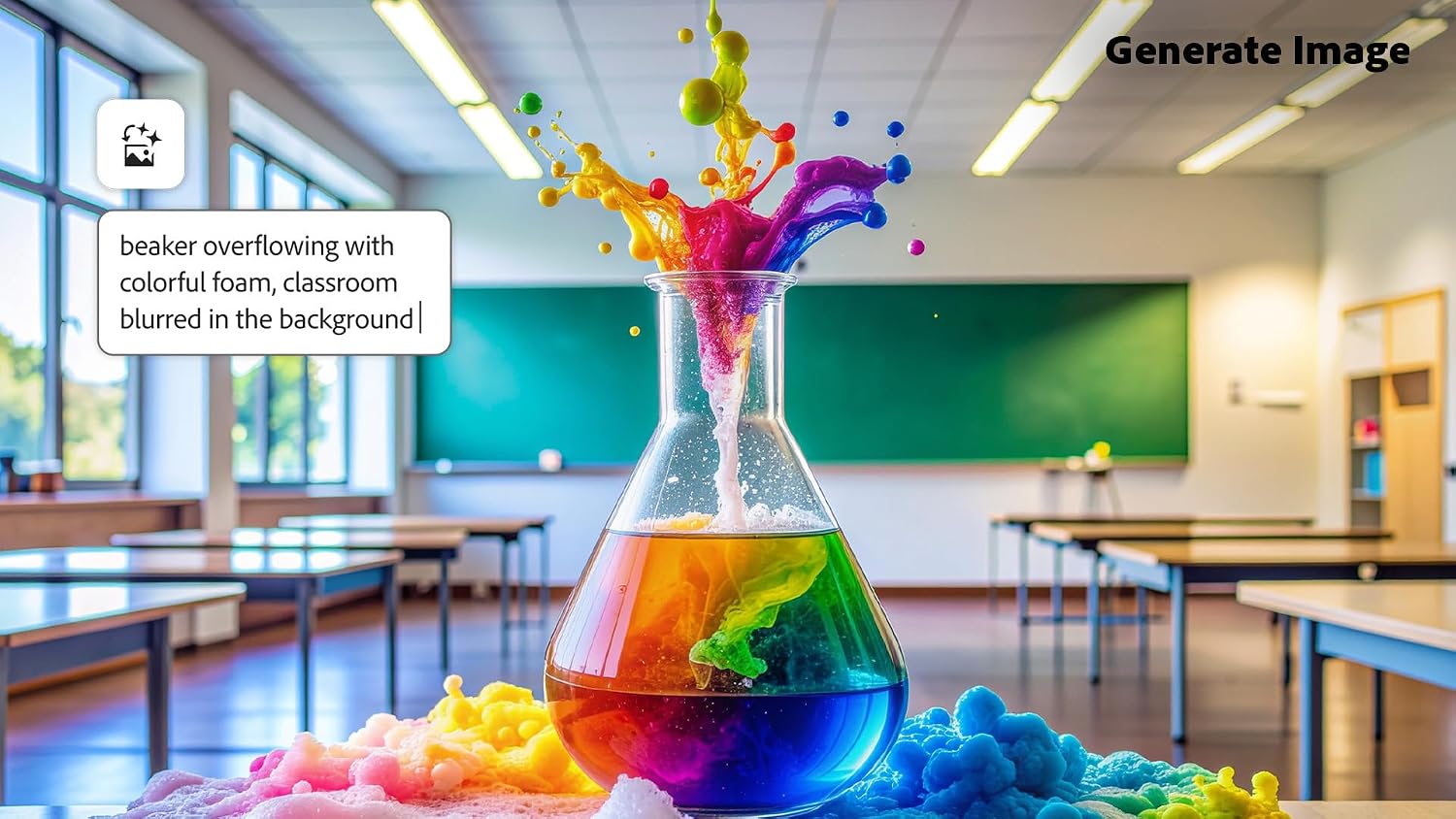
If you prioritize speed and guided workflow, Elements 2026 provides Quick, Guided, and Advanced editing modes to accommodate a range of skills. You can remove distractions, change backgrounds, touch up faces, adjust colors, and apply effects, text, graphics, and even simple animations. The AI features are designed to help streamline routine tasks, letting you focus more on creative decisions than technical labor.
What stands out
On paper, the blend of AI-assisted editing with structured modes makes this product approachable for beginners while still offering room to grow. The inclusion of Photo Reels and collages gives you built-in output formats for sharing, plus access to thousands of free Adobe Express templates for social posts and posters. Automatic organization, tagging, and face recognition are pitched as time-savers when you’re managing large photo libraries.
Pros
- AI-assisted improvements can speed up common edits like background replacements and blemish reduction.
- Multiple editing modes (Quick, Guided, Advanced) support a gentle learning curve while enabling more precise work over time.
- In-app storytelling options (reels, collages) and templates can help you publish finished projects quickly.
- Automatic organization and tagging aim to reduce the time spent searching for photos, which can be a big win for busy photo organizers.
- A fixed 3-year access window with no automatic renewal simplifies budgeting and expectations.
Cons / Limitations

- It’s a consumer-grade toolset, very advanced professional workflows might still require a higher-end editor or software stack.
- Name-brand AI features are convenient, but they may not always align with every editing nuance you want—some tasks may require manual adjustments.
- The 3-year license, while straightforward, means you’ll need to plan for renewal or transition after the term ends if your needs persist.
Who it’s for
This is a reasonable fit if you’re a hobbyist or small-business user who wants approachable AI-assisted editing, easy organization, and ready-made output options for social content. If you value guided steps, quick results, and a less intimidating toolset than full Photoshop, Elements 2026 may hit the sweet spot.

Who it’s not for
If you’re a professional photographer who requires granular control and a deep feature set for complex composites, color management at the highest level, or seamless multi-app workflows, you might prefer a more advanced solution. If you prefer a perpetual one-time purchase without a term license, this 3-year model may not align with long-term budgeting.
When it makes sense to buy

- You want a streamlined editing experience with AI-assisted features to speed up routine tasks.
- You need built-in outputs for social sharing (reels, collages) and access to ready-made templates.
- You’re comfortable with a 3-year license and activation model rather than a perpetual license.
When you might skip it
- If your editing demands are highly specialized or you require industry-standard color workflows and RAW processing at the deepest level.
- If you anticipate needing software beyond 3 years without renewal or you require ongoing feature updates beyond the license term.

What to review before buying
- Confirm system requirements for PC/Mac and ensure your device meets them for smooth performance.
- Consider how you’ll manage your photo library, Elements includes automatic tagging and face recognition, but it may work differently with your current cloud setup.
- Think about the types of projects you’ll create (collages, reels, text overlays) and whether the included templates cover your usual needs.
Practical usage example
Imagine quickly cleaning up a vacation photo: AI can erase a passerby, swap a cloudy sky for blue, adjust skin tones, and add a subtle label or caption. With guided edits, you can follow steps to apply a cohesive color mood across a family gallery, then assemble a collage for a social post in minutes rather than hours.
FAQ (brief)
- Does this include only the software, or is cloud storage included? It’s a download with a 3-year license, cloud features depend on your setup and online services.
- Can I use this on both PC and Mac with the same license? Yes, activation is available for both platforms under the 3-year term.
- Are updates included during the license? The license grants access for 3 years from redemption, feature updates are not specified beyond that term.
Final decision
Is it worth it? If you want AI-assisted, approachable editing with ready-made outputs and a predictable 3-year license, this could be a sensible pick for casual to semi-enthusiast use. If you expect professional-level controls or a perpetual license, you may want to compare with other options and consider your long-term needs.