

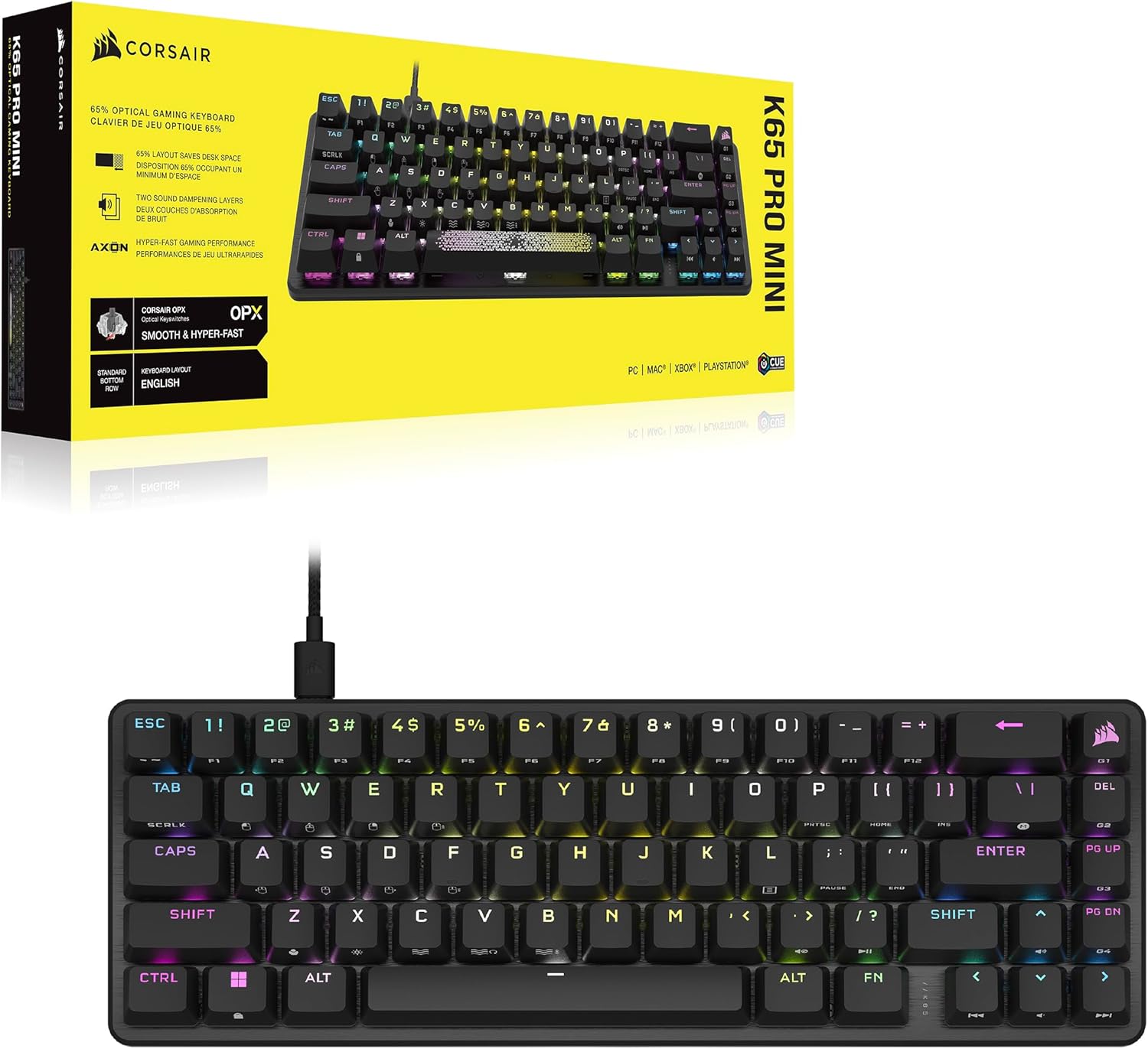
Corsair K65 PRO MINI RGB 65% Optical-Mechanical Keyboard (UK Layout)
Reviews
Price
Product description
What it is
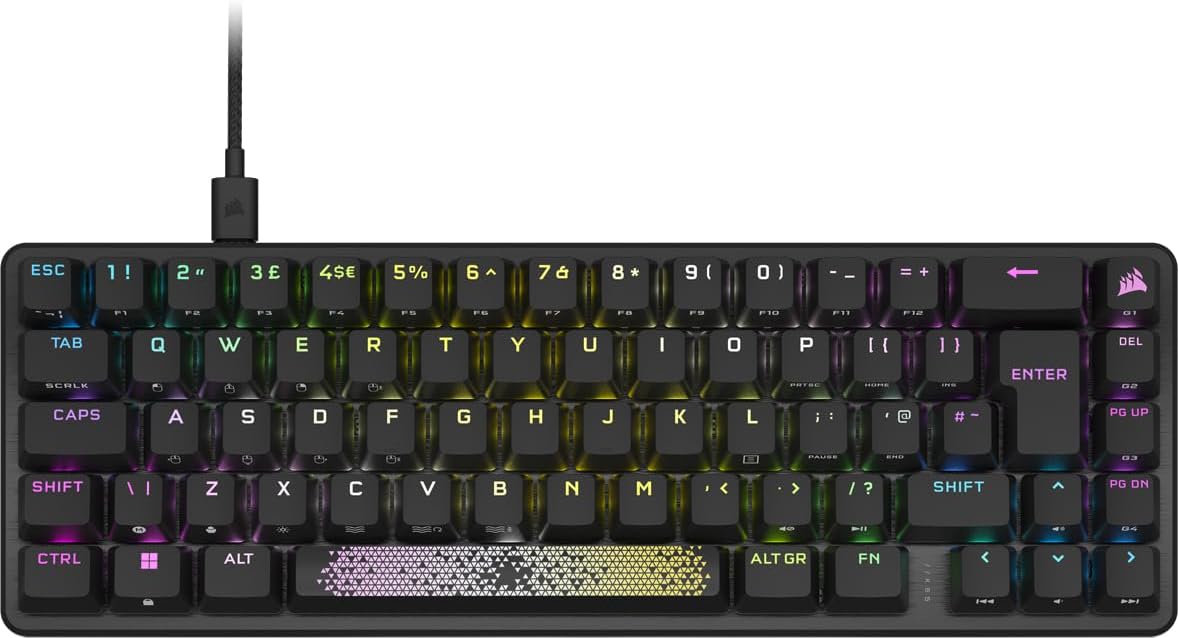
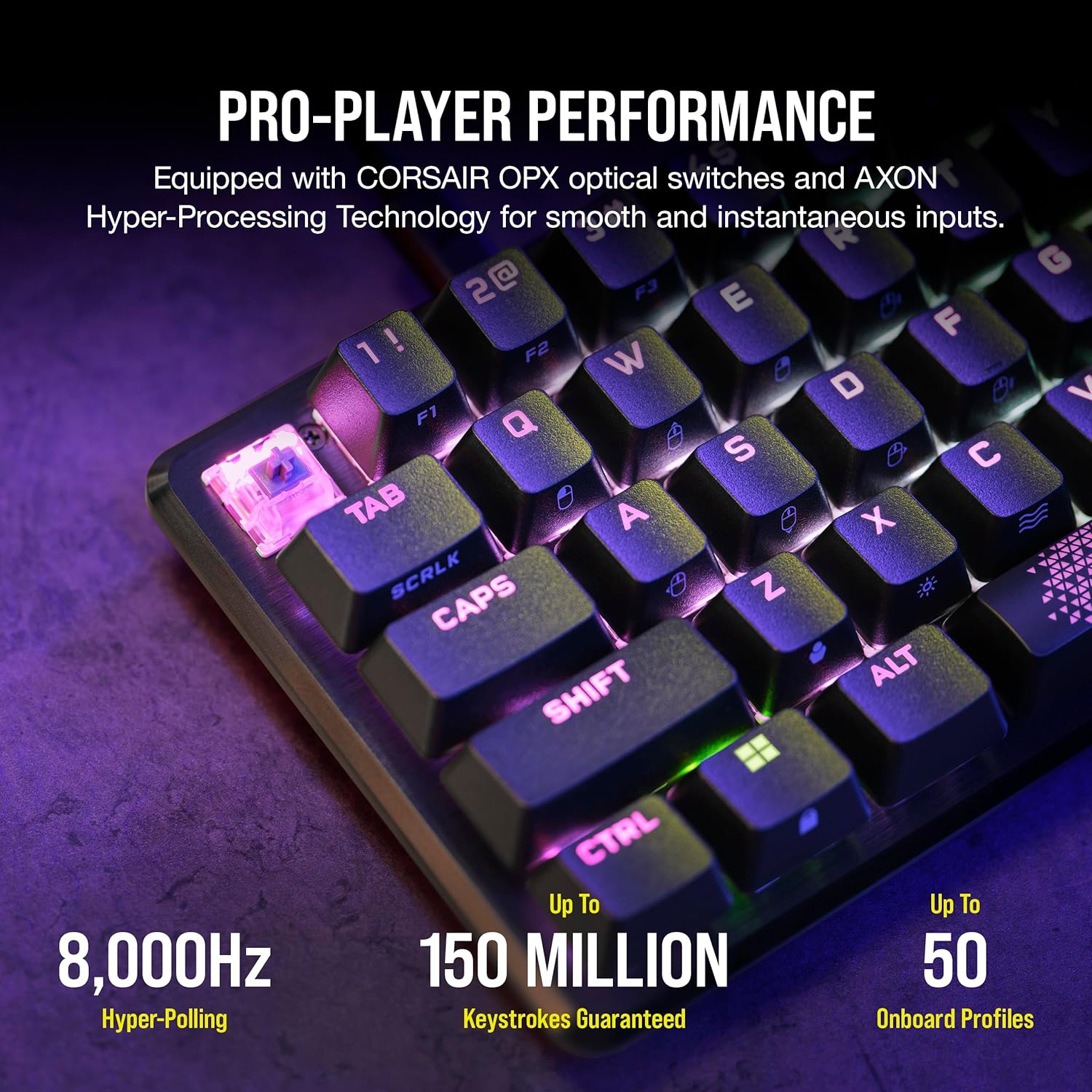
The Corsair K65 PRO MINI RGB is a compact 65% wired gaming keyboard that drops the bulk of a full-size board while keeping essential navigation keys, arrow keys and secondary functions for daily tasks and gaming. It uses CORSAIR OPX optical-mechanical switches, designed to deliver smooth, linear keystrokes with high precision and a claimed durability of up to 150 million presses. The UK layout and PBT double-shot keycaps aim to provide a consistent typing experience with a tactile, quiet acoustic profile.
How it helps you in practice
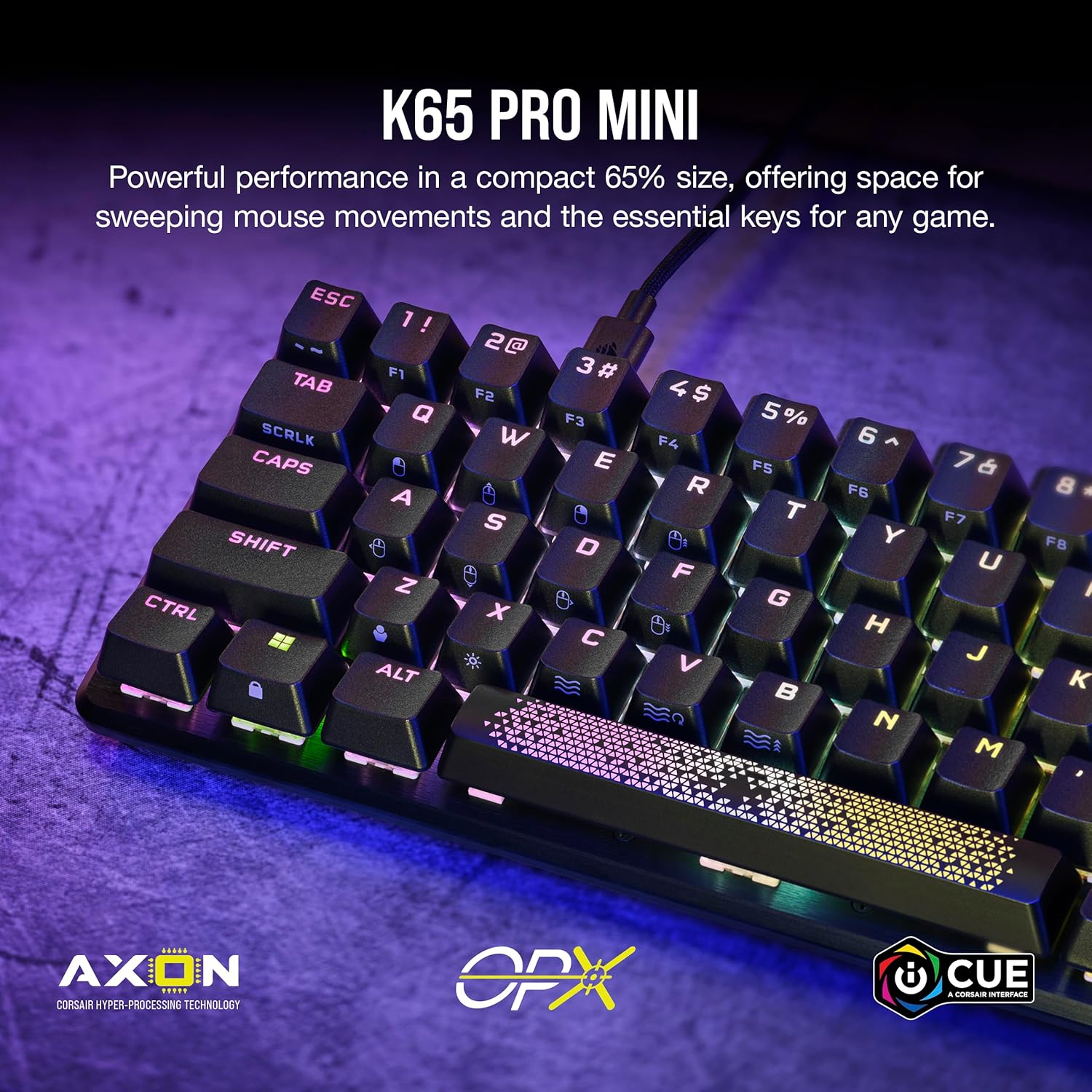
If you’re short on desk space but don’t want to sacrifice functionality, this unit promises a good balance. The 65% form factor means you can squeeze it onto smaller desks while still reaching arrow keys and utility layers. The optical switches use light-based actuation for quicker input signals, which Corsair describes as part of a broader AXON hyper-processing approach that allegedly speeds actions from keyboard to game by up to eight times compared with standard keyboards. In real terms, this means less lag between your keystrokes and the game response, especially useful in fast-paced titles.
What stands out in use
- Slim, clean footprint that fits tight setups without removing essential keys.
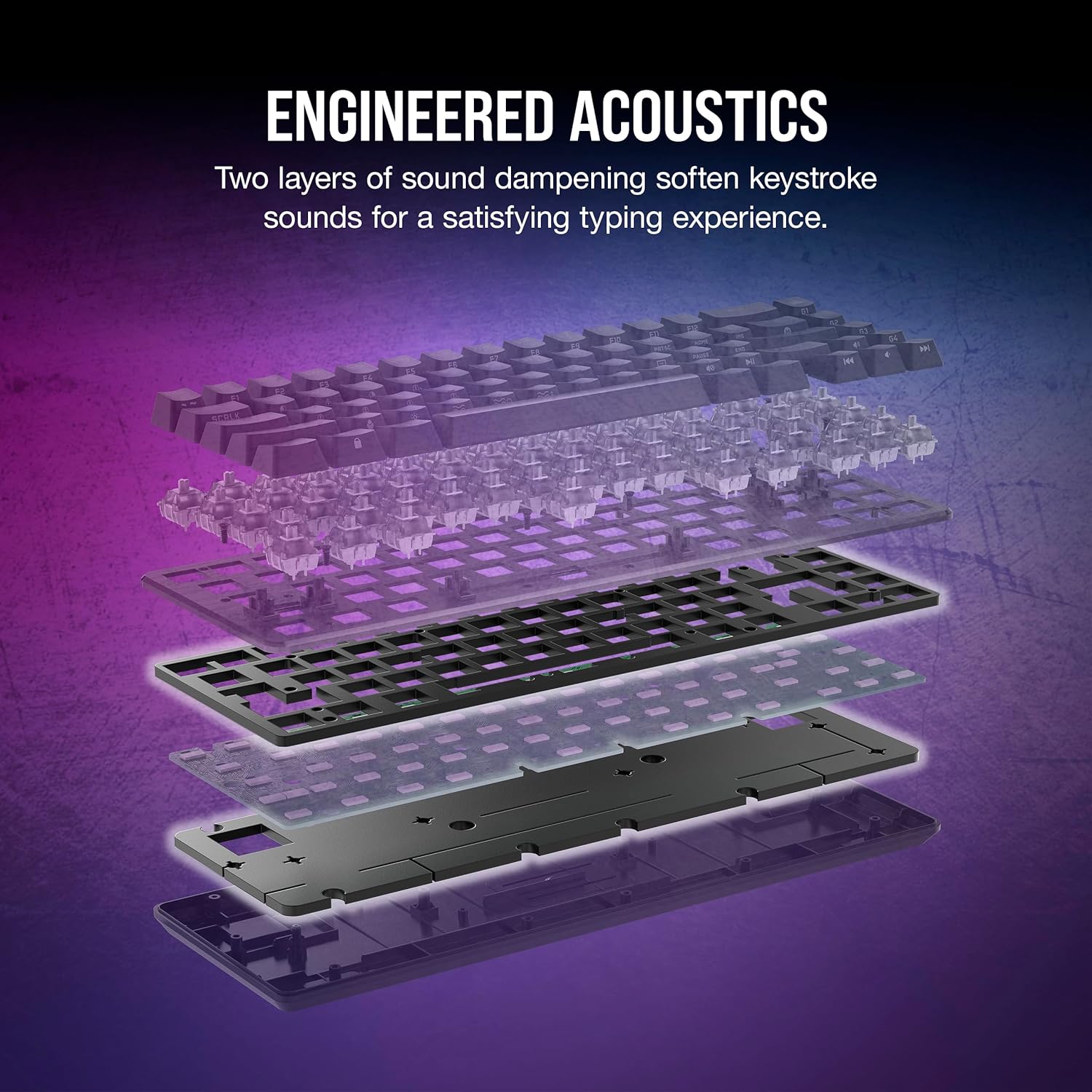
- Optical-mental feel: smooth linear presses with dampening layers designed to soften keystroke noise, contributing to a more comfortable typing experience during long sessions.
- iCUE compatibility promises centralised lighting and macro control, which can simplify customisation if you already use Corsair hardware.
- The detachable USB-C to USB-A cable can help reduce desk clutter and makes transport easier.
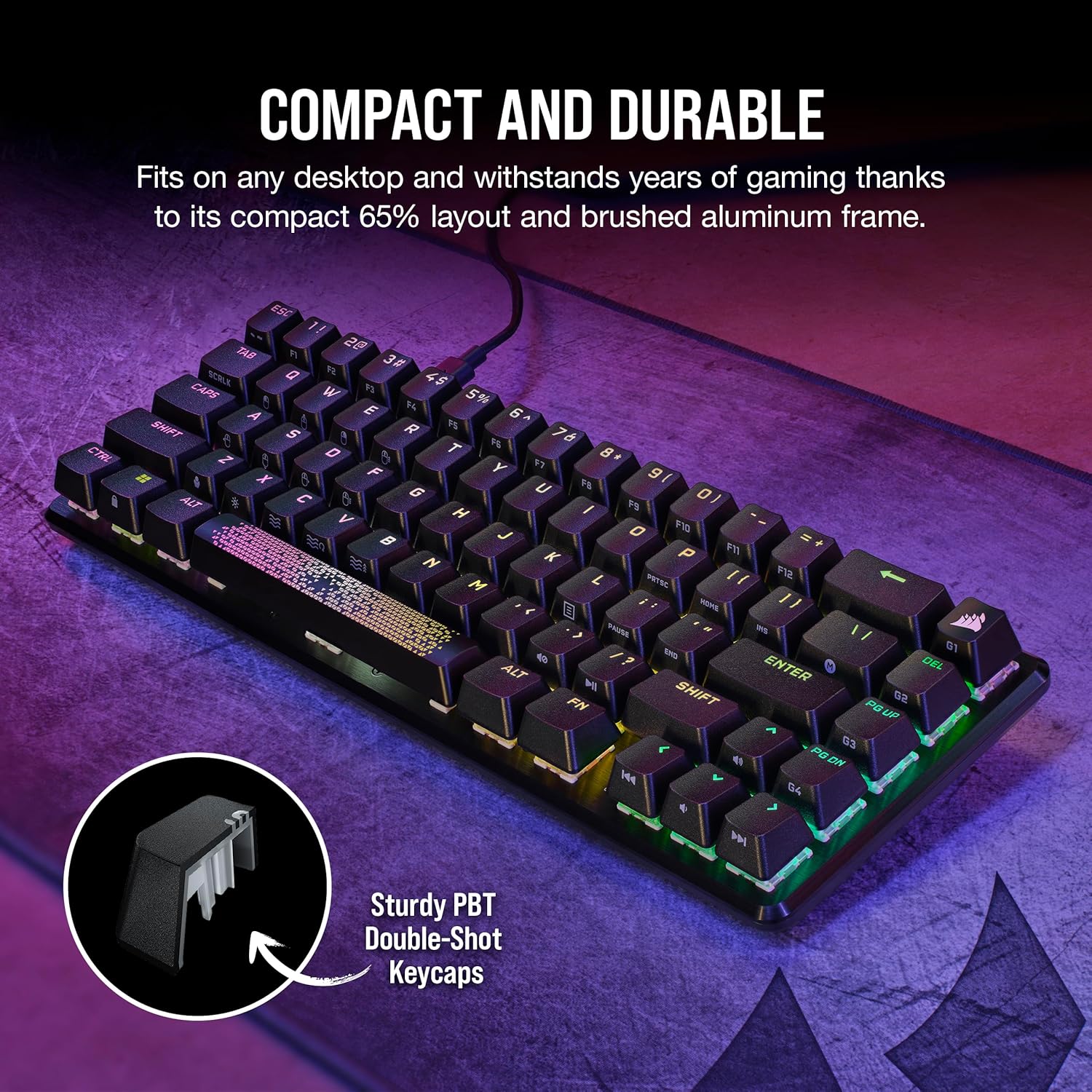
- Two notable elements: a radiant spacebar and PBT double-shot keycaps that aim to resist shine and wear over time.
What works well for
- Gamers who want a compact 65% keyboard but still need arrow keys and practical function layers.
- Users who value a clean aesthetic with understated lighting and reliable key feel.
- Setups already aligned with Corsair’s ecosystem via iCUE for unified lighting profiles.
When it may not be the best fit
- If you rely heavily on traditional, tactility-focused switches, the linear optical OPX may feel too smooth or fast for some users.
- If you require a full-size layout with dedicated macro keys for work tasks, this compact model omits them.
- For those who prioritise absolute mechanical authenticity over optical technology, this entry leans toward speed and convenience rather than a raw mechanical experience.
What to review before buying
- Confirm that you’re happy with a 65% layout and the loss of a number pad in exchange for space and portability.
- Consider whether iCUE integration aligns with your current peripherals and whether you want software-dependent lighting and macros.
- Check whether you prefer a quieter typing experience, two dampening layers aim to reduce keystroke noise, but sound perception can be subjective.
- Ensure your desk has adequate space for the keyboard’s width and height, even with a compact footprint, and that your preferred switch type matches your typing style.

How this compares to other approaches
Compared with full-size or tenkeyless keyboards, the K65 PRO MINI RGB opts for compactness without eliminating utility keys, which makes it a sensible middle ground for smaller desks. If you prioritise raw tactile feedback or a heavier acoustic footprint, you might lean toward other options in the same category. For those already invested in Corsair’s ecosystem, this model offers a familiar route to extended macro control and lighting synchronisation, albeit with the trade-off of a smaller footprint and the dependency on software for full feature utilisation.
FAQ (practical clarity)
- Q: What is the key feel like on OPX switches? A: They’re described as smooth, linear and ultra-responsive, with two dampening layers to soften keystroke noise. Personal preference varies.
- Q: Is the UK layout fully supported with the included caps? A: The base description notes a UK layout, the PBT double-shot keycaps should cater to standard UK key placement, but check compatibility with your favourite keycap sets if you swap them.
- Q: Do I need iCUE to use the keyboard effectively? A: iCUE compatibility adds lighting and macro options, which can enhance use if you already rely on Corsair software, otherwise some features may be accessible with basic drivers.
Is it worth it?
Worth considering if you value desk space without sacrificing essential keys and you want a fast, optically actuated keyboard. It makes sense for lighter gaming setups and for users who appreciate a quieter typing profile thanks to dampening. It may not be the best choice if you prioritise a traditional tactile feel, a full-size layout, or if you don’t plan to use Corsair’s software ecosystem regularly.