

THUSTAND 8MP Visualiser document camera
Reviews
Price
Product description
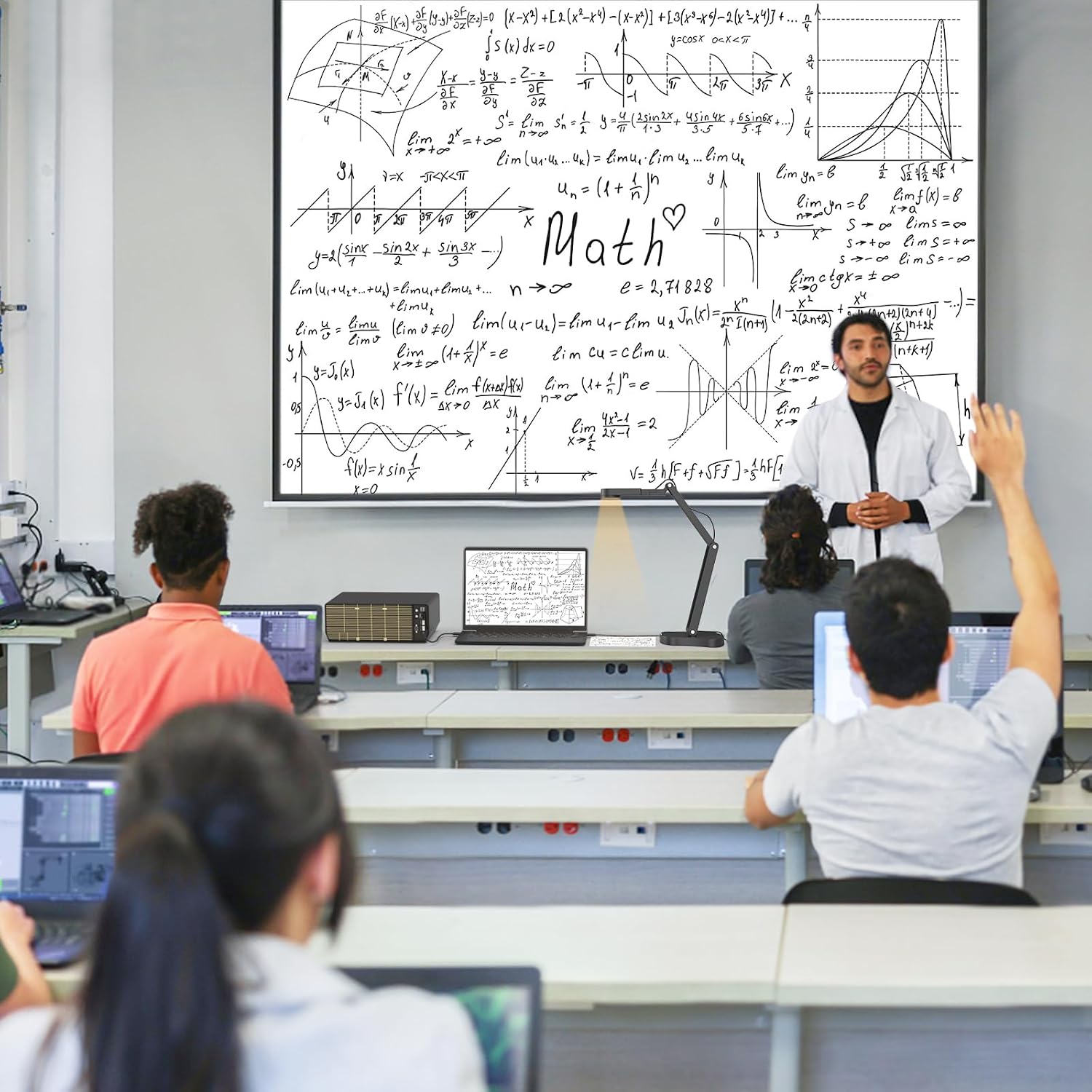
This compact document camera brings high-resolution capture to classrooms and remote meetings, combining an 8 MP sensor with adjustable lighting for clearer images of documents, objects and demonstrations. It is meant for use with a computer via USB and includes features to control brightness and image orientation for live streaming and teaching setups.
Key Points
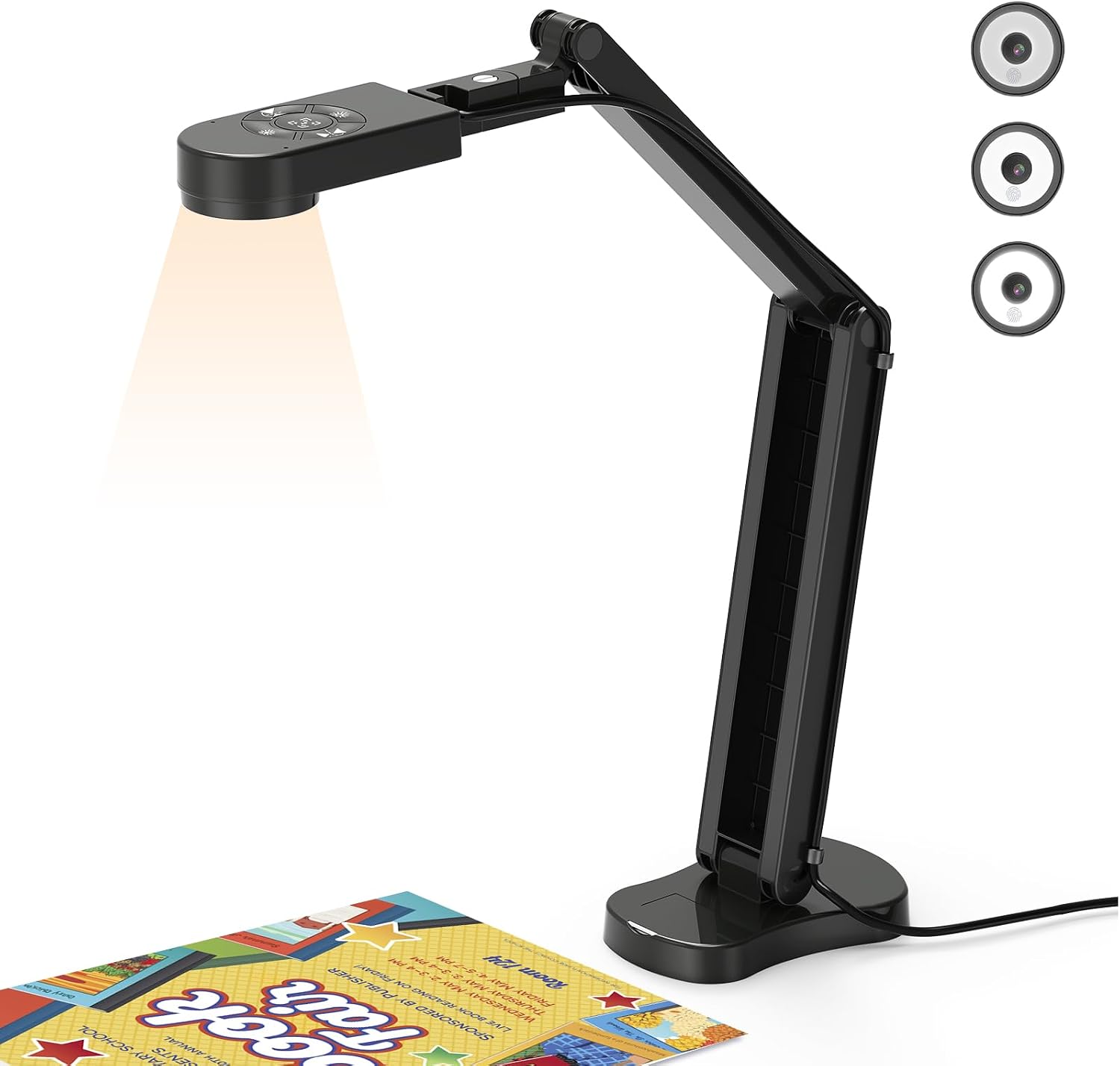
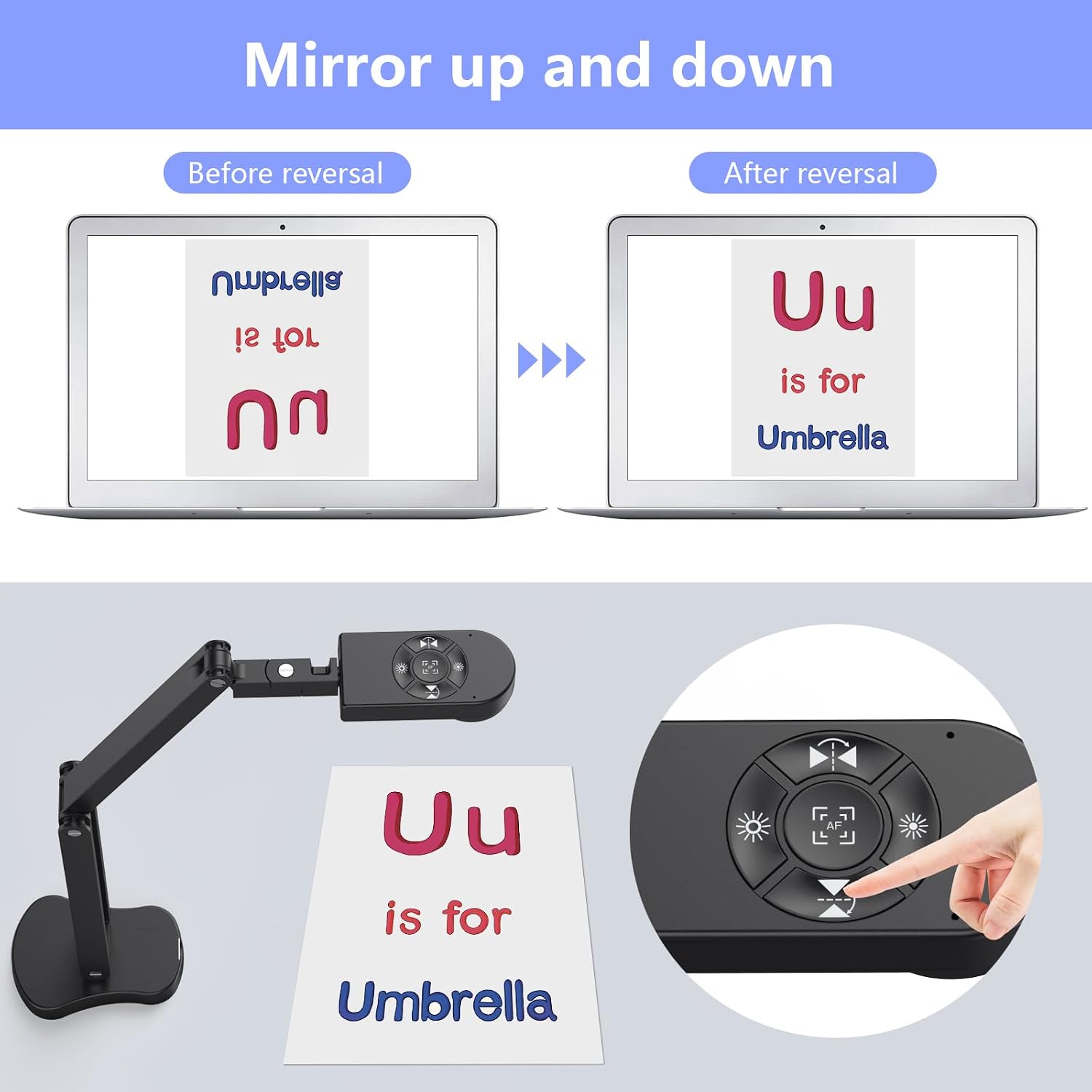
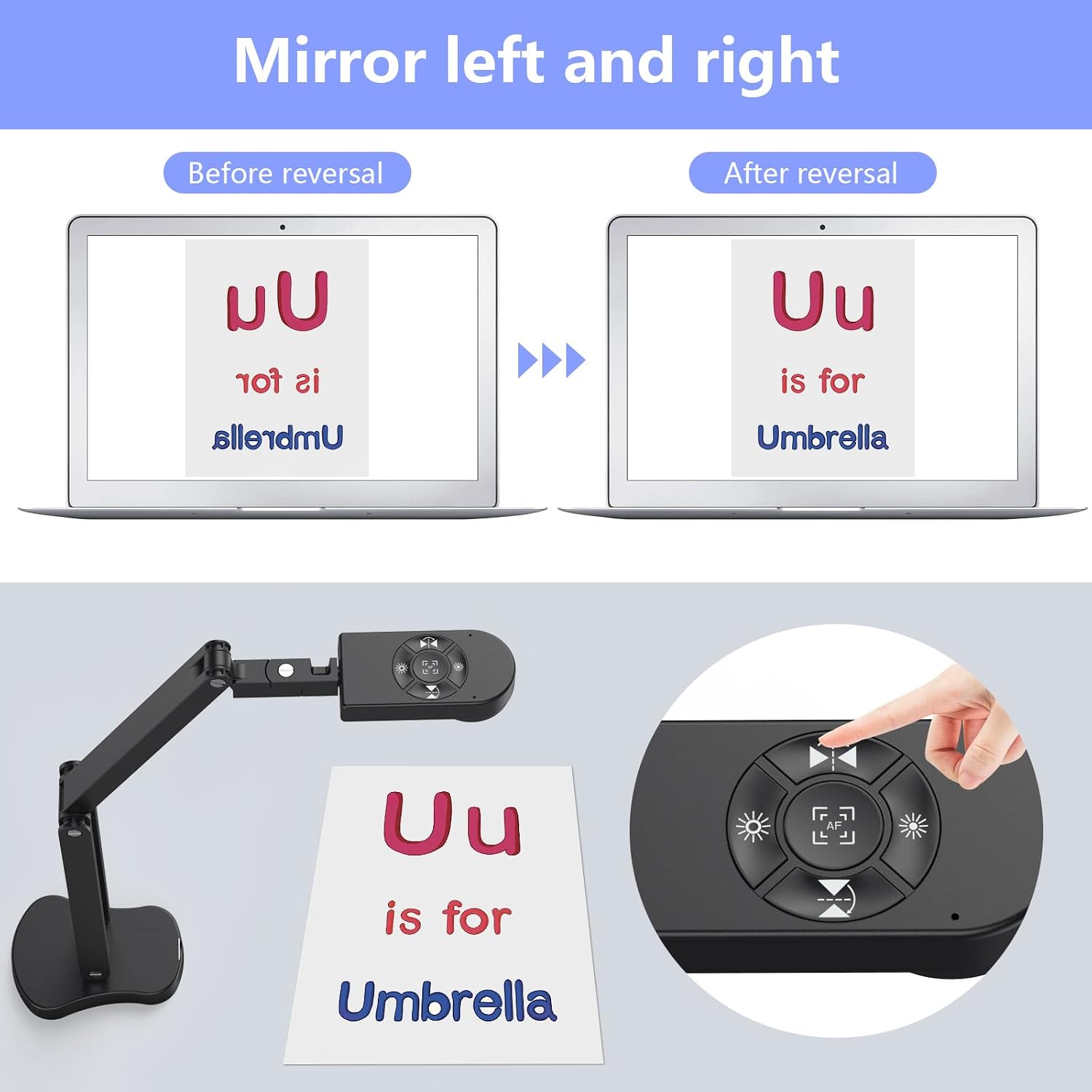
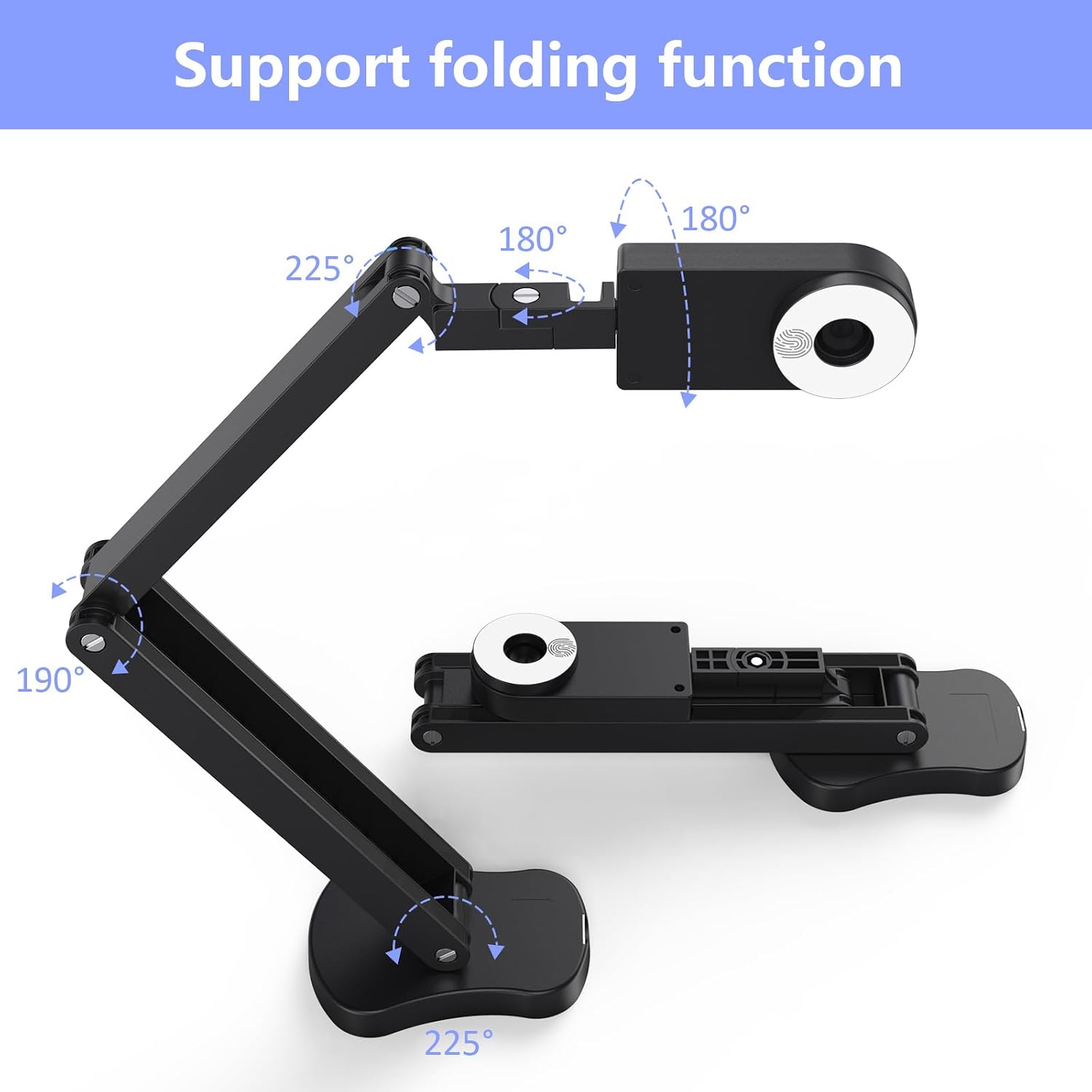
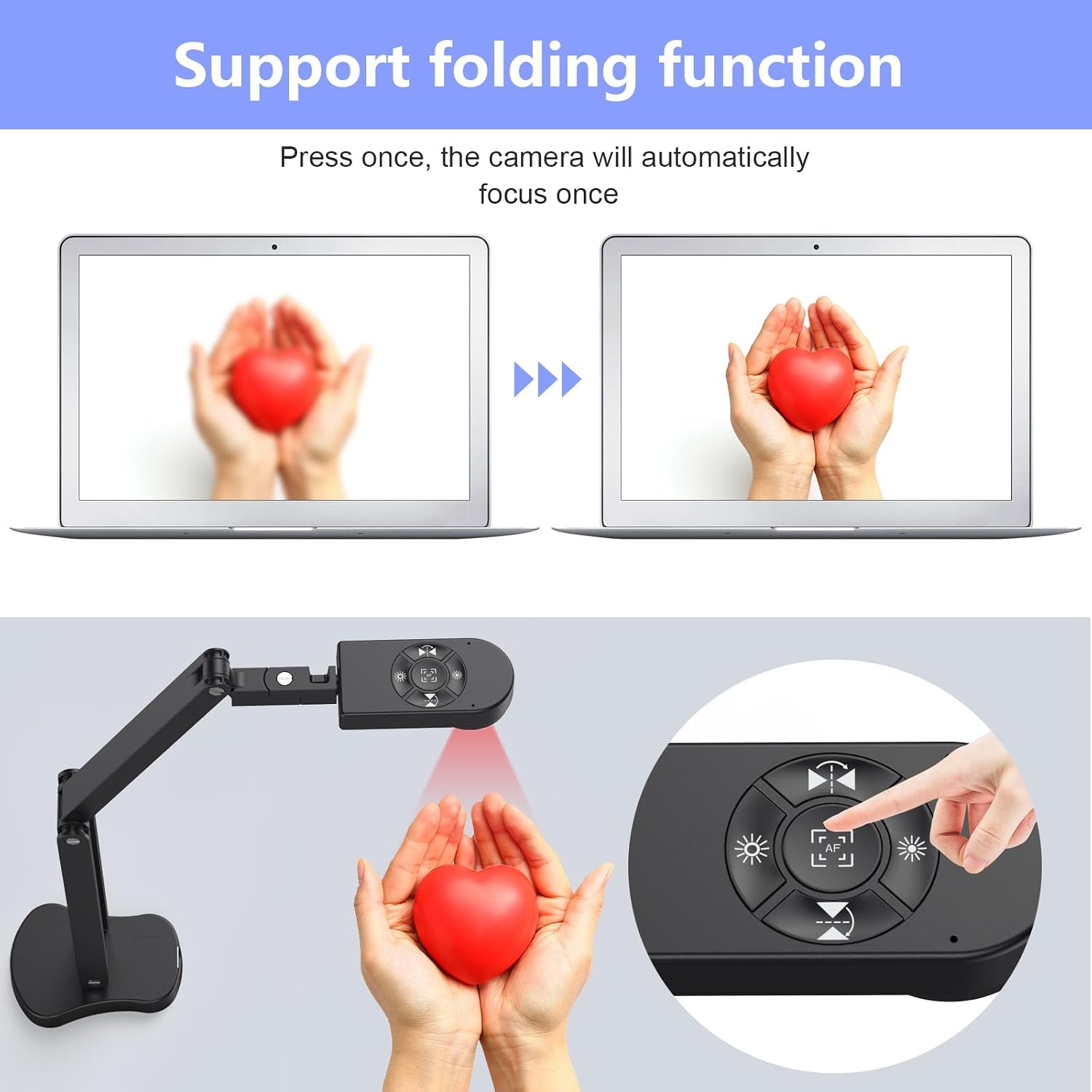
The visualiser folds down for easy storage and transport and has a multi-joint arm that allows a wide range of angles when capturing 2D or 3D objects. The device includes a ring of 14 LED beads with three brightness levels, which helps when working in dim classrooms or studios 🌟. Image inversion can be manually adjusted so that mirrored output is corrected before sharing, and a single press focus button locks sharpness for still documents.
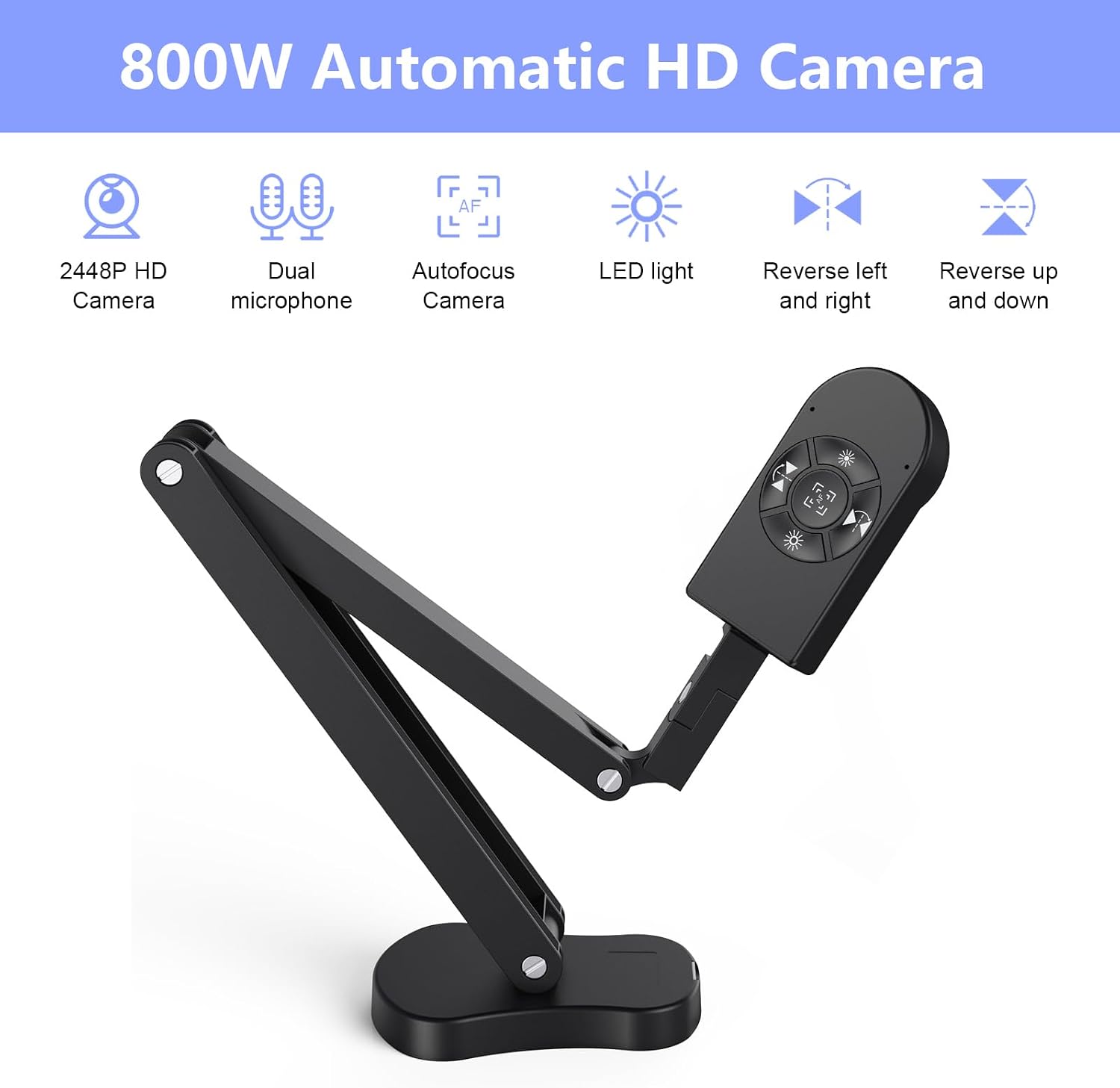
Note that the camera does not support HDMI output, optical zoom or iPad connectivity, and it connects to computers using the supplied USB-C cable with USB 2.0 transmission. The unit is not strictly plug and play on every system, so you may need to select "USB Camera" in your computer settings for the video feed to appear. Built-in dual silicon microphones aim to reduce ambient noise and capture voice during demonstrations 🎤.
Technical Specifications
- Name: THUSTAND 8MP Visualiser
- Resolution: 8 MP, up to 2448P output
- Frame rate: 30 fps
- Maximum covering area: 16.5" x 116"
- Close focus (macro): from 3.94"
- Connectivity: USB 2.0 via included USB-C cable, computer connection only
- Lighting and audio: 14 LED beads with 3 brightness levels, dual silicon microphones
Usage Recommendations
Place the camera on a stable surface and fold or extend the arm to frame the full A3 area when scanning larger documents. Use the brightness buttons to dial in exposure in mixed lighting, and press the focus button after repositioning the document to prevent the image from shifting during a live session. For video calls and recording, select the appropriate camera source in your app and allow the system to install drivers if prompted.
Consider that automatic focus behaviour may vary when moving objects under the lens, according to the manufacturer, so for moving demonstrations it may be necessary to rely on manual framing and brief pauses to maintain clarity. Also remember that the lack of HDMI and zoom will mean a direct computer connection is required for most classroom and streaming workflows.