

VIXLW Video Capture Card USB 3.0
Reviews
Product description
What matters most
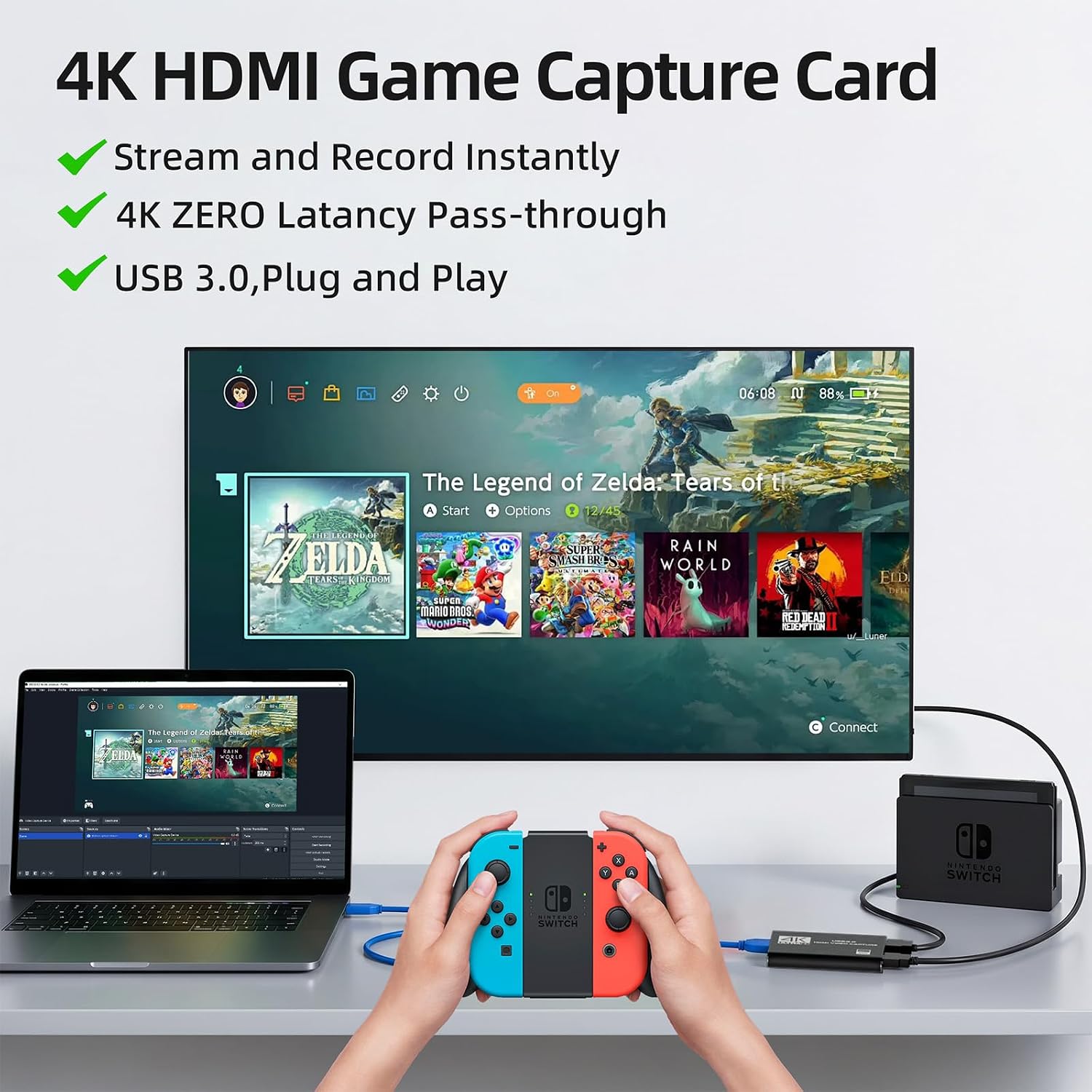
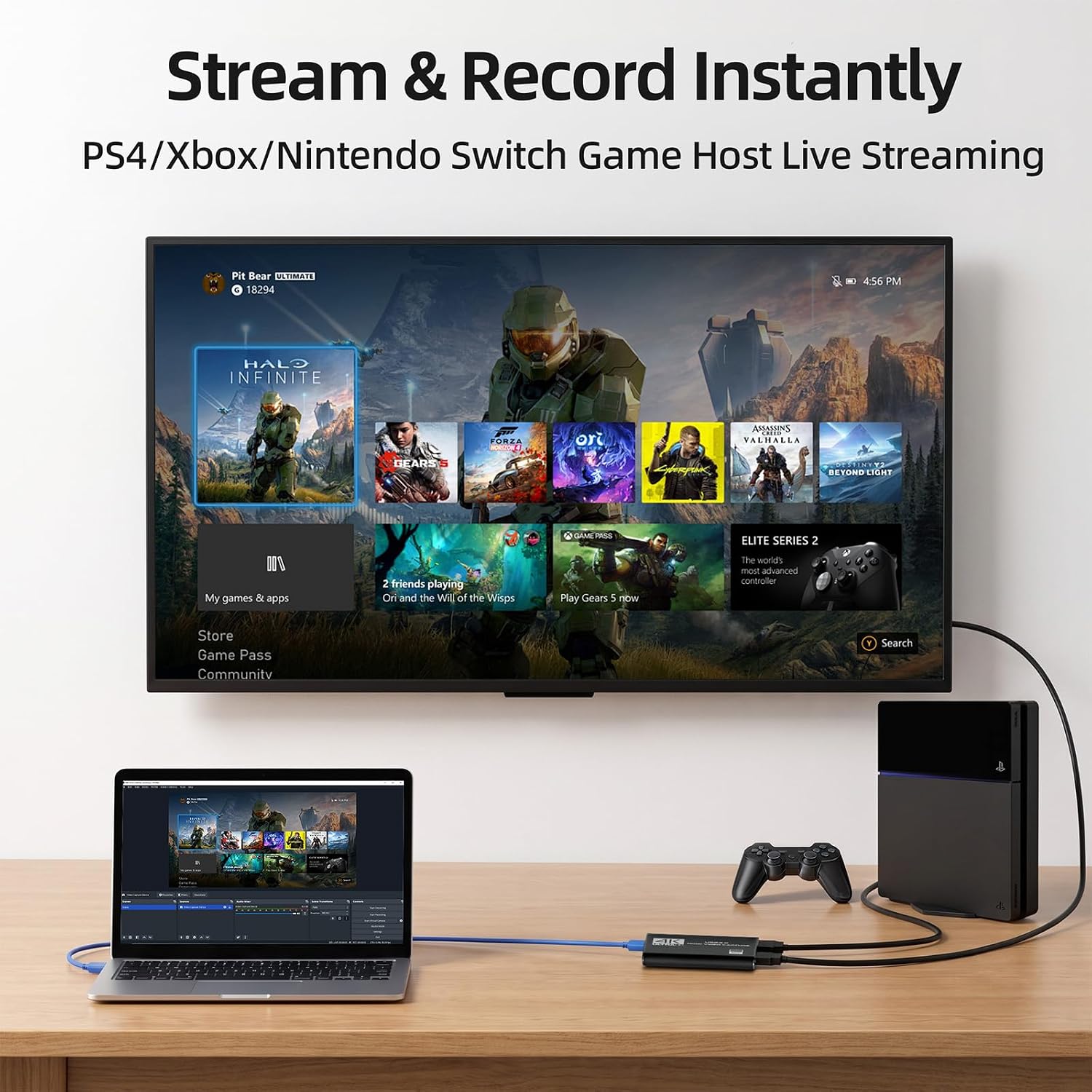
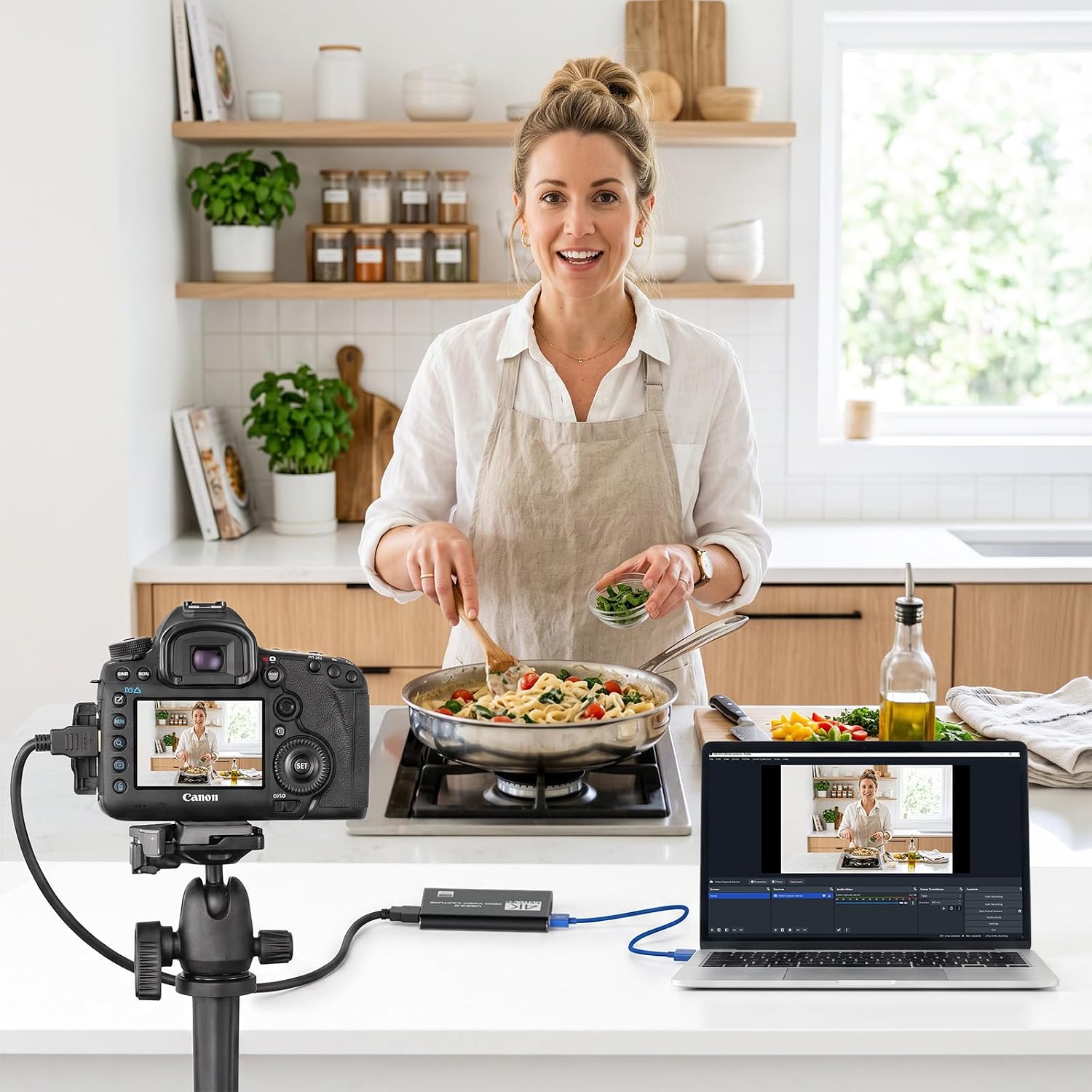
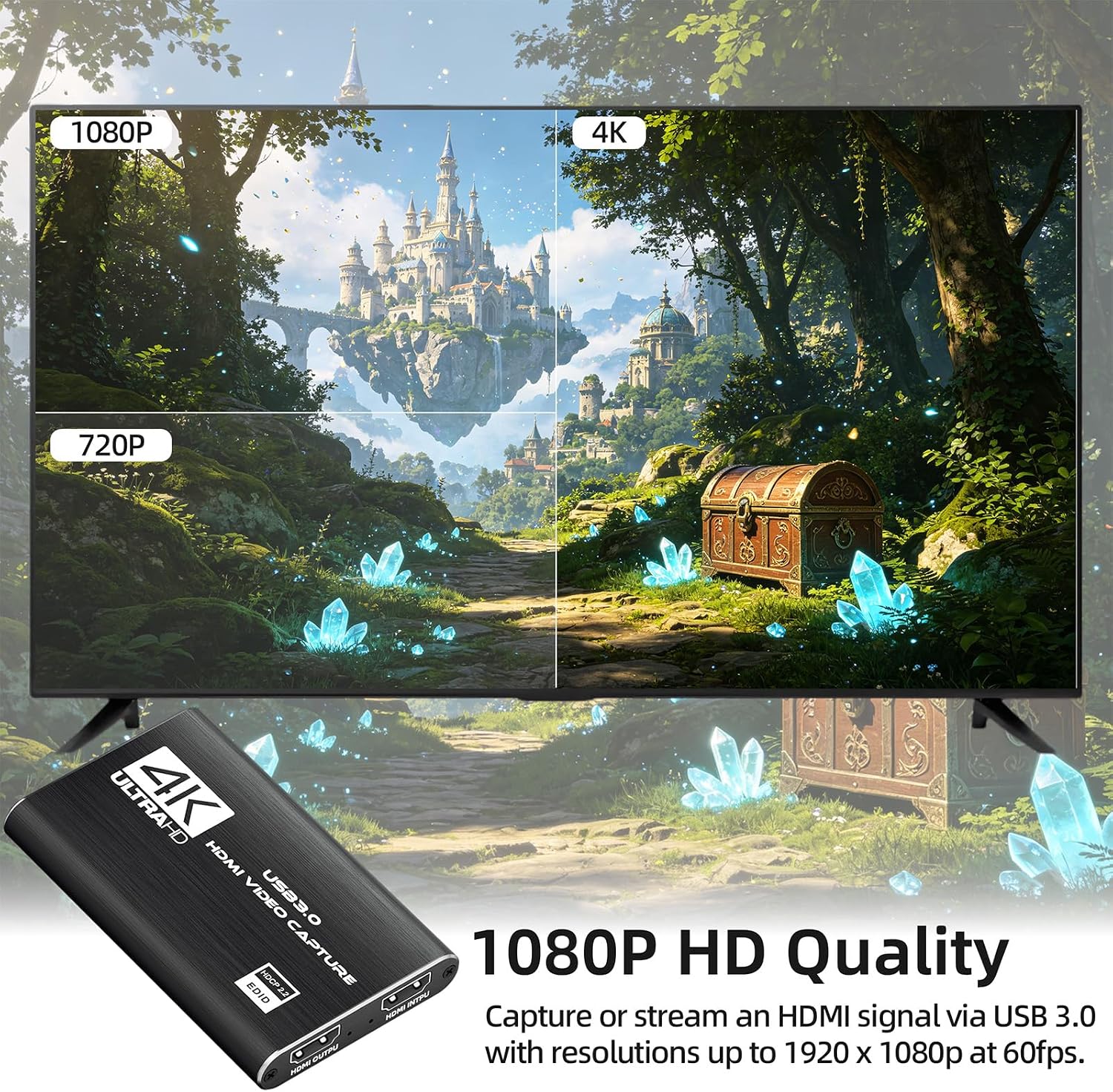
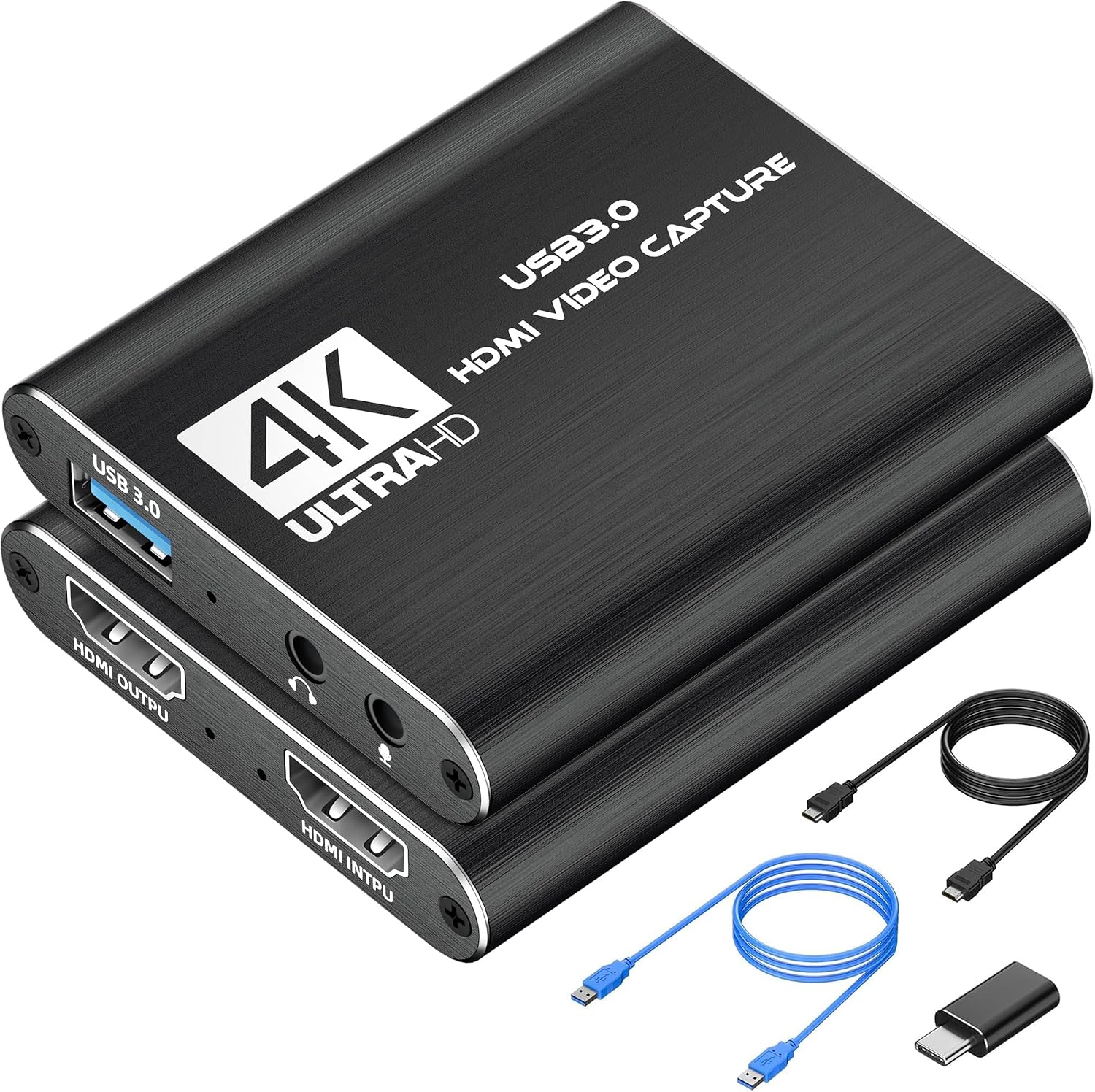
The VIXLW Video Capture Card offers reliable 1080P 60fps video capture through a USB 3.0 connection, providing a smooth feed for streaming on platforms like Twitch and OBS. It is designed to work with a range of HDMI sources including consoles, cameras and camcorders, making it a practical addition to any setup. The plug and play nature means you can start recording and streaming quickly without extra drivers or external power, while the automatic input detection helps reduce setup time and potential configuration issues. Aimed at everyday users who want clear video quality without complexity, this capture card keeps latency low for live gameplay and commentary. You’ll notice a straightforward, unobtrusive performance that lets your content shine without distracting delays.
Tech specs
- Name: VIXLW Video Capture Card
- Type: USB 3.0 HDMI capture device
- Format: HDMI to USB 3.0
- Resolution: 1080P 60fps
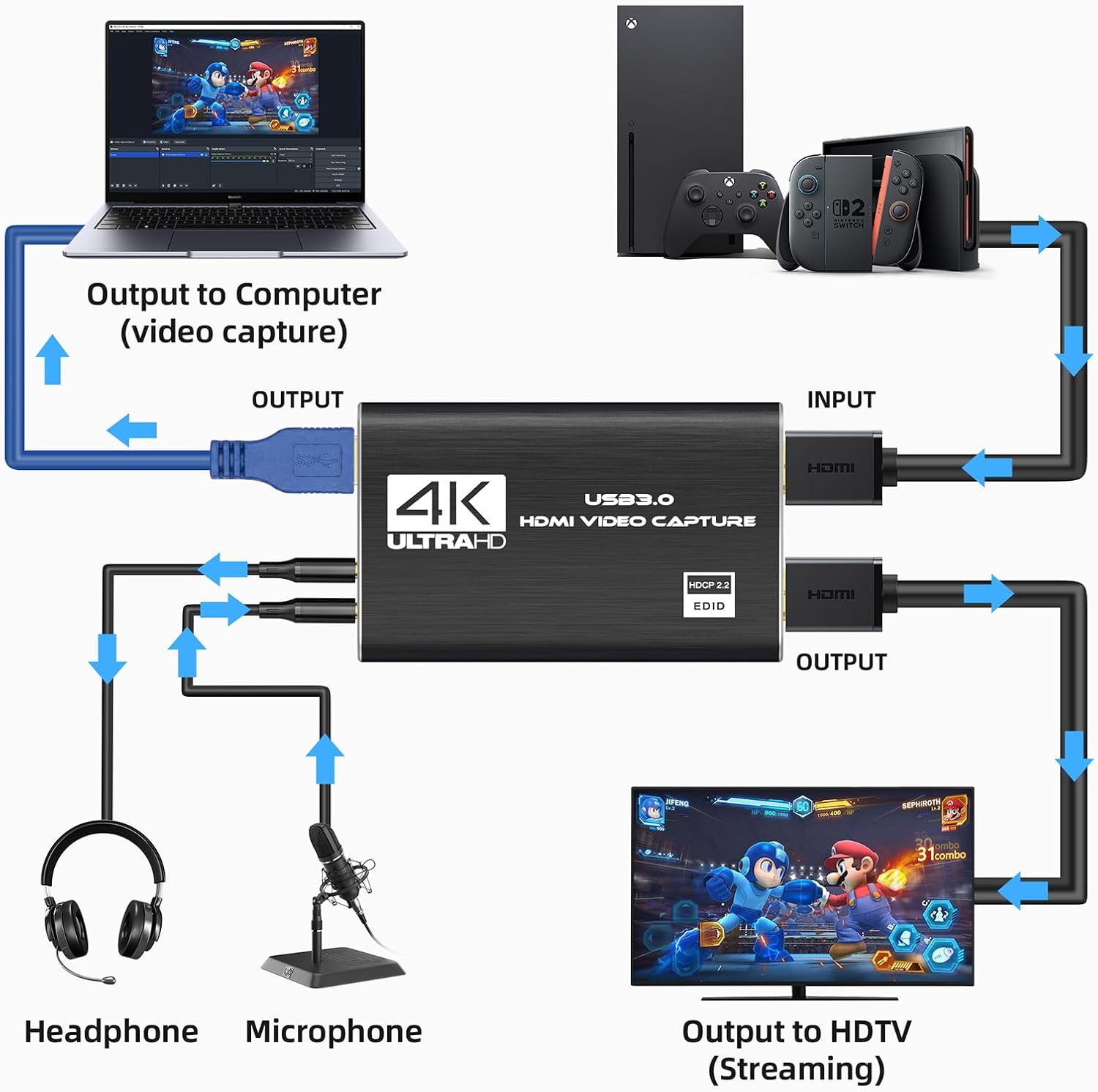
- Display: HDMI loop-out supported
- Dimensions: N/A
- Weight: N/A
Practical use tips
This capture card is well suited for PS5, Switch and PC use, enabling seamless integration with OBS, PotPlayer and VLC for live streaming or recording. It supports a range of HDMI sources from gaming consoles to cameras, providing flexibility for creators who mix game play with other video inputs. For best results, connect via USB 3.0 and ensure the input source is set to a compatible HDMI output. If you intend to record audio comments, you can use the mic input provided, noting that a standard 3.5 mm TRS microphone is required. Keep in mind that performance can vary with host hardware and software, enabling appropriate settings helps avoid frame drops and stutters. The device identifies as a webcam when connected, simplifying software setup and scene composition for your broadcast.