

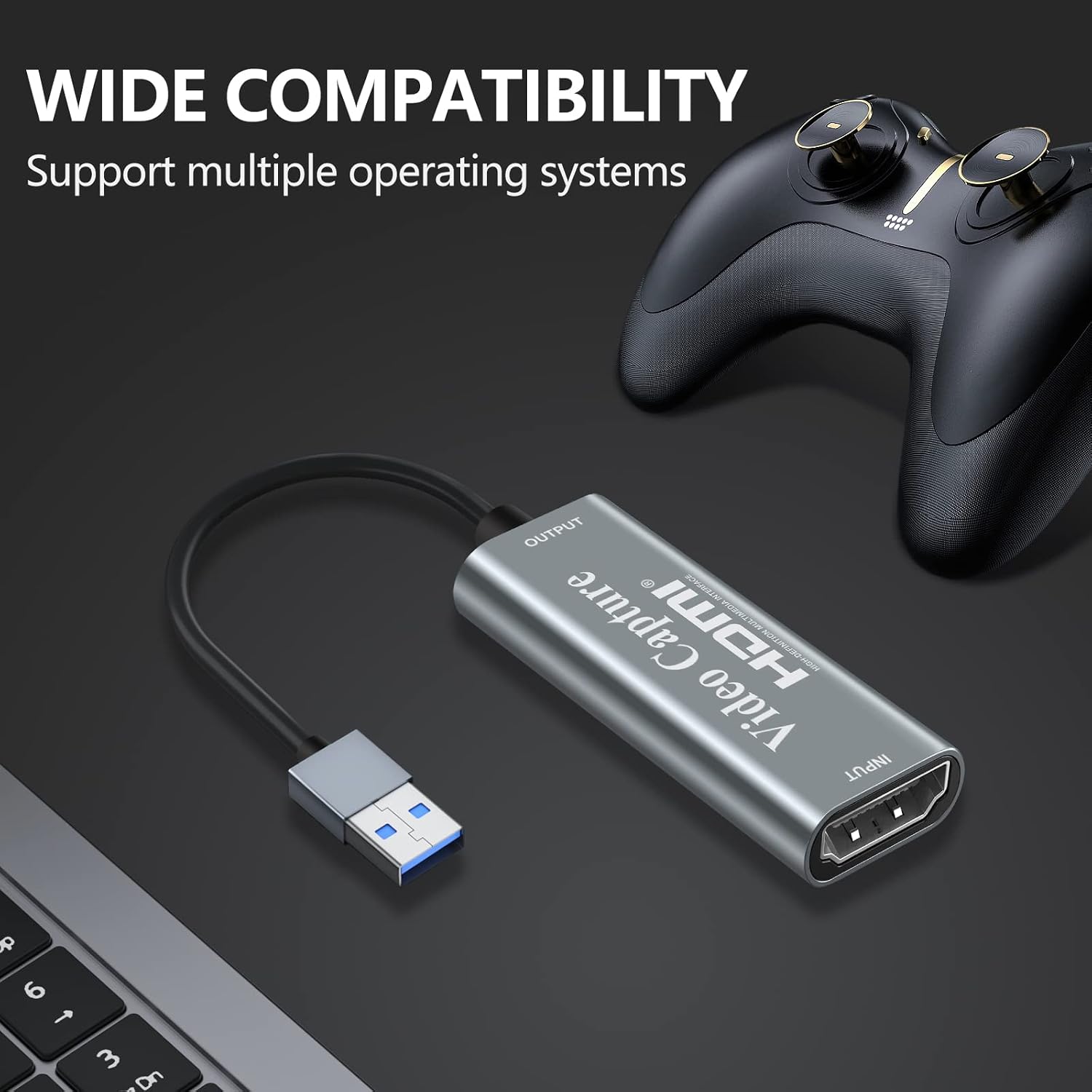
Papeaso 4K HDMI to USB Capture Card: Compact, Plug-and-Play 1080p Live Capture
Product description
What it is
This Papeaso capture card is a compact HDMI-to-USB device designed to bring high‑definition video into a computer for recording, streaming or teaching. It supports input up to 4K at 30Hz but outputs at 1080p (1920x1080) at 30Hz, with 1280x720 at 60Hz. It’s presented as a practical option for creators who want a straightforward way to capture gameplay, presentations or other HDMI sources without fiddling with drivers. The card is plug‑and‑play and does not require an external power supply, which makes it easy to stash in a bag and use on the go.
How it fits into your setup
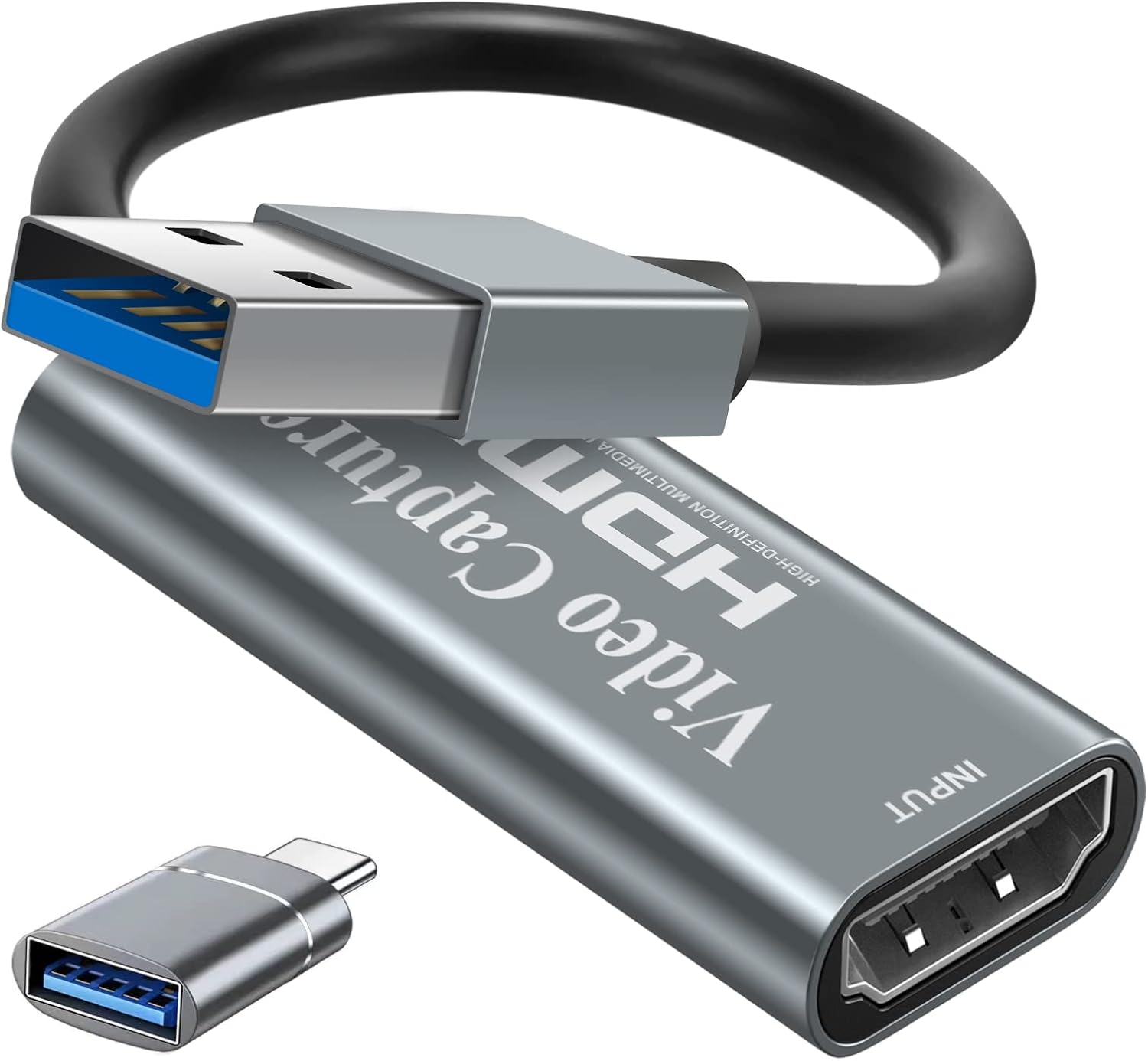
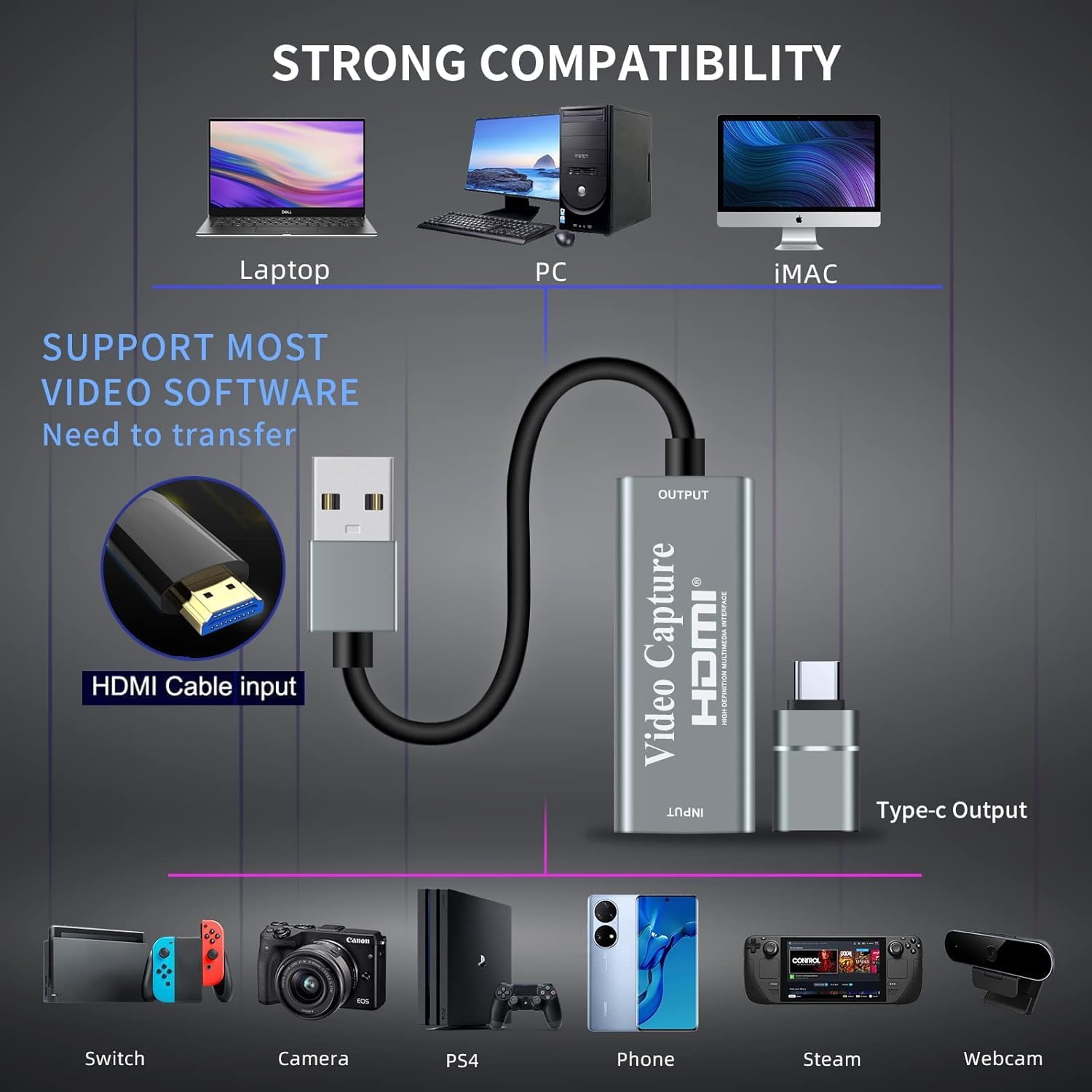
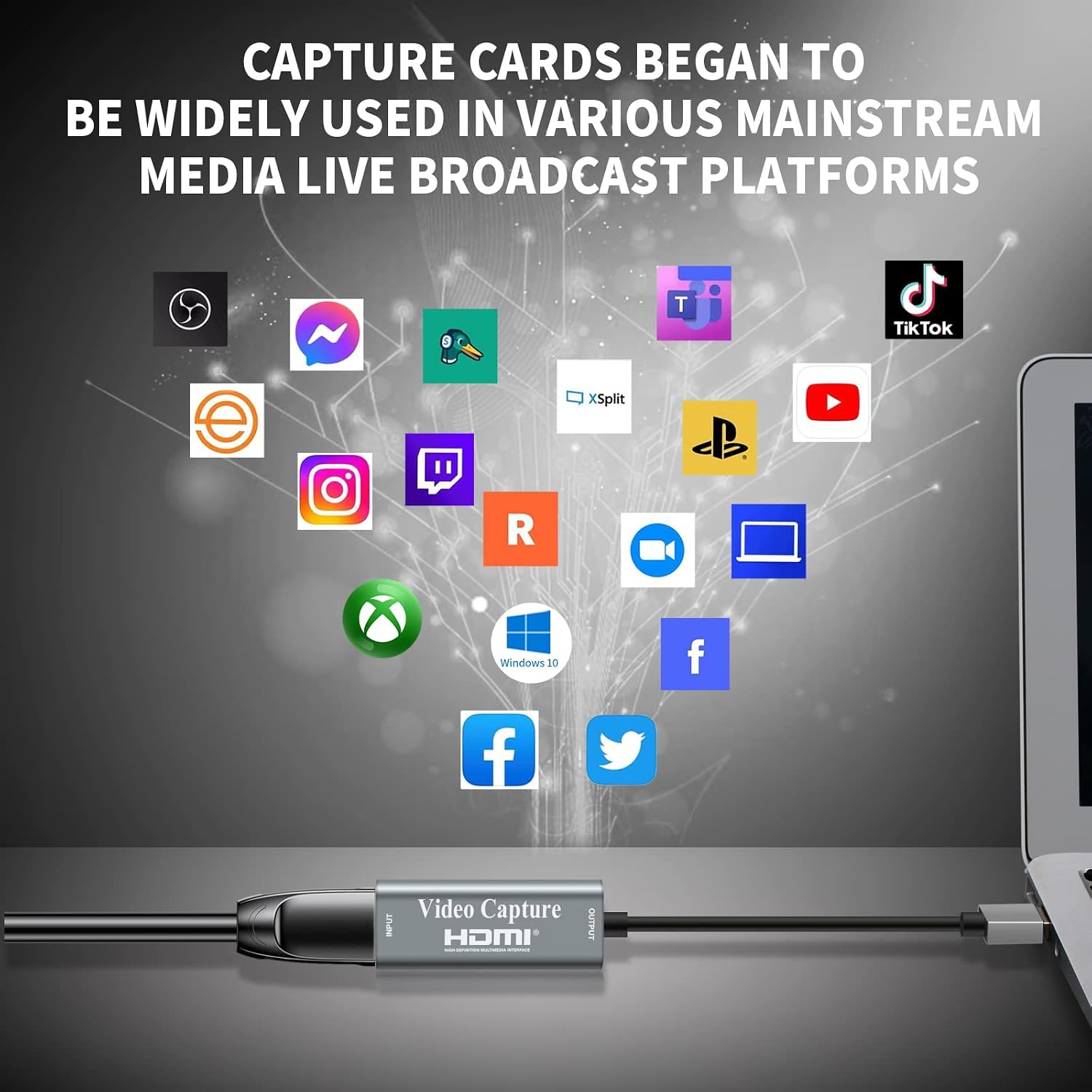
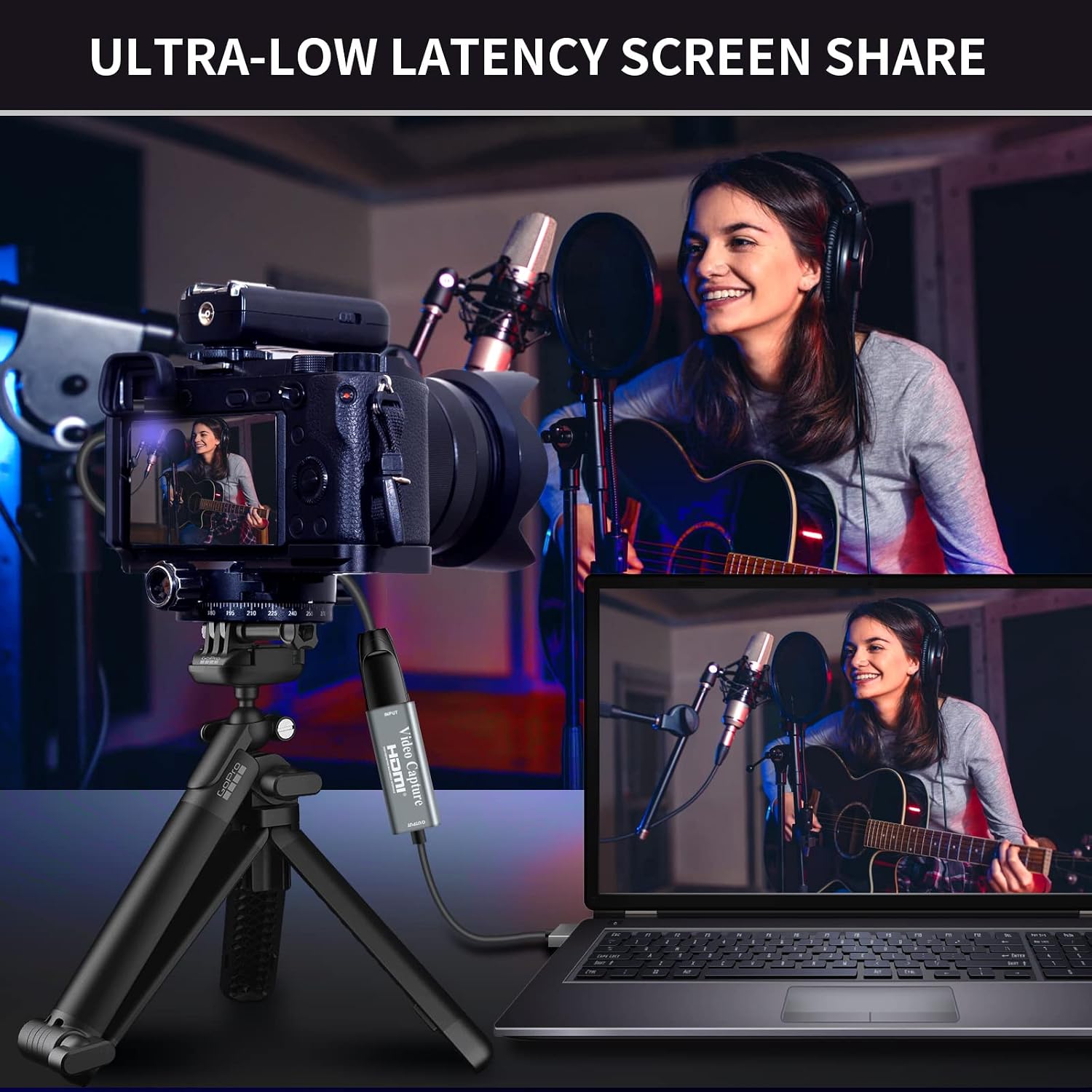
If you’re looking for a tool to turn a console, camera or computer into recorded or streamed footage, this device offers a simple path. It supports USB and Type‑C connections and is described as compatible with Windows, Android and macOS, enabling a range of setups from streaming to classroom demonstrations. A key selling point is the claim of ultra‑low latency, which aims to keep audio and video in sync for live streaming or immediate capture.
What stands out on paper
On paper, the main strengths are: plug‑and‑play operation with no extra power or drivers, light and portable design, and the ability to capture both video and audio simultaneously. The 4K input capability is useful if you want to future‑proof your workflow or connect higher‑end devices, the actual output is 1080p, which is still a very common target for many streaming setups and editing pipelines.
Potential limitations to consider
No device covers every scenario perfectly. A notable limitation here is that the device is designed for 1080p output, not full 4K capture. If your workflow requires true 4K recording at the source resolution, this might feel like a compromise. The stated latency is promising, but in practice, real‑world results depend on your computer, software and USB bandwidth. Also, the claim of broad compatibility is helpful, but you’ll want to verify that your preferred software can recognise the card without extra steps.
Who it’s for
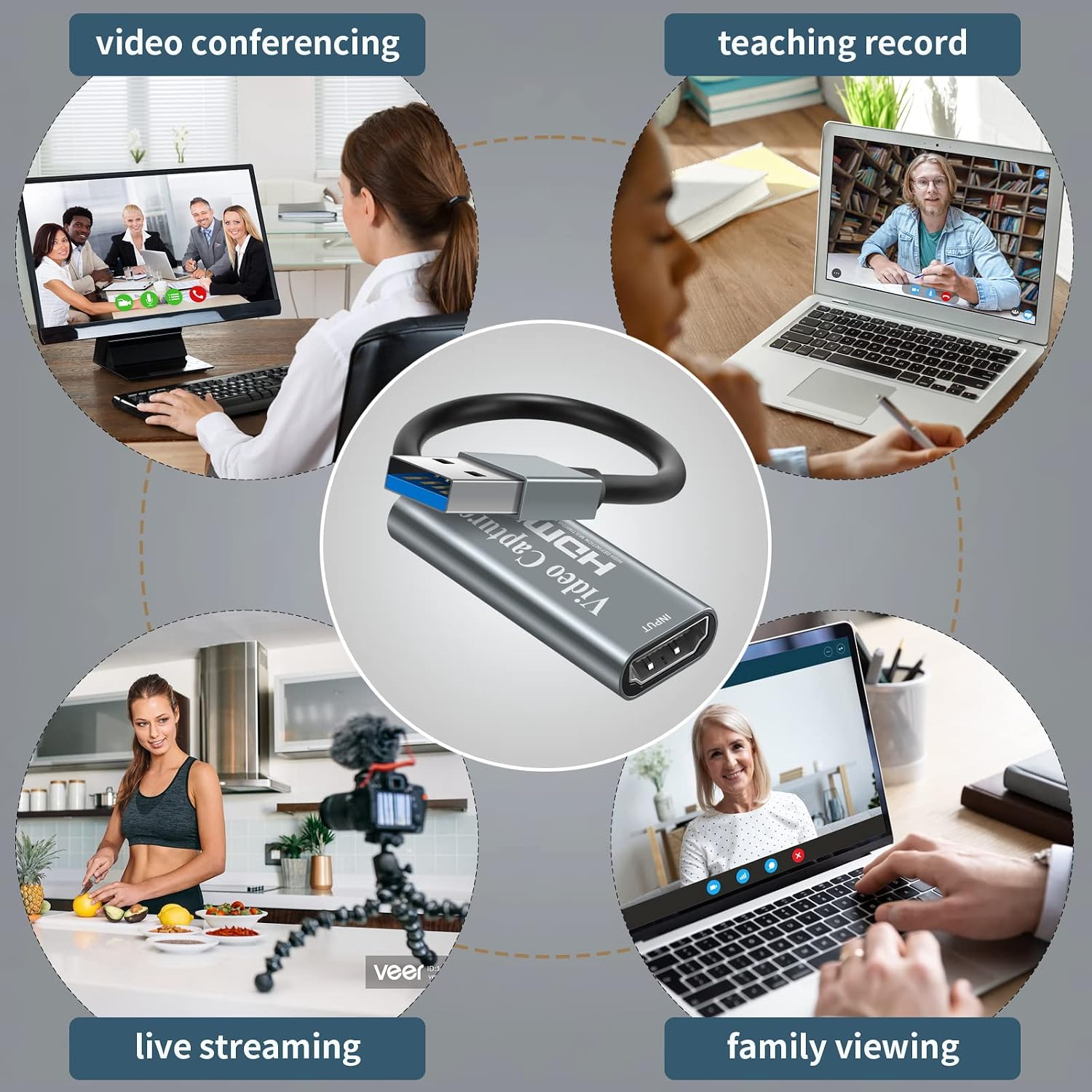
This capture card is well suited to hobbyists, educators and streamers who value a straightforward, affordable way to capture HDMI sources without dealing with drivers or extra power adapters. It’s particularly appealing if you already use devices like game consoles, cameras, or other HDMI sources and want a small, portable solution for quick recordings or live streams.
Who it’s not ideal for
If your priority is native 4K capture or the cleanest possible 1080p at very high frame rates, this device might fall short. For professionals chasing ultra‑low latency in highly demanding games or productions, you may want to compare with options that prioritise higher specifications or dedicated encoders. Also, if you require a device with extensive on‑device controls or advanced software features, this card’s simple plug‑and‑play approach could feel limited.
When it makes sense to buy
Consider this card if you need a compact, affordable entry point to HDMI capture, particularly for classroom demos, casual streaming, or quick game recording where you don’t need 4K capture. It’s a reasonable choice when you want minimal setup time and a portable option that works with a broad range of systems.
What to check before purchasing
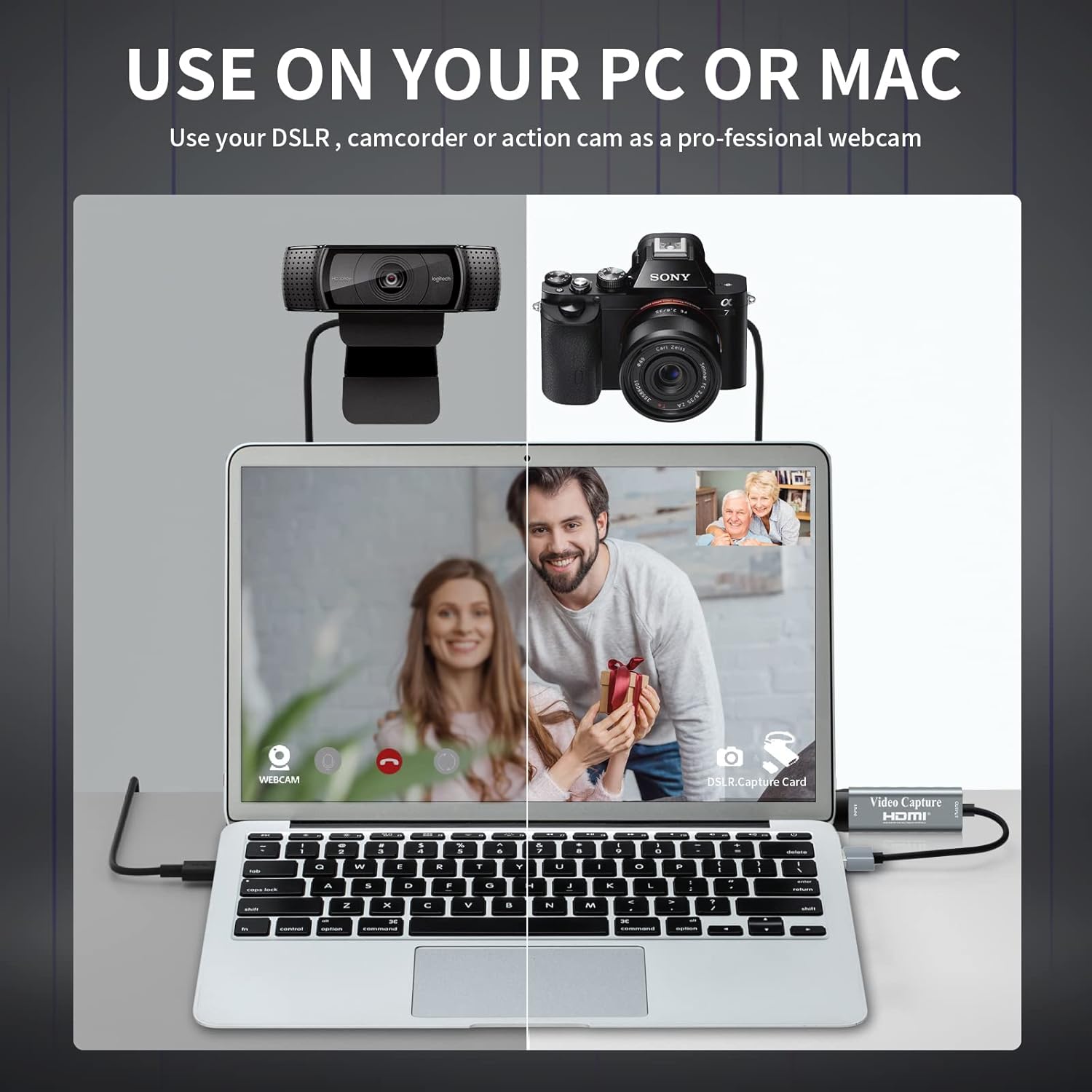
- Ensure your intended software supports HDMI capture via USB and that your computer has adequate USB bandwidth for smooth capture.
- Decide whether 1080p at 30fps is sufficient for your needs, or if you require higher frame rates and resolutions.
- Confirm the type of HDMI source you’ll capture (console, camera, PC output) to ensure compatibility with this card’s input/output expectations.
How it compares to alternative approaches
If you’re weighing capture options, you could opt for a device with native 4K capture or higher frame rates, or you might use software‑only capture via a webcam solution. This card sits in the middle: more capable than basic software capture, yet not as feature‑rich as premium capture devices. For many, its simplicity and portability tilt the decision toward “worth considering” when the workflow centres on quick, reliable HD capture rather than peak technical performance.
Practical use example
Imagine you’re recording a weekend gaming session from a Nintendo Switch or PS4 to share highlights. You connect the HDMI output to the card, plug the USB into your laptop, and hit record in your streaming software. The setup is straightforward, with little lag reported by the software during the live session, and you can immediately save a local copy for editing without a separate power brick.
FAQ (practical answers)
- Do I need drivers to use it? No, it’s described as plug‑and‑play.
- Can I record in 4K? The device accepts 4K input but records at 1080p, so plan your output accordingly.
- Is it compatible with my Mac? It’s stated as compatible with Windows, Android and macOS, subject to software support.
Should you buy it?
Final verdict: it makes sense if you want a compact, budget‑friendly capture card for HD recording and streaming without fuss. It isn’t the best option if you need true 4K capture or advanced capture features, but for straightforward live streams, classroom demos or quick game capture, it offers solid value for money.
Is it worth it?
Yes, for users prioritising simplicity, portability and cost‑effectiveness in a broad‑compatibility HDMI capture solution.