

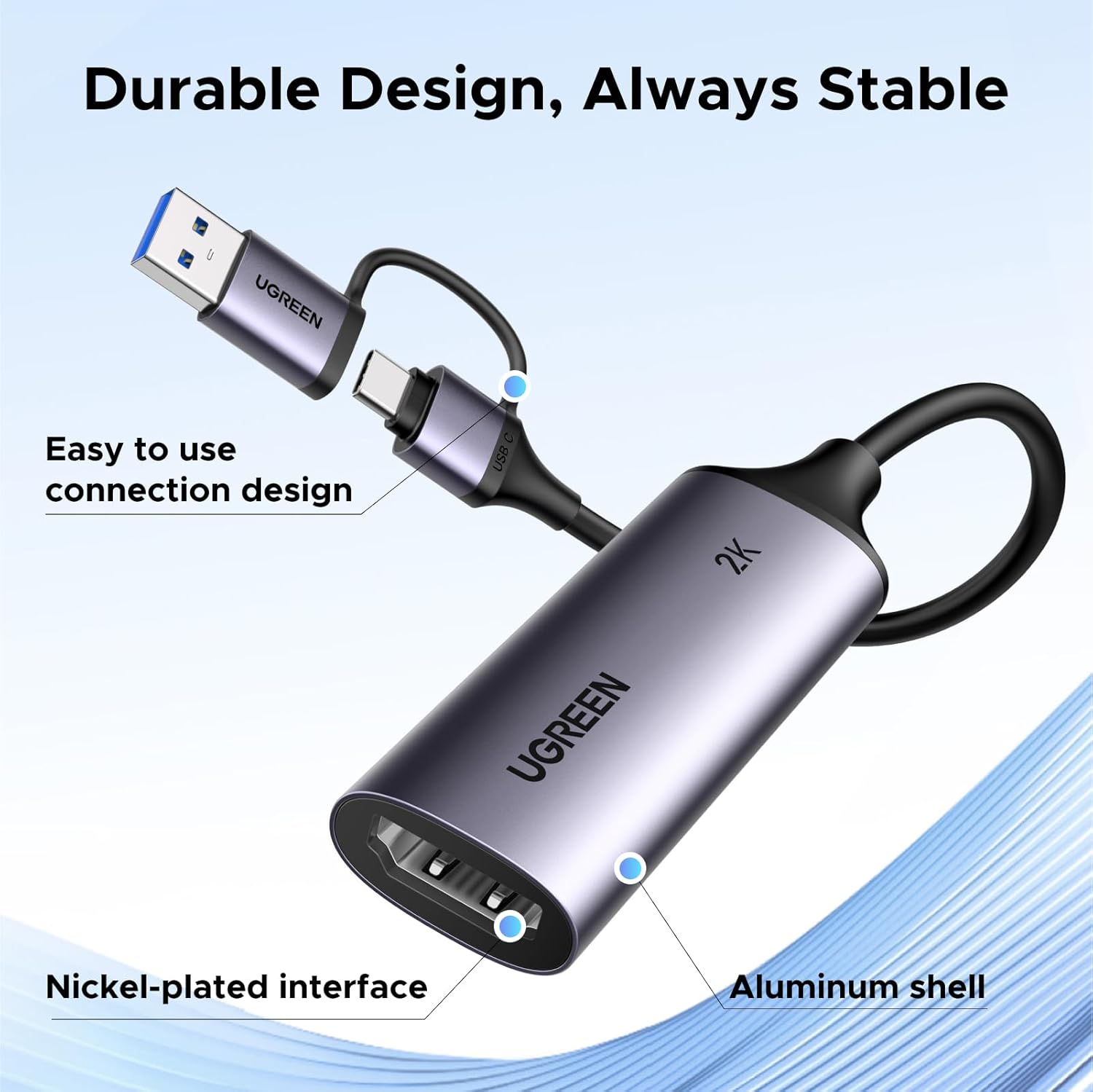
UGREEN HDMI to USB-C capture card 2K 30Hz
Product description
If you want a reliable way to stream or record console gameplay, camera output, or online classes, this UGREEN HDMI to USB-C capture card makes it practical to get video into a laptop or tablet workflow. It supports smooth 2K 1440P capture at 30Hz and up to 1080P at 60Hz, helping you keep motion clear during live sessions and recorded clips 🎥. With a plug-and-play, driver free setup for compatible devices, it can save time when you are setting up OBS Studio or other streaming software.
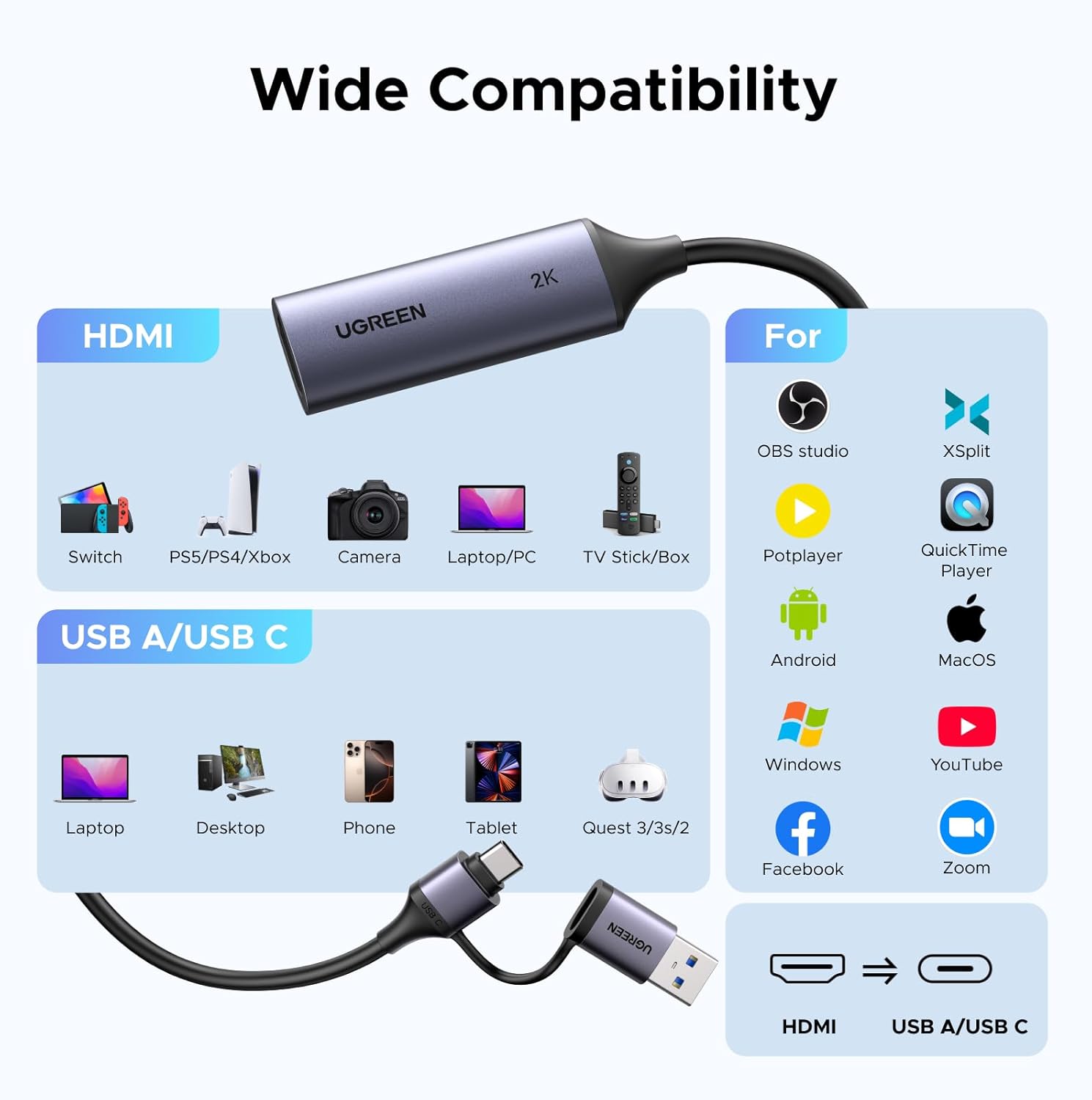
Using HDMI capture hardware is often the difference between “it kind of works” and a more consistent feed. This card is designed to take HDMI input and deliver it over USB C or USB A connections, so you can connect gear such as PS5, Xbox Series X, Nintendo Switch, a DSLR camera, or a TV stick and then capture on your computer. It also supports mainstream streaming and recording software platforms, which makes it easier to fit into an existing routine.
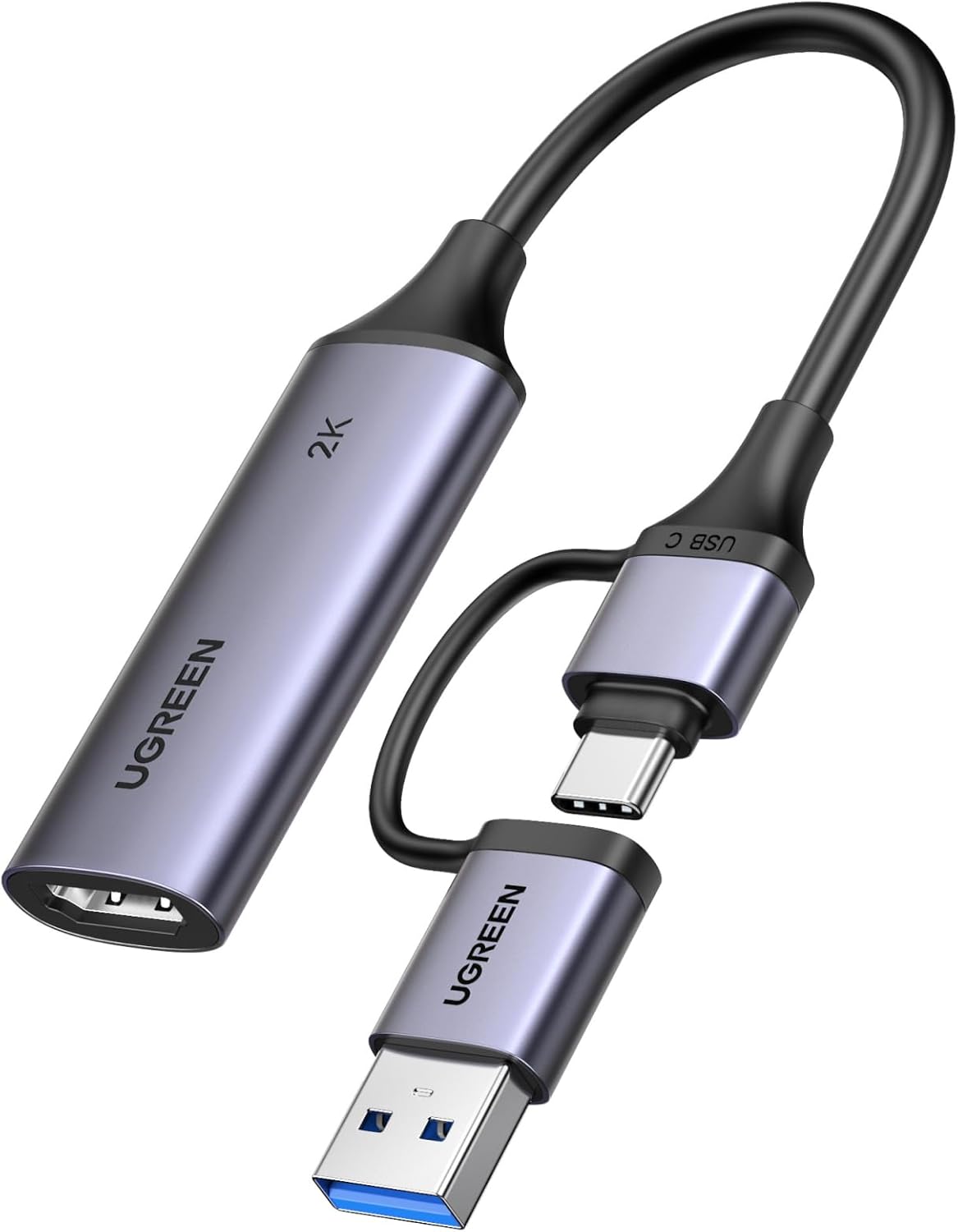
Key features
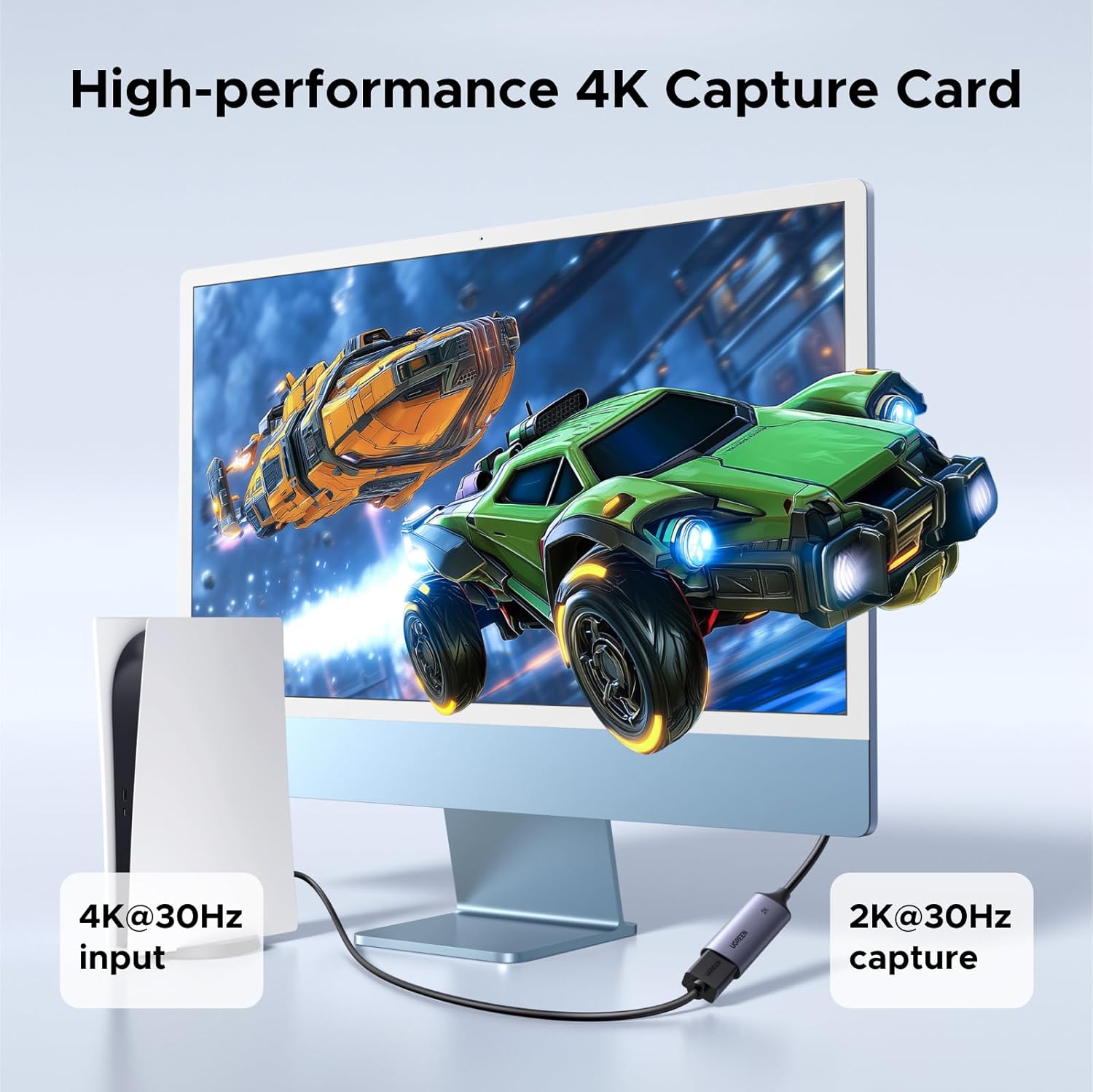
This UGREEN capture device is built around straightforward streaming and recording performance, with support for 2K 1440P at 30Hz and 1080P at 60Hz. According to the manufacturer, it uses a 5Gbps bandwidth design to help maintain smooth and clear output while you stream or record. Higher resolution and refresh support can help reduce the “stutter” feeling that some lower bandwidth setups produce, especially during fast gameplay moments.
Setup is designed to be easy, with plug-and-play and driver free operation on compatible iPad, MacBook, laptops, desktops, and computers that have USB Type C or USB Type A ports. The device uses an integrated 2 in 1 USB cable, which helps keep your desk and travel kit more manageable when you are switching between locations. You can also use it with widely used streaming software and platforms such as OBS Studio, XSplit, Dacast, Streamlabs, Twitch, YouTube, Facebook, Twitter, and TikTok.
Another useful angle is flexibility across many input devices. The HDMI input side supports a broad set of gaming consoles and media sources, including PS5 Pro, PS5 Slim, PS5, PS4, Xbox Series X and Series S, and Nintendo Switch models, as well as DSLR cameras, camcorders, TV sticks, and various other HDMI sources listed by the manufacturer. On the output side, the USB C or USB 3.0 capture connection is described as compatible with iPad Pro and iPad Air on iPadOS 17 or 18, MacBook, laptops, tablets, phones, and Quest models that meet the stated HDMI link requirement.
Tech specs
- Type: HDMI to USB C video capture card
- Bandwidth: 5Gbps
- Capture formats: YUY2 and MJPEG
- Maximum input support: 4K at 60Hz with 4:2:0 or 4K at 30Hz with 4:4:4 input
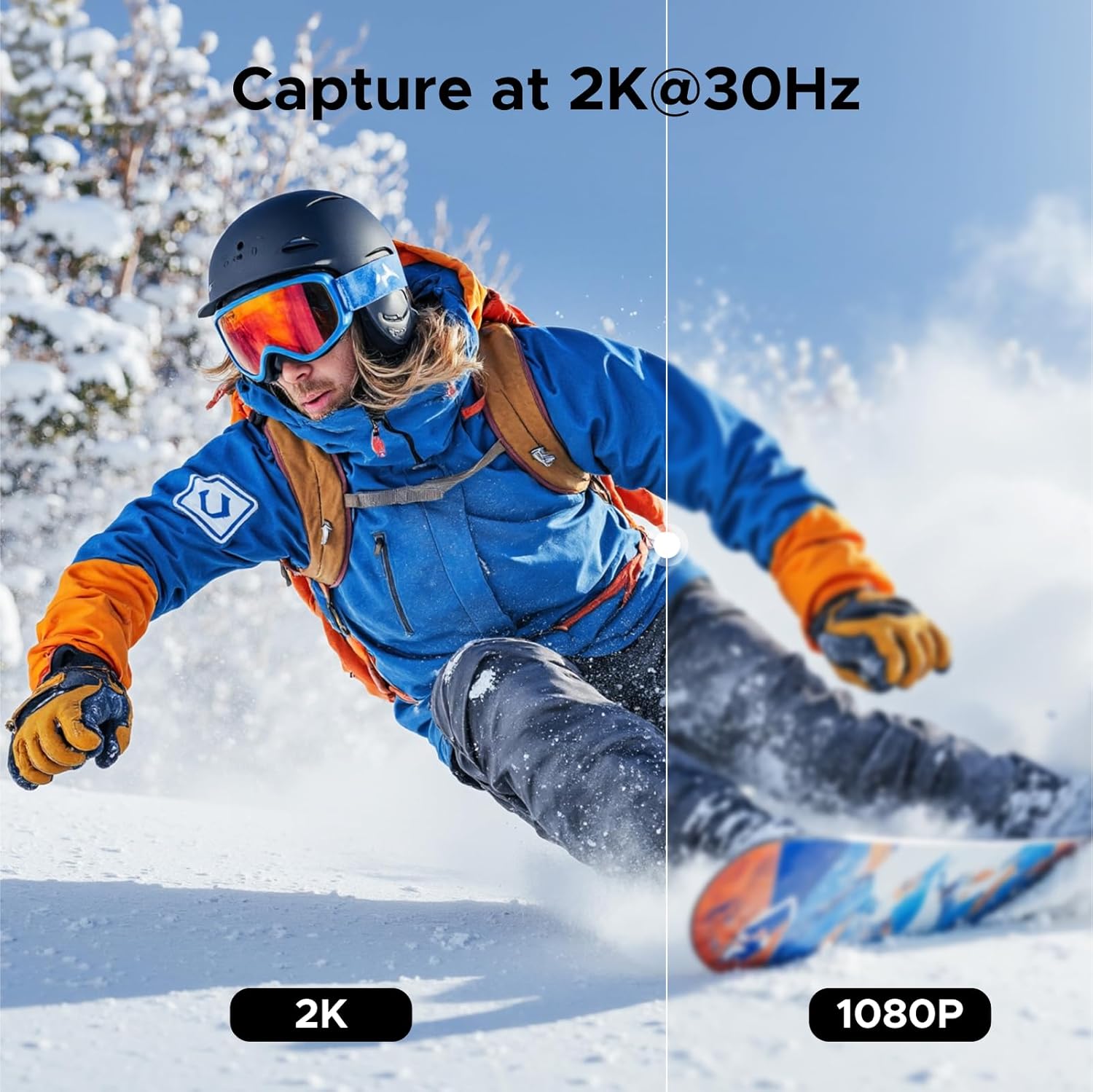
- Supported capture modes: 2K 1440P at 30Hz and 1080P at 60Hz
- Setup: plug-and-play, driver-free on compatible devices
Pros
A big practical benefit is that you can go from HDMI source to streaming software without complex driver installs, which helps if you are setting up for classes, tournaments, or regular content creation. The manufacturer describes an ultra low latency approach, which can be especially noticeable when you are livestreaming gameplay or using a camera feed as a webcam style input. There is also a focus on stable transmission, with a high quality chipset described as helping decode signals faster.
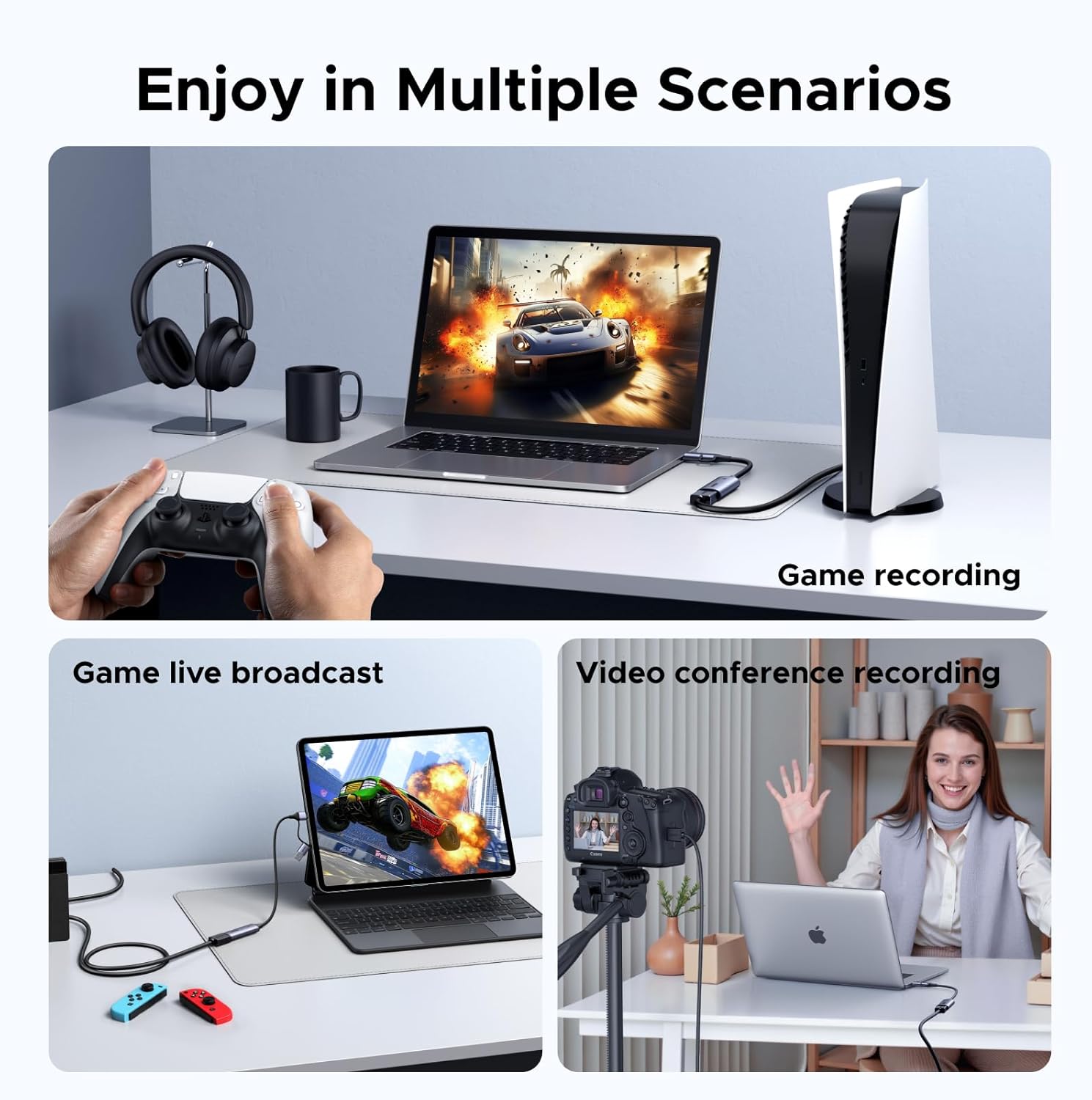
When you are recording for review or editing later, clear output matters, and this card is designed to support smooth streaming and recording with the stated resolutions and refresh rates. The aluminium shell is also intended to help with heat dissipation, which is useful if you leave your streaming rig running for longer sessions. If you have ever had captures that lag or flicker, that kind of stability focus is one of the reasons people choose dedicated capture hardware over simpler adapters.
The compatibility list is wide, covering many consoles and everyday devices like TV sticks and TV boxes, plus DSLR camera capture use cases. That means you can keep one capture card in your kit and switch between gaming, teaching recording, and camera driven workflows without needing a different adapter every time 🎮. It is also described as compatible for medical imaging use cases, based on the manufacturer’s guidance.

Worth noting that performance and compatibility can depend on the exact source device and the receiving hardware and ports you use, so it is wise to double check your setup matches the stated requirements for USB C or USB 3.0 capture connections and supported software workflows.
What to know before buying
It is a solid option if you want a capture card that fits into the typical streaming stack, especially if you already use software like OBS Studio or Streamlabs. It can also suit workflows where you want your iPad or MacBook to act as the portable capture and display endpoint, particularly when you need a compact streaming setup away from your main desk.
It makes sense if your priority is reliable capture of console gameplay and camera feeds, using the manufacturer stated output modes for 2K 1440P at 30Hz and 1080P at 60Hz. It may not be a great match if your setup relies on very specific HDMI settings that are not listed in the compatibility guidance, or if your receiving device falls outside the described USB Type C, USB 3.0, or Quest HDMI link requirements.
It is also worth considering your source type, because HDMI input support is listed for many devices but not every possible HDMI source is guaranteed. If you keep the setup aligned to the compatible consoles, DSLR cameras, and platform software listed, you should get a smoother start with less troubleshooting.
It suits you if
It’s a good fit if you regularly stream or record on a laptop, desktop, or compatible tablet and you want HDMI inputs from consoles or cameras to appear in your software workflow with minimal setup effort. You’ll like it if you want a driver-free experience on supported iPad, MacBook, and computer setups, along with capture modes that support clear 1440P at 30Hz and 60fps style 1080P at 60Hz recording. It may not suit you if your priority is a different capture spec beyond the manufacturer listed modes, or if your devices do not match the stated port and compatibility requirements.