

Logitech C920 HD Pro Webcam 1080p
Reviews
Price
Product description
This compact webcam brings reliable full-HD video and stereo audio for streaming, video calls and recording on a range of devices. It suits desktop and laptop setups where clear picture and straightforward USB connectivity matter, and helps maintain a professional look during meetings or broadcasts.
Key Points
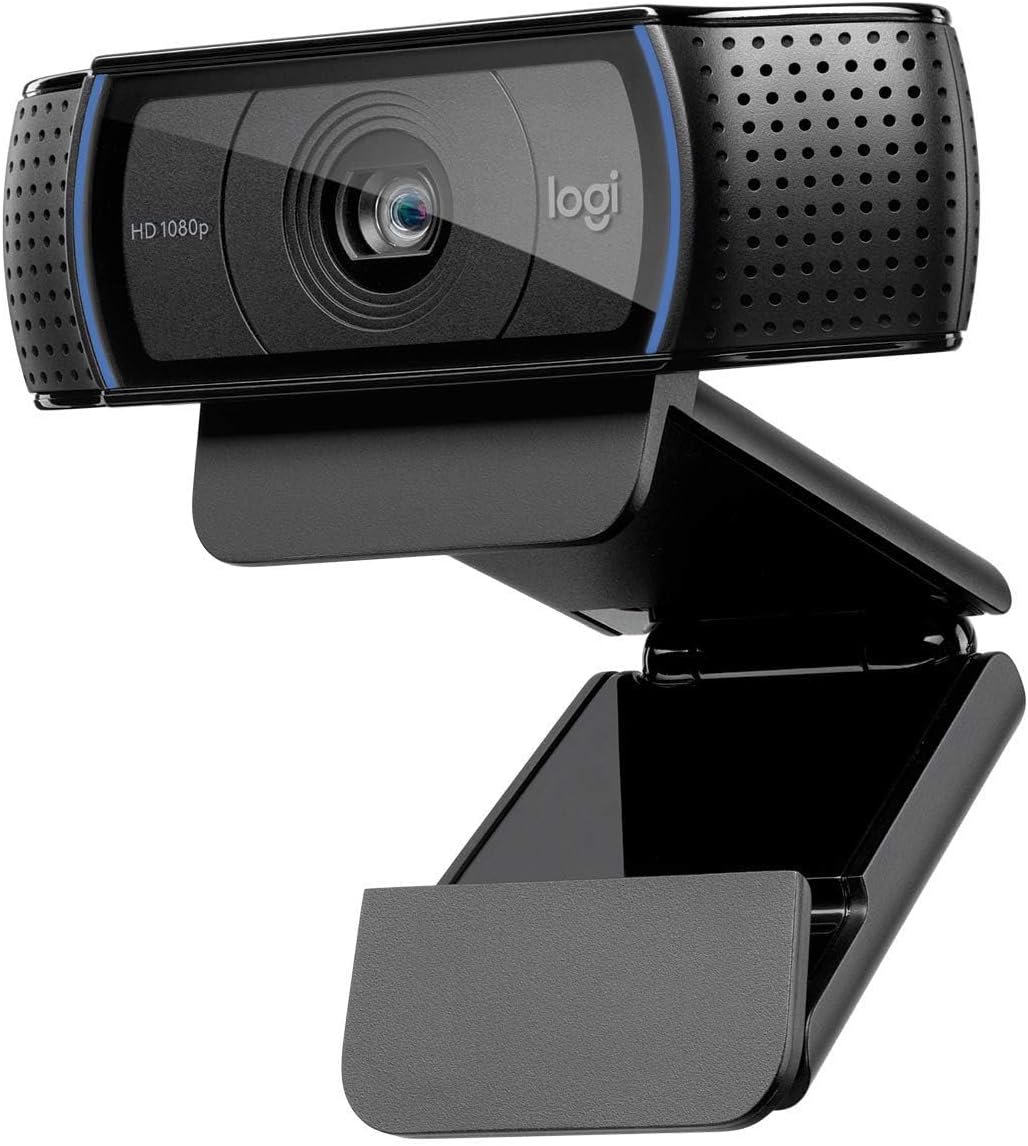
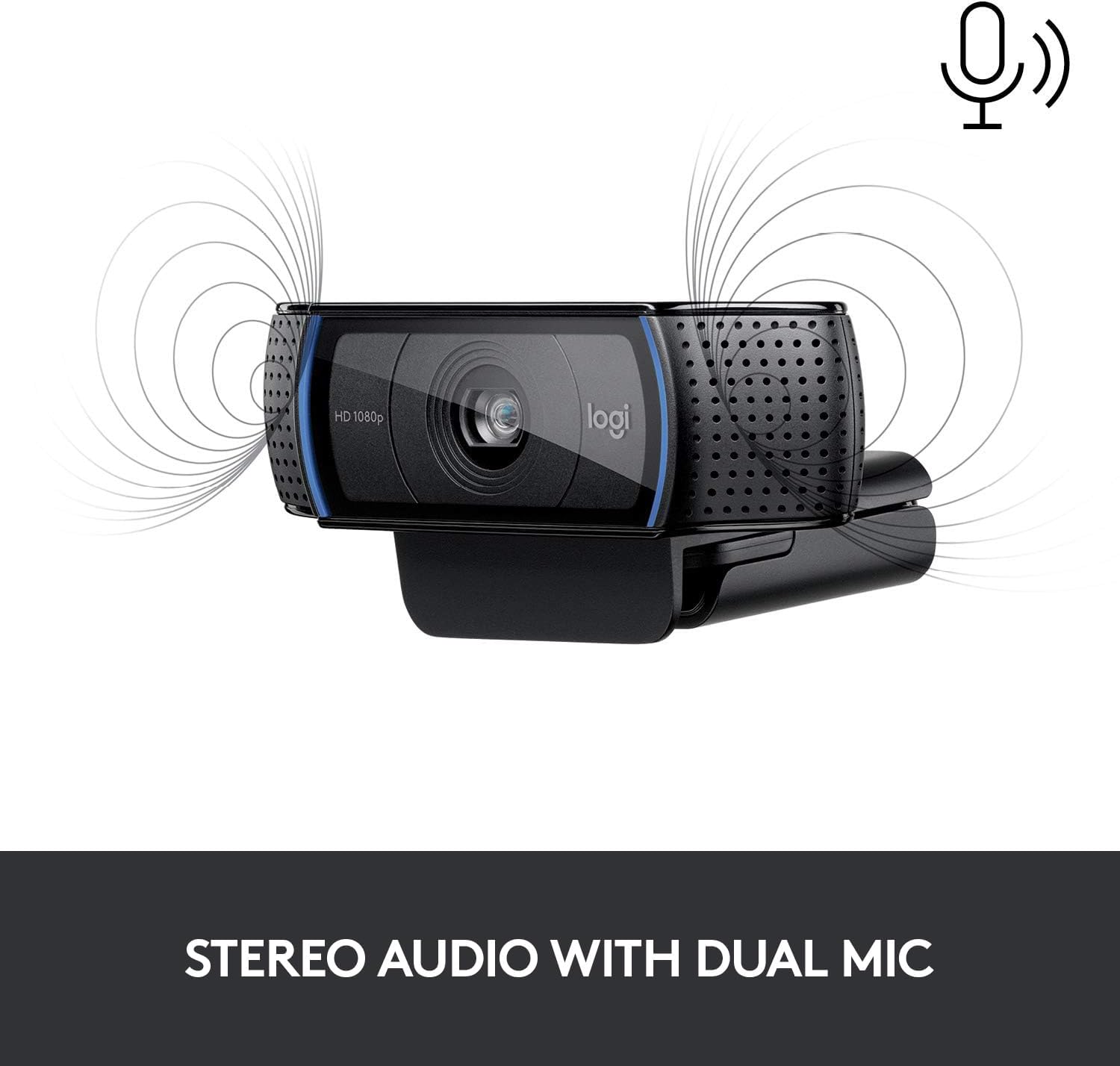
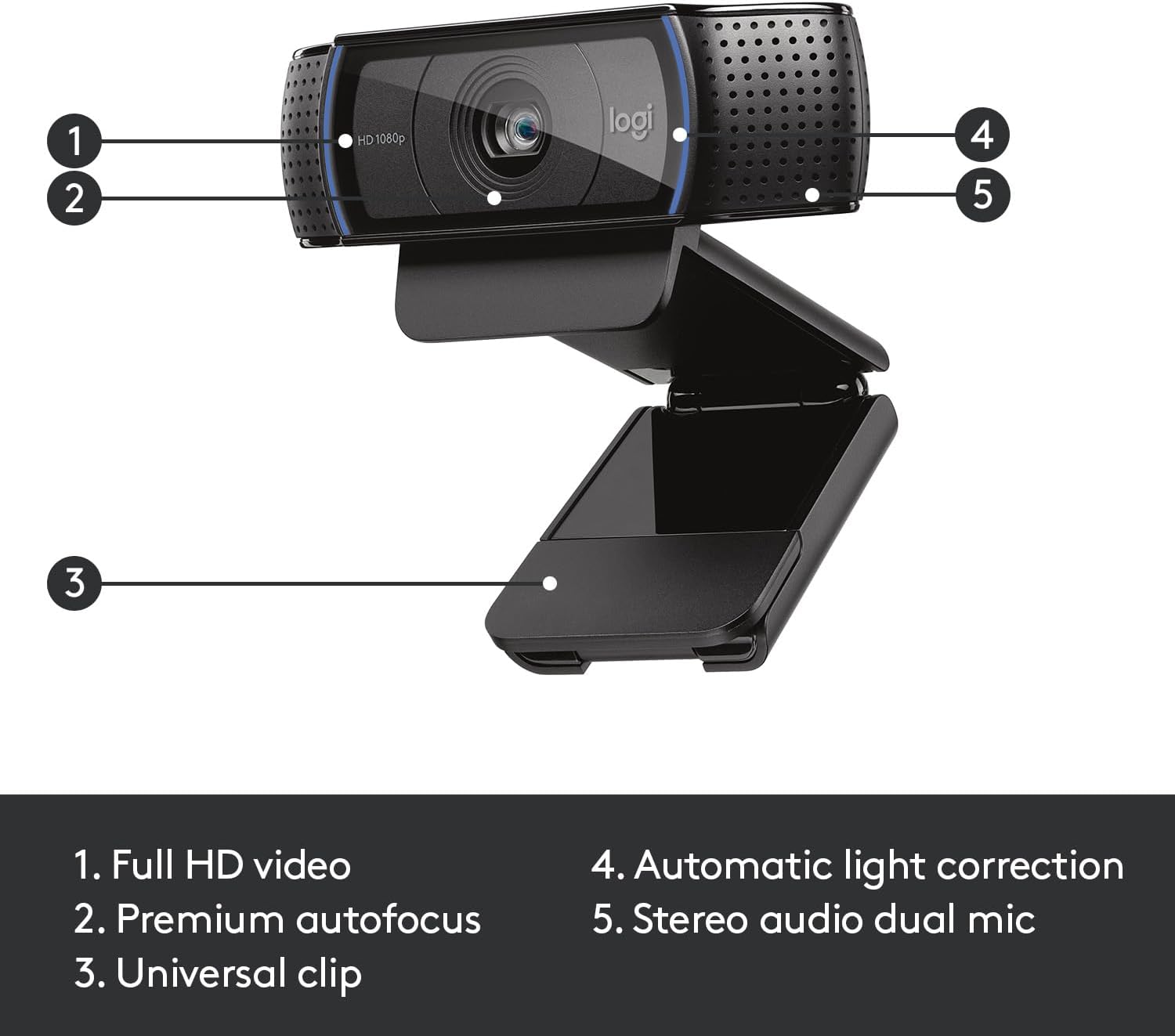
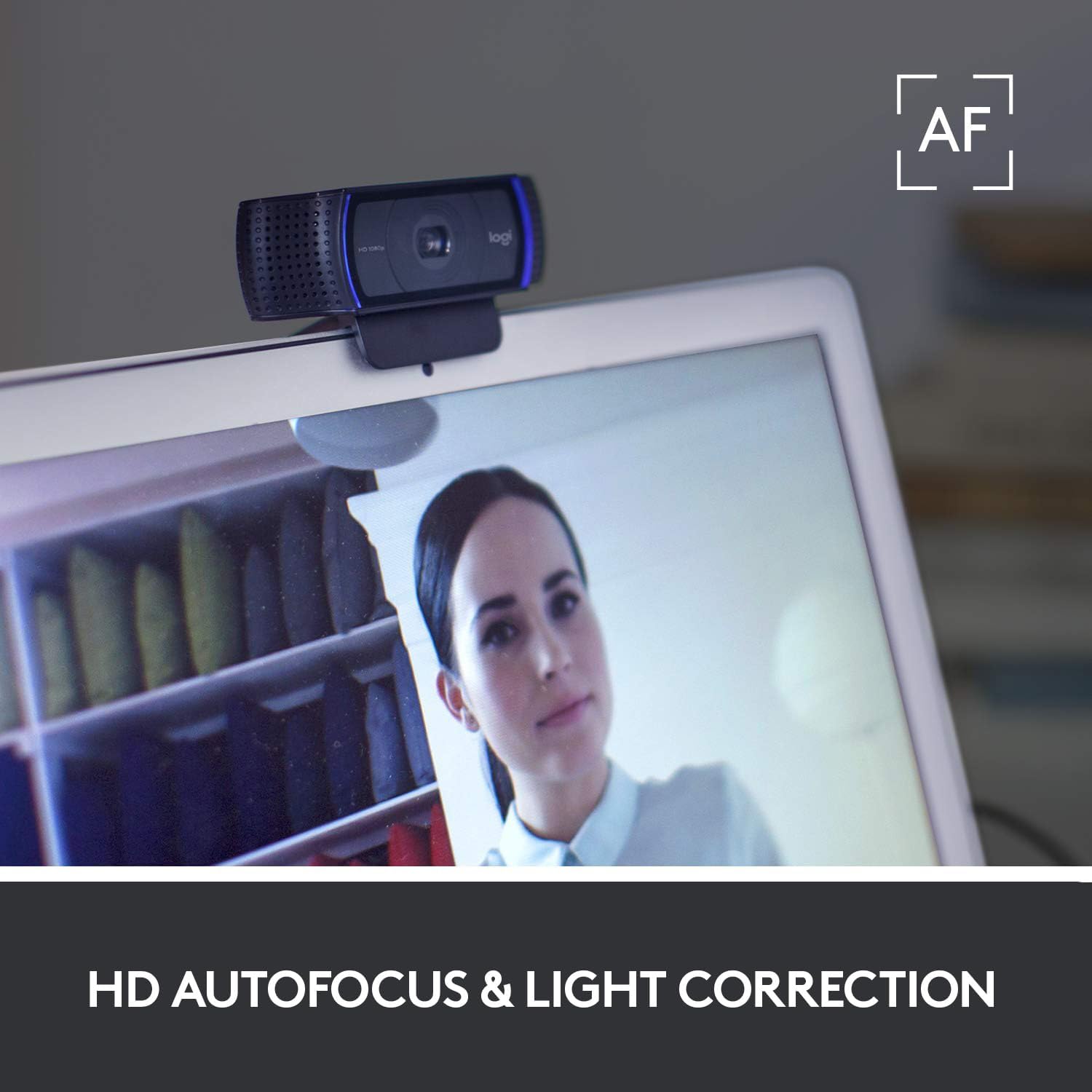
The webcam captures video at 1080p and records smoothly at 30 fps, offering a step up from basic laptop cameras. Automatic light correction and autofocus help produce brighter, better-contrasted images even in less-than-ideal lighting. Dual built-in microphones pick up stereo sound and reduce ambient noise, which is useful for interviews and live streams.

Benefits
This model balances image quality with ease of use so you can start a call or stream without complex setup. The five-element glass lens and a 78 degree field of view contribute to a natural framing of people and small groups. For creators the enhanced clarity aids demonstrations and product showcases. 🎥
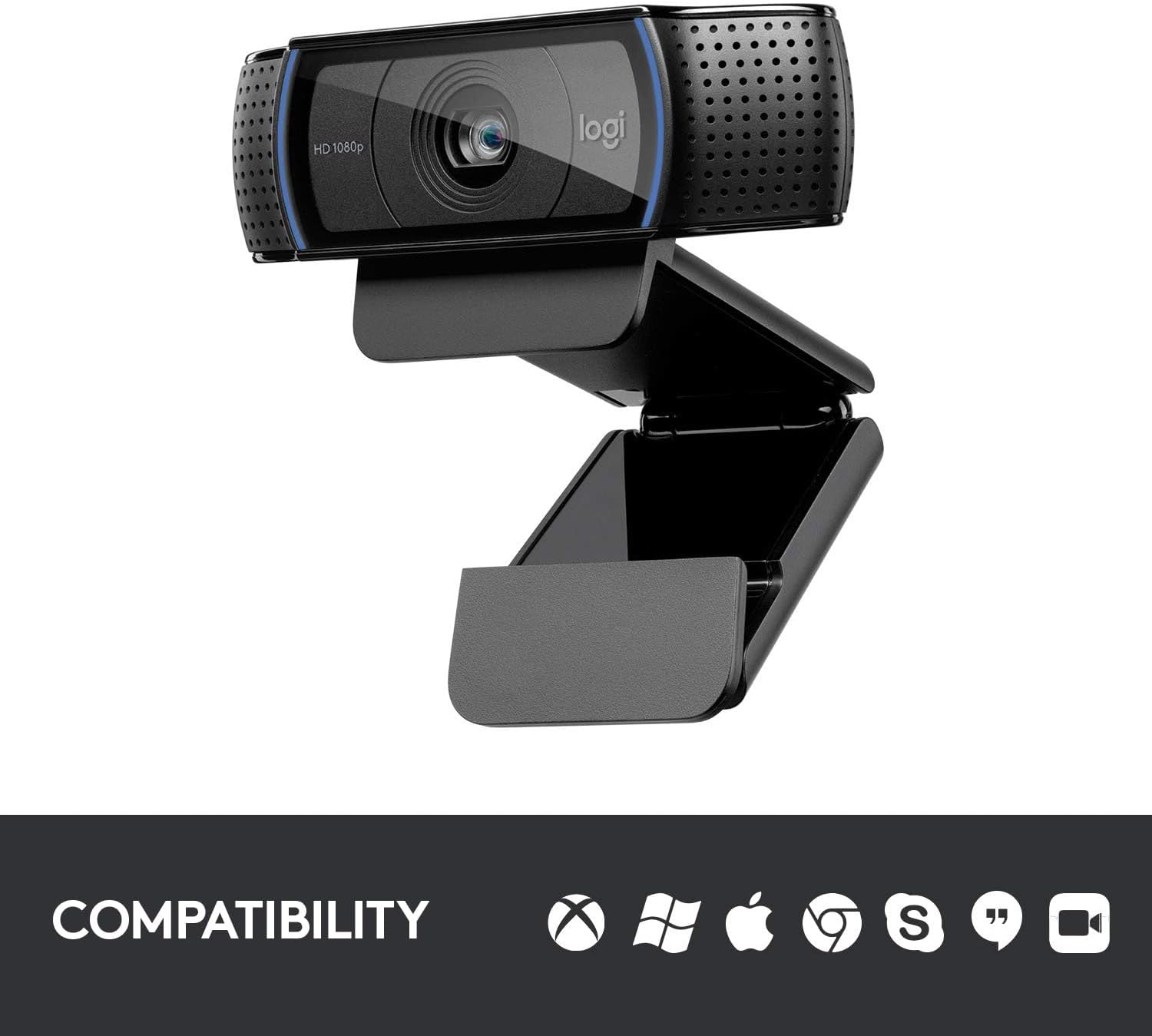
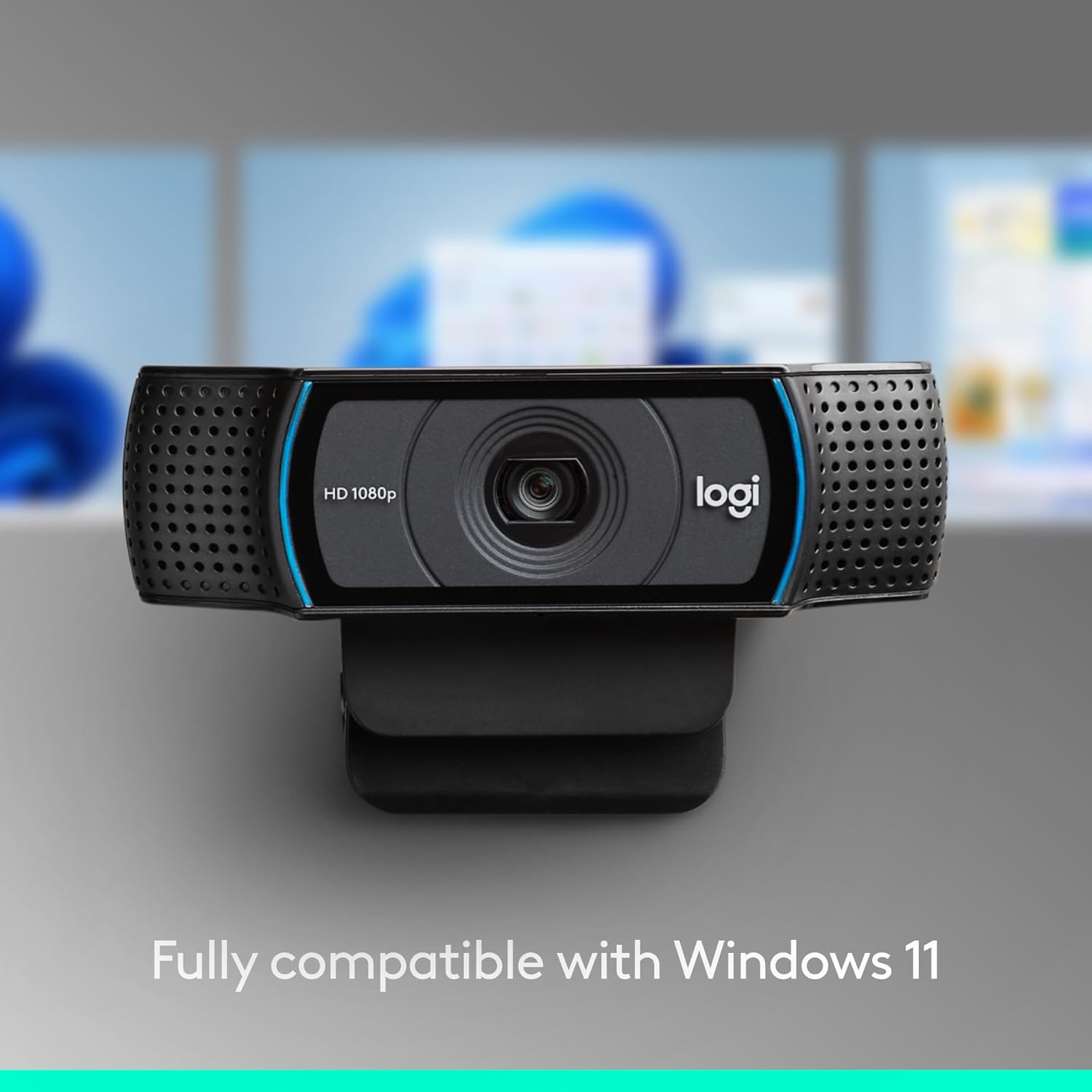
Compatible with common communication apps such as Skype, Zoom and Google Hangouts, the webcam also works with streaming software like OBS and XSplit. Connection is simple via USB, and the device is recognised by Windows, macOS and Chrome OS systems. The plug-and-play nature means fewer interruptions during online sessions. 🎙️
Note that performance may depend on your computer and network. According to the manufacturer, the device performs at 1080p/30 fps for full-HD calls but downgrades to 720p when required by certain streaming settings.
Technical Specifications
- Name: Logitech 960-001055 C920 HD Pro Webcam
- Video resolution: 1080p at 30 fps
- Field of view: 78 degrees
- Lens: Five-element glass with autofocus
- Audio: Dual microphones with stereo pickup
Usage Recommendations
Place the webcam at eye level on top of your monitor or attach it to a tripod for more flexible positioning. Allow a moment for autofocus to settle when changing distance or lighting. For better audio, reduce background noise in the room and avoid pointing fans or air conditioners toward the microphones. When streaming, check that your application settings match the webcam resolution to ensure the desired output quality.