

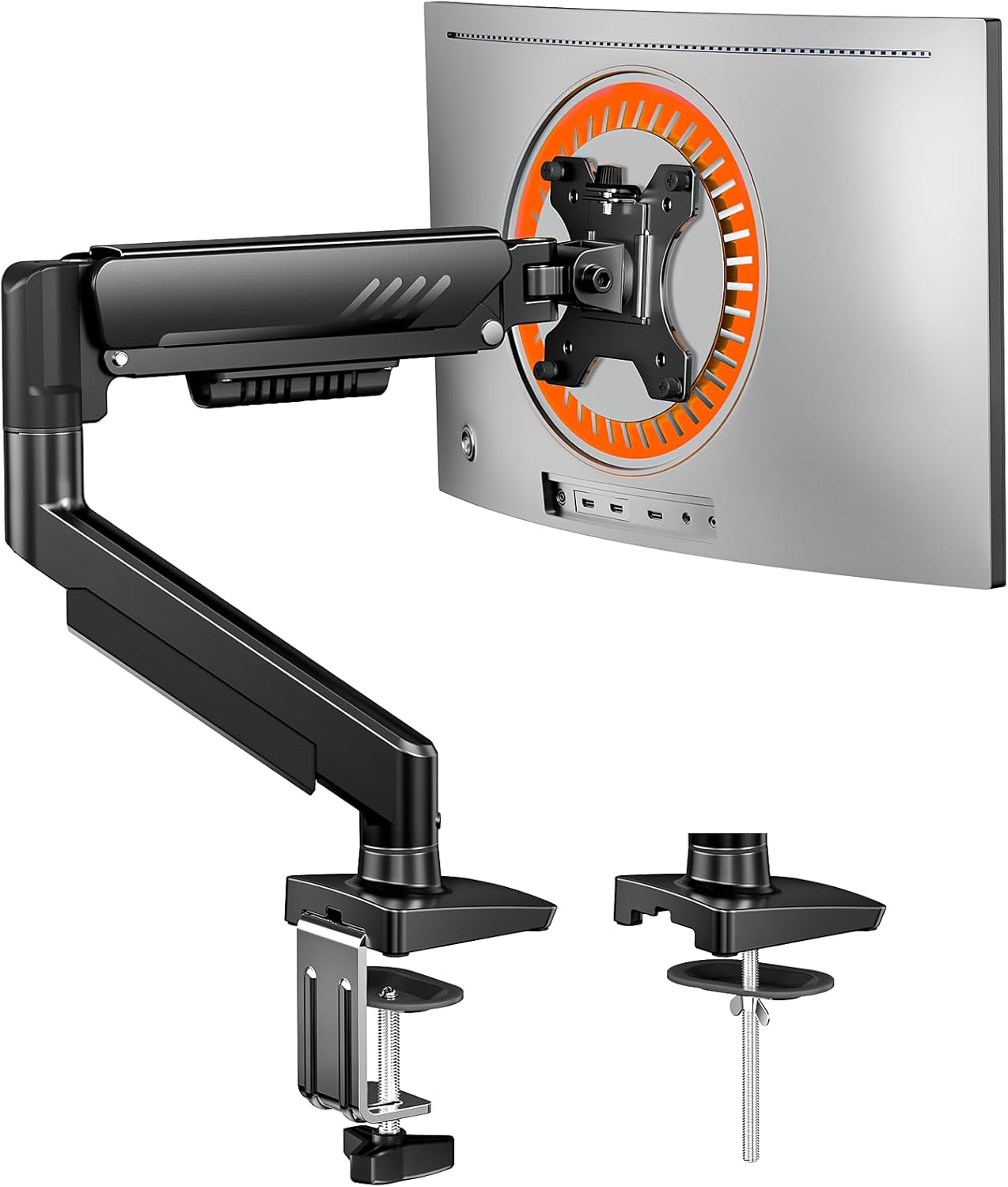
ErGear Single Monitor Arm: Fully Adjustable Mount for 13–34 Inch Screens
Reviews
Price
Product description
What it is and who it’s for
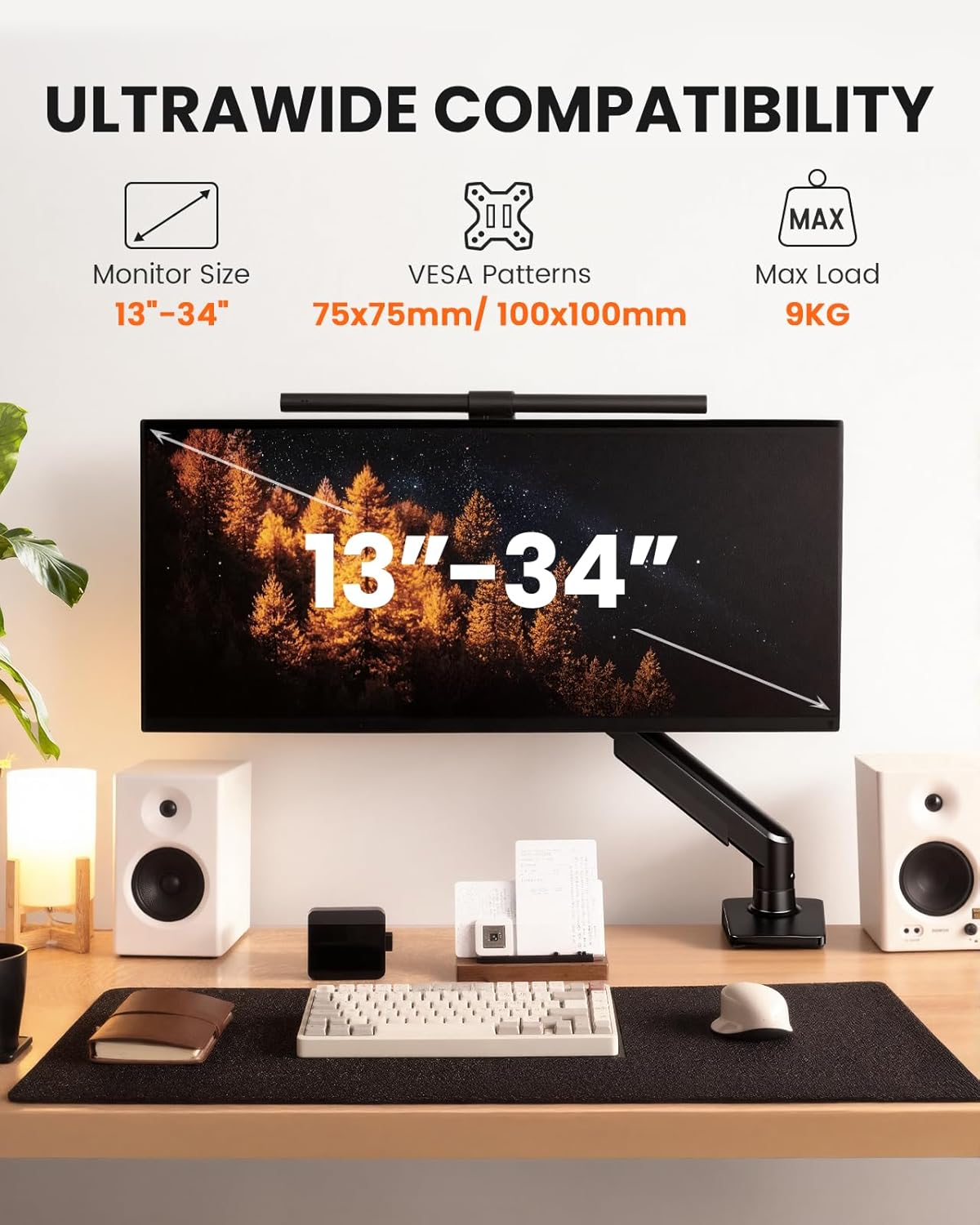
The ErGear Single Monitor Arm is an adjustable mounting solution designed to raise a single monitor off the desk, freeing up workspace while keeping your screen within easy reach. It’s pitched at users who want a reliable, low-hassle setup for a wide range of desk heights and monitor sizes, from compact 13 inch screens to expansive 34 inch displays.
How it works on paper
This arm supports monitors up to 9 kg and uses VESA mounts of 75×75 mm or 100×100 mm. The head is described as being 40% wider for extra stability, and the plate offers a firmer adjustment point. The movement mechanism has been tested for more than 20,000 cycles, which suggests long-term reliability under typical daily use.
Movement and reach
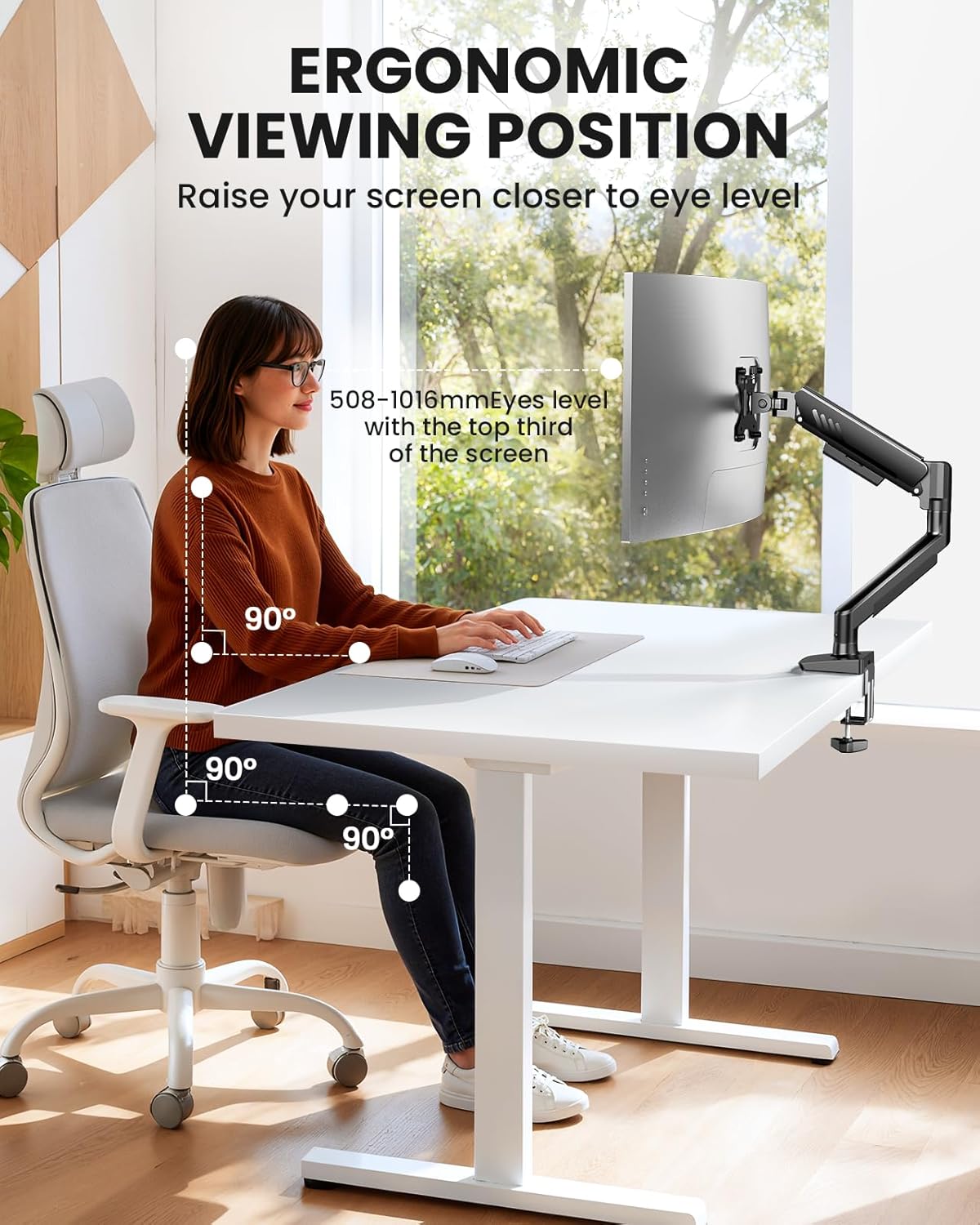
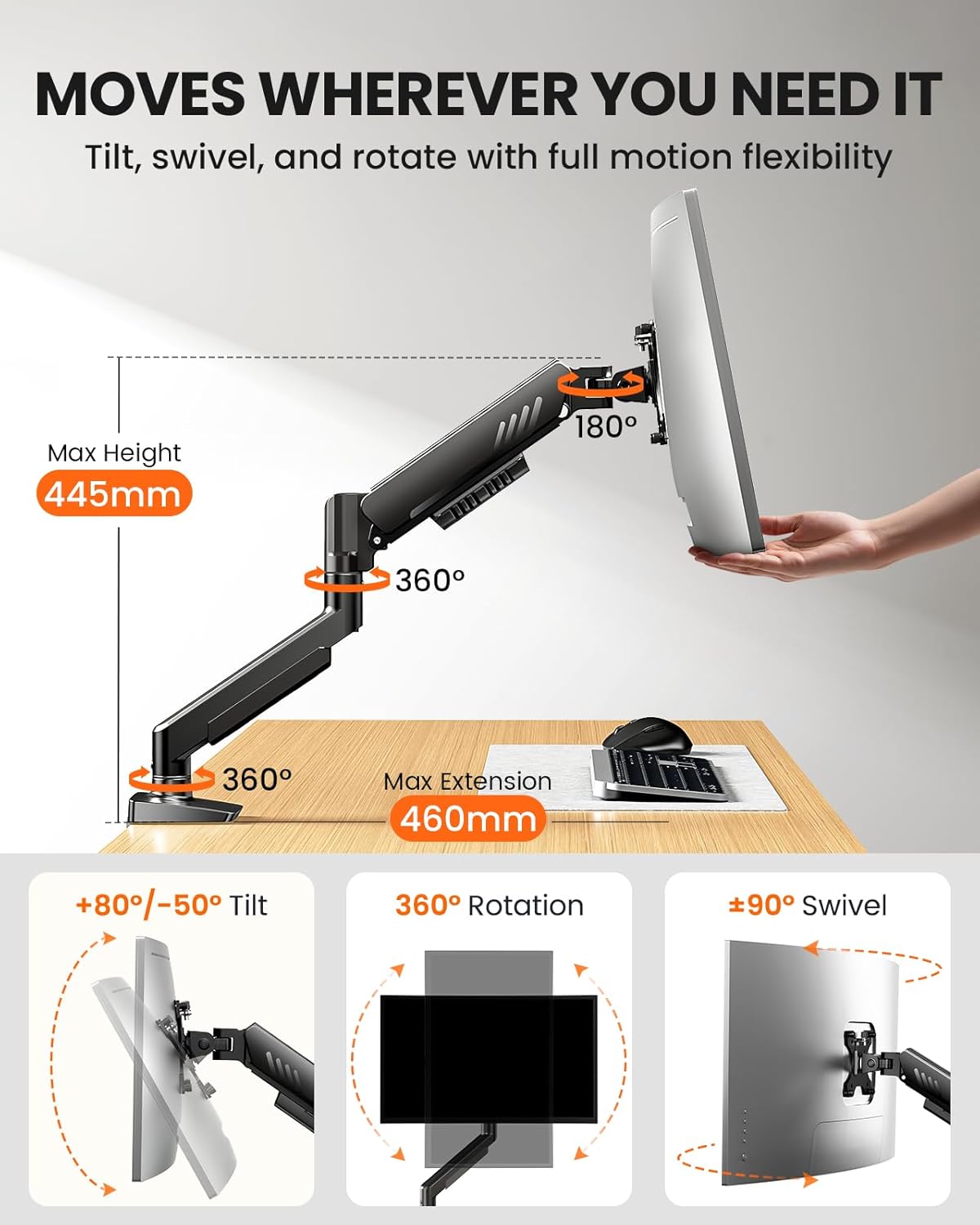
You can tilt the monitor up to 80° and down to 50°, swivel up to 90° left or right, and rotate a full 360°. Height adjustment reaches 445 mm, with an overall arm reach of 460 mm. In practical terms, this means you can fine‑tune eye level and screen angle to reduce neck and shoulder strain, adapting to different seating positions or multiple workspace tasks.
Cable management and setup
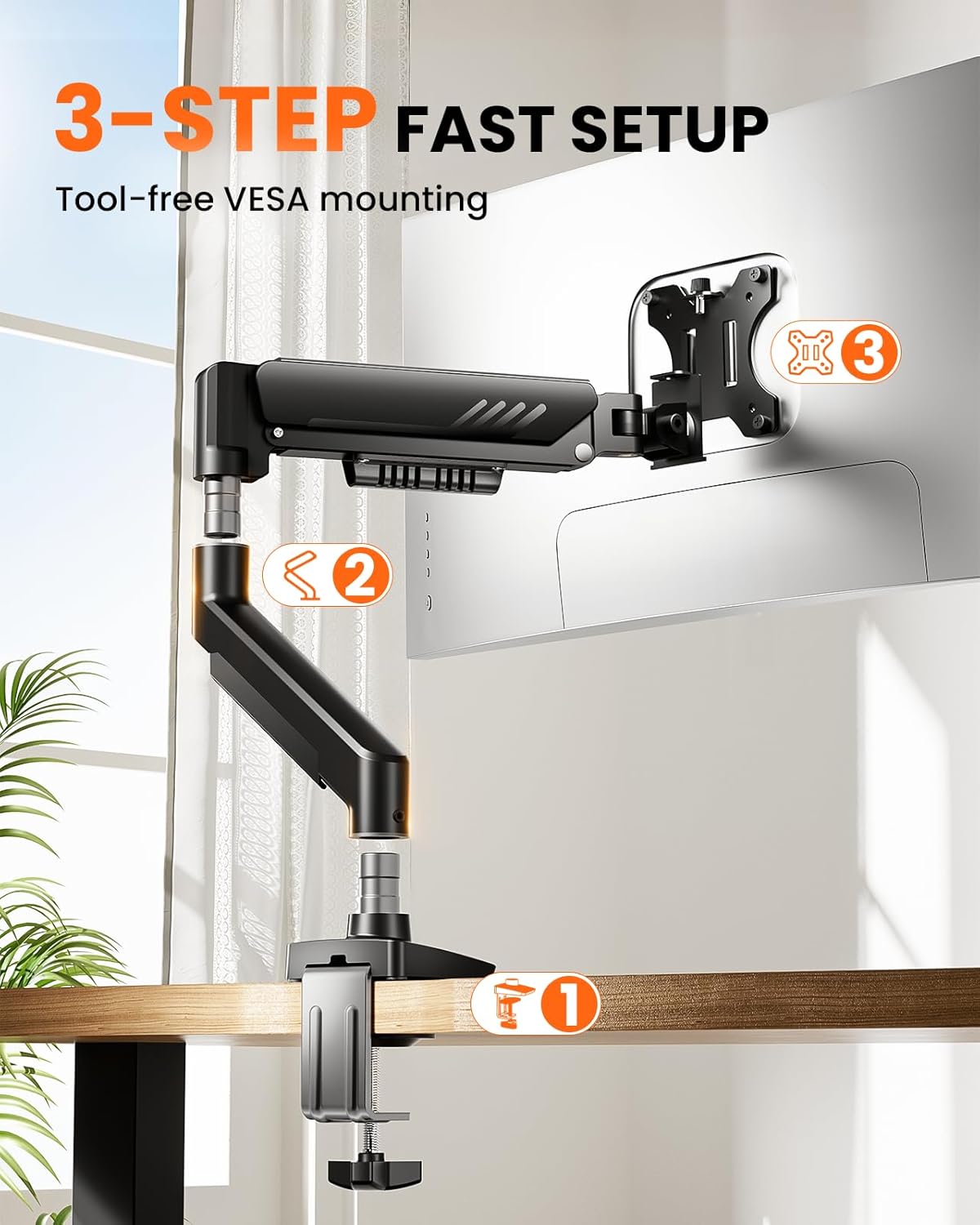
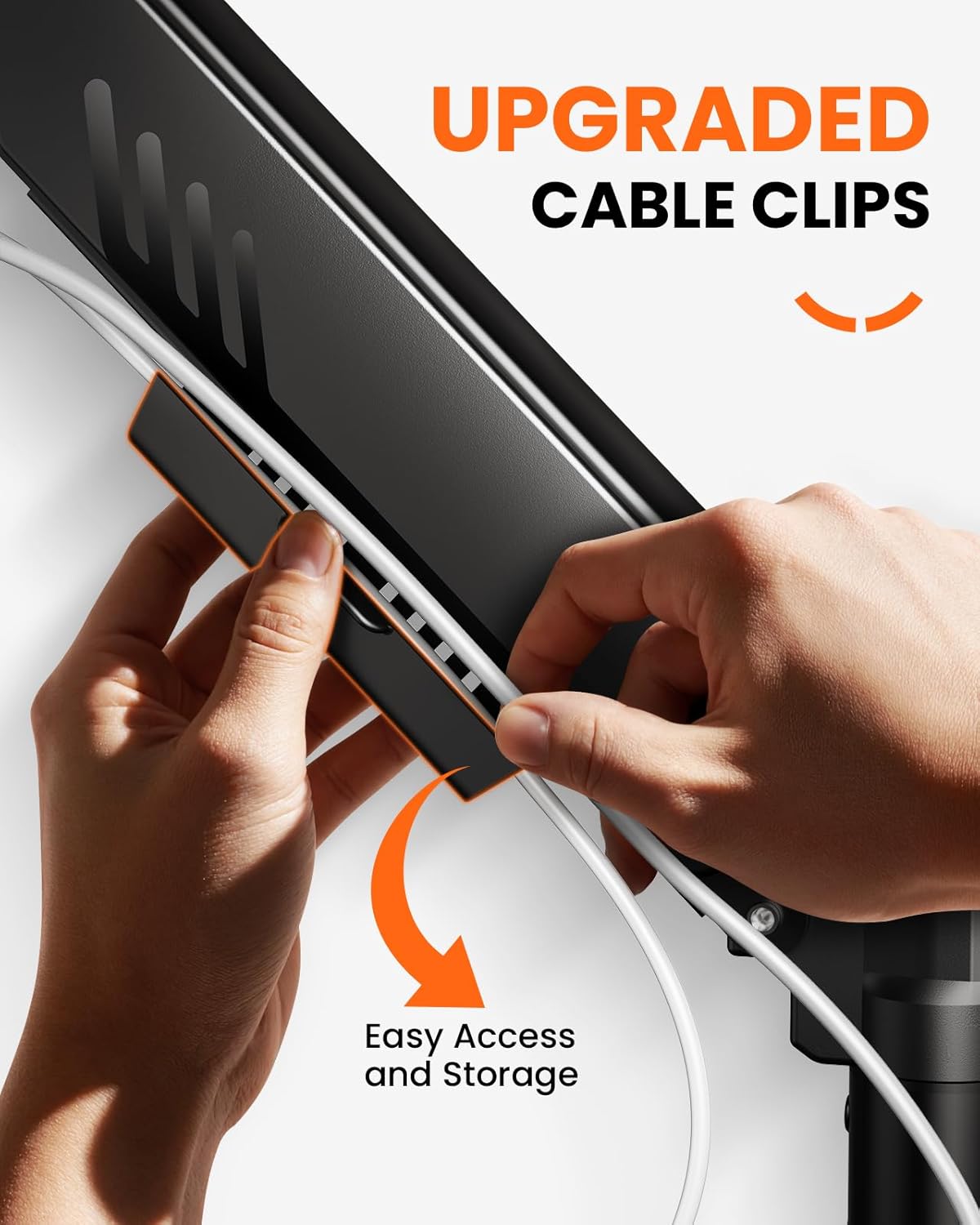
The arm includes integrated cable guides that open without tools, helping to keep power and data cables tidy. Installation is claimed to be in three steps, with a VESA plate designed for tool-free attachment to the monitor. There are two mounting options: a C-clamp for desks 10–65 mm thick, or a through‑desk mount for 10–75 mm thickness.
Build quality and durability
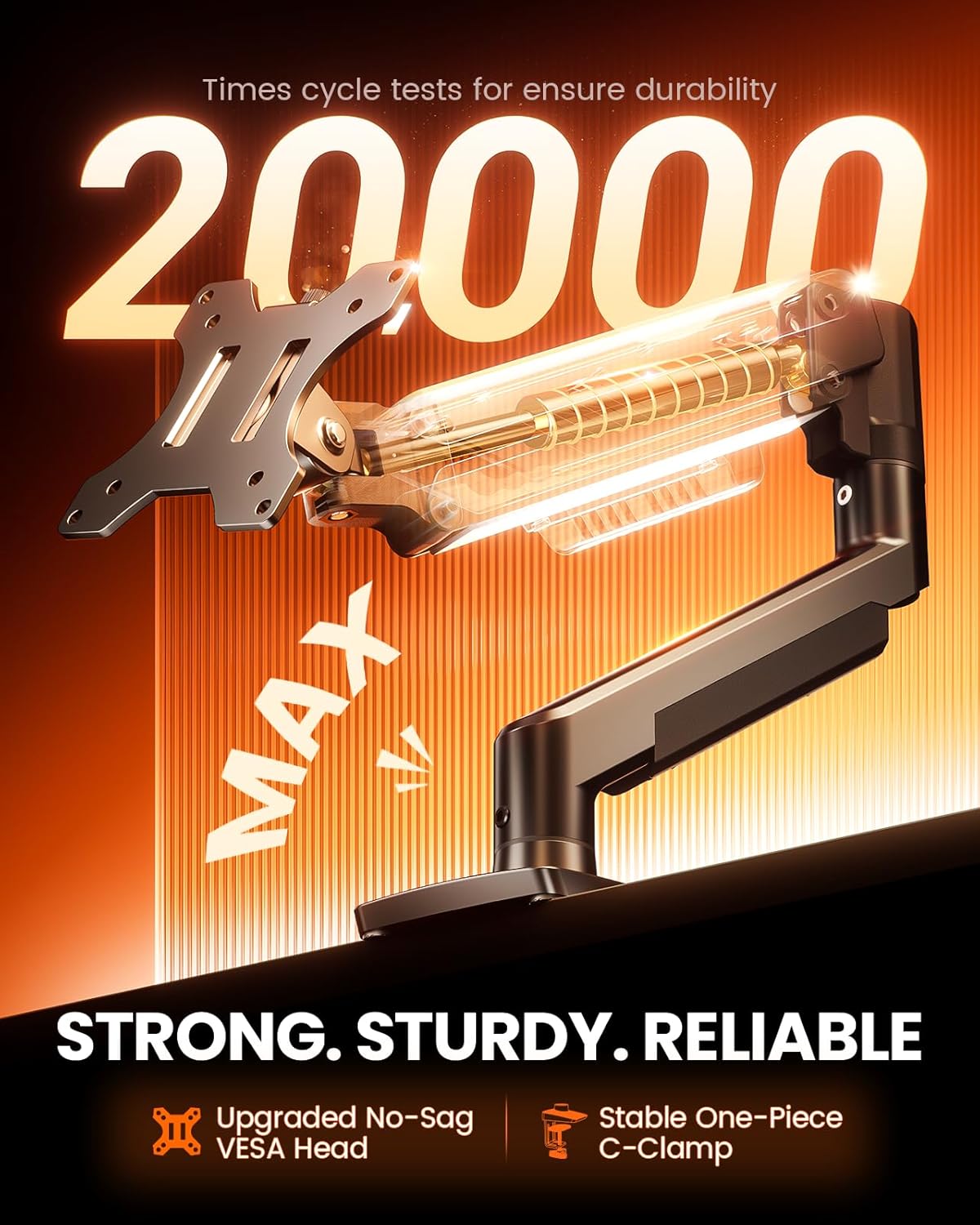
With a design focused on stability, the arm offers a robust mounting solution that feels solid under typical office or home setups. The combination of a wider VESA head and a firmer adjustment plate aims to maintain position once set. That said, you’ll want to verify your monitor’s exact weight and VESA pattern before purchasing to ensure compatibility.
Pros and cons in practice
- Pros: wide compatibility range, strong tilt/swivel/rotate range, neat cable management, straightforward three-step install, two mounting options for different desks.
- Cons or caveats: the listed weight limit is 9 kg, so heavier ultrawide or high-end gaming monitors may exceed limits, always check monitor size, weight and VESA compatibility before buying. Some users may prefer dual-monitor arms for multi-display setups.
Who it’s best for
This is a solid choice if you’re after a straightforward, single-monitor upgrade that improves ergonomics without over-complicating installation. It suits home offices, student desks, and lightweight corporate setups where a clean, adjustable monitor is valued more than additional features or motorized movement.
When it might not be the best option
If your monitor exceeds 9 kg, uses a non-standard VESA pattern, or you need a dual-monitor solution, this arm would likely fall short. For those seeking a premium feeling with motorised height or advanced articulation, you may want to compare with more feature-rich options.
What to check before you buy
- Confirm your monitor weight does not exceed 9 kg and that the VESA pattern is 75×75 mm or 100×100 mm.
- Measure desk thickness to ensure the clamping or through-desk mount will fit your setup.
- Consider your typical viewing angle and whether the 445 mm height range covers your usual seating position.
Usage in real life
Imagine moving from a fixed position to a flexible, upright setup during long work sessions. With the height, tilt, and swivel you can quickly switch from coding to document editing without craning your neck, and the tidy cable guides help keep the desktop free of tangles amid a busy workstation.
FAQ
- Q: Will it fit my curved 34 inch screen? A: If your monitor is 13–34 inches and within 9 kg, it should be compatible provided it uses a 75×75 mm or 100×100 mm VESA pattern.
- Q: Is installation really tool-free? A: The description claims tool-free VESA attachment, and the cable guides are designed for tool-free cable tidying. Always double-check the included hardware for your desk type.
- Q: Can I mount this on a very thick desk? A: There are two mounting options, including a clamp for desks up to 65 mm thick and a through-desk mount for 10–75 mm thickness.
Is it worth it?
Worth considering if you prioritise cleaner desk space, ergonomic adjustability, and a straightforward setup for a single monitor within the supported range. It may not be ideal if you require a higher weight capacity or a dual-monitor configuration.