


Linkdaze 10.1-Inch WiFi Digital Photo Frame with AiMOR Sharing
Product description
What to know
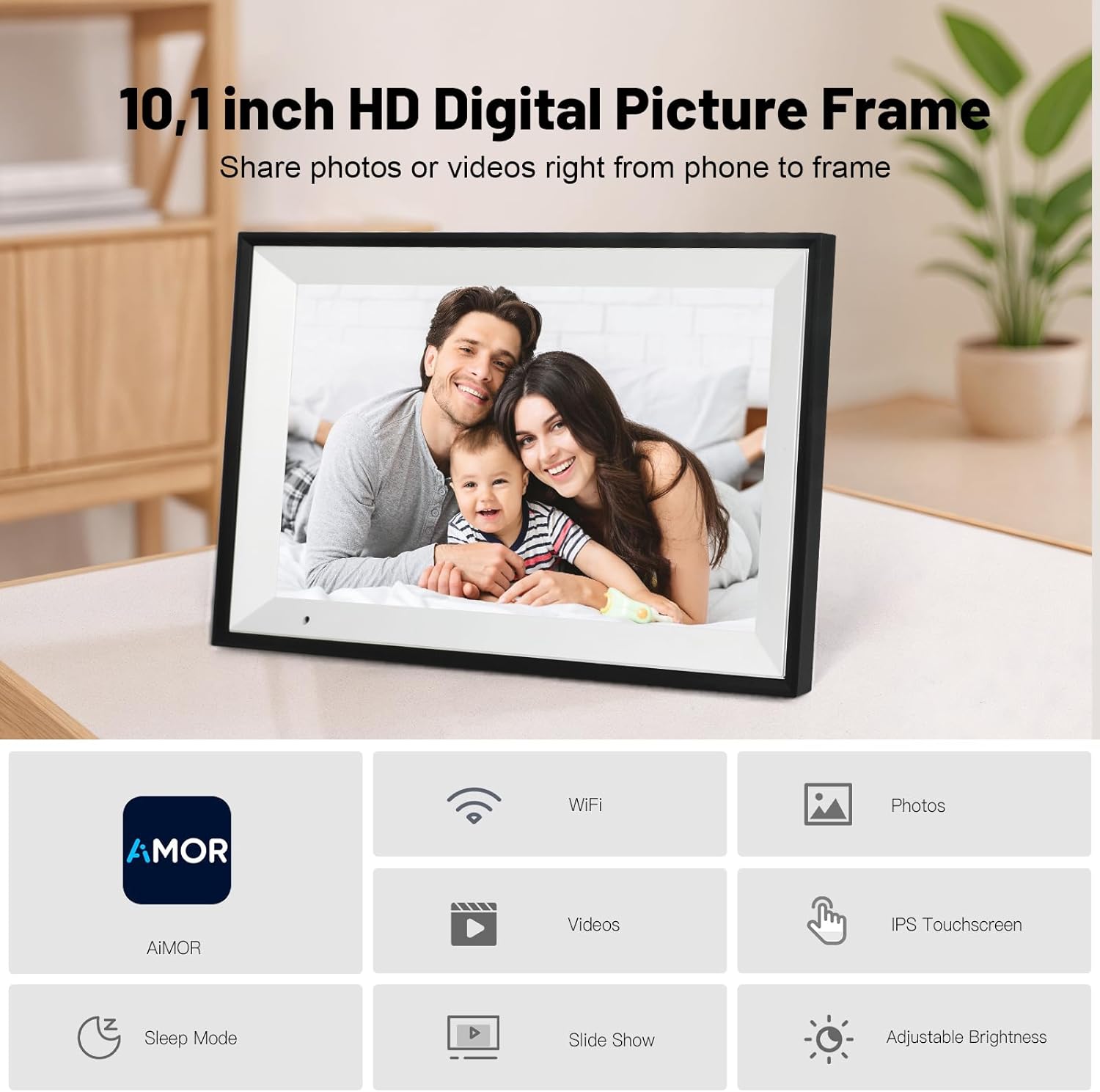
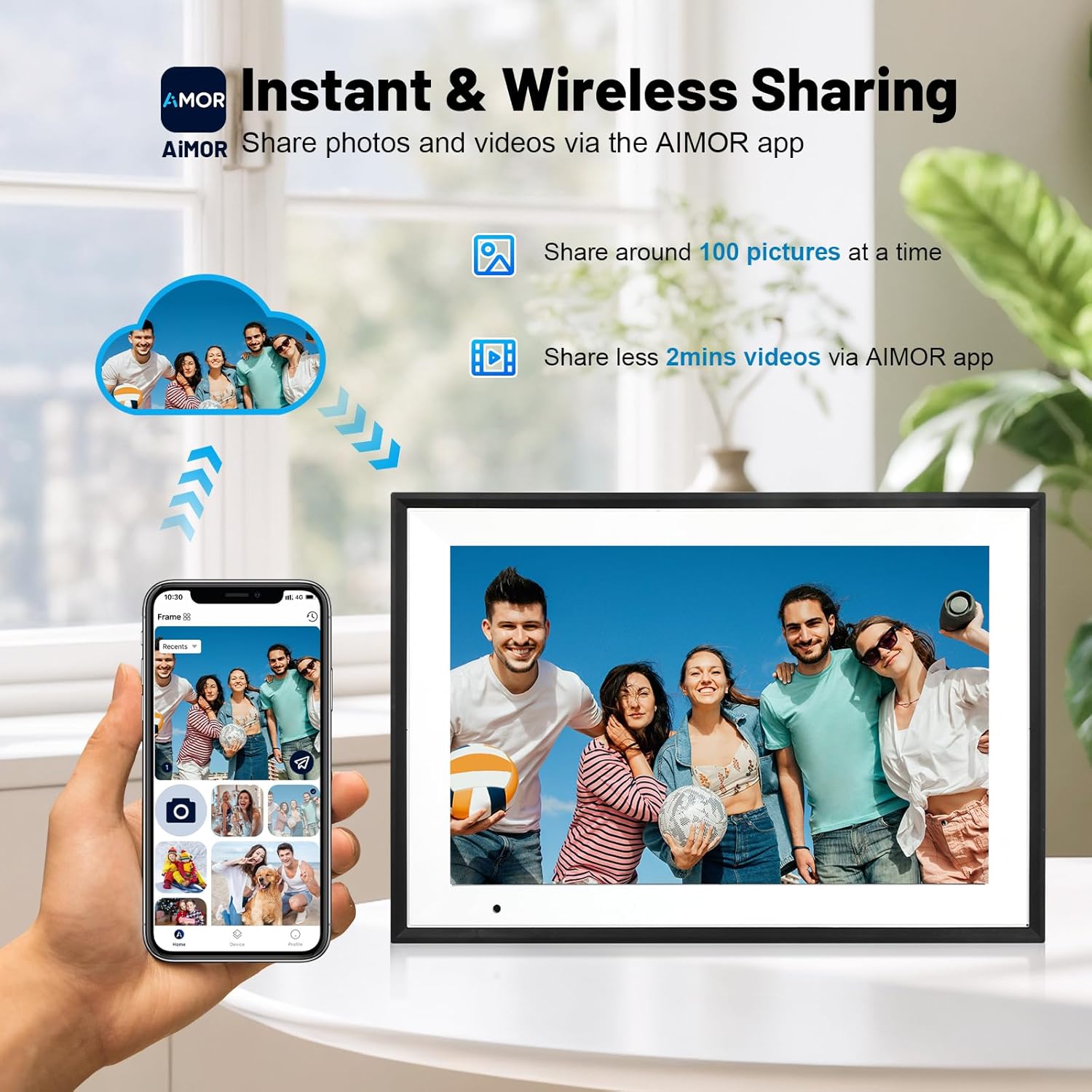
The Linkdaze Digital Photo Frame is a 10.1-inch WiFi-enabled display designed to make shared memories feel more immediate. It focuses on simple, multi‑user photo sharing via the AiMOR software, so family and friends can contribute photos and videos without the need to rely on fleeting messages. The goal is to keep memories visible in a dedicated screen rather than scattered across devices.
How it works
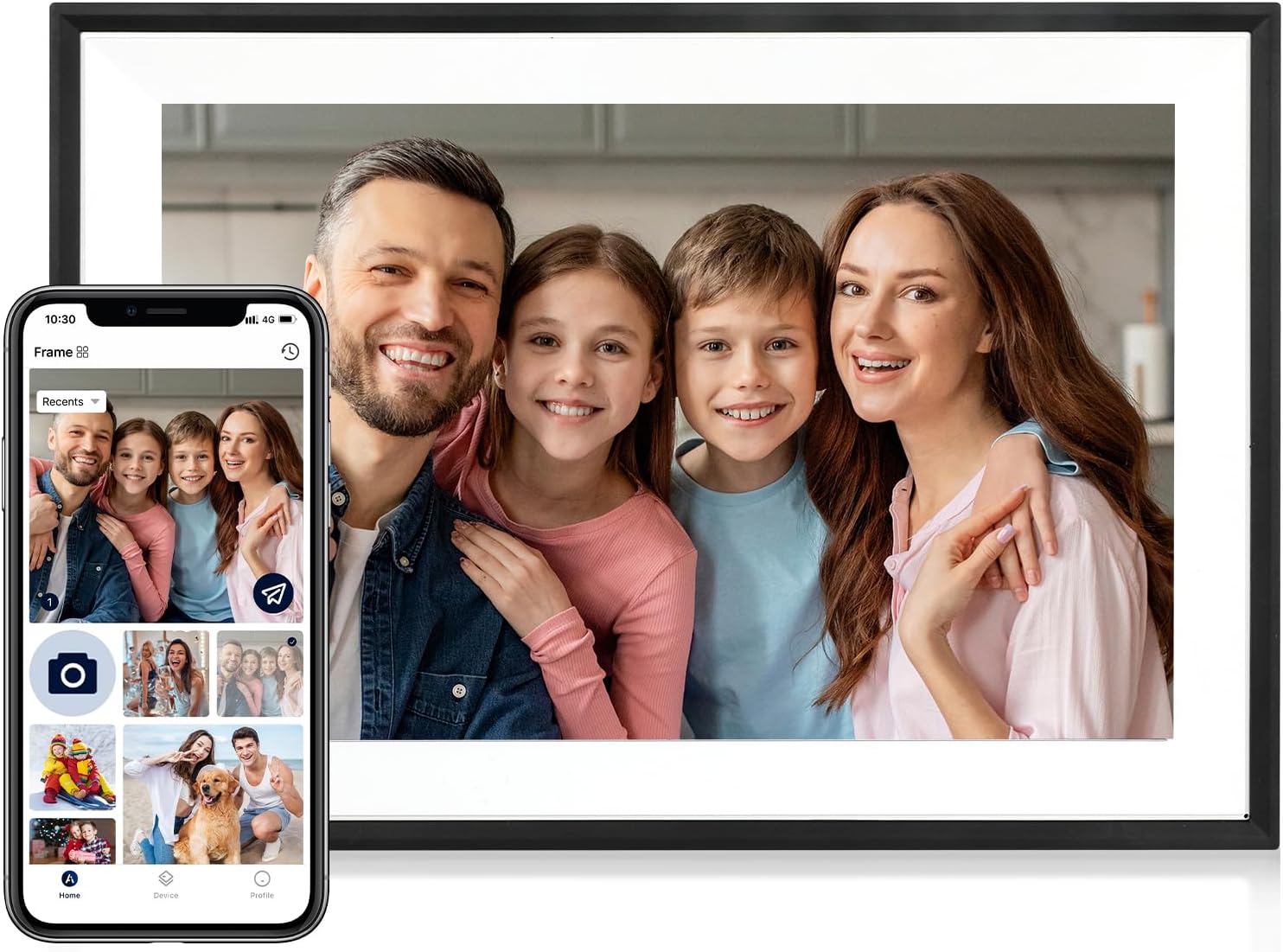
There are two straightforward ways to upload media. You can install the AiMOR app on a mobile device, register an account, and pair it with the frame to upload photos from anywhere. Alternatively, you can insert a memory card into the SD slot (card not included) and import content quickly. Built for multi‑user access, the frame is designed to stay in one place, making it convenient for grandparents or relatives who want a shared photo stream.
Display and quality
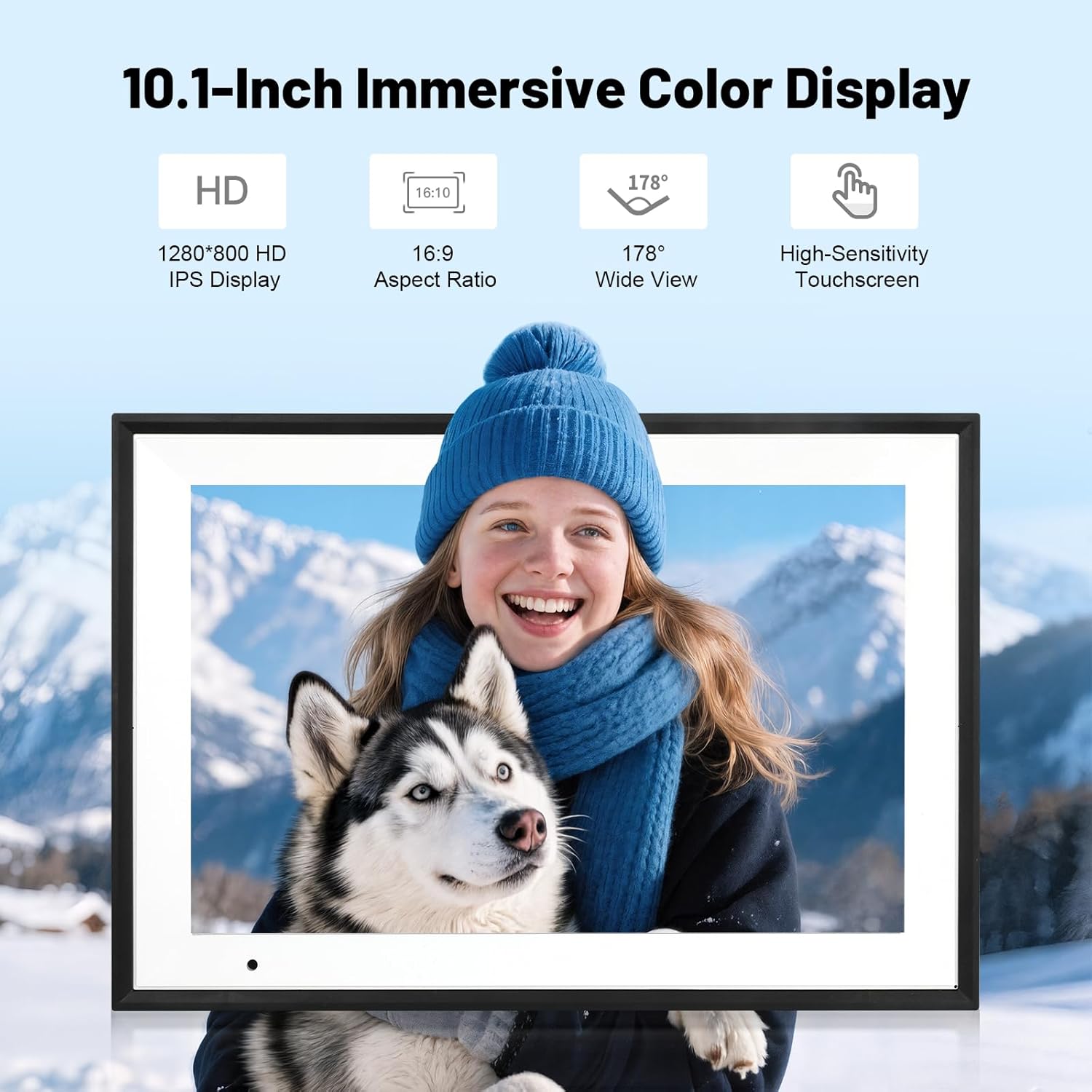
The device uses a 1280×800 IPS touchscreen for clear, detailed images with adjustable brightness. There’s a Fill Frame option to adjust how photos fill the screen, which helps tailor viewing to mood or preference. The gravity sensor automatically orients photos based on how the frame is positioned, so landscapes and portraits appear correctly without manual fiddling.
Storage and expandability
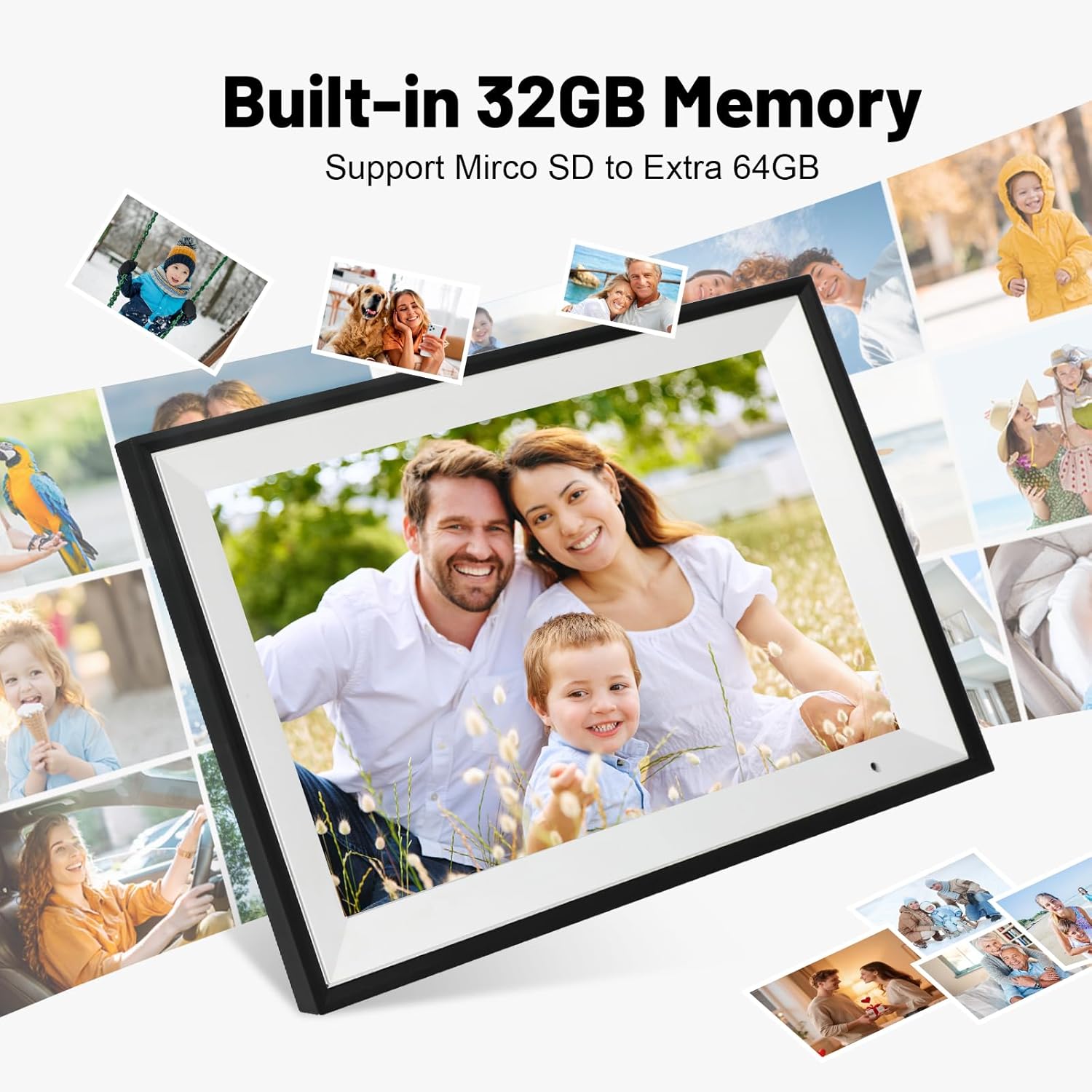
Standard memory is 32GB, enough to store tens of thousands of photos and videos. If you need more space, you can expand up to 64GB with an external memory card. This keeps media on the frame itself without frequent transfers to another device.
Usability and everyday use
The interface is pitched as easy to pick up, with two clear upload paths and a familiar slideshow experience that helps moments feel ongoing rather than episodic. Optional time and weather display can be shown in the bottom corner for quick context without intruding on the photo viewing.
Considerations and limitations
On paper, sharing relies on AiMOR, which may require setting up accounts and linking devices. If you expect ultra-fast cloud processing or offline playback from local drives beyond a single SD card, you may want to temper those expectations. The frame’s 32GB baseline could feel limiting if you plan to store a very large photo library and do not rely on expansion.
Who it’s for
This frame seems well suited to households that value a shared family gallery without taxing smartphones or group chats. It’s potentially useful for grandparents who want a steady stream of moments from relatives, or for households that want a central device for reminiscing.
Who it isn’t ideal for
If you prioritise high-resolution video playback, very large media libraries, or features beyond straightforward sharing and slideshow display, you might find the model’s capabilities more basic. It also depends on how comfortable you are with setting up accounts and pairing devices across multiple users.
What to check before buying
- Confirm the AiMOR sharing setup works smoothly for your family network.
- Consider whether 32GB will suffice or if you anticipate needing the 64GB expansion.
- Think about placement: a 10.1-inch screen sits comfortably on a sideboard or shelf, but the viewing angle and distance matter for natural viewing.
- If you’ll rely on SD cards, ensure you have compatible cards and understand how content transfer works.

Practical use case
Imagine a weekend where relatives abroad update the frame with recent photos. The slideshow rolls through, and your grandmother feels connected to each moment as if everyone was gathered in the same room. The auto-rotate helps maintain a pleasant orientation whether the device sits upright on a shelf or leans against a wall.
Technical overview
Technical details
- Display: 10.1-inch, 1280×800, IPS touchscreen with brightness adjustment
- Memory: 32GB built-in (expandable to 64GB via external card)
- Connectivity: WiFi with AiMOR software for shared uploads
- Orientation: Gravity sensor for automatic rotation
- Extras: Fill Frame mode for image framing, time and weather display option
- Storage model: dedicated to photos/videos, reducing the need for cleansing device storage
Final verdict
Is it worth it? Worth considering if you want a dedicated, shared digital photo frame that keeps family moments central and accessible without relying on phones for every view. It fits best for households prioritising a communal screen and straightforward sharing over feature breadth.
FAQ
- How do I share photos with the frame? Use the AiMOR app to upload from your phone, or insert a memory card into the SD slot to import content.
- Can I store a lot of photos? The frame ships with 32GB and supports up to 64GB via external card, plan storage accordingly.
- Will it auto-rotate photos? Yes, the built‑in gravity sensor adjusts orientation automatically.
- Does it show weather and time? These can be enabled in the settings for quick context while viewing memories.