

VIXLW USB Video Capture Device for converting VHS/VCR/Hi8 to digital (MP4/DVD workflows)
Product description
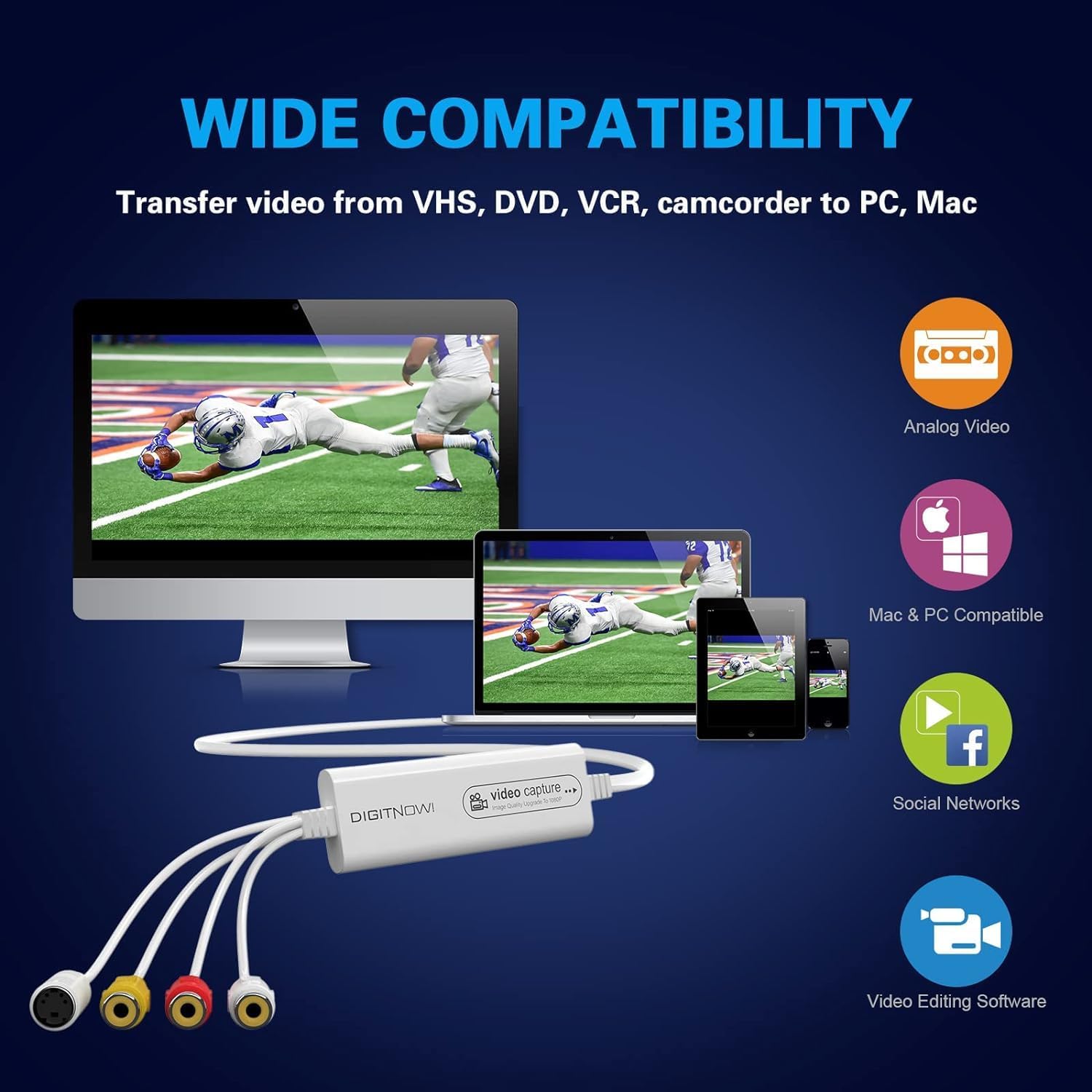
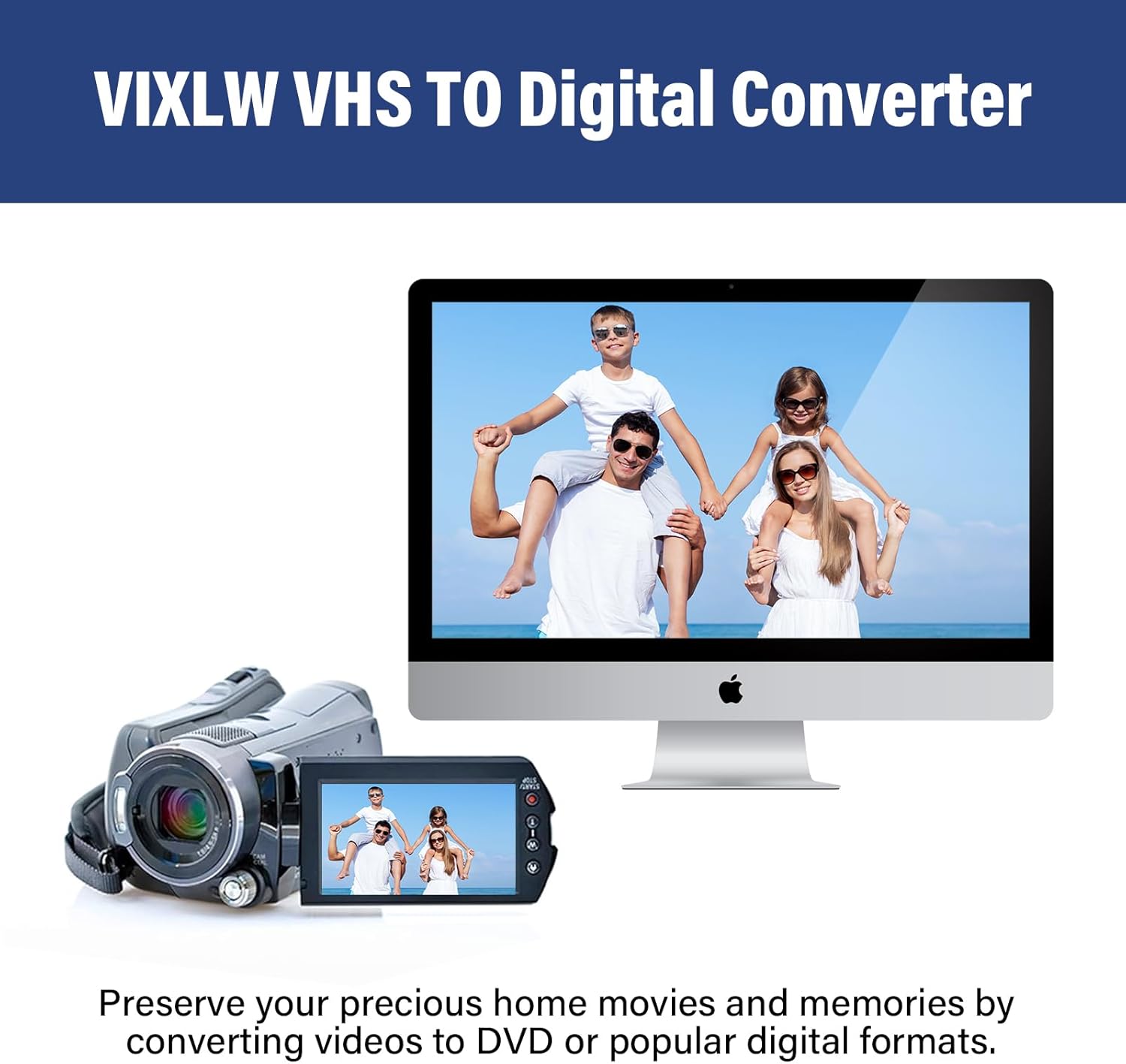
If your “old tapes” are starting to feel like a museum piece, a USB video capture device is often the quickest way to bring them back into a modern workflow. The VIXLW Video Capture is built around digitising analogue video sources like VHS, VCR tapes, Hi8, mini DV and other camcorder/analogue setups, so you can move content onto a Mac or PC for editing, saving or live streaming.
That said, it’s not magic—capture quality will depend quite a lot on the original tape and what your source outputs. Still, as a practical bridge between legacy playback hardware and today’s apps, it can make sense if you’re willing to do a little setup and accept that you may get “good and useful” rather than cinema-grade results.
The essentials: what it does and where it fits
The VIXLW unit is an analogue-to-digital converter that connects via USB. On paper, it’s designed to help you convert older video formats such as VHS/VCR and camcorder tapes to digital files, with the expectation you’ll use the captured output in software—either for editing or for recording/live streaming.
It’s positioned as a straightforward, drive-free style device for everyday users rather than a pro capture card with advanced controls. If you’re trying to digitise home movies for family archives, share clips online, or repackage footage into something easier to manage, this is exactly the kind of tool people reach for.
What you’ll notice in use
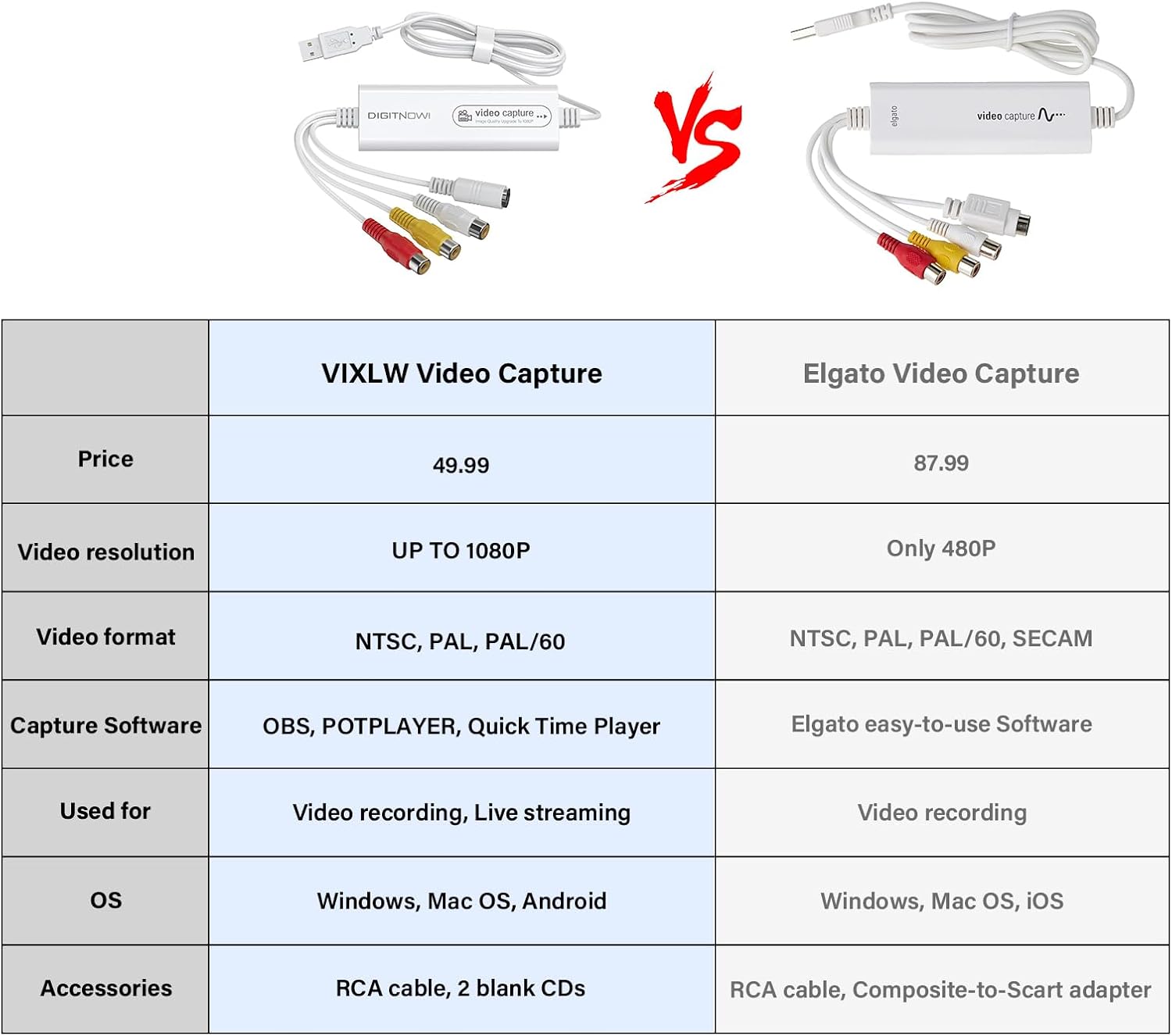
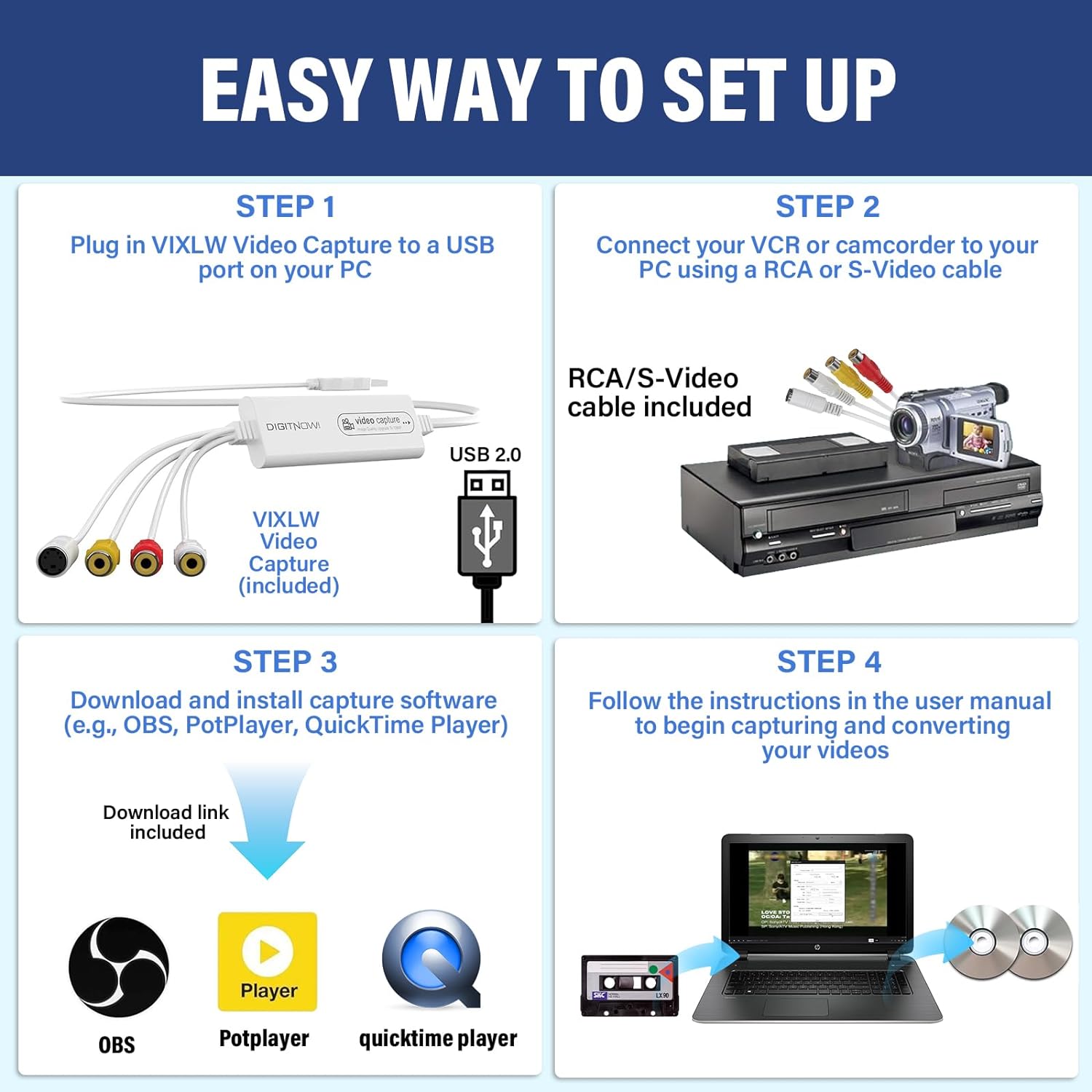
This model focuses on ease of getting started. The setup is described as drive-free, and the package includes step-by-step instructions. There’s also mention of software choices for different platforms: for Windows it recommends OBS or PotPlayer, while for Mac it suggests QuickTime Player.
A useful way to think about it: you’re not just plugging it in—you’re selecting capture software, starting a recording session, then stopping and reviewing the file. That’s the loop that matters for real-world results.
One thing to keep in mind is the “video format” reality. It automatically detects NTSC, PAL and PAL/60, which helps if your tapes are from different regions. The capture resolution, however, is not fixed for all sources, the input determines what you can get.
Key takeaways: resolution and capture formats
VIXLW states a capture resolution of: - 1920 x 1080 (MJPEG) - 720 x 576 (YUV)
It also notes that capture resolution depends on the video source. So, if your VHS/VCR playback output is standard definition, you shouldn’t expect every capture to hit the same level as a higher-quality source.
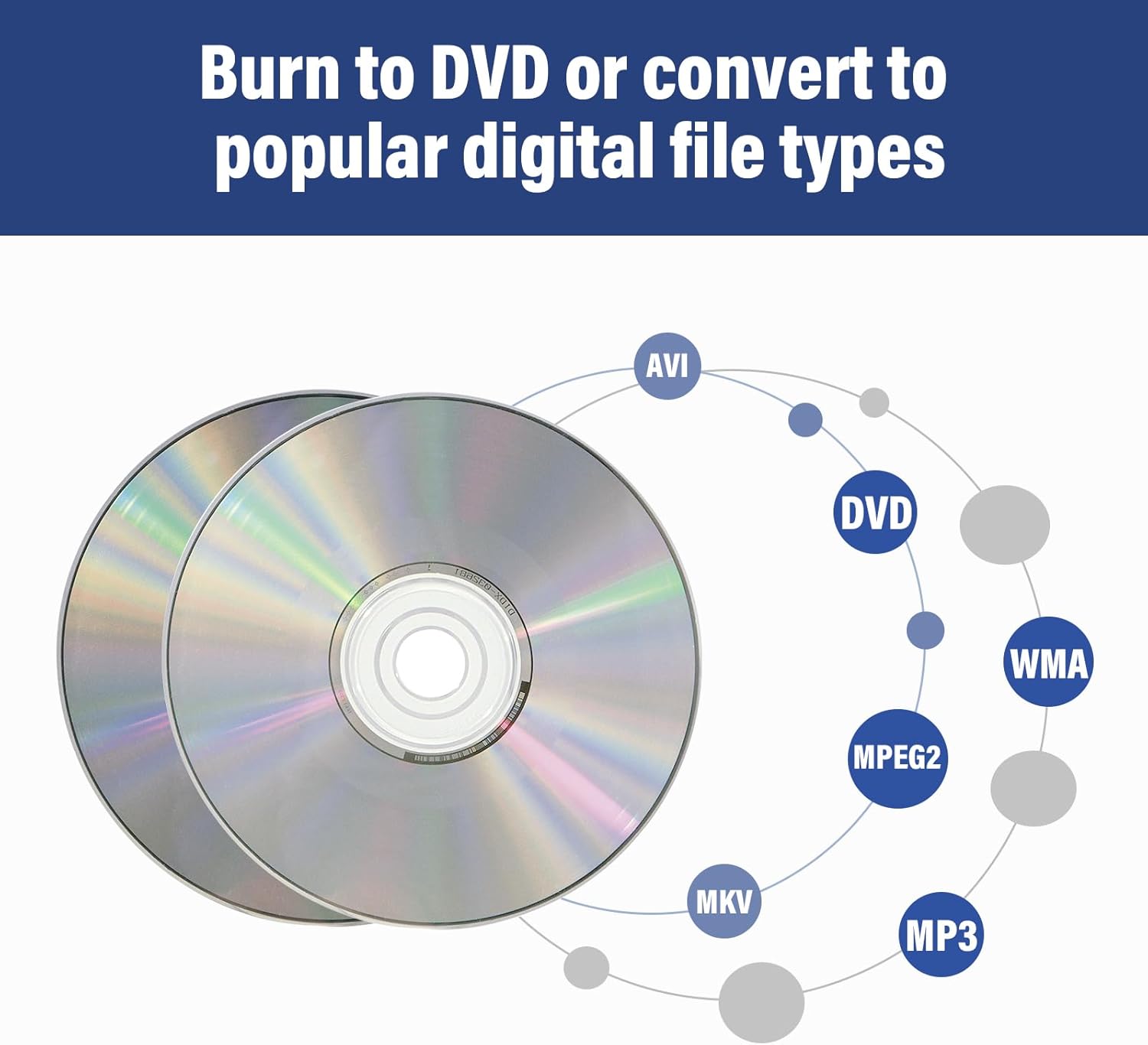
On the format side, it mentions capturing video in MP4 or other digital formats (depending on your capture setup/software). In practice, that means the device is aiming to output something most editing and playback tools can handle, without you needing complex conversion steps immediately after recording.
Controls, compatibility and the bit you should check first
The description lists support for Mac OS and Android, and Windows versions including WinXP/7/8/10/11. That’s a fairly broad claim, but it’s still worth sanity-checking your exact setup.
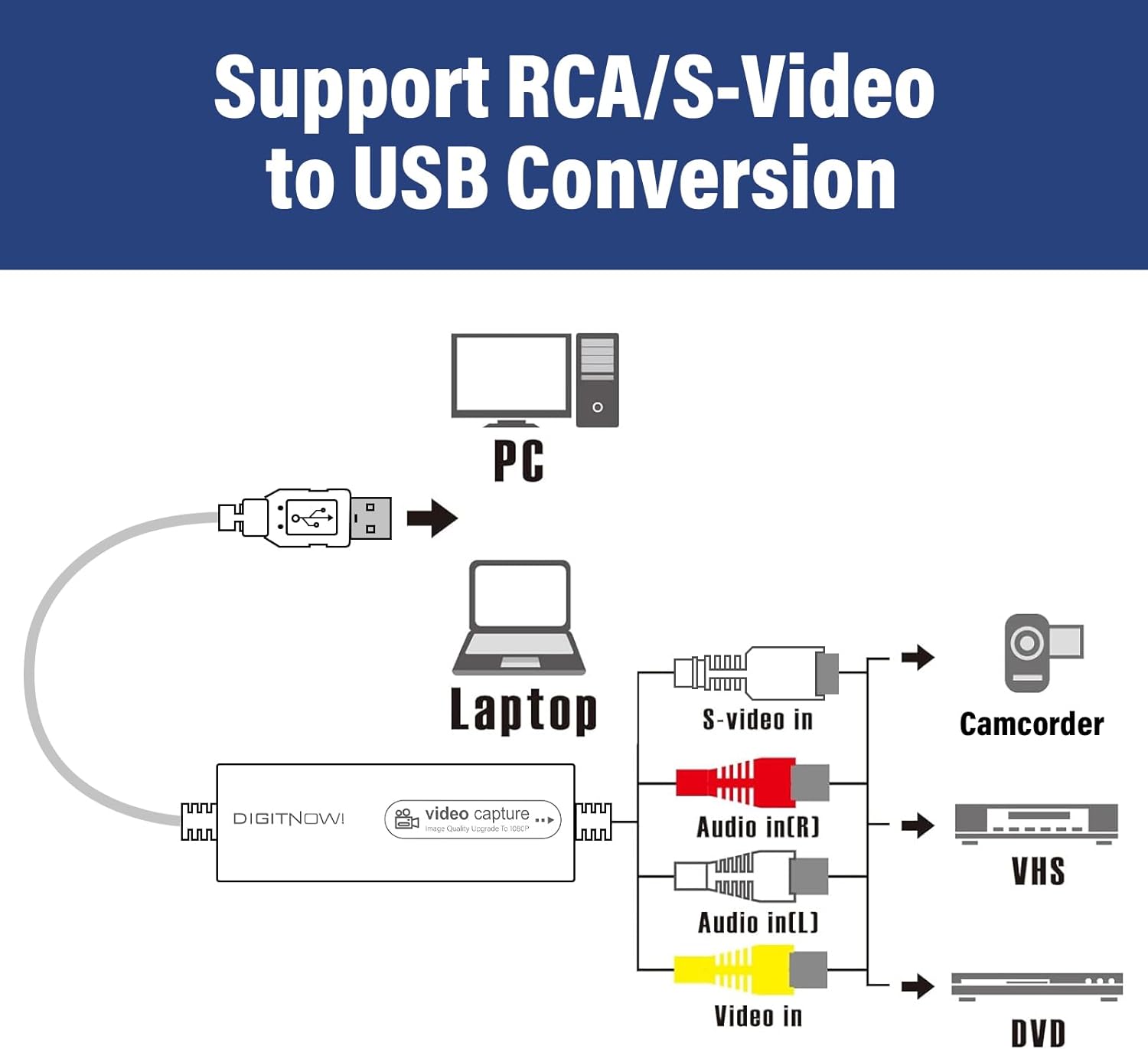
Before you buy (or immediately after), check these practical details: - Your analogue source connection: the box includes an RCA cable, so you’ll need a compatible RCA output on your VHS/VCR/Hi8/mini DV playback device. - Your capture software plan: the device is described as working smoothly with OBS or PotPlayer on Windows, and QuickTime Player on Mac. If you already use a different tool, compatibility will depend on how it detects USB capture inputs.
It also comes with the capture device, 1 x RCA cable, 2 x black CD, and a user manual. The “CD” part suggests there may be legacy disc-based resources included, but whether you need them will depend on your OS and software.
What stands out (and where it may fall short)
Where it shines: - It’s aimed at turning legacy tapes—VHS/VCR, Hi8, mini DV—into digital files on a Mac or PC. - Automatic detection of NTSC, PAL and PAL/60 helps reduce the “wrong standard” hassle. - It’s designed to be drive-free, which can save time compared with older capture setups.
Where it might not be for you: - Capture resolution and results depend on the video source, so some tapes may produce less impressive results than you’re hoping for. - If you’re expecting effortless, high-end professional capture settings and controls, this kind of USB grabber can feel more like a mid-range bridge than a full specialist solution.
Worth considering if your goal is family archive digitising, basic editing, or live streaming of older footage. It may not be the best match if your tapes are very damaged and you need heavy restoration workflows—digitising can preserve what’s there, but it can’t fix poor playback quality by itself.
What you get in the box
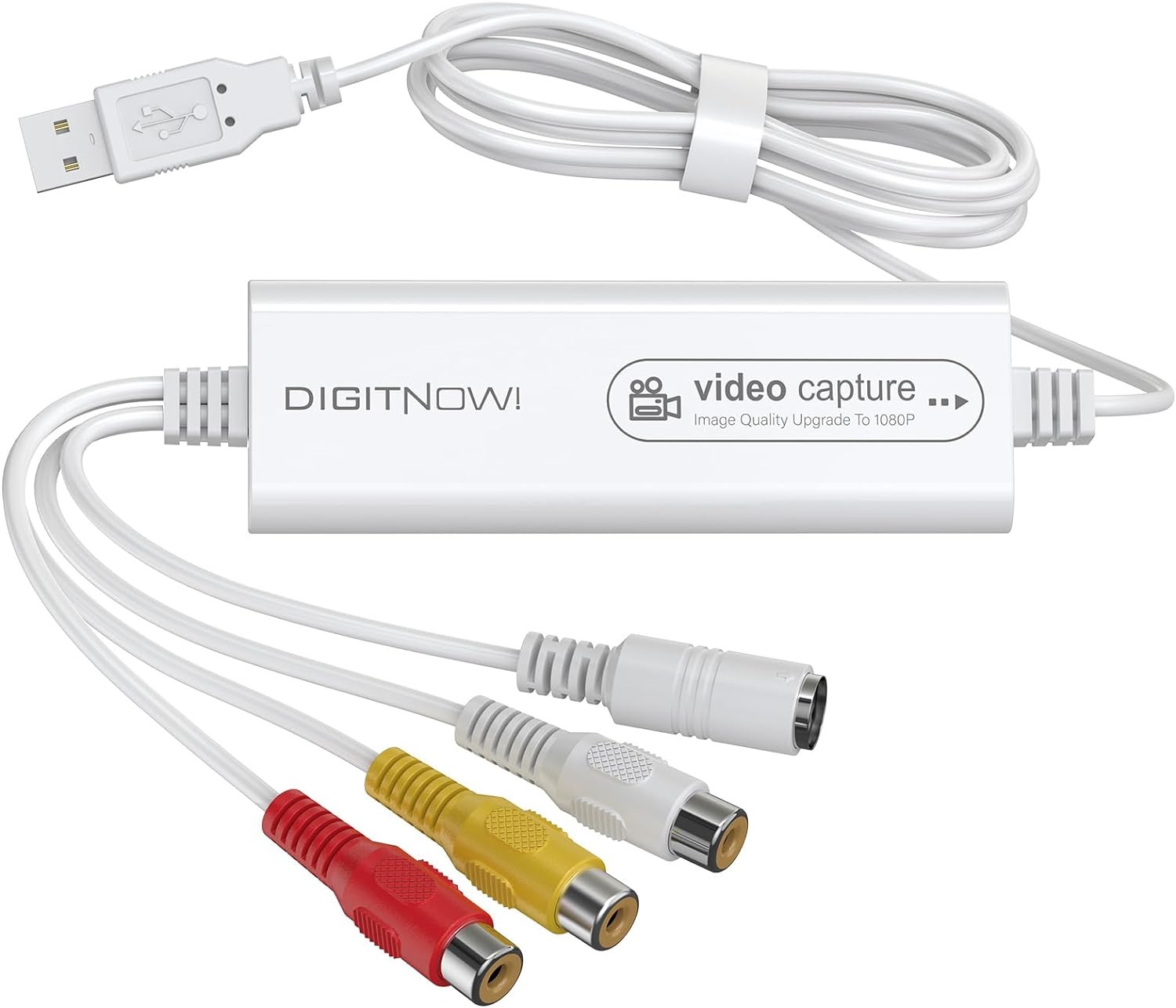
You should expect the following according to the listing: - 1 x USB video capture device - 1 x RCA cable - 2 x black CD - 1 x user manual
That bundle is fairly typical for analogue capture. The key practical thing is whether your playback device uses RCA outputs, if it uses something else, you may need an adapter, and the listing doesn’t explicitly cover extra connectors.
Is it worth it?
Buy the VIXLW USB Video Capture Device if you want an approachable way to digitise VHS/VCR and similar analogue footage for use on a Mac or PC, and you’re happy to work through capture software like OBS/PotPlayer on Windows or QuickTime Player on Mac. It’s especially attractive if you value automatic NTSC/PAL/PAL-60 detection and a drive-free setup.
Skip it (or at least think twice) if you need consistent high-resolution capture regardless of source quality, or if your analogue equipment doesn’t output via RCA—because the included cable is the only connection item listed.
Mini FAQ
FAQs
Will the capture always be 1920 x 1080?
Not necessarily. The listing says capture resolution depends on the video source, so results can vary.
What formats can it capture into?
It mentions capturing video in MP4 or other digital formats, depending on your capture setup.
Do I need to install a driver?
The setup is described as drive-free, with step-by-step instructions included.
Can it handle both NTSC and PAL tapes?
It states it can automatically detect NTSC, PAL and PAL/60.
Is it good for live streaming or editing?
The listing frames it for video recording, live streaming and video editing workflows, especially with software like OBS/PotPlayer on Windows or QuickTime Player on Mac.