

UGREEN 4K@60Hz DisplayPort to HDMI Adapter (DP 1.2 to HDMI 2.0) – Uni-Direction Aluminum Cable for Multi-Screen Gaming and Home Use
Product description
Introduction and what it is
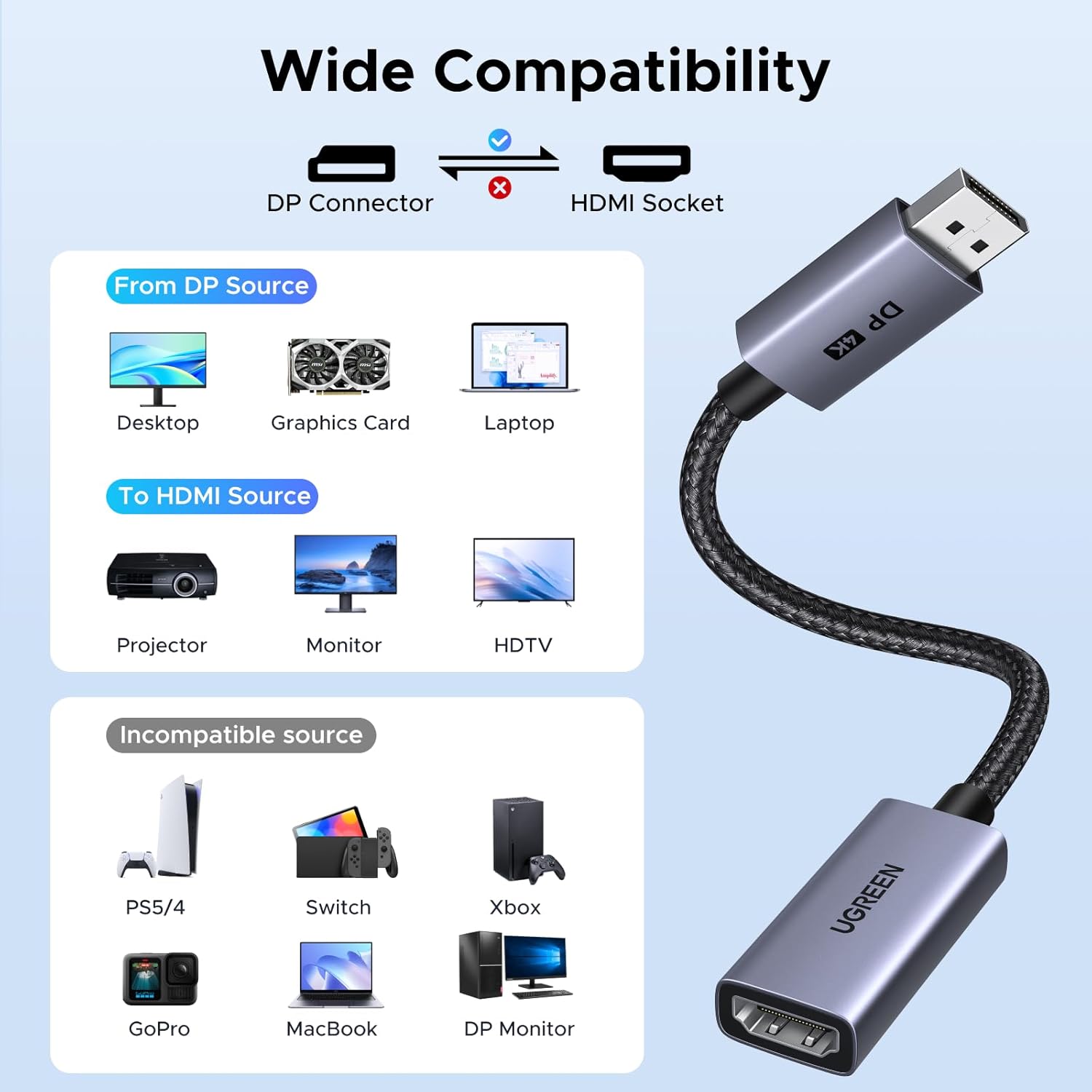
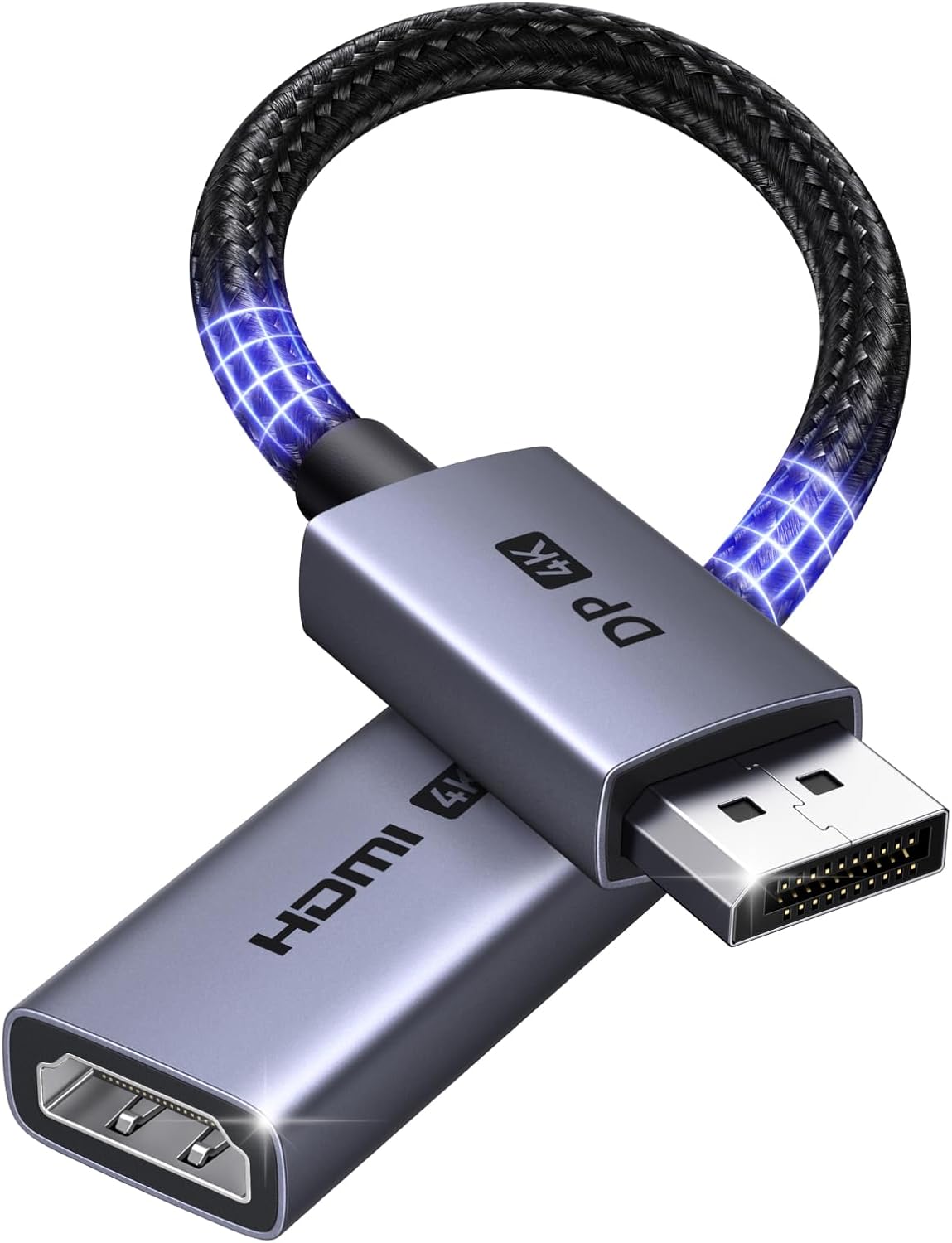
The UGREEN 4K@60Hz DisplayPort to HDMI Adapter is a straightforward, uni-directional solution for converting a DisplayPort output to an HDMI display. It’s designed to drive monitors, projectors or TVs from a PC or laptop that has a DisplayPort 1.2 output, stepping up to modern HDMI displays without needing extra drivers.
What you get and how it’s designed to perform
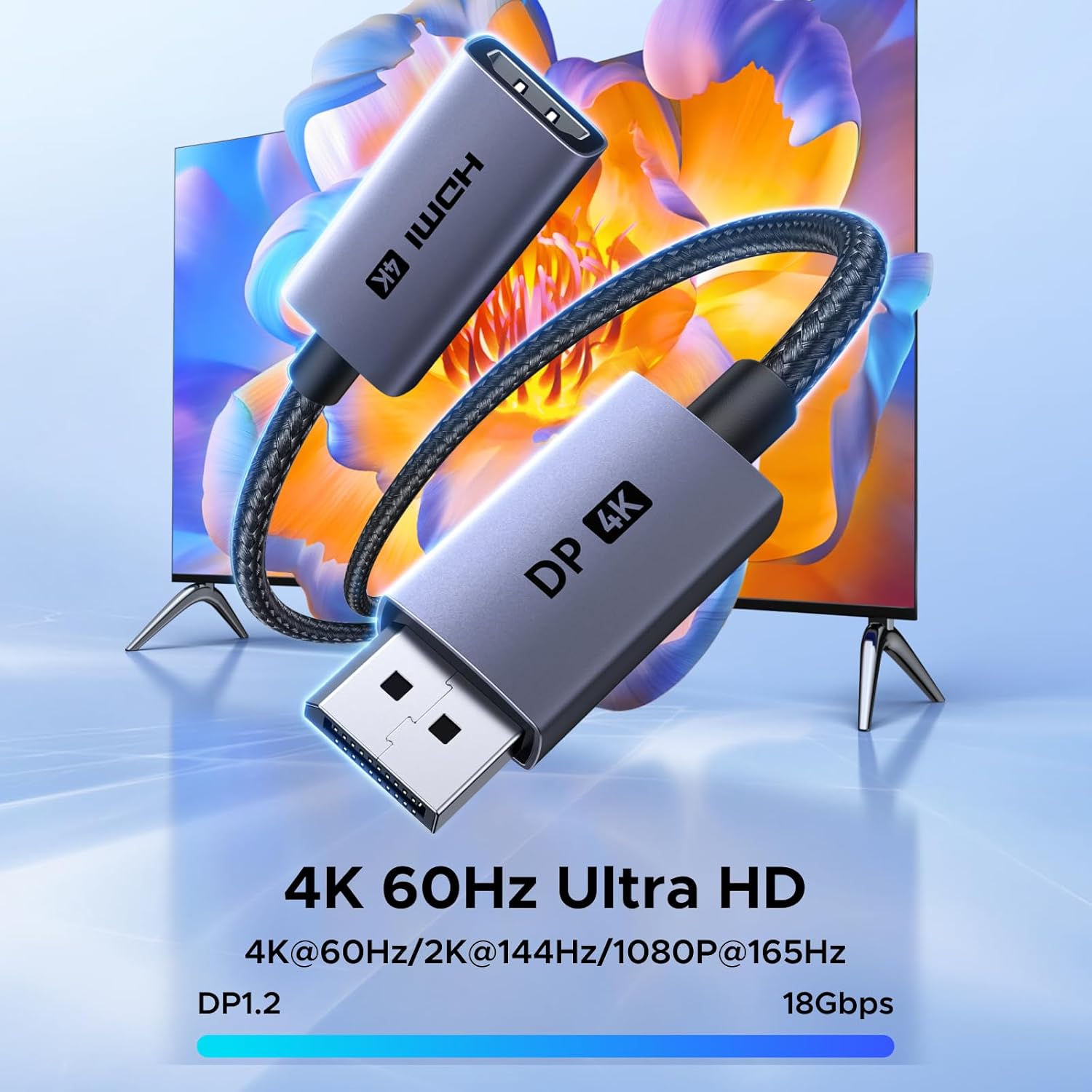
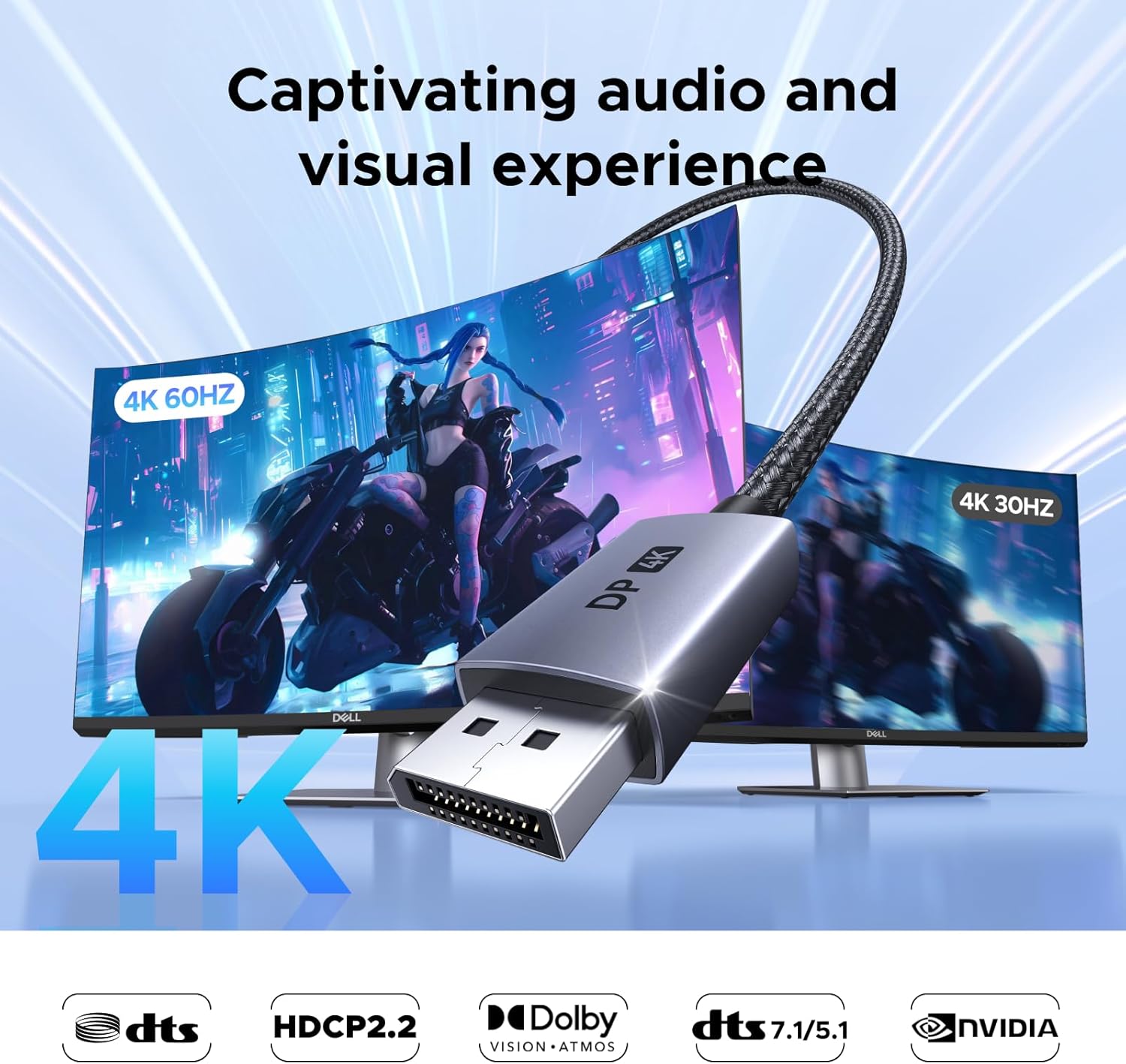
This adapter supports resolutions up to 4K@60Hz and provides strong compatibility across a range of setups. For gaming or multi‑monitor work, it can handle 2K at up to 144Hz (and 1080p at up to 240Hz), which helps deliver smooth motion and responsive visuals on compatible screens. It’s intended for home offices, media rooms and gaming rigs that want a second screen without pulling another GPU into the mix.
A note on direction: this is a DisplayPort (source) to HDMI (display) adaptor. It does not work in the reverse direction, which is an important consideration if you’re thinking of connecting an HDMI source to a DP display.
Build and reliability
Constructed with an aluminium alloy jacket and a robust nylon braided cable, the adapter is designed to resist corrosion and endure frequent plugging in and out. UGREEN positions this as a durable option that should last longer than cheaper PVC-wrapped alternatives. While it’s promising for long-term use, real-world longevity will still depend on how often you bend or stress the connector near the ends.
Setup, compatibility and plug‑and‑play nature
One of the practical advantages is that no drivers are required. It supports HDCP 1.4 and EDID negotiation, which helps ensure the source and display align for the best available picture and audio. In other words, you connect, configure display settings as you would normally, and the adapter should auto‑configure to achieve a stable signal.
Compatibility is broad but not unlimited. It is aimed at connections to 4K HDR capable TVs and monitors, and it’s compatible with a wide range of desktops and GPUs (AMD and NVIDIA) as partners for home or office multi‑screen setups. However, avoid expecting it to mirror every HDMI device back to a DP input, this is not a bidirectional solution.
Visual and audio performance
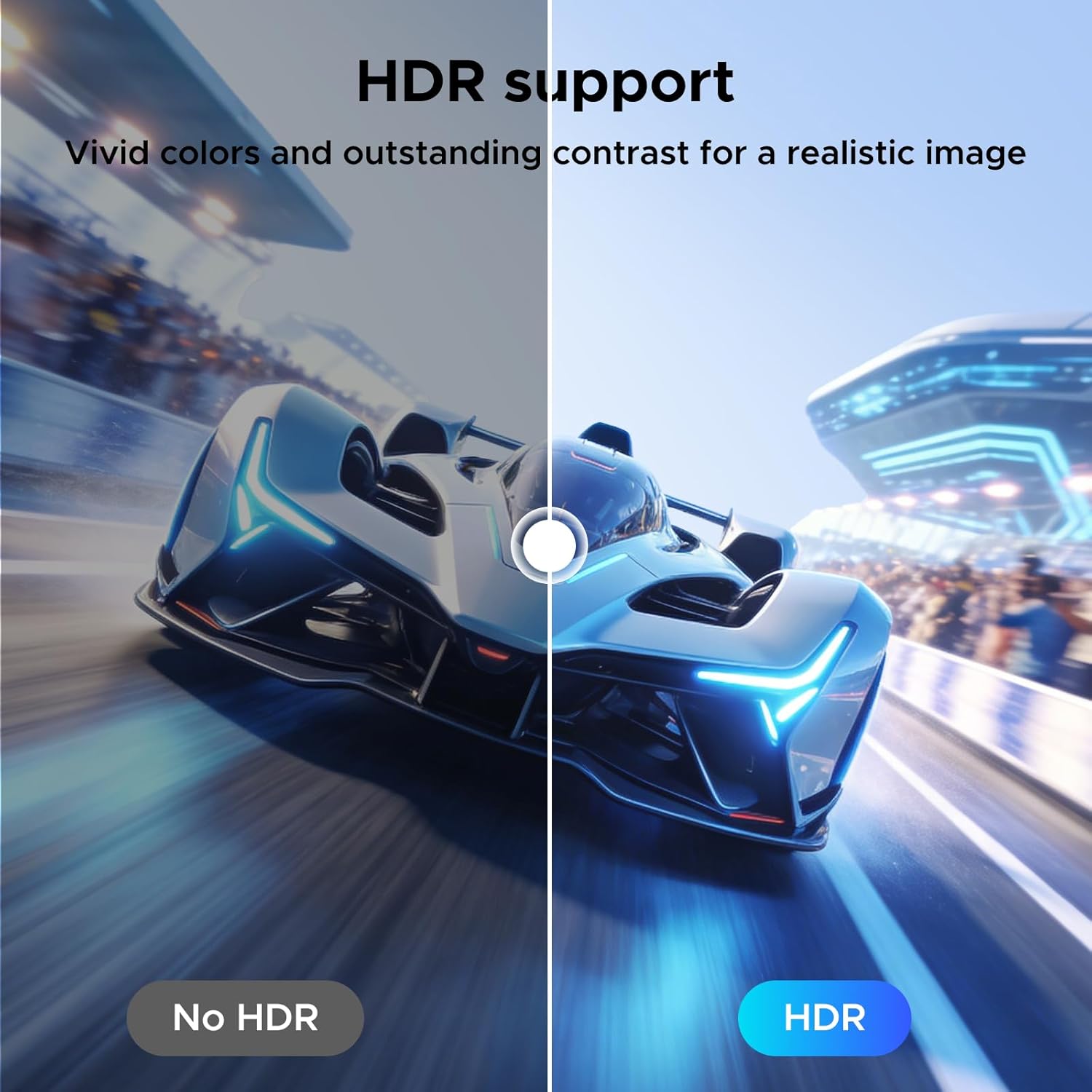
The adapter supports HDR10 and 3D, along with multi‑channel audio (LPCM/AC‑3/DTS/DTS‑HD MA/Dolby TrueHD/DTS:X/Dolby Atmos) at 24‑bit colour. In practice, that means you’re looking at clearer colour and a richer audio experience when paired with compatible displays and sound systems. It’s worth noting that while higher refresh rates are available at certain resolutions (like 2K/144Hz or 1080p/240Hz), actual performance will depend on your source device, GPU output capabilities and the HDMI display’s own limits.
Who it’s for
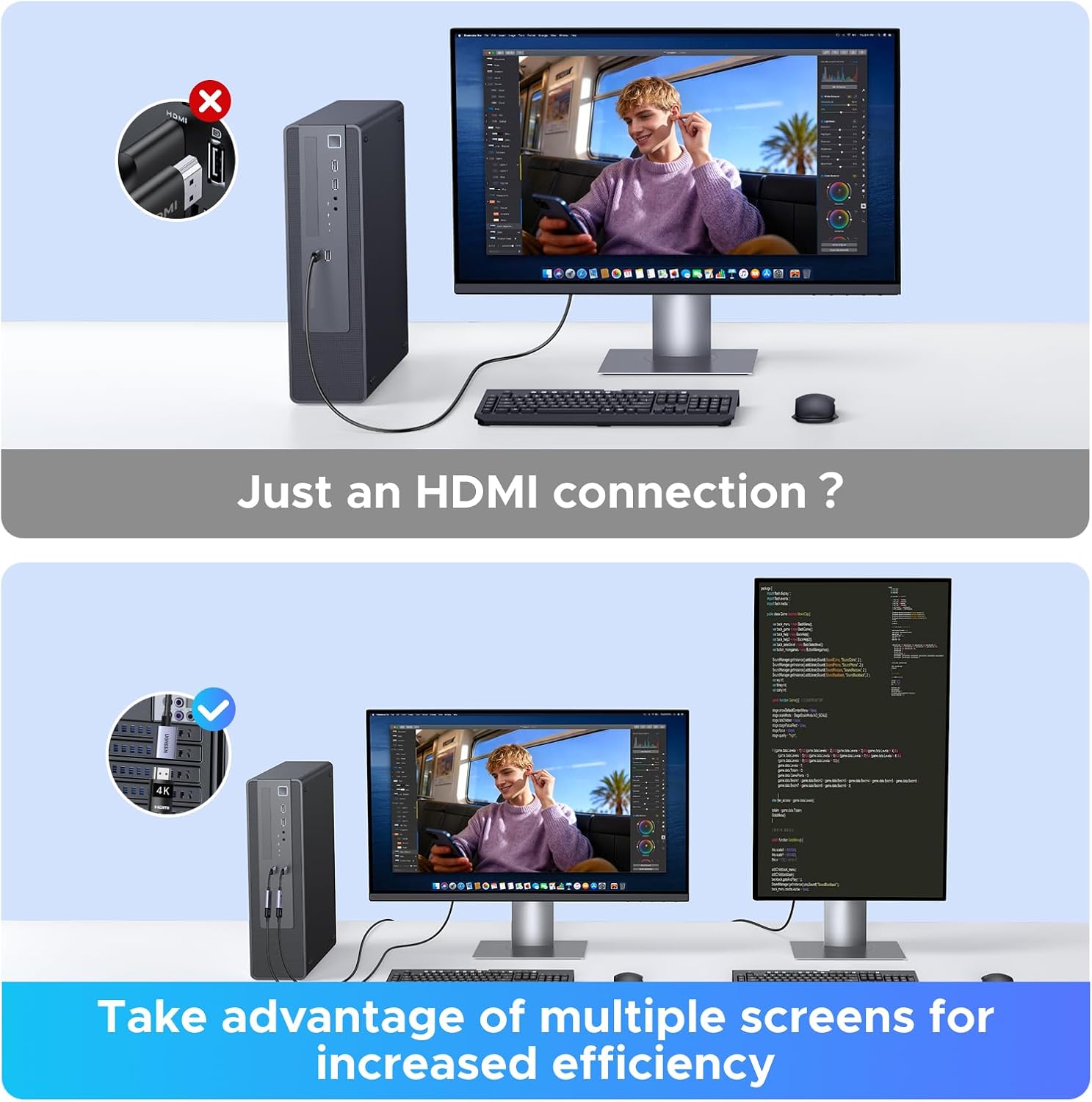
If you’re setting up a dual‑screen workstation or gaming rig where the primary GPU already handles rendering, this adapter can provide a straightforward second display without fuss. It can be particularly convenient for small home offices, classrooms or media rooms where an extra monitor or a projector is beneficial but upgrading GPUs isn’t desirable.
Where it might fall short
No product is perfect for every scenario. If you need to drive an HDMI source from a display that only accepts HDMI input, this adapter won’t help in that direction. Also, if your display or game setup relies on genuinely high‑end multi‑monitor configurations at ultra‑high refresh rates beyond what HDMI 2.0b supports, you may encounter limits tied to the HDMI standard or the DisplayPort source capabilities. For some users, the non‑bidirectional nature and the dependence on DisplayPort 1.2a features may feel restrictive in certain future‑proofing contexts.
Before you buy: practical checks
- Confirm the source device has a DisplayPort output and supports the resolutions you intend to use (4K@60Hz, 2K@144Hz, or 1080p@240Hz).
- Check that your display’s input expects HDMI and can support HDR10 and the chosen audio format, otherwise, you may not notice the full benefits.
- Ensure the setup will be stable in the intended location, the compact, low‑profile design helps avoid clearance issues, but the cable length and connector orientation can influence how neatly it fits in multi‑screen desks.
- Remember this is a DP‑to‑HDMI adapter, not a universal one‑cable solution. If you need to connect HDMI sources to DP displays, you’ll need a different approach.
Practical idea of use
Imagine a gaming PC driving a high‑performance 4K TV for living‑room style comfort, or a workstation with a second HDMI monitor for reference material and chat tools while you focus on primary tasks onscreen. The plug‑and‑play nature lowers the barrier to a faster, more productive setup, provided you stay within the stated bandwidth and direction constraints.
Is it worth it? final thoughts

Should you buy it? It makes sense if you value a simple, durable DP‑to‑HDMI bridge that supports modern resolutions and HDR at a sensible price point, while avoiding extra driver installation. If your needs include reverse direction or un‑restricted bi‑directional display linking, you’ll likely want to look elsewhere. For most users aiming to extend a PC display with minimal fuss, this adapter offers a pragmatic balance of capability and practicality.
What to know about alternatives and trade‑offs
In practice, you’re weighing dedicated multi‑port adapters or docking stations against a single DP‑to‑HDMI adapter like this. If you prioritise a compact, affordable second screen for office tasks or casual gaming, this option is reasonable. If you need the ability to drive HDMI sources from HDMI and mirror to DP or require very high‑end, ultra‑wide multi‑monitor setups with aggressive refresh rates, a more feature‑rich solution or a different connectivity approach may suit you better.
FAQ
- Can I use this to connect an HDMI source to a DP monitor? No, the adapter is uni‑directional and intended for DP (source) to HDMI (display).
- Will I see 4K@60Hz at all times? It supports up to 4K@60Hz, but actual output depends on the source GPU, HDMI display capabilities and EDID negotiation.
- Do I need drivers? No, it is designed to be plug‑and‑play with HDCP 1.4 and EDID support.
Final decision section
Is it worth it?
Worth considering if you want a simple, durable DP‑to‑HDMI bridge for a second monitor or projector and you don’t need bidirectional support. It suits practical, budget‑minded multi‑screen setups and helps avoid extra GPU upgrades. It may not be the best fit if you require reverse direction, bidirectional cables, or guaranteed very high refresh rates across all resolutions.