

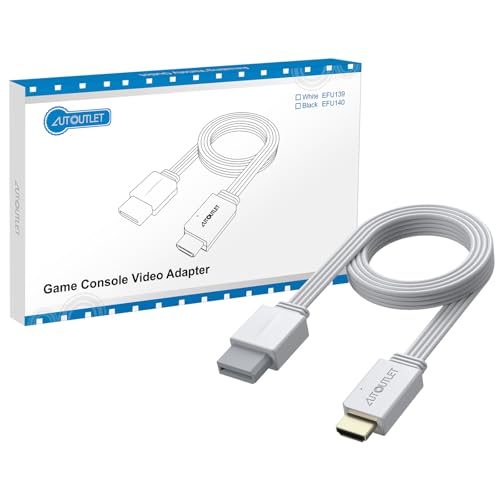
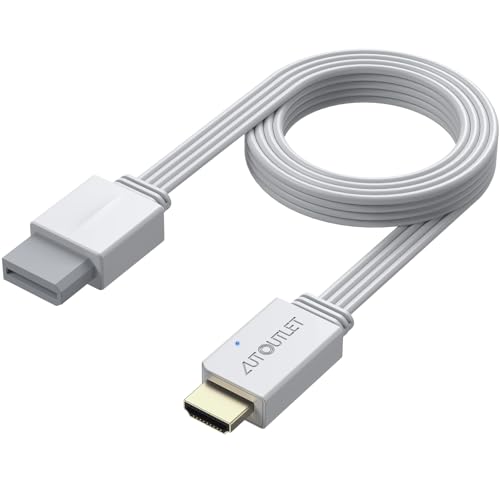
AUTOUTLET Wii to HDMI Converter 1080P - 150 cm Output Cable, Compatible with Nintendo Wii/Wii U, HDTV and Monitors
Reviews
Price
Product description
What it is
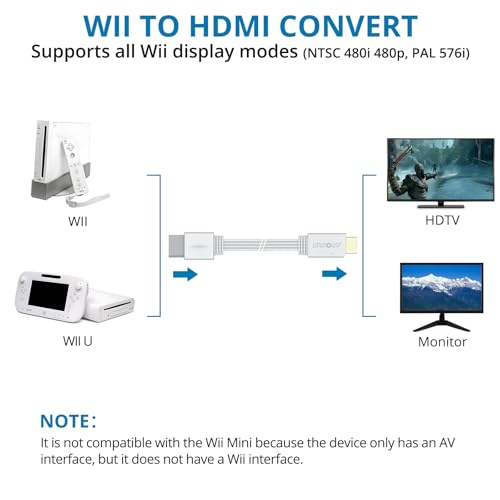
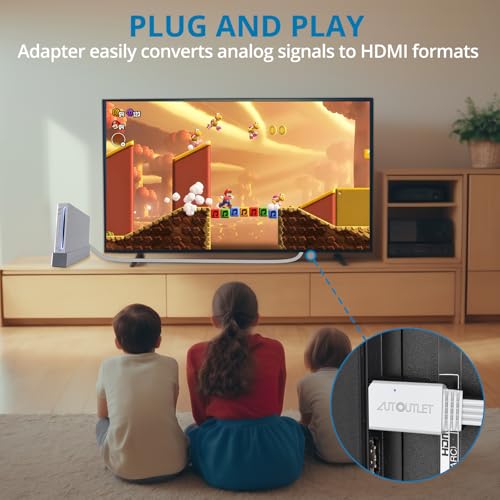
The AUTOUTLET Wii to HDMI Converter is a plug-and-play adapter designed to connect your Nintendo Wii (and Wii U) to HDMI-equipped TVs, monitors, or projectors. It converts analogue Wii output into a digital HDMI signal, aiming to deliver 1080P full HD video with audio for compatible displays.
How it works
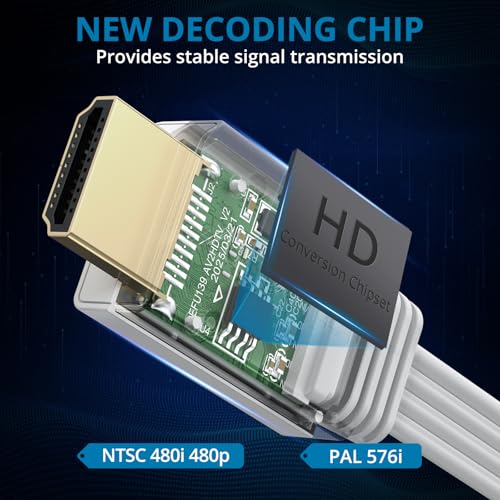
You simply connect the Wii to the converter and run an HDMI cable to your display. The unit is promoted as supporting all Wii display modes, including NTSC 480i, 480p, and PAL 576i, then outputs via HDMI. There’s no need for extra drivers or complex setup beyond the physical connections.
What stands out
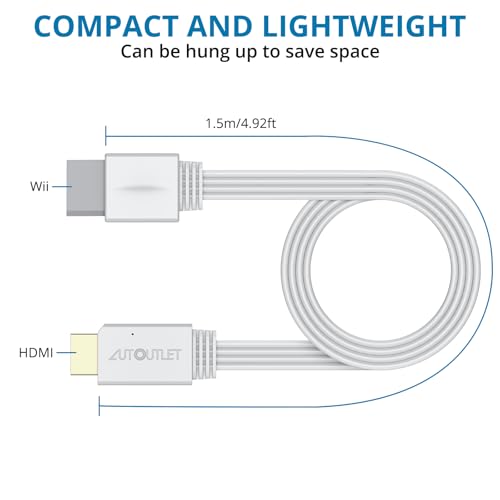
On paper, the converter offers straightforward compatibility with a wide range of displays and a continuous signal path from analogue to digital, which can simplify old console setups. The 5ft/150 cm output cable adds convenience when your console sits away from the TV.
Pros
- Simple, plug-and-play operation with no software required.
- Supports all Wii display modes, including older standard definitions.
- Converts analogue video and audio to HDMI for modern displays.
- Broad compatibility with TVs, monitors and projectors via HDMI.
Cons
- The claim of 1080P output is subject to the Wii’s native resolution and the display’s capabilities, you may not notice a true 1080P increase on all setups.
- As with many third‑party adapters, image quality and latency can vary by display and connection quality.
- No details are provided about power requirements or the need for external power, which could impact long sessions.
Who it’s for
This adapter is suitable for gamers with a Wii or Wii U who want a straightforward way to connect to a modern HDMI display without fiddling with multiple cables or adapters. It’s particularly appropriate if you want to reuse existing displays (HDTVs/monitors/projectors) without dedicated Wii inputs.
Who it isn’t for
If you demand pixel-perfect HD that reliably reaches 1080P on every game, or if you require ultra-low latency for rhythm or fast-action titles, this compact converter may not meet those expectations. Also, if your setup relies on powered HDMI adaptors or additional audio hardware, you’ll want to verify compatibility first.
When it makes sense to buy
Consider this converter when you want a simple route to connect a Wii to an HDMI display, especially if you already have long HDMI cables and prefer a single cable solution. It can be a pragmatic option for casual play or to modernise a retro setup without upgrading other components.
What to review before purchasing
- Confirm your display supports HDMI input and that the Wii’s output modes align with what you play.
- Check whether the setup requires external power and whether the HDMI cable length fits your space.
- Consider your expectations about 1080P output given the Wii’s native capabilities.
- Look for any notes on compatibility with other devices you plan to use (e.g., Wii U, projectors).
Practical usage scenario
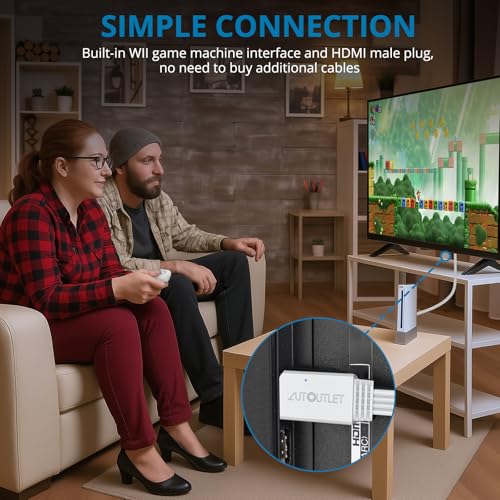
Imagine setting up a family room with a CRT-inspired retro vibe but using a modern TV. You plug the Wii into the converter, connect a 1080P HDMI cable to the TV, and you’ve got a clean HDMI signal for family-friendly gaming sessions. The 150 cm cable helps keep the console out of sight, reducing clutter during play.
FAQ
- Do I need drivers to use this converter? No, it is advertised as plug-and-play.
- Will all games look 1080P? The Wii’s original output is upscaled to HDMI, results depend on the game and display.
- Can I use this with a Wii U? The adapter is described as compatible with Wii U in addition to the Wii.
Is it worth it?
It’s worth considering if you value a simple, low-hussle upgrade path to HDMI for a Wii setup and you prioritise ease of use over chasing perfect native HD.