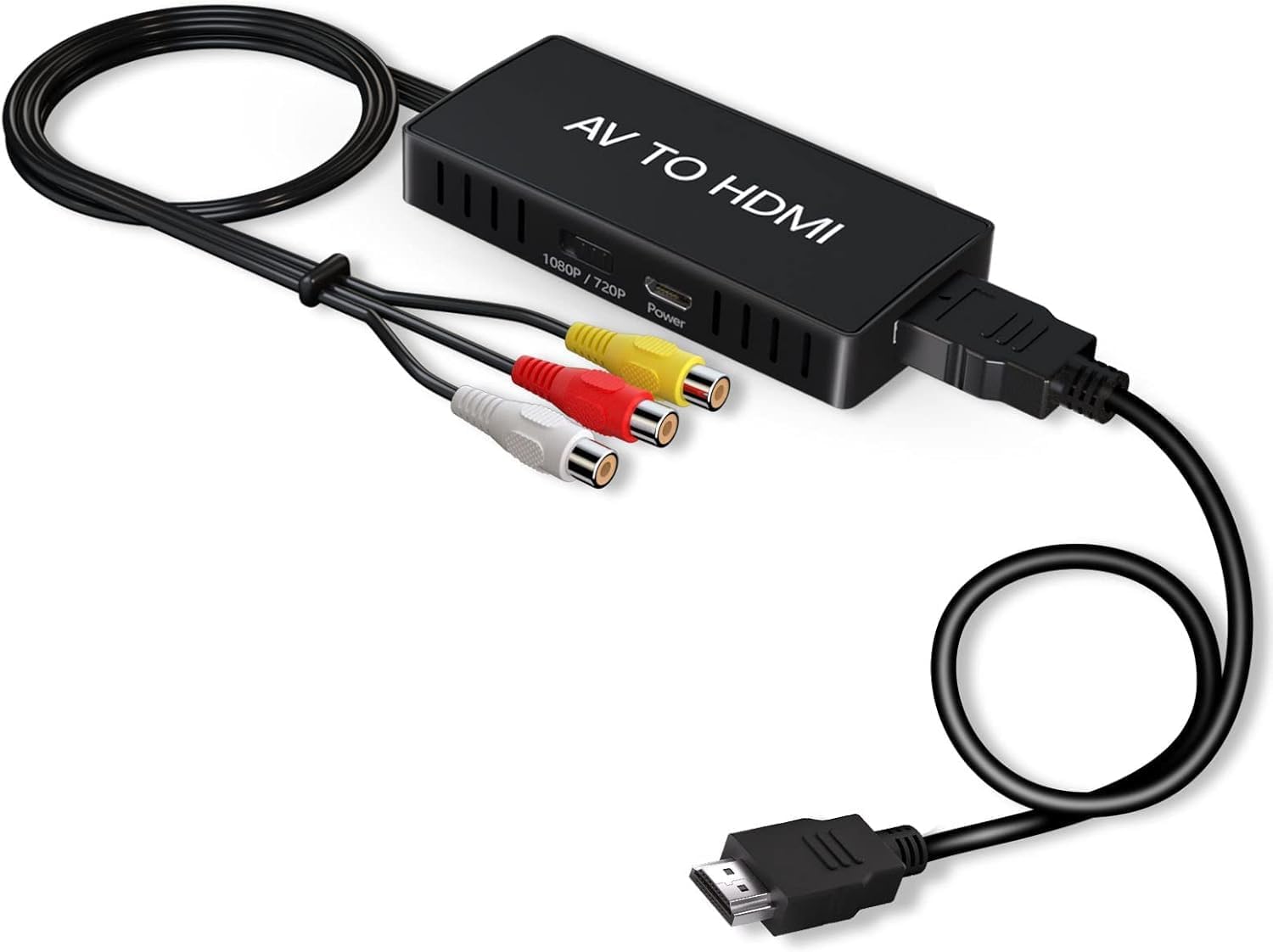
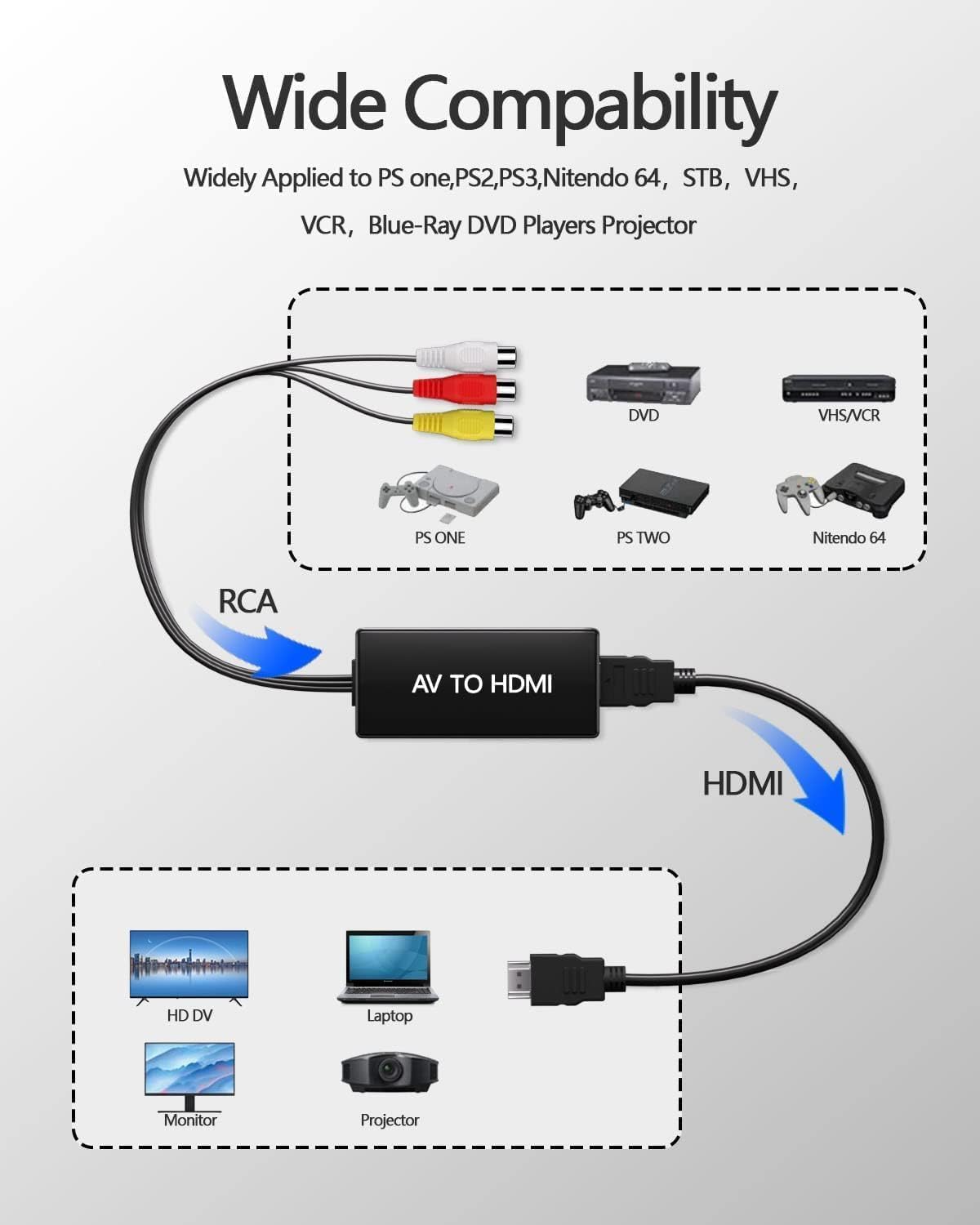
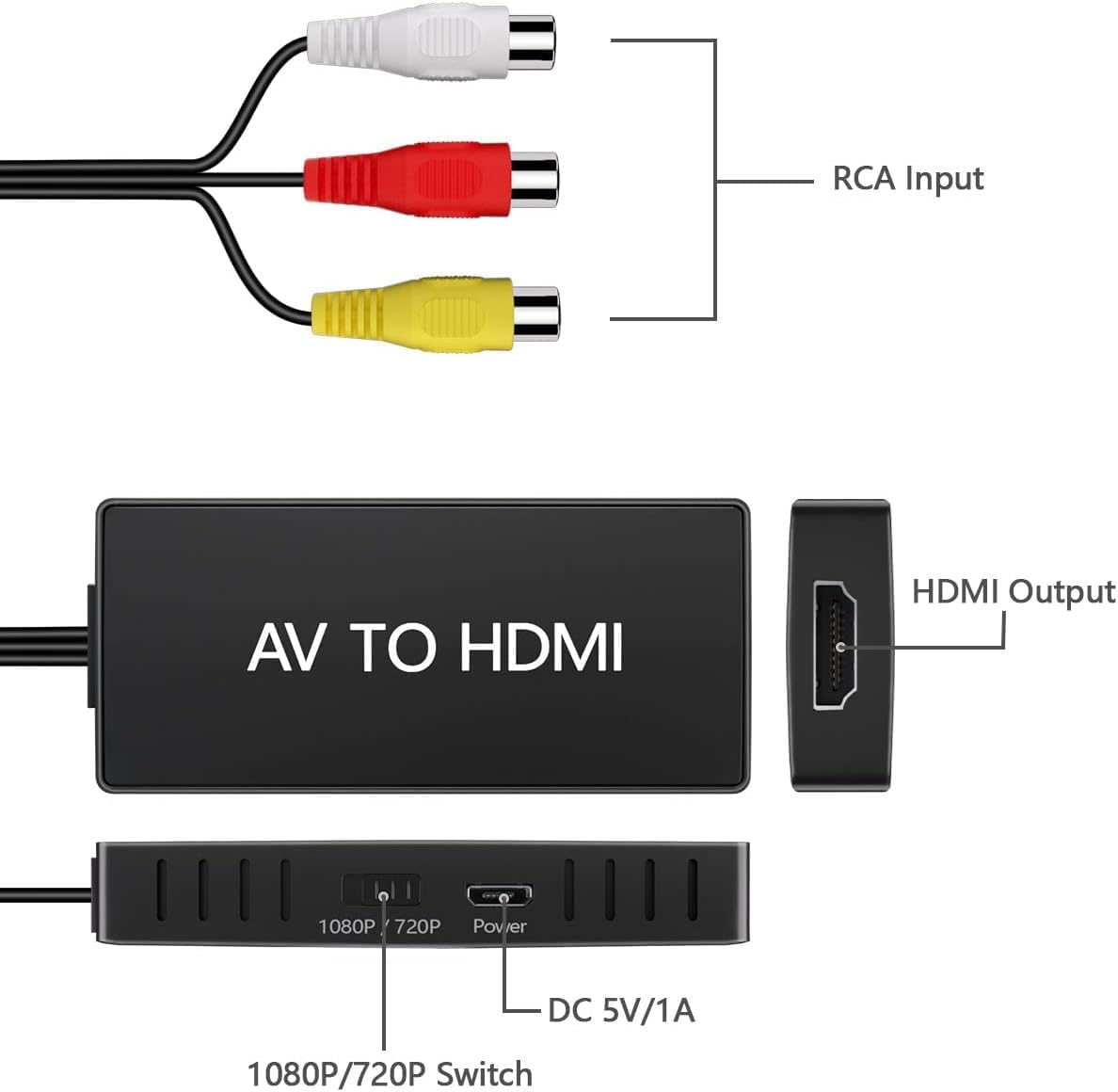
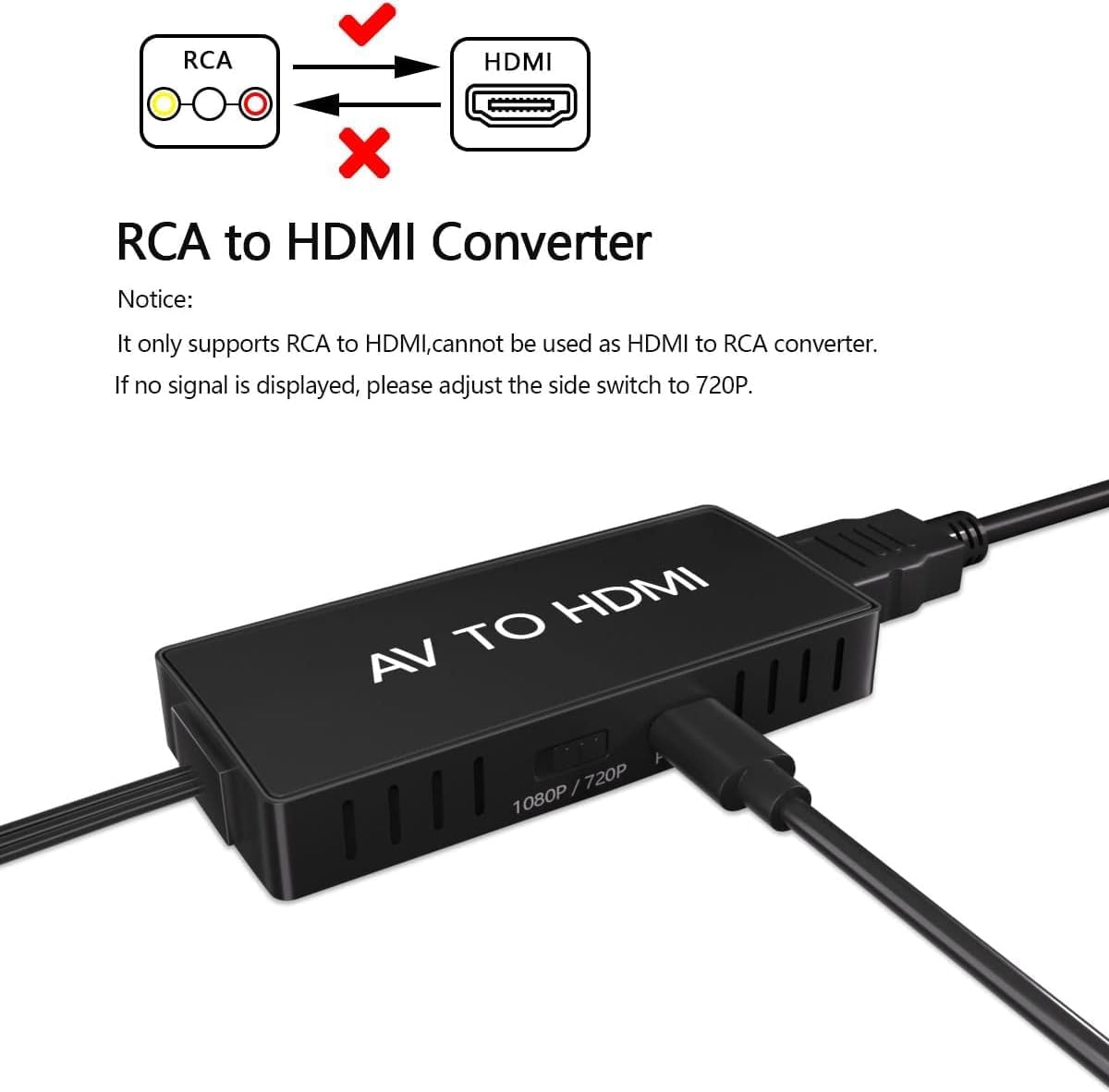
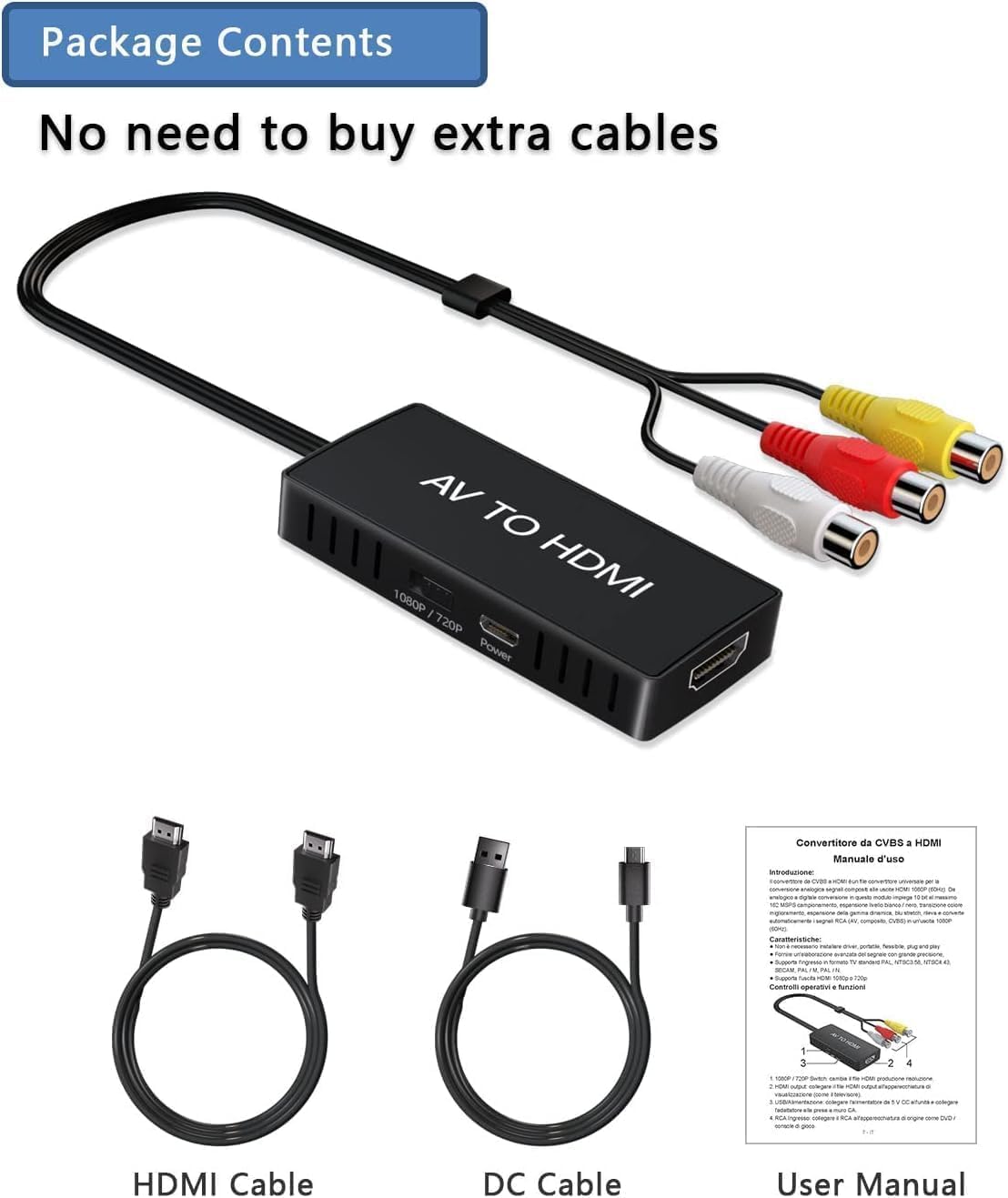
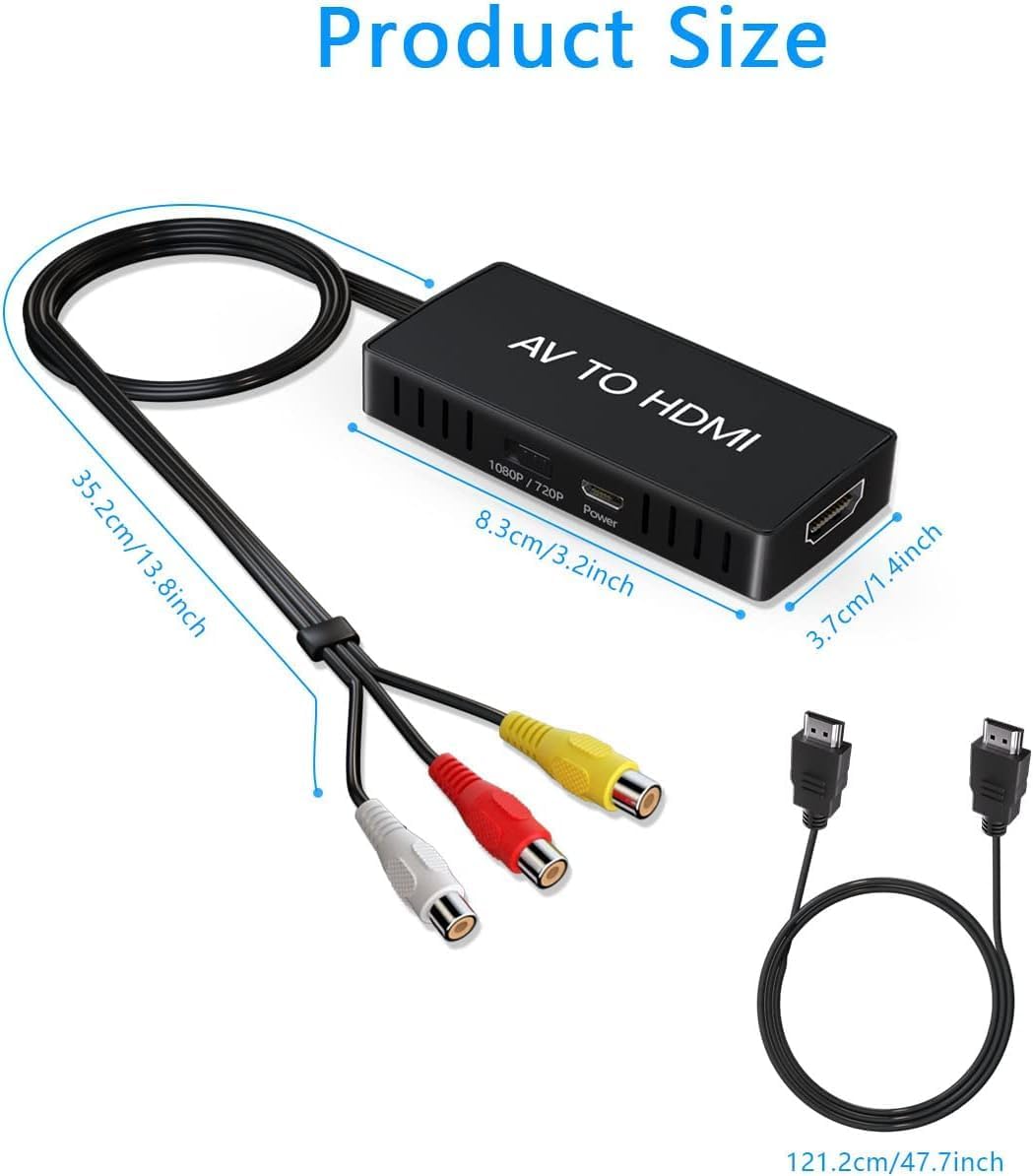
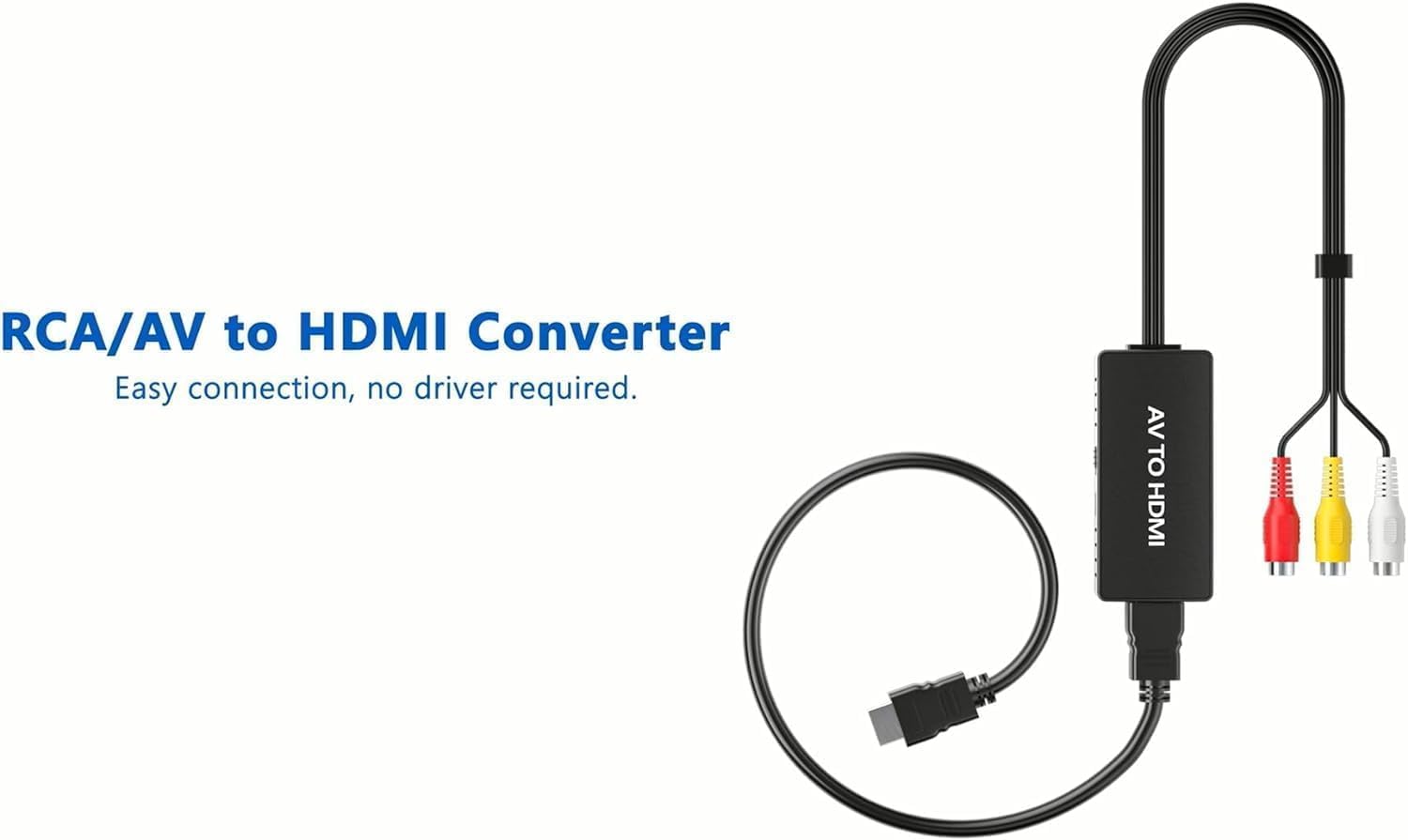
What this is and what it does\nThis RCA to HDMI Converter is a compact, plug‑and‑play device designed to convert analogue composite video and audio signals into a modern HDMI output. It targets older equipment that uses RCA (yellow/white/red) connections, allowing you to view content from legacy players on a TV or monitor with HDMI input. On paper, it supports up to 1080p (60Hz) output and is compatible with common standards such as PAL, NTSC and SECAM, so you don’t have to worry about format mismatches.\n\n## How it fits into everyday use\nIf you own a PS2, PS3, Xbox, Nintendo 64, a VCR, a DVD player, or a legacy camcorder, this adapter offers a straightforward way to reconnect to a modern display. The design is intentionally simple: just connect the composite cables to the converter, power it via the included micro‑USB lead (to a 5V adapter), and then connect the HDMI output to your TV or monitor. This makes it suitable for casual viewing or family nostalgia sessions where high fidelity isn’t the main priority but convenience is.\n\n## What stands out in its approach\nThe strength of this device is its broad compatibility with standard composite inputs and the absence of driver requirements. Being “plug and play” means you don’t need a computer or software to get started. That said, you do need to power the unit properly for it to work reliably, so the included USB cable to a power source isn’t optional in practice.\n\n## Pros and what to watch for\n- Pros: simple setup, broad legacy‑device compatibility, compact form factor, raw digital output from analogue input.\n- What to watch for: the output resolution is capped at 1080p in most configurations, and the visual quality depends heavily on the original source. If your equipment is very old or the video signal is degraded, you might see artefacts or softness.\n\n## Which scenarios suit it best\nIt’s well suited for home use with older consoles or media players and for occasional playback of VHS tapes or early‑generation DVDs. If you prioritise pristine 4K image quality or modern streaming features, this is not the right tool. It serves as a practical bridge between analogue sources and a contemporary display.\n\n## When it may fall short\nIf you expect perfect colour accuracy or sharpness, you may be disappointed, as analogue signals cannot be magically converted into high‑definition detail. Also, if you forget to connect the power, the unit won’t operate, which can be frustrating in a hurry. Consider whether your setup already has a powered USB hub or a dedicated power adaptor handy.\n\n## What to check before buying\n- Verify you have the correct AV inputs on your source device (RCA outputs) and an available HDMI input on your display.\n- Ensure you have a convenient power option for the converter.\n- Be realistic about the source quality: older tapes or games often look dated on modern screens, even after conversion.\n\n## Practical use example\nImagine connecting a PS2 to a modern TV for a quick gaming session with family. You plug in the composite cables from the PS2 to the converter, power it via USB, and run an HDMI lead to the TV. The result is a usable, if not razor‑sharp, image that lets you revisit classic titles without investing in new hardware.\n\n## What it’s compatible with (in practice)\nThis conversion approach is geared toward devices with standard composite AV outputs, including VHS players, DVD players from earlier eras, and gaming consoles that relied on RCA cables. If your setup relies on digital outputs or HDCP‑protected streams, this device will not convert those signals.\n\n## The decision in one glance\nIs it worth it? If you want to breathe new life into old equipment without breaking the bank and you’re comfortable with potential artefacts and limited resolution, this RCA to HDMI Converter offers reasonable value for money. It’s a sensible choice for a pragmatic upgrade rather than a high‑fidelity overhaul.\n\n## Quick FAQ\n- Do I need drivers to use it? No, it’s plug and play.\n- Do I need to supply power? Yes, connect the micro USB to a 5V adaptor for reliable operation.\n- Will it improve VHS quality? It will allow viewing on an HDMI display, but it cannot restore resolution beyond the original signal.\n- What if it doesn’t work? Double‑check that it’s powered and that you’ve connected the correct RCA inputs from the source.