

SwitchFlux Active DisplayPort to HDMI Cable 1M (4K@60Hz) – DP 1.2 to HDMI 2.0, Uni-Directional
Product description
What matters most
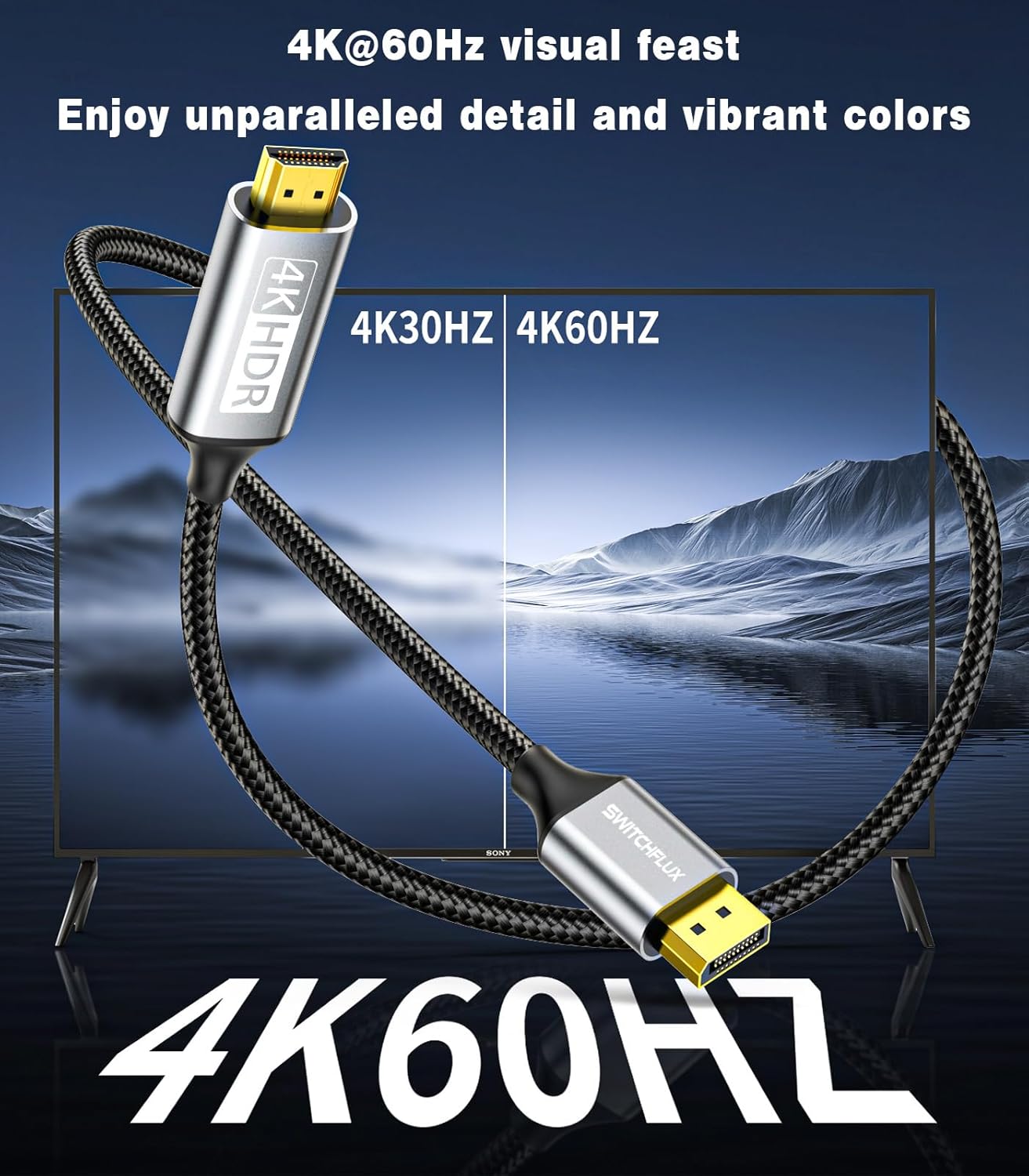
SwitchFlux’s Active DisplayPort to HDMI cable is designed to carry a one-way signal from a DisplayPort source to an HDMI display. If you’re wiring a modern GPU or laptop to a monitor or TV, this cable promises 4K at 60Hz and high-refresh options up to 2K/120Hz where supported. It aims to deliver a simple, plug-and-play setup without extra software, in a compact 1 metre braid with a durable build. On paper, it targets users who want a straightforward DP→HDMI solution that can handle gaming and desktop tasks with clear video and pass-through audio.
Who it’s for
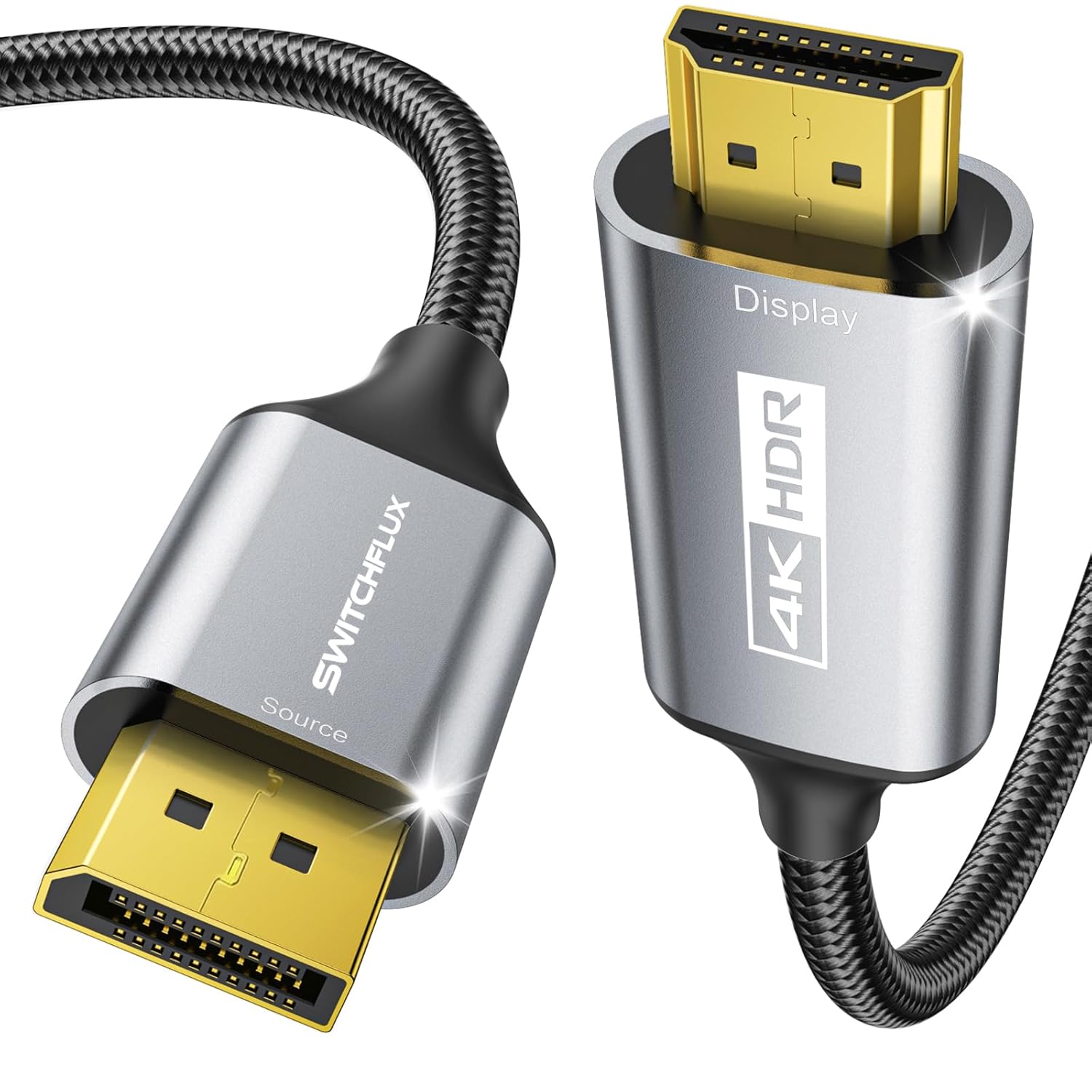
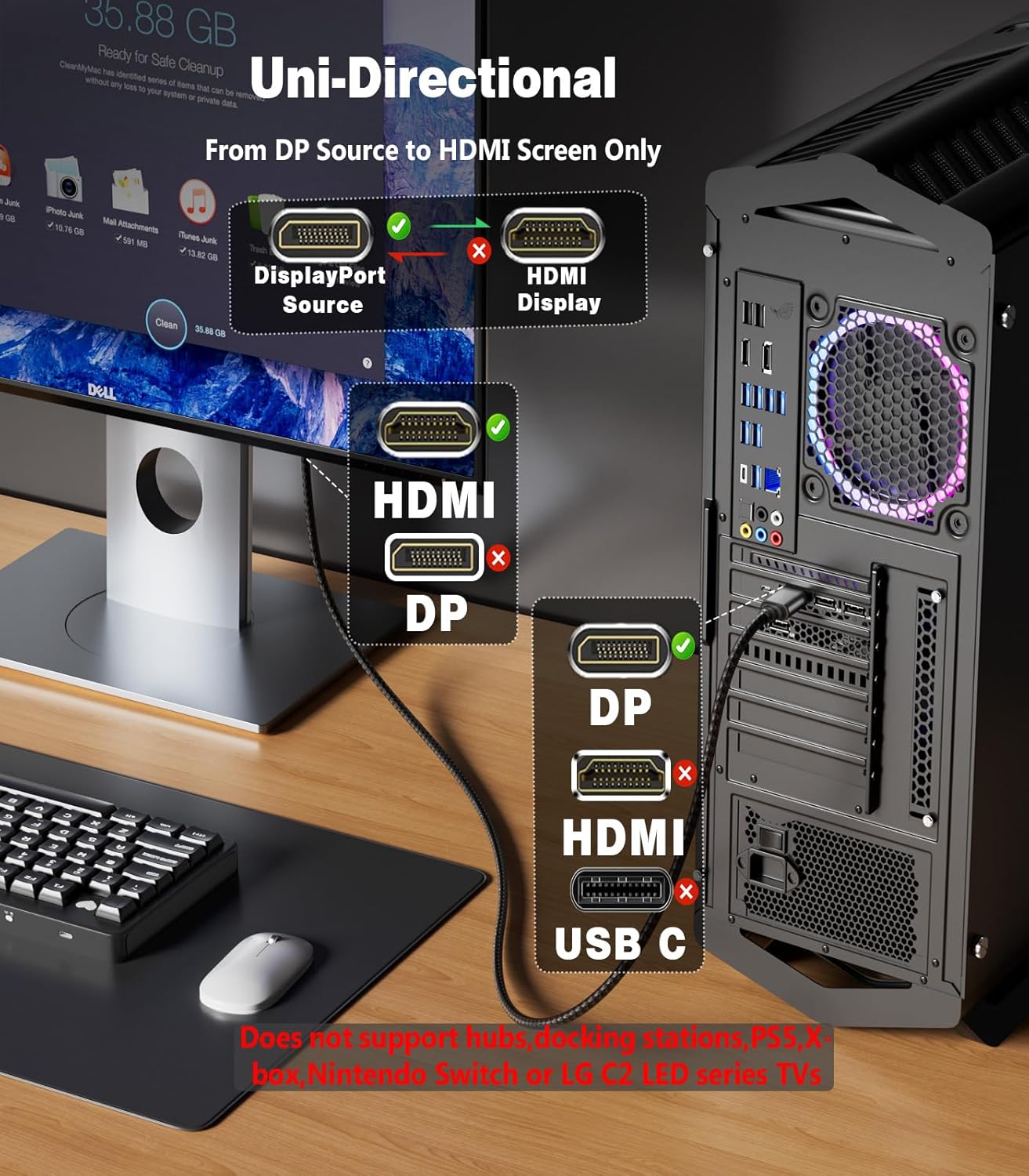
If you have a PC or laptop with DP output and a monitor or projector with HDMI inputs, this cable can simplify connections without needing an external adapter box. It’s especially relevant for those prioritising clean cable routing (1 m length) and a robust connector design. On the other hand, if you rely on multi-branch setups, USB-C or docking stations, or require HDMI to DP in the opposite direction, this Unidirectional DP→HDMI cable won’t fit the bill.
What it does well
The product supports a respectable range of resolutions, including 4K@60Hz and 2K/1440p at higher refresh rates. This aligns with typical gaming and productivity workflows where a single cable should carry both video and uncompressed audio through HDMI. The plug-and-play nature is appealing for users who dislike fiddling with drivers, and the braided nylon exterior plus a one-piece aluminium housing suggest durability and heat dissipation in everyday use. A gold-plated plug can help resist wear from repeated plugging and unplugging.
What it doesn’t excel at
Notably, this is a one-way DP→HDMI solution. If your setup requires HDMI input to feed a DP display, or if you’re relying on hubs, docking stations, or KVM switches, you’ll need a different arrangement. As with many passive solutions, it may also be prudent to verify bandwidth limits when trying enthusiast-level gaming at higher colour depths or unusual display configurations. While the cable touts 4K support, the exact performance can depend on the source device’s capabilities and the HDMI display’s own specifications.
Realistic use cases

- A modern desktop GPU with DP output connected to a 4K monitor for work or casual gaming.
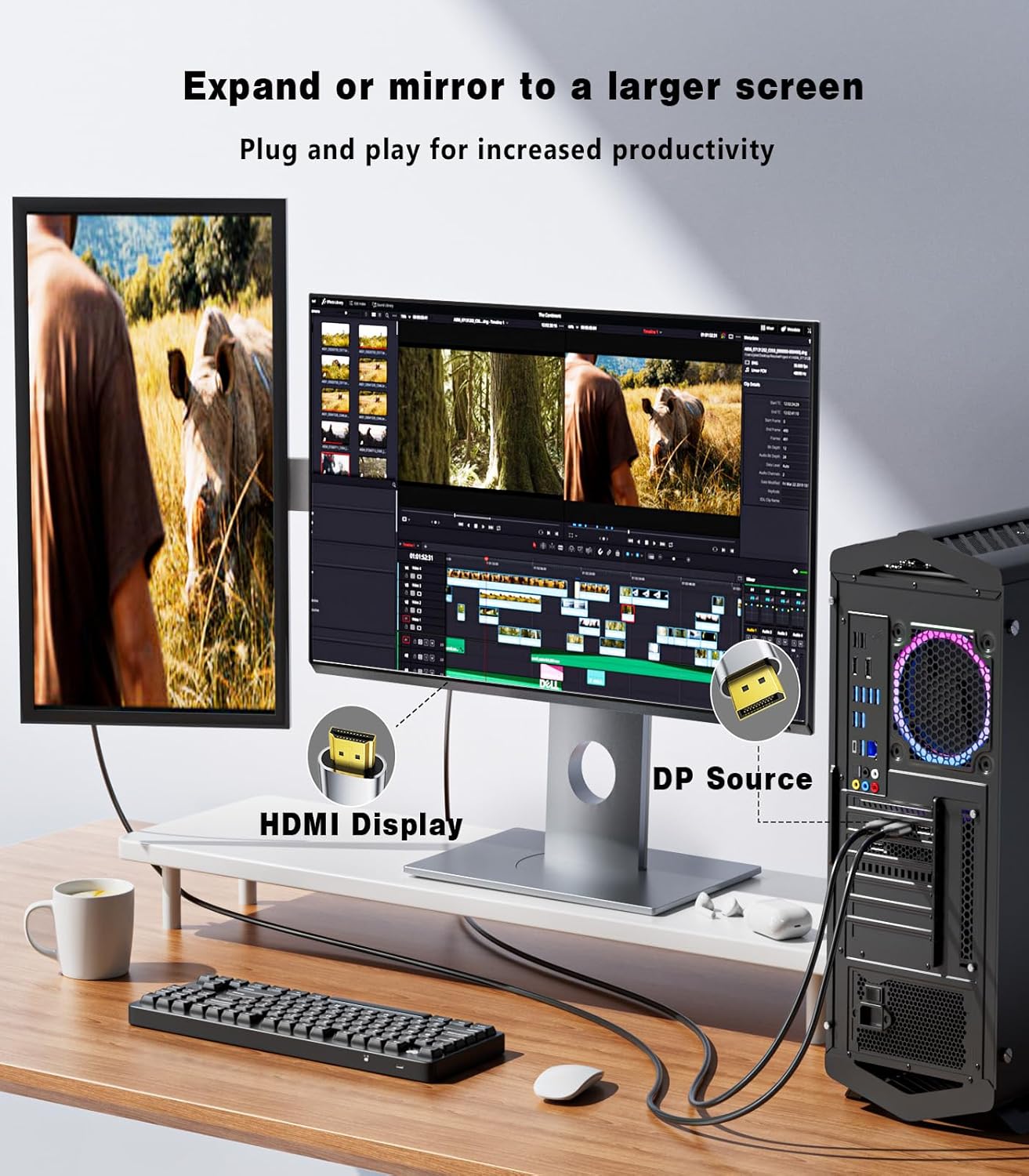
- A laptop with DisplayPort output using the cable to drive a larger HDMI display, preserving desk space and reducing adapters.
- A straightforward upgrade path from an older HDMI-only setup to a DP source without replacing most of the cabling. In practice, you’ll likely notice a clean, single-cable solution that avoids extra hubs for simple mirroring or extension tasks.
What to check before you buy
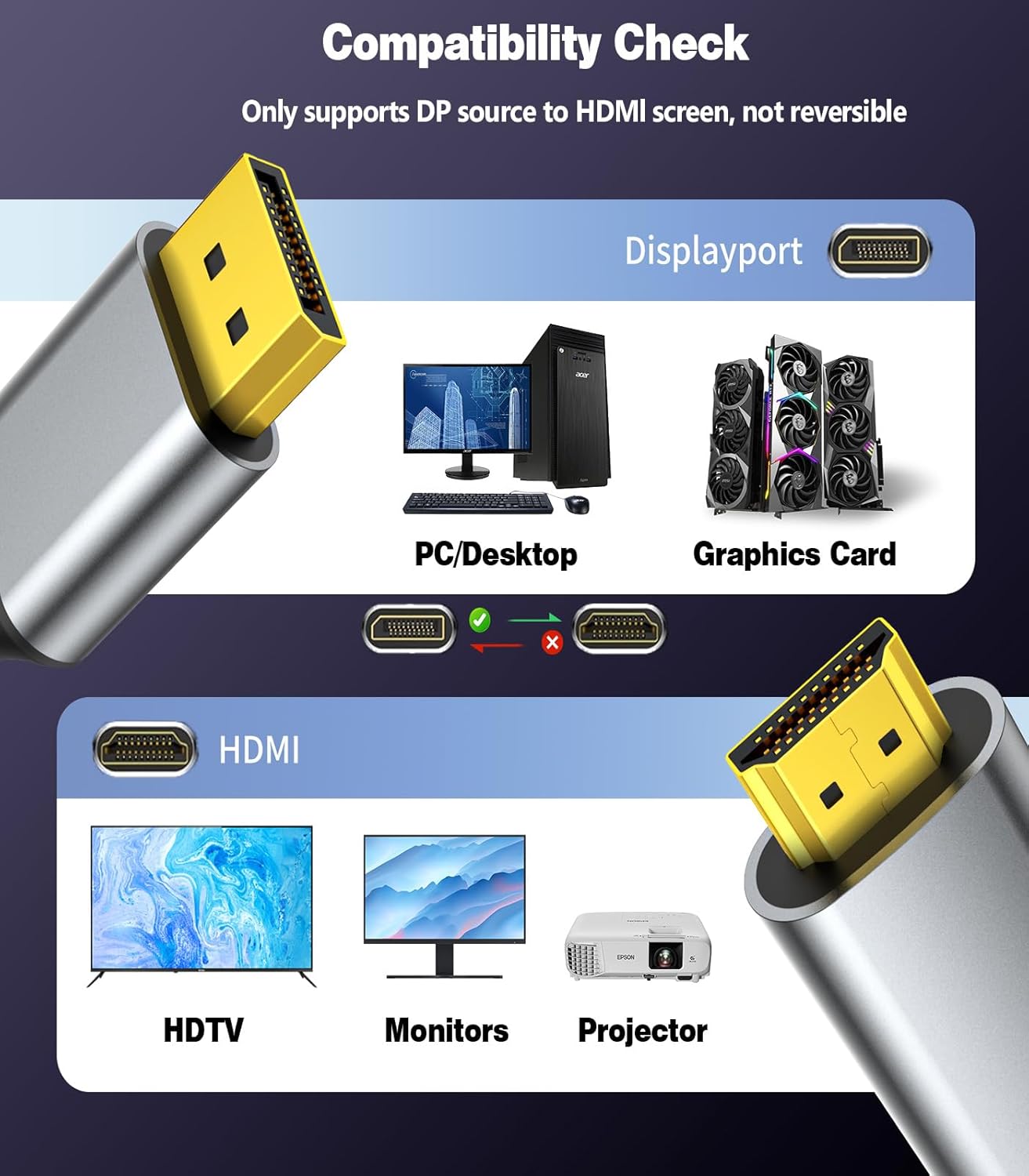
- Confirm the source device has DisplayPort 1.2 or higher and that the monitor accepts HDMI input at your desired resolution and refresh rate.
- Remember this is uni-directional (DP source to HDMI display), ensure your configuration matches this direction.
- If you’re pairing with a high-refresh-rate 4K display or pushing HDR, confirm both source output and display capabilities align to avoid suboptimal performance.
- Consider cable length needs: at 1 metre, it’s suited for nearby connections but may not suit longer runs without signal loss concerns.
How this compares to other approaches
For many users, a simple DP→HDMI cable is preferable to an active adapter box or a bulky converter, provided your needs are straightforward. If you require HDMI to drive a DP monitor, a different directional solution would be necessary. In scenarios where you’re unsure about whether your GPU truly supports DP++ or needs additional conversion, it may be worth testing with a single, reputable DP→HDMI option before committing to a more complex setup.
In the box and build quality
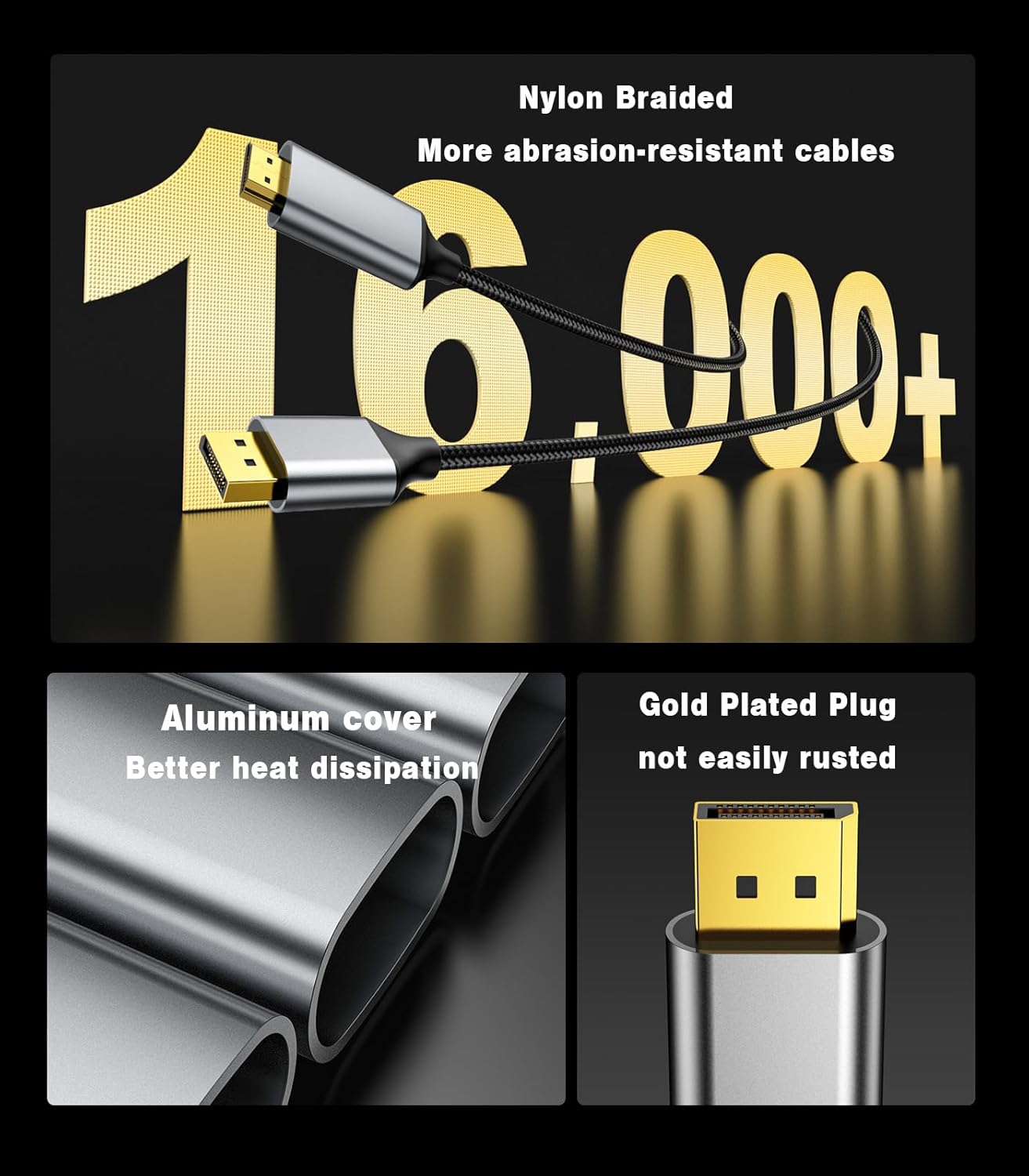
The cable features a braided outer sheath and a durable aluminium housing, with 24K gold-plated connectors to reduce wear. It uses a smart chip and 28AWG copper core to stabilise signal transmission. While the description highlights heat dissipation and corrosion resistance, the actual experience will depend on how aggressively you use the setup and how well you manage heat under load.
Final thoughts and decision tips
Is it worth it? A good fit if you need a straightforward DP→HDMI link for 4K@60Hz or 1440p at higher refresh rates, and you want a compact, plug-and-play cable without extra dongles. It’s not the best choice if your rig requires HDMI input from an HDMI source, if you need bidirectional flow, or if you rely on hubs/docking stations that aren’t supported. If you prioritise durability and a tidy look for nearby connections, this SWITCHFLUX option could be sensible.
What’s included
1 x SWITCHFLUX Active DisplayPort to HDMI Cable 1M. The packaging notes compatibility with graphics cards and laptops that provide DP outputs, while advising that hubs, docking stations or KVM switches are not supported.
FAQ
- Will this work with a USB-C to DP adapter? It depends on the adapter providing a true DP output, the cable itself relies on a DP source.
- Can I use this for HDR? The base specs mention 4K@60Hz and broad audio pass-through, but HDR support is not explicitly stated.
- Does it support HDMI ARC or CEC features? The provided information does not specify these features.
Should you buy it?
If you need a compact, straightforward DP→HDMI link for a close-by screen and value a durable build, this cable warrants consideration. If your setup involves more complex display requirements, or you need bidirectional or USB-C passthrough, you may want to keep looking.