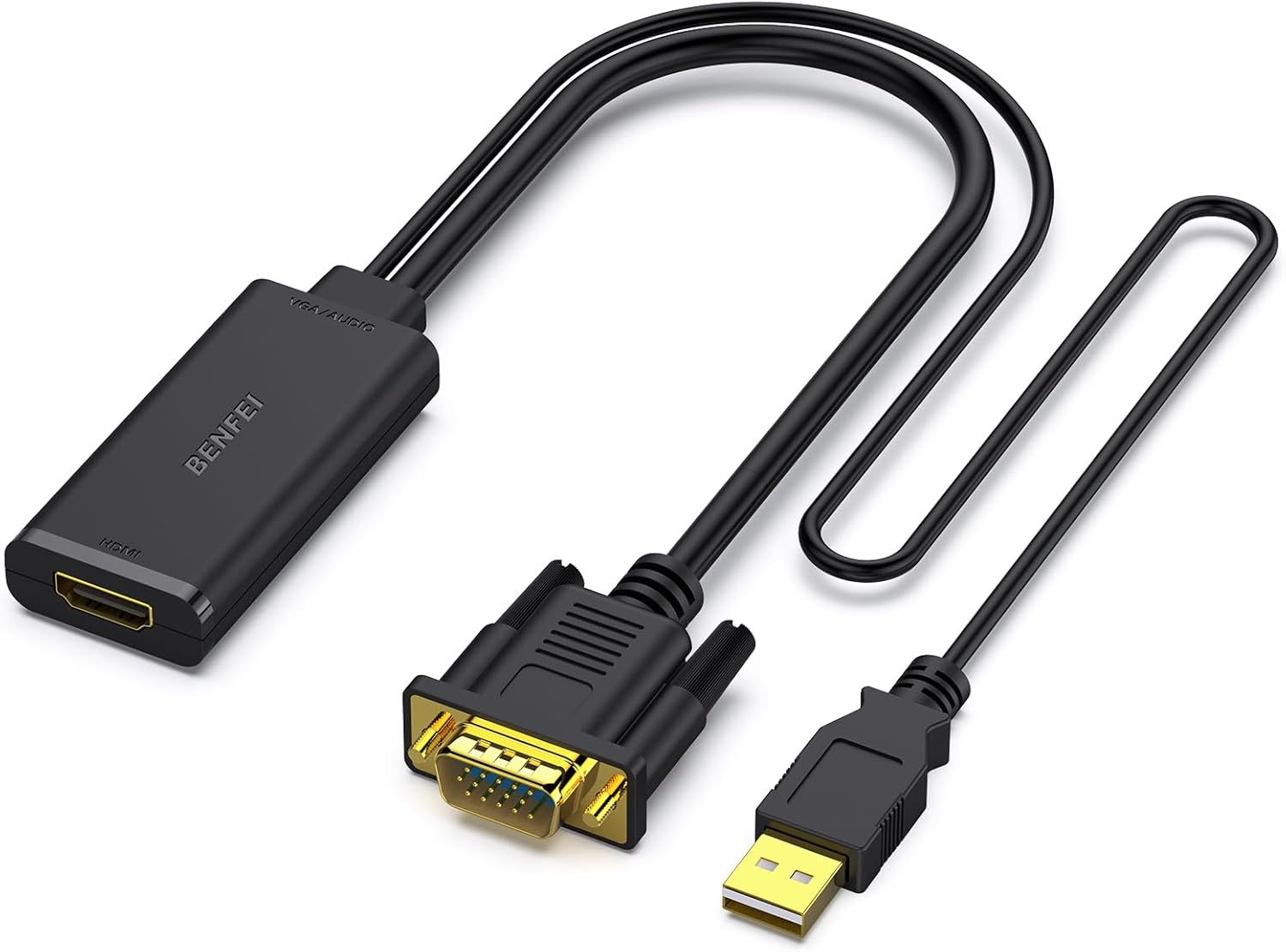
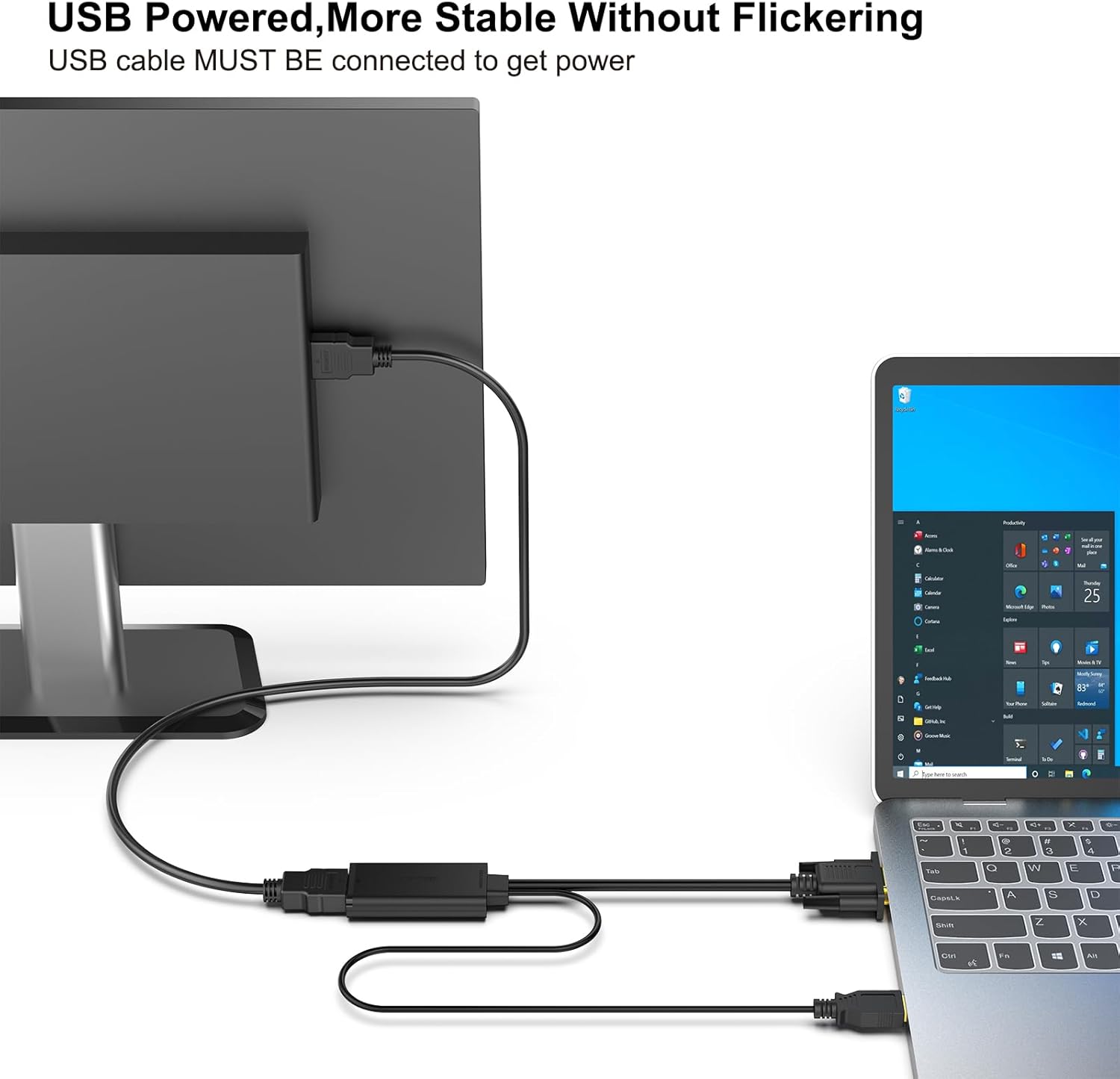
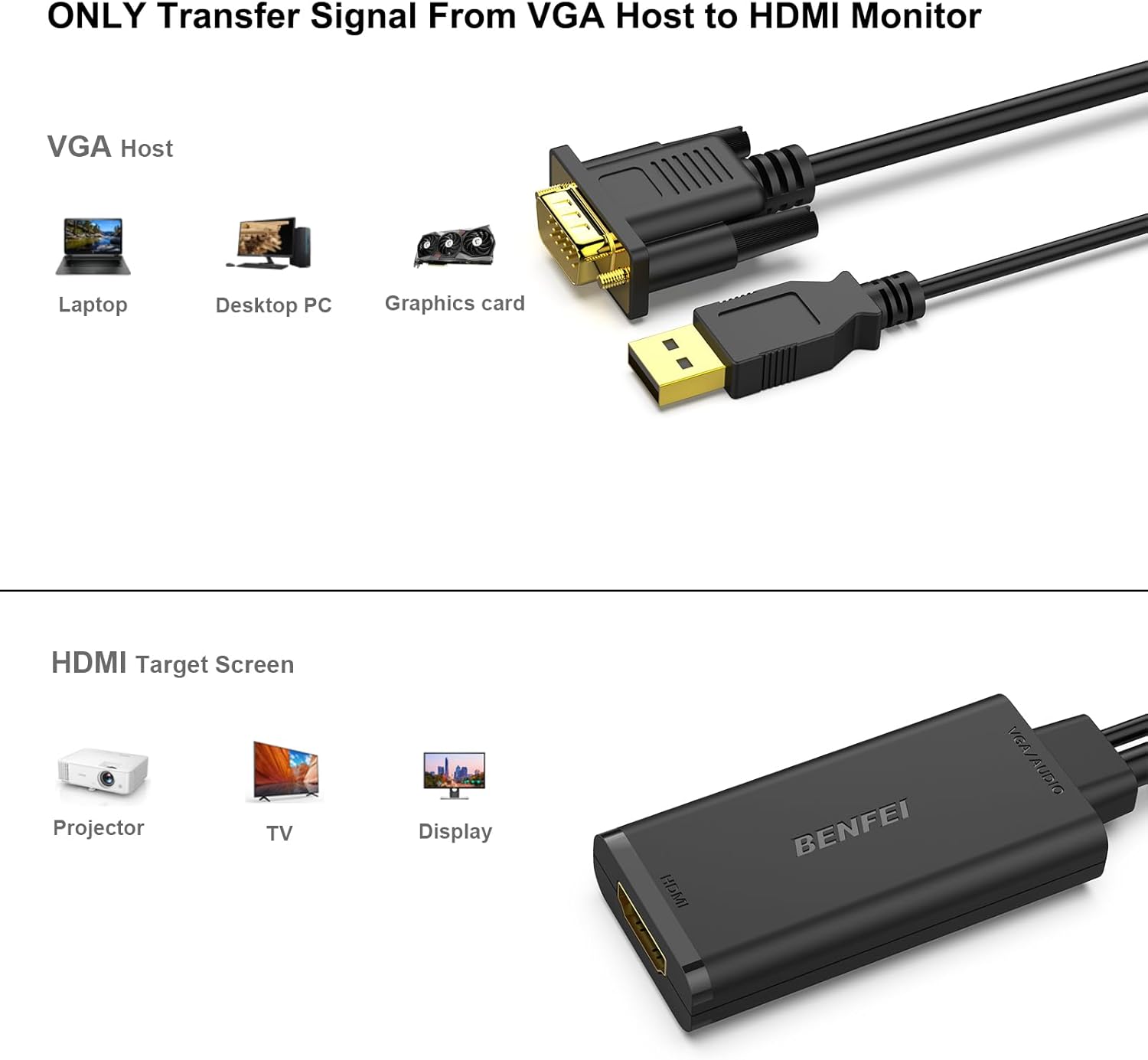
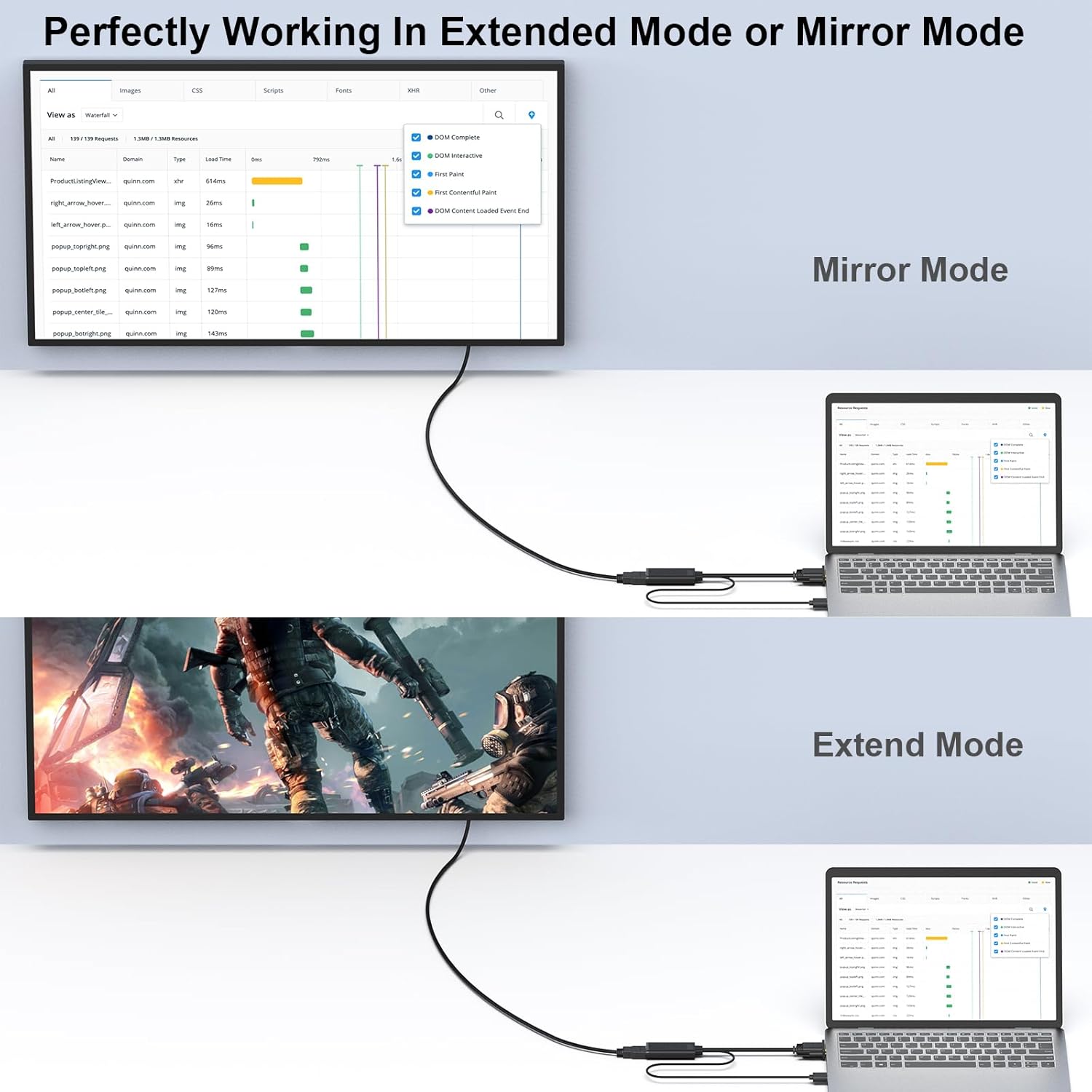
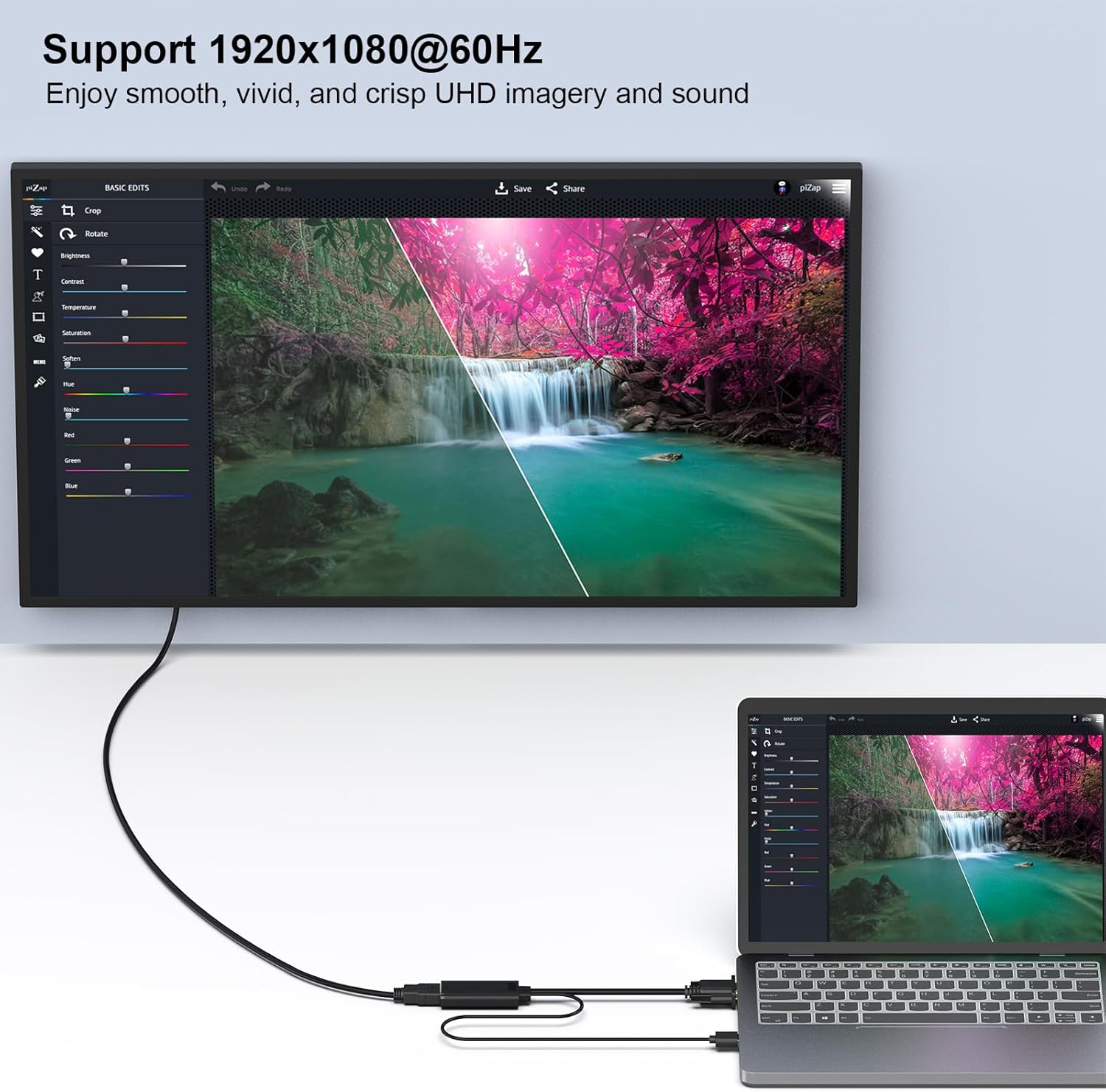
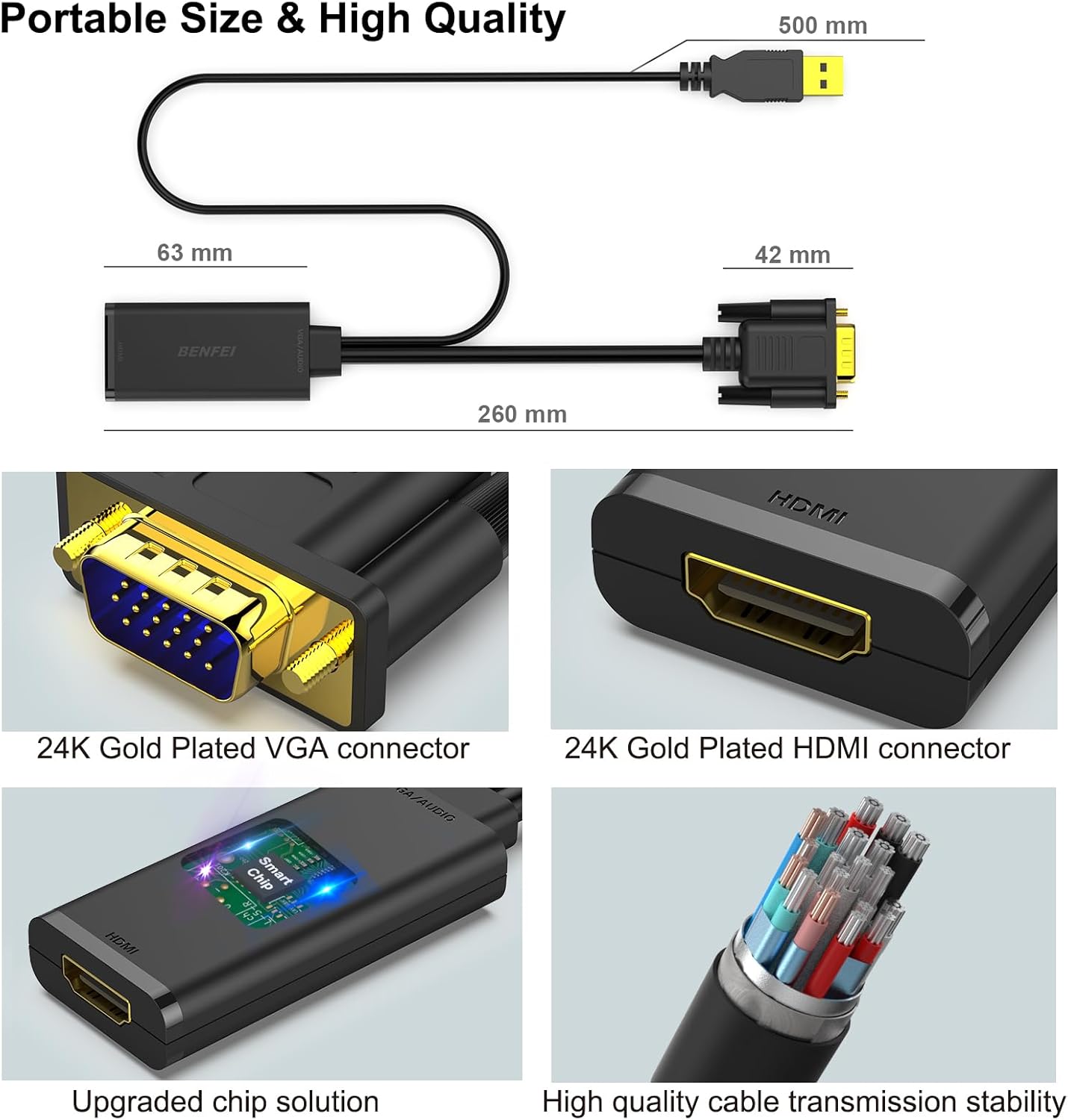
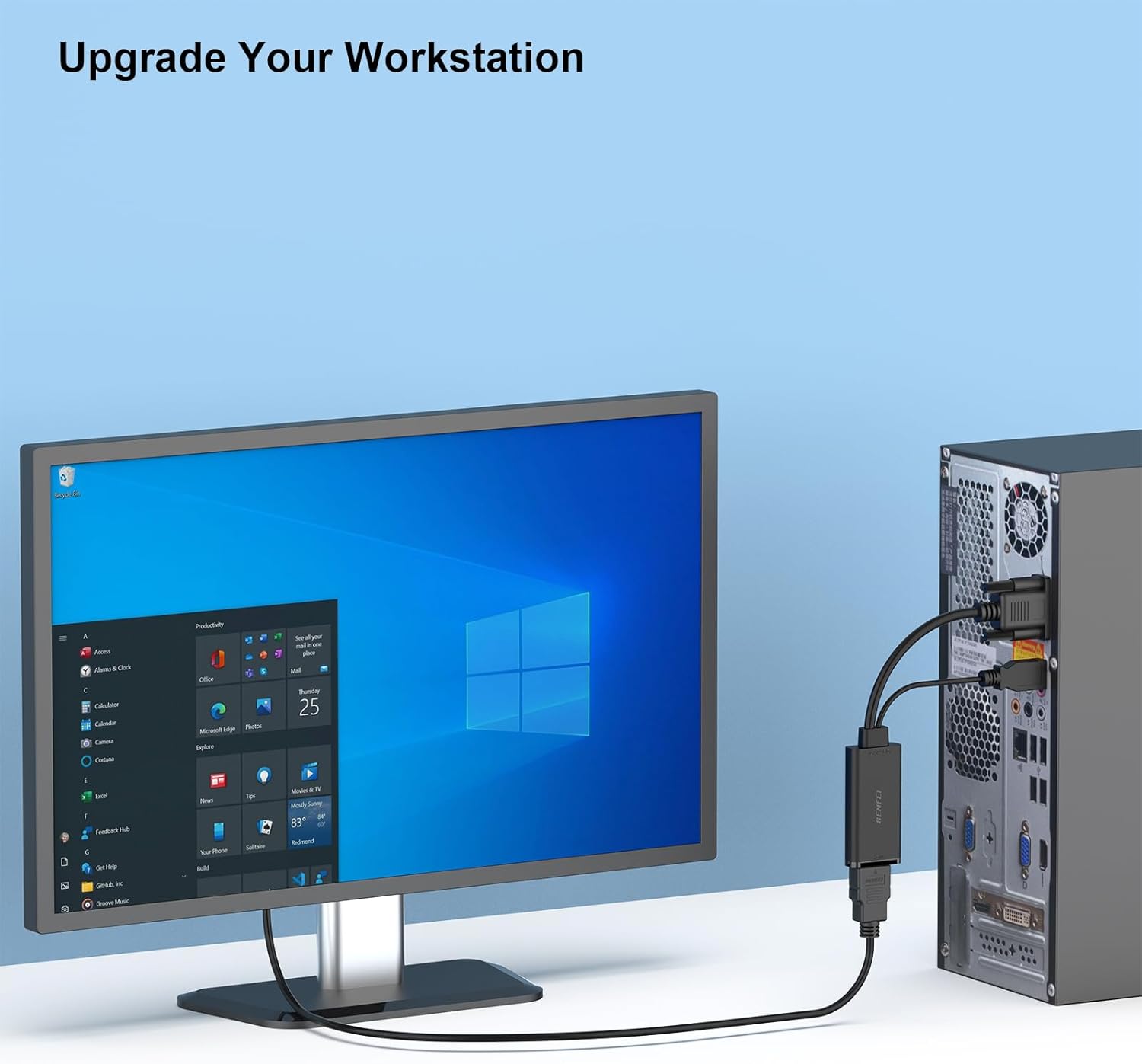
What it is and what it does\nThe BENFEI VGA to HDMI Adapter is a compact, plug‑and‑play converter designed to connect devices with a VGA output to displays that accept HDMI input. It is aimed at letting you project or extend a computer screen to a monitor or TV without needing a dedicated HDMI output on the source device. On paper, it delivers 1080p video with USB‑embedded audio over HDMI, making it a practical companion for presentations or desk setups where a VGA source is the only available option.\n\n## How it works and what to expect\nThis is a one‑way converter: VGA analogue video from the source is converted to a digital HDMI signal for the display. It is not bidirectional, so you won’t get HDMI to VGA through this adapter. An integrated USB cable carries audio along with the video, once connected, you may need to select the USB audio output in Windows sound settings to route sound to the connected display. A separate HDMI cable is required to complete the connection to the monitor or TV.\n\n## What’s good about it\n- Lightweight and compact design makes it easy to carry for presentations or travel.\n- The built‑in conversion chip aims to provide a stable video signal from VGA sources to HDMI displays.\n- Audio is carried via USB, which can be convenient if your HDMI input is the primary display and you want audio accompanying the video.\n- The product carries a long warranty (18 months), with customer service stated as approachable.\n\n## What may put you off\n- It’s specifically a VGA‑to‑HDMI solution, if you need HDMI to VGA or bi‑directional capabilities, this won’t fit.\n- As with analogue signals, image quality can vary depending on the computer’s VGA output, cable quality, and display capabilities, 1080p is the target, but it isn’t guaranteed in every setup.\n- Some users report needing to adjust Windows sound settings to output via USB audio, if you’re not comfortable with a quick setup tweak, this could feel fiddly.\n\n## Ideal user profile\nIf you often present from laptops with only VGA outputs, or you’re extending a desktop or laptop screen to a projector or HDMI monitor, this adapter can be convenient. It suits office environments, classrooms, or home setups where a simple, portable VGA‑to‑HDMI route is enough for basic 1080p display and audio.\n\n## When you might want to skip it\nIf you require HDMI to VGA compatibility, a bi‑directional adapter, or higher performance tasks (gaming, high‑refresh scenarios, or professional colour fidelity), you’ll likely want a more advanced solution. It may also fall short if your source device struggles with VGA output quality or if you need multi‑monitor syncing beyond a single HDMI display.\n\n## How to check before you buy\n- Confirm you have a VGA output on the source device and an HDMI input on the display.\n- Remember you’ll need a separate HDMI cable and may need to configure USB audio in your operating system.\n- Consider the distance between devices, longer runs can affect signal integrity for VGA and, by extension, the HDMI conversion.\n\n## Practical use example\nDuring a training session, you can quickly connect a budget laptop with VGA to a conference room projector via HDMI, while the PC’s audio can be routed through the display using USB audio. It’s a straightforward setup that avoids swapping to an HDMI‑capable source just for one presentation.\n\n## What to know about alternatives\nIf you’re weighing options, consider whether you need a simple VGA‑to‑HDMI pass‑through, or you’d benefit from a more robust adapter with higher compatibility or dual‑output capabilities. This BENFEI model concentrates on a practical, portable fix rather than a feature‑rich, all‑in‑one video solution.\n\n## Buying decision\n### Is it worth it?\nWorth considering if you primarily work with VGA sources and need a compact, low‑cost adapter to output to HDMI displays, with audio carried via USB. It makes sense for casual use and light presentational tasks, provided you don’t require bi‑directional compatibility or higher precision video processing.\n\n## Quick FAQ\n- Do I need a special driver for this adapter? No, it is designed as a plug‑and‑play device, though you may need to select USB audio in your OS.\n- Will it work with every VGA source at 1080p? It aims for 1080p, but results can vary by source device, cable quality, and display.\n- Do I need a separate audio cable? No, audio is carried over the included USB connection to the HDMI display, but ensure the display accepts USB audio routing.\n