

AXFEE Wii to HDMI Converter 1080P
Product description
At a glance
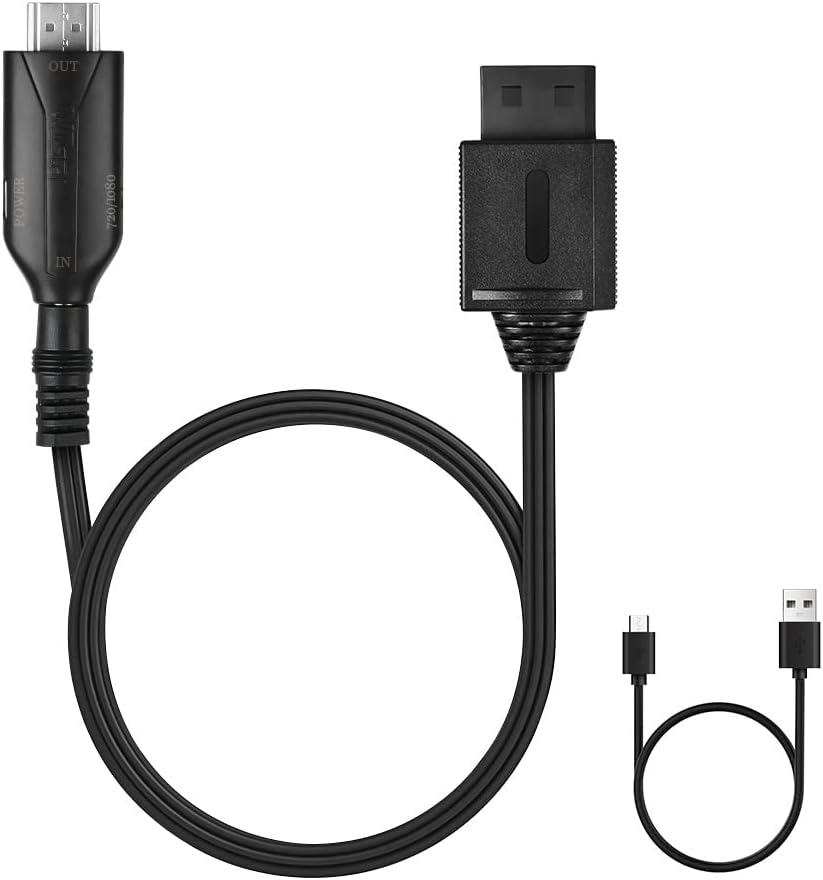
The AXFEE Wii to HDMI Converter is a compact all-in-one adapter that converts a Wii composite/AV signal into an HDMI output, offering selectable 720p or 1080p resolution for connection to modern TVs, monitors or projectors. It aims to simplify playback of classic Wii content on contemporary screens and improve image clarity compared with legacy analogue outputs.
Tech specs
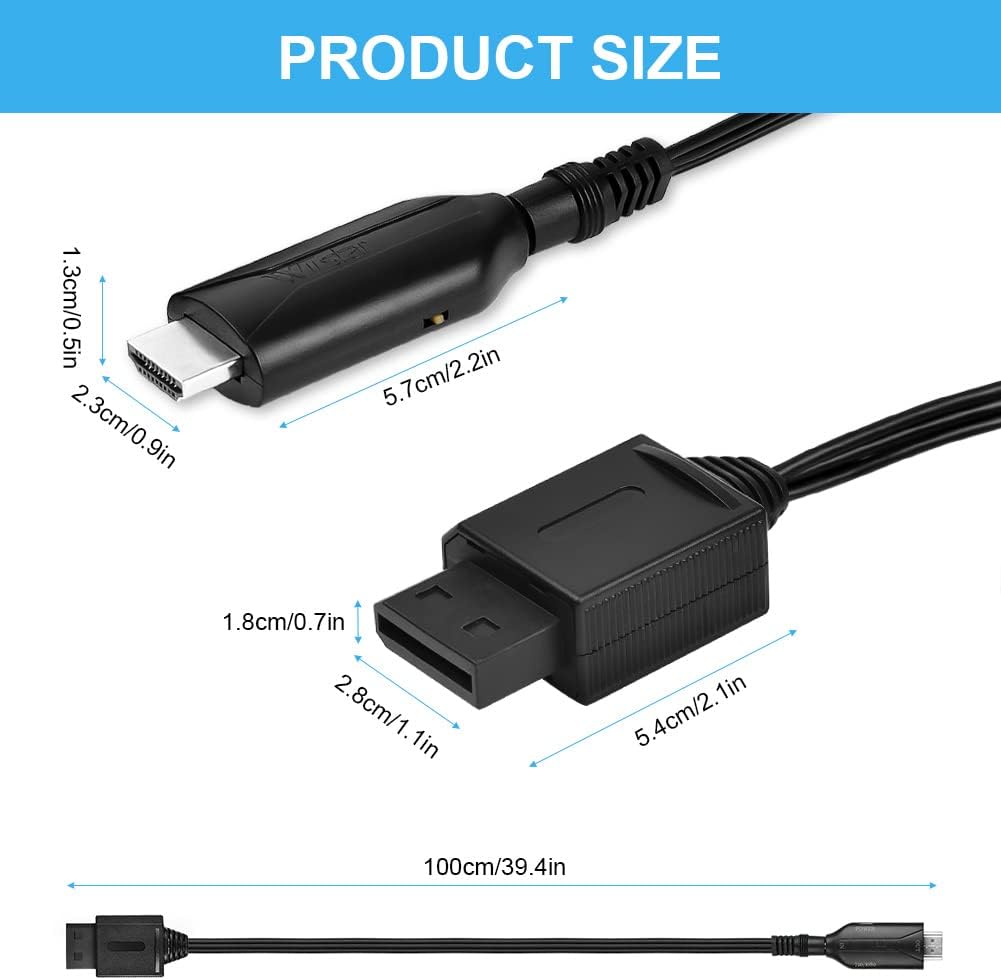
- Name: AXFEE Wii to HDMI Converter
- Type: Video audio adapter
- Format: HDMI output
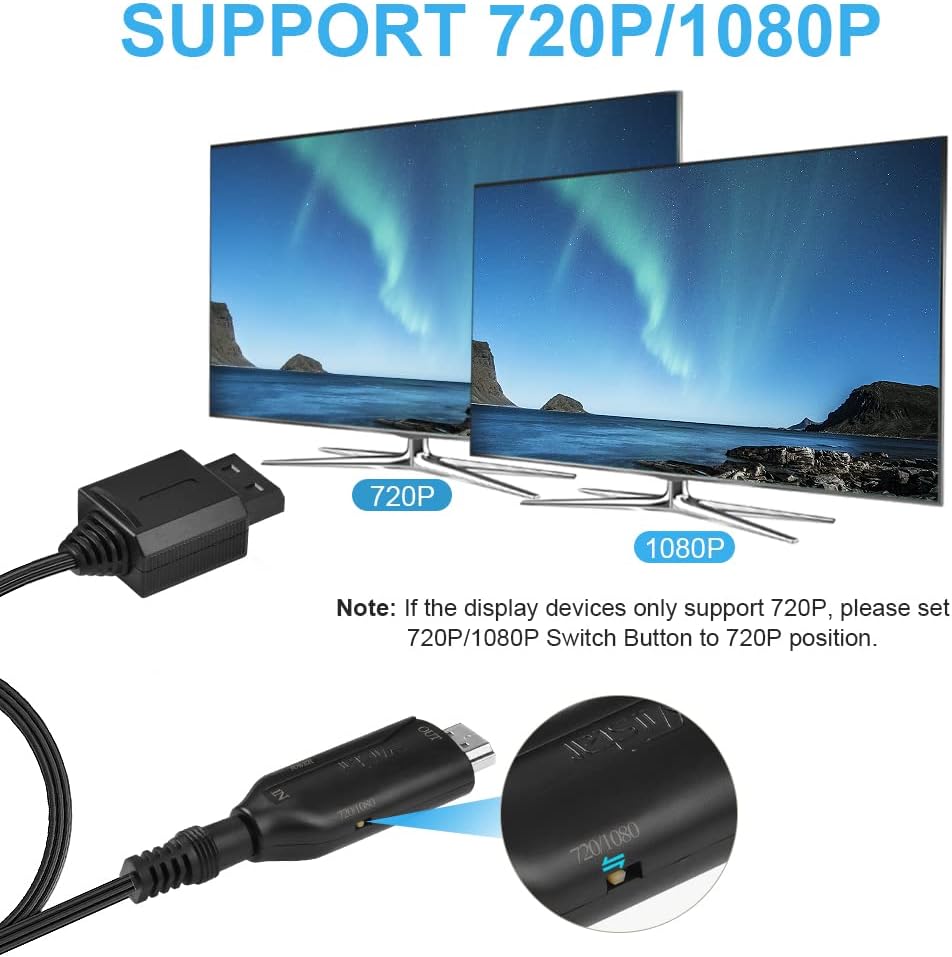
- Resolution: 720P/1080P
- Size: approximately the size of a USB flash drive
- Weight: lightweight
Benefits
This converter focuses on straightforward signal processing and durability. The adapter uses built-in scaling to detect Wii output and deliver an HDMI feed with improved definition and more accurate colours, according to the manufacturer. The flexible, anti-twist cable helps reduce interference and keeps the connection stable during play. No extra drivers are required, so setup is quick and fuss-free.
Best use cases
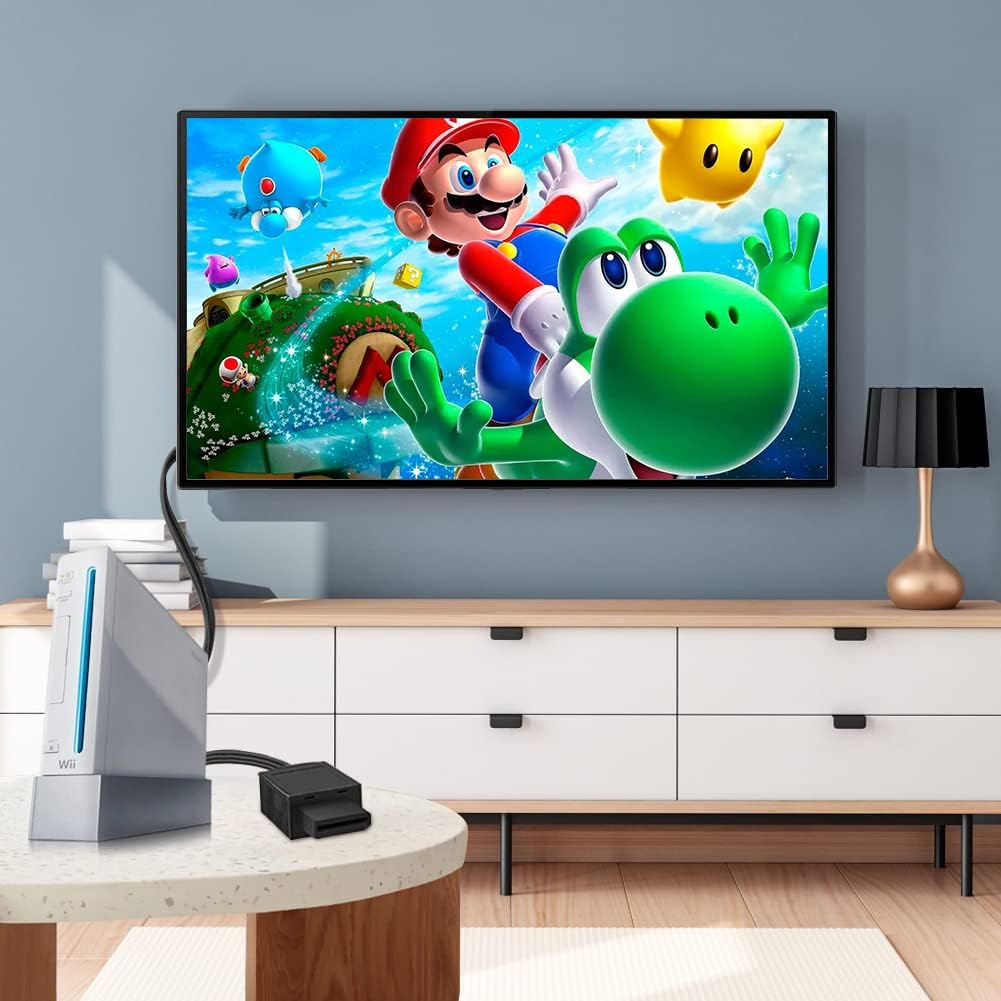
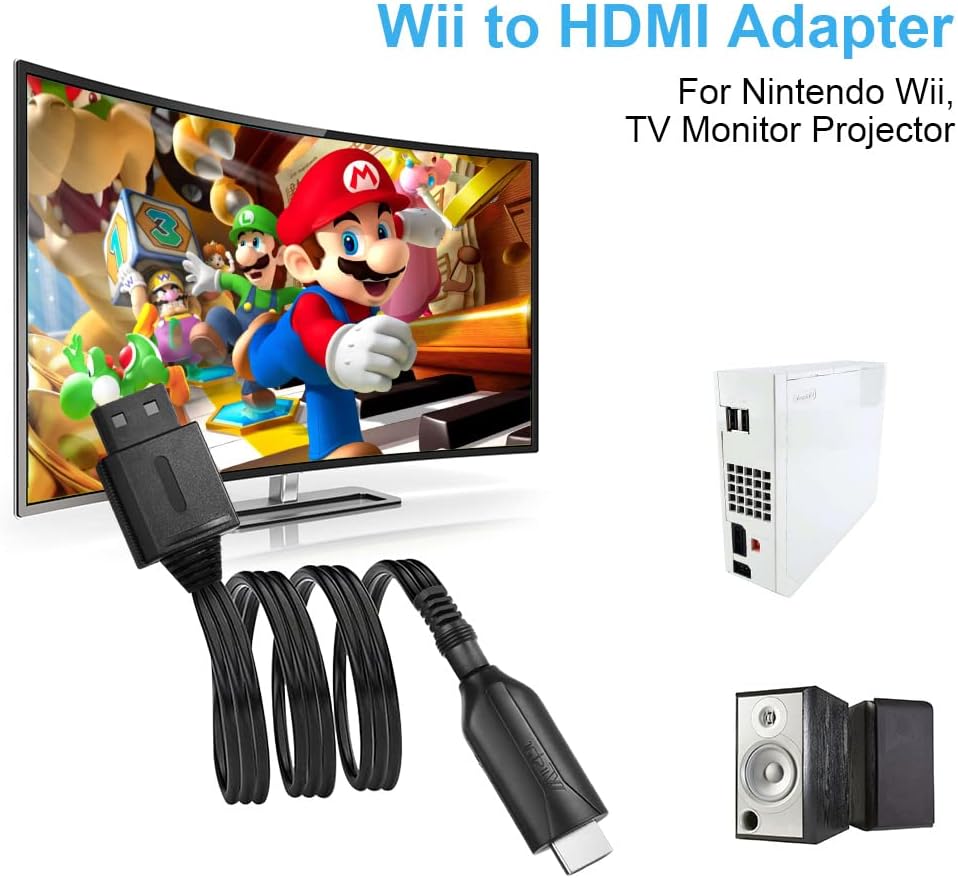
If you want to play Wii titles on a modern HDTV or a projector without an AV input, this adapter offers a tidy, portable solution. It makes sense if you value simple setup and reasonably improved image quality over the original composite output. Do bear in mind that the device converts Wii to HDMI only and will not work in reverse, and that picture improvement depends on the display and source material.
How to use it
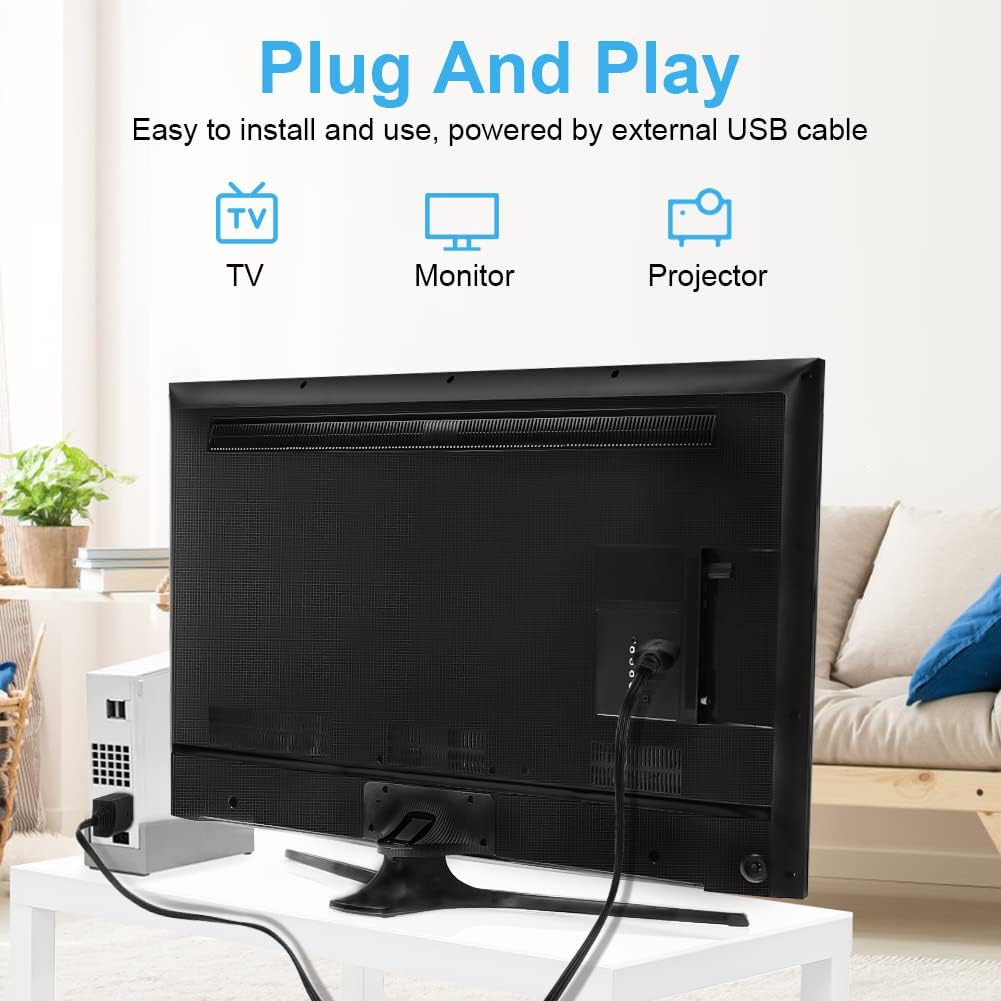
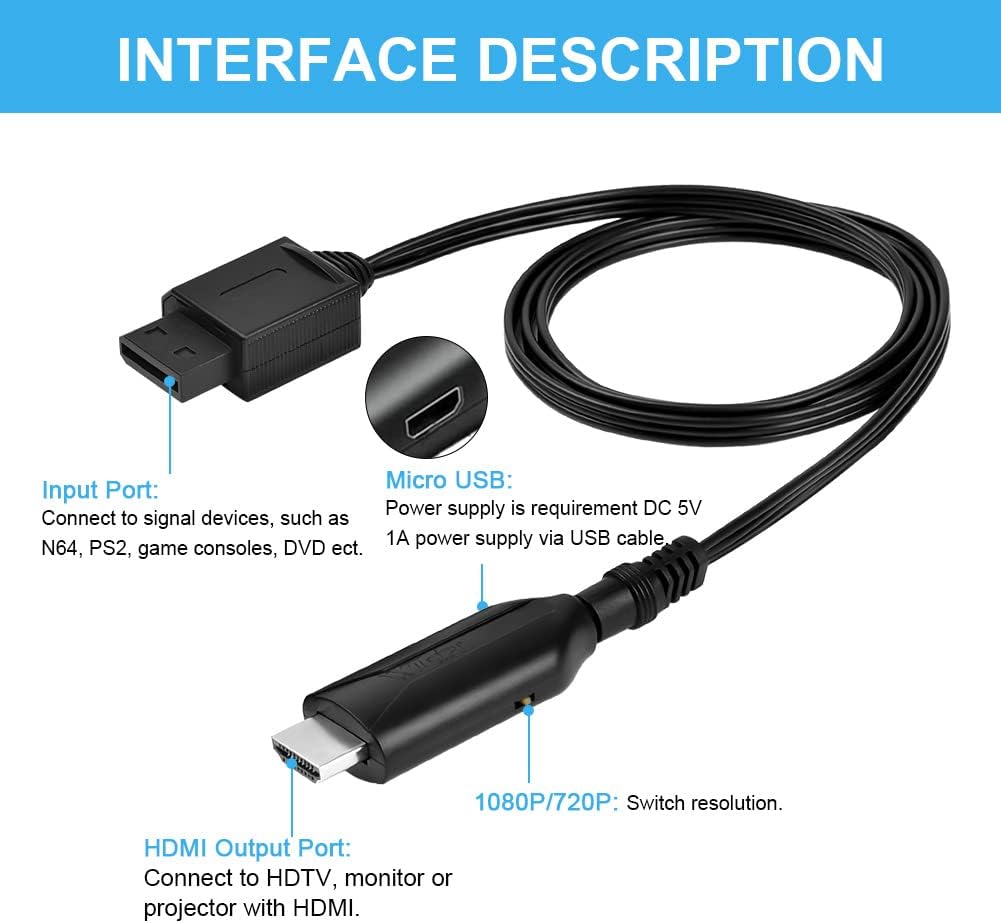
Connect the Wii AV lead to the converter, plug an HDMI cable from the adapter to your display, and power the unit via the supplied USB cable. Switch your TV to the HDMI input and choose 720p or 1080p if your display prompts you. A brief warm-up may be needed when the console or screen settings change. AXFEE Wii to HDMI Converter is small enough to carry with a console for retro gaming sessions away from home.