


Download app on Google Play


Imagen de StarTech HDMI to VGA Active Video Converter 1080p 📺 en OfertitasTOP
New offer
Thumbnail principal de StarTech HDMI to VGA Active Video Converter 1080p 📺
Thumbnail 1 de StarTech HDMI to VGA Active Video Converter 1080p 📺
Thumbnail 2 de StarTech HDMI to VGA Active Video Converter 1080p 📺
Thumbnail 3 de StarTech HDMI to VGA Active Video Converter 1080p 📺
Thumbnail 4 de StarTech HDMI to VGA Active Video Converter 1080p 📺
Thumbnail 5 de StarTech HDMI to VGA Active Video Converter 1080p 📺

StarTech HDMI to VGA Active Video Converter 1080p 📺

amazon UK
Brand: StarTech
P/N: HD2VGAE3
Reviews
4,8
+13.273

Reviews

4,8
+13.273 reviews

Price

£15.59£9.69-38%
View in store
amazon UK
Price history: —

Product description

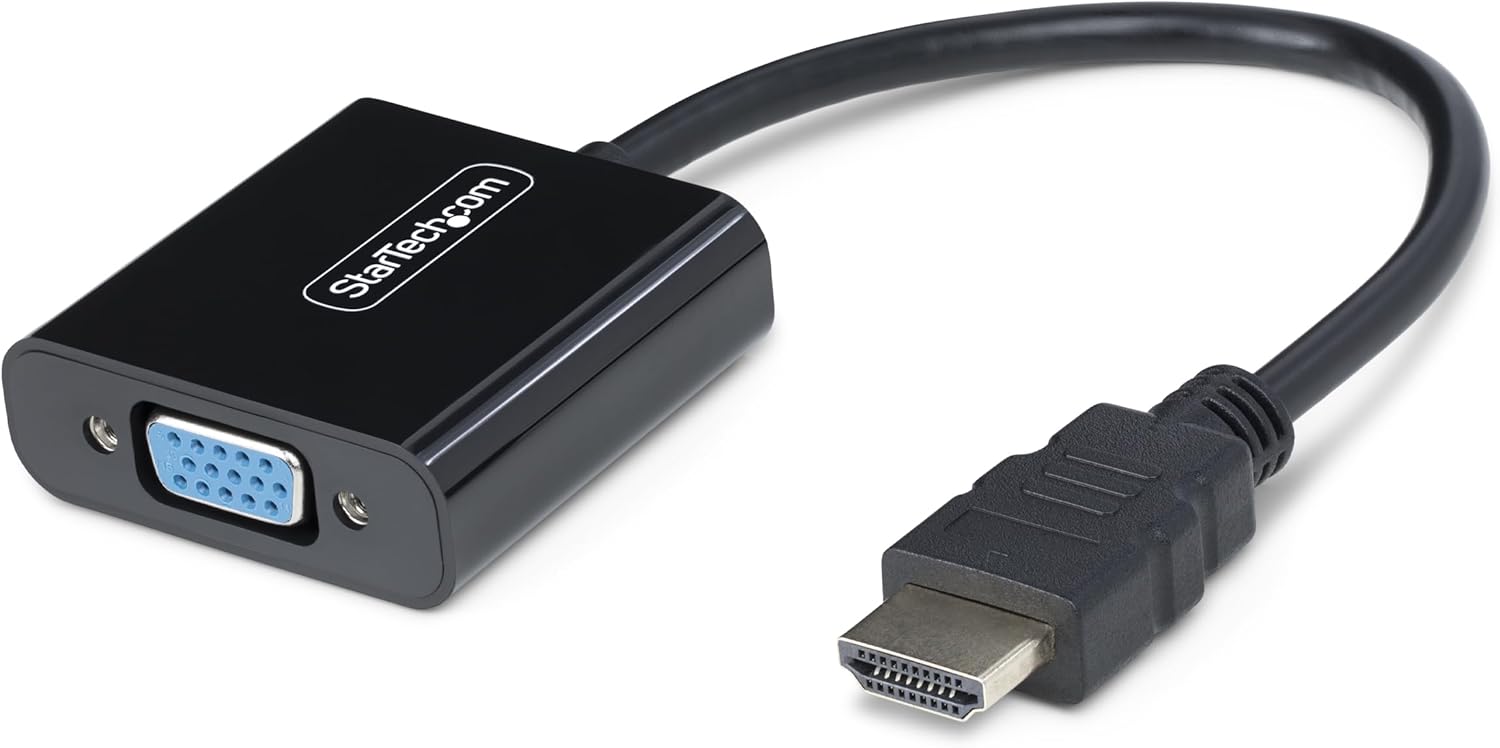
This HDMI to VGA adapter converts HDMI video from a laptop or desktop into a VGA signal for legacy monitors and displays, supporting resolutions up to 1920x1080 at 60Hz. It’s a compact active converter that uses the built-in GPU to handle the processing, avoiding high CPU load and the need for software or drivers.

Designed for travel and quick setup, this solution eliminates the clutter of external power adaptors while letting you connect modern HDMI sources to older VGA screens. The adapter is unidirectional and is intended for converting from HDMI to VGA, making it a straightforward choice when you need a simple display upgrade or a second screen for presentations.
Key Points
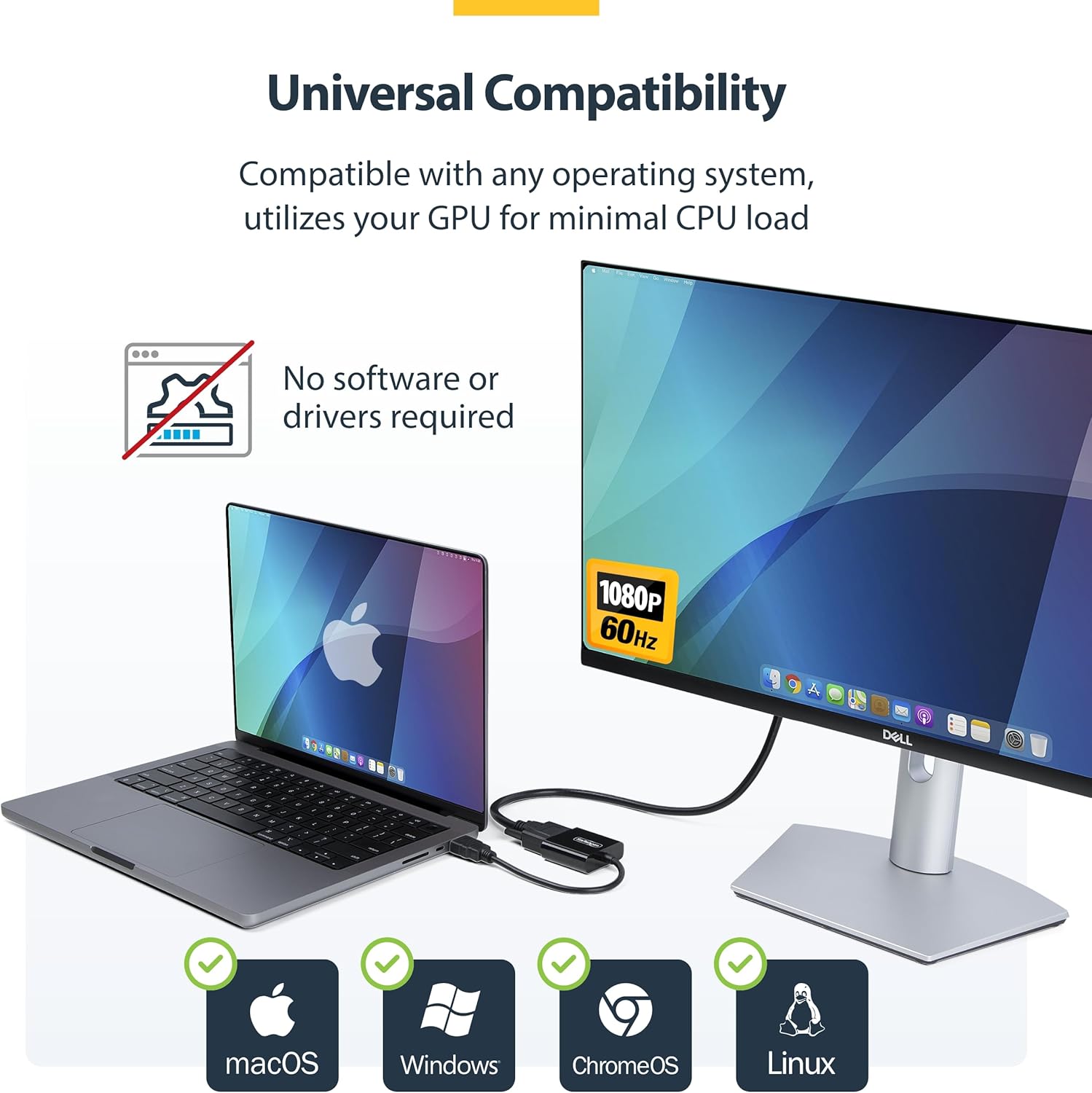
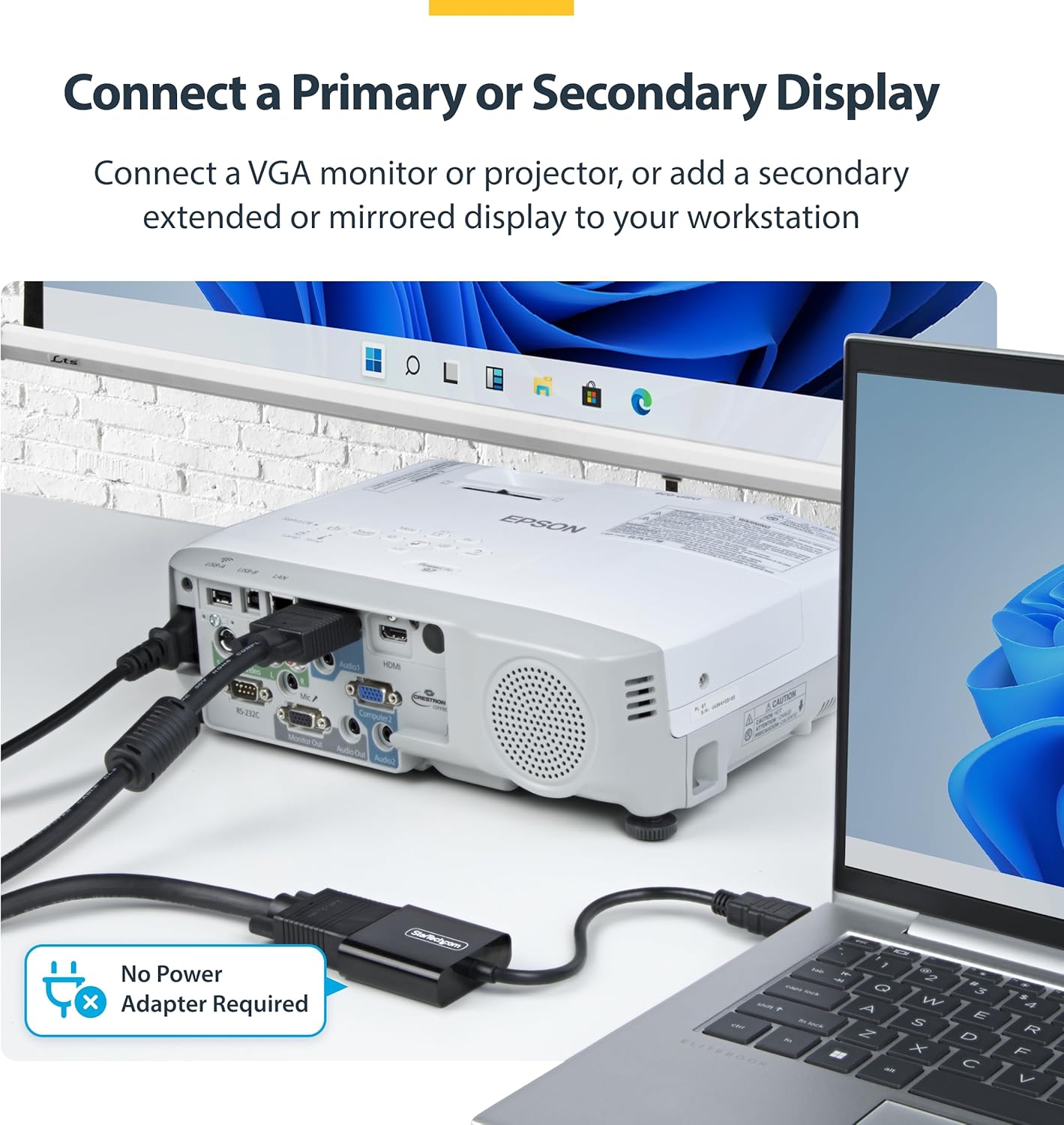
The StarTech HDMI to VGA Adapter delivers practical compatibility in a compact form. It supports connecting HDMI sources such as laptops, desktops, tablets or Chromebooks to VGA projectors or monitors, letting you reuse existing displays without upgrading every component. The design avoids requiring an external power supply, which helps keep a tidy desk and reduces the number of connectors to manage. In practice, you can attach the HDMI end to your device and the VGA end to the display, then use the primary display as your main monitor or add a secondary screen for extended workspaces. For protection against accidental disconnections, the model can use VGA cables with locking connectors where available, helping maintain a stable connection during presentations or longer sessions.

Boldly stated StarTech HDMI to VGA Adapter offers an accessible path to legacy displays with minimal setup and a small footprint that’s ideal for travellers or students who frequently switch between devices and screens. The lack of required software means broad compatibility across Windows, macOS, ChromeOS and Linux systems, making it a versatile addition to a mixed-device environment. If you’re aiming to extend or mirror a display with limited ports, this active converter provides a practical bridge between modern GPUs and older VGA hardware 🎬.

Technical Specifications
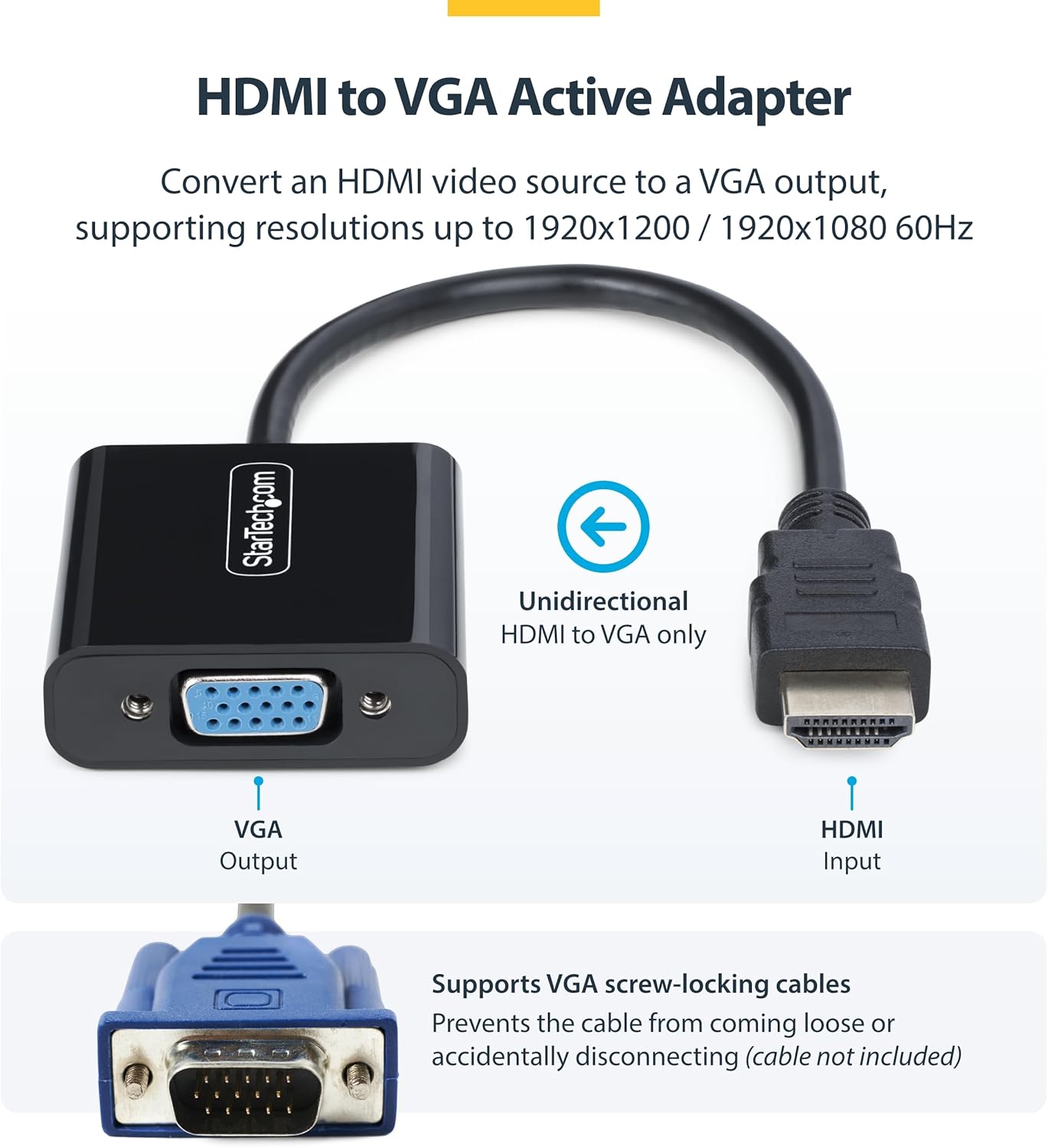
  • Name: StarTech HDMI to VGA Adapter, Active Video Converter
  • Direction: Unidirectional
  • HDMI input: HDMI type A
  • VGA output: VGA (HD-15)
  • Maximum resolution: 1920x1080 at 60Hz
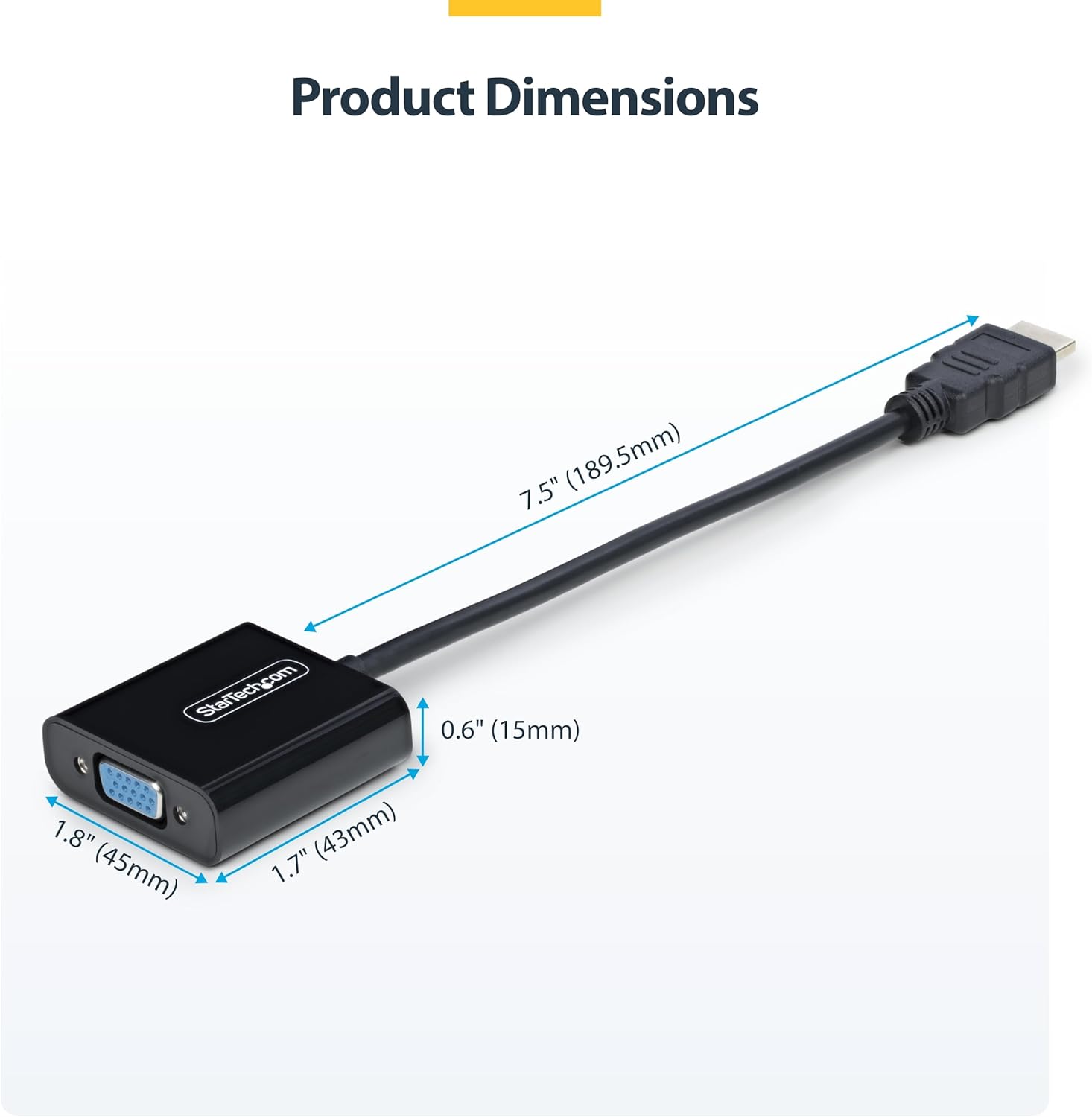
  • Cable length: 18.9 cm
  • Power: No external power required

Usage Recommendations

For best results, connect a single HDMI source to the adapter and attach a VGA cable to the display. Ensure the monitor is set to the correct input if you use multiple screens. If you plan to use the setup on the move, keep the 18.9 cm lead tucked away to preserve a neat workspace. The absence of drivers means installation is straightforward across common operating systems, though performance can vary with different GPUs and content types. If you encounter display issues, double‑check the HDMI source setting and verify that the VGA display is configured to accept the incoming signal. This adapter is a practical option when upgrading a mixed hardware environment without replacing older VGA displays. 💻

View in store

Price evolution

Price history: —

Description:

This HDMI to VGA adapter converts HDMI video from a laptop or desktop into a VGA signal for legacy monitors and displays, supporting resolutions up to 1920x1080 at 60Hz. It’s a compact active converter that uses the built-in GPU to handle the processing, avoiding high CPU load and the need for software or drivers.

Designed for travel and quick setup, this solution eliminates the clutter of external power adaptors while letting you connect modern HDMI sources to older VGA screens. The adapter is unidirectional and is intended for converting from HDMI to VGA, making it a straightforward choice when you need a simple display upgrade or a second screen for presentations.

Key Points

The StarTech HDMI to VGA Adapter delivers practical compatibility in a compact form. It supports connecting HDMI sources such as laptops, desktops, tablets or Chromebooks to VGA projectors or monitors, letting you reuse existing displays without upgrading every component. The design avoids requiring an external power supply, which helps keep a tidy desk and reduces the number of connectors to manage. In practice, you can attach the HDMI end to your device and the VGA end to the display, then use the primary display as your main monitor or add a secondary screen for extended workspaces. For protection against accidental disconnections, the model can use VGA cables with locking connectors where available, helping maintain a stable connection during presentations or longer sessions.

Boldly stated StarTech HDMI to VGA Adapter offers an accessible path to legacy displays with minimal setup and a small footprint that’s ideal for travellers or students who frequently switch between devices and screens. The lack of required software means broad compatibility across Windows, macOS, ChromeOS and Linux systems, making it a versatile addition to a mixed-device environment. If you’re aiming to extend or mirror a display with limited ports, this active converter provides a practical bridge between modern GPUs and older VGA hardware 🎬.

Technical Specifications
  • Name: StarTech HDMI to VGA Adapter, Active Video Converter
  • Direction: Unidirectional
  • HDMI input: HDMI type A
  • VGA output: VGA (HD-15)
  • Maximum resolution: 1920x1080 at 60Hz
  • Cable length: 18.9 cm
  • Power: No external power required

Usage Recommendations

For best results, connect a single HDMI source to the adapter and attach a VGA cable to the display. Ensure the monitor is set to the correct input if you use multiple screens. If you plan to use the setup on the move, keep the 18.9 cm lead tucked away to preserve a neat workspace. The absence of drivers means installation is straightforward across common operating systems, though performance can vary with different GPUs and content types. If you encounter display issues, double‑check the HDMI source setting and verify that the VGA display is configured to accept the incoming signal. This adapter is a practical option when upgrading a mixed hardware environment without replacing older VGA displays. 💻