

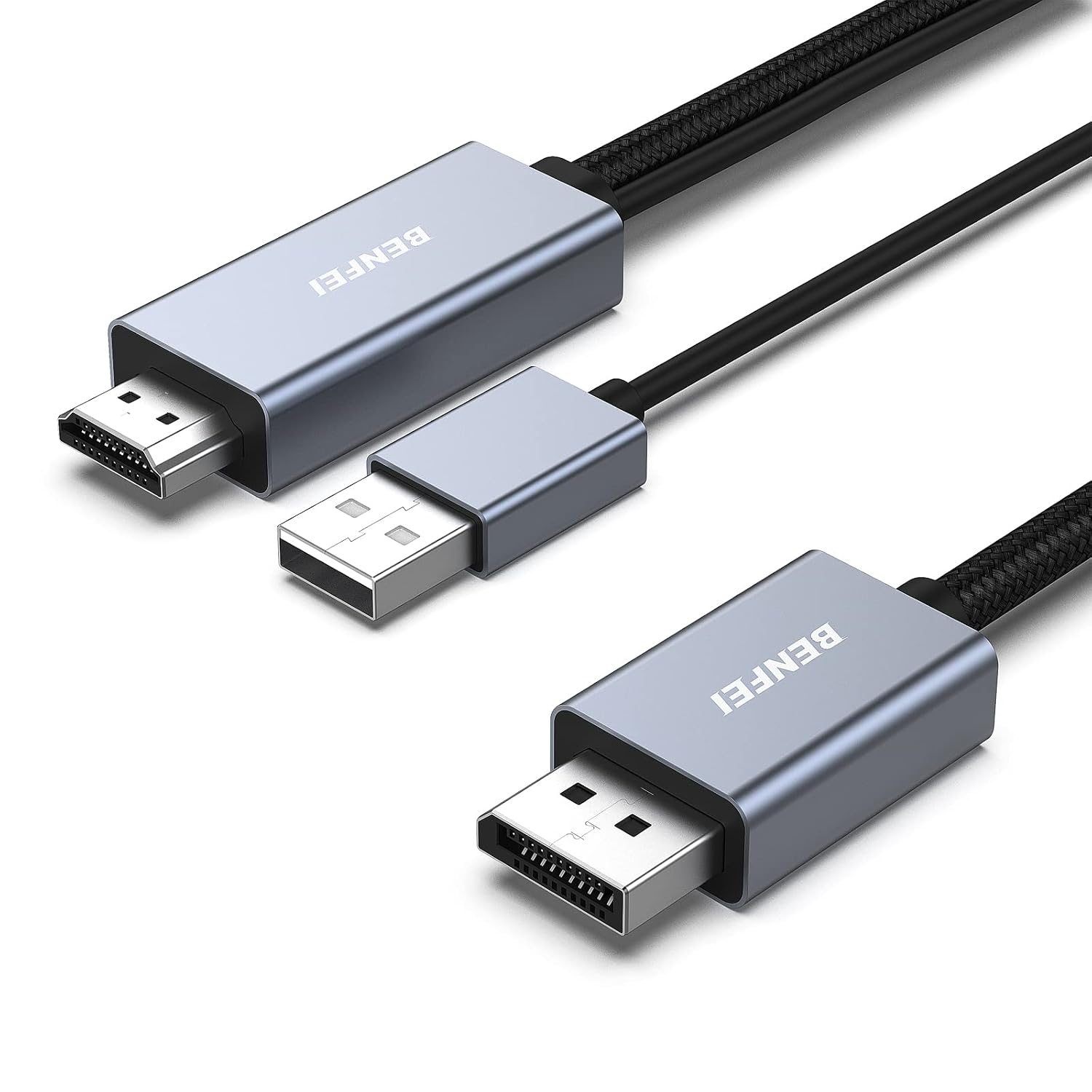
BENFEI HDMI to DisplayPort Cable 1.8M: HDMI Source to DisplayPort Monitor
Product description
What it is and what it’s for
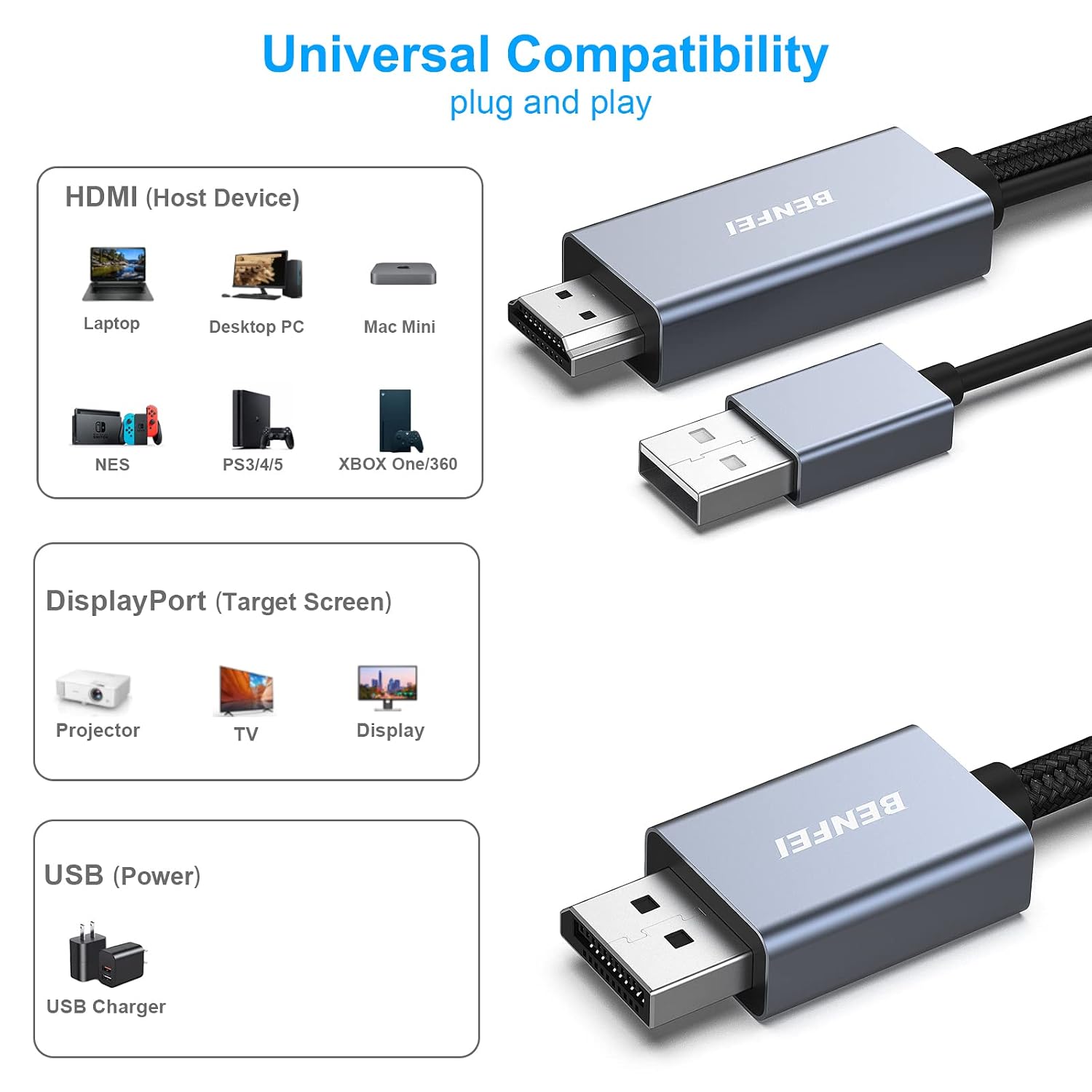
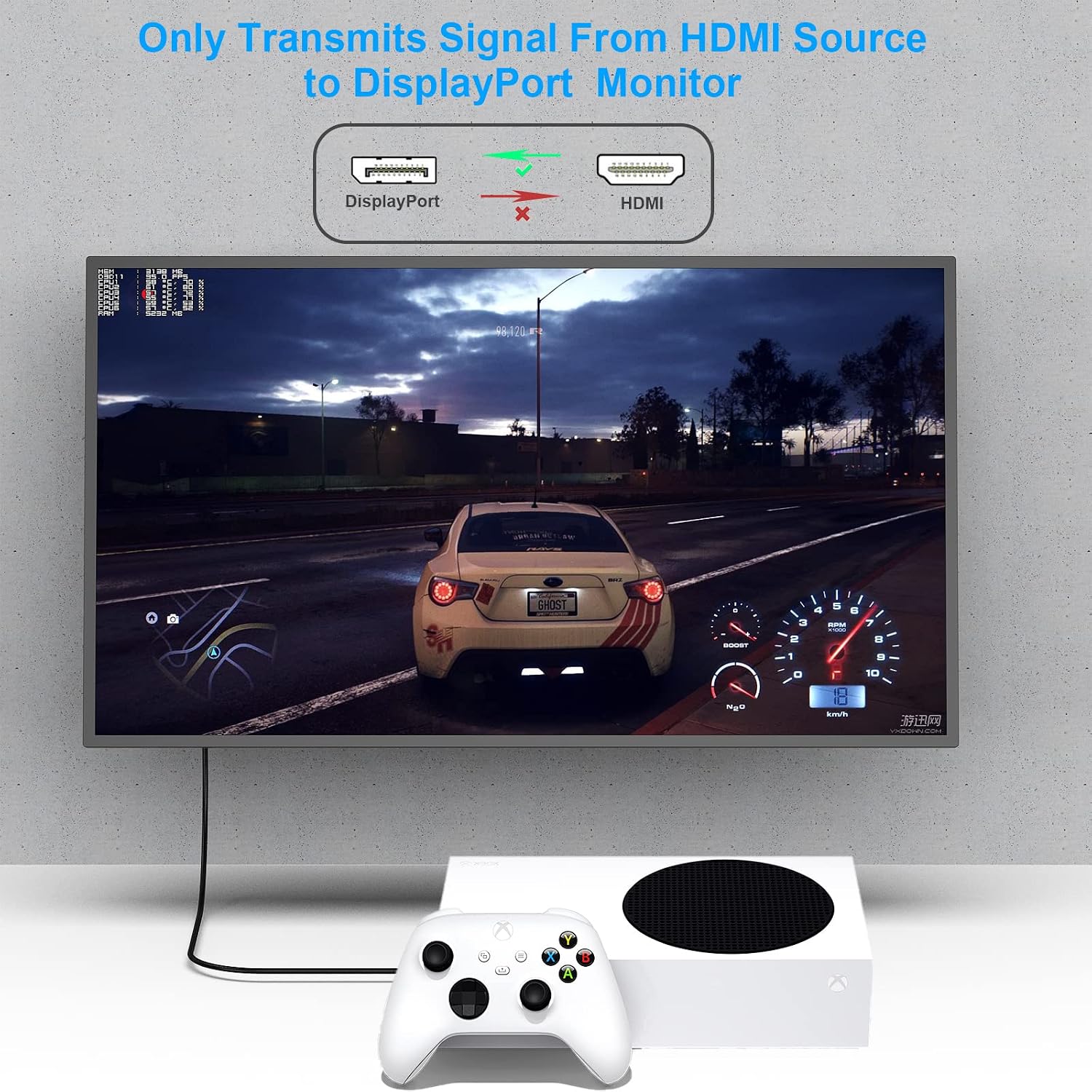
The BENFEI HDMI to DisplayPort Cable is an active, unidirectional adapter designed to connect devices with an HDMI output (such as a PC, laptop, games console) to a DisplayPort display or monitor. It effectively converts HDMI 2.0b input into a DisplayPort 1.4 signal, enabling a single HDMI source to drive a DisplayPort display. This is useful when your monitor or VR headset only offers DisplayPort inputs but your source device relies on HDMI.
How it performs on paper
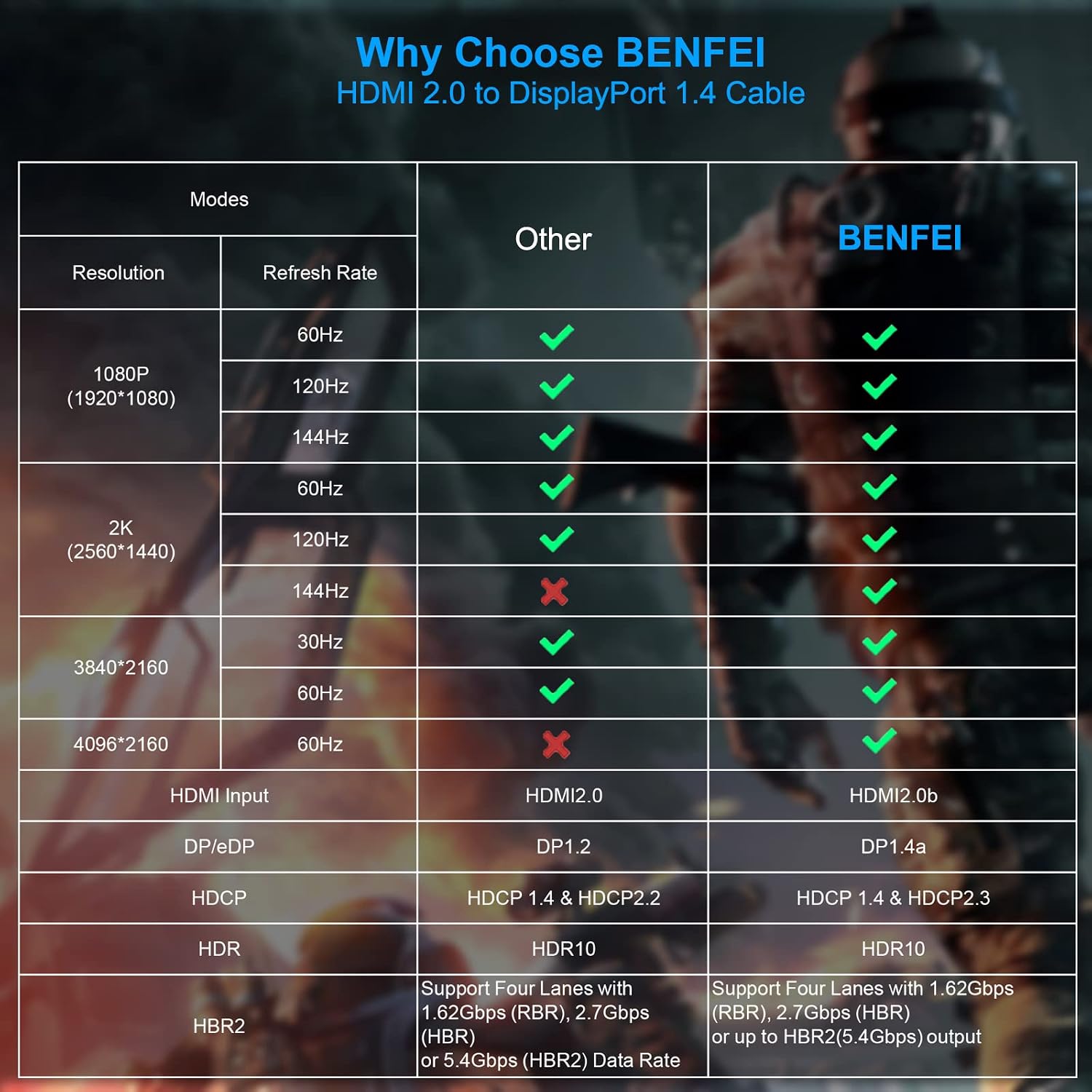
On paper, the adapter supports resolutions up to 3840×2160 at 60 Hz, with higher refresh options such as 2K at 144 Hz and 1080p up to 165 Hz. It also handles High-Bit-Rate 2 (HBR2) and HDCP 1.4/2.3, plus 8-channel digital audio with up to 192 kHz sampling. Practically, this means you can expect solid video quality from HDMI sources to DisplayPort displays, within the constraints of HDMI 2.0b and DisplayPort 1.4 compatibility. Do note that the product is uni-directional – HDMI source to DisplayPort monitor – so it won’t work the other way round or with KVM switches.
Design and reliability notes
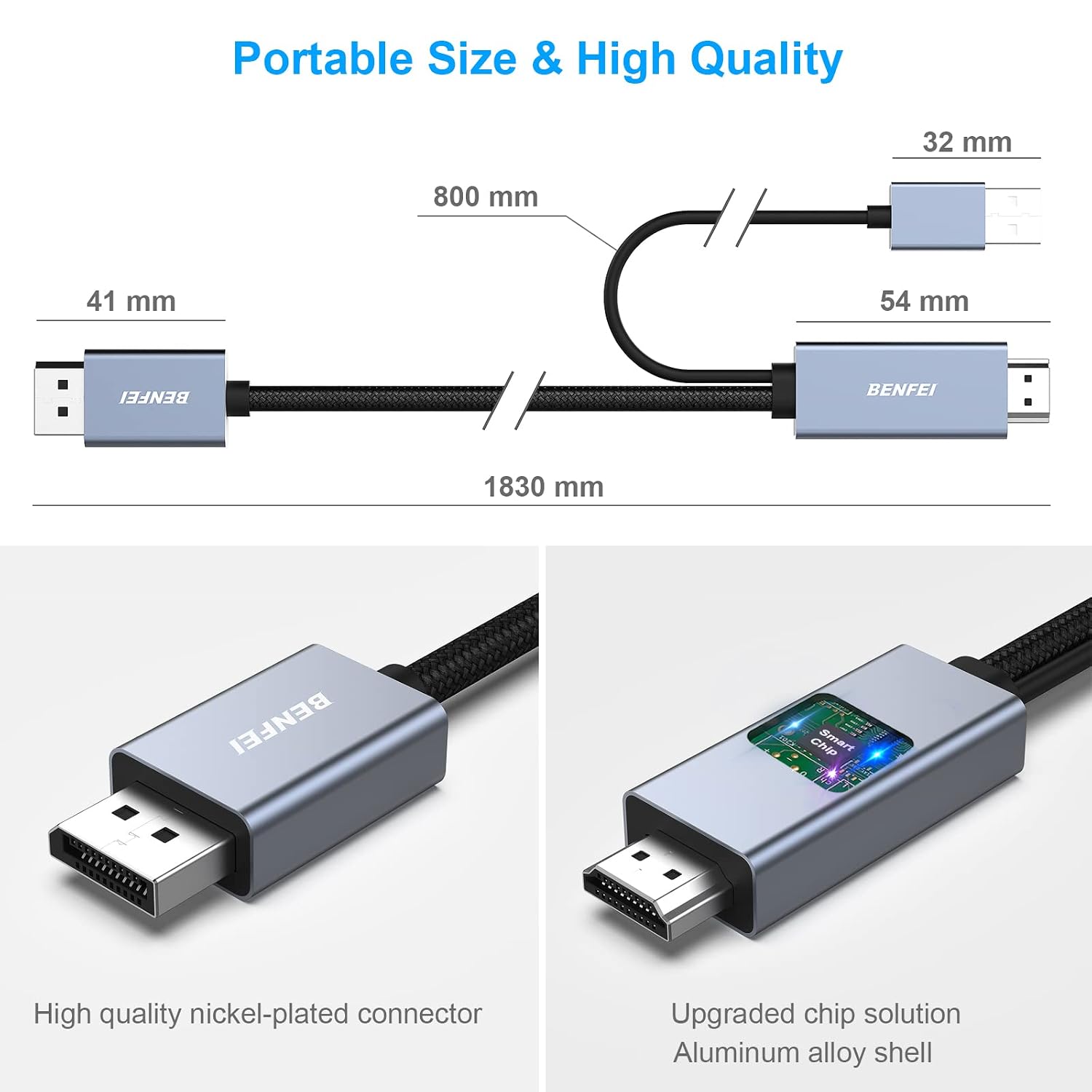
The cable features a braided nylon design for durability and a non-slip grip to make plugging in and out easier. The casing uses premium aluminium alloy, which helps with heat management and a tidy build. While it’s not a full docking solution, the hardware choices strike a balance between robustness and price. A practical caveat is that for PS5 users, BENFEI recommends connecting the USB power port to a charger to ensure the chipset receives adequate power, which is an additional step some users may overlook.
What stands out day to day
If you have a DisplayPort monitor but a gaming PC or console with HDMI, this cable offers a straightforward way to use your existing monitor without upgrading hardware. The non-slip connectors and sturdy housing reduce wear with regular use. For everyday gaming or media playback, the ability to push 1080p at 165 Hz or 2K at 144 Hz can translate to smoother visuals, assuming your source and display support those refresh rates.
The limitations you should consider
It isn’t a universal solution: the direction is HDMI source → DisplayPort display, and it requires correct monitor settings and proper USB power for the adapter on some devices. The setup also depends on the source’s ability to deliver the higher refresh rates and HDCP compatibility. If your use case relies on two-way signal conversion or KVM features, this cable won’t meet those needs. If you prioritise gaming at very high resolutions beyond 4K or require advanced adapters with extra features, you may want to look at more specialised solutions.
Who this is for
This is suitable for users who have a DisplayPort monitor or TV but only HDMI outputs on the computer, laptop, or console — for example, a PC gamer with a DisplayPort display, or someone using a PS5 with a DisplayPort-only monitor via HDMI output. It’s a sensible choice if you value a simple, cable-based fix over more complex display adapters, and you’re comfortable ensuring the USB power connection is in place when required.
When it makes sense to buy
Choose this cable if you need a dedicated HDMI-to-DisplayPort solution that supports up to 4K@60 Hz or high refresh rates at 2K/1080p, and you specifically require a straightforward, directional adapter rather than a multi-input display. It’s a practical option when upgrading a monitor isn’t feasible and you want a tidy, durable cable that doesn’t introduce extra clutter.
When it may not be the best fit
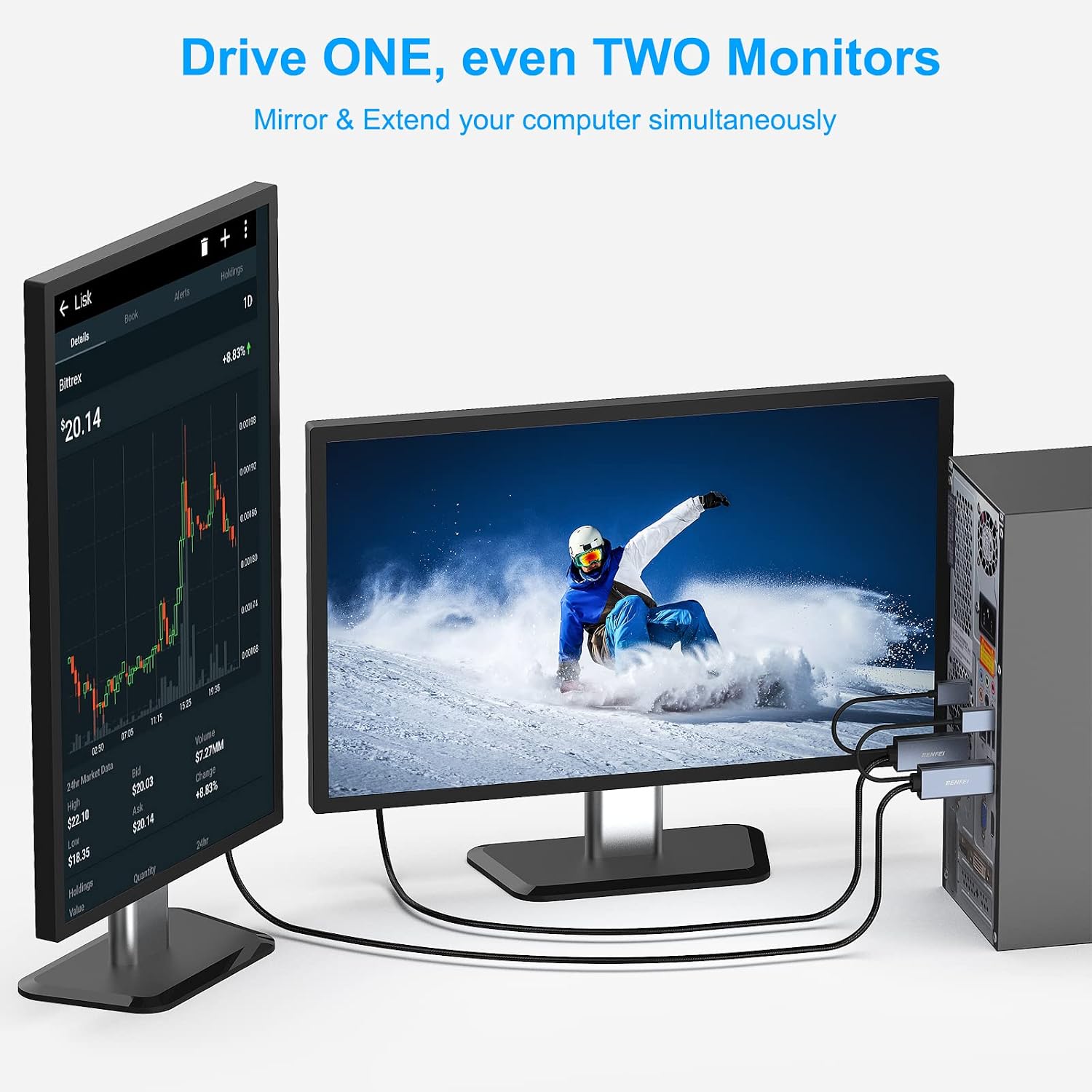
If your setup demands two-way signal flow, KVM compatibility, or you intend to drive an HDMI display from a DisplayPort source, this product won’t satisfy those requirements. Also, if your source device cannot deliver the higher refresh rates due to bandwidth or HDCP constraints, you might not realise the full potential of what the cable advertises.
What to check before buying
- Confirm your source supports HDMI 2.0b and can output at the desired resolution and refresh rate.
- Verify your DisplayPort monitor can accept the corresponding resolution and refresh rate.
- Ensure the USB power connection is available if your device recommends it, especially with PS5.
- Remember the cable is unidirectional, plan cable routing accordingly to avoid pointing the wrong way.
Practical use example
A typical setup could be a gaming PC with HDMI output connected to a DisplayPort monitor. You might plug in the HDMI end to the PC and the DisplayPort end to the monitor, adjust monitor settings to the chosen resolution/refresh rate, and enjoy smoother 2K gaming at 144 Hz where supported.
FAQ (where data allows)
- Is it compatible with PS5? Yes, but you may need to connect the USB power to a charger as advised.
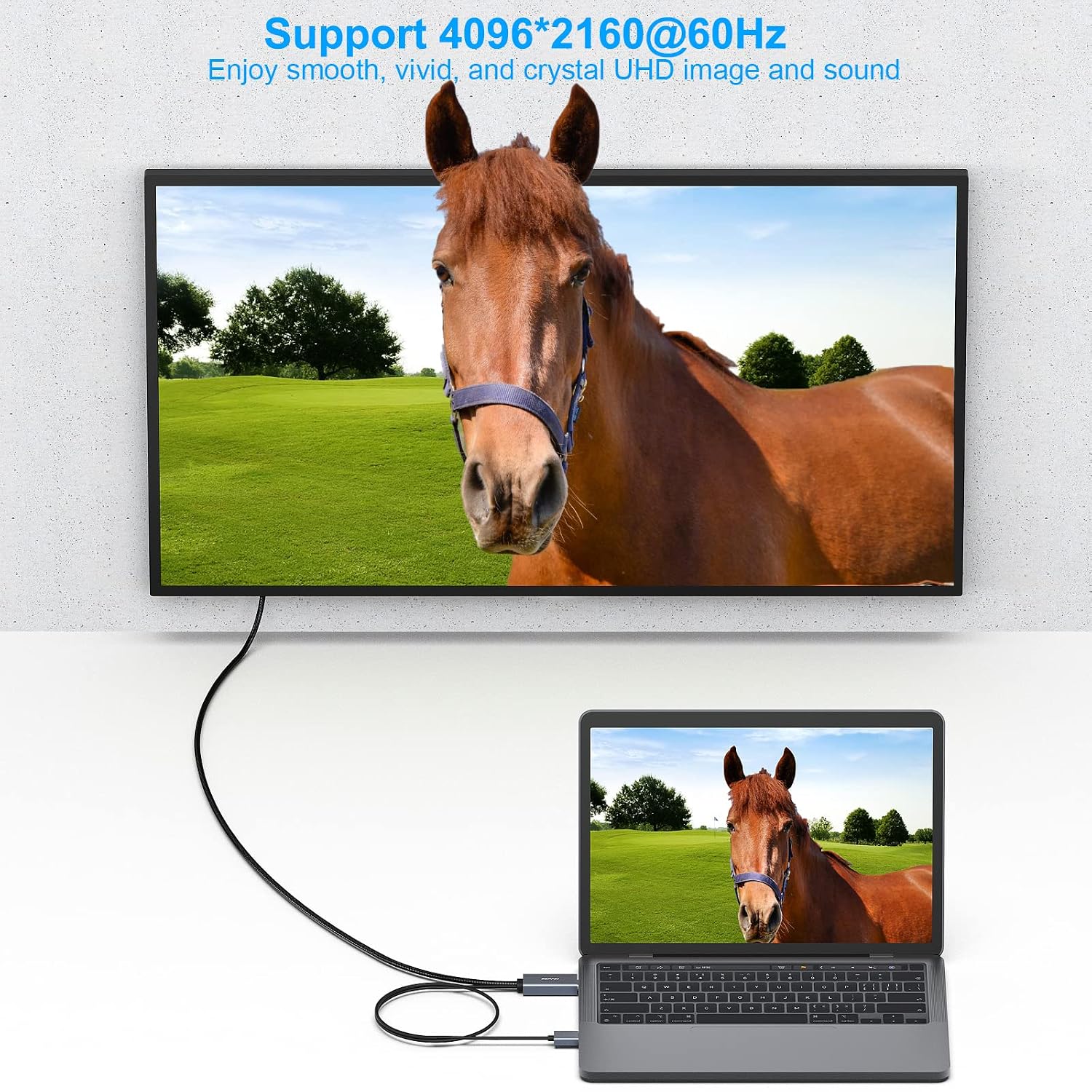
- Can I use it to drive a 4K display at 60 Hz? It’s advertised as up to 4K@60 Hz, subject to source and monitor capability.
- Will it work with a KVM switch? No, the product is not compatible with KVM switches.
Final decision
Is it worth it? If your goal is a dedicated HDMI-to-DisplayPort path for single-direction use with solid durability and you’re comfortable managing power for PS5 scenarios, this BENFEI cable offers a practical, value-focused option. It’s more a mid-range solution than a premium one, so if your needs include more advanced features or two-way conversion, you may want to explore alternatives. The right buyer is someone whose setup hinges on a reliable HDMI source feeding a DisplayPort display without the complexity of a full docking station.