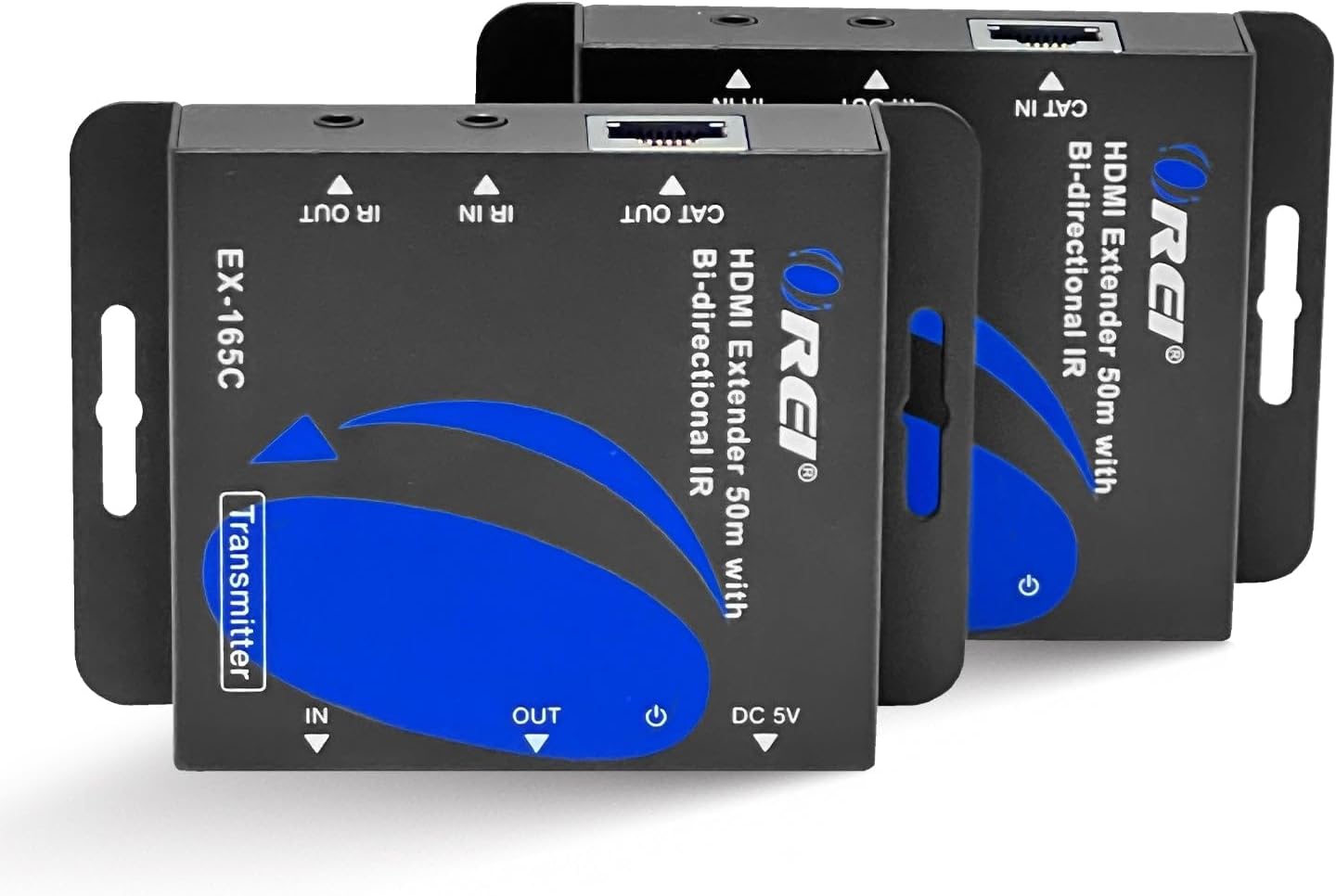
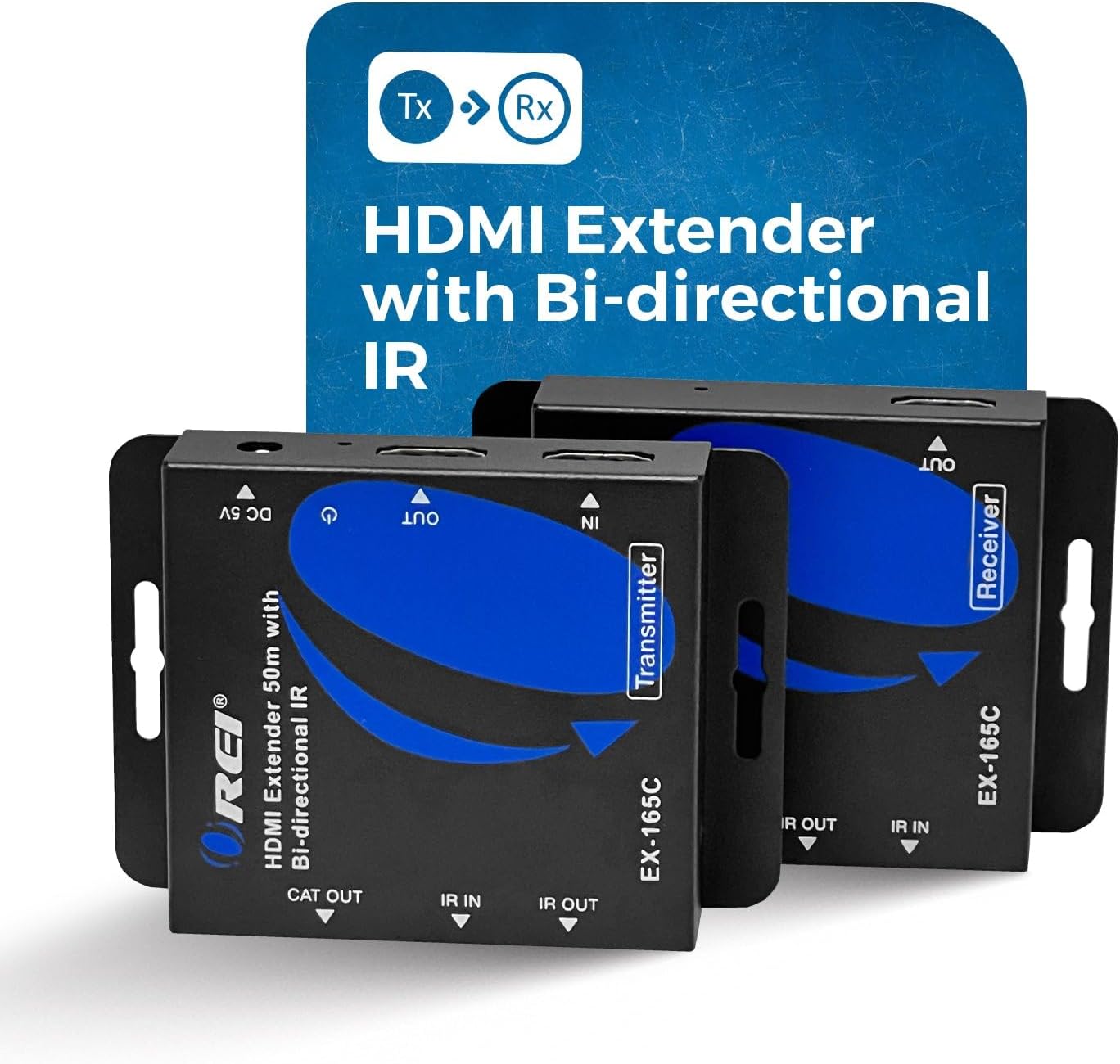
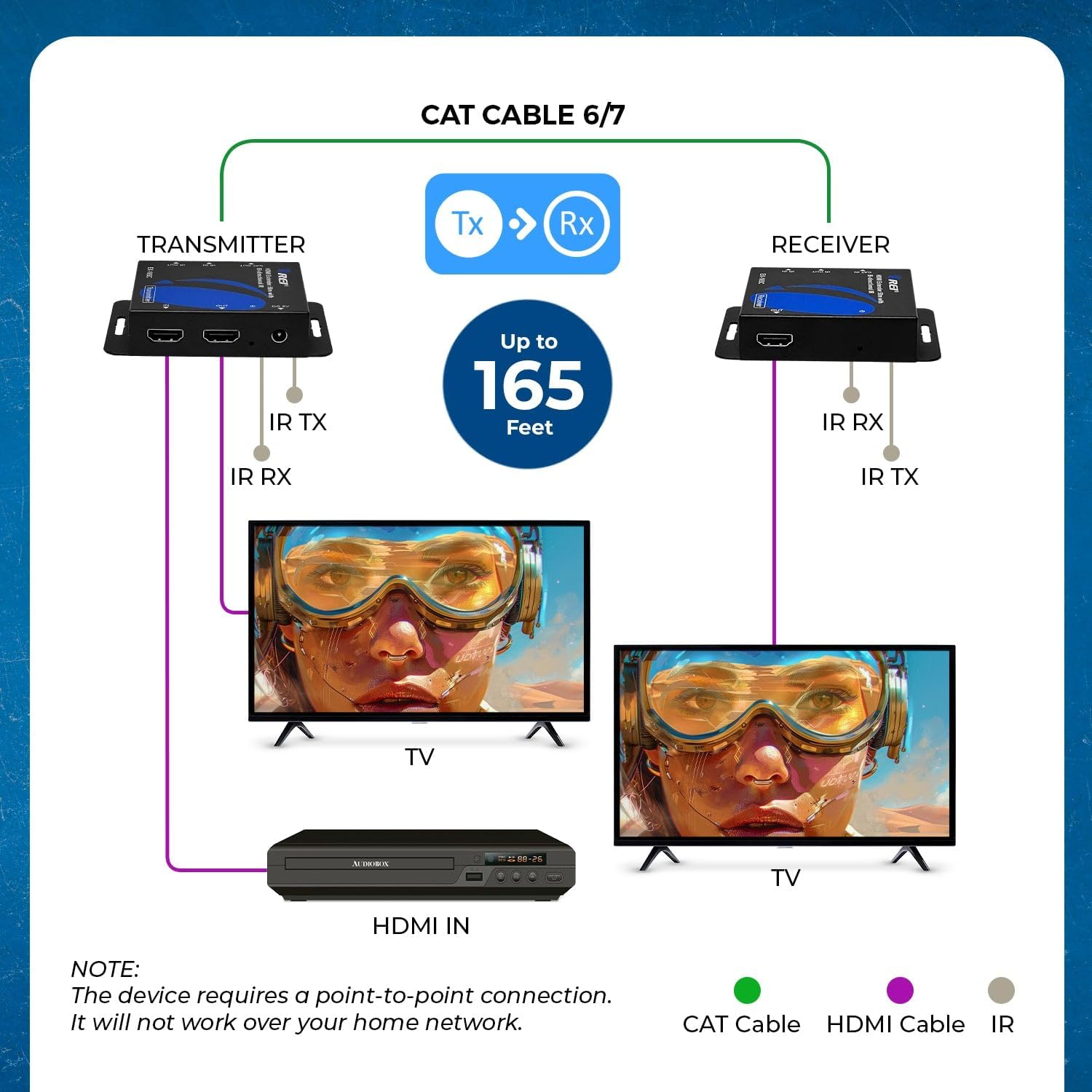
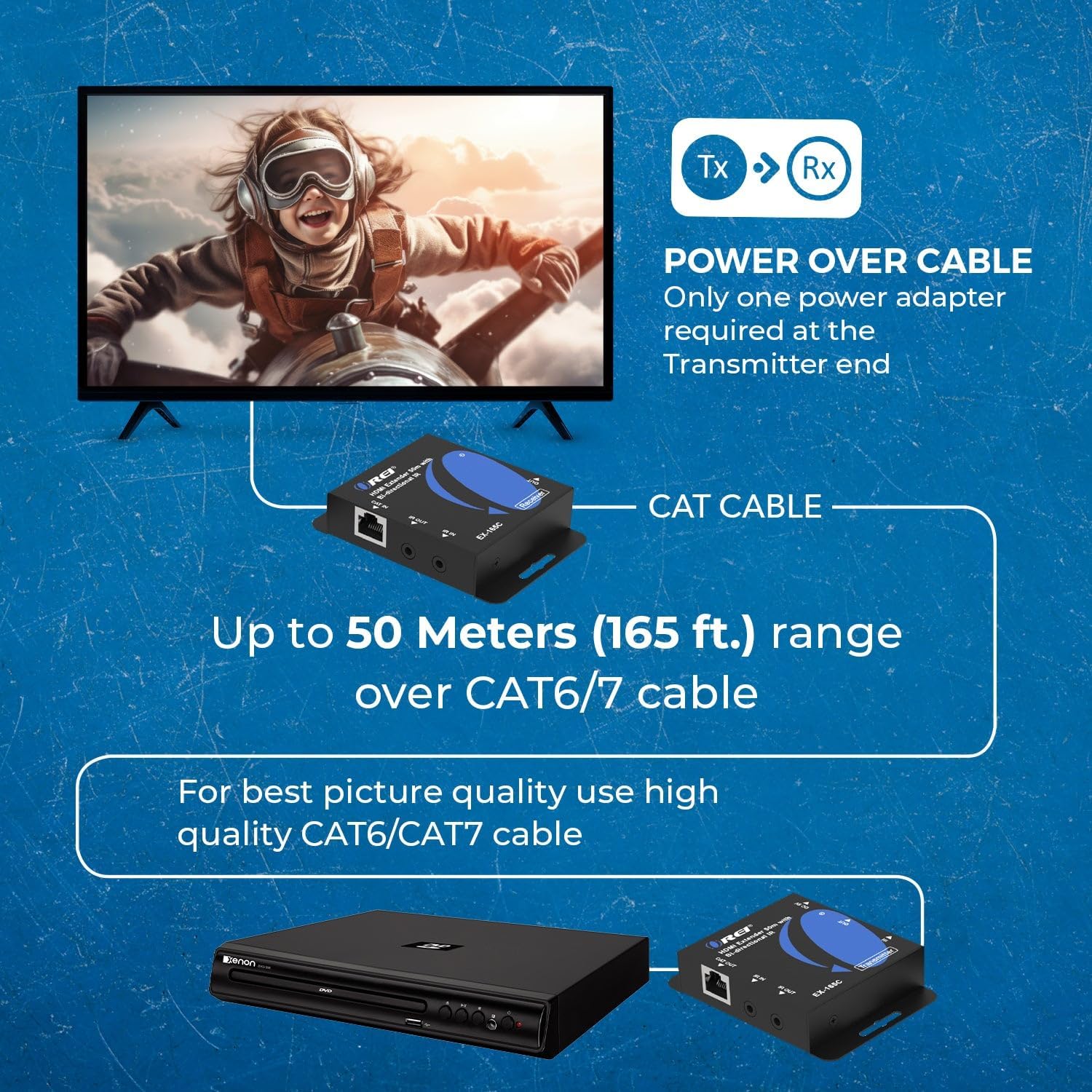
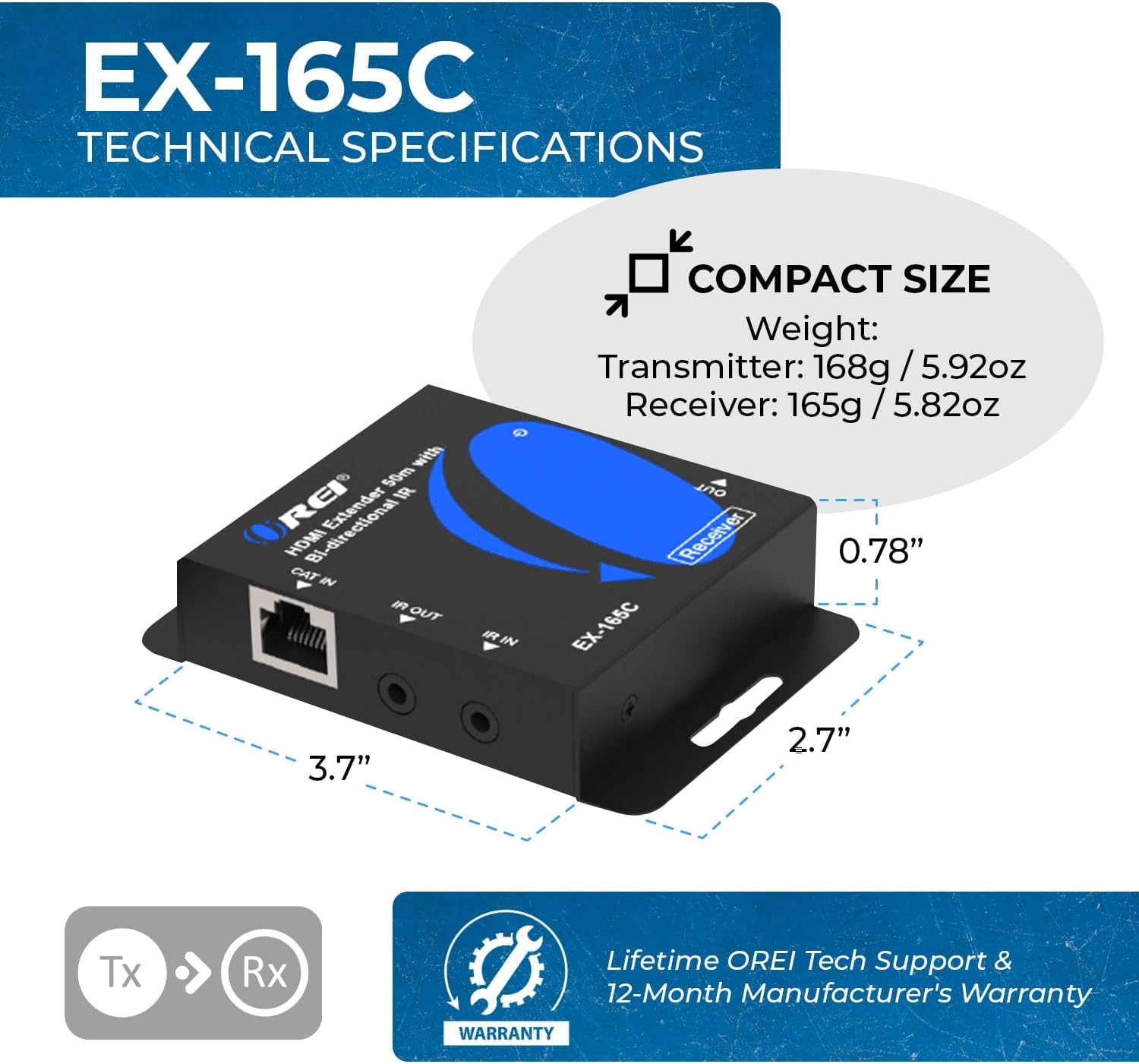
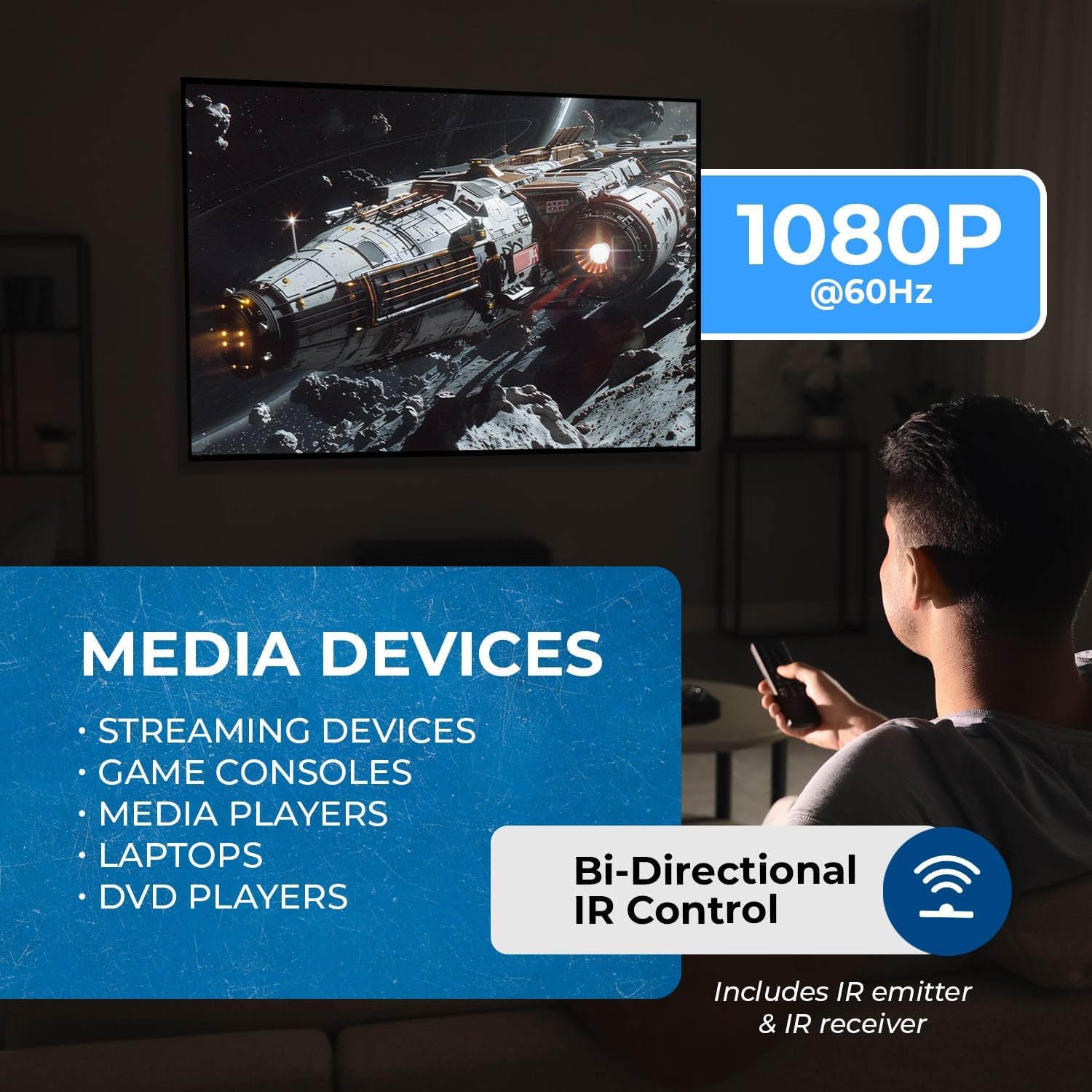
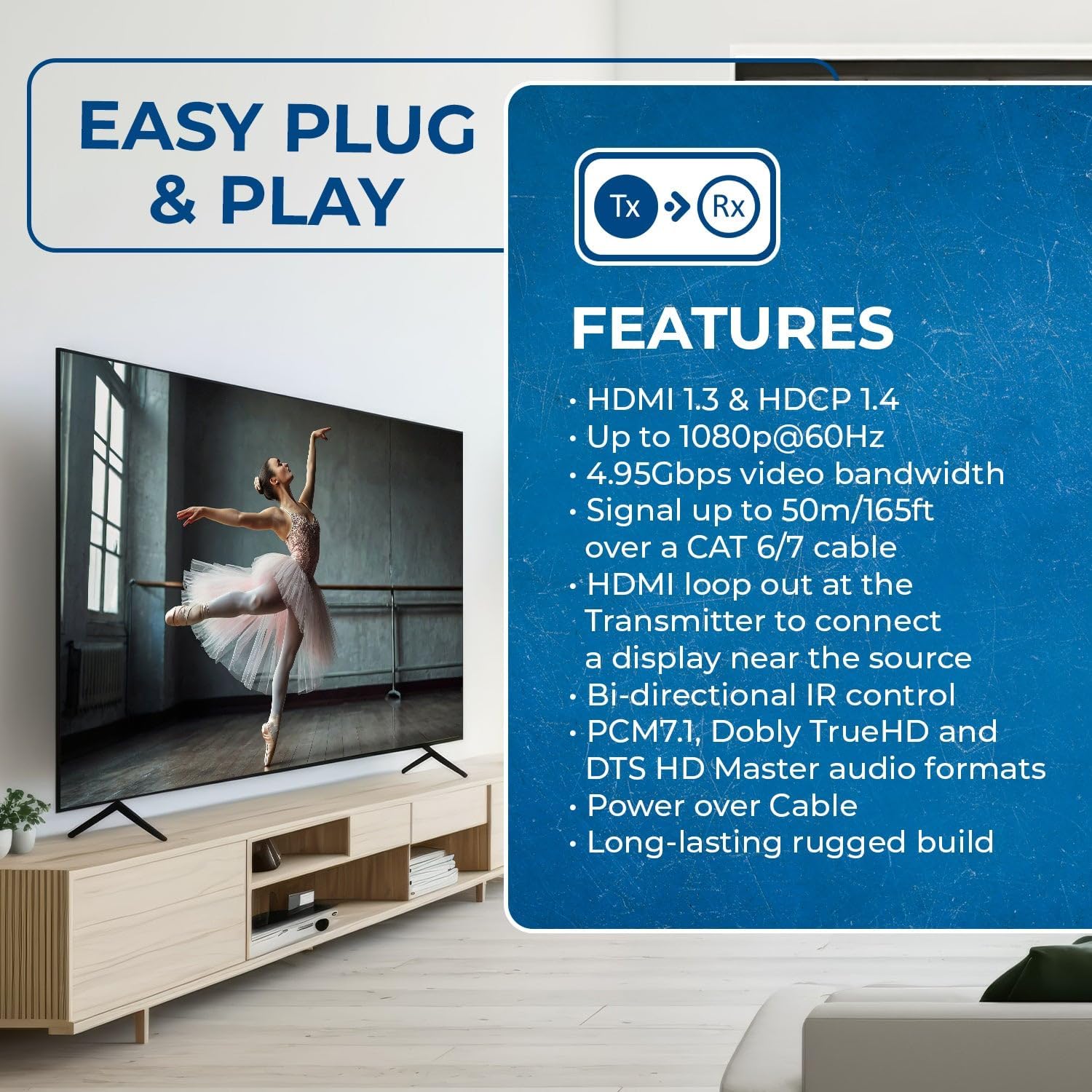
What it is and what it solves\nThe OREI EX-165C is an HDMI extender that uses a single CAT6/7 cable to carry uncompressed 1080p@60 Hz video and audio up to 165 feet (50 m). On paper, this kind of setup aims to reduce the clutter of long HDMI cables and give you flexibility to place a display far from the source. It’s designed for AV installs in homes or small to medium rooms, education spaces, conference areas, or retail environments where running HDMI cables directly would be impractical.\n\n## How it works in practice\nYou’ll connect a transmitter at the source side and a receiver at the display side. The system supports a local HDMI loop-out, so you can view content both near the source and at the remote end without switching inputs. This is handy if you’re setting up a classroom or a meeting room where both the presenter and the audience need sight of the source. The kit is plug-and-play, and it notes PoC (Power over Cable) capability, meaning you may only need one power adapter for the pair, depending on how you wire the system.\n\n## What stands out\nTwo features stand out in everyday use. First, the full HD experience remains within the 1080p@60 Hz bandwith specification, with a claimed 4.95 Gbps capacity that supports clear video and audio. Second, the bi-directional IR control lets you operate either the source device from the receiver or control the display from the transmitter side, which can simplify remote operations in a classroom or home theatre arrangement.\n\n## Pros\n- Simple, wired solution for extending HDMI over a single CAT6/7 cable up to 165 ft.\n- HDMI loop-out enables flexible local viewing alongside remote output.\n- Bi-directional IR adds convenience for controlling devices from the opposite end.\n- Plug-and-play design with minimal setup and no driver installation required.\n- PoC capability reduces the number of power adapters needed in some configurations.\n\n## Cons and limitations\n- The specification caps at 1080p@60 Hz, it won’t support higher resolutions such as 4K, so it may not be suitable for users with 4K sources or displays.\n- Real-world performance depends on the quality of the CAT6/7 cable and environmental factors like interference and cable routing.\n- The exact power configuration for PoC can vary by installation, some setups may still require both units powered.\n\n## Who it’s for\nThis extender suits small-to-medium rooms where a single, unobtrusive cable run is preferred and 1080p is acceptable. Ideal for home theatres, classrooms, small offices, CCTV systems, or digital signage setups that don’t demand 4K. If you prioritise minimal wiring, straightforward setup, and a dual-view option at both ends, this model can fit the bill.\n\n## When it may not be the best choice\nIf you need 4K/60 Hz support, HDR, or higher bandwidth for advanced audio formats, you’ll want to look at alternatives. If your installation involves long cable runs across spaces with potential interference, or if you require more future-proofing, the 1080p limit could feel restrictive.\n\n## What to check before buying\n- Confirm both ends are placed to ensure the CAT6/7 cable can run the full 165 ft without excessive bend radius or interference.\n- Decide whether you’ll rely on PoC or require the single power adaptor for both units.\n- Verify your source and display remain within 1080p@60 Hz capabilities to avoid undervaluing the device.\n- If local viewing (loop-out) is important, test that the transmitter’s loop-out route matches your display positions.\n\n## Practical use example\nIn a small home theatre, you can place the media player near the seating area and run a single CAT6/7 cable to the projector at the front wall. The receiver would sit near the projector with a loop-out to another monitor for demonstration purposes, while the IR remote can control the player from the back row. It’s not a premium 4K setup, but for streaming a movie at 1080p or delivering lecture content in a classroom, it generally suffices.\n\n## FAQ (based on available data)\n- Does it support 4K? No, the stated support is 1080p@60 Hz.\n- Is it plug-and-play? Yes, no drivers required.\n- What about power? It supports PoC, but exact needs depend on installation.\n- Can I view on both ends simultaneously? Yes, thanks to the HDMI loop-out on the transmitter.\n\n## Decision: Should you buy it?\nAs a pragmatic choice for 1080p deployments where wiring simplicity and flexible remote viewing matter, the EX-165C offers a straightforward, no-frills solution. If your setup requires 4K, HDR, or higher audio formats, this model may not meet those needs. Consider your current display requirements, cable layout, and whether PoC meets your power setup before purchasing.