

PHIXERO 7-Port USB 3.0 Hub with 1m Cable: A practical multiport solution for laptops
Product description
What it is
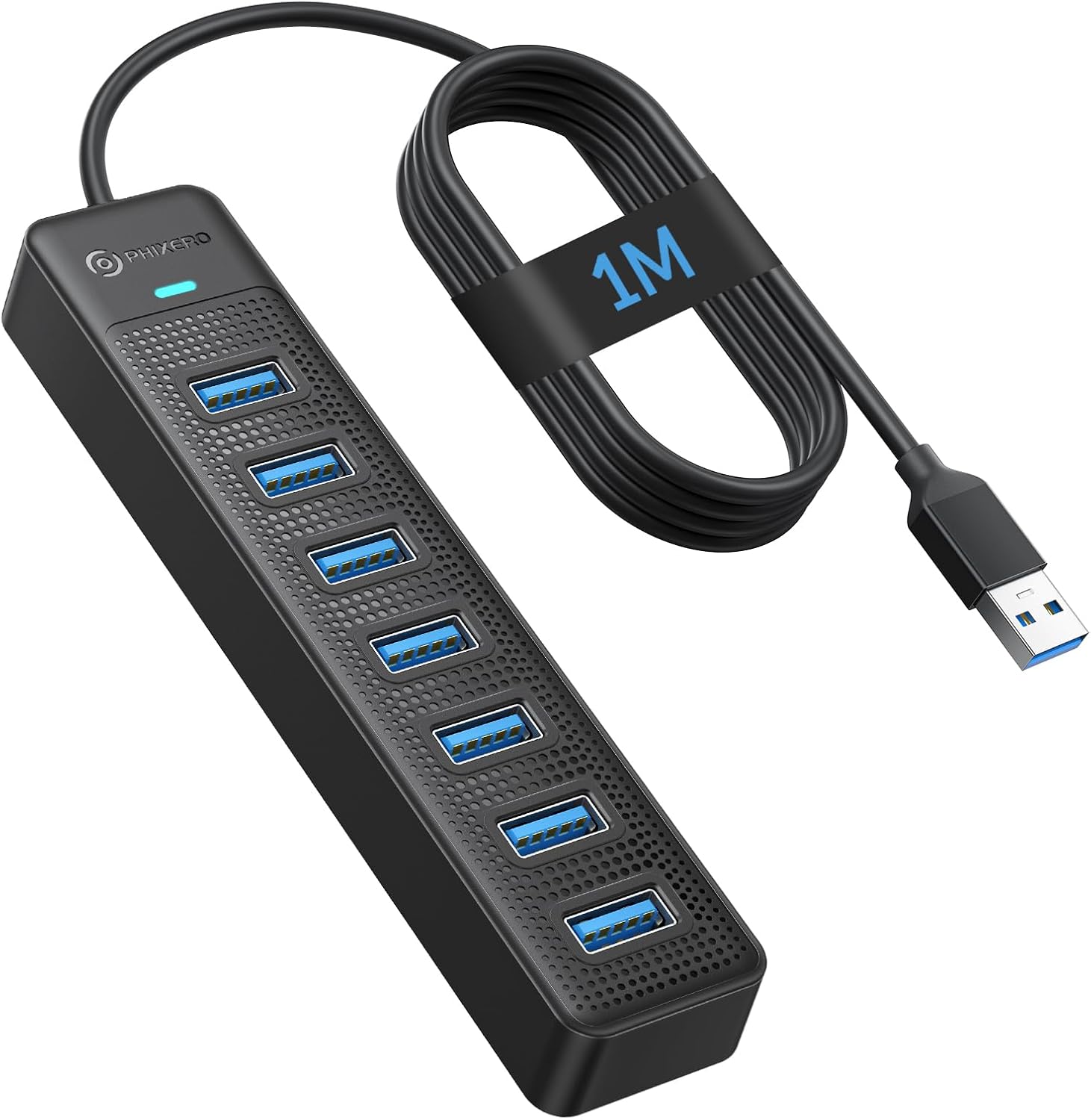
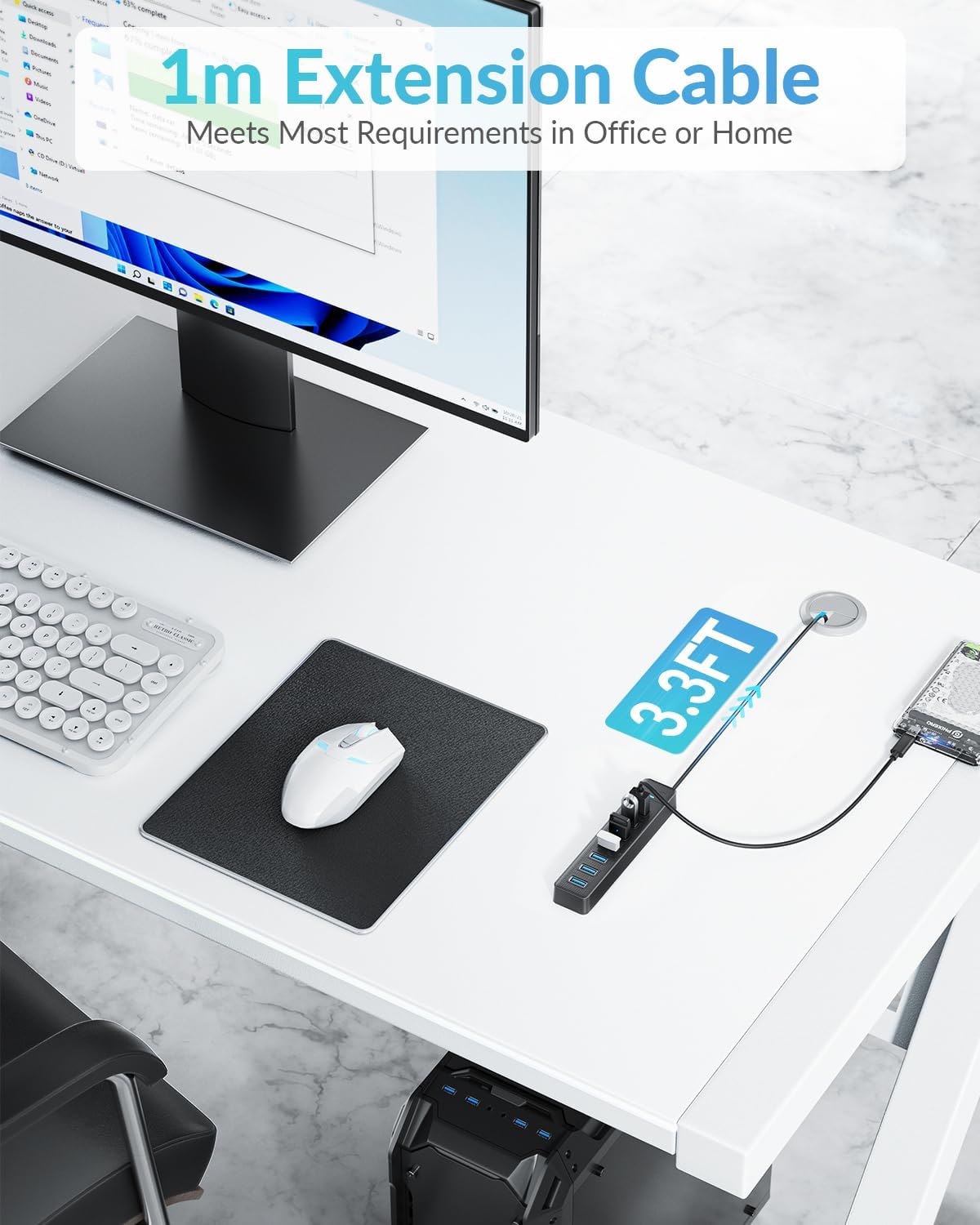
PHIXERO’s 7-port USB 3.0 hub expands a single USB port into seven, offering a straightforward way to connect multiple peripherals to a laptop or PC. The included 1 metre (3.3 ft) extension cable keeps the hub within easy reach on your desk, while the card-backed design aims for quiet, steady operation rather than high-power charging.
How it works and what it can do
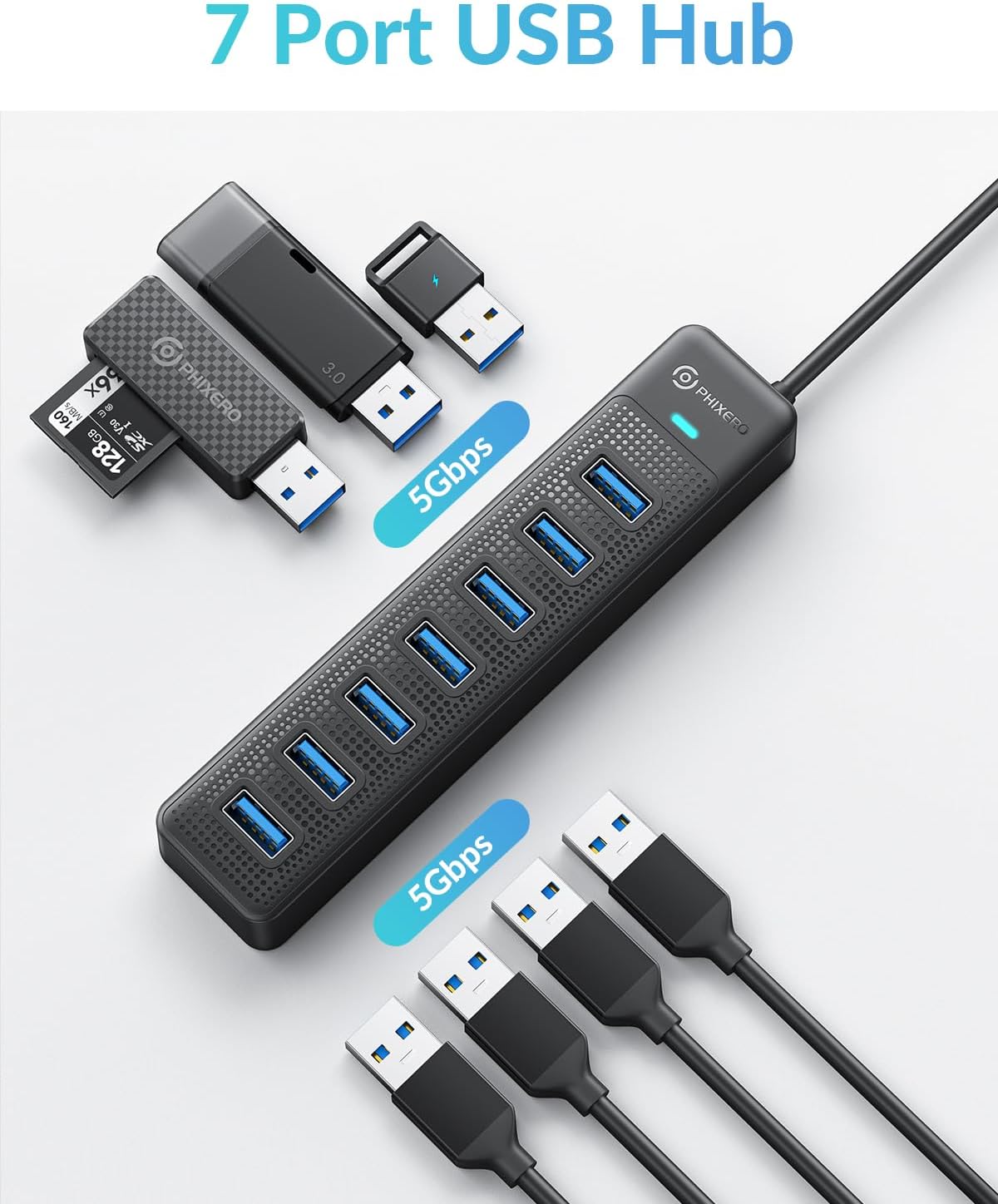
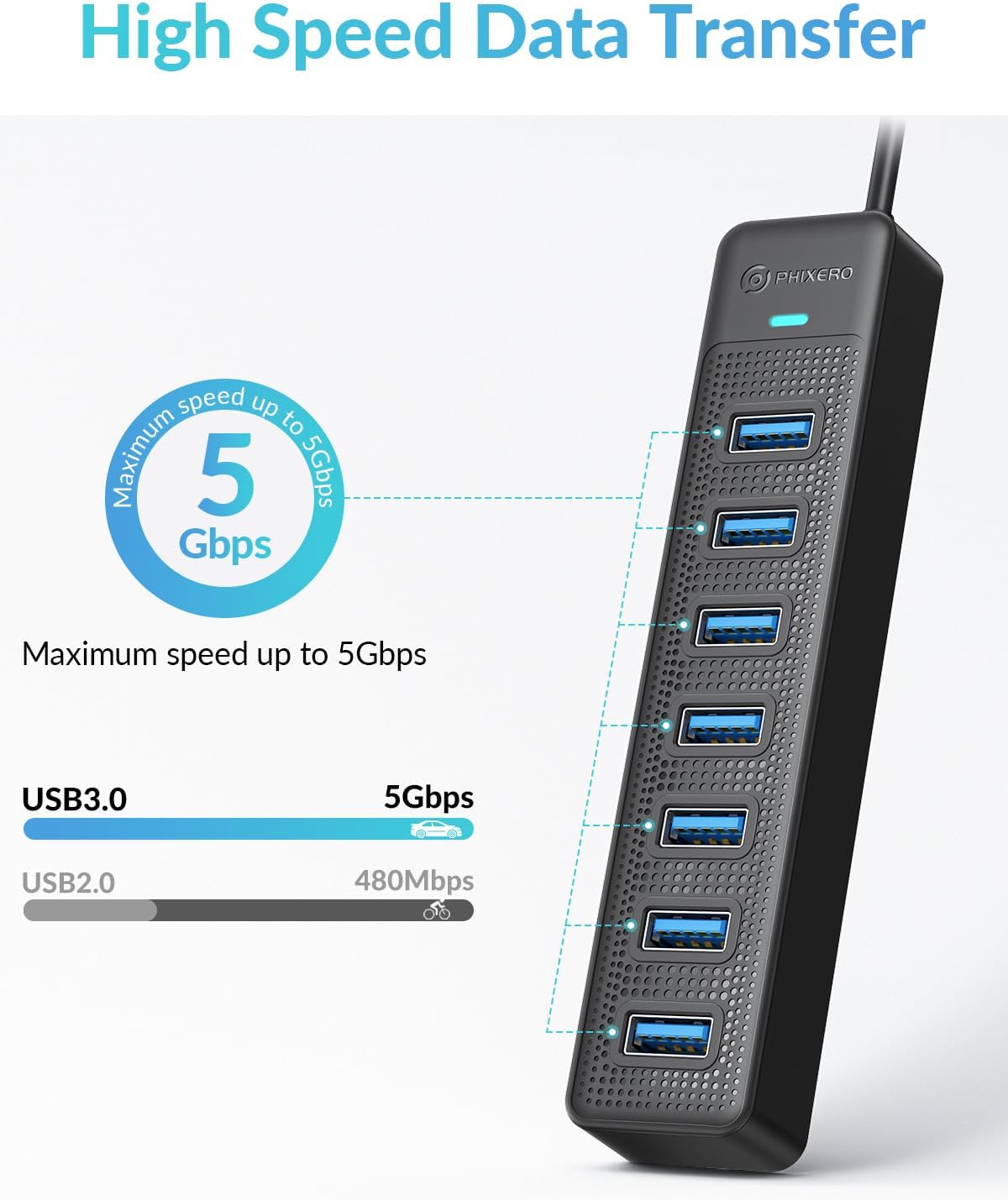
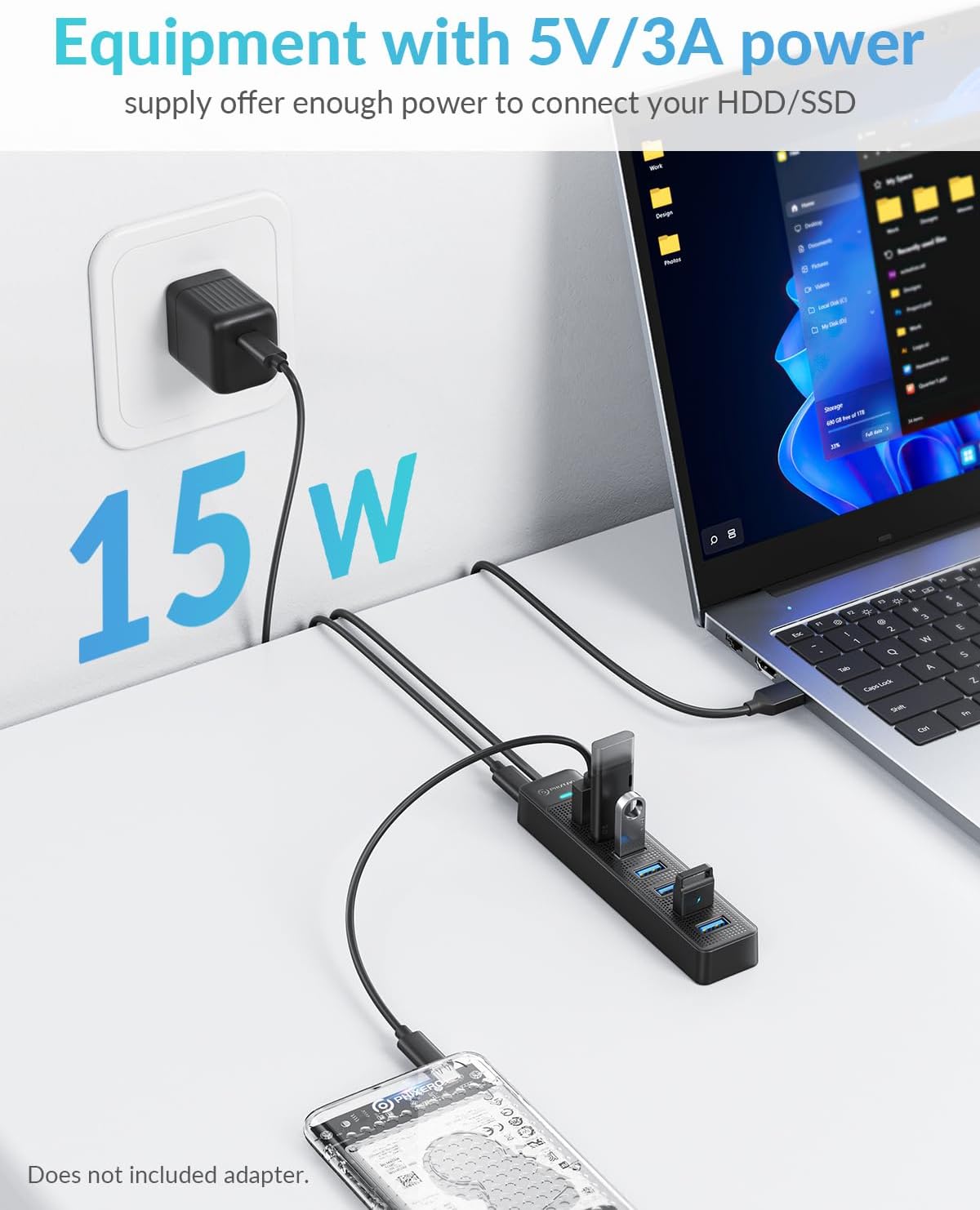
With USB 3.0, the hub delivers up to 5 Gbps for data transfer, which is fast enough to move large files or watch high‑definition media without noticeable lag. It remains backward compatible with USB 2.0 and 1.1 devices, and it supports OTG on mobile devices that offer OTG functionality. Note that this hub is not designed for charging devices, the maximum output per port is 900 mA, so it’s best used for data-driven peripherals like keyboards, mice, USB sticks, printers and external drives when power requirements are modest.
Design and compatibility
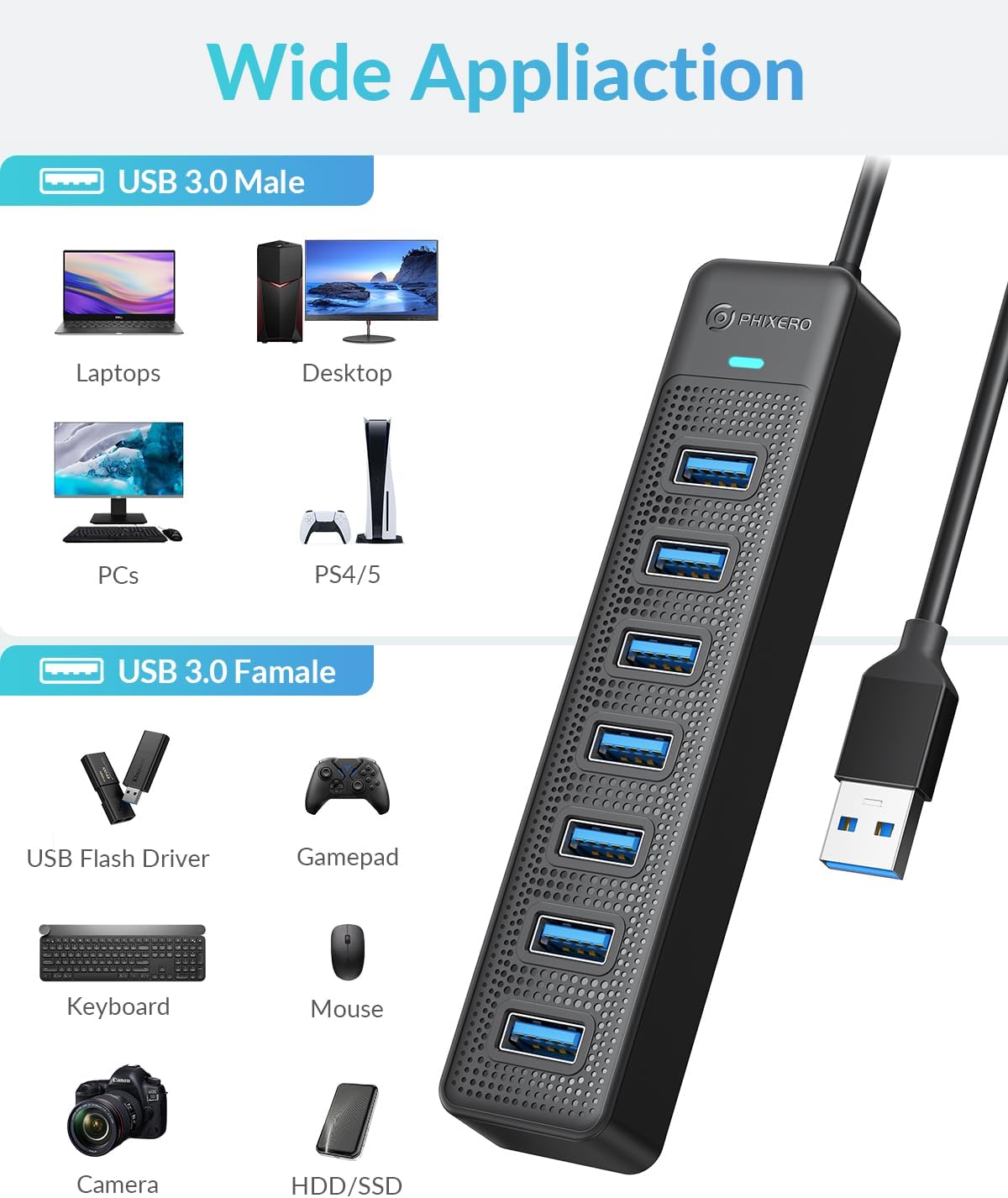
The device is plug-and-play, with a non‑drive‑required approach that works across Windows, Mac OS 10.x and above, Linux and Android. The long cable helps you place the hub away from a crowded laptop, reducing cable clutter and giving you flexibility in small workspaces.
What stands out
- Seven USB 3.0 ports from a single interface can significantly declutter a desk.
- A robust data channel at 5 Gbps supports most everyday data tasks efficiently.
- The long 1 m cable provides practical reach for desktops and laptops alike.
- Broad compatibility means it should work with many common devices, from keyboards and mice to flash drives and printers, plus OTG-enabled mobile phones.
Limitations and things to consider
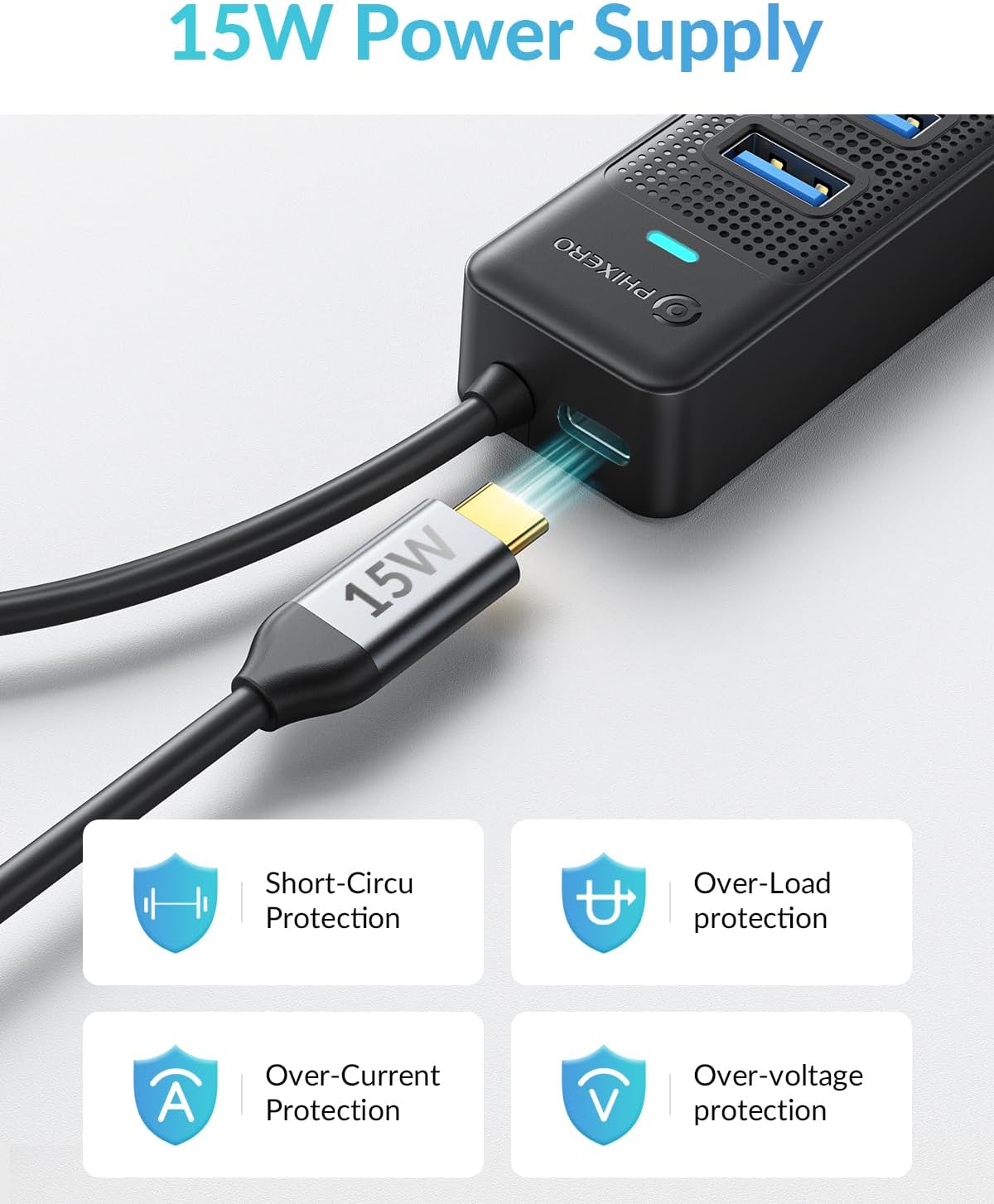
- It is not a high‑powered charging hub, expect slow charging if you try to power devices through the hub.
- The per‑port current limit of 900 mA means devices with higher power draw (some external HDDs, certain charging accessories) may not operate optimally.
- As with any USB hub, charging and performance can vary depending on the host computer’s USB controller, cable quality, and connected devices.
Who this is for
This hub suits students, remote workers, or anyone needing to expand a laptop’s USB capacity without swapping out hardware or investing in a higher‑end docking station. If you mostly need extra data ports for input devices, USB sticks and a printer, this model makes sense.
Who it isn’t ideal for
If you rely on charging via USB for devices, or you frequently connect power-hungry external drives, you may prefer a hub designed for charging or a dedicated docking station with higher per-port current limits.
When to consider buying
- You want to tidy up a cluttered workstation by reducing cable swaps.
- You need quick, reliable USB 3.0 data transfer to multiple peripherals from a single port.
- You value compatibility across Windows, macOS, Linux and Android and appreciate plug‑and‑play setup.
What to check before buying
- Confirm your devices fit within the 900 mA per-port limit if you plan to run multiple peripherals simultaneously.
- Consider the hub’s placement on your desk, the 1 m cable helps with reach but ensure it won’t create new cable tangles.
- If OTG use is relevant, verify your mobile device supports OTG to take advantage of that feature.
Practical use example
Imagine you’re setting up a compact home workstation: you connect a wireless keyboard, a mouse, a USB SSD and a USB printer to the hub, then plug the hub into your laptop. With the 5 Gbps data channel, large file transfers and printing tasks proceed without the lag you might experience with a more limited port setup. The long cable keeps the hub on your desk edge, reducing desk clutter.
FAQ
- Does it charge devices? Not really, the hub is designed for data transfer, with a 900 mA per-port limit.
- Is it compatible with my Mac? Yes, it’s described as compatible with Mac OS 10.x and above, among other systems.
- Can I use OTG with my phone? OTG is supported on phones that have OTG functionality, check your device spec.
Is it worth it?
Worth considering if you prioritise increasing USB connectivity on a budget and use primarily data-driven peripherals. If you need high-powered charging or more independent power delivery, this might not be the best fit.