


USB C HUB 11-in-1 docking station with 4K HDMI 🔌
Product description
This compact 11-in-1 USB‑C hub expands a laptop or compatible Type‑C device into a full workstation, adding video outputs, wired networking and extra ports for peripherals. If you need a USB C hub for MacBook Pro to connect an external monitor, SD cards and Ethernet at the same time, this adapter offers a balanced set of ports to reduce cable juggling and keep a desk tidy.
Key Points
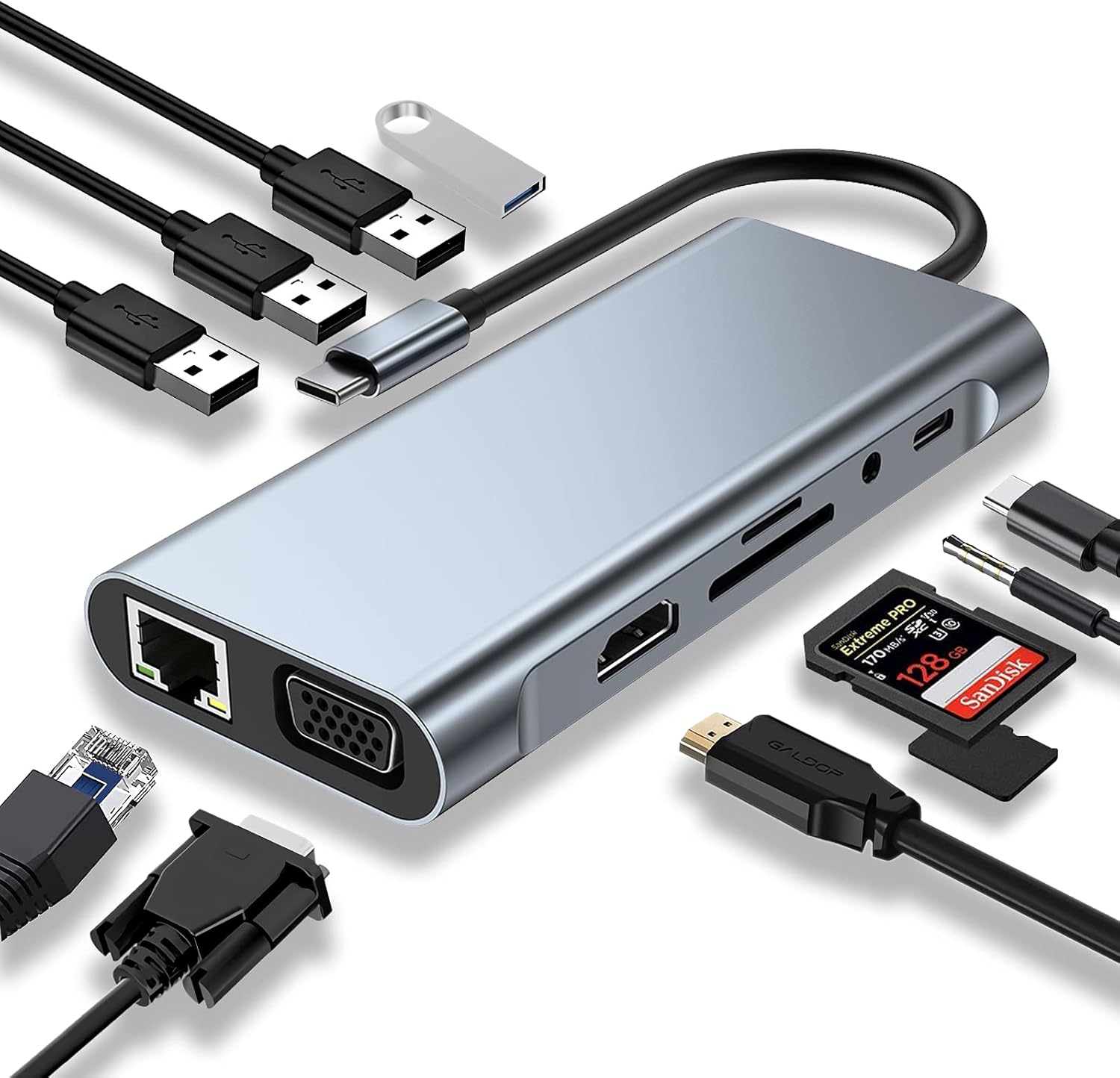
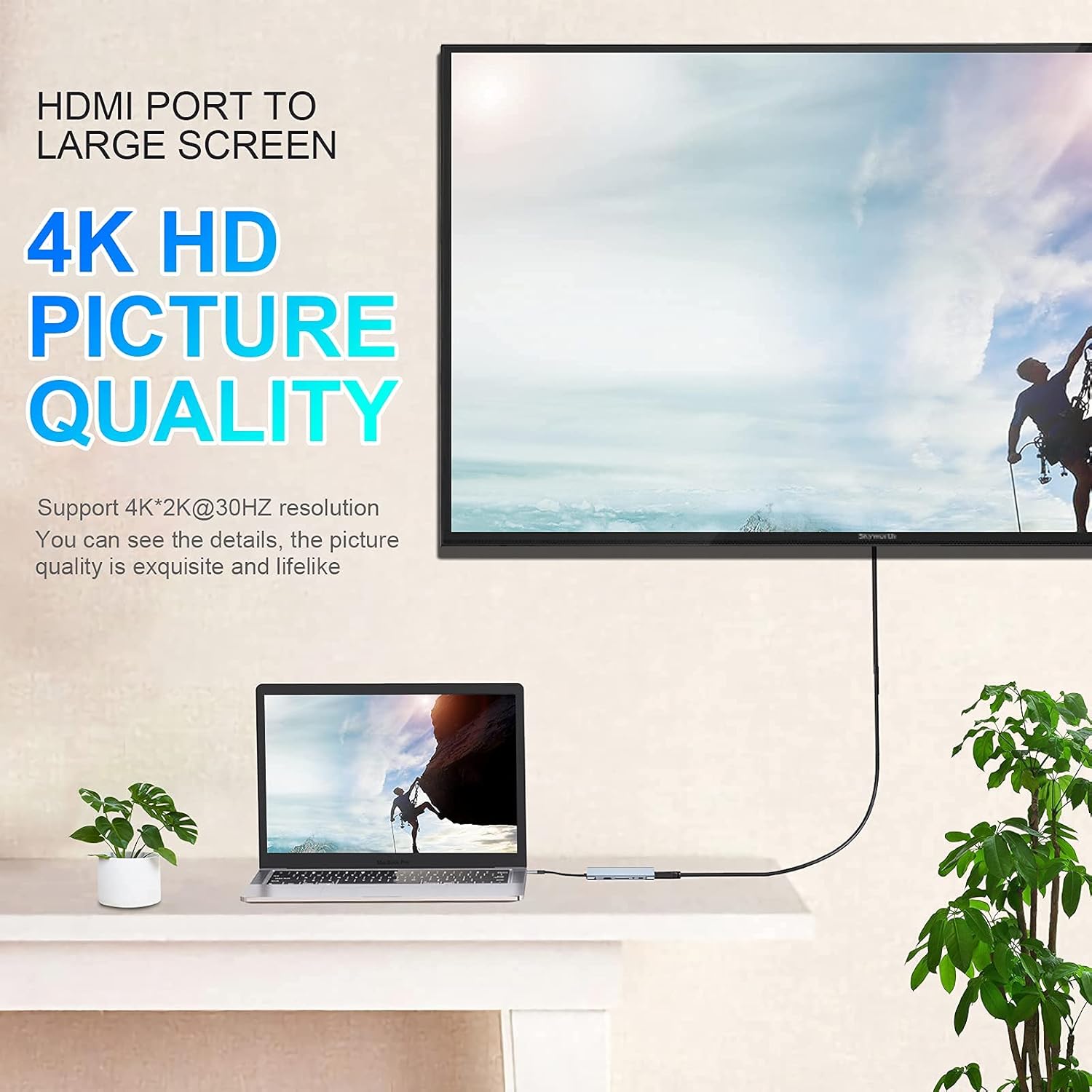
The hub includes a 4K HDMI output and a VGA port, so you can attach modern displays or older projectors with minimal fuss. It supports up to 4K (3840x2160 at 30 Hz) over HDMI and 1080p at 60 Hz via VGA, according to the manufacturer. This makes it suitable for presentations and extended desktop setups, and the addition of an RJ45 Ethernet port helps when wireless connectivity is unstable. ⚡️
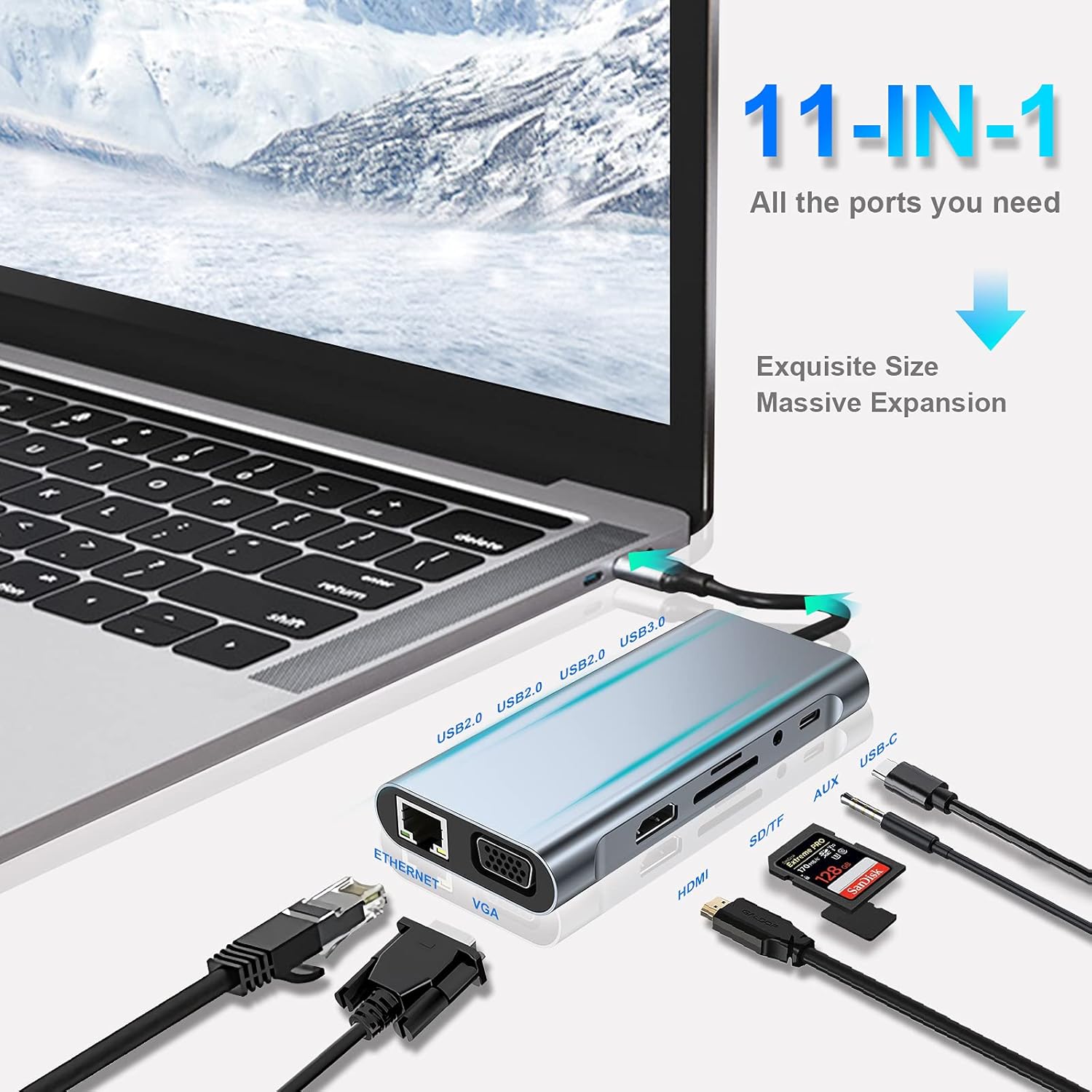
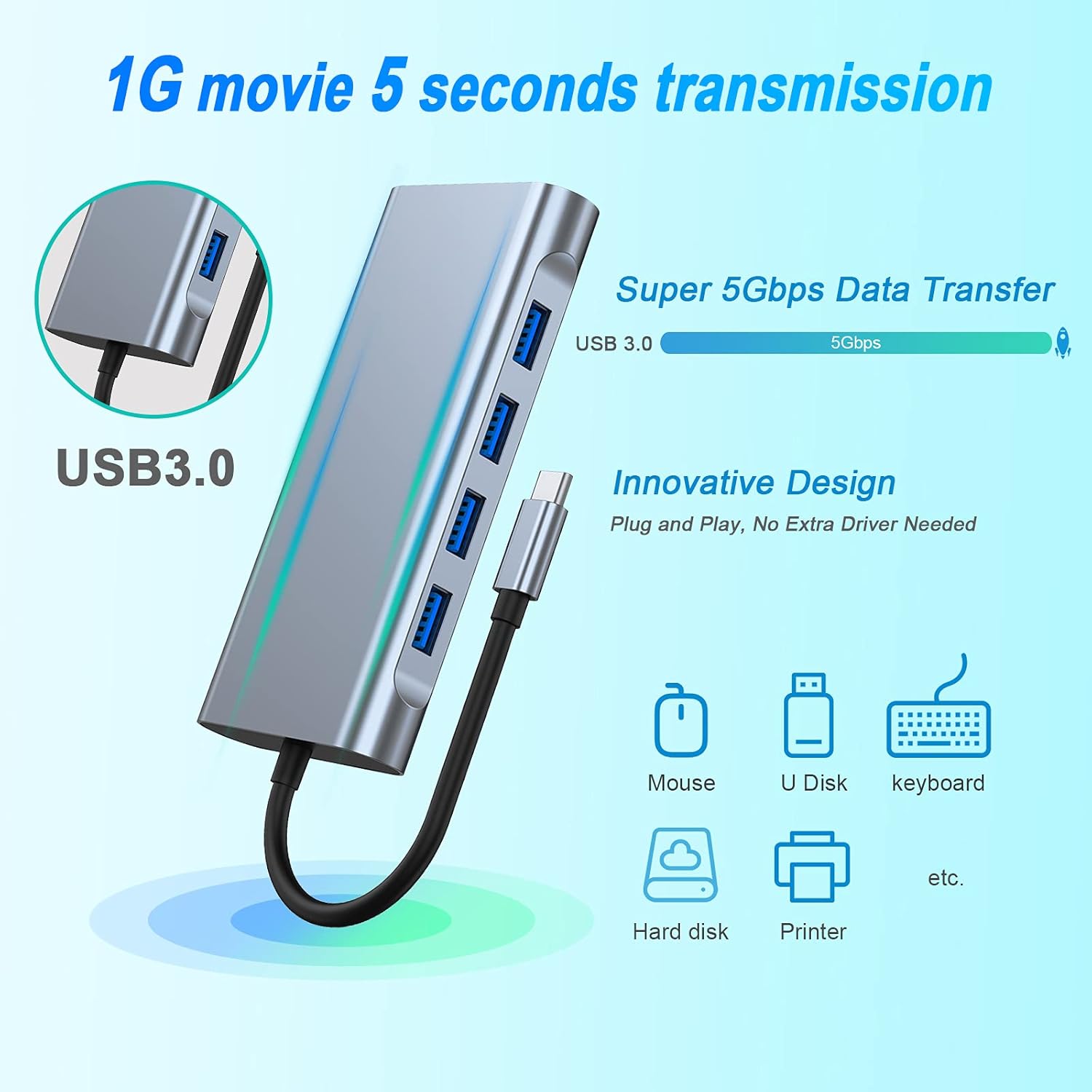
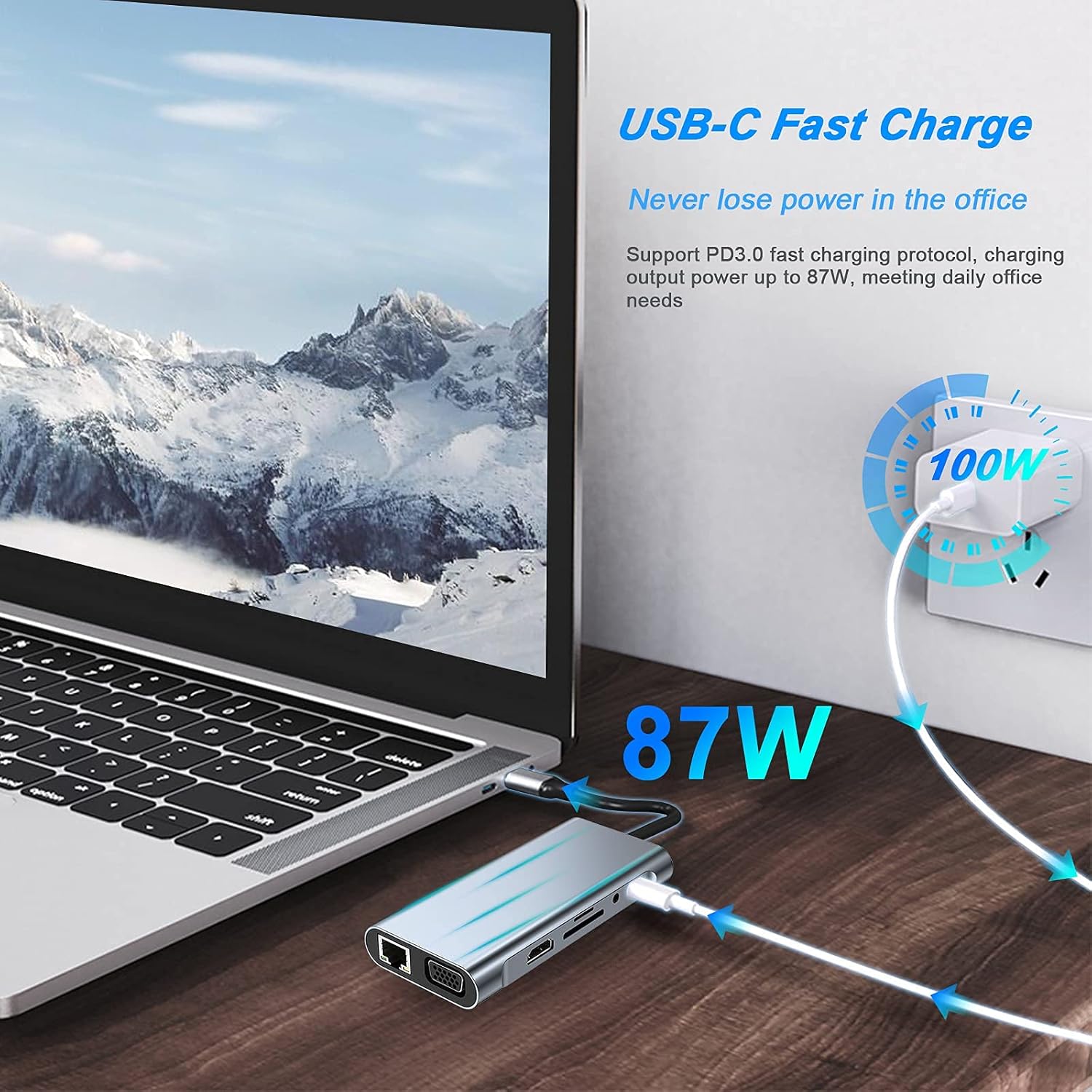
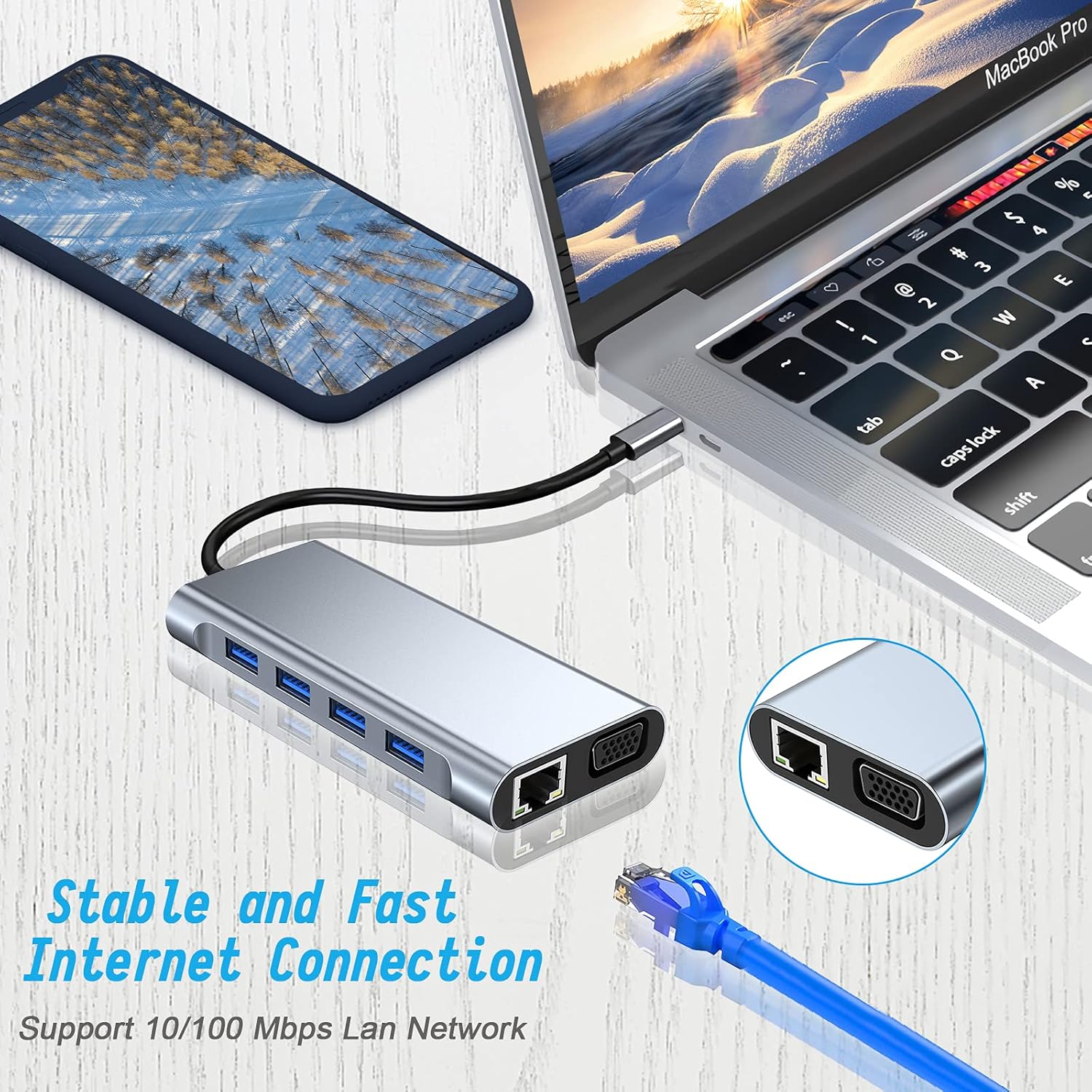
Data transfer is covered by one USB 3.0 port offering speeds up to 5 Gbps and three USB 2.0 ports for mice, keyboards and other low‑bandwidth accessories. The SD and microSD card reader slots allow quick file access, although both card slots cannot be read simultaneously. A Type‑C PD power input lets you pass power through to your laptop while using power‑hungry outputs such as HDMI or Ethernet. 🔌
The hub’s casing is aluminium with an internal heat‑dissipation design and an integrated dual‑core chip, which the manufacturer says improves efficiency and reduces thermal build‑up during sustained use. The device is plug and play, requiring no drivers for most modern operating systems.
Technical Specifications
- Name: U&C 11-in-1 USB C Hub
- Video output: 4K HDMI (3840x2160 @ 30 Hz), VGA (1920x1080 @ 60 Hz)
- Ports: 1 × USB 3.0, 3 × USB 2.0, 1 × RJ45 Ethernet, SD and TF card slots, 3.5 mm audio output, Type‑C PD input
- USB transfer speed: USB 3.0 up to 5 Gbps
- Ethernet speed: up to 100 Mbps
Usage Recommendations
Use the Type‑C PD input to supply power to the hub when driving displays through HDMI or VGA to ensure stable performance and maintain laptop charging. For photographers and videographers, copy files rapidly with the SD/TF reader, remembering that the two card slots cannot be accessed at the same time. For presentations in mixed environments, switch to VGA where HDMI is not available, and connect the Ethernet port when you need a more reliable network connection than Wi‑Fi can provide. 🖥️
Consider that the HDMI output runs at 30 Hz for 4K content according to the manufacturer, which may not be the best option for high‑frame‑rate gaming at native 4K. Also, the RJ45 port is specified for up to 100 Mbps, so it will not match gigabit wired networks.