

UGREEN WiFi Dongle AXE5400 (WiFi 6E) USB WiFi Adapter for PC with WPA3
Product description
What it is and what problem it solves
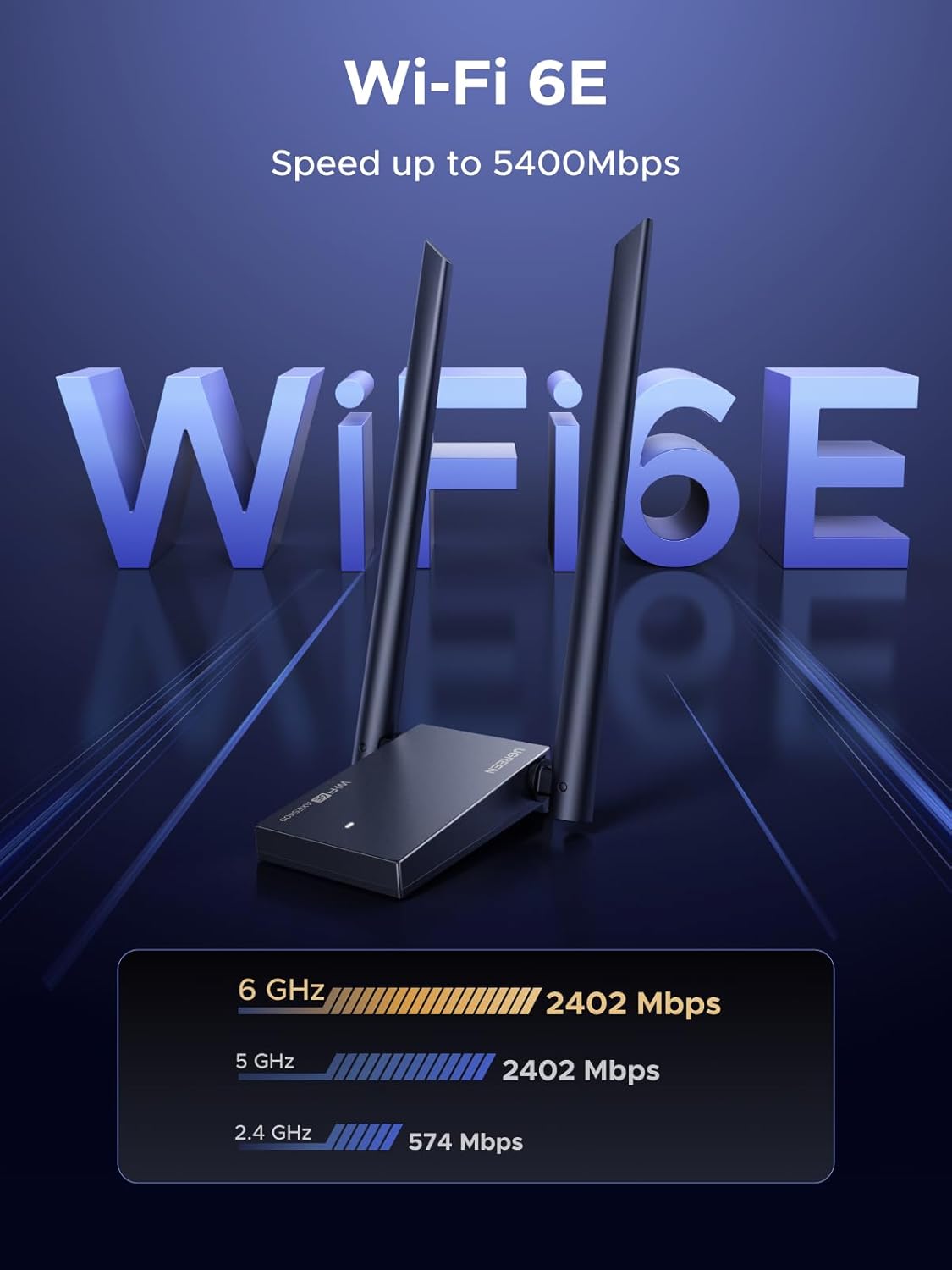
The UGREEN AXE5400 WiFi 6 USB dongle is aimed at people who want to add a fast, modern Wi‑Fi connection to a desktop or PC without relying on a built-in card. On paper, the big draw is tri-band Wi‑Fi 6E support (6GHz plus 5GHz and 2.4GHz), which is useful if your router actually supports 6GHz and your environment benefits from it.
This isn’t the kind of adapter you buy just to “get online”. It’s more for when you’re trying to reduce the annoyances that come with weaker connections—higher latency for online play, choppy video in busy homes, or simply uneven speeds across devices. If you’re setting up a PC in a room where Wi‑Fi can be temperamental, a USB dongle like this can be a practical route.
Key features that matter in daily use
The spec sheet highlights several technologies that sound good together: tri-band speeds, external antennas, and Wi‑Fi 6E-style efficiency.
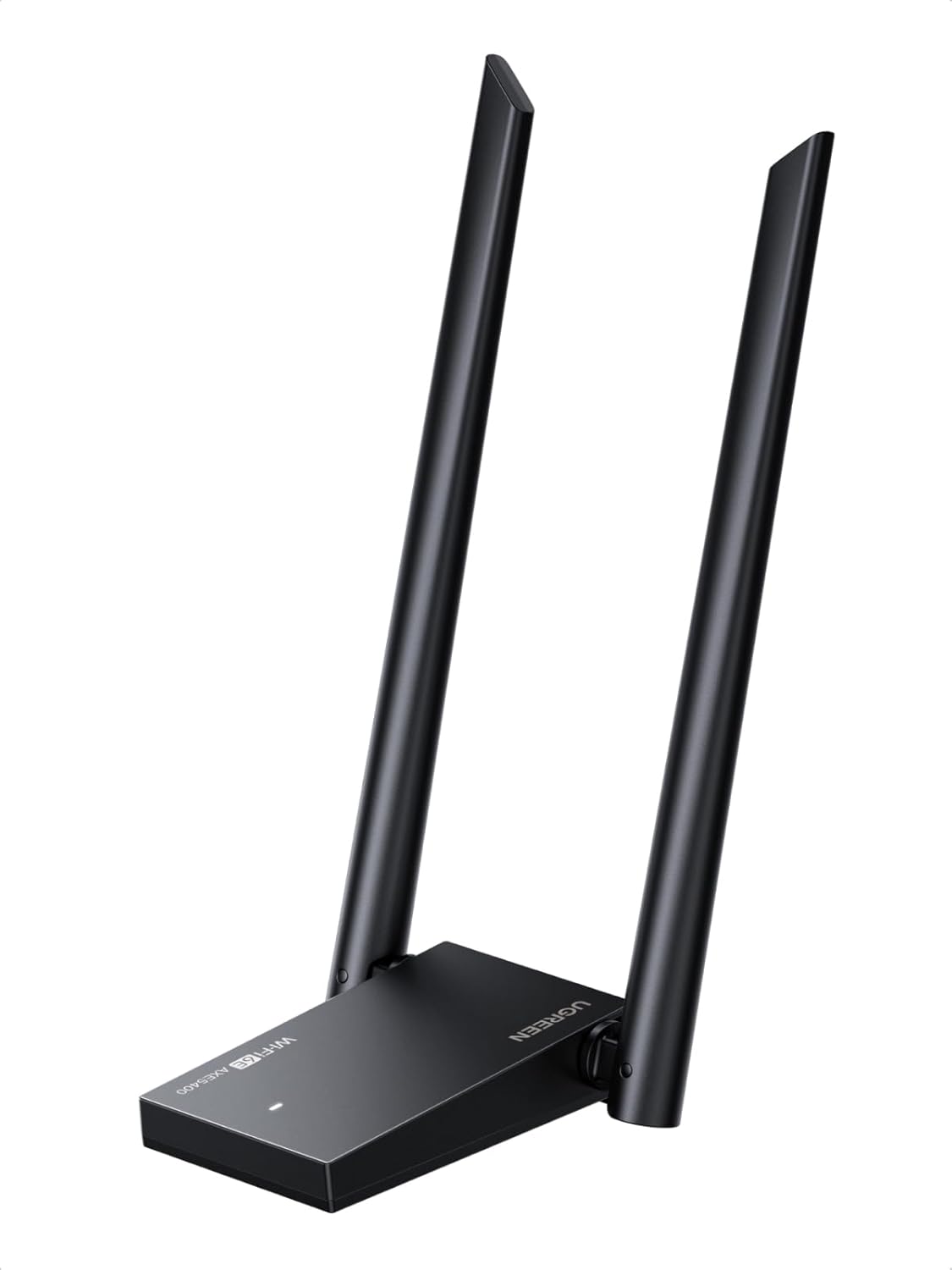
It claims up to 2400Mbps on 6GHz, 2400Mbps on 5GHz, and 574Mbps on 2.4GHz. Those numbers are theoretical maxima, so real-world performance will depend a lot on your router, signal strength, and what else is happening on the network. Still, having 6GHz available is a genuine advantage if your setup supports it.
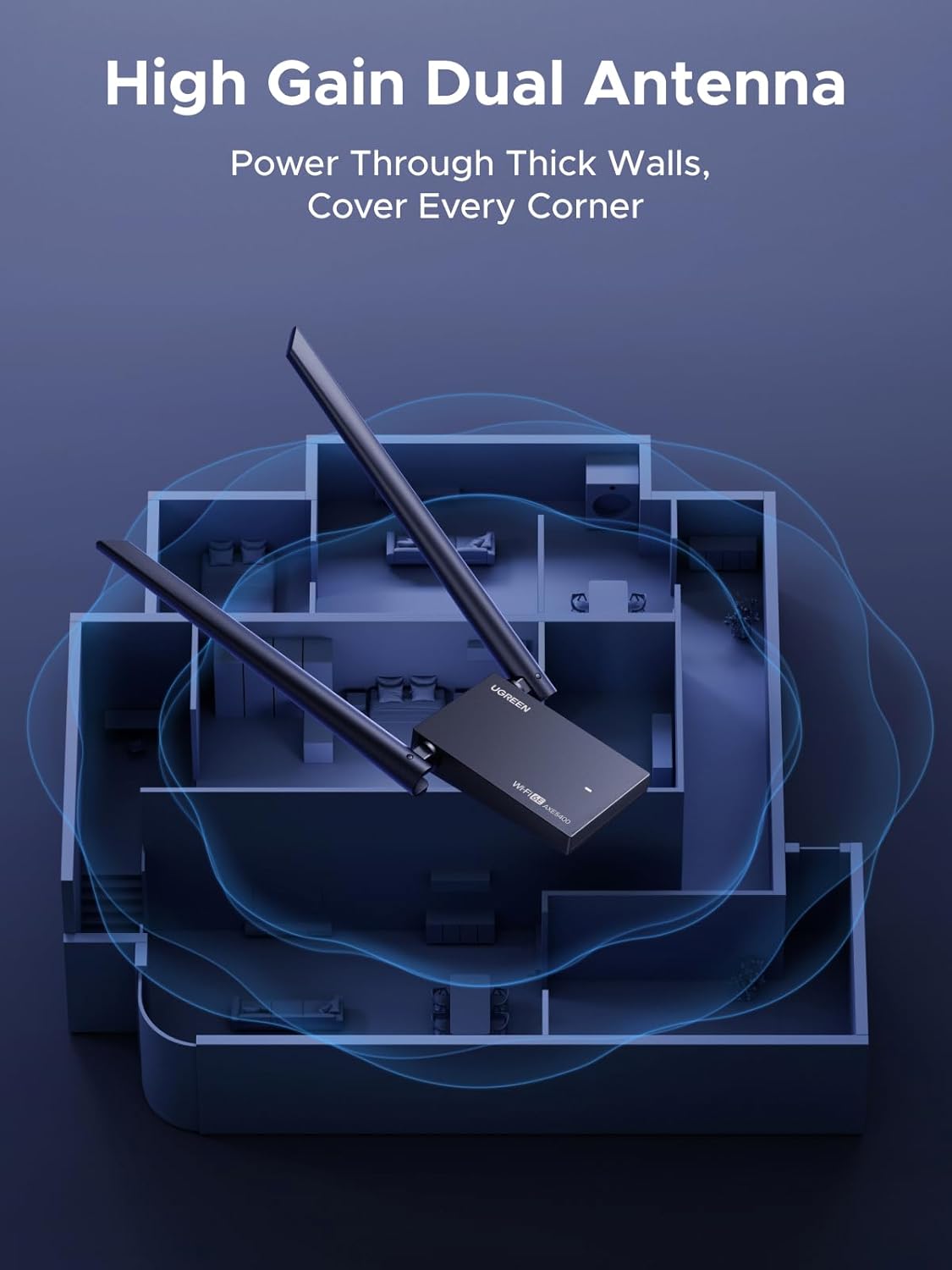
The dongle also includes dual high-gain external antennas. That’s there for a reason: better antennas can help the adapter receive and transmit more consistently, especially when the PC isn’t positioned close to the router. If your current Wi‑Fi struggles across distance or through barriers, this is the sort of feature set worth paying attention to.
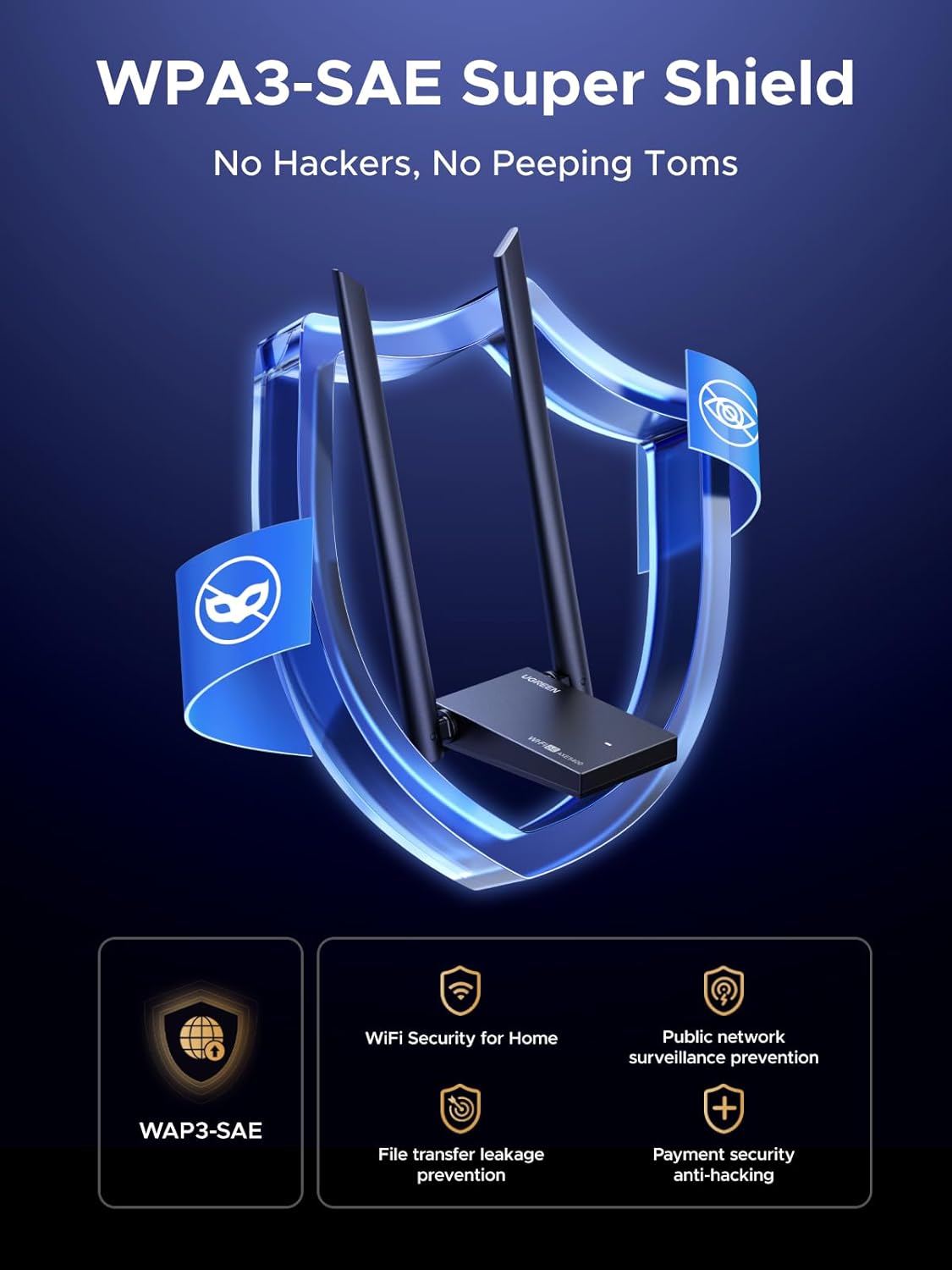
On the networking side, it supports WPA3 encryption for security, and it uses OFDMA and MU‑MIMO to manage traffic more efficiently when multiple devices are connected. In a busy household, that can translate into fewer slowdowns when everyone’s online at once.
What you’ll notice (and what you might not)
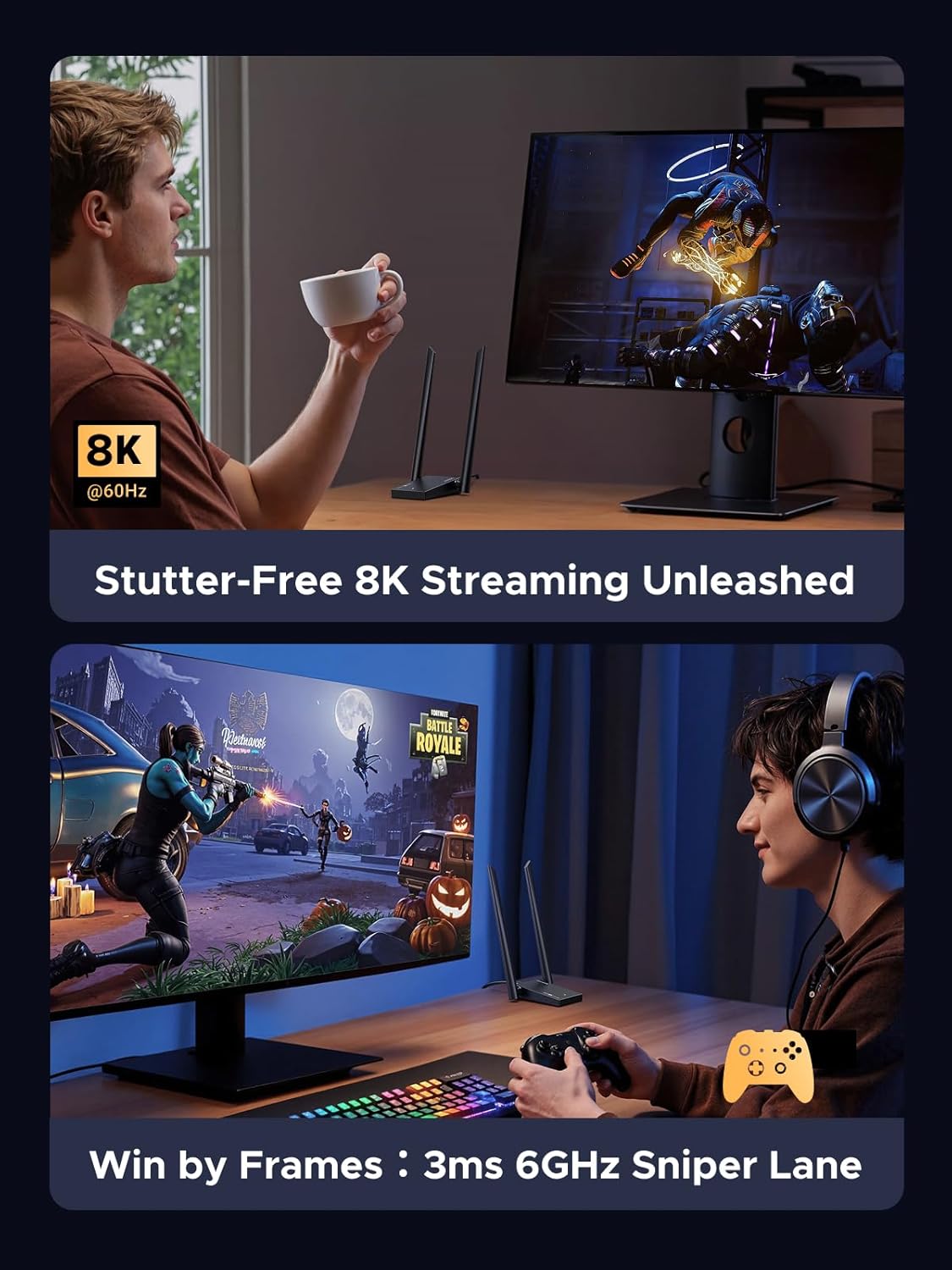
In day-to-day terms, the best-case experience is a PC that maintains a steadier connection for work and entertainment—things like video calls, cloud work, streaming, and gaming sessions—because the adapter is designed to handle congestion better and to cut latency via its Wi‑Fi 6 feature set.
However, it can be a bit of a “depends quite a lot” product. The moment you don’t have a compatible router setup (particularly around 6GHz), you may not get the full benefit of tri-band/6GHz support. Also, this unit needs manual driver installation for optimal performance on Windows 10/11, which is straightforward for most people, but it’s still an extra step compared to plug-and-forget options.
Where it shines
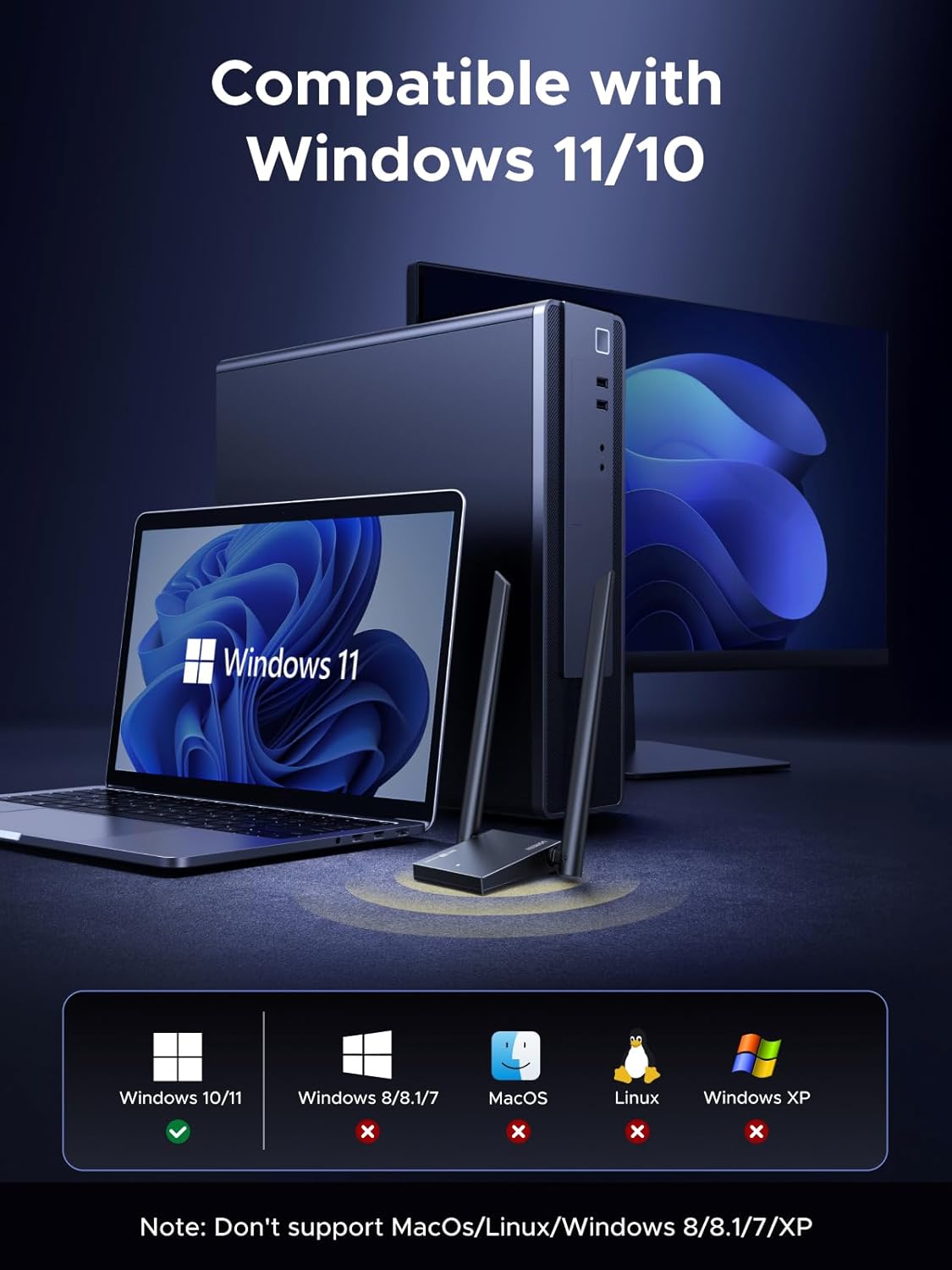
This dongle makes sense if you have a Windows 10 or Windows 11 PC and you want a Wi‑Fi adapter that’s ready for modern networks, not just older Wi‑Fi standards. It’s especially relevant if you:
- Need Wi‑Fi on a desktop/PC where internal cards aren’t an option.
- Have a router that supports 6GHz and want to use it.
- Play online games or do latency-sensitive work and you want the adapter tuned for lower-latency wireless.
- Live with multiple devices on the same network and notice slowdowns when everyone’s active.
Limitations and things to check before buying
A couple of practical checks can save you disappointment:
First, confirm your router supports the 6GHz band if you’re buying specifically for the 6GHz speed potential. The adapter can only take advantage of what the router offers.
Second, this model is described for Windows 10/11. If you’re on a different operating system, you’ll want to be cautious (the information here only mentions those Windows versions).
Third, you’re installing Windows drivers manually for optimal performance. That’s usually fine, but it’s not a zero-effort upgrade.
Comparison mindset: when a USB Wi‑Fi dongle is the better approach
If you’re weighing your options, a USB dongle is often the “quick upgrade path” when you don’t want to open a PC or change internal hardware. It also tends to be easier to reposition—especially if the kit gives you external antennas—compared with fixed internal antennas.
That said, if you’re chasing maximum stability and you have the option of a proper internal solution, USB can still be a middle ground. It’s a solid, flexible way to improve connectivity, but it’s not always the same as the most robust hardware-style networking upgrades.
Mini FAQ
Does it support WPA3 security?
Yes. The adapter is described as featuring WPA3 encryption.
Is it mainly for gaming?
It’s positioned for both intensive gaming and professional work needs, with mentions of low-latency wireless and congestion handling.
Will I get 6GHz speeds?
Only if your router supports 6GHz and your setup allows a strong enough signal. The adapter is tri-band and includes 6GHz support, but real-world results vary.
Is it easy to set up on Windows?
It’s designed for Windows 10/11, but the driver installation is manual. The listing mentions included Windows drivers and an intuitive setup guide.
Final verdict
It’s a good fit if you want a Windows 10/11 PC Wi‑Fi upgrade with tri-band Wi‑Fi 6E capability, external high-gain antennas, and WPA3 security—particularly if your router supports 6GHz and you’ve had latency or congestion issues.
It’s not the best choice if you don’t have a 6GHz-capable router, if you need a plug-and-forget adapter with no driver steps, or if you’re buying purely on headline “max Mbps” numbers without considering signal conditions.
Should you buy it?
Worth considering if you’re the sort of user who notices network slowdowns and wants a modern adapter that’s designed for busy households and lower-latency use. If you can tick the boxes (Windows 10/11, router features, and decent placement for the antennas), the UGREEN AXE5400 is the kind of Wi‑Fi dongle that can feel like a proper upgrade rather than just a workaround.