

TP-Link Archer TX23U AX1800 USB Wi‑Fi 6 dongle (USB 3.0) for Windows 11/10
Reviews
Price
Product description
What it is and what it’s for
The TP-Link Archer TX23U is a USB Wi‑Fi 6 adapter designed for a PC, using a USB dongle form factor. In plain terms: it’s there to add (or upgrade) wireless networking without having to open the desktop and fit an internal card. Because it’s a USB 3.0 model with a “plug & play” approach, it tends to suit people who want a straightforward set-up—especially on a Windows 11 or Windows 10 machine.
Wi‑Fi 6 (sometimes written as AX) is mainly about efficiency: handling more devices at once, and keeping performance steadier when networks are busy. So if your home Wi‑Fi is often congested (multiple people streaming, gaming, working from home), the TX23U’s spec sheet points in the right direction.
Key points
This dongle focuses on Wi‑Fi 6 features that aim to reduce latency and improve network efficiency, backed by MU‑MIMO and OFDMA. It also leans into security with WPA3 support, which is a sensible baseline if your router also supports WPA3.
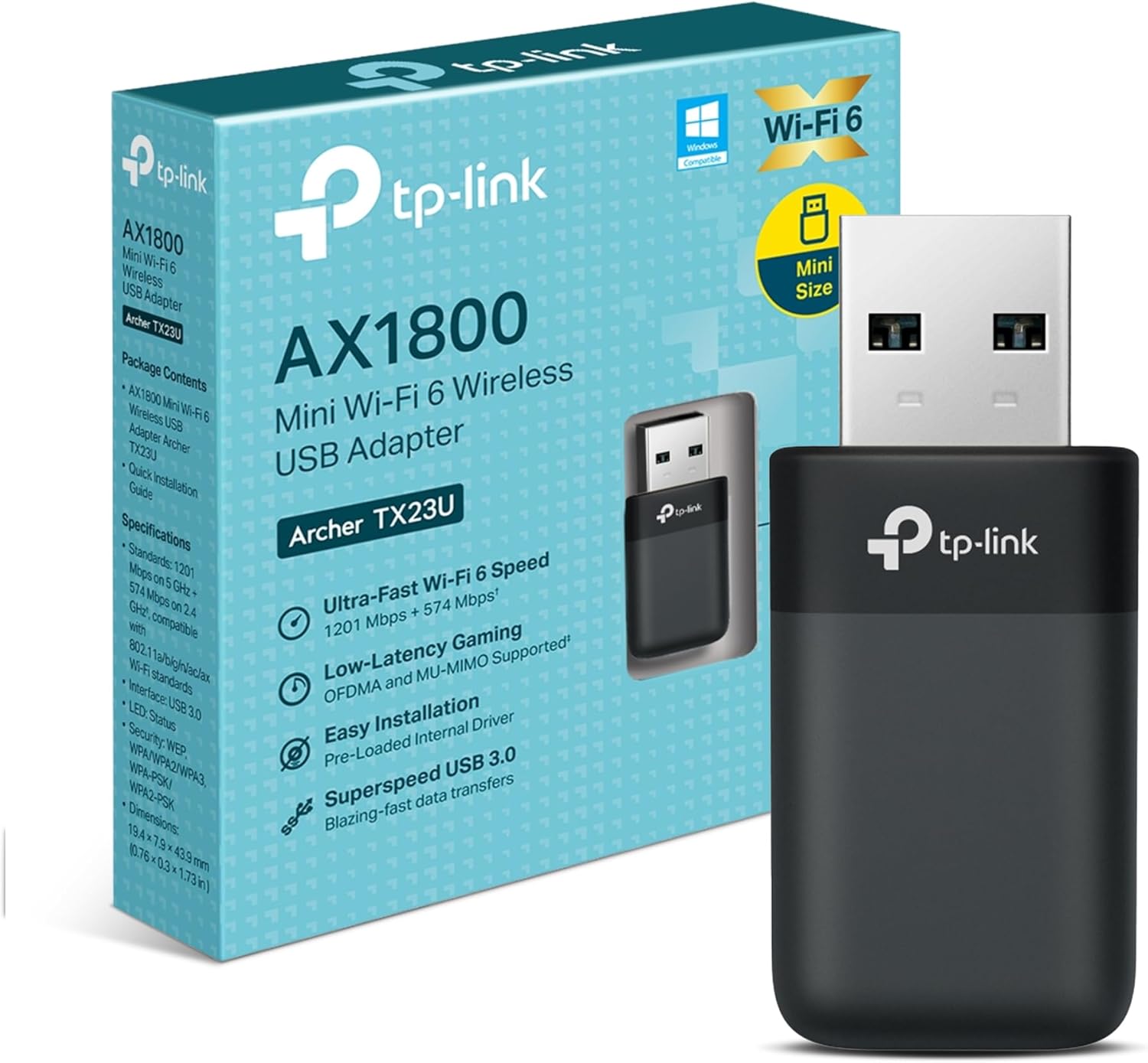
The headline speeds are listed as up to 1800Mbps on a dual-band setup (with different rates on 5 GHz and 2.4 GHz). That’s useful as a reference for what the adapter is rated to support, but real-world performance will still depend a lot on signal strength, interference, and how your router is configured.
One small “worth noting” detail is that, being a USB dongle, it’s only as good as where you plug it in. In practice, a USB port behind a desk can mean the signal is weaker than it needs to be.
Where it shines in everyday use
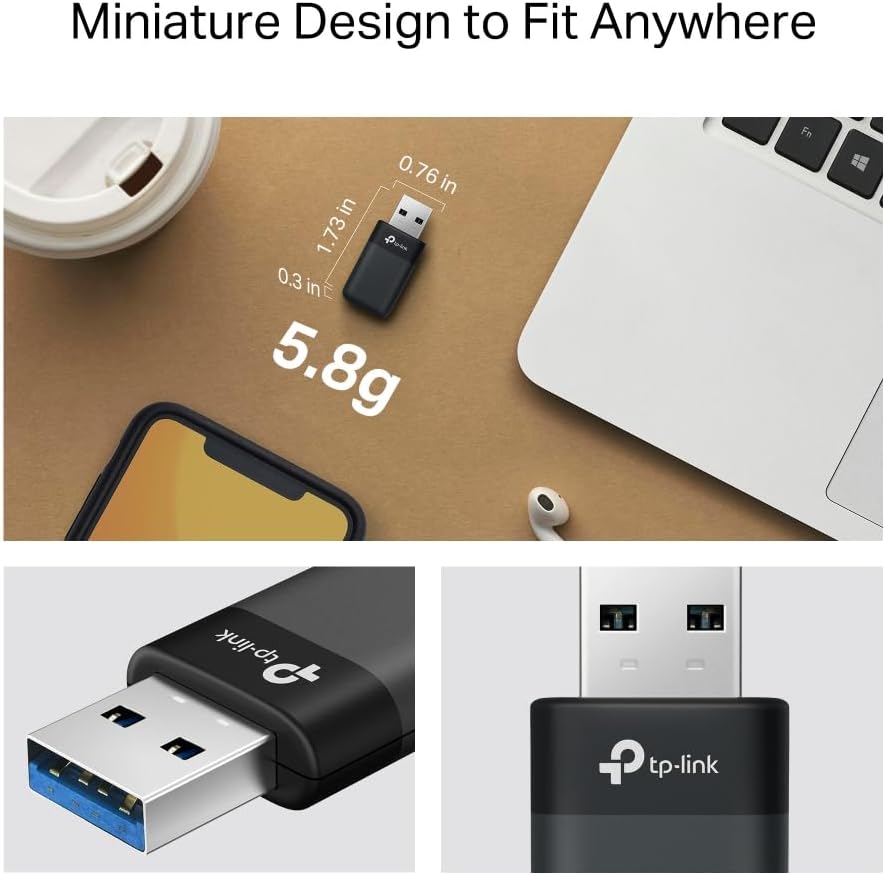
On paper, the combination of Wi‑Fi 6 plus MU‑MIMO and OFDMA is aimed at smoother performance in busy households. If you’ve ever noticed video calls becoming choppy when other devices start downloading, this is exactly the kind of scenario where those efficiency features matter.
A practical way to use it: plug the dongle into a USB port on the front of your PC (or somewhere with better reception), then test a quick transfer or a short streaming session. If it improves noticeably compared with your previous Wi‑Fi setup, the upgrade path is clear.
There’s also a comfort factor in the way TP-Link describes installation: it’s preloaded with an internal driver for instant connectivity, so you’re not expected to hunt for software before you can get online.
What the specs suggest (and where you should be careful)
TP-Link rates the Archer TX23U for dual-band Wi‑Fi 6, with speeds up to 1800Mbps (1201 Mbps on 5 GHz + 574 Mbps on 2.4 GHz). Those numbers give you a sense of capability, but they don’t guarantee the same throughput in your room.
Also, a USB adapter can be more sensitive to placement than an internal card or an external antenna setup. If the dongle ends up tucked away behind a monitor or inside a metal cabinet, you may not see the higher 5 GHz performance you expect.
Security and efficiency features
If security is on your checklist, the WPA3 protocol support is one of the more reassuring points here. WPA3 is intended to provide safer connections and protect personal privacy. The key limitation is simple: WPA3 only helps if your router supports it too.
For efficiency, the mention of ultra-low latency and congestion MU‑MIMO and OFDMA suggests the TX23U is tuned for handling network load better than older Wi‑Fi generations, particularly in multi-device environments. It’s not magic, but if your current connection feels “fine” until everyone joins a call, the Wi‑Fi 6 direction makes sense.
USB 3.0 matters more than you might think
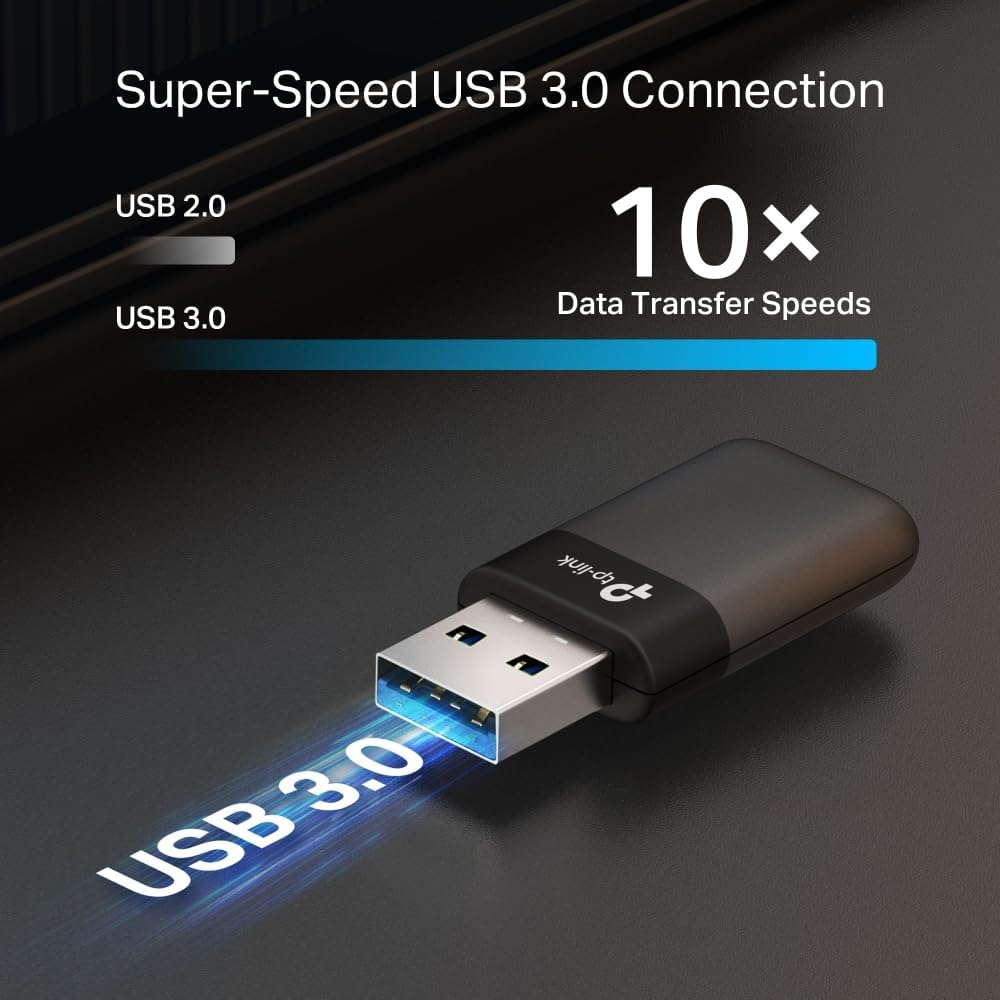
This dongle uses USB 3.0. The base description claims USB 3.0 can deliver 10x faster data transfer speeds, shorter response times, and better power management than USB 2.0.
In real terms, that’s relevant if your PC has USB 3.0 ports available. If you plug it into a slower USB 2.0 port by accident, you might be limiting the overall responsiveness that the design is aiming for. So it’s worth checking you’ve got it on a USB 3.0 socket.
Quick answers before you buy
Is this compatible with Windows 11 and Windows 10?
Yes—it's described for Windows 11/10.
Do I need to install drivers?
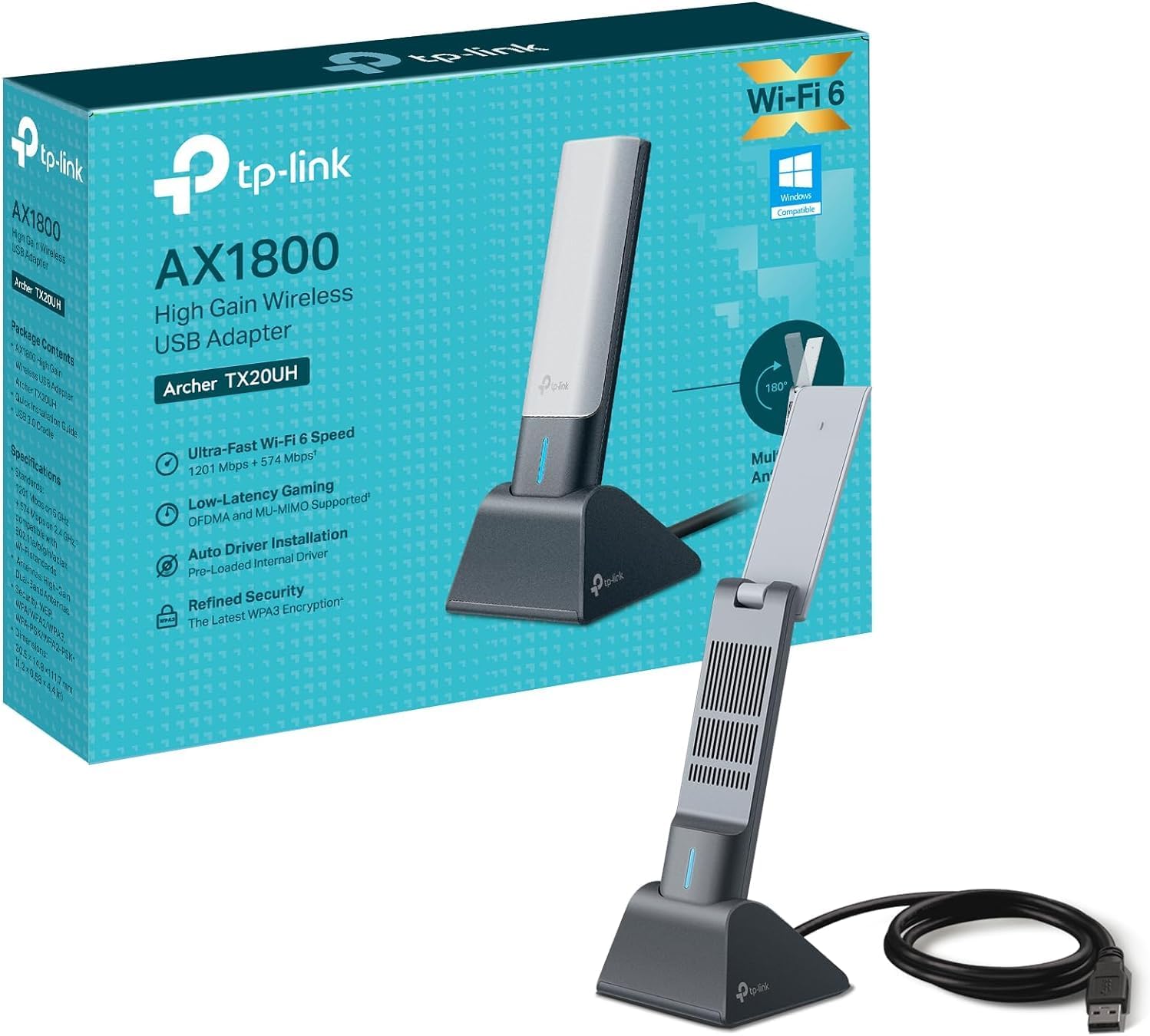
The description says it’s preloaded with an internal driver for instant, hassle-free connectivity and plug-and-play performance.
Will it use Wi‑Fi 6 automatically?
It’s a Wi‑Fi 6 dual-band adapter, so if your router supports Wi‑Fi 6 and your settings allow it, you should be in the right territory. Exact outcomes depend on your router.
Does WPA3 work even if my router doesn’t support it?
No point expecting WPA3 benefits unless the router side matches. It’s best to check your router’s security mode.
What if I don’t get the speed the headline numbers suggest?
That can happen if the signal is weak or the adapter is poorly placed. Trying a different USB port location (ideally closer to where the signal is best) is often the first sensible step.
Final verdict
It’s a solid pick if you want a Wi‑Fi 6 upgrade for a Windows 11/10 PC using a simple USB dongle setup, and you care about security (WPA3) and efficiency features (MU‑MIMO/OFDMA) in a busy home network.
You may want to skip it if you expect guaranteed top-end speeds in a difficult signal spot, or if your router doesn’t support WPA3 and you were primarily buying for that security angle. It’s also not the best choice if you’re likely to plug it into an awkward USB port with poor reception—dongle placement can make the difference between “works” and “actually feels faster”.